
 15
15presentation
Flying Saucer History Lesson Deck
Build an engaging World UFO Day session with this flying saucer history lesson deck, featuring retro green-and-brown slides for PowerPoint and Google Slides.
Google SlidesPowerPoint
presentation · English
Make chords, rhythm, notation, and ear training click with a high school harmony fundamentals deck in bright purple, yellow, and pink for lively lessons.
Design notes
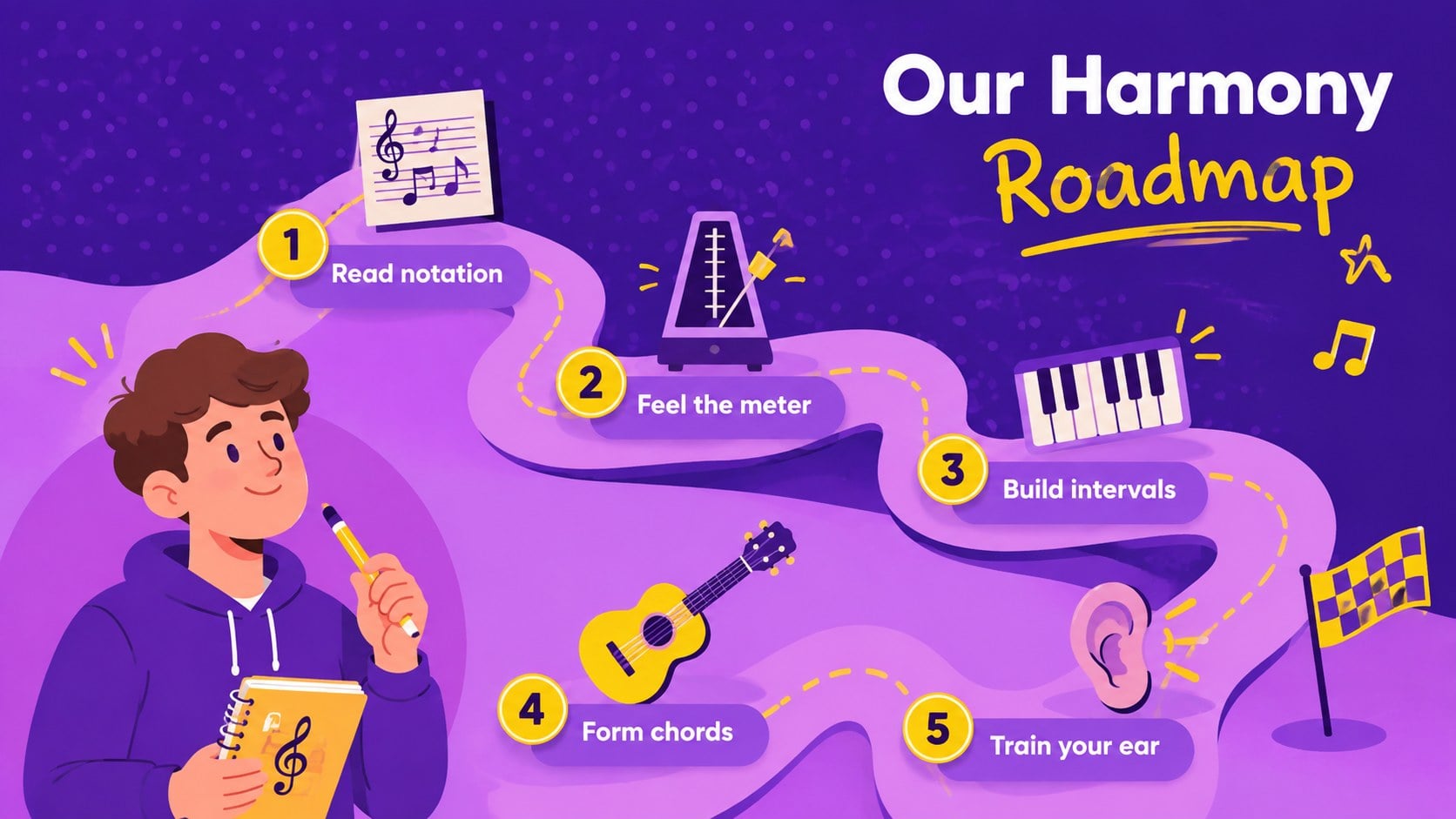
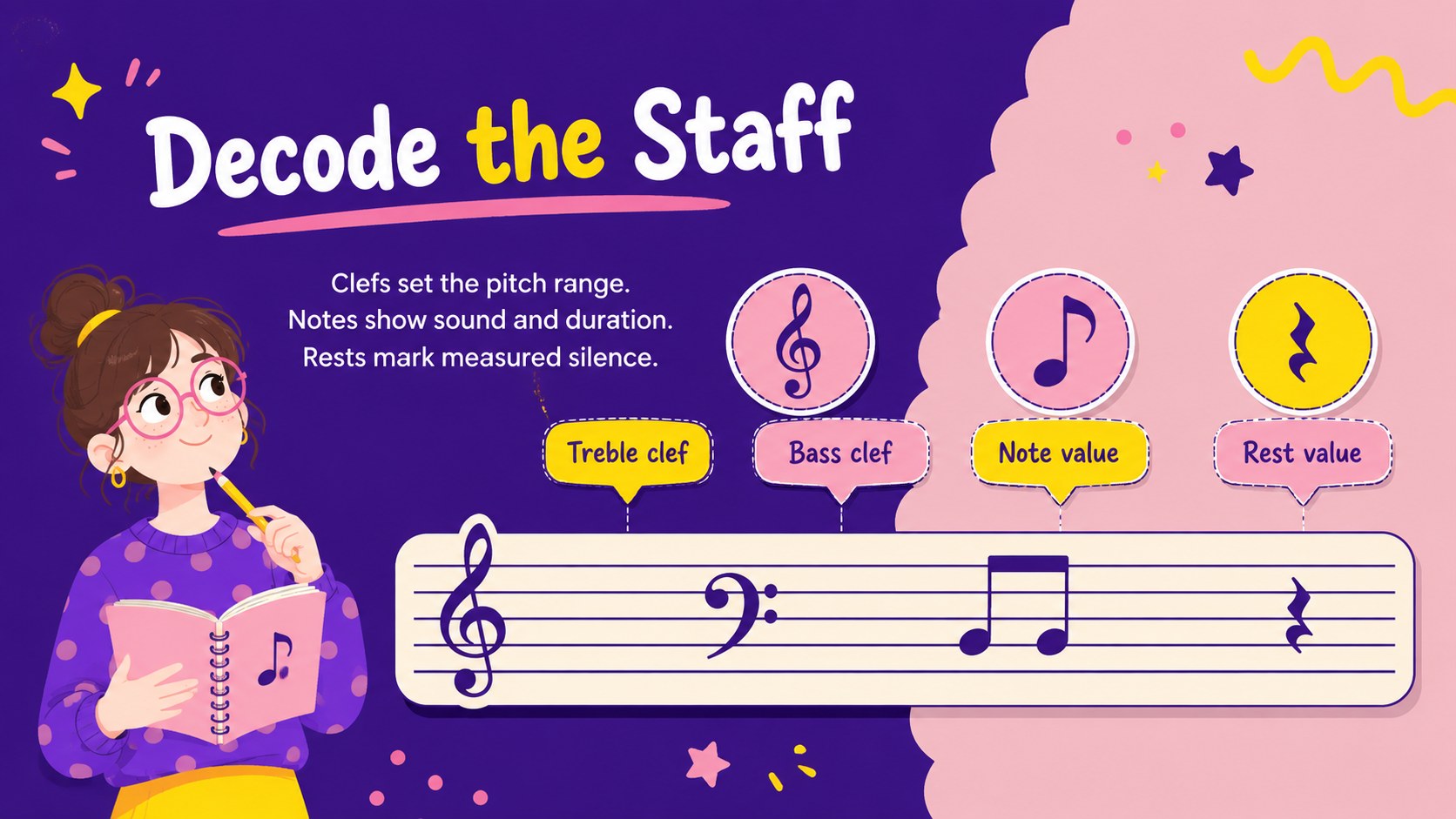
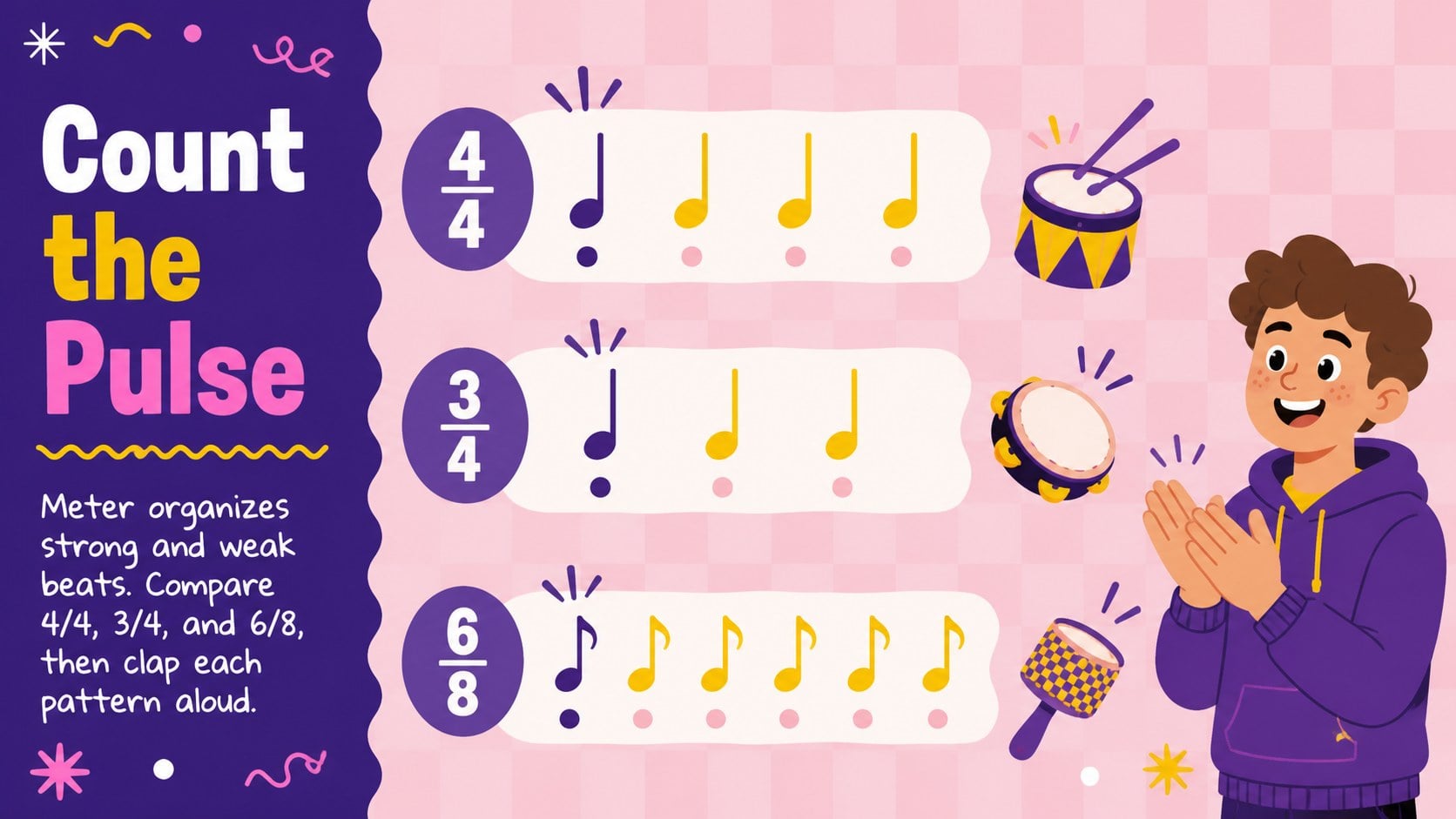
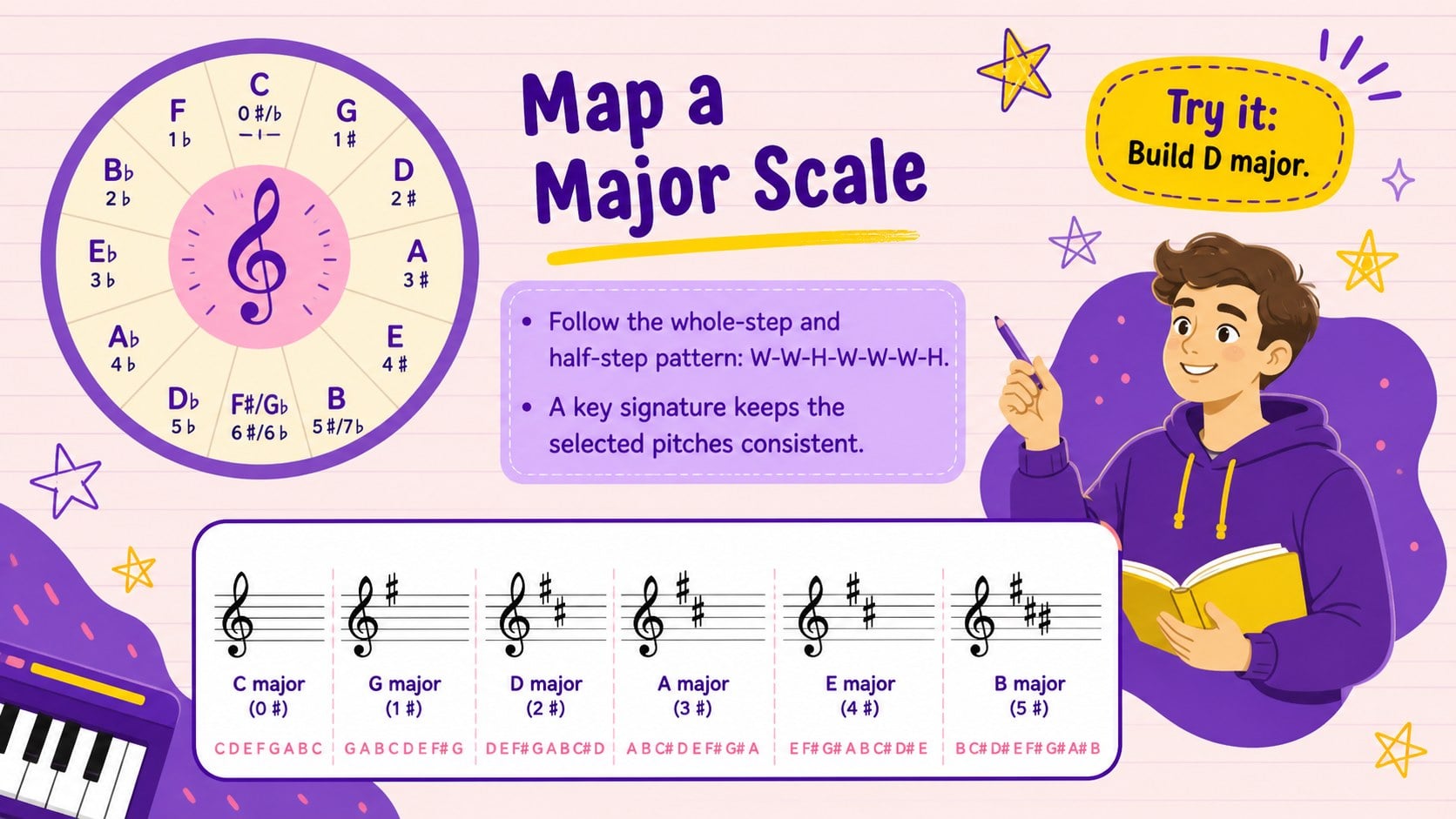
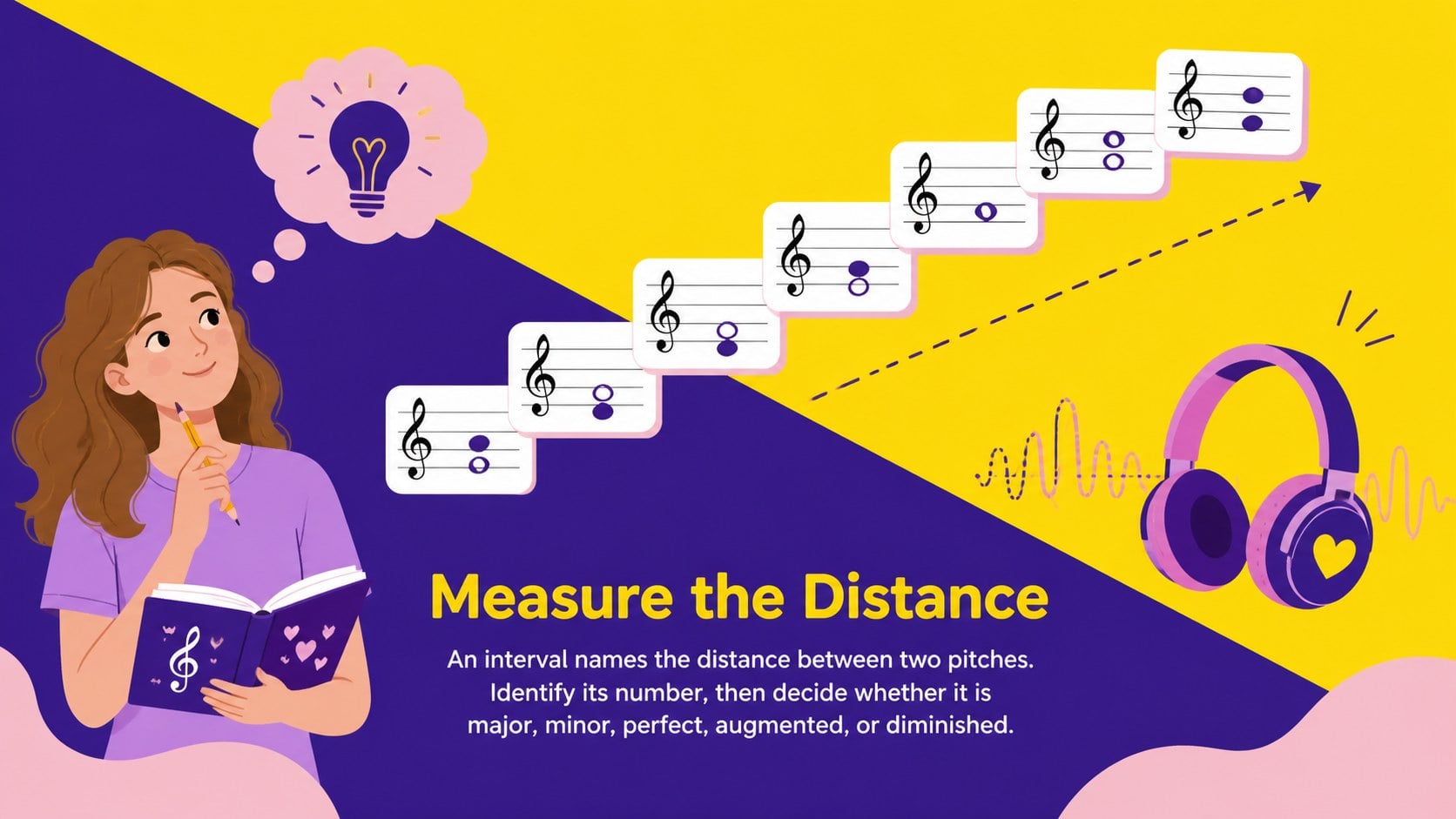
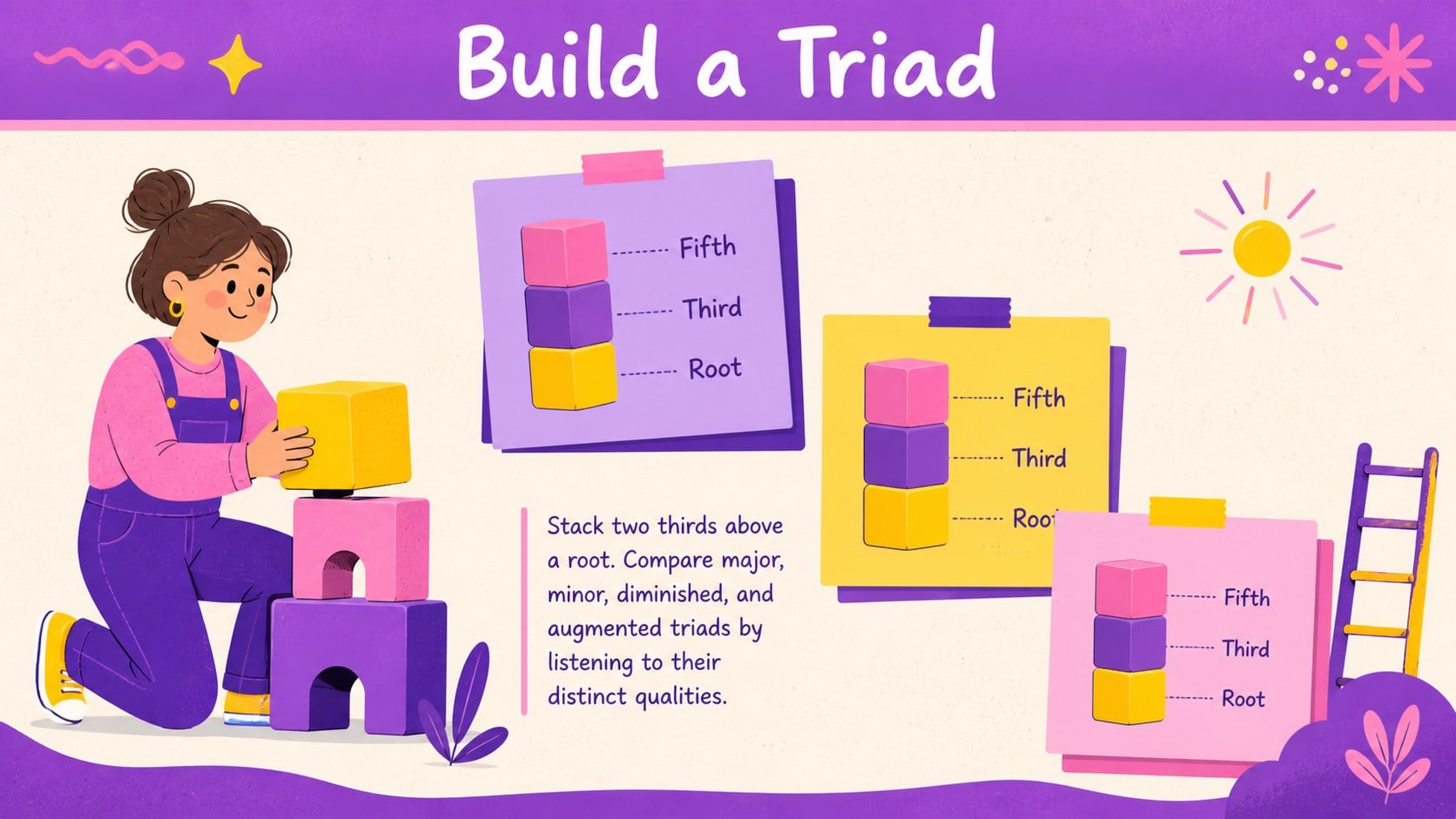
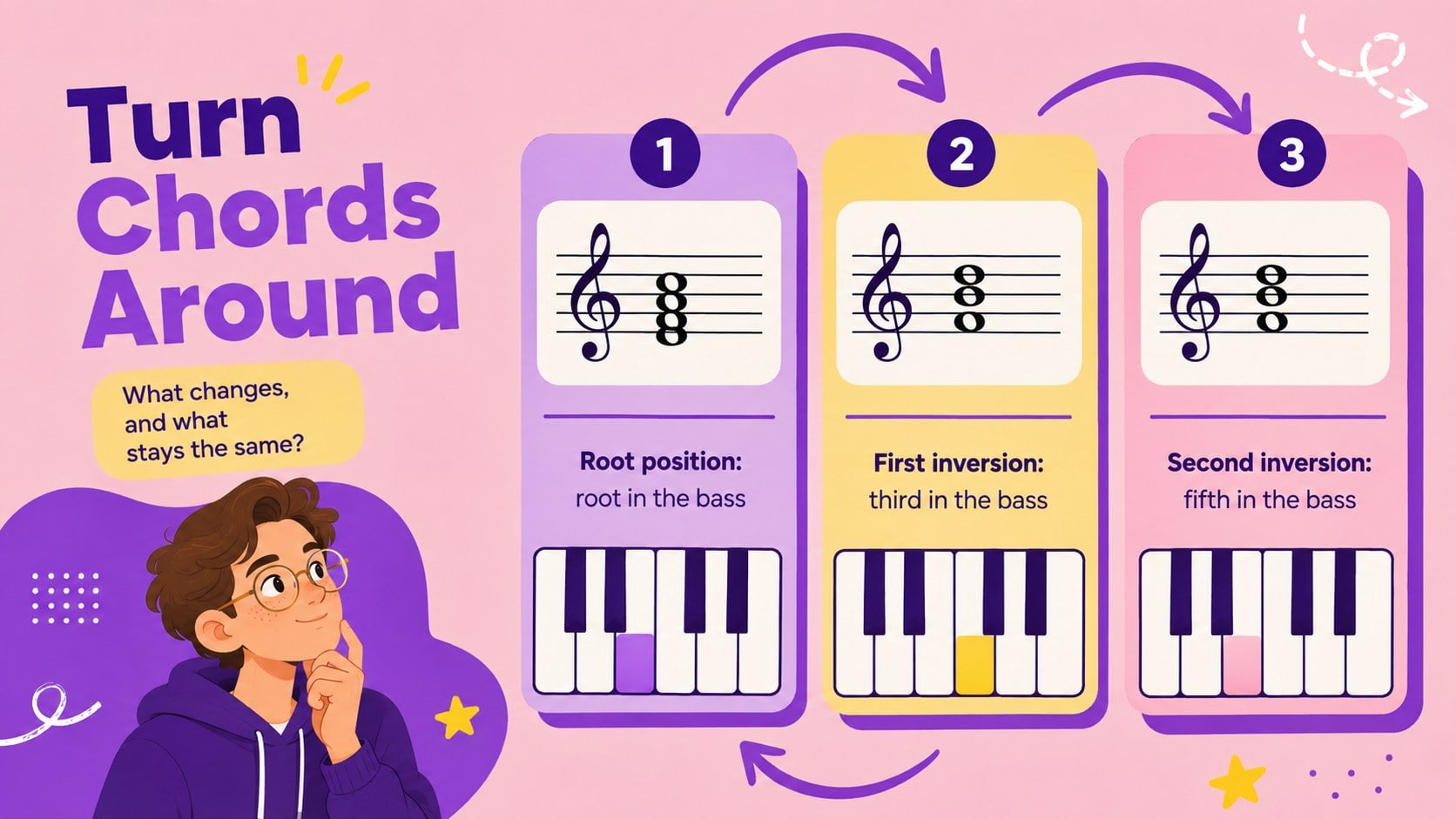
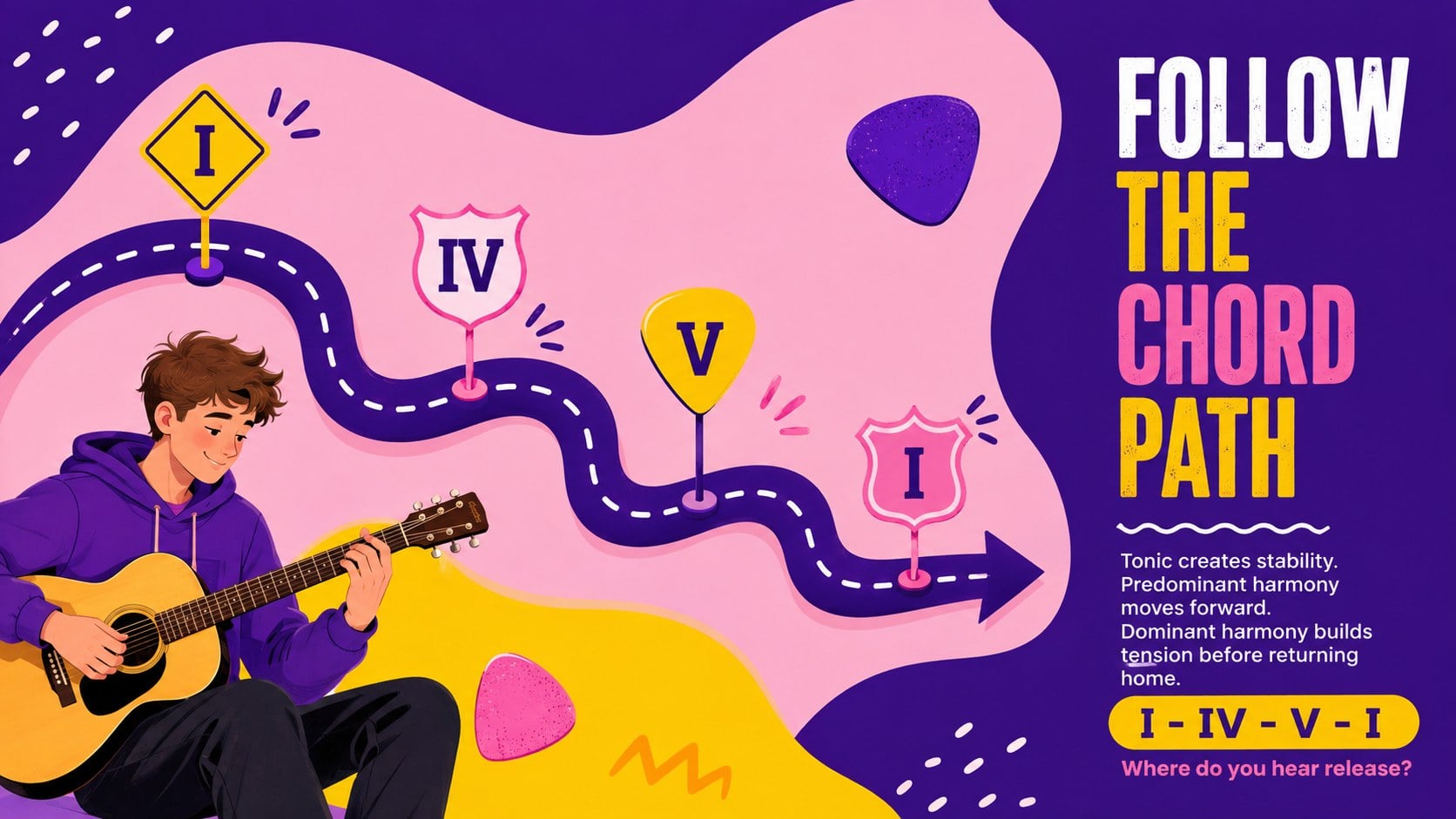
Bring structure and energy to secondary music classes with this high school harmony fundamentals deck. Its vivid purple, yellow, and pink palette, hand-drawn accents, and playful educational illustrations help make abstract ideas feel approachable without losing academic focus. Use the layouts to explain notation, meter, intervals, scales, triads, inversions, cadences, and common chord relationships.
Inside, teachers will find music theory lesson slides for high school featuring concept summaries, visual examples, guided questions, listening prompts, and practice activities. An ear training presentation template section supports interval recognition, rhythmic dictation, melodic recall, and sight-singing exercises. The deck also provides space for staff notation, chord diagrams, comparison tables, lesson objectives, review questions, and an end-of-unit knowledge check.
Designed for music educators, band directors, choir teachers, private instructors, and arts program leaders, these slides work for direct instruction, revision sessions, homework walkthroughs, and student-led demonstrations. Every page can be edited in PowerPoint or Google Slides, allowing instructors to replace examples, adjust lesson pacing, add audio links, or adapt terminology for different ability levels. Use the chord progression teaching deck layouts as a full lesson sequence or select individual pages to support an existing curriculum.
Perfect for: secondary music theory lesson; ear training practice; choir sight-singing workshop; band harmony review; chord progression class; music exam revision.
Frequently asked questions
Can I edit the musical examples and lesson text? Yes. All headings, explanations, diagrams, and activity prompts can be changed to match your curriculum, terminology, and student level.
Practical details
Yes. All headings, explanations, diagrams, and activity prompts can be changed to match your curriculum, terminology, and student level.
The template is designed for PowerPoint and Google Slides. You can present it online, download it for offline teaching, or export selected pages for classroom handouts.
Yes. Add links or supported audio files to listening prompts, interval drills, and dictation activities using the media tools available in your chosen platform.
Remove advanced sections, simplify the examples, or duplicate practice layouts for additional support. You can also replace chord symbols, notation samples, and review questions with material from your own course.
Keep exploring
15Build an engaging World UFO Day session with this flying saucer history lesson deck, featuring retro green-and-brown slides for PowerPoint and Google Slides.
 15
15Plan a lively animal-learning journey with this jungle zoo adventure lesson deck, ready to customize in PowerPoint and Google Slides for young learners.
 16
16Turn environmental research into a clear story with a Watercolor Ecology Presentation Theme for PowerPoint and Google Slides in calming green and blue.
 16
16Build focused fashion, literature, and humanities presentations with the Red Triangle Editorial Theme, editable in PowerPoint and Google Slides.
 15
15Turn streaming stats, favorite tracks, and concert highlights into a bold annual listening recap slide deck for PowerPoint and Google Slides.
 15
15Turn highlights, milestones, and favorite moments into a colorful year in review slide deck with bold 3D graphics for PowerPoint and Google Slides.
 3
3Build a credible endorsement with Standout Colleague Recommendation Letter Slides, featuring colorful prompts for skills, achievements, and team impact.
 4
4Build clear beginner sessions with an ice hockey fundamentals training deck for coaches, PE teachers, and clubs, ready for PowerPoint and Google Slides.