
 15
15presentation
Flying Saucer History Lesson Deck
Build an engaging World UFO Day session with this flying saucer history lesson deck, featuring retro green-and-brown slides for PowerPoint and Google Slides.
Google SlidesPowerPoint
presentation · English
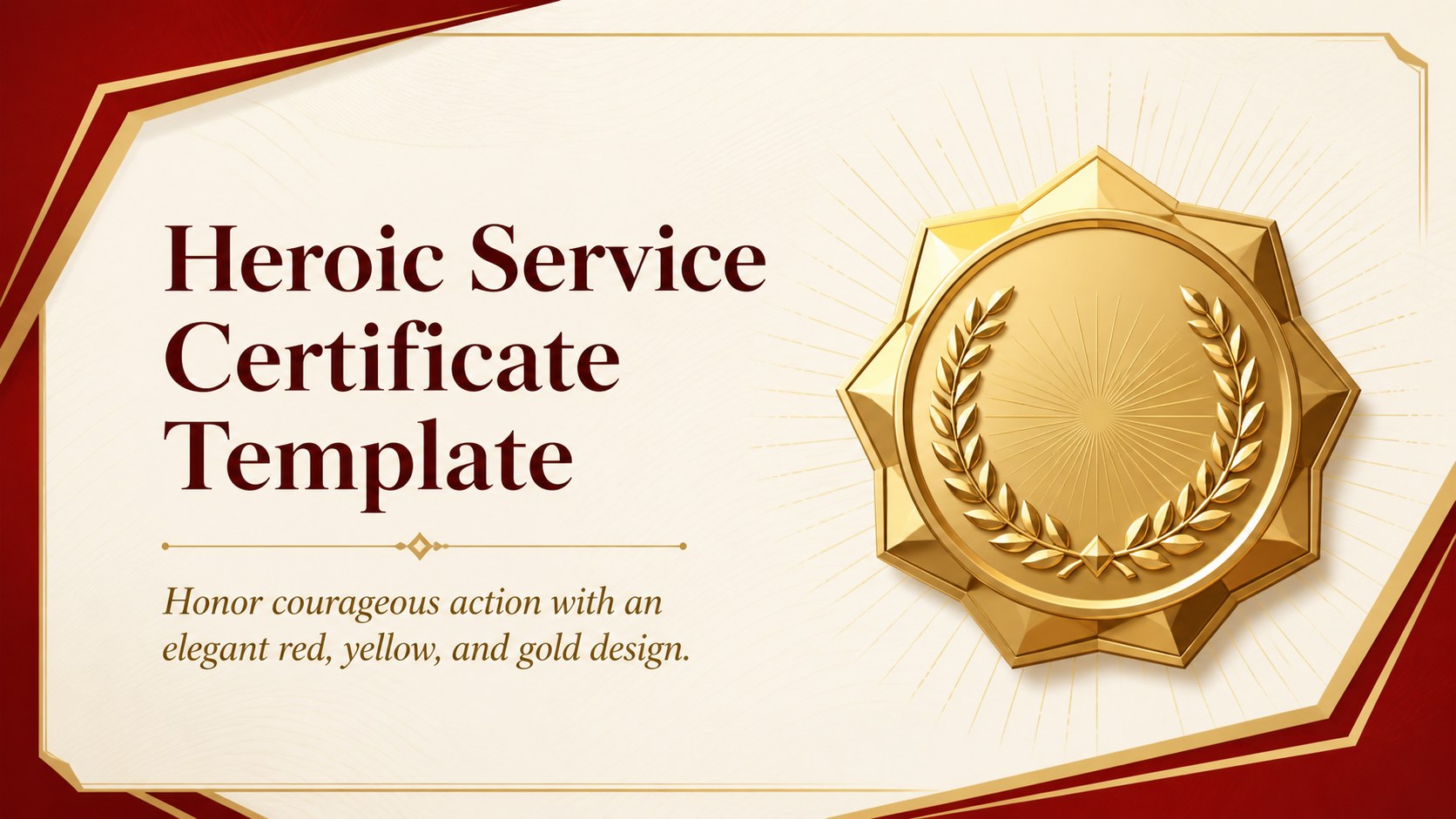
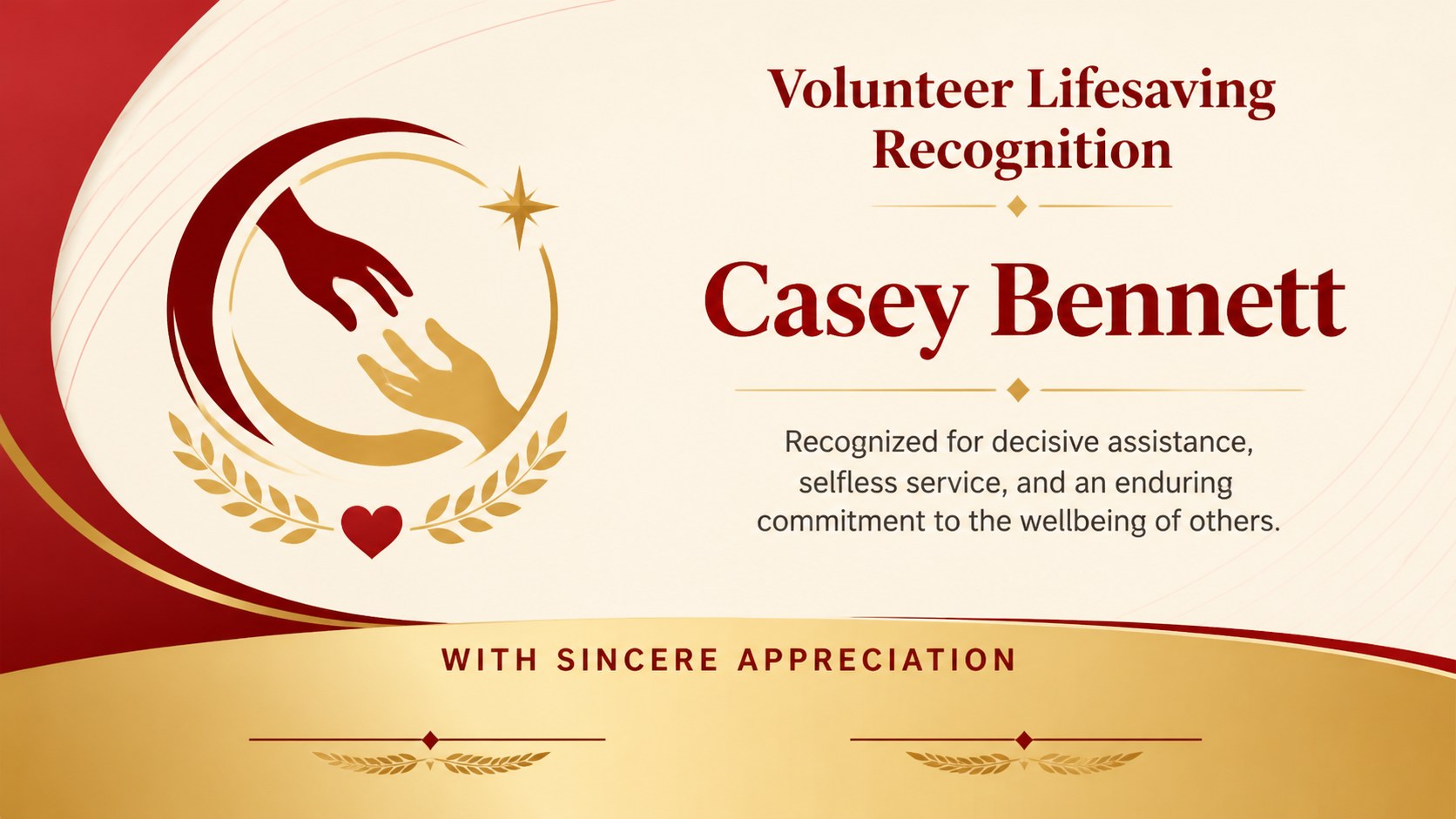
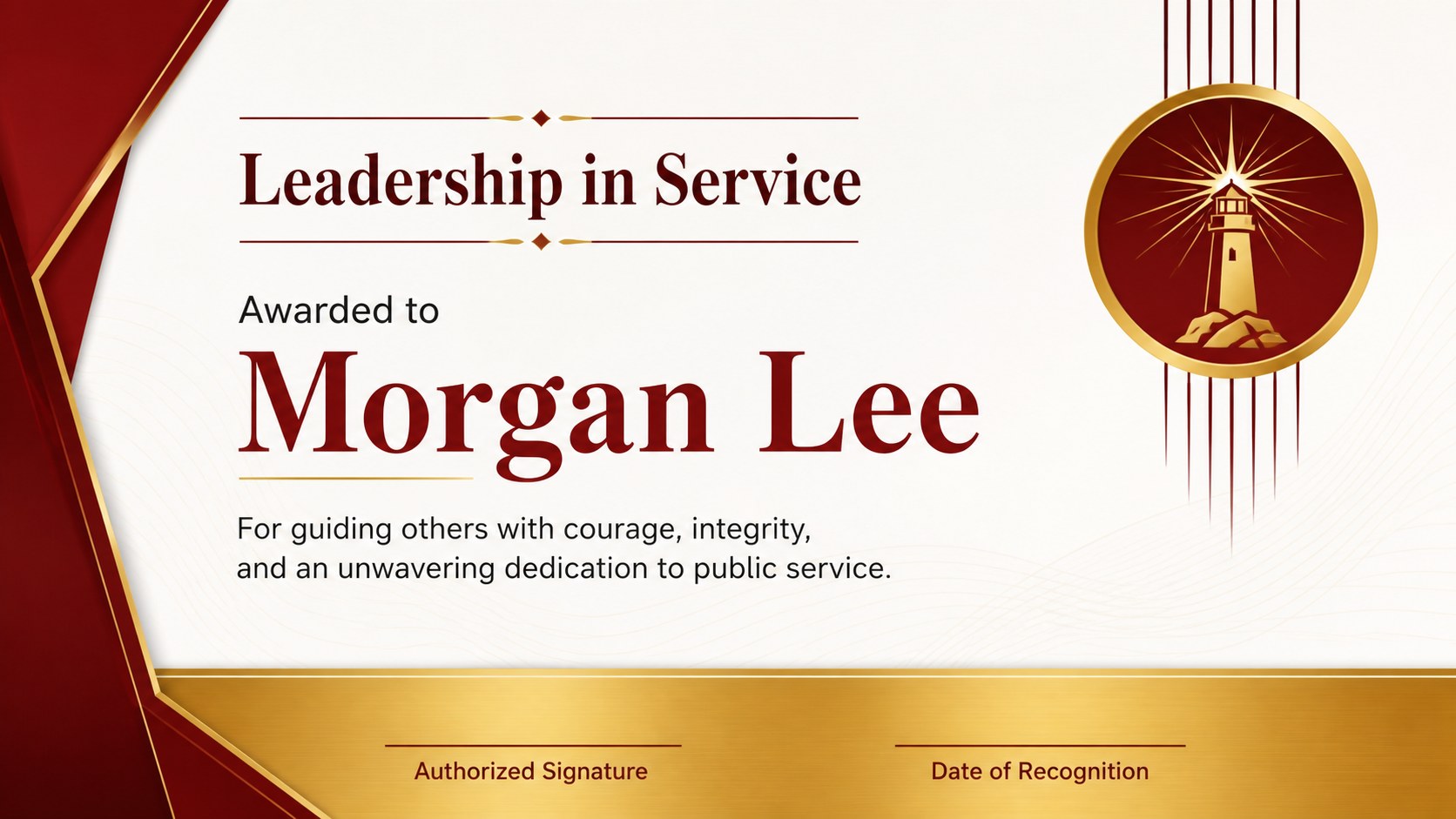
Create a heroic service certificate template in red, yellow, and gold. Customize six polished award layouts in PowerPoint or Google Slides with ease.
Design notes
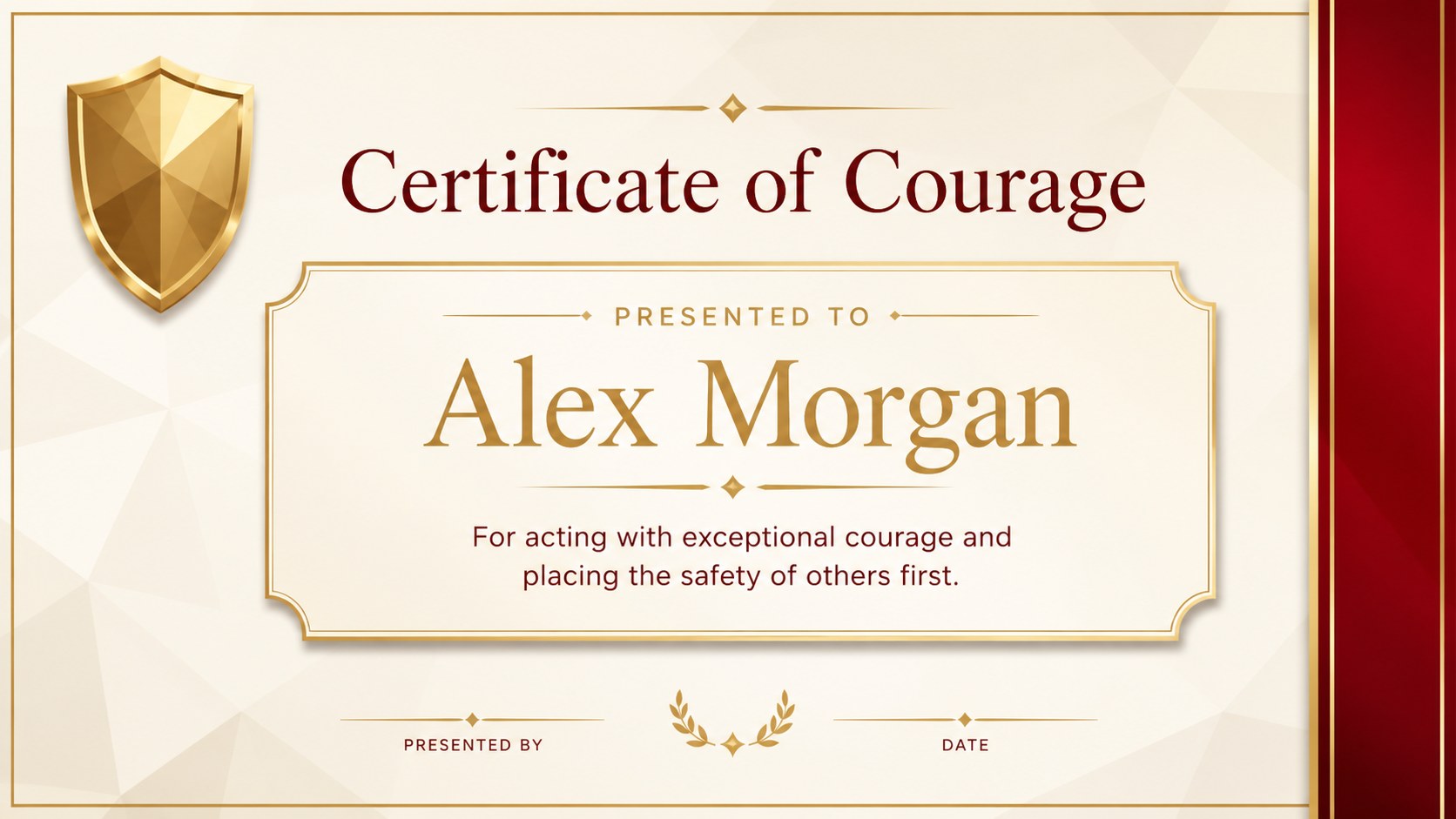
Recognize people who act with courage, compassion, and responsibility using this heroic service certificate template. Its refined red, yellow, and gold palette gives every award a distinguished appearance, while the restrained typography and minimal decoration keep the recipient’s achievement at the center. Use it for a formal ceremony, workplace presentation, school assembly, or community event.
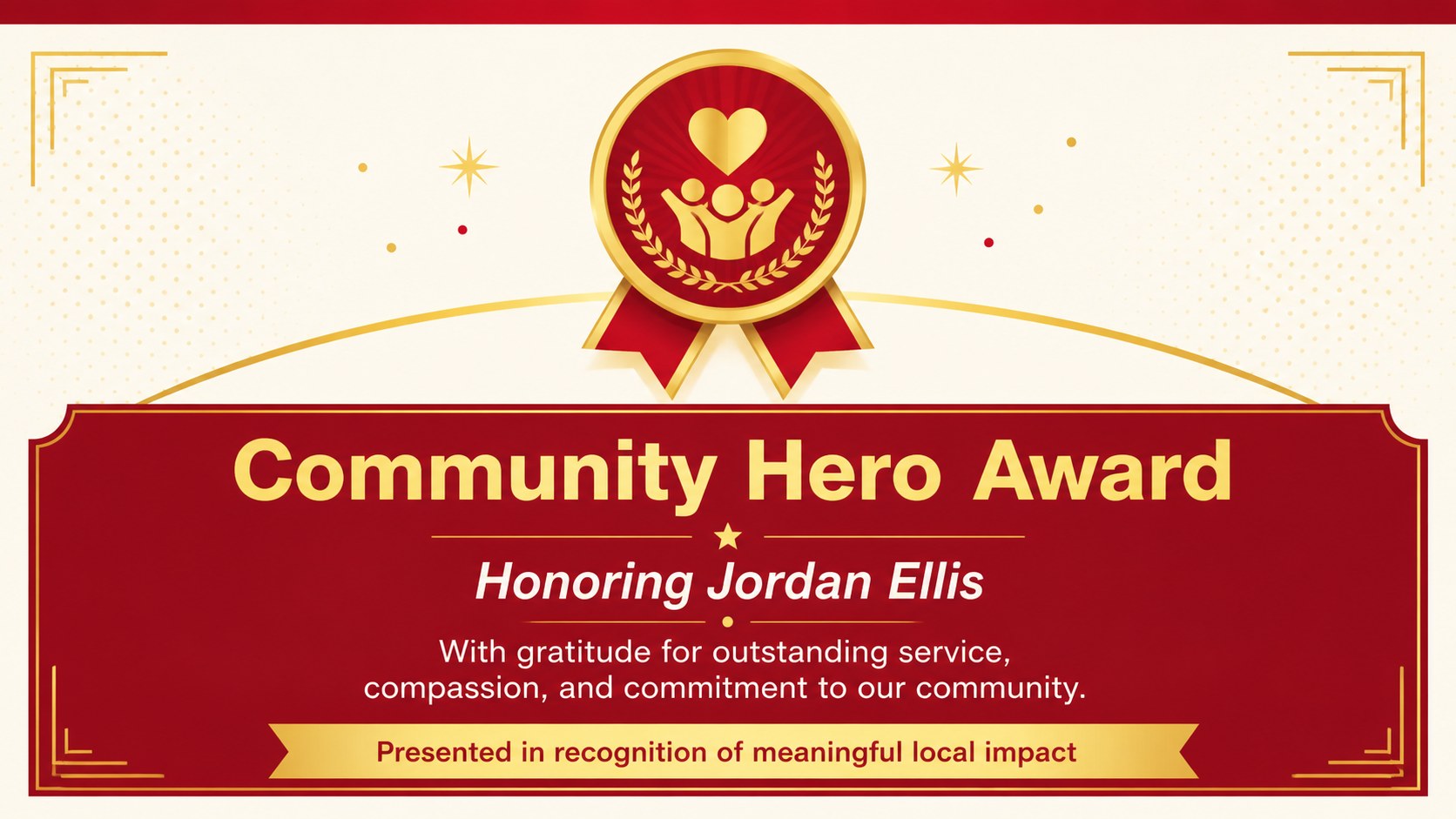
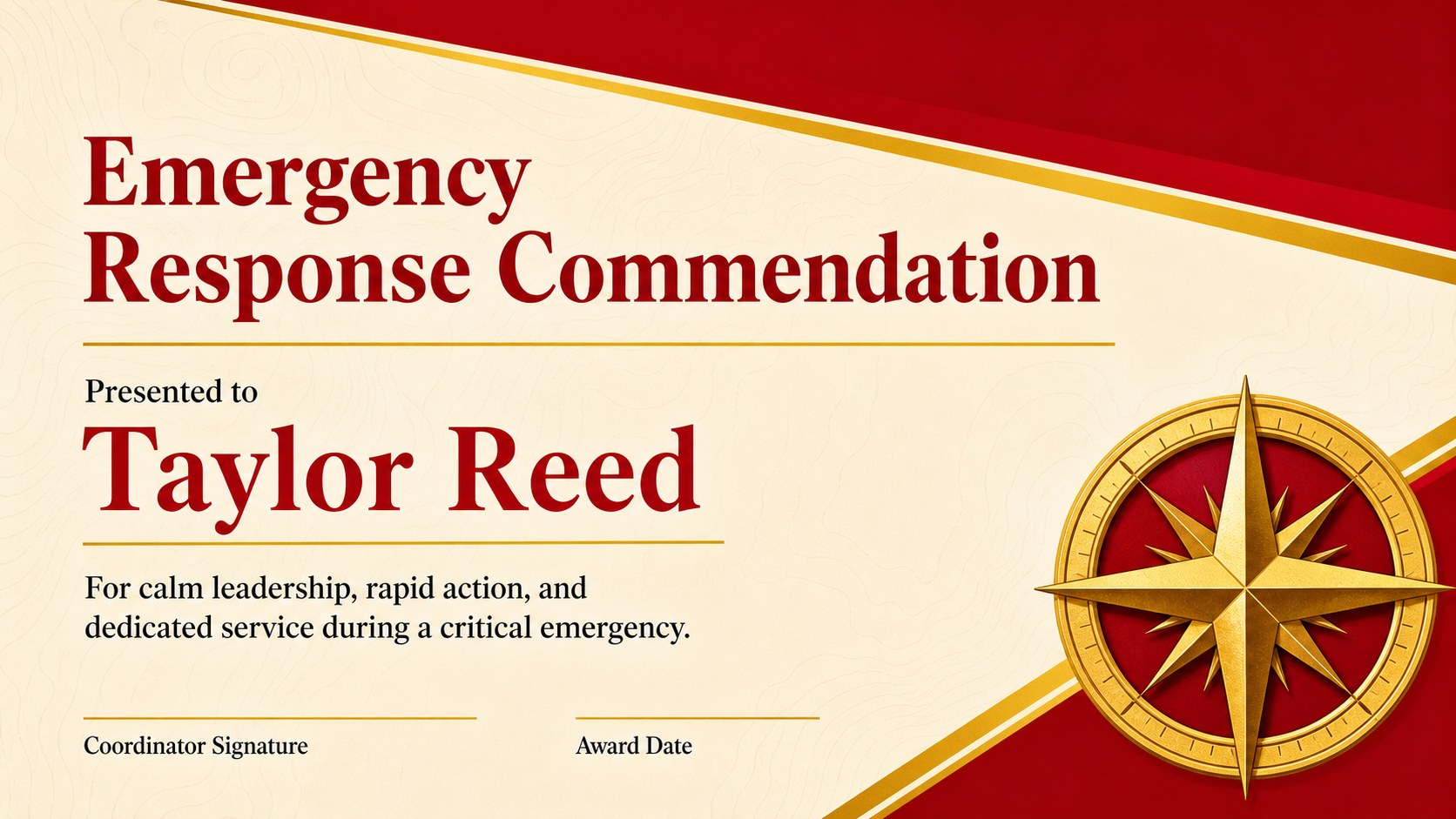
The collection includes six coordinated certificate layouts with editable recipient names, award titles, citations, dates, signatures, and organization details. Select a classic bravery recognition certificate, adapt a layout as a community hero award template, or create an emergency response appreciation certificate for volunteers and professional teams. Decorative borders, medallions, ribbons, and geometric accents can be recolored or repositioned to suit your organization. Each design is prepared for straightforward editing, presenting, exporting, and printing.
Built for PowerPoint and Google Slides, the template works well for schools, charities, municipal departments, emergency services, healthcare organizations, employers, and neighborhood groups. Coordinators can quickly personalize each certificate without advanced design skills, while presenters can display the finished awards during a recognition program before distributing printed or digital copies.
Perfect for: first responder recognition ceremony; community volunteer award; school bravery presentation; emergency services commendation; workplace courageous action award.
Frequently asked questions
Can I edit the recipient name and award wording? Yes. Names, citations, dates, signature lines, and organization details are editable in every layout. You can also change the fonts, colors, borders, and decorative accents.
Practical details
Yes. Names, citations, dates, signature lines, and organization details are editable in every layout. You can also change the fonts, colors, borders, and decorative accents.
The template is designed for Microsoft PowerPoint and Google Slides. Either platform can be used to personalize, present, export, or print the finished certificate.
Yes. After editing a layout, export it as a high-quality PDF or image for printing. Check your printer settings and paper dimensions before producing the final awards.
Replace the sample organization details, insert your own logo, and adjust the red, yellow, and gold accents to match your identity. The award title and citation can be rewritten for bravery, service, leadership, or emergency response.
Keep exploring
15Build an engaging World UFO Day session with this flying saucer history lesson deck, featuring retro green-and-brown slides for PowerPoint and Google Slides.
 15
15Plan a lively animal-learning journey with this jungle zoo adventure lesson deck, ready to customize in PowerPoint and Google Slides for young learners.
 16
16Turn environmental research into a clear story with a Watercolor Ecology Presentation Theme for PowerPoint and Google Slides in calming green and blue.
 16
16Build focused fashion, literature, and humanities presentations with the Red Triangle Editorial Theme, editable in PowerPoint and Google Slides.
 15
15Turn streaming stats, favorite tracks, and concert highlights into a bold annual listening recap slide deck for PowerPoint and Google Slides.
 15
15Turn highlights, milestones, and favorite moments into a colorful year in review slide deck with bold 3D graphics for PowerPoint and Google Slides.
 3
3Build a credible endorsement with Standout Colleague Recommendation Letter Slides, featuring colorful prompts for skills, achievements, and team impact.
 4
4Build clear beginner sessions with an ice hockey fundamentals training deck for coaches, PE teachers, and clubs, ready for PowerPoint and Google Slides.