
 15
15presentation
Flying Saucer History Lesson Deck
Build an engaging World UFO Day session with this flying saucer history lesson deck, featuring retro green-and-brown slides for PowerPoint and Google Slides.
Google SlidesPowerPoint
presentation · English
Build a polished strategy with the Heritage Library Business Planning Deck, an editable ivory-and-navy template for PowerPoint and Google Slides.
Design notes
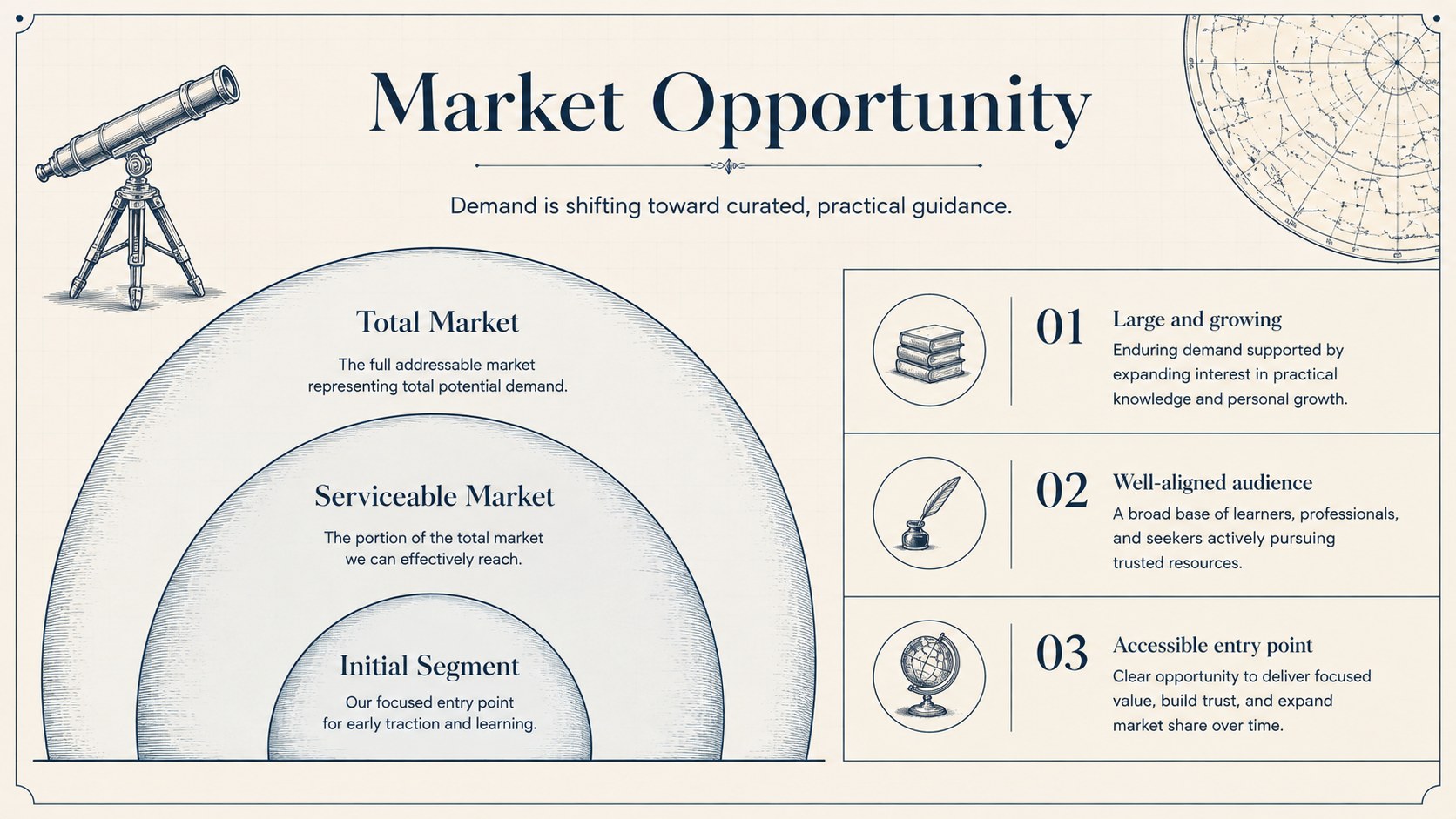
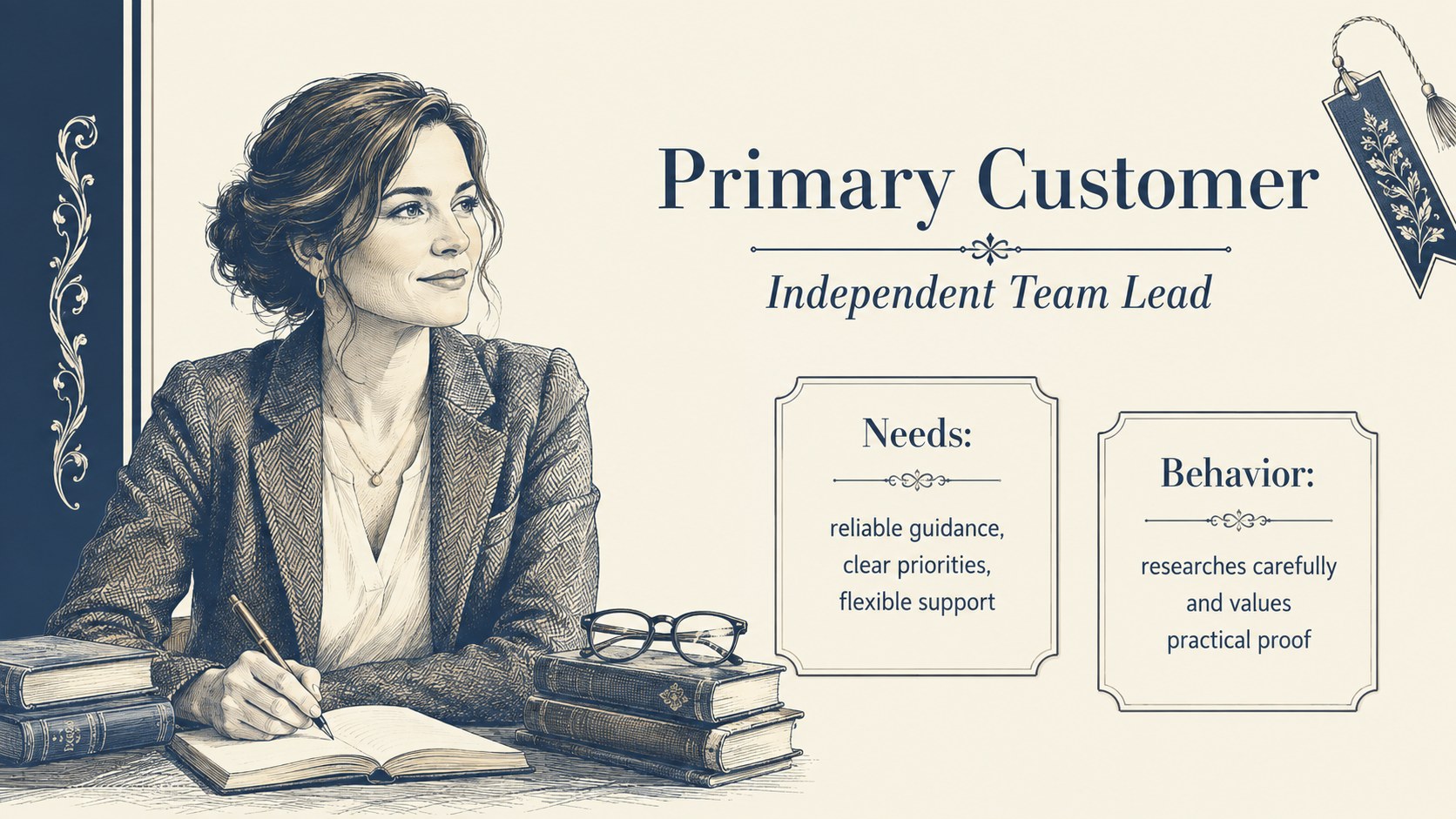
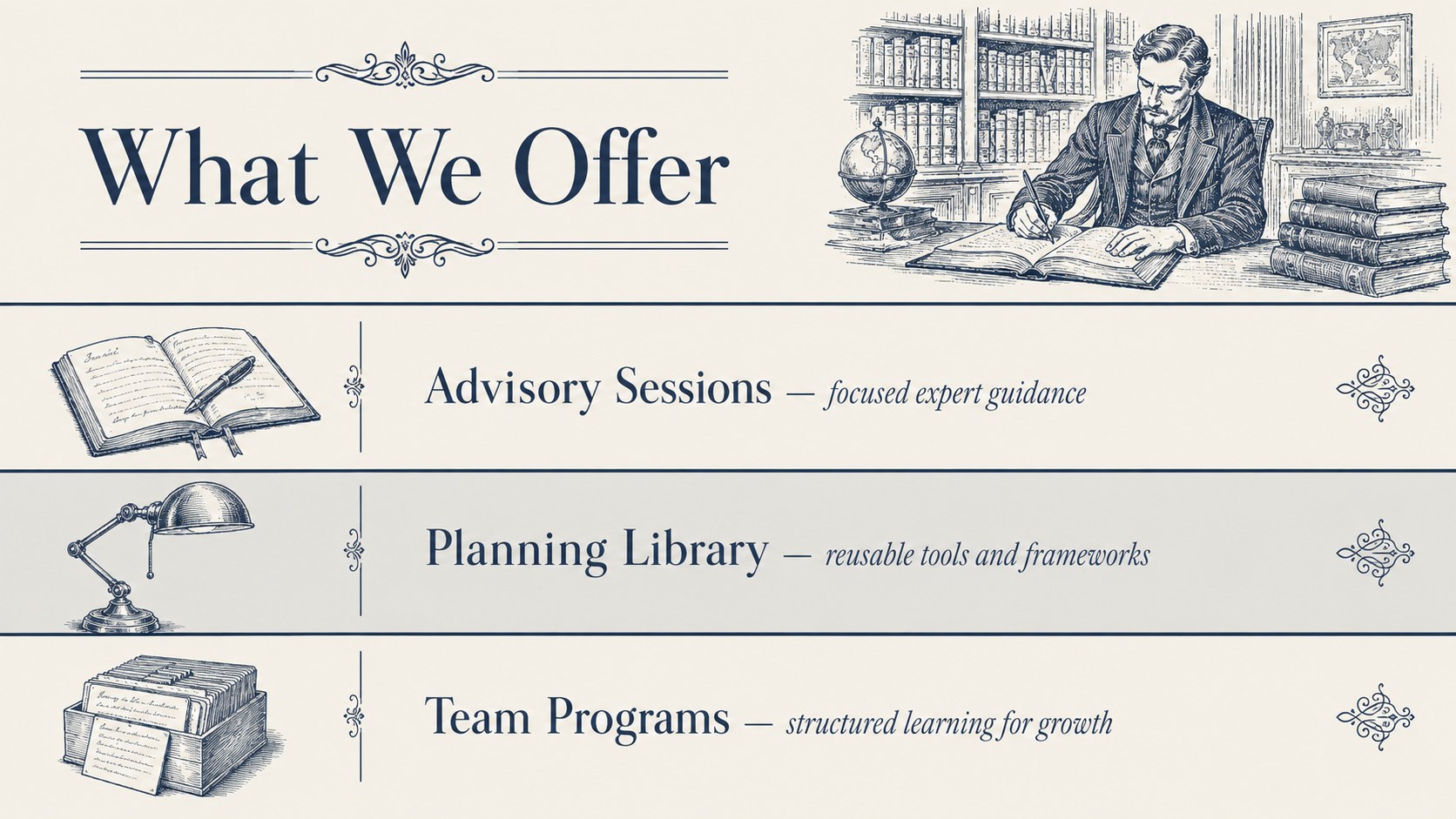
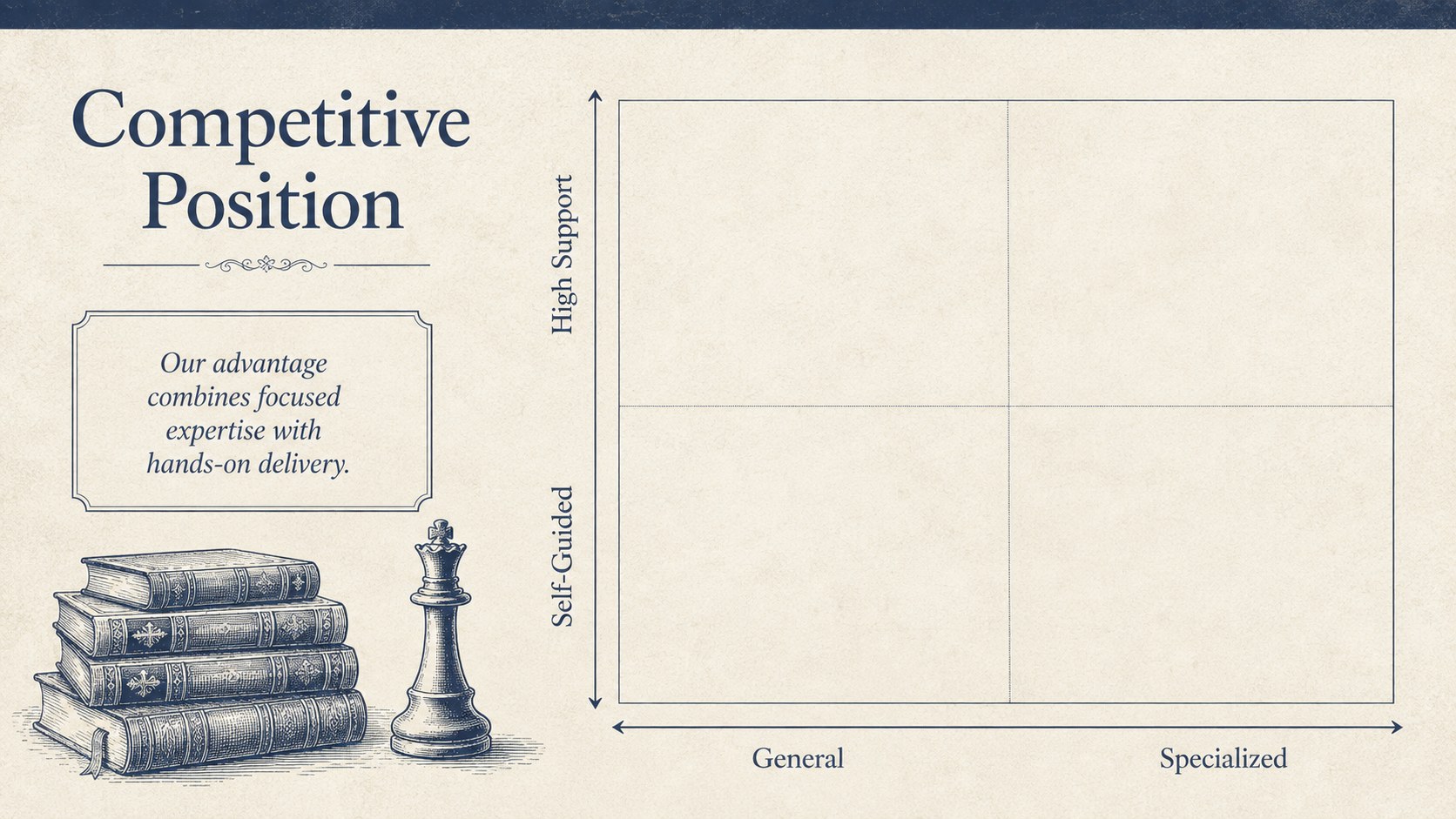
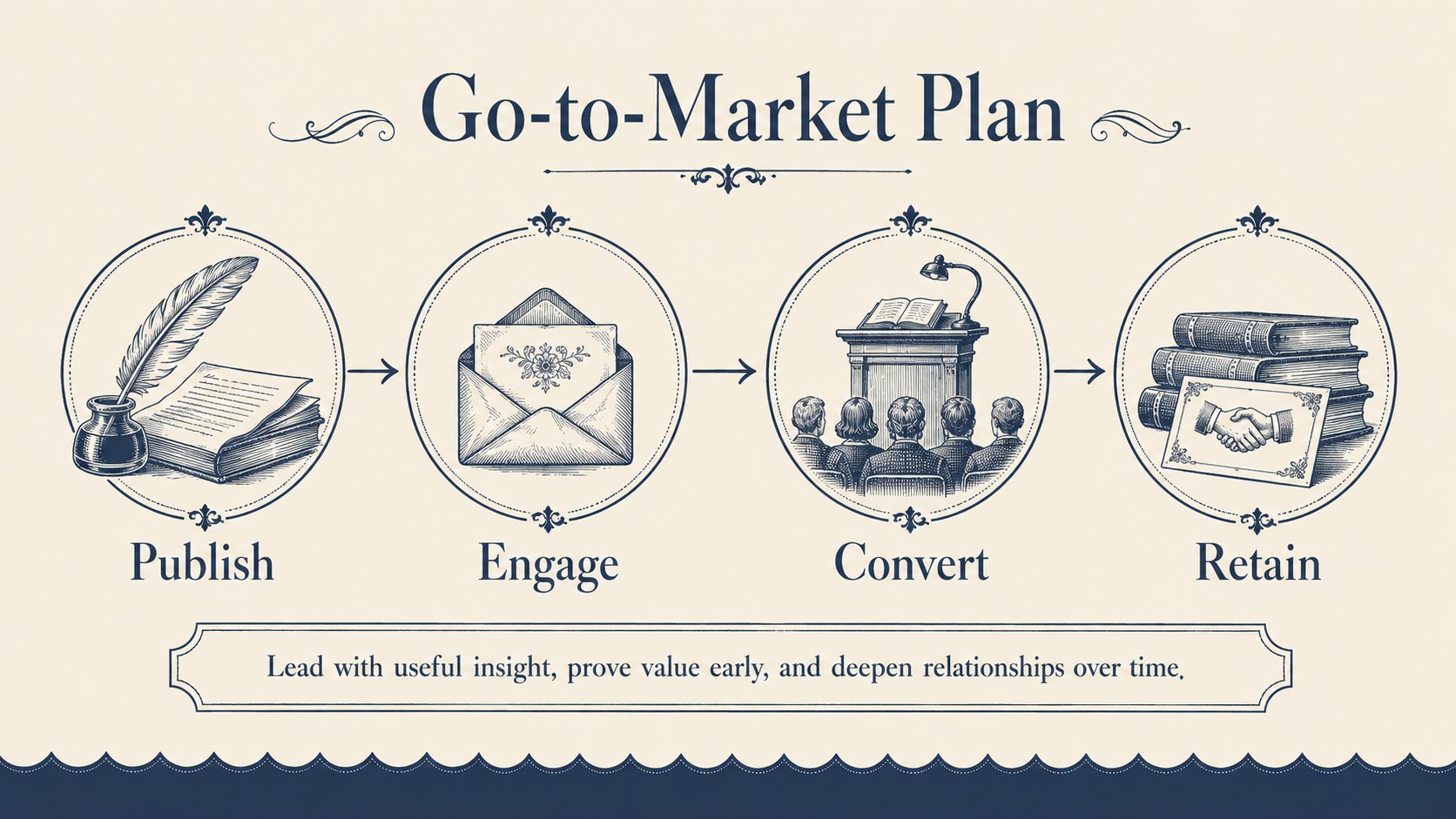
The heritage library business planning deck helps founders, consultants, and small business teams turn early ideas into an organized strategy. Its ivory backgrounds, deep navy accents, antique book details, and refined editorial typography create a scholarly look without making the information feel dated. Use it when you need a polished alternative to a conventional corporate presentation.
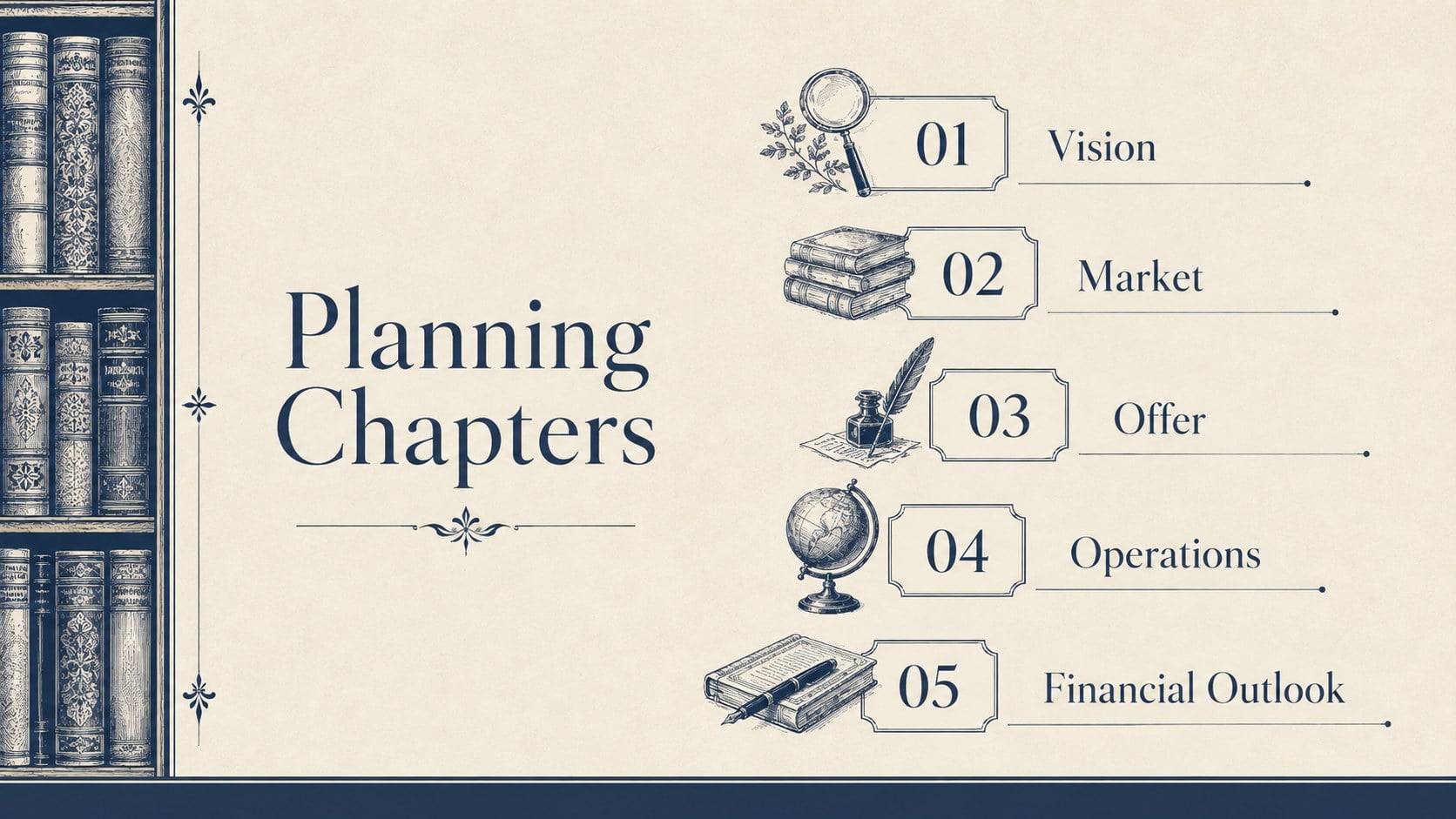
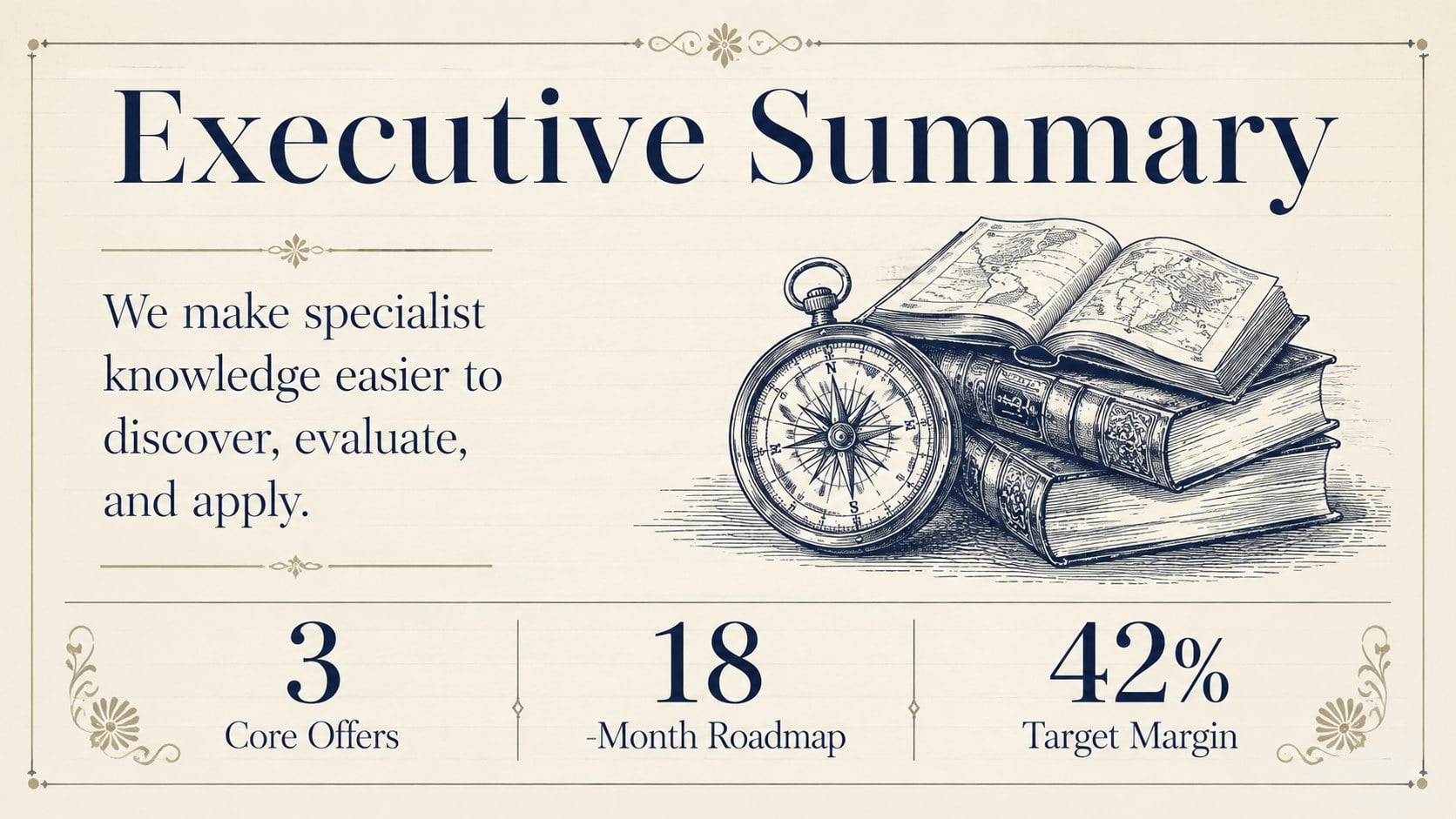
The deck includes structured layouts for an executive summary, company story, market opportunity, customer profile, products or services, competitive positioning, marketing channels, operating model, team, milestones, financial outlook, and funding needs. Charts, timelines, comparison tables, quote treatments, and section dividers make it easy to balance narrative points with practical evidence. A coordinated visual library also provides frames, icons, and decorative elements for extending the presentation.
This vintage business strategy presentation is suited to startup planning sessions, internal reviews, consulting proposals, entrepreneurship courses, and lender meetings. It also works as an ivory and navy startup pitch template when the audience expects a measured, credible tone rather than a technology-focused aesthetic. Every slide can be edited in PowerPoint or Google Slides, allowing you to replace sample wording, adjust charts, add company imagery, and tailor the structure to your business model. The result is a coherent plan that presents goals, research, operations, and financial assumptions with clarity.
Perfect for: startup planning workshop; small business strategy review; lender funding presentation; consulting proposal meeting; entrepreneurship course project; annual operating plan.
Frequently asked questions
Can I edit every part of the presentation? Yes. The text, colors, charts, shapes, and image placeholders can be customized to match your company and planning process. You can also duplicate or remove layouts as your story develops.
Practical details
Yes. The text, colors, charts, shapes, and image placeholders can be customized to match your company and planning process. You can also duplicate or remove layouts as your story develops.
The deck is designed for PowerPoint and Google Slides. Minor font or spacing adjustments may be needed when moving between platforms, depending on the fonts available on your device.
Prioritize the executive summary, market evidence, business model, financial outlook, milestones, and funding request. Replace decorative examples with concise data and clearly label every financial assumption.
Yes. Apply your organization’s colors through the theme or master-slide controls, then check contrast across charts and body text. Keeping one light background and one dark accent will preserve the deck’s classic editorial character.
Keep exploring
15Build an engaging World UFO Day session with this flying saucer history lesson deck, featuring retro green-and-brown slides for PowerPoint and Google Slides.
 15
15Plan a lively animal-learning journey with this jungle zoo adventure lesson deck, ready to customize in PowerPoint and Google Slides for young learners.
 16
16Turn environmental research into a clear story with a Watercolor Ecology Presentation Theme for PowerPoint and Google Slides in calming green and blue.
 16
16Build focused fashion, literature, and humanities presentations with the Red Triangle Editorial Theme, editable in PowerPoint and Google Slides.
 15
15Turn streaming stats, favorite tracks, and concert highlights into a bold annual listening recap slide deck for PowerPoint and Google Slides.
 15
15Turn highlights, milestones, and favorite moments into a colorful year in review slide deck with bold 3D graphics for PowerPoint and Google Slides.
 3
3Build a credible endorsement with Standout Colleague Recommendation Letter Slides, featuring colorful prompts for skills, achievements, and team impact.
 4
4Build clear beginner sessions with an ice hockey fundamentals training deck for coaches, PE teachers, and clubs, ready for PowerPoint and Google Slides.