
 15
15presentation
Flying Saucer History Lesson Deck
Build an engaging World UFO Day session with this flying saucer history lesson deck, featuring retro green-and-brown slides for PowerPoint and Google Slides.
Google SlidesPowerPoint
presentation · English
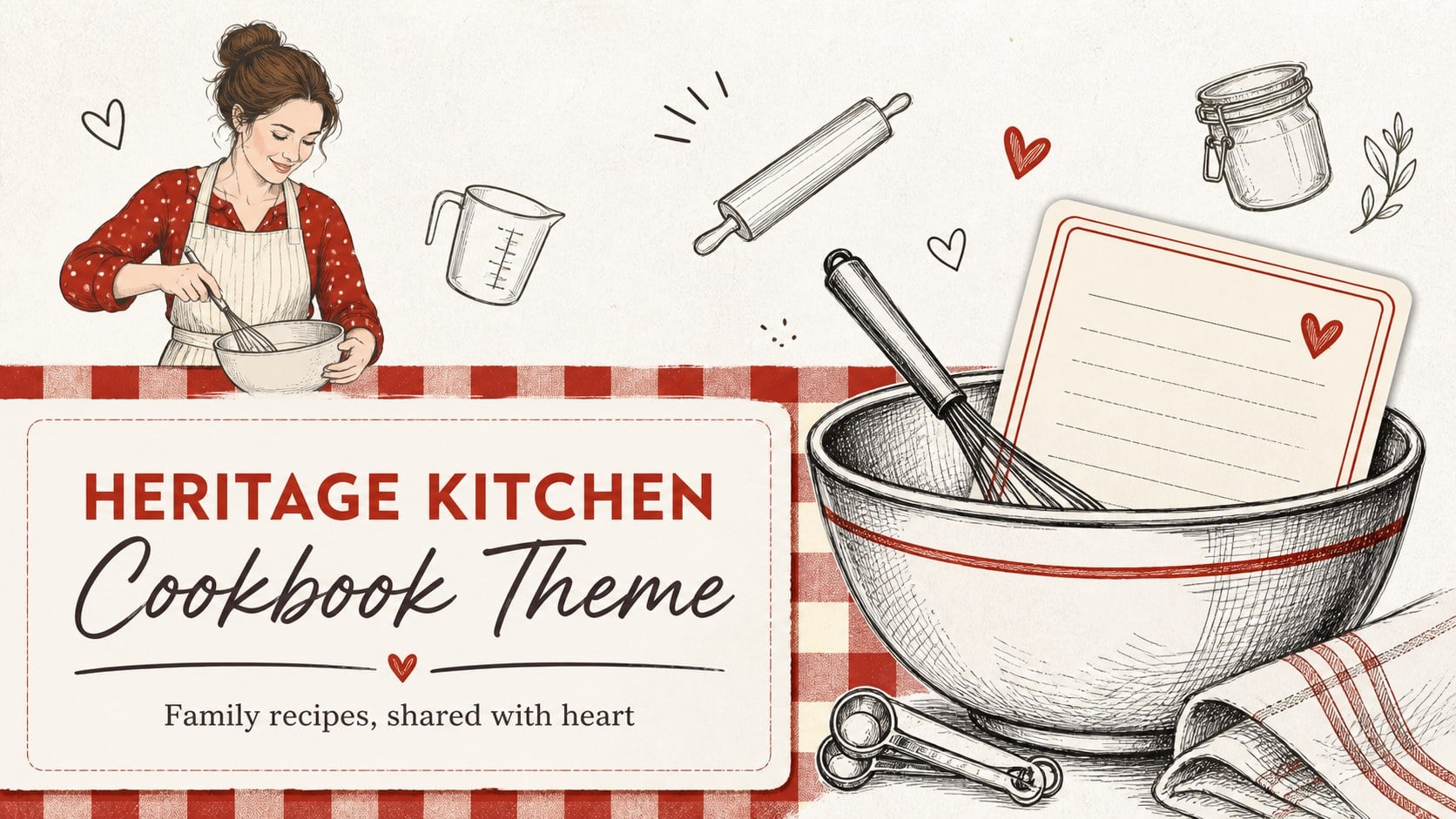
Bring family recipes to life with a heritage kitchen cookbook theme for PowerPoint and Google Slides, featuring red-and-white doodles and recipe layouts.
Design notes
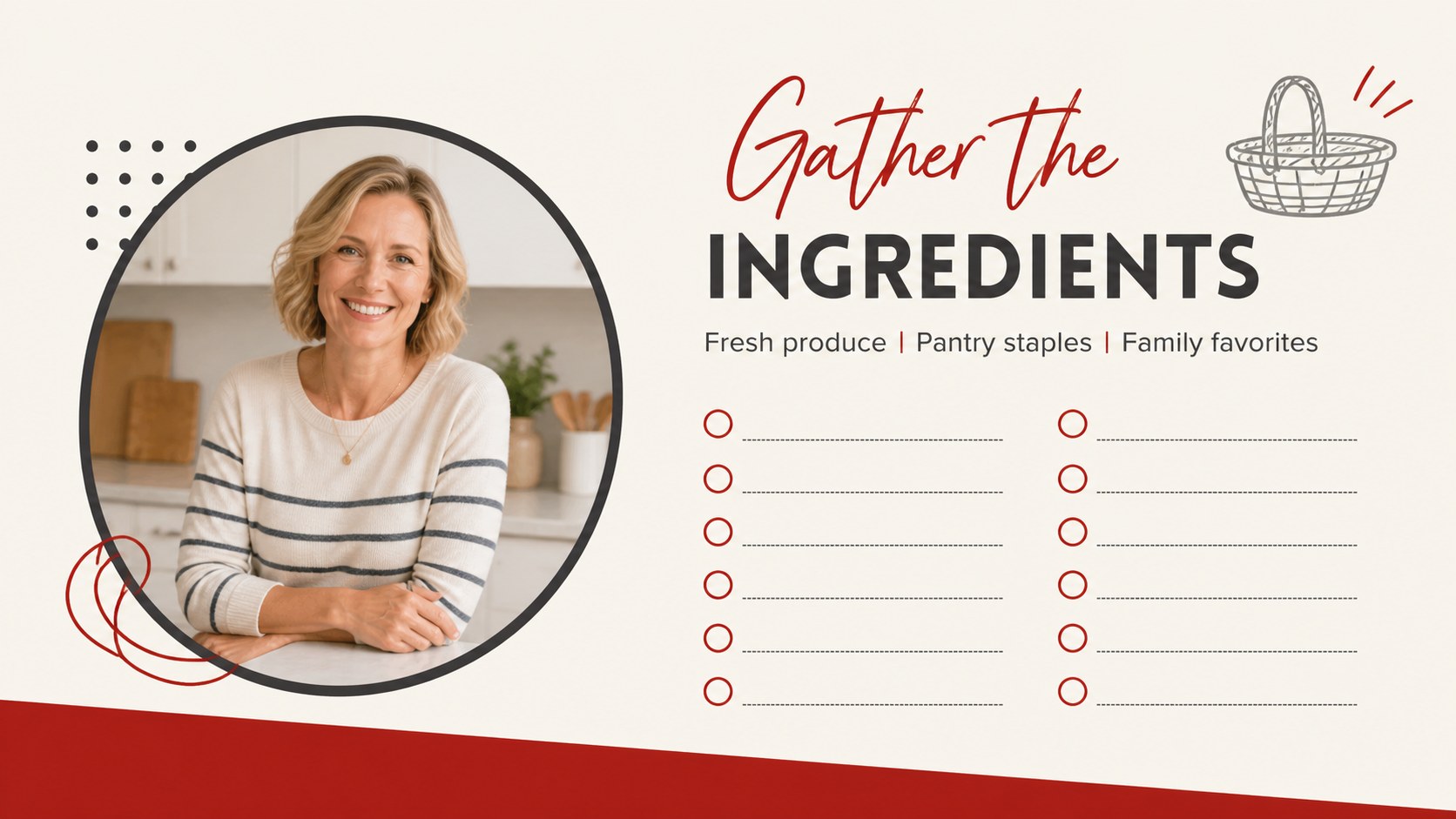
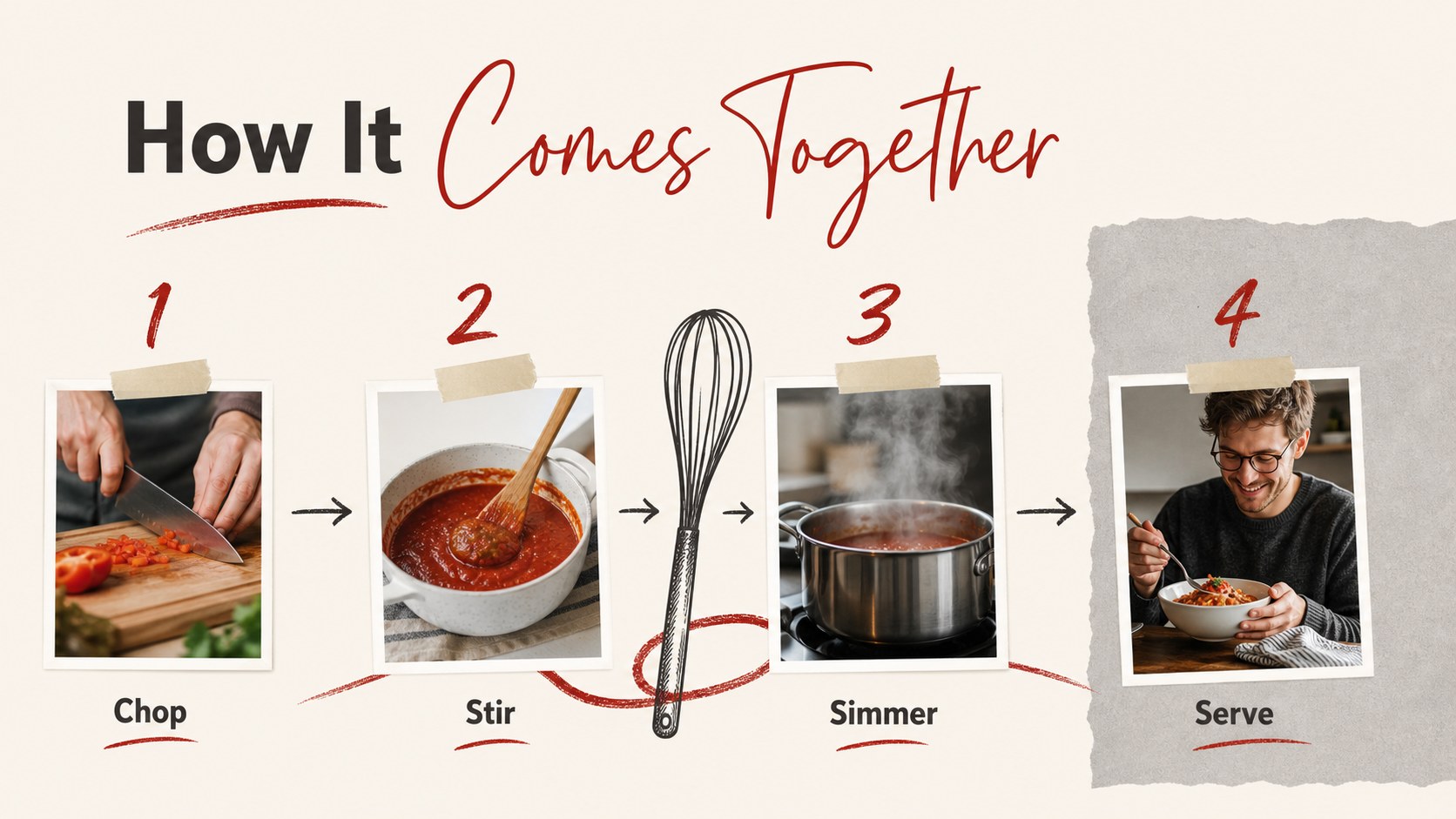
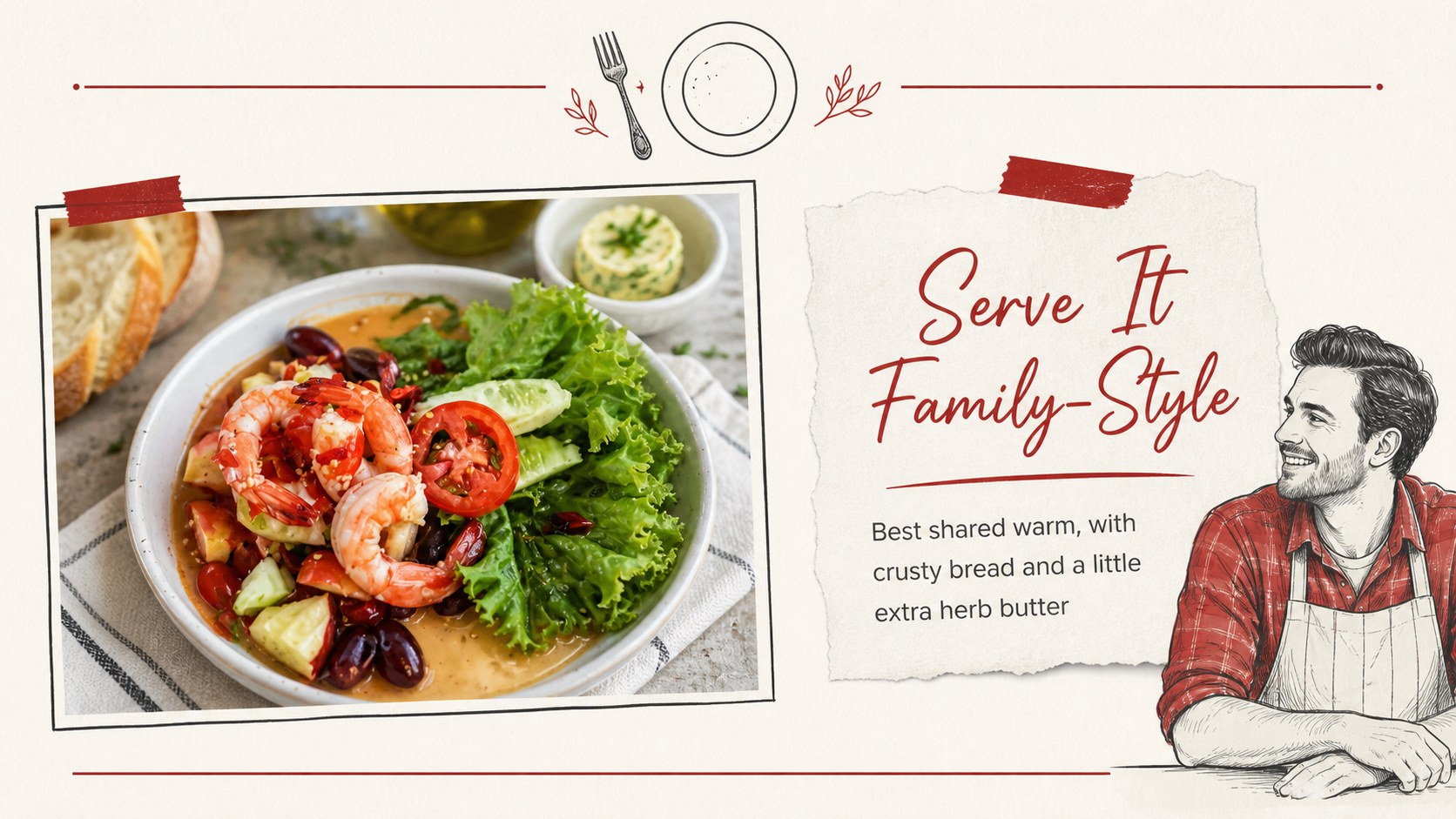
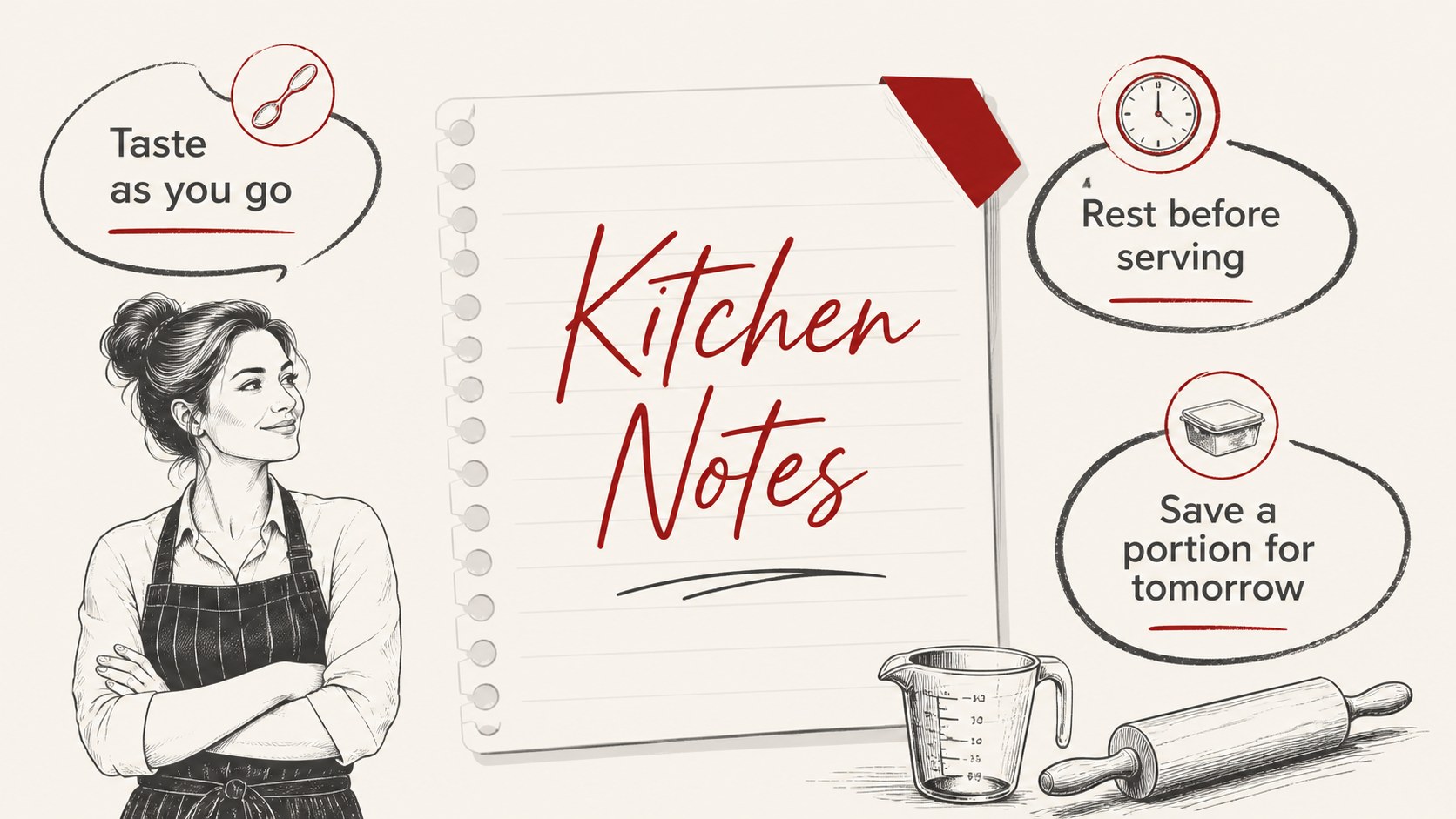
Turn treasured family recipes into a visual keepsake with this heritage kitchen cookbook theme. The red, white, and dark grey palette, hand-drawn accents, and paper-inspired details create a welcoming presentation style for food stories that deserve to be remembered. Use it to share a signature dish, document a family cooking tradition, or present a collection of recipes with a personal touch.
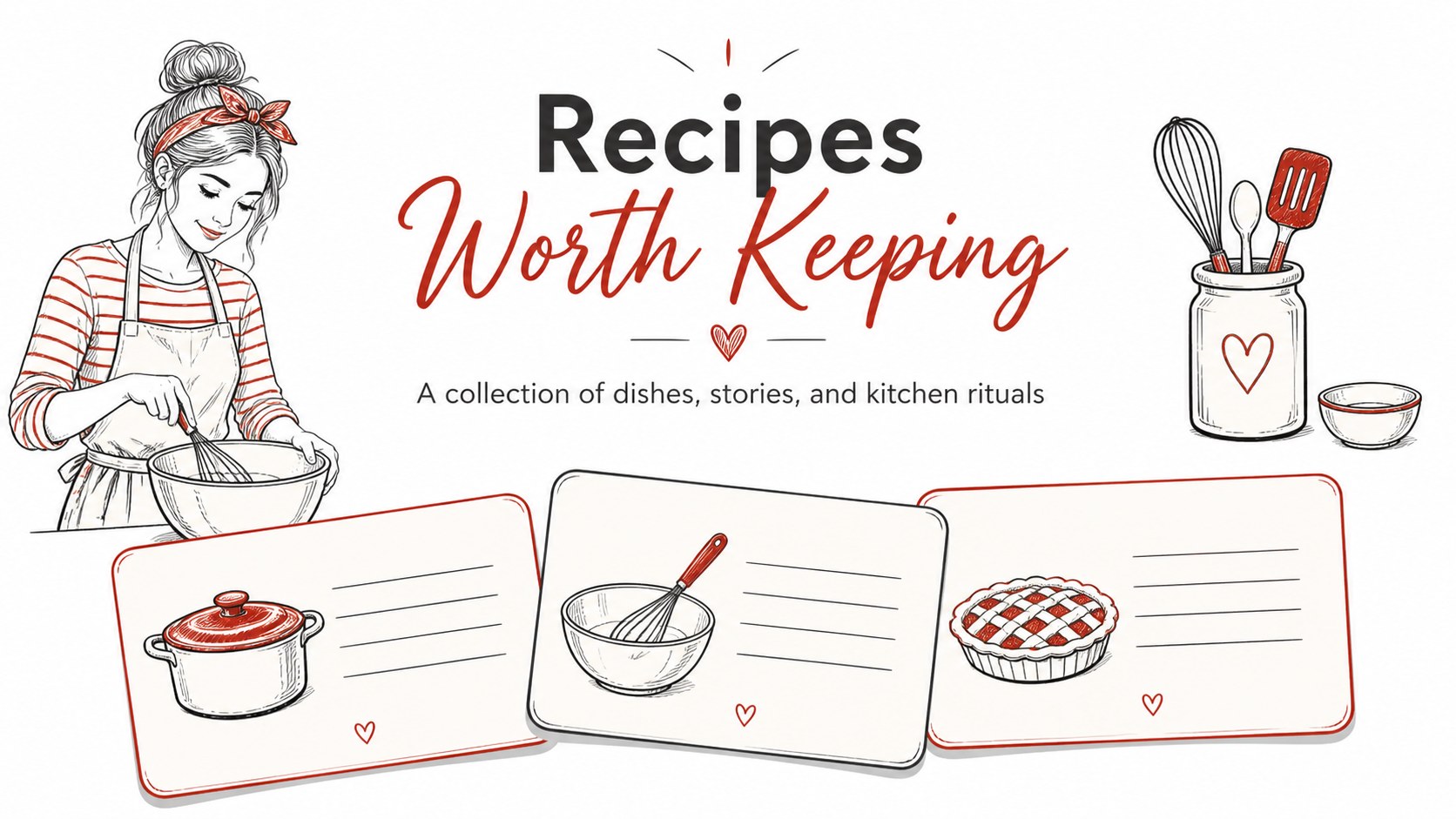
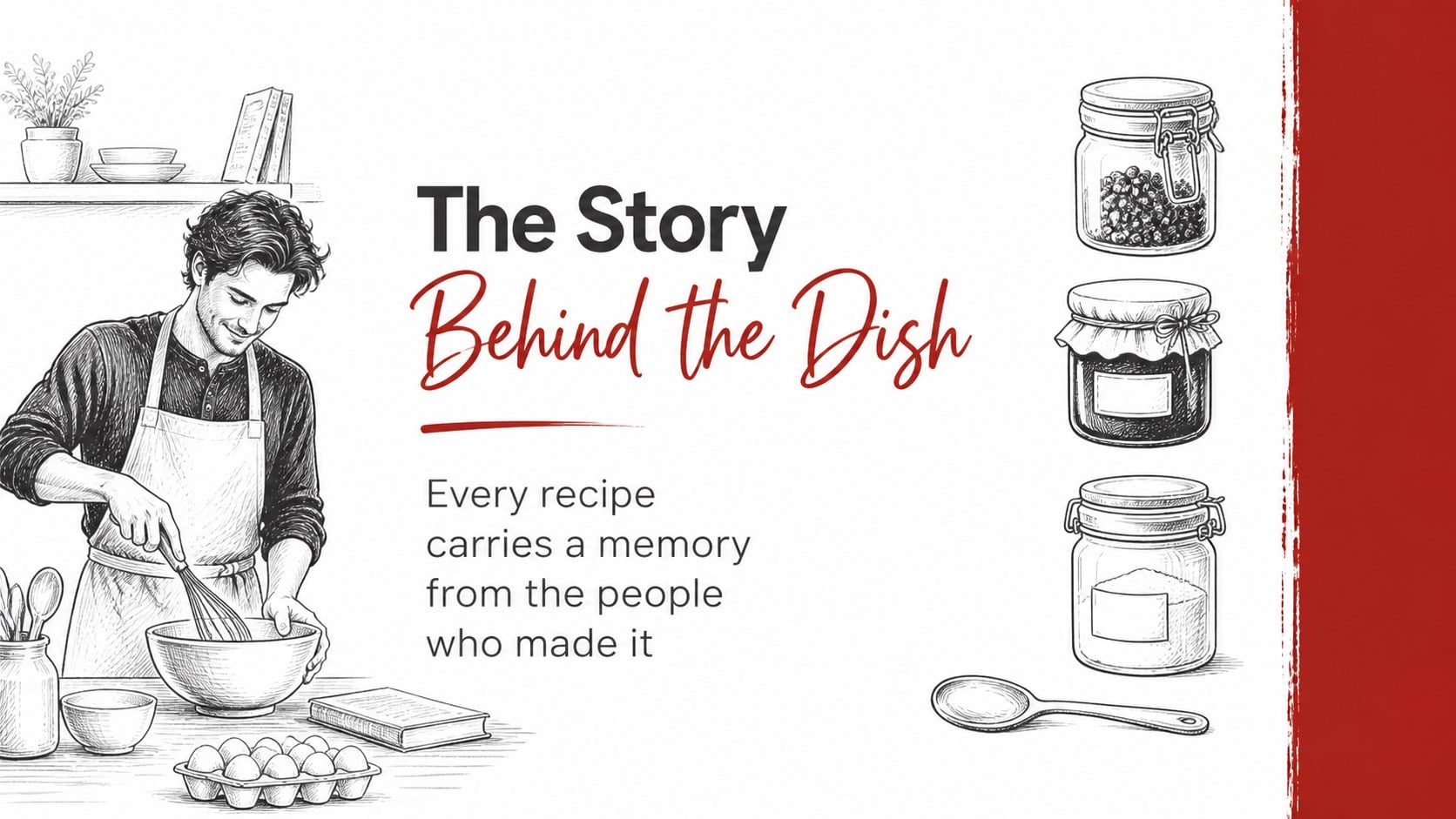
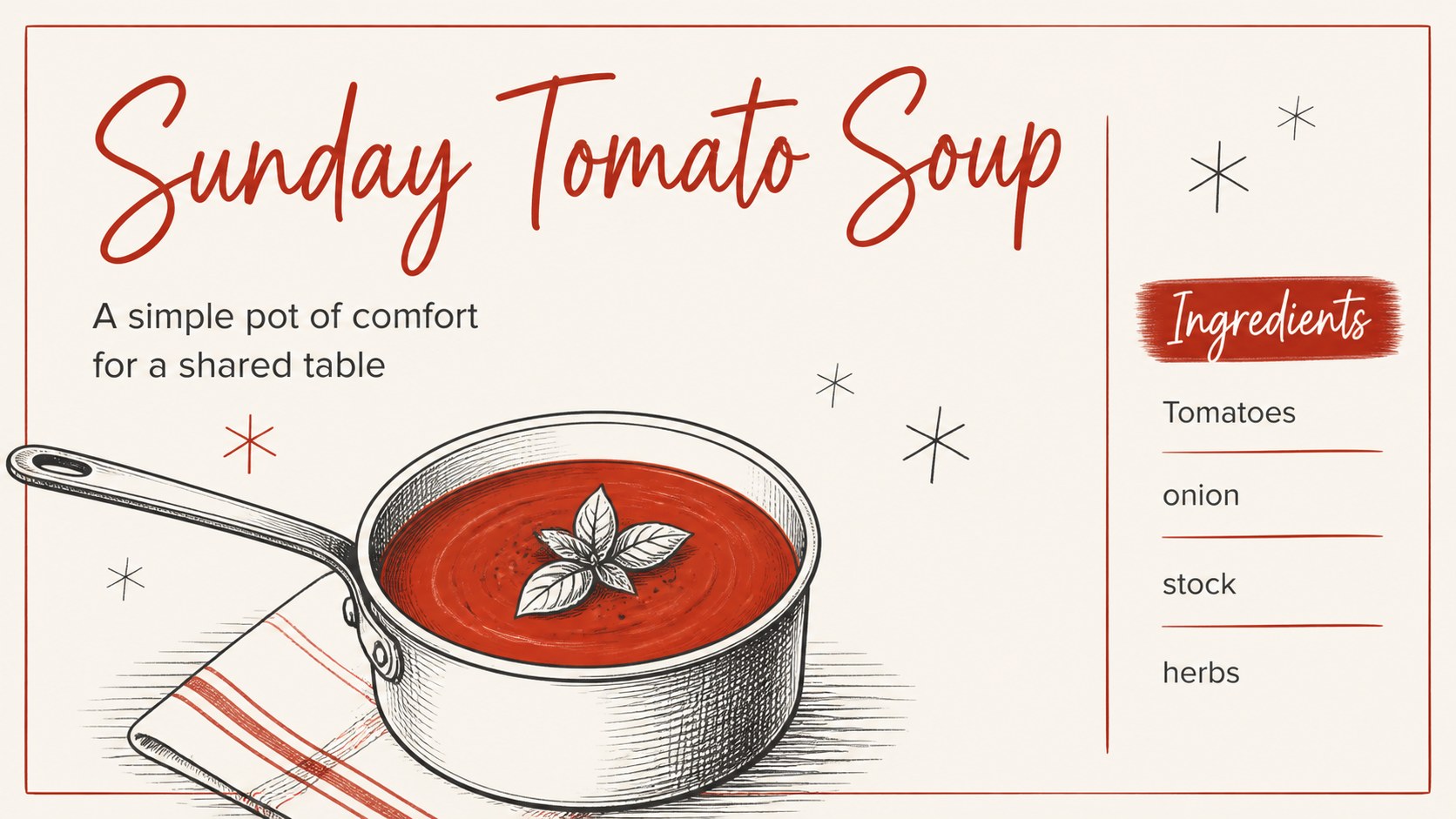
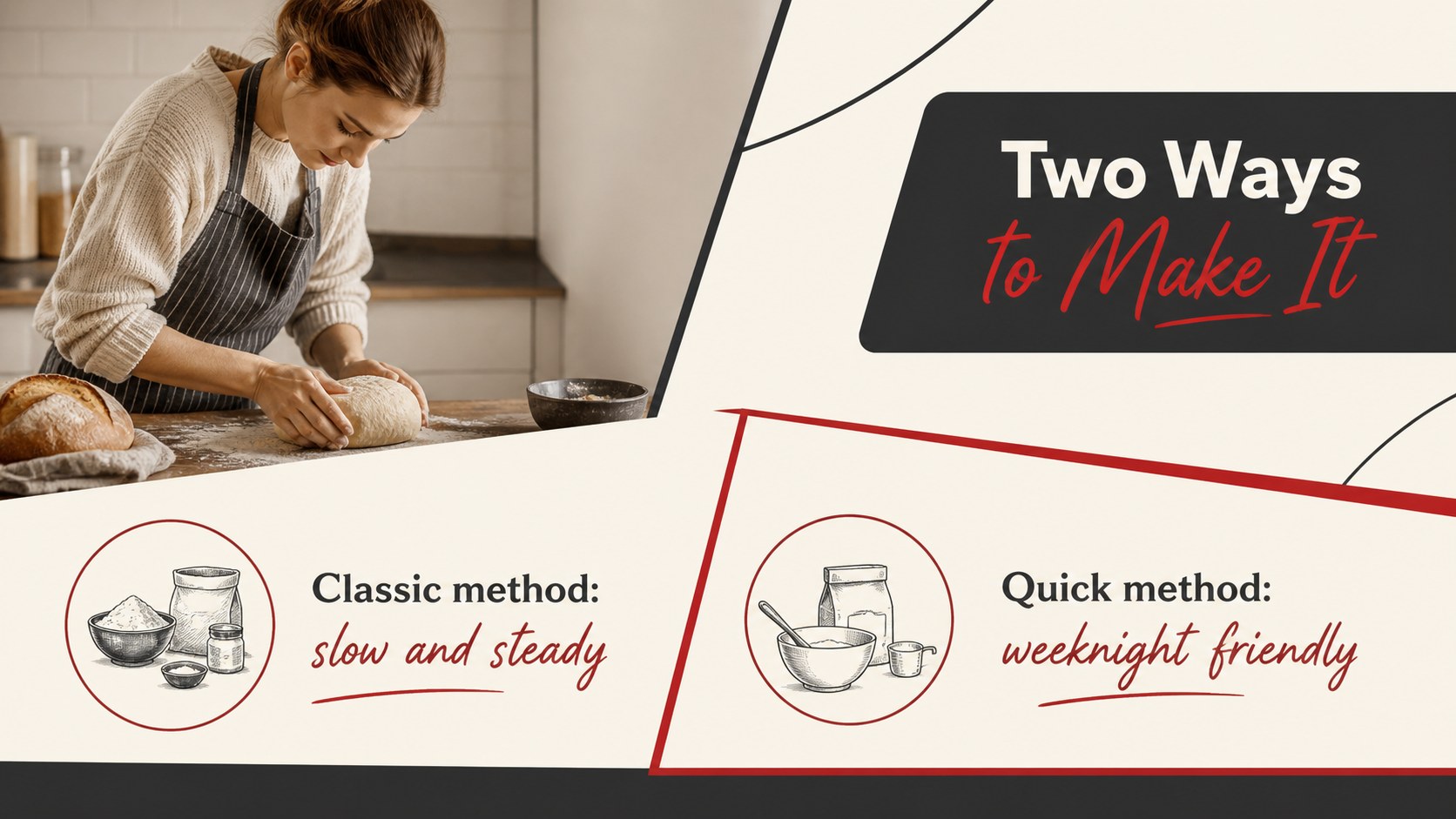
Inside, you’ll find more than 25 editable slides for recipe titles, ingredient lists, measurements, step-by-step instructions, kitchen notes, and illustrated food features. Supporting layouts include photo frames, comparison pages, section dividers, quote slides, and closing pages for dedications or serving suggestions. Doodle graphics, lines, frames, charts, and shapes help you build a polished recipe presentation without losing its homemade character.
This heritage kitchen cookbook theme is suited to home cooks, culinary teachers, food bloggers, community groups, and students creating a family history project. Edit the layouts in PowerPoint or Google Slides, replace the sample text, and add your own photographs or scanned recipe cards. It also works well for a printable family cookbook presentation, a cooking class handout, or a nostalgic food storytelling deck.
Perfect for: family recipe archive; community cookbook project; culinary arts lesson; food blog recipe feature; heritage storytelling presentation.
Frequently asked questions
Can I edit this template in PowerPoint? Yes. Open the downloaded presentation in PowerPoint and replace the sample wording, images, colors, and recipe details with your own content. The layouts are designed for straightforward editing.
Practical details
Yes. Open the downloaded presentation in PowerPoint and replace the sample wording, images, colors, and recipe details with your own content. The layouts are designed for straightforward editing.
Yes. Upload the presentation file to Google Drive and open it with Google Slides. You can then edit the text, rearrange elements, and add photographs or scanned recipe cards.
The layouts can accommodate ingredient lists, measurements, preparation steps, serving notes, photographs, and family stories. Use section dividers to organize desserts, main dishes, holiday recipes, or regional specialties.
Yes. Replace the accent colors with your preferred shades while keeping the doodle and scrapbook-inspired visual style. You can also adjust fonts and decorative elements to match a family cookbook or cooking class identity.
Keep exploring
15Build an engaging World UFO Day session with this flying saucer history lesson deck, featuring retro green-and-brown slides for PowerPoint and Google Slides.
 15
15Plan a lively animal-learning journey with this jungle zoo adventure lesson deck, ready to customize in PowerPoint and Google Slides for young learners.
 16
16Turn environmental research into a clear story with a Watercolor Ecology Presentation Theme for PowerPoint and Google Slides in calming green and blue.
 16
16Build focused fashion, literature, and humanities presentations with the Red Triangle Editorial Theme, editable in PowerPoint and Google Slides.
 15
15Turn streaming stats, favorite tracks, and concert highlights into a bold annual listening recap slide deck for PowerPoint and Google Slides.
 15
15Turn highlights, milestones, and favorite moments into a colorful year in review slide deck with bold 3D graphics for PowerPoint and Google Slides.
 3
3Build a credible endorsement with Standout Colleague Recommendation Letter Slides, featuring colorful prompts for skills, achievements, and team impact.
 4
4Build clear beginner sessions with an ice hockey fundamentals training deck for coaches, PE teachers, and clubs, ready for PowerPoint and Google Slides.