
 15
15presentation
Flying Saucer History Lesson Deck
Build an engaging World UFO Day session with this flying saucer history lesson deck, featuring retro green-and-brown slides for PowerPoint and Google Slides.
Google SlidesPowerPoint
presentation · English
Build memorable visual stories with heritage floral scrapbook slides featuring layered paper textures and flexible layouts for PowerPoint and Google Slides.
Design notes
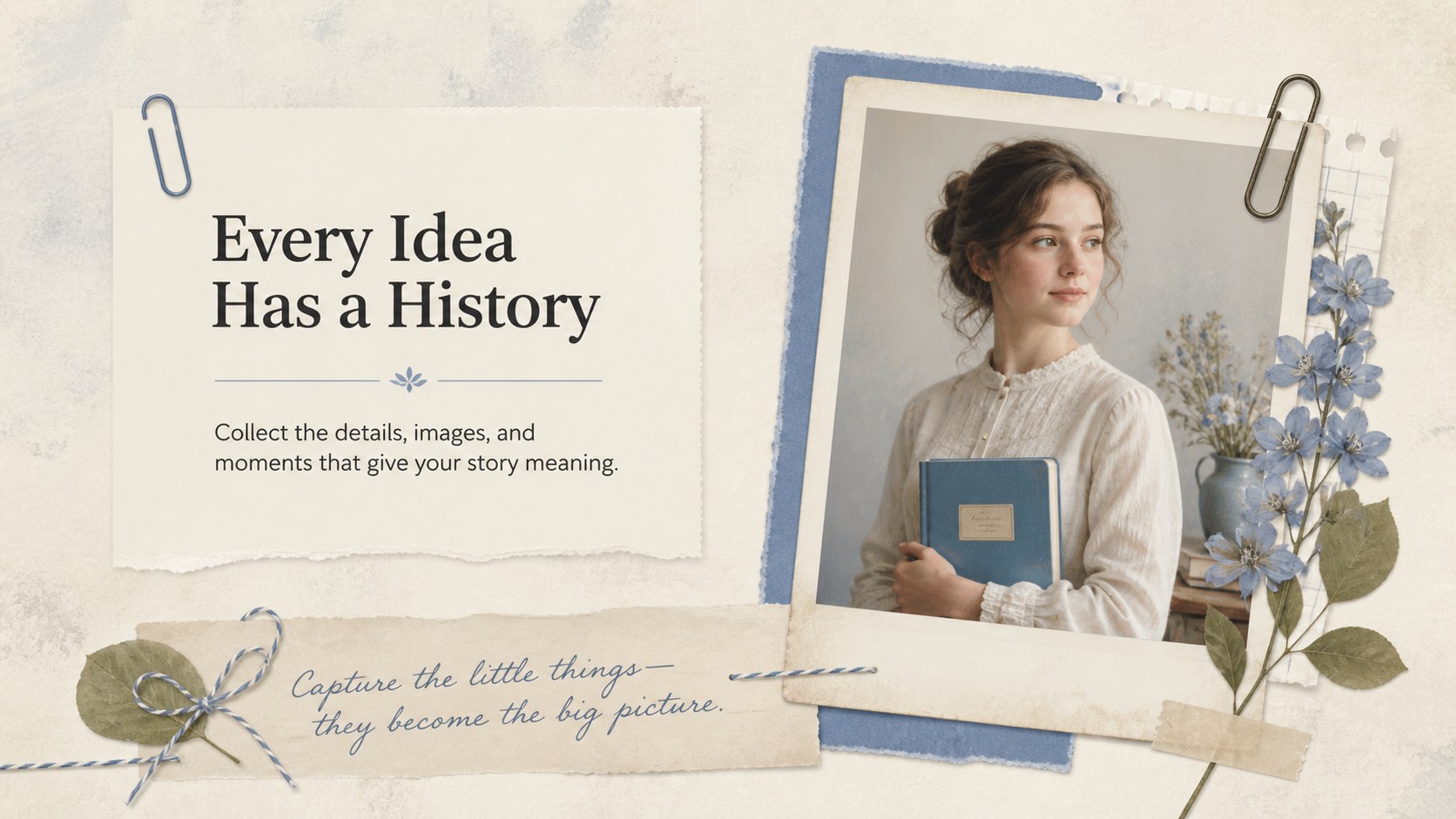
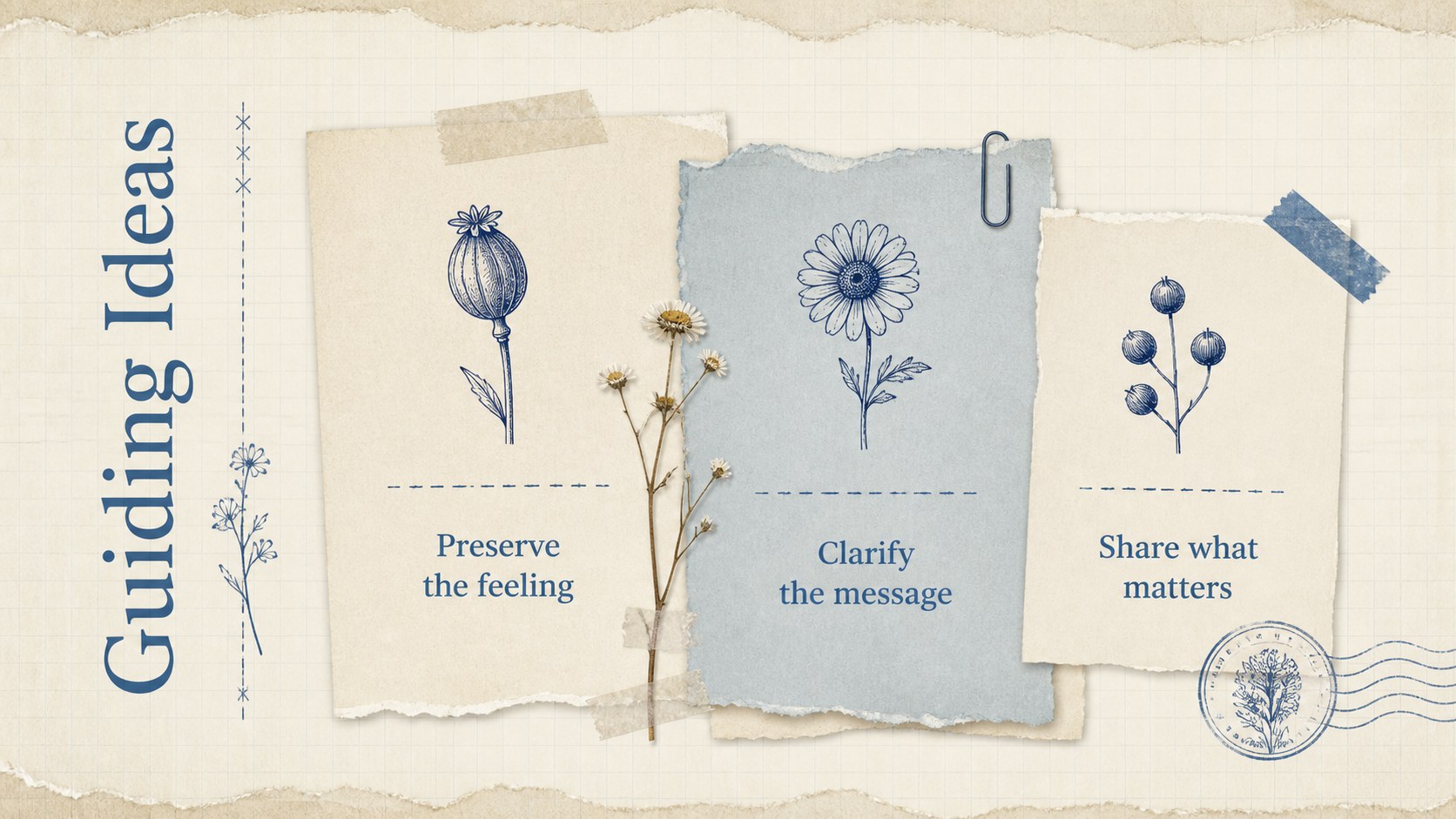
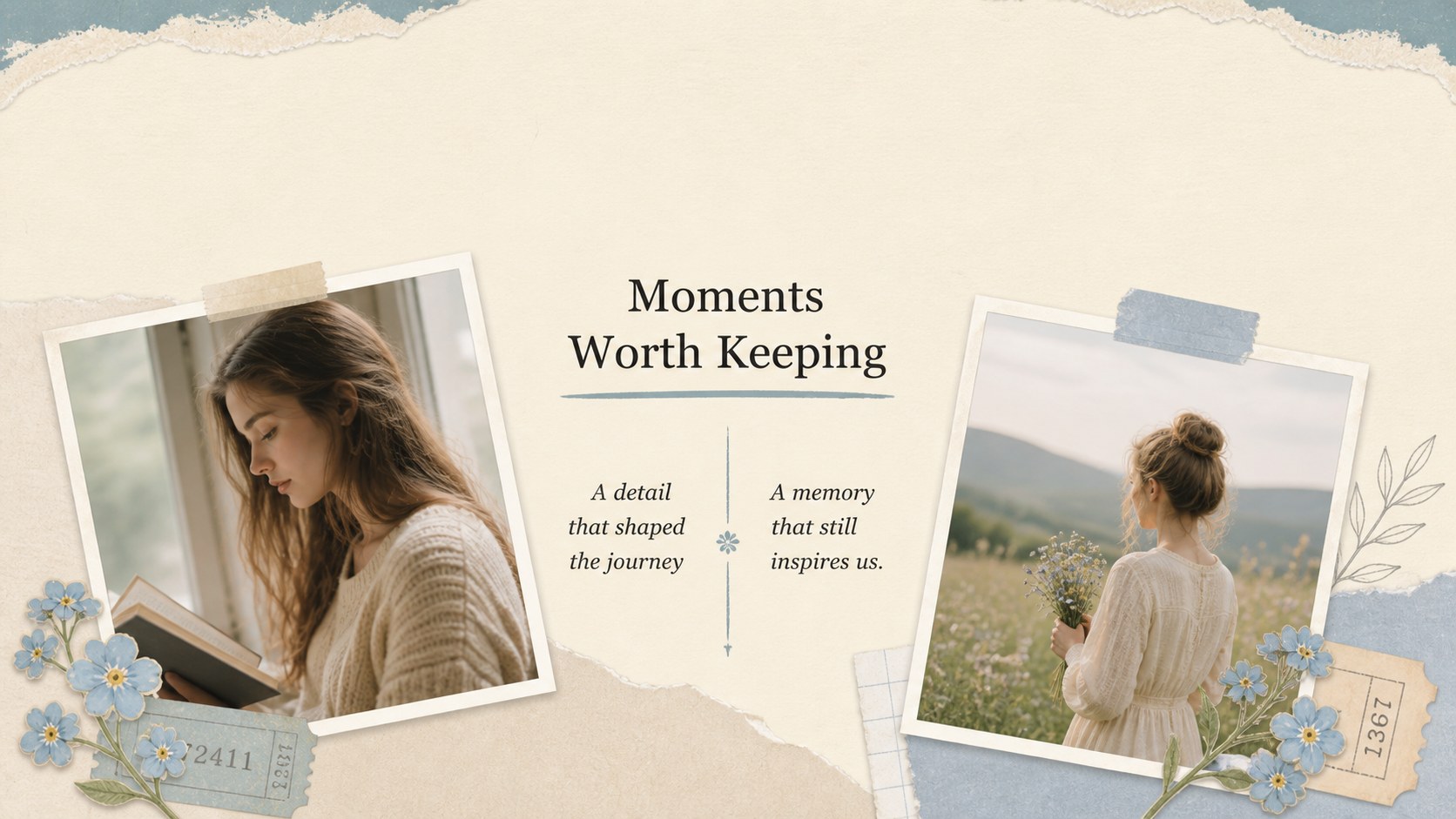
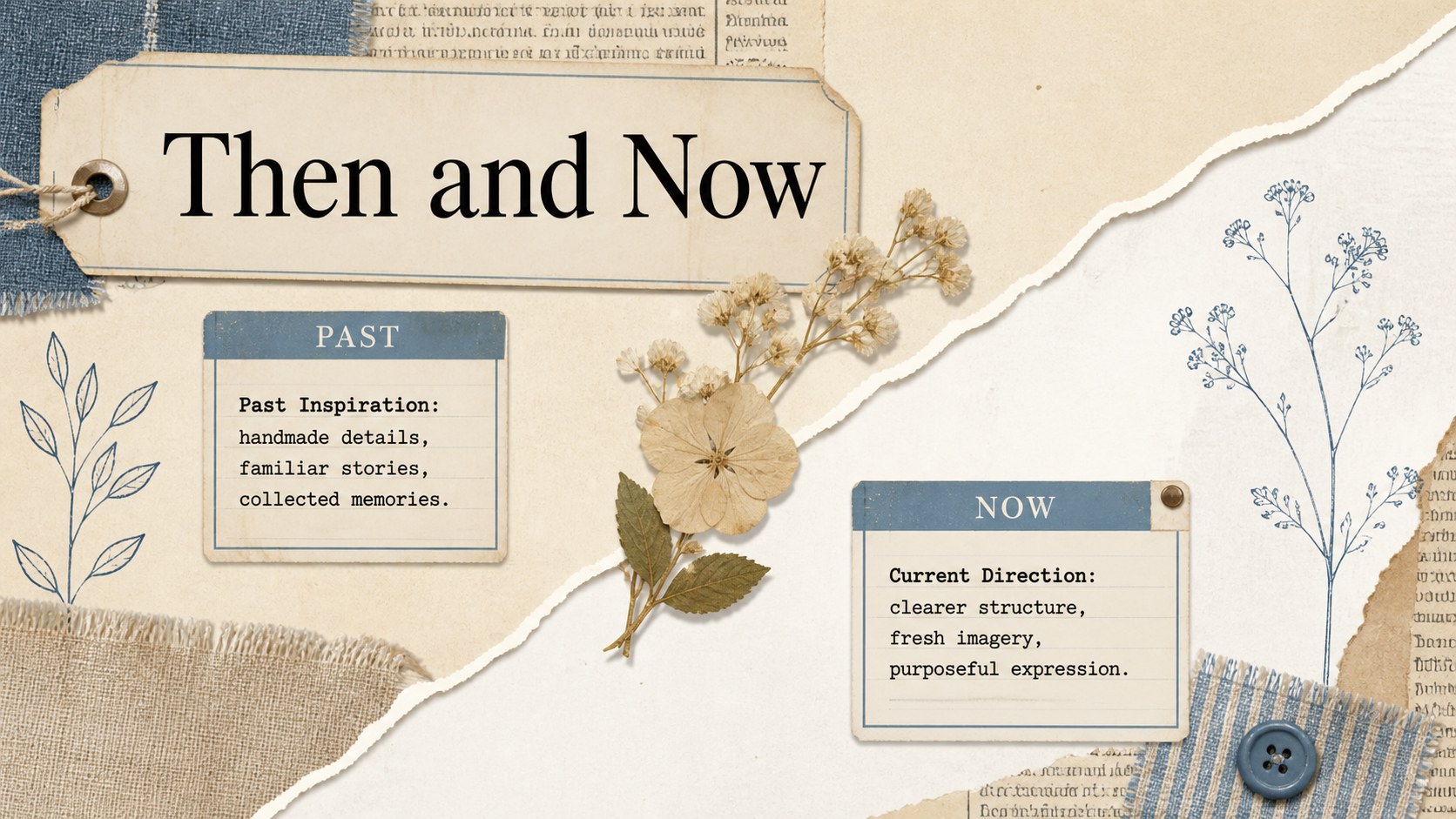
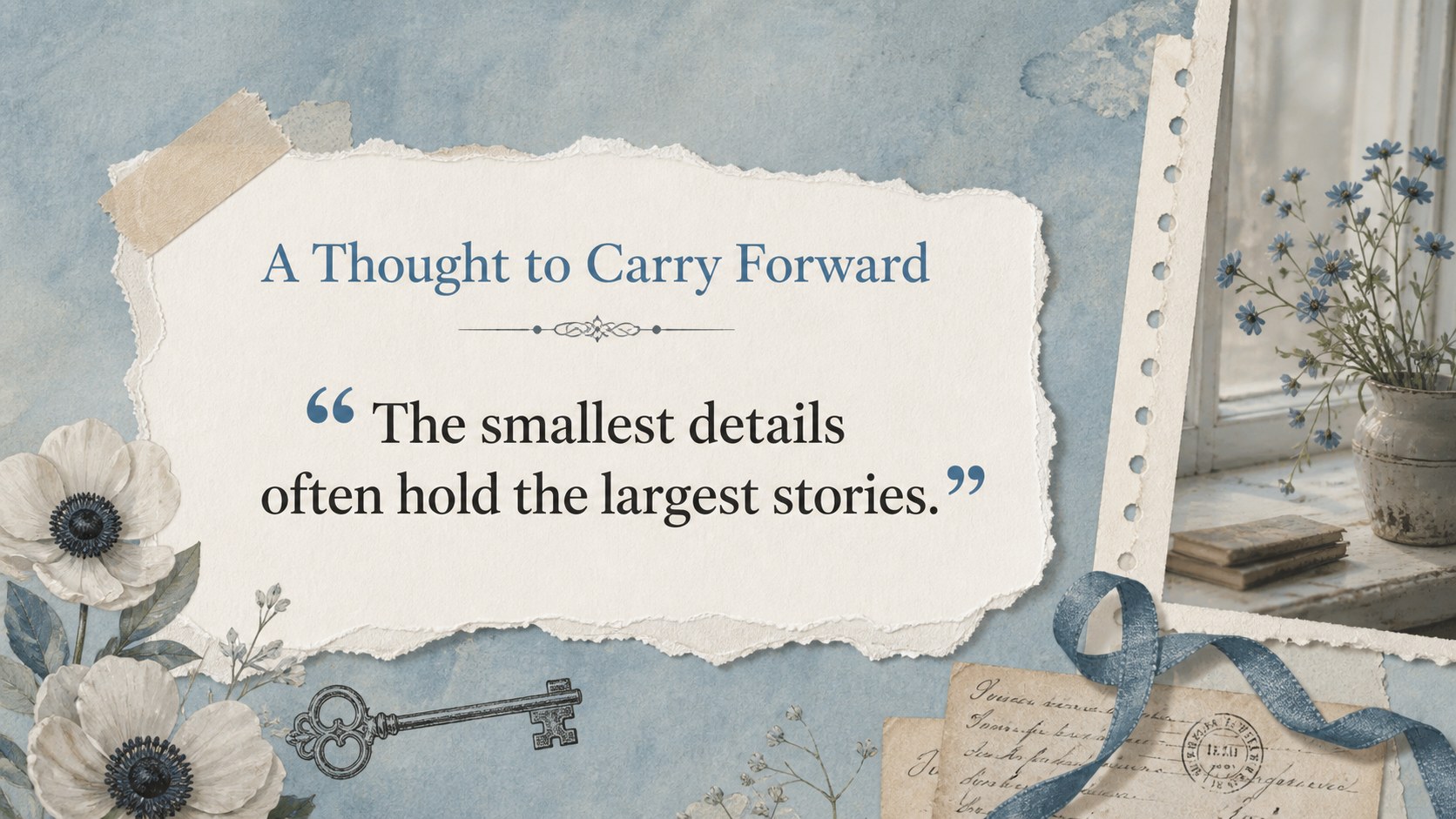
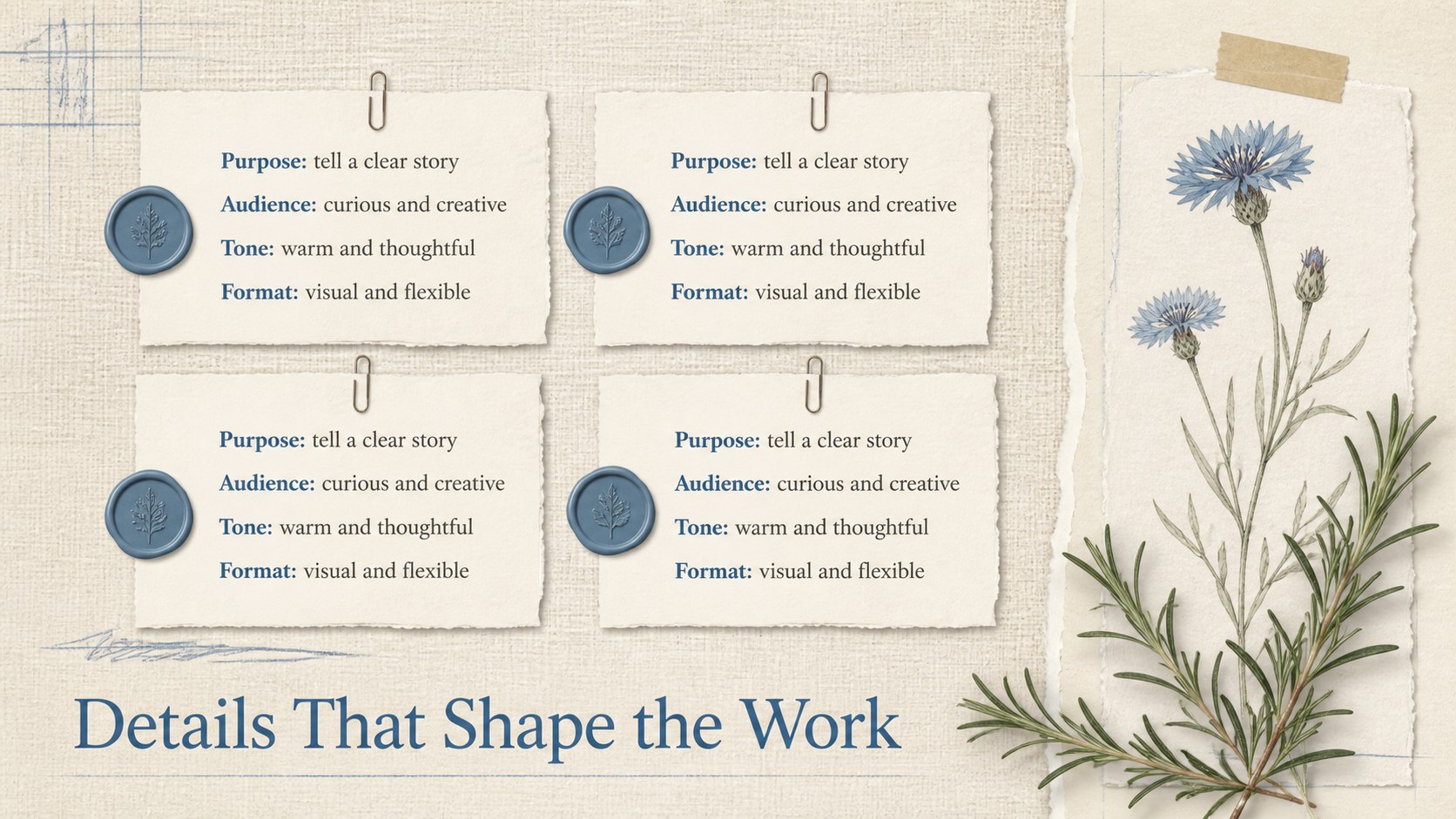
Heritage floral scrapbook slides help you shape photos, notes, and ideas into a polished visual narrative with nostalgic character. Beige paper textures, white content areas, muted blue accents, botanical details, and layered collage elements create a warm look without distracting from your message. Use the deck in PowerPoint or Google Slides for personal stories, creative proposals, classroom projects, and event recaps.
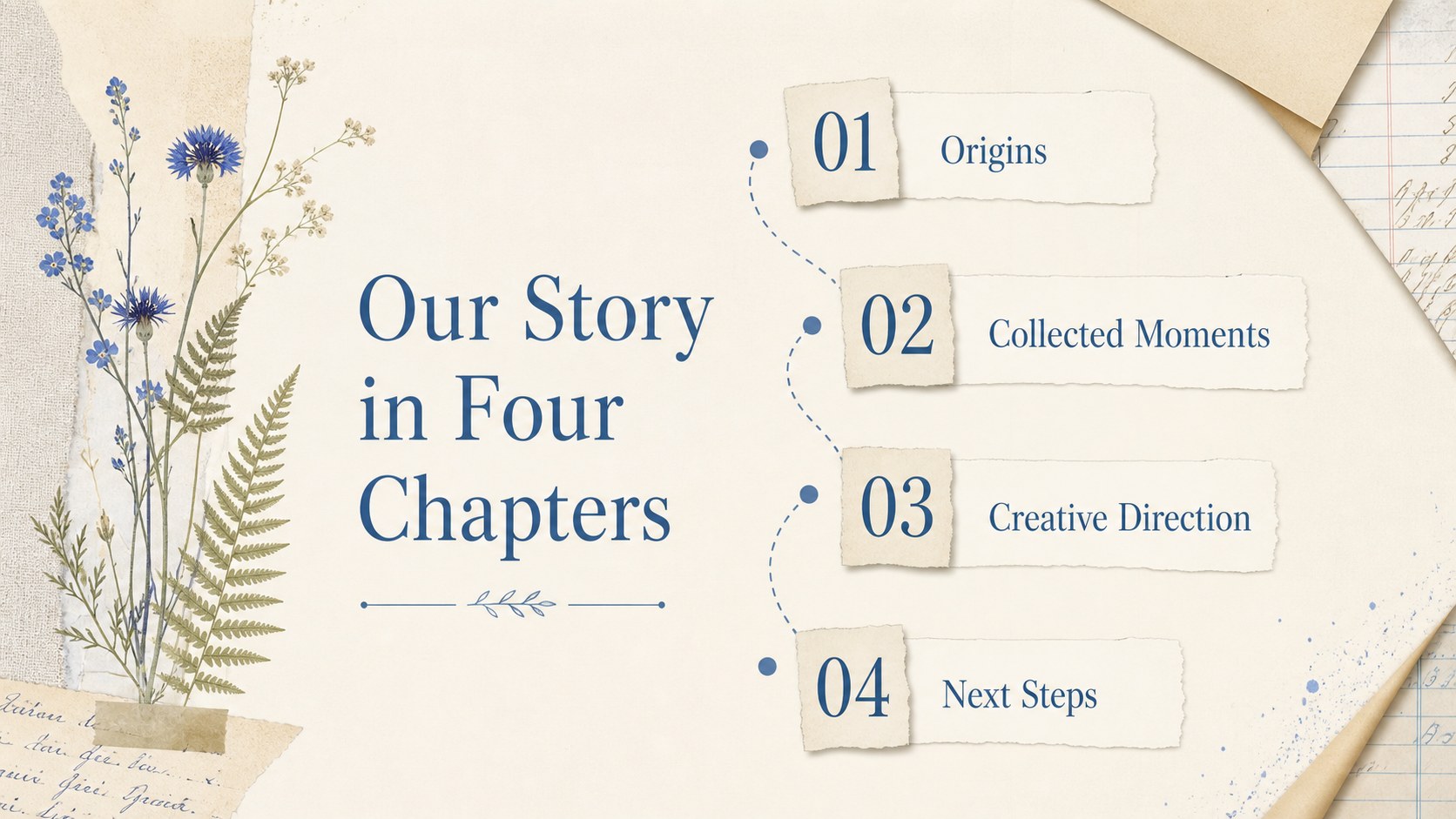
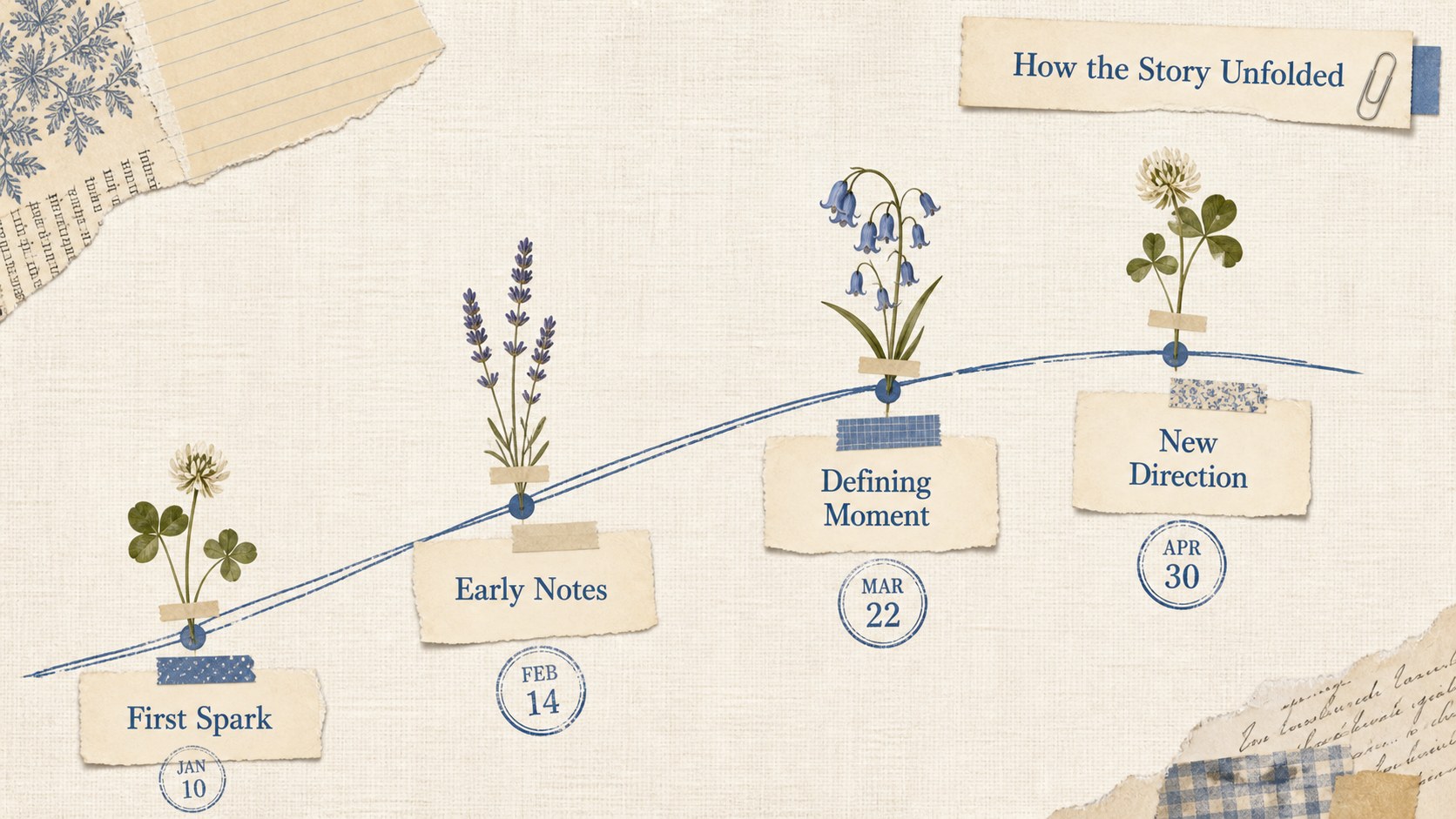
The collection includes more than 25 editable layouts for opening statements, agendas, photo showcases, quotations, timelines, comparisons, project milestones, and closing messages. Rearrange text boxes, replace image placeholders, adjust the floral decorations, or refine the palette to suit your subject. Coordinated typography and balanced spacing make these vintage botanical presentation slides easy to adapt while preserving their handmade editorial style.
This antique paper collage presentation is a practical choice for teachers, students, photographers, designers, event planners, and small creative teams. It also works as a floral memory book slide deck for family histories, wedding stories, travel journals, portfolio introductions, or seasonal campaigns. Add your own photographs, icons, charts, and captions, then present directly or export the finished slides as a PDF. Every layout is designed to support clear storytelling while retaining the soft beige, white, and blue palette that defines the collection.
Perfect for: family history presentation; wedding photo story; creative portfolio introduction; classroom heritage project; seasonal campaign proposal; travel memory album.
Frequently asked questions
Can I edit these slides in PowerPoint and Google Slides? Yes. Every layout can be opened and edited in PowerPoint or Google Slides. Text, images, colors, and decorative elements can be adjusted using the standard tools in either platform.
Practical details
Yes. Every layout can be opened and edited in PowerPoint or Google Slides. Text, images, colors, and decorative elements can be adjusted using the standard tools in either platform.
Select an image placeholder and insert your own photograph, then crop it to fit the frame. For a consistent scrapbook look, use images with similar lighting and apply the same border treatment throughout the deck.
Yes. You can recolor individual botanical elements and change the beige, white, or blue accents to match your project. Background textures may also be replaced, although subtle paper grain will preserve the heritage collage style.
Yes. The 16:9 layouts can be exported as a PDF for digital distribution or landscape printing. Review image resolution and printer margins before producing physical copies.
Keep exploring
15Build an engaging World UFO Day session with this flying saucer history lesson deck, featuring retro green-and-brown slides for PowerPoint and Google Slides.
 15
15Plan a lively animal-learning journey with this jungle zoo adventure lesson deck, ready to customize in PowerPoint and Google Slides for young learners.
 16
16Turn environmental research into a clear story with a Watercolor Ecology Presentation Theme for PowerPoint and Google Slides in calming green and blue.
 16
16Build focused fashion, literature, and humanities presentations with the Red Triangle Editorial Theme, editable in PowerPoint and Google Slides.
 15
15Turn streaming stats, favorite tracks, and concert highlights into a bold annual listening recap slide deck for PowerPoint and Google Slides.
 15
15Turn highlights, milestones, and favorite moments into a colorful year in review slide deck with bold 3D graphics for PowerPoint and Google Slides.
 3
3Build a credible endorsement with Standout Colleague Recommendation Letter Slides, featuring colorful prompts for skills, achievements, and team impact.
 4
4Build clear beginner sessions with an ice hockey fundamentals training deck for coaches, PE teachers, and clubs, ready for PowerPoint and Google Slides.