
 15
15presentation
Flying Saucer History Lesson Deck
Build an engaging World UFO Day session with this flying saucer history lesson deck, featuring retro green-and-brown slides for PowerPoint and Google Slides.
Google SlidesPowerPoint
presentation · English
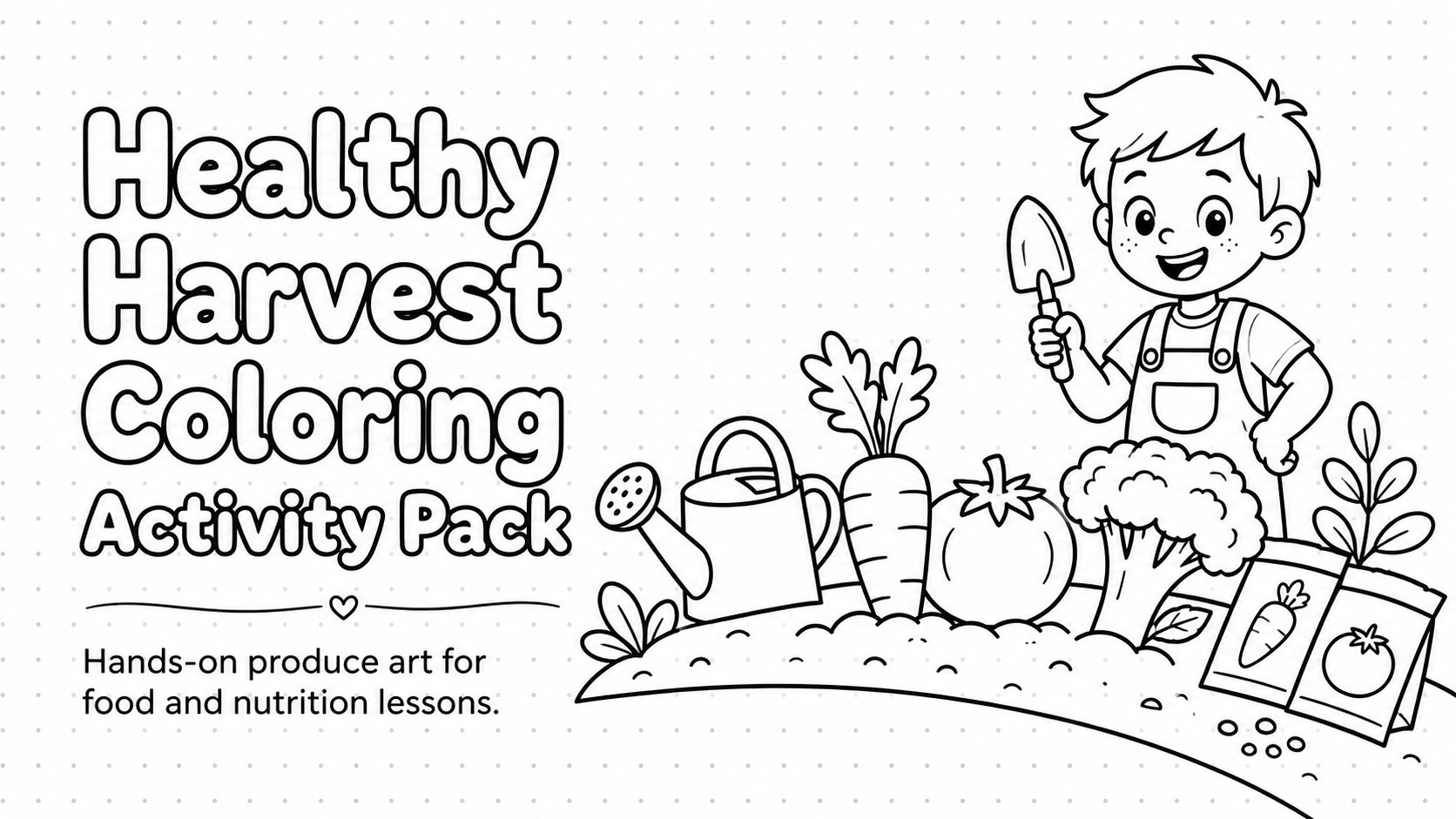
Make food lessons creative with a Healthy Harvest Coloring Activity Pack featuring editable black-and-white pages for PowerPoint and Google Slides.
Design notes
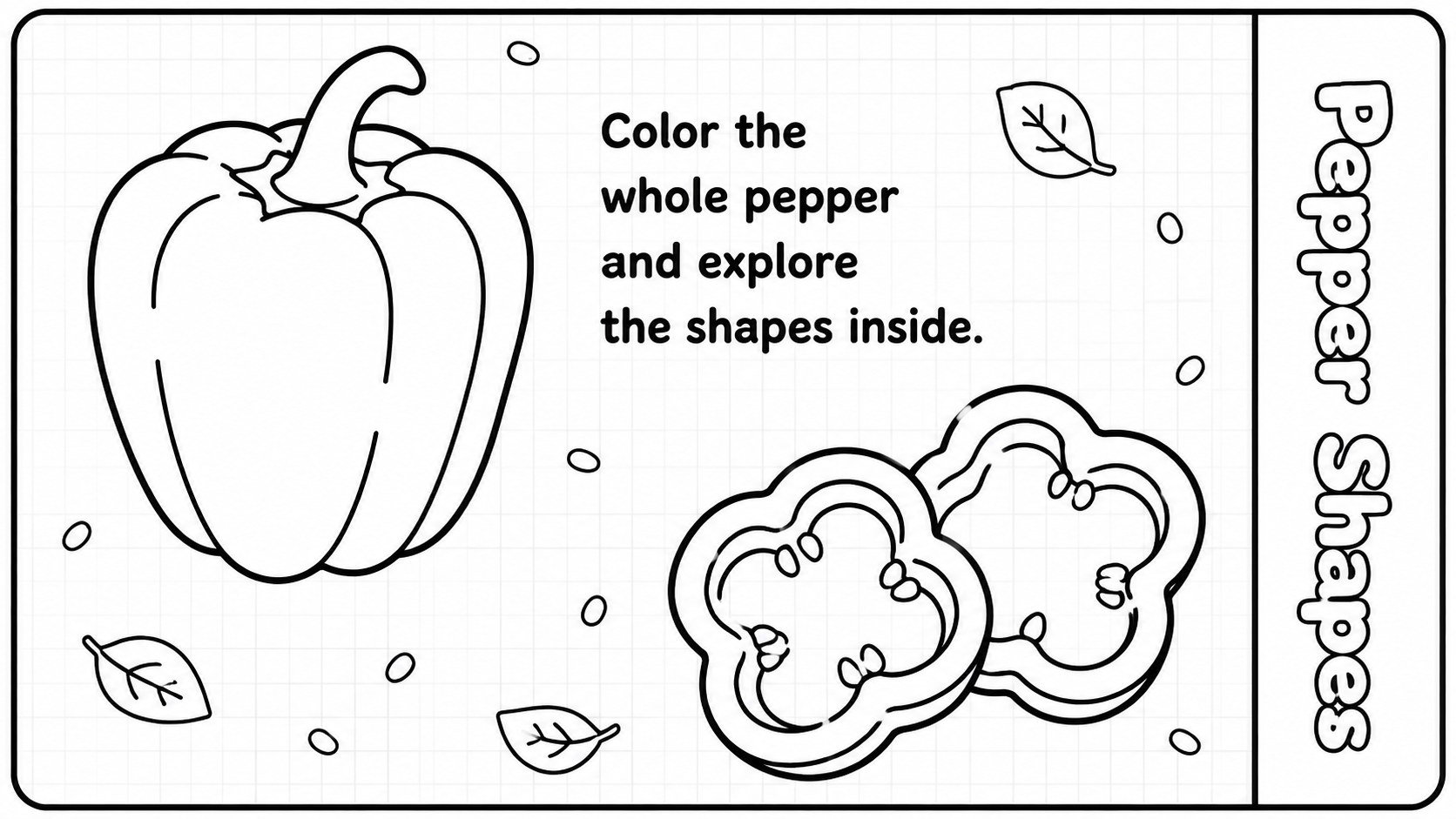
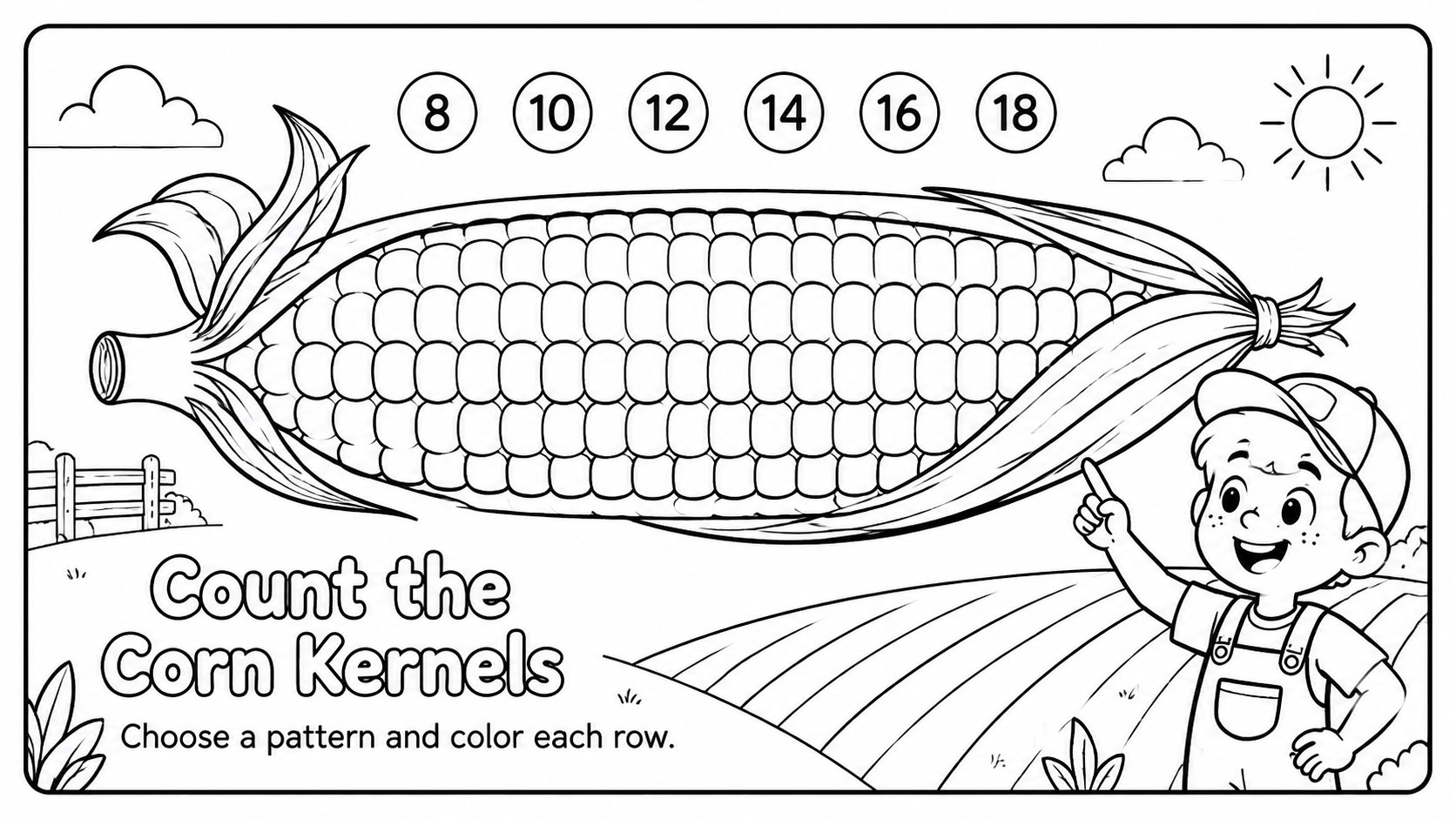
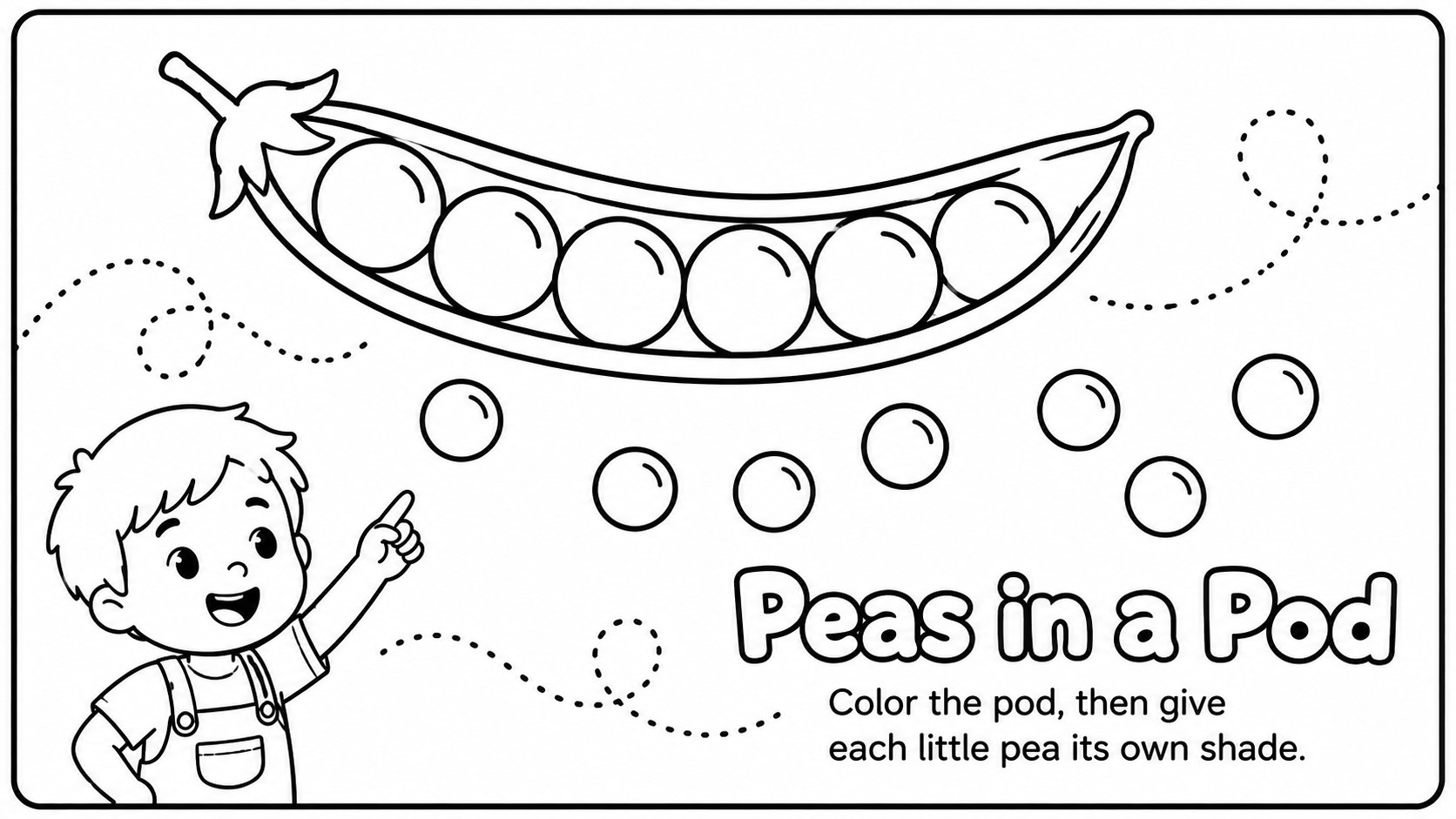
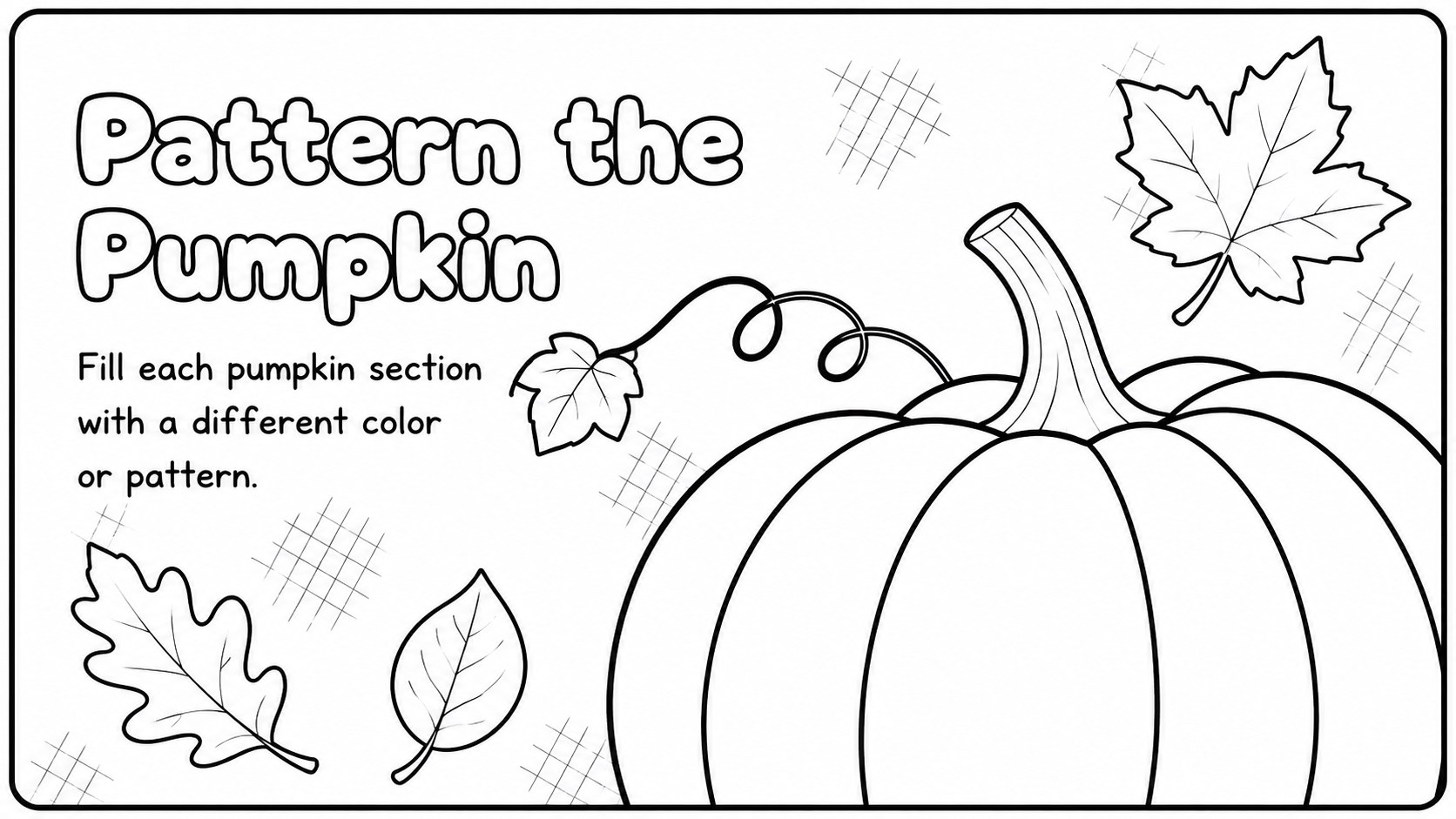
Bring creativity into food education with this Healthy Harvest Coloring Activity Pack, a collection of playful black-and-white pages designed for young learners. Children can color familiar produce while practicing vegetable recognition, discussing healthy choices, and building fine motor skills. The clean outlined artwork leaves plenty of room for crayons, pencils, or markers.
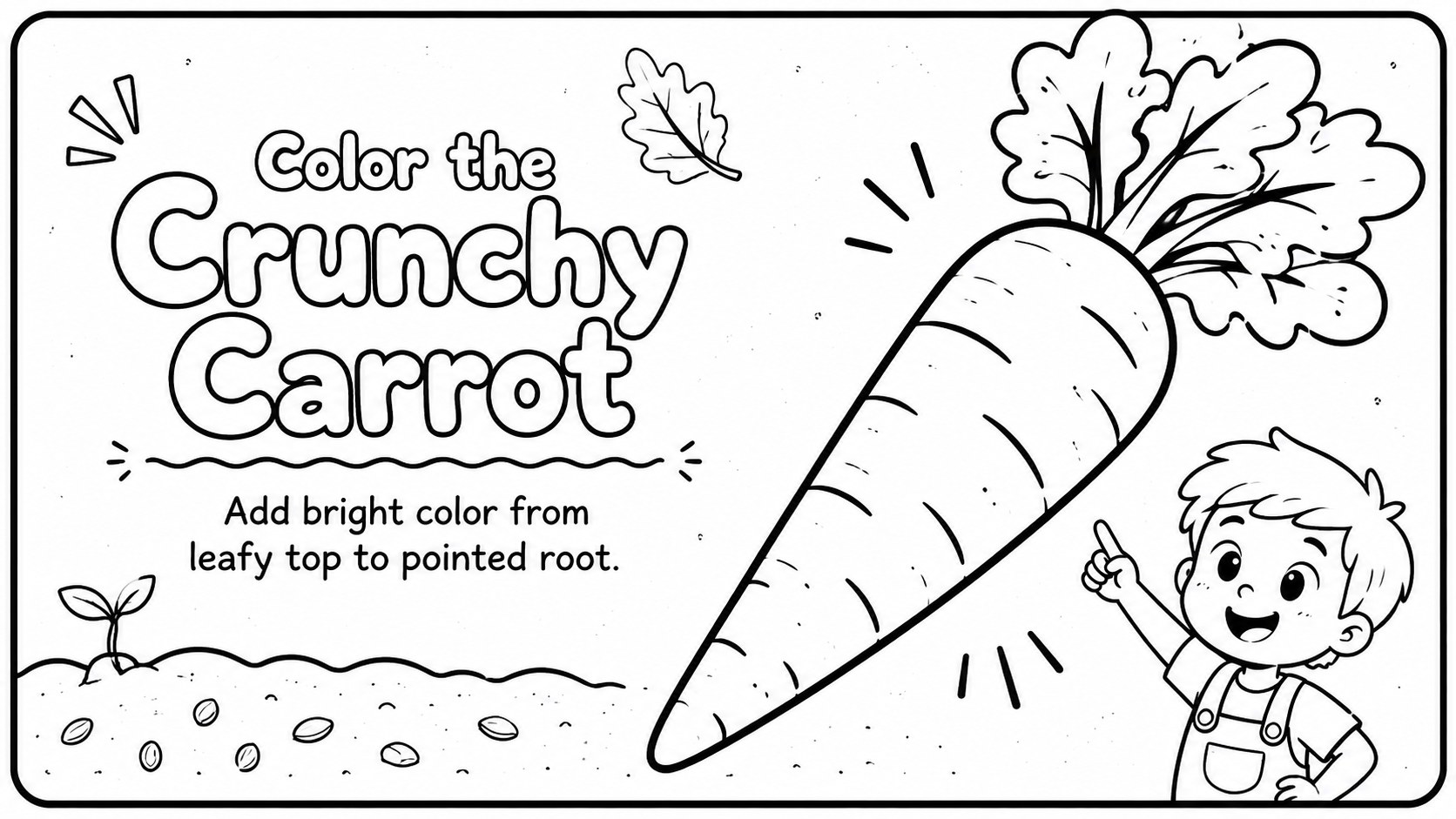
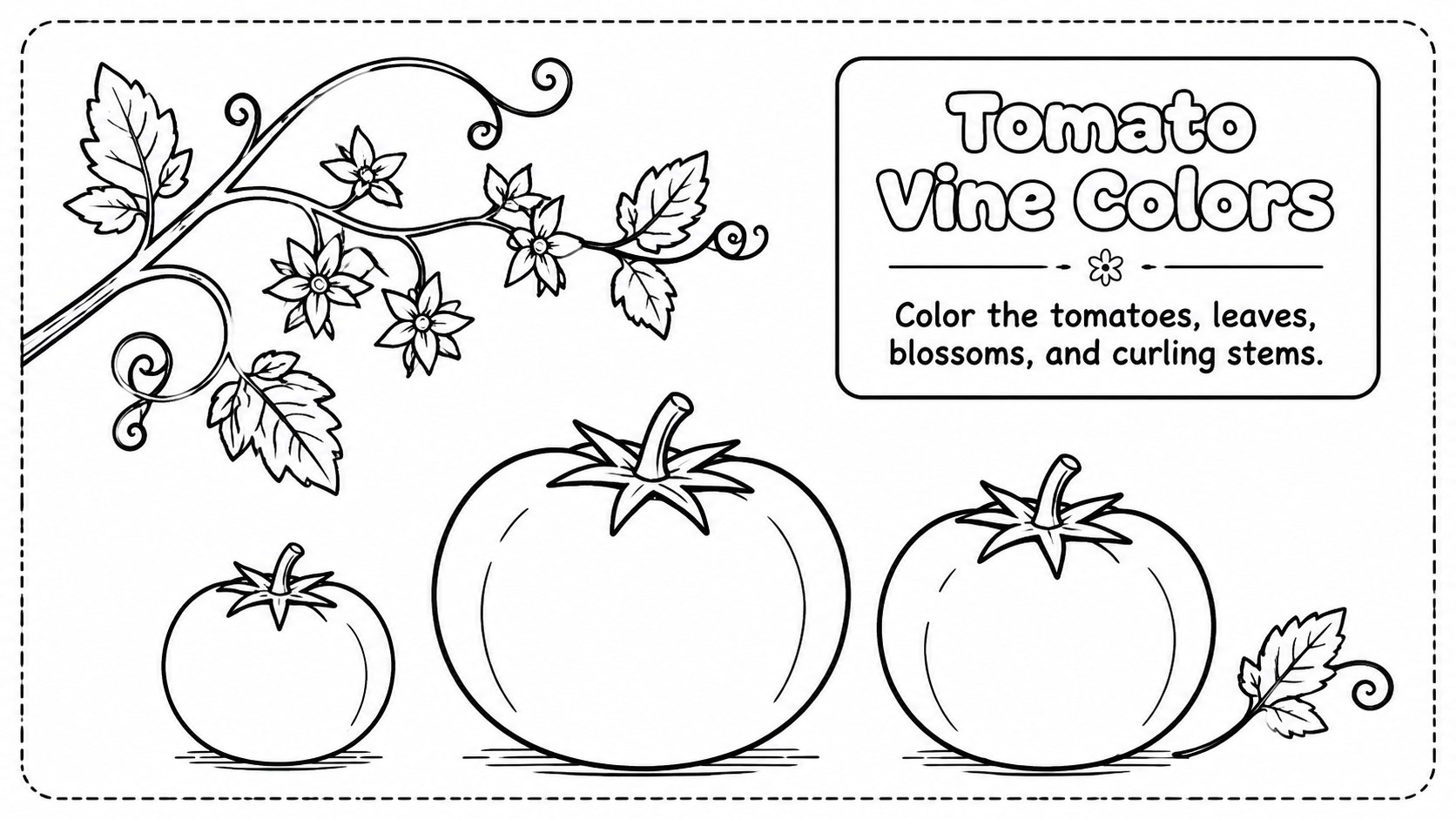
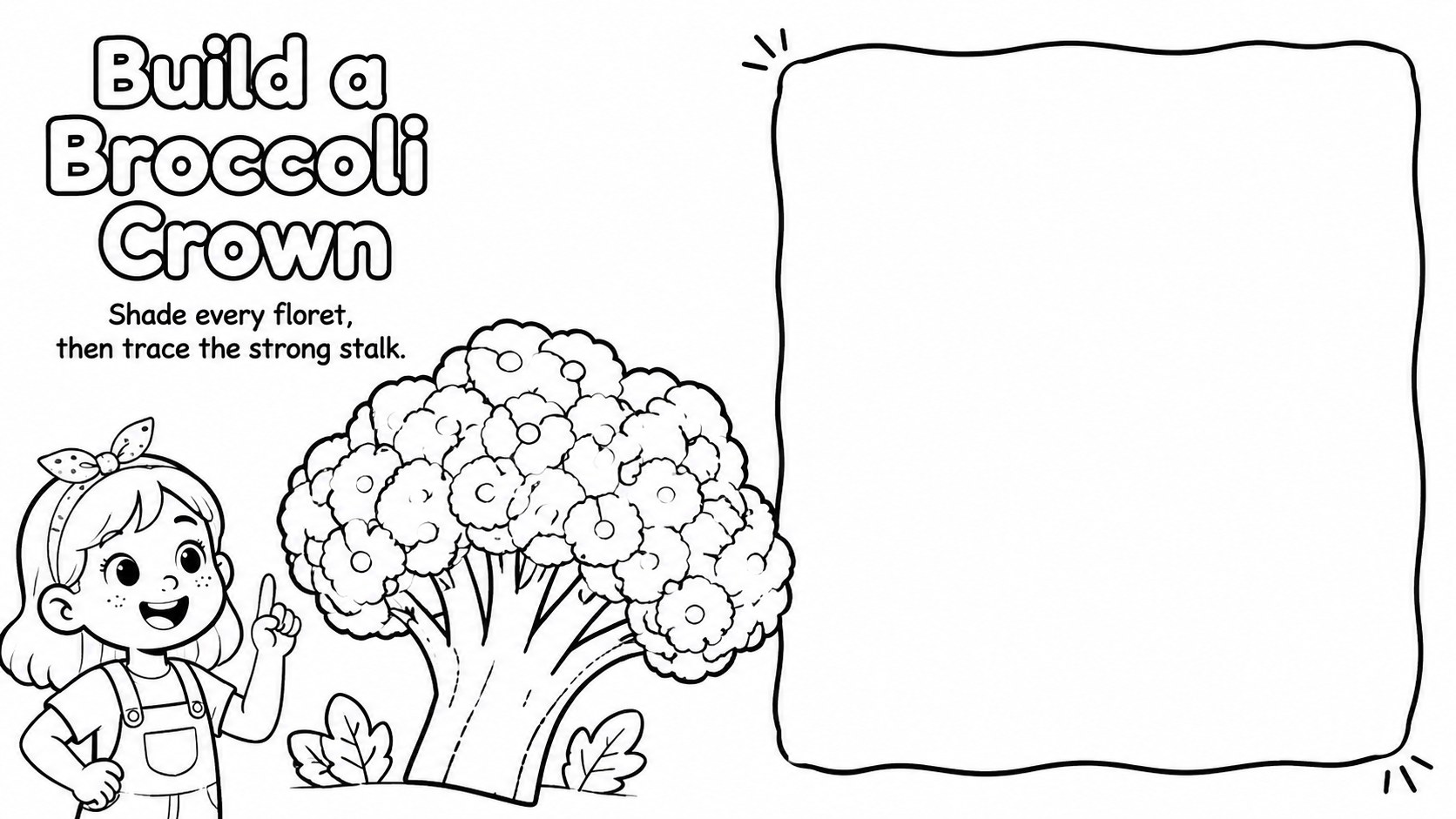
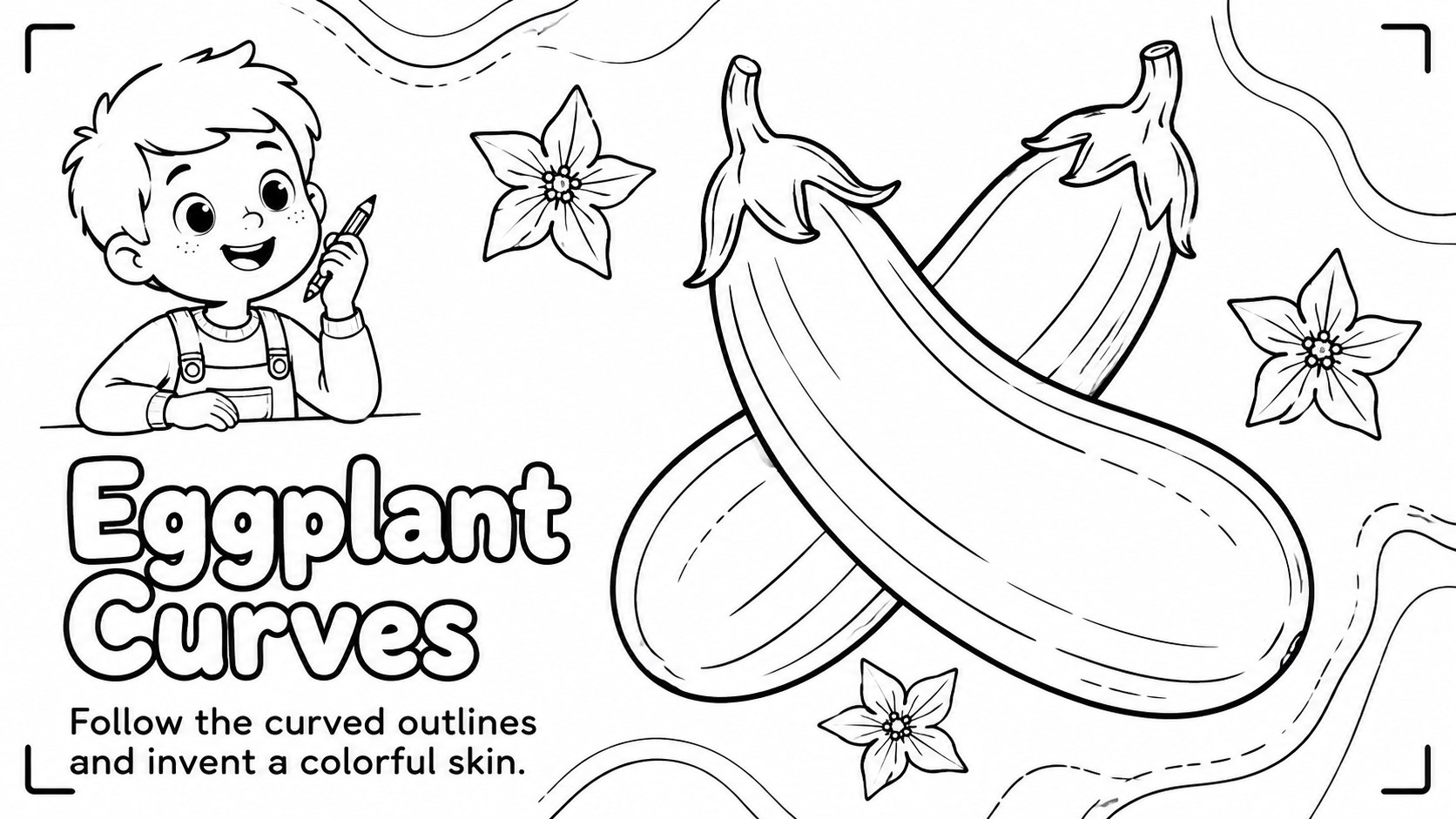
Inside, you will find 13 coordinated slides featuring individual vegetables, garden scenes, a market basket, and an open-ended drawing activity. Use the pages as a printable vegetable coloring activity, present them on screen, or customize the labels and instructions before class. Every layout can be edited in PowerPoint and Google Slides, making it simple to adjust text, resize illustrations, or add prompts for different age groups.
This pack works well for preschool vegetable art lessons, elementary nutrition units, homeschool projects, quiet-time stations, and food-themed classroom displays. Teachers can also combine the pages into a booklet or use selected designs as nutrition lesson coloring pages. The monochrome palette keeps printing practical while giving every child freedom to invent a colorful harvest of their own.
Perfect for: preschool vegetable art lesson; elementary nutrition unit; homeschool coloring booklet; classroom quiet-time station; healthy eating discussion; food-themed bulletin display.
Frequently asked questions
Can I edit the coloring pages? Yes. You can change headings, instructions, labels, and illustration sizes to suit your lesson or learners.
Practical details
Yes. You can change headings, instructions, labels, and illustration sizes to suit your lesson or learners.
The slides are designed for PowerPoint and Google Slides. Open the file in either platform to present, customize, or prepare pages for printing.
Yes. The black-and-white layouts are suitable for economical classroom printing. Check your printer settings and scale each slide to the paper size you plan to use.
For younger children, keep the large illustrations and simple labels. For older learners, add nutrition facts, spelling prompts, food-group questions, or short writing tasks.
Keep exploring
15Build an engaging World UFO Day session with this flying saucer history lesson deck, featuring retro green-and-brown slides for PowerPoint and Google Slides.
 15
15Plan a lively animal-learning journey with this jungle zoo adventure lesson deck, ready to customize in PowerPoint and Google Slides for young learners.
 16
16Turn environmental research into a clear story with a Watercolor Ecology Presentation Theme for PowerPoint and Google Slides in calming green and blue.
 16
16Build focused fashion, literature, and humanities presentations with the Red Triangle Editorial Theme, editable in PowerPoint and Google Slides.
 15
15Turn streaming stats, favorite tracks, and concert highlights into a bold annual listening recap slide deck for PowerPoint and Google Slides.
 15
15Turn highlights, milestones, and favorite moments into a colorful year in review slide deck with bold 3D graphics for PowerPoint and Google Slides.
 3
3Build a credible endorsement with Standout Colleague Recommendation Letter Slides, featuring colorful prompts for skills, achievements, and team impact.
 4
4Build clear beginner sessions with an ice hockey fundamentals training deck for coaches, PE teachers, and clubs, ready for PowerPoint and Google Slides.