
 4
4document
Clinical Wound Evaluation Slides for Nurses
Document wound findings, treatment decisions, and healing progress with clinical wound evaluation slides for nurses in PowerPoint and Google Slides.
Google Docs
document · English
Build a polished health status confirmation letter kit for work, school, or personal records, with editable layouts for PowerPoint and Google Slides.
Design notes
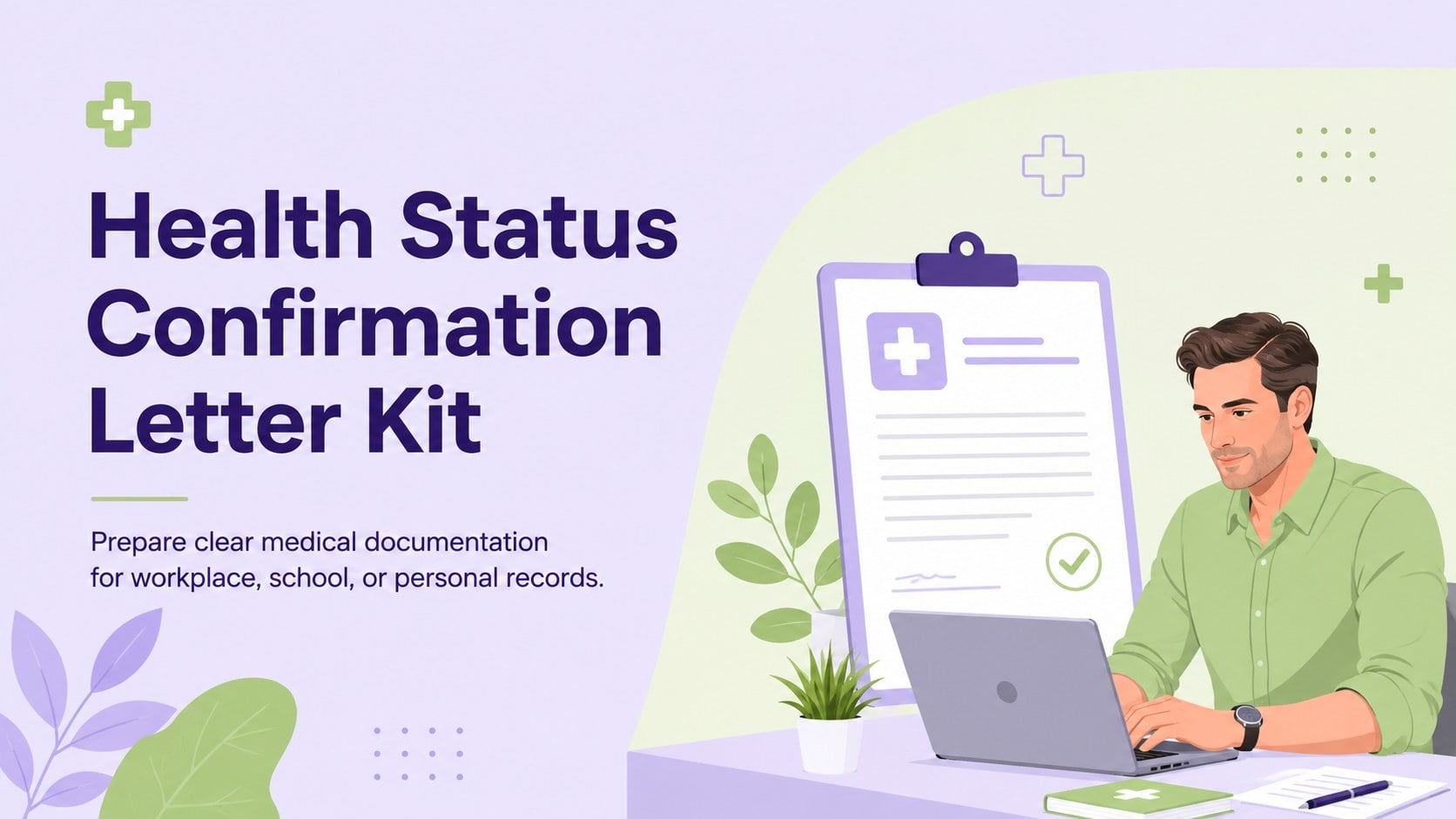
When health information must be documented clearly, the Health Status Confirmation Letter Kit provides a professional starting point. Its structured layouts help users prepare a doctor verification letter for employer records, school accommodations, leave requests, or other administrative needs without crowding the page with unnecessary detail. The purple and green illustrated style feels calm, credible, and approachable.
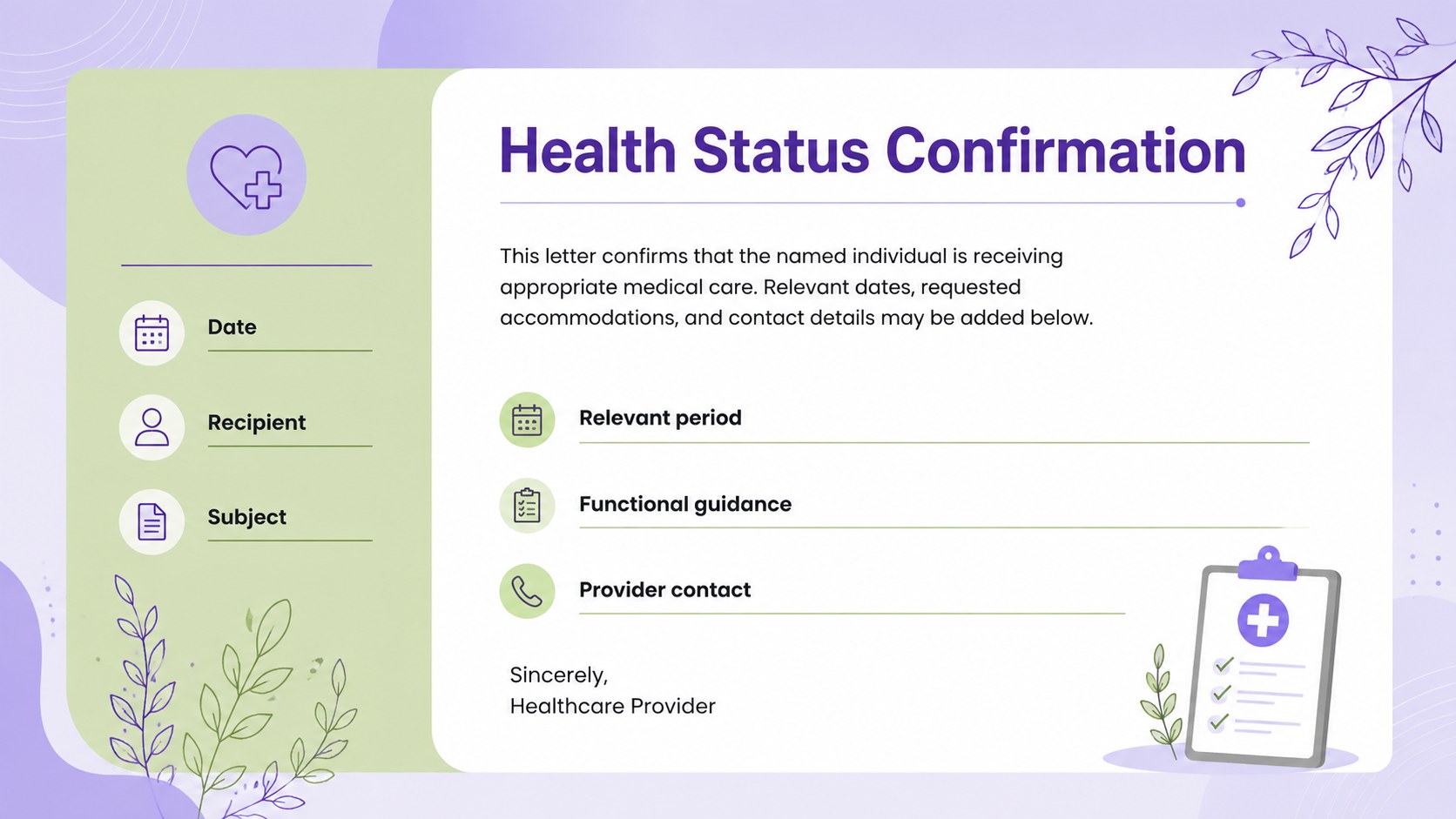
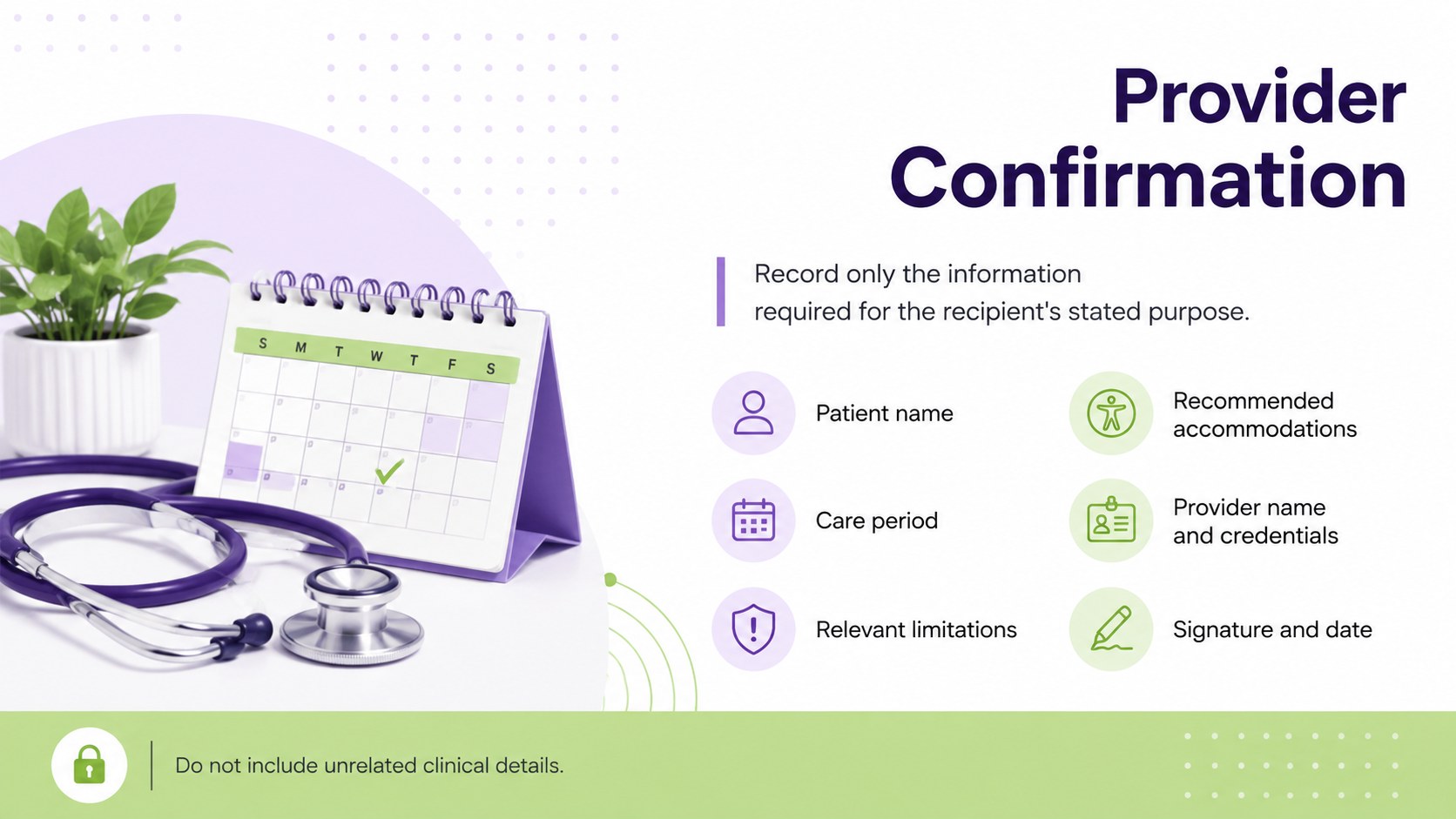
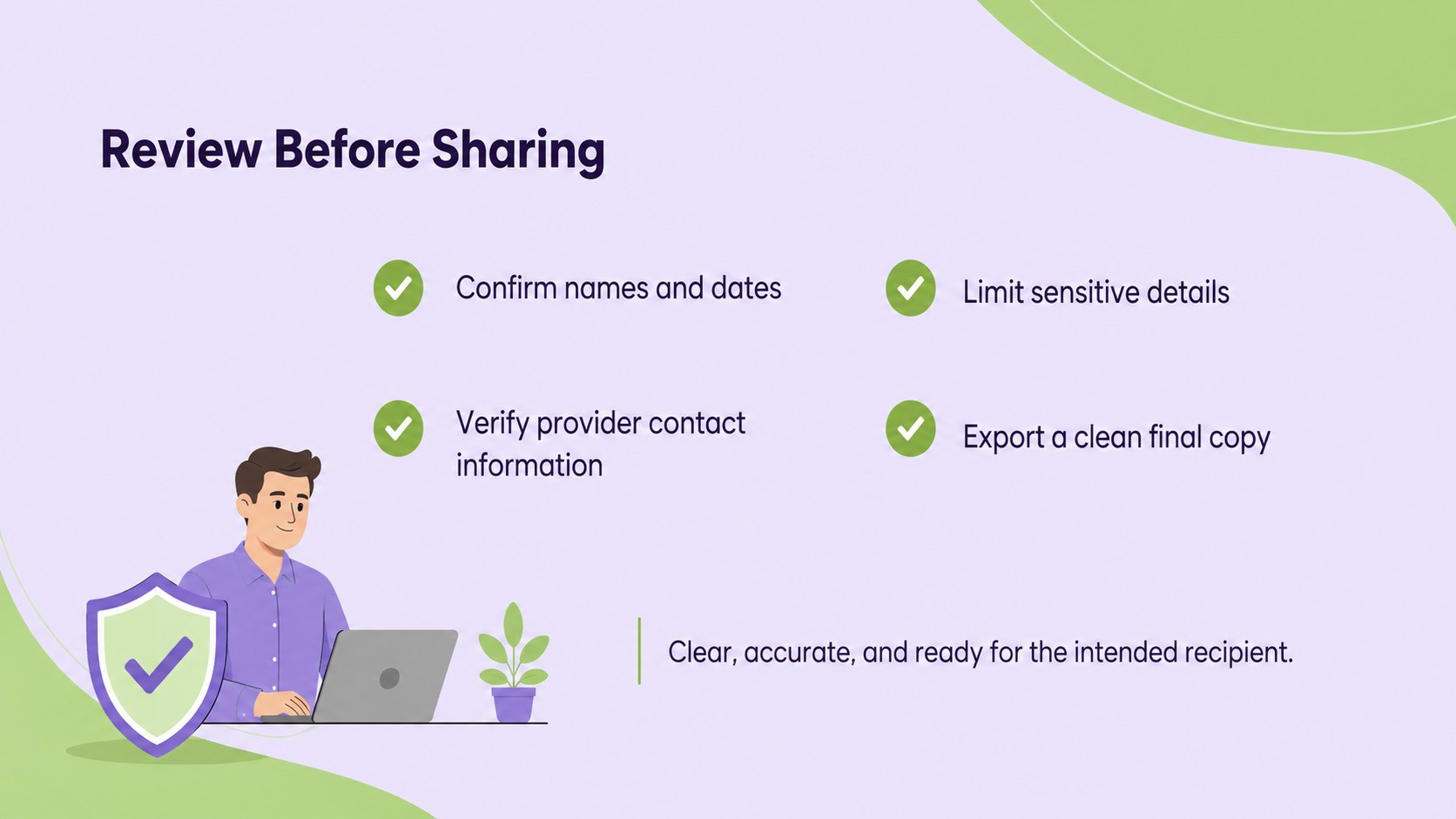
The kit includes a coordinated cover, a complete letter layout, a provider confirmation section, and a final review checklist. Editable placeholders guide the writer through recipient details, the reason for confirmation, relevant dates, functional limitations, contact information, and authorization language. The format can also be adapted as a medical documentation letter for school offices or as an editable health confirmation letter for personal records.
Healthcare professionals, clinic administrators, human resources teams, school staff, caregivers, and individuals can customize the slides in PowerPoint or Google Slides. Update the wording, typography, illustrations, and colors while preserving the clear information hierarchy. Before sharing, verify all dates and contact details, remove unused prompts, and disclose only information that the recipient genuinely requires. The result is a concise, organized communication kit that supports professional documentation while keeping the focus on clarity, privacy, and practical next steps.
Perfect for: workplace accommodation request; school health documentation; medical leave confirmation; insurance record submission; provider statement preparation.
Frequently asked questions
Can I edit the wording for a specific workplace or school? Yes. Replace the sample text, recipient information, dates, and confirmation details in PowerPoint or Google Slides. Remove any prompts that do not apply before exporting or sharing the letter.
Practical details
Yes. Replace the sample text, recipient information, dates, and confirmation details in PowerPoint or Google Slides. Remove any prompts that do not apply before exporting or sharing the letter.
The kit is designed for PowerPoint and Google Slides. Both platforms allow you to edit text, adjust colors, replace illustrations, and export the finished material as a PDF.
Yes. The provider section can be customized with a clinic name, professional credentials, contact information, and a signature field. Confirm that the final wording follows local policies and documentation requirements.
Include only the information needed for the stated administrative purpose and obtain appropriate authorization before disclosure. Review the completed letter for unnecessary diagnoses, personal identifiers, or internal notes.
Keep exploring
4Document wound findings, treatment decisions, and healing progress with clinical wound evaluation slides for nurses in PowerPoint and Google Slides.
 4
4Turn recurring updates into clear decisions with a weekly operations status briefing for PowerPoint and Google Slides, covering progress, risks, and priorities.
 4
4Turn recurring check-ins into focused decisions with a weekly leadership update deck for KPIs, priorities, blockers, owners, and next actions.
 4
4Use veterinary surgery consent form slides to explain procedures, anesthesia, risks, costs, and emergency decisions clearly before client approval.
 4
4Organize objectives, activities, and daily notes with this weekly classroom planner for teachers, editable in PowerPoint and Google Slides for easy prep.
 4
4Create colorful vocabulary assessment slides for lively word checks, review games, and classroom practice in PowerPoint or Google Slides. Easy to personalize.
 4
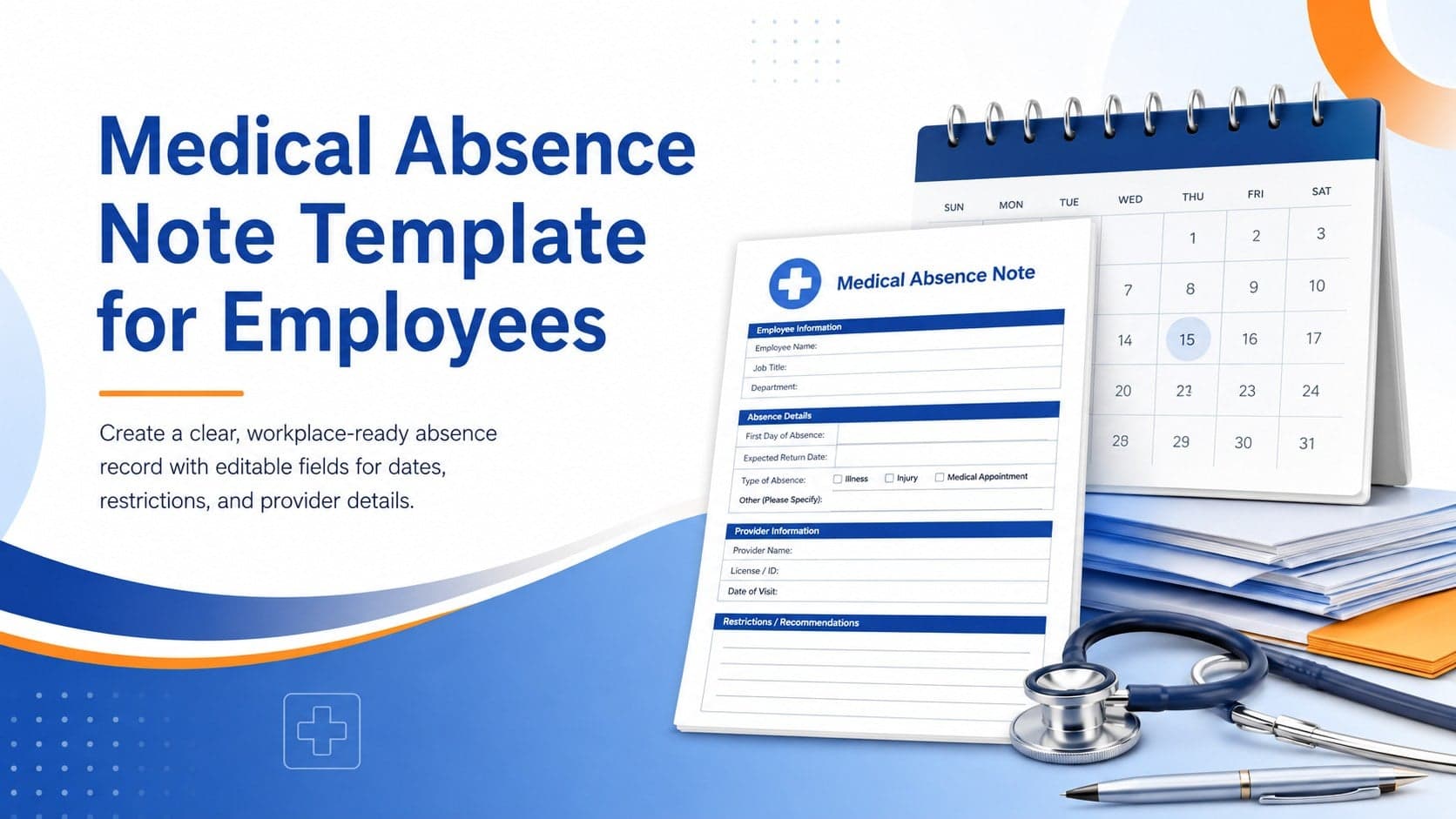
4Prepare a clear medical absence note template for employee records, with editable fields and polished blue-orange slides for PowerPoint and Google Slides.
 4
4Prepare pet owners for treatment with a veterinary procedure authorization form covering risks, medication, contacts, and approval details.