
 15
15presentation
Flying Saucer History Lesson Deck
Build an engaging World UFO Day session with this flying saucer history lesson deck, featuring retro green-and-brown slides for PowerPoint and Google Slides.
Google SlidesPowerPoint
presentation · English
Lead practical safety sessions with a Hazard Control Workshop Deck featuring editable black-and-yellow layouts for PowerPoint and Google Slides.


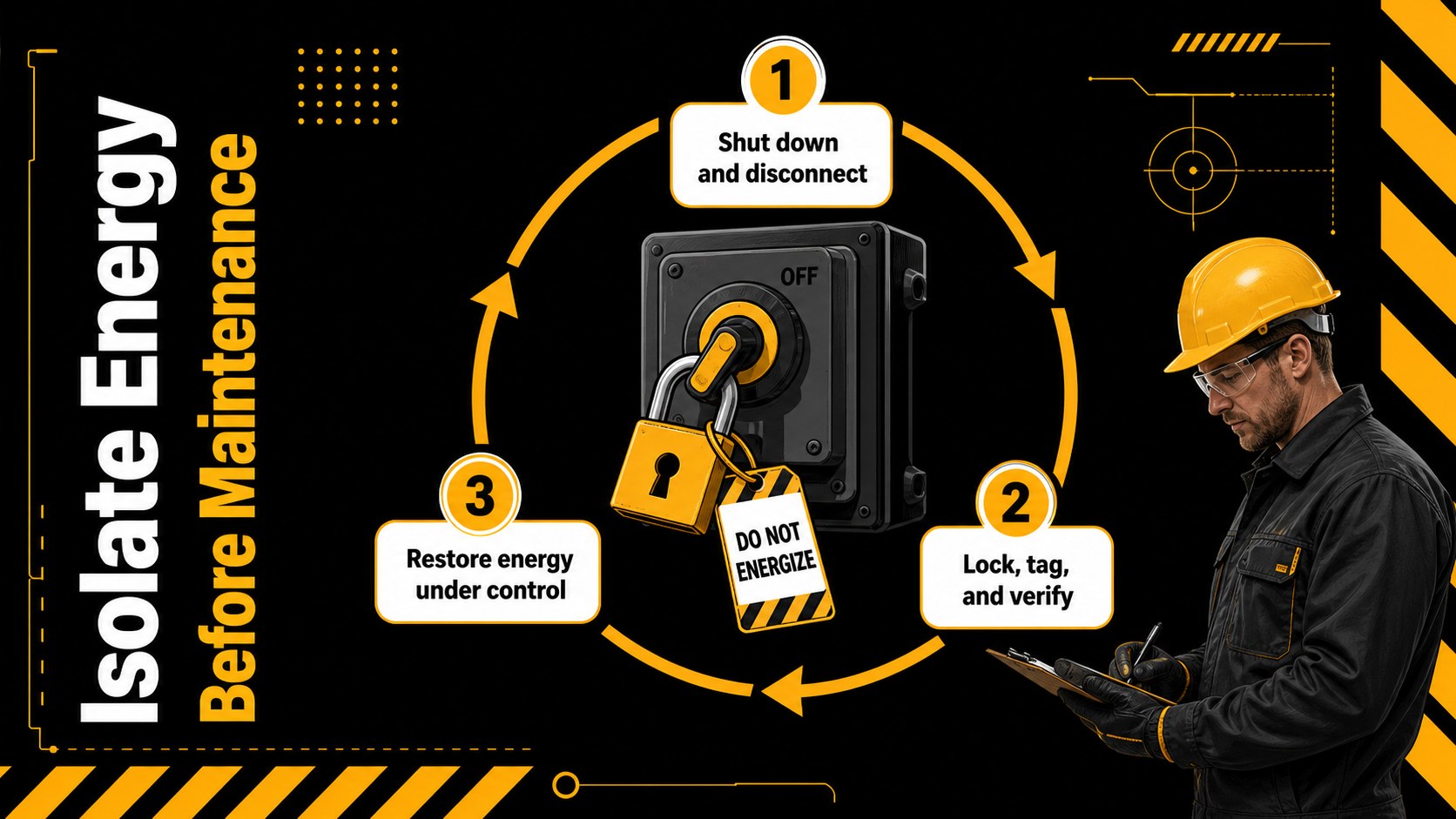
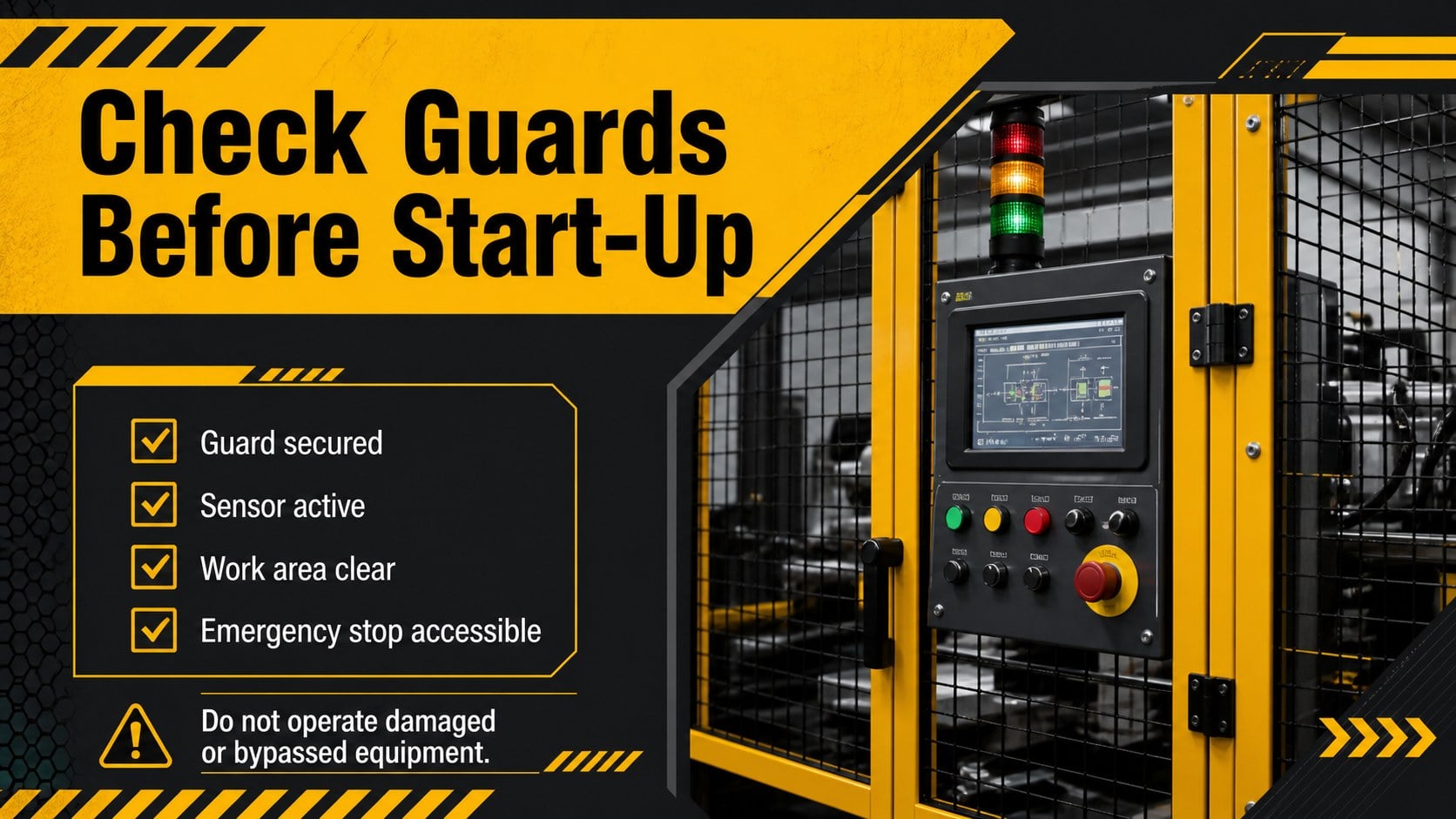
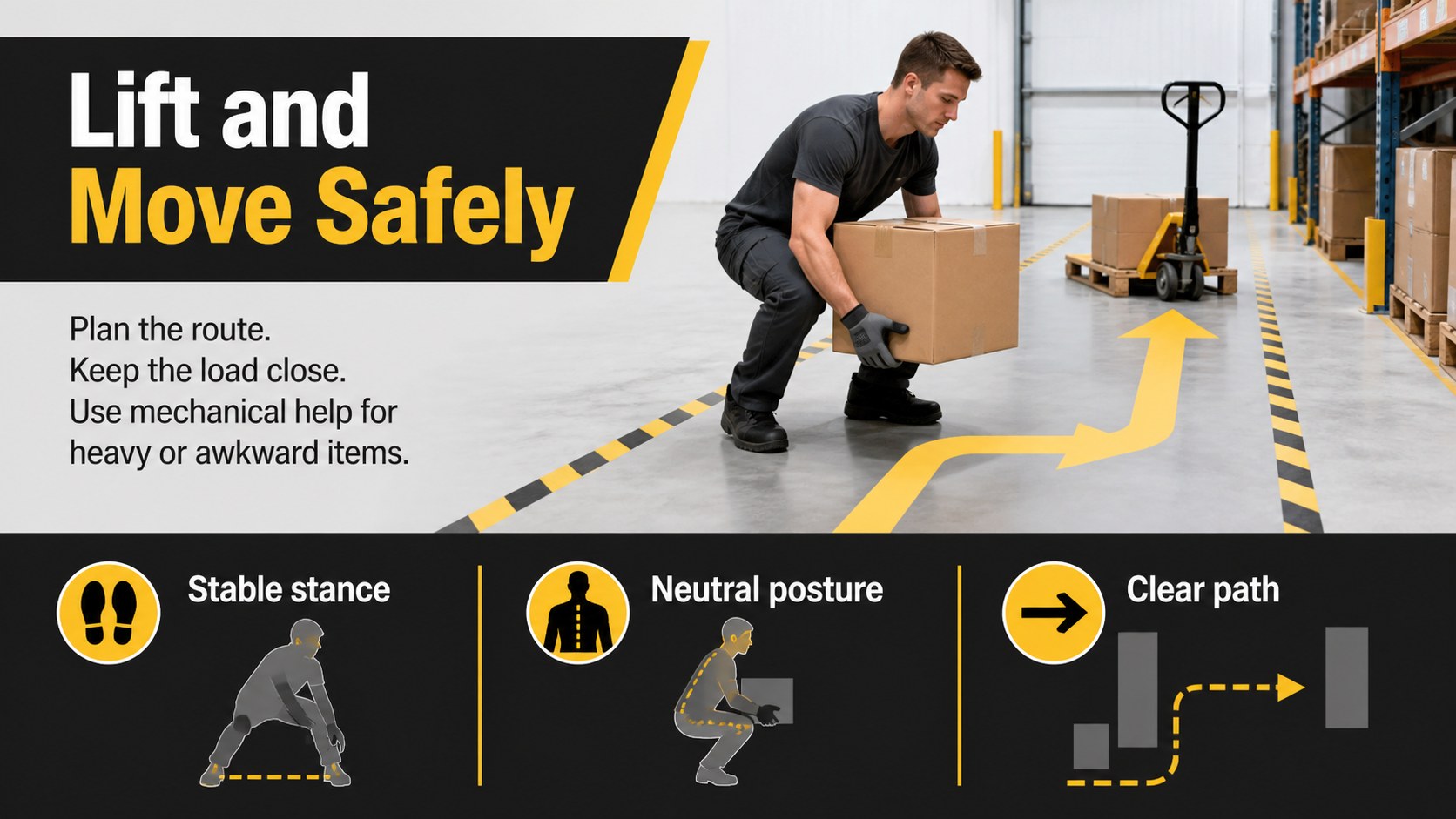
Design notes
Build a more alert workforce with the Hazard Control Workshop Deck, a bold black-and-yellow presentation designed for clear, practical instruction. Its high-contrast visual system helps trainers emphasize hazards, required precautions, and immediate response steps without crowding each slide. Edit the deck in PowerPoint or Google Slides to match your facility, policies, and workforce.
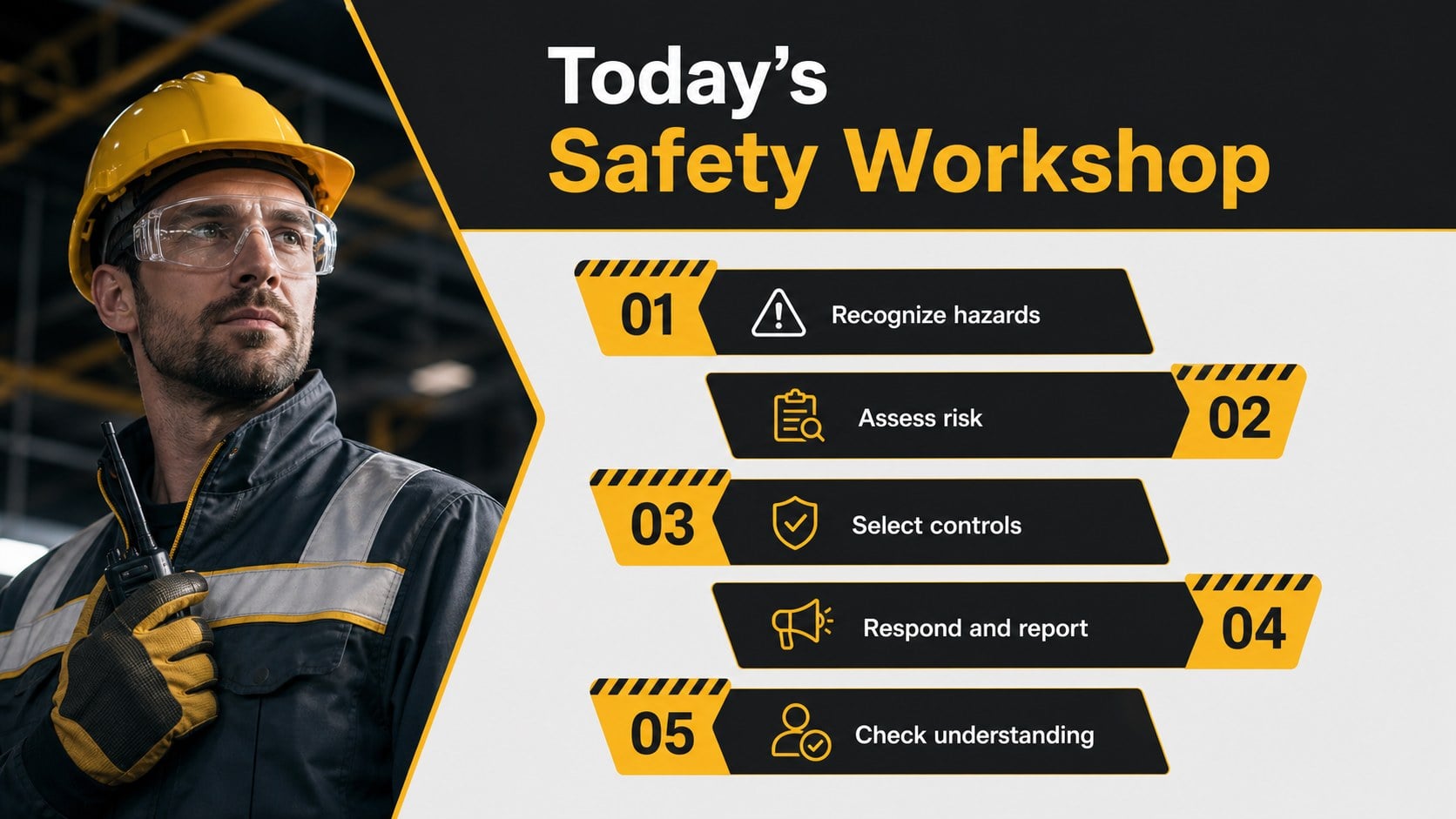
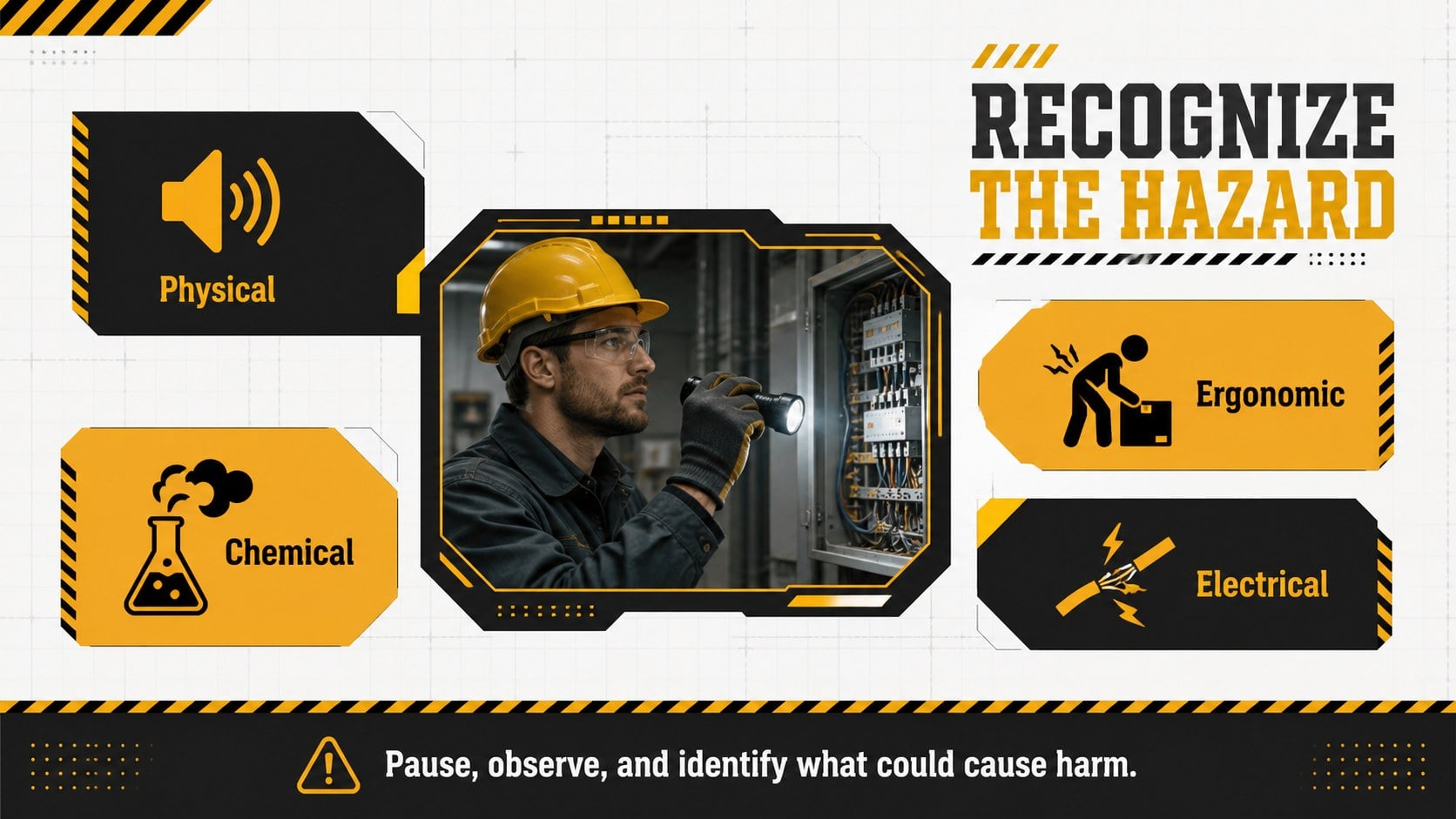
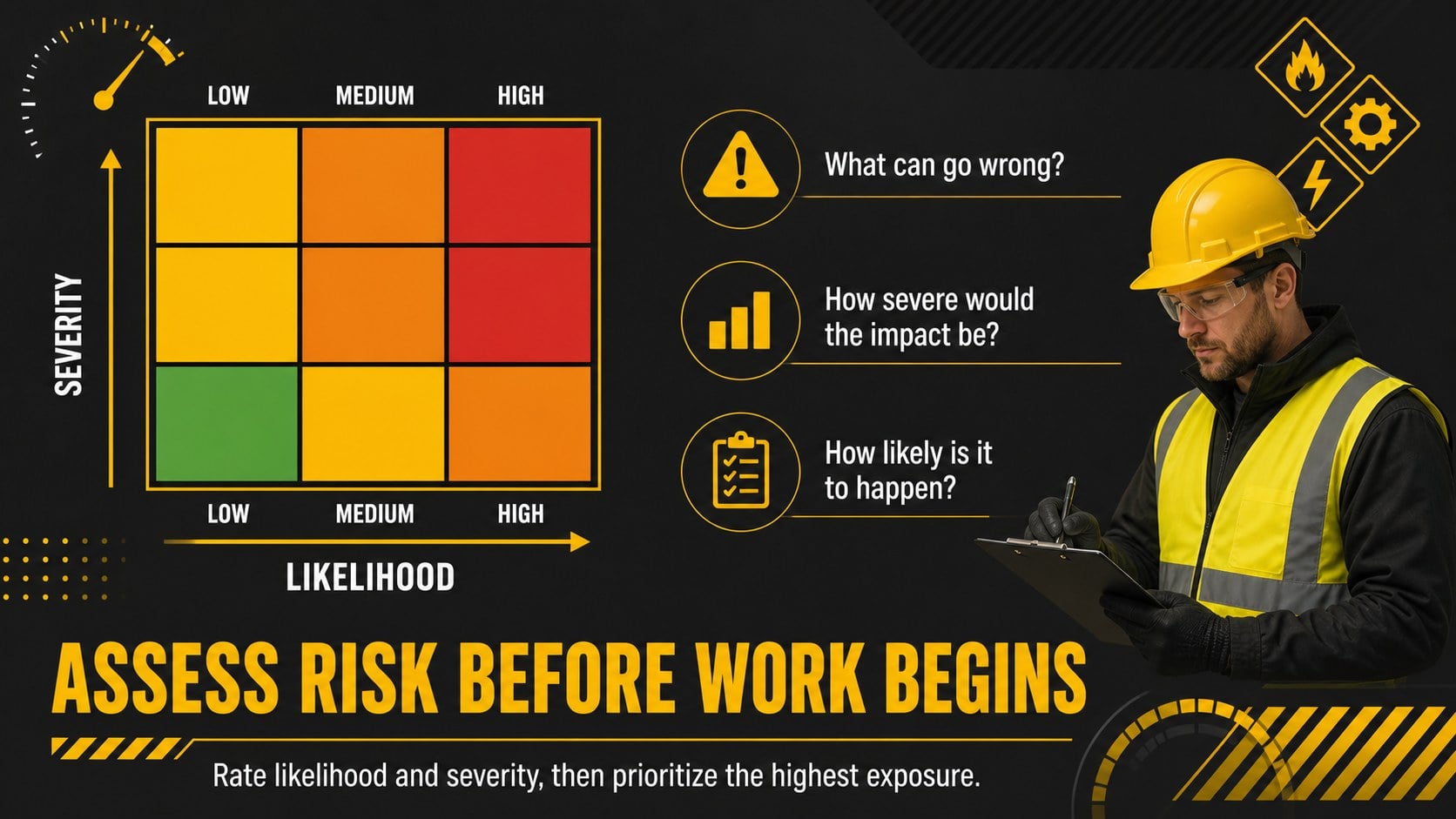
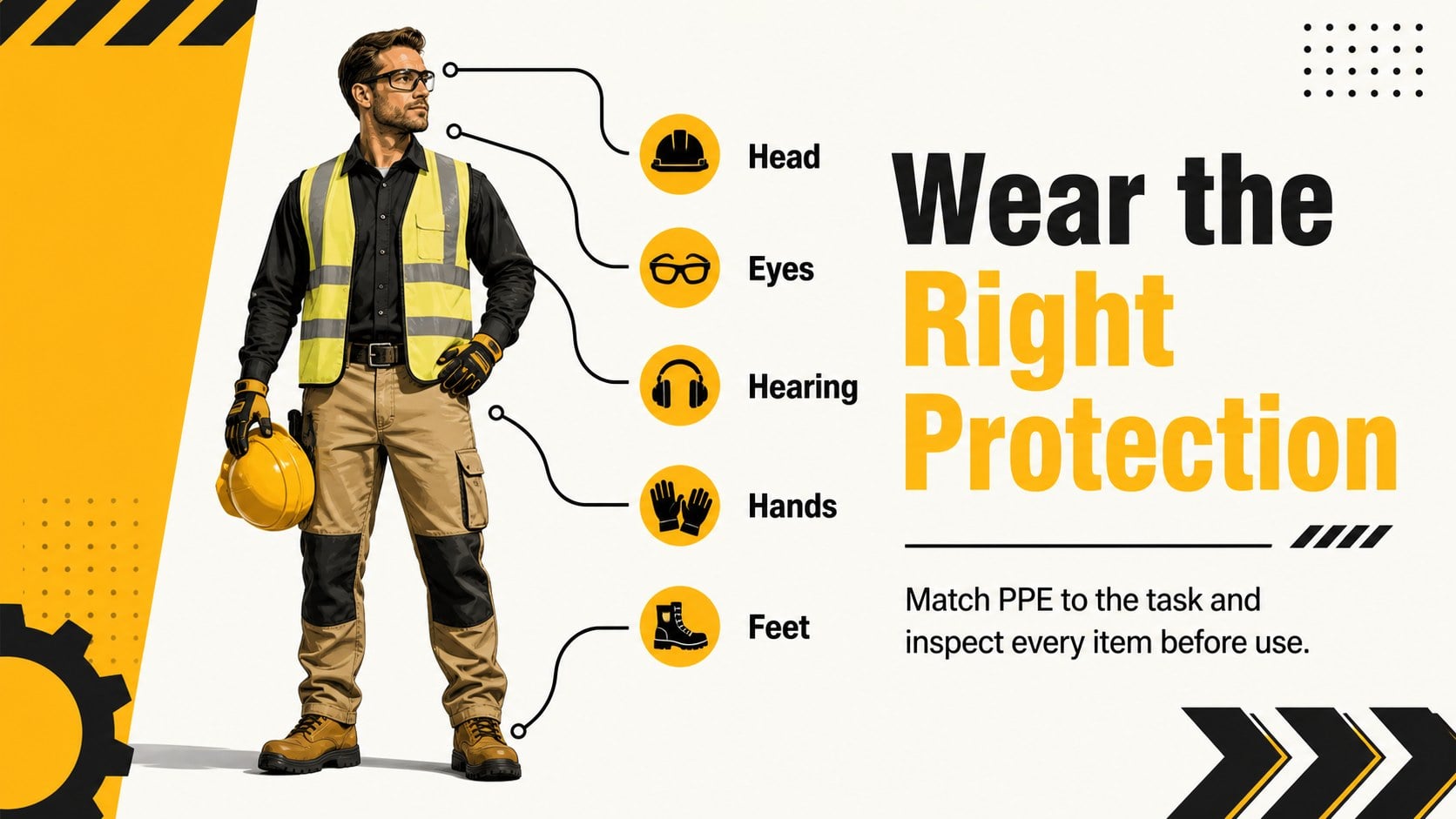
The presentation includes layouts for workshop objectives, hazard categories, risk assessment, the hierarchy of controls, personal protective equipment, equipment isolation, incident reporting, emergency response, and a final knowledge check. Use the industrial workplace safety training template to combine concise instructions with diagrams, checklists, process steps, and data. Dedicated layouts also support a manufacturing safety orientation or a workplace hazard prevention presentation tailored to local operations.
This deck is built for safety managers, plant supervisors, operations leaders, compliance specialists, contractors, and technical instructors. It works well for onboarding, refresher training, pre-shift briefings, toolbox talks, and compliance workshops. Every 16:9 slide can be adapted with your own procedures, warning symbols, photographs, charts, and contact details. The restrained geometric style remains professional while the yellow accents draw attention to critical actions, helping facilitators keep discussions structured and memorable.
Perfect for: new employee safety orientation; factory toolbox talk; annual compliance refresher; contractor site induction; hazard recognition workshop; emergency response briefing.
Frequently asked questions
Can I edit this deck in PowerPoint and Google Slides? Yes. All text, colors, shapes, diagrams, and image placeholders can be edited in PowerPoint and Google Slides. Some transitions or fonts may vary slightly between the two platforms.
Practical details
Yes. All text, colors, shapes, diagrams, and image placeholders can be edited in PowerPoint and Google Slides. Some transitions or fonts may vary slightly between the two platforms.
Replace the sample procedures with your site rules, emergency contacts, hazard photographs, and reporting steps. You can also adjust the warning icons and accent colors while retaining the high-contrast black-and-yellow design.
The layouts support common topics such as hazard recognition, PPE, equipment isolation, incident reporting, and emergency response. Add the regulations, standards, and approved procedures that apply to your location and industry.
Yes. Use the complete sequence for a structured orientation or select individual slides for toolbox talks and refresher sessions. The modular layouts make it easy to shorten or expand the workshop.
Keep exploring
15Build an engaging World UFO Day session with this flying saucer history lesson deck, featuring retro green-and-brown slides for PowerPoint and Google Slides.
 15
15Plan a lively animal-learning journey with this jungle zoo adventure lesson deck, ready to customize in PowerPoint and Google Slides for young learners.
 16
16Turn environmental research into a clear story with a Watercolor Ecology Presentation Theme for PowerPoint and Google Slides in calming green and blue.
 16
16Build focused fashion, literature, and humanities presentations with the Red Triangle Editorial Theme, editable in PowerPoint and Google Slides.
 15
15Turn streaming stats, favorite tracks, and concert highlights into a bold annual listening recap slide deck for PowerPoint and Google Slides.
 15
15Turn highlights, milestones, and favorite moments into a colorful year in review slide deck with bold 3D graphics for PowerPoint and Google Slides.
 3
3Build a credible endorsement with Standout Colleague Recommendation Letter Slides, featuring colorful prompts for skills, achievements, and team impact.
 4
4Build clear beginner sessions with an ice hockey fundamentals training deck for coaches, PE teachers, and clubs, ready for PowerPoint and Google Slides.