
 15
15presentation
Flying Saucer History Lesson Deck
Build an engaging World UFO Day session with this flying saucer history lesson deck, featuring retro green-and-brown slides for PowerPoint and Google Slides.
Google SlidesPowerPoint
presentation · English
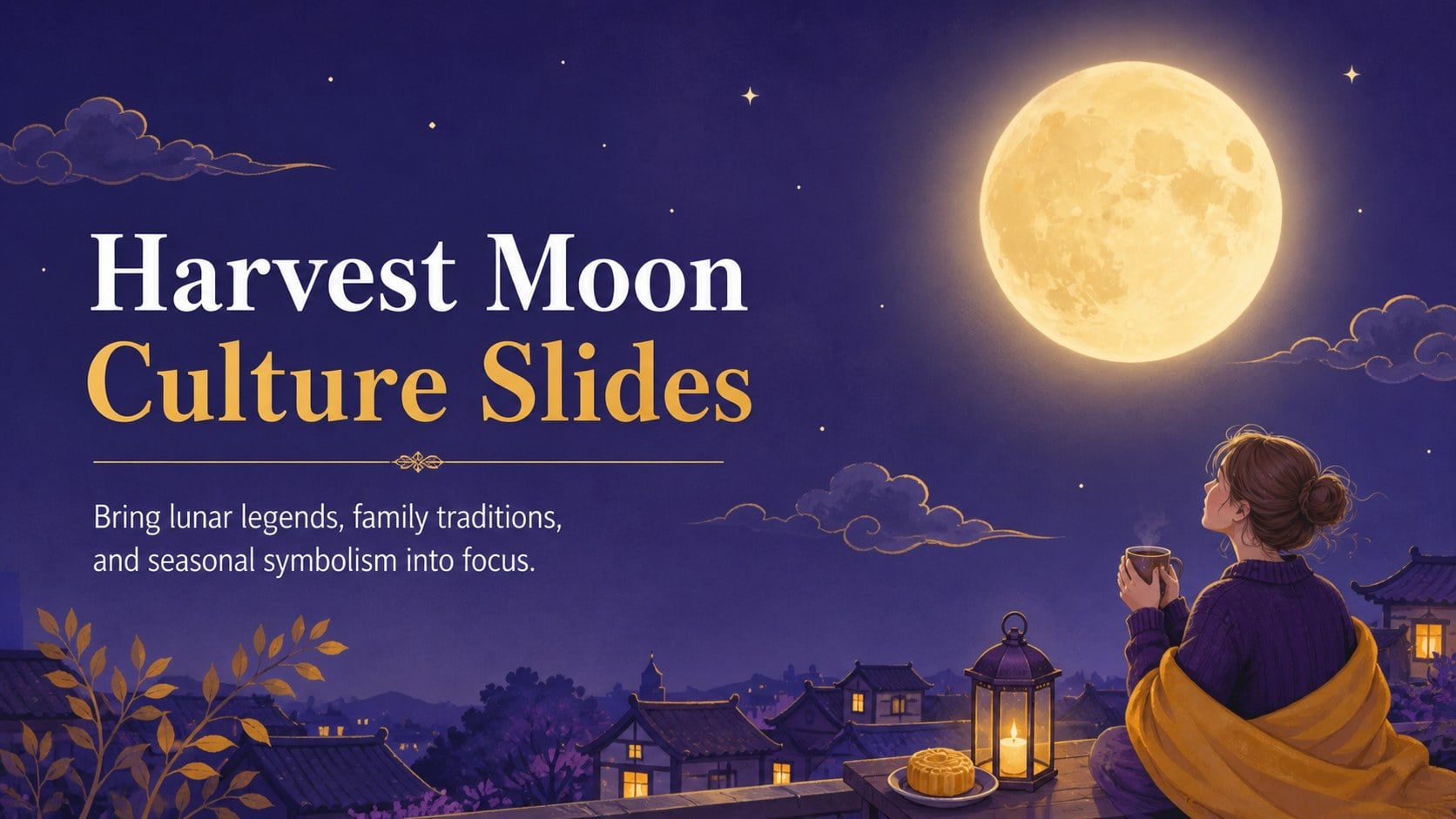
Create a vivid harvest moon culture slides deck for lessons, festivals, and community events, with editable purple-yellow artwork for PowerPoint and Google…
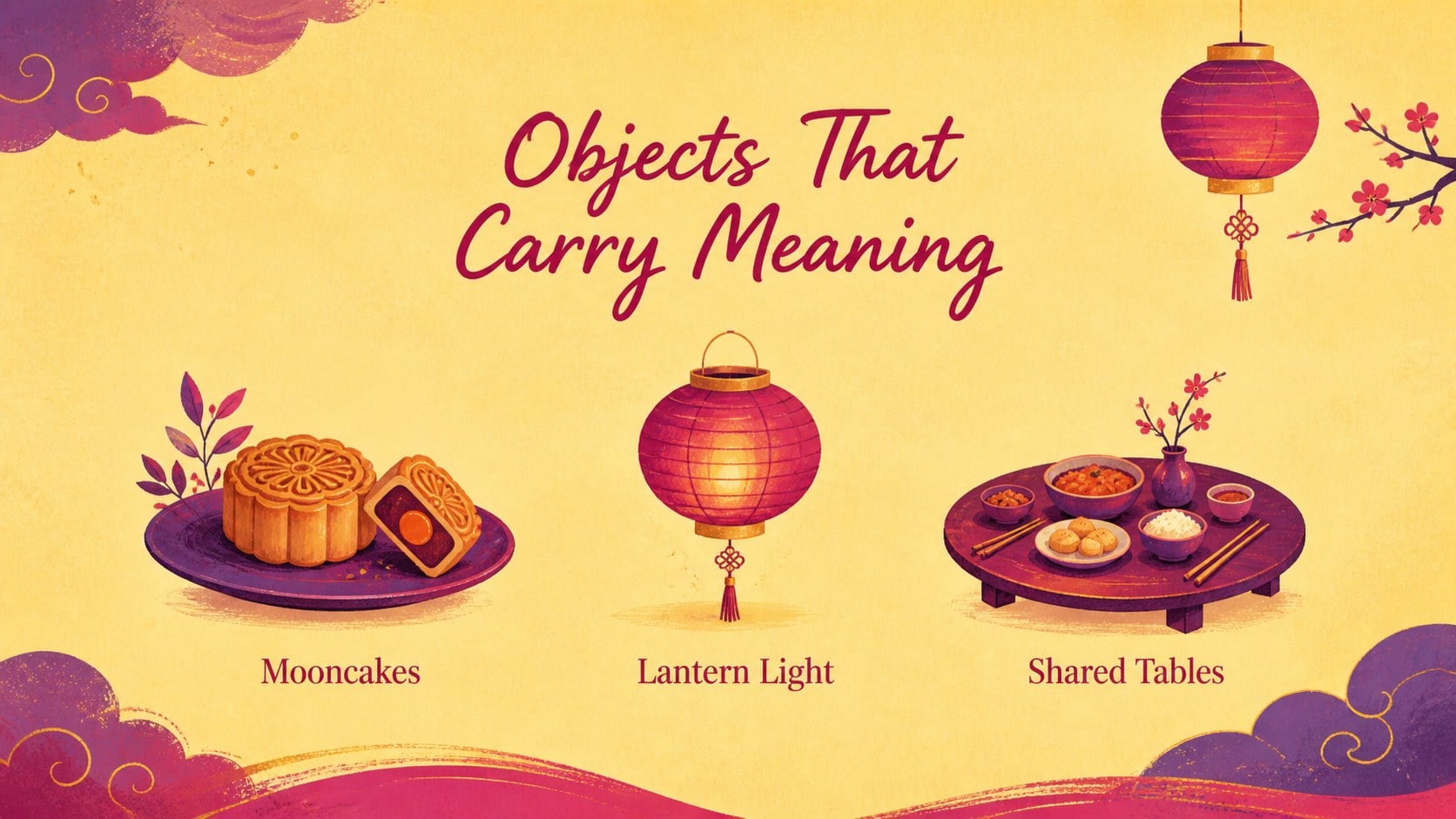
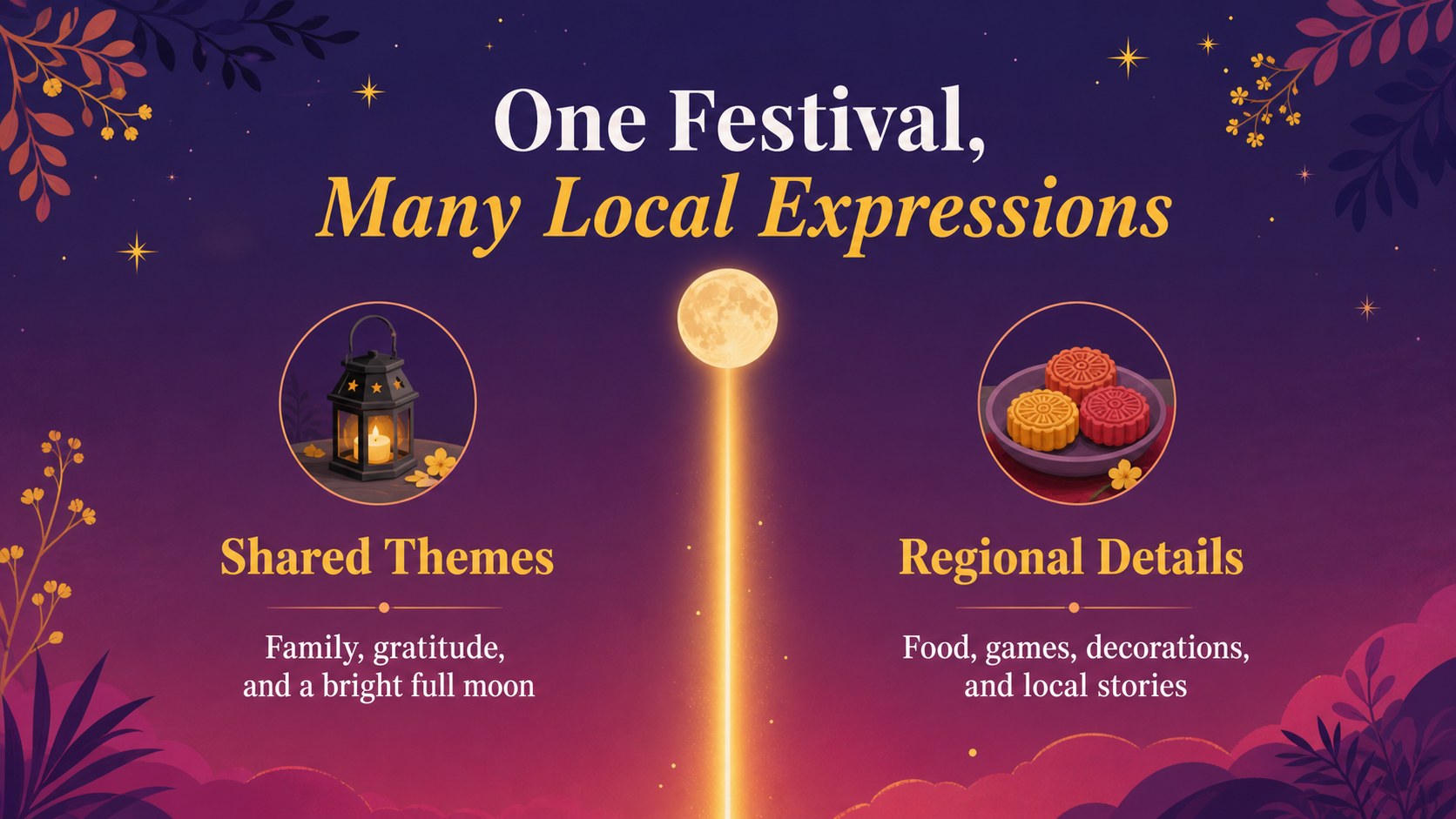
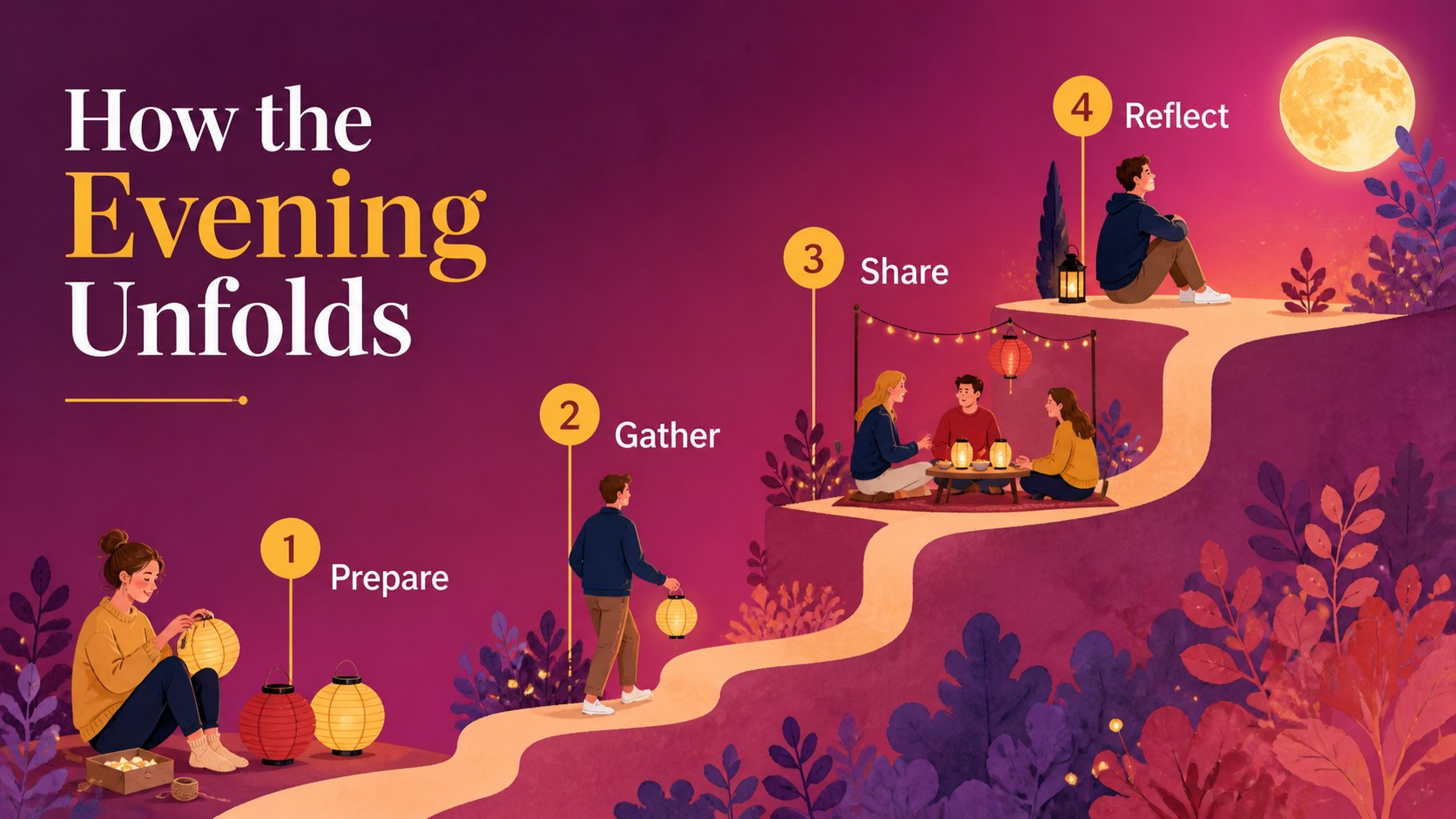


Design notes
Use this harvest moon culture slides deck to introduce the Mid-Autumn Festival through stories, symbols, customs, and seasonal imagery. The illustrated purple-and-yellow design gives teachers, community organizers, and event hosts a memorable way to explain the celebration while keeping information easy to follow. It works well for classroom lessons, cultural programs, museum talks, and virtual gatherings.
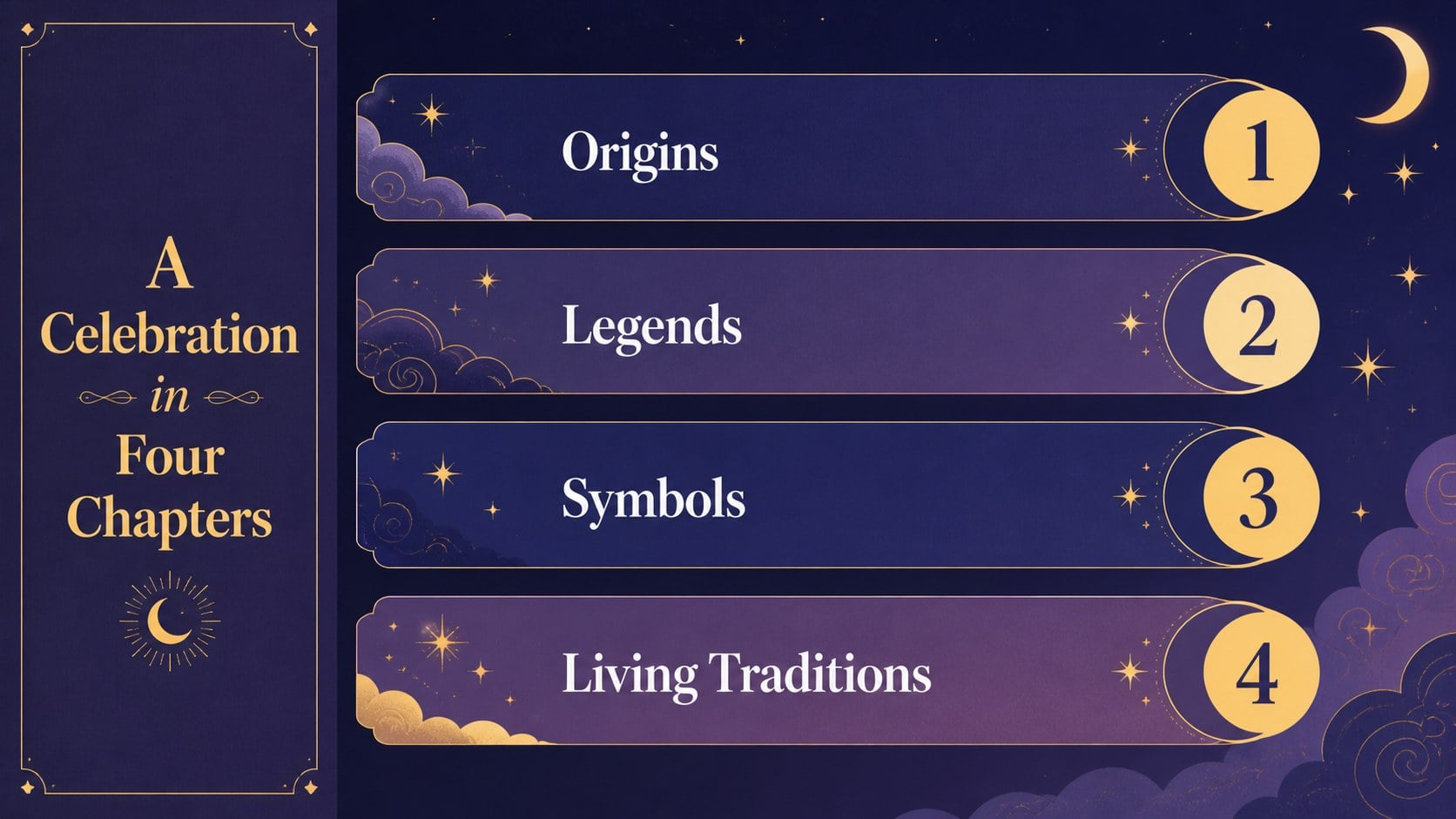
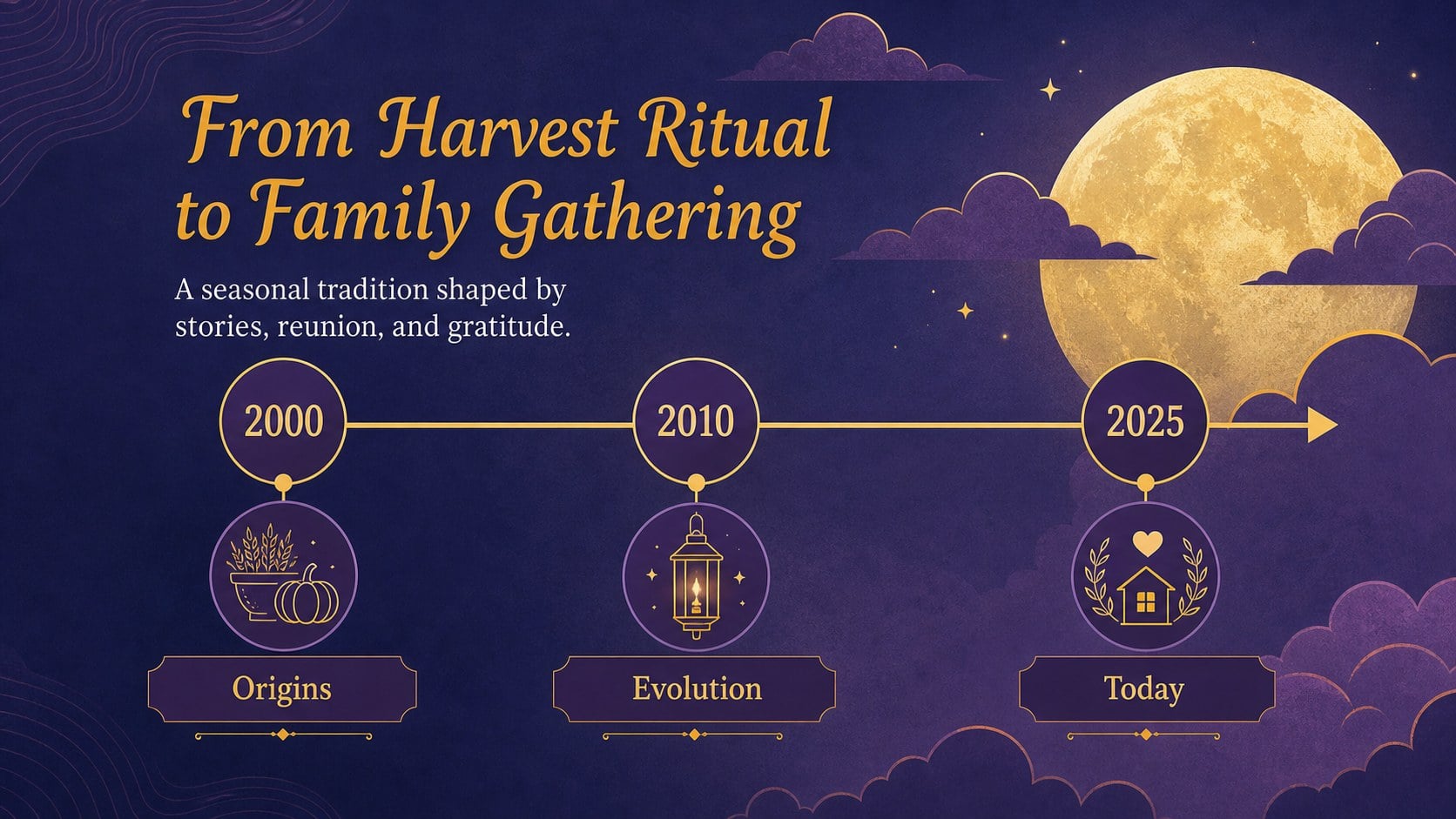
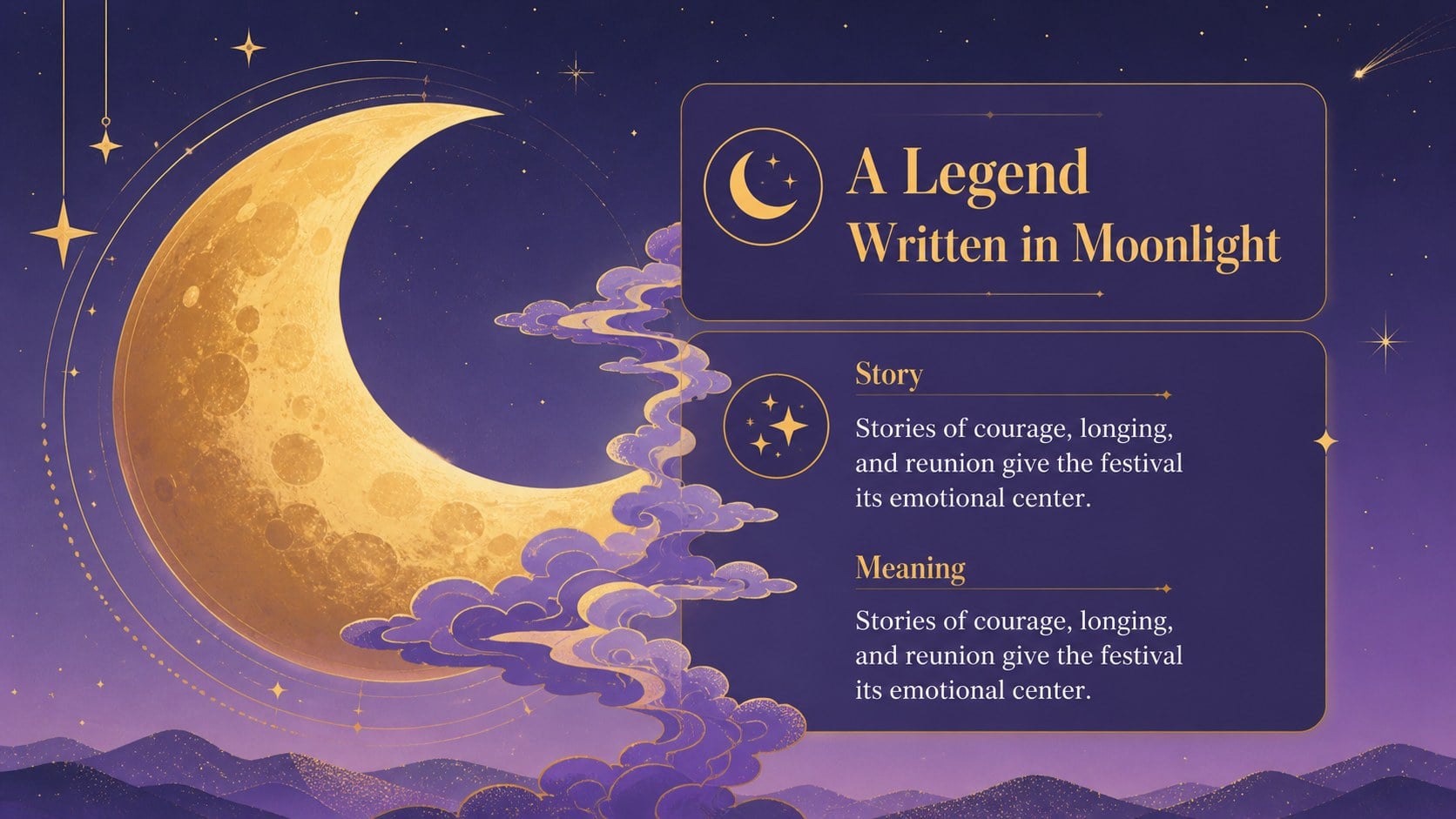
Inside, you will find 15 editable 16:9 layouts for a title page, agenda, historical overview, legend, cultural symbols, regional traditions, timeline, comparison, image showcase, data highlights, event plan, and closing message. Add your own text, photos, charts, and illustrations in PowerPoint or Google Slides. The design system combines luminous gradients, moon motifs, clouds, stars, watercolor textures, and elegant display typography while maintaining strong contrast for readable content.
This cultural festival presentation template is suitable for elementary and secondary education, heritage organizations, tourism teams, libraries, and seasonal celebration committees. Adapt it into a moon festival lesson deck, a community event briefing, or an engaging introduction to East Asian traditions. The layouts are fully customizable, so you can adjust colors, reorder sections, and tailor the level of detail to your audience.
Perfect for: elementary culture lesson; community heritage event; museum festival talk; tourism introduction; library seasonal program.
Frequently asked questions
Which presentation platforms are supported? The deck is designed for PowerPoint and Google Slides. Both formats let you edit the text, move elements, and adjust the visual content.
Practical details
The deck is designed for PowerPoint and Google Slides. Both formats let you edit the text, move elements, and adjust the visual content.
Yes. You can replace the purple and yellow palette, change fonts, edit decorative elements, and adapt the layouts to your organization or classroom. The original visual style can also be preserved while updating the content.
Yes. The sequence supports an agenda, historical context, legends, symbols, regional customs, and a final discussion. Teachers can simplify the wording for younger learners or add research details for older students.
Yes. The editable layouts can present an event schedule, cultural background, visitor information, or speaker notes. Replace the sample copy with your own dates, locations, images, and program details.
Keep exploring
15Build an engaging World UFO Day session with this flying saucer history lesson deck, featuring retro green-and-brown slides for PowerPoint and Google Slides.
 15
15Plan a lively animal-learning journey with this jungle zoo adventure lesson deck, ready to customize in PowerPoint and Google Slides for young learners.
 16
16Turn environmental research into a clear story with a Watercolor Ecology Presentation Theme for PowerPoint and Google Slides in calming green and blue.
 16
16Build focused fashion, literature, and humanities presentations with the Red Triangle Editorial Theme, editable in PowerPoint and Google Slides.
 15
15Turn streaming stats, favorite tracks, and concert highlights into a bold annual listening recap slide deck for PowerPoint and Google Slides.
 15
15Turn highlights, milestones, and favorite moments into a colorful year in review slide deck with bold 3D graphics for PowerPoint and Google Slides.
 3
3Build a credible endorsement with Standout Colleague Recommendation Letter Slides, featuring colorful prompts for skills, achievements, and team impact.
 4
4Build clear beginner sessions with an ice hockey fundamentals training deck for coaches, PE teachers, and clubs, ready for PowerPoint and Google Slides.