
 15
15presentation
Flying Saucer History Lesson Deck
Build an engaging World UFO Day session with this flying saucer history lesson deck, featuring retro green-and-brown slides for PowerPoint and Google Slides.
Google SlidesPowerPoint
presentation · English
Build a crowd-ready Halloween quiz party game slides deck in purple, orange, and black, with editable rounds for PowerPoint and Google Slides.
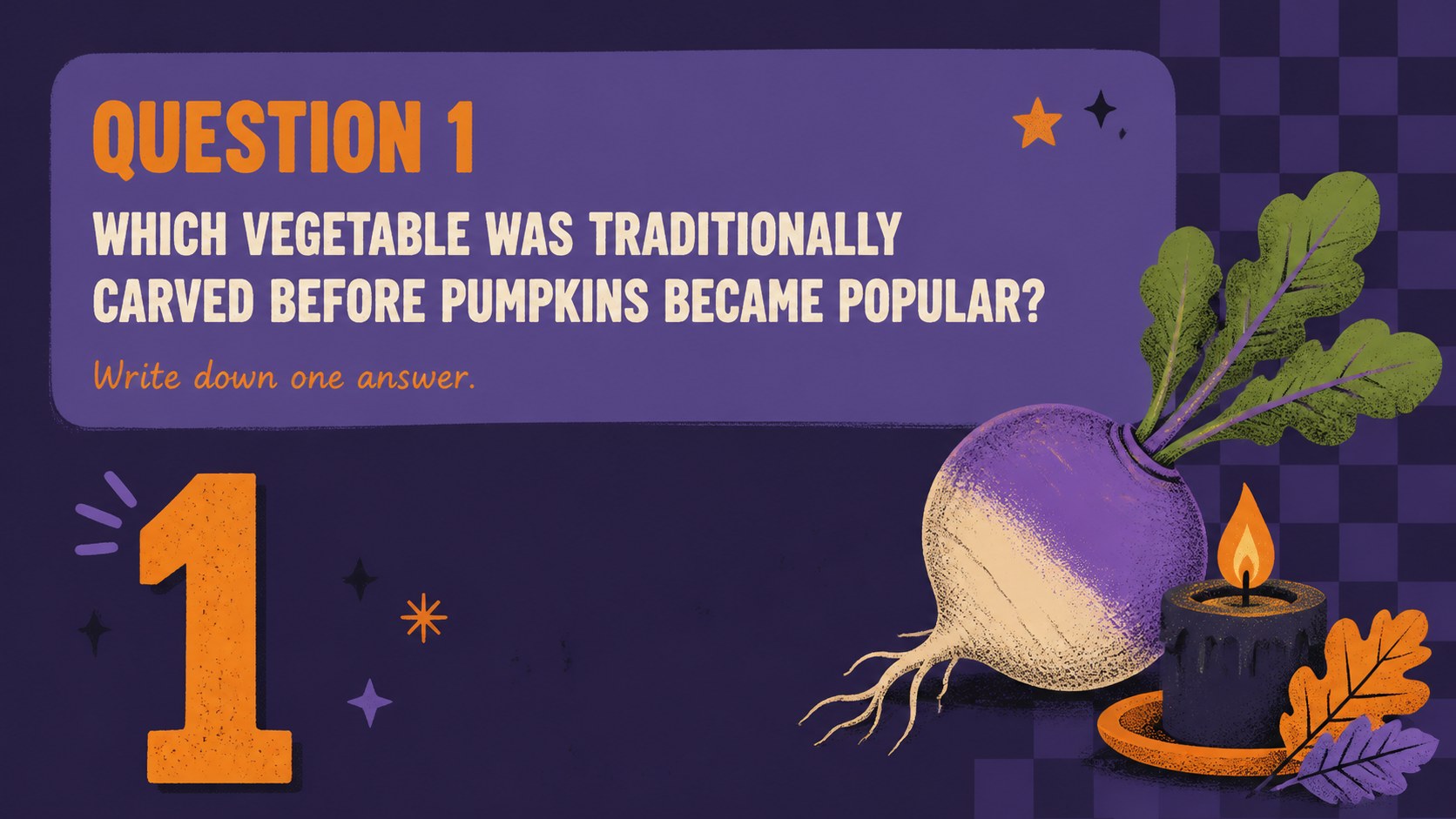
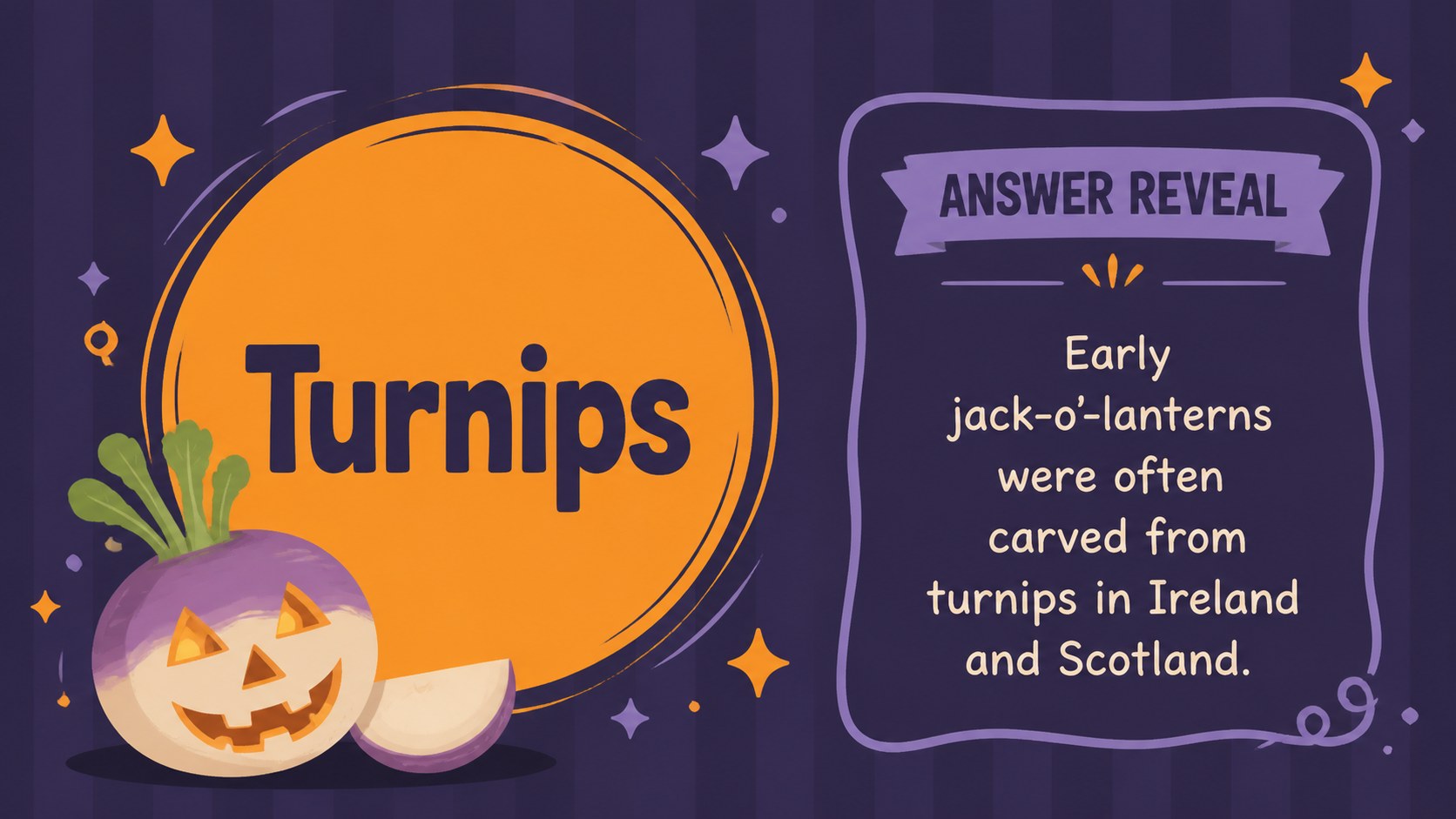
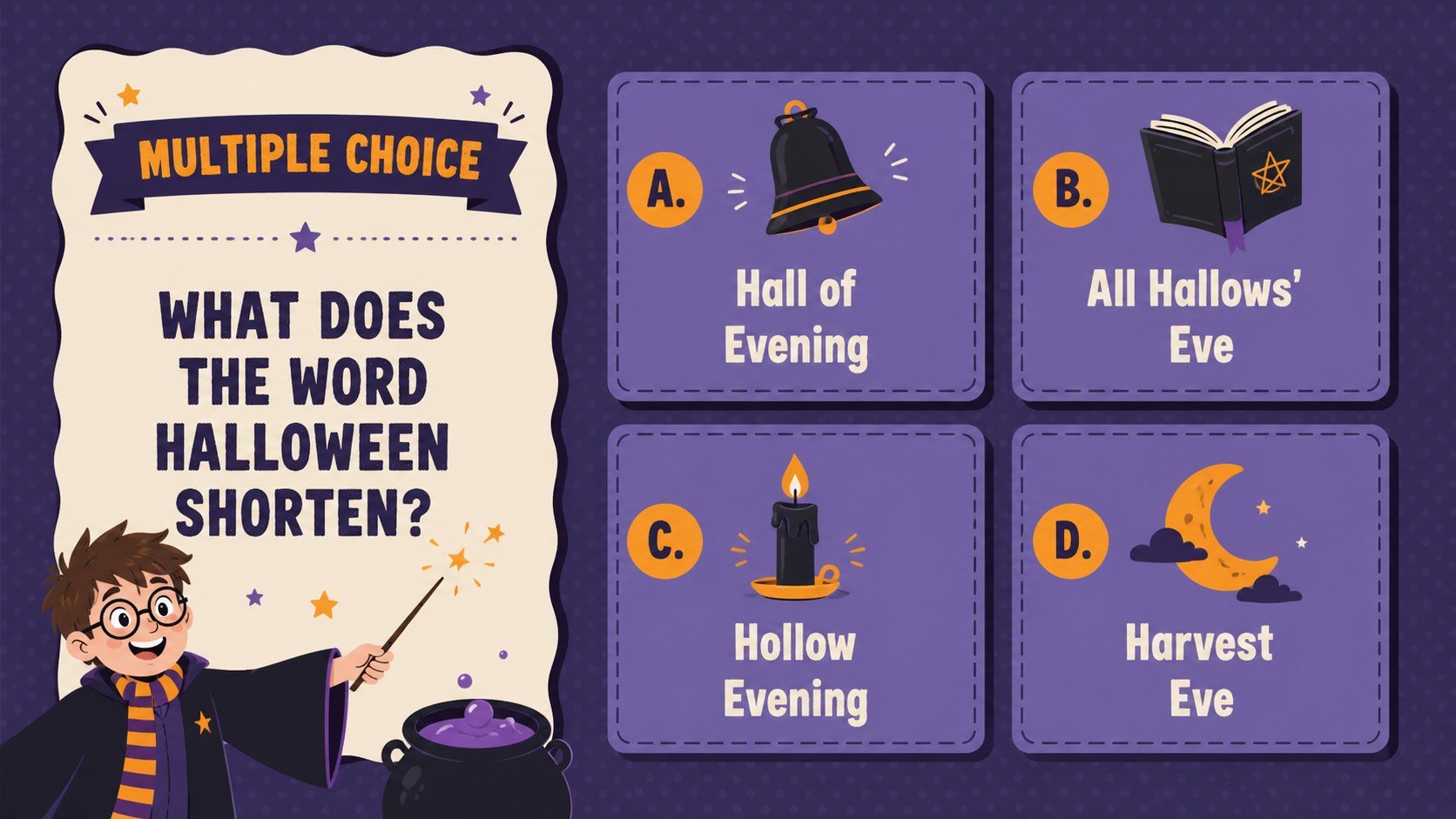
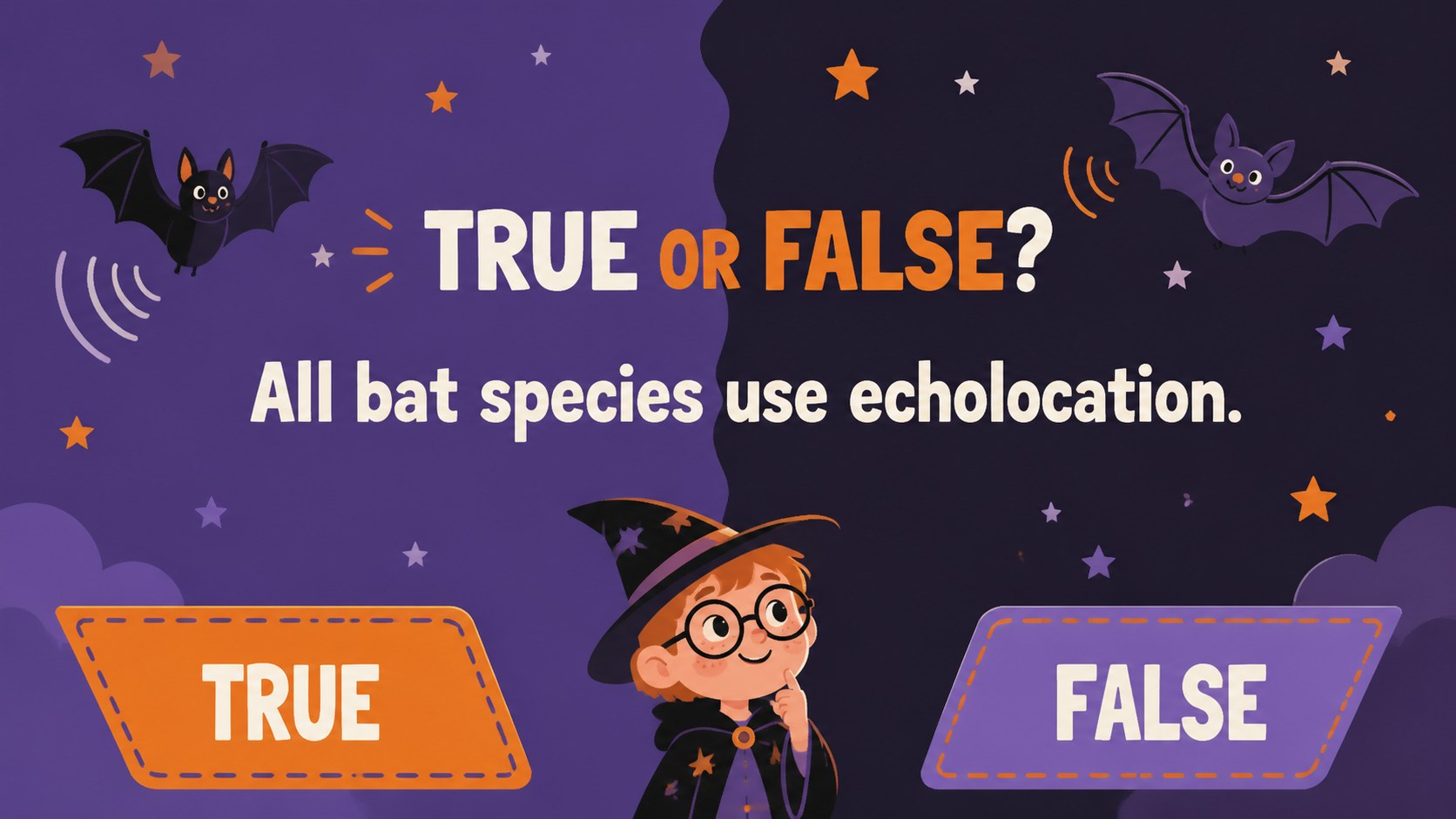
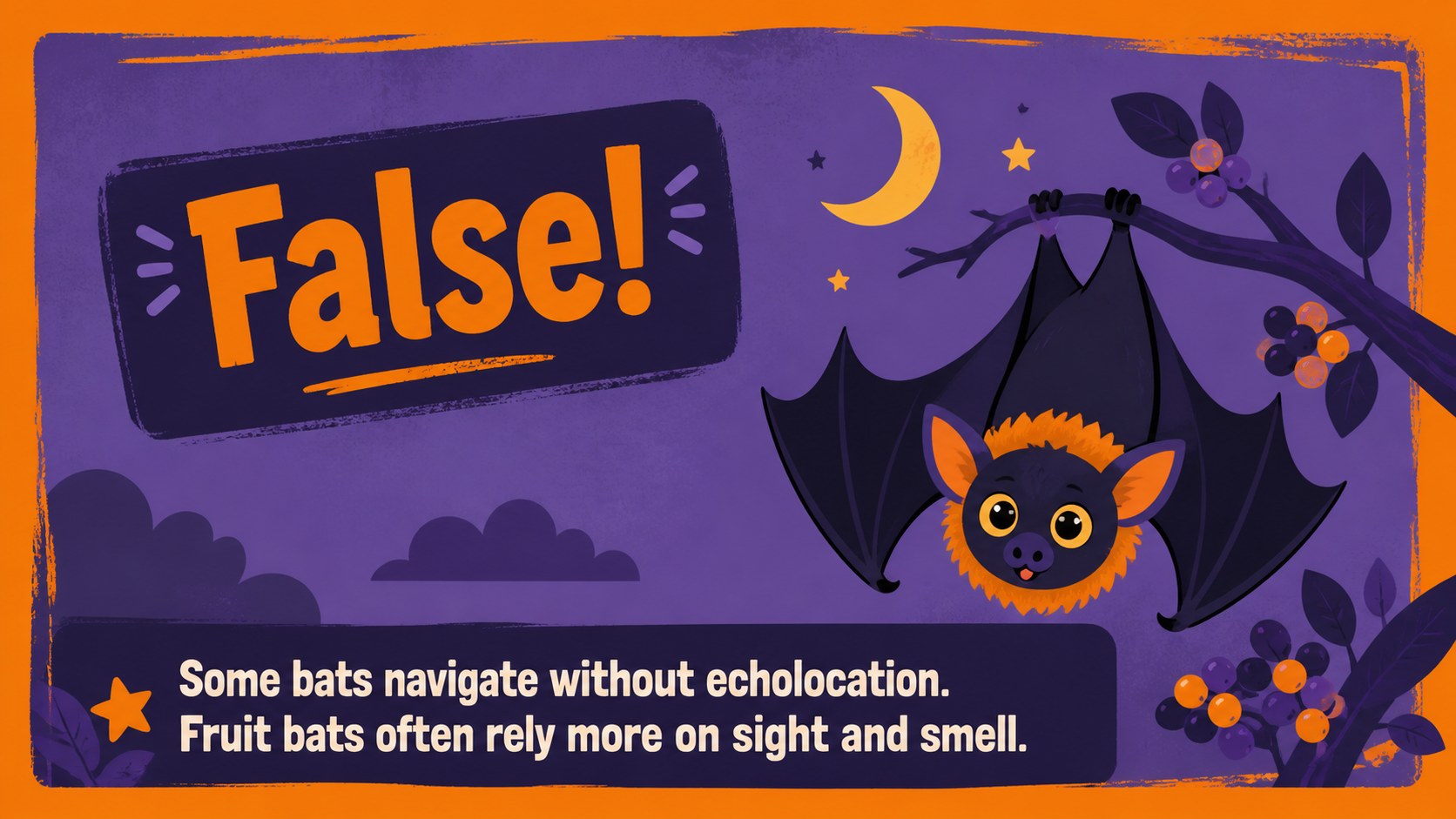
Design notes
Turn your gathering into a spirited competition with Halloween quiz party game slides designed for quick, confident hosting. The vivid purple, orange, and black palette sets a playful spooky mood, while original cartoon decorations give every round a friendly seasonal character. Add your own questions, divide guests into teams, and present the game from PowerPoint or Google Slides.
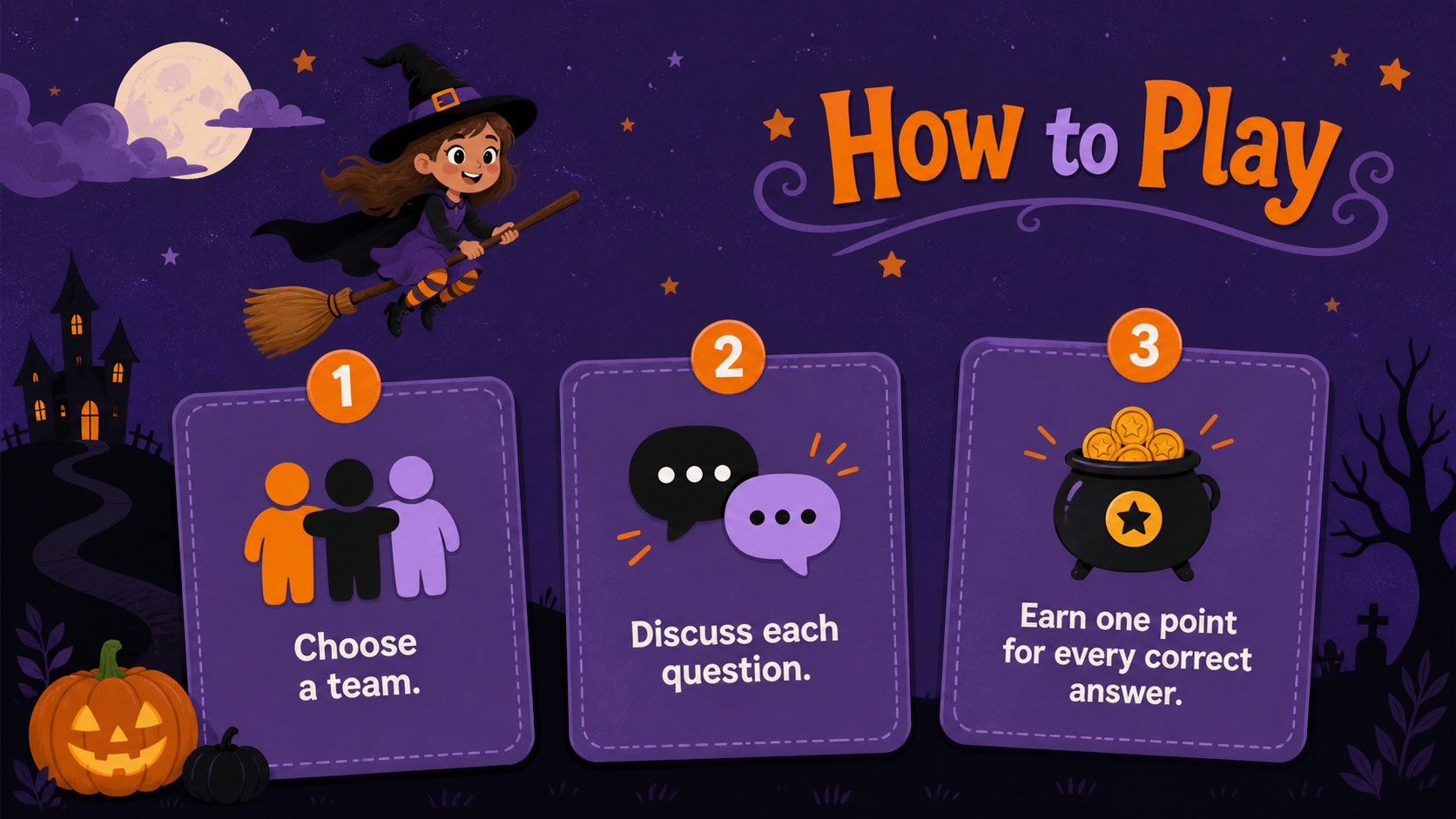
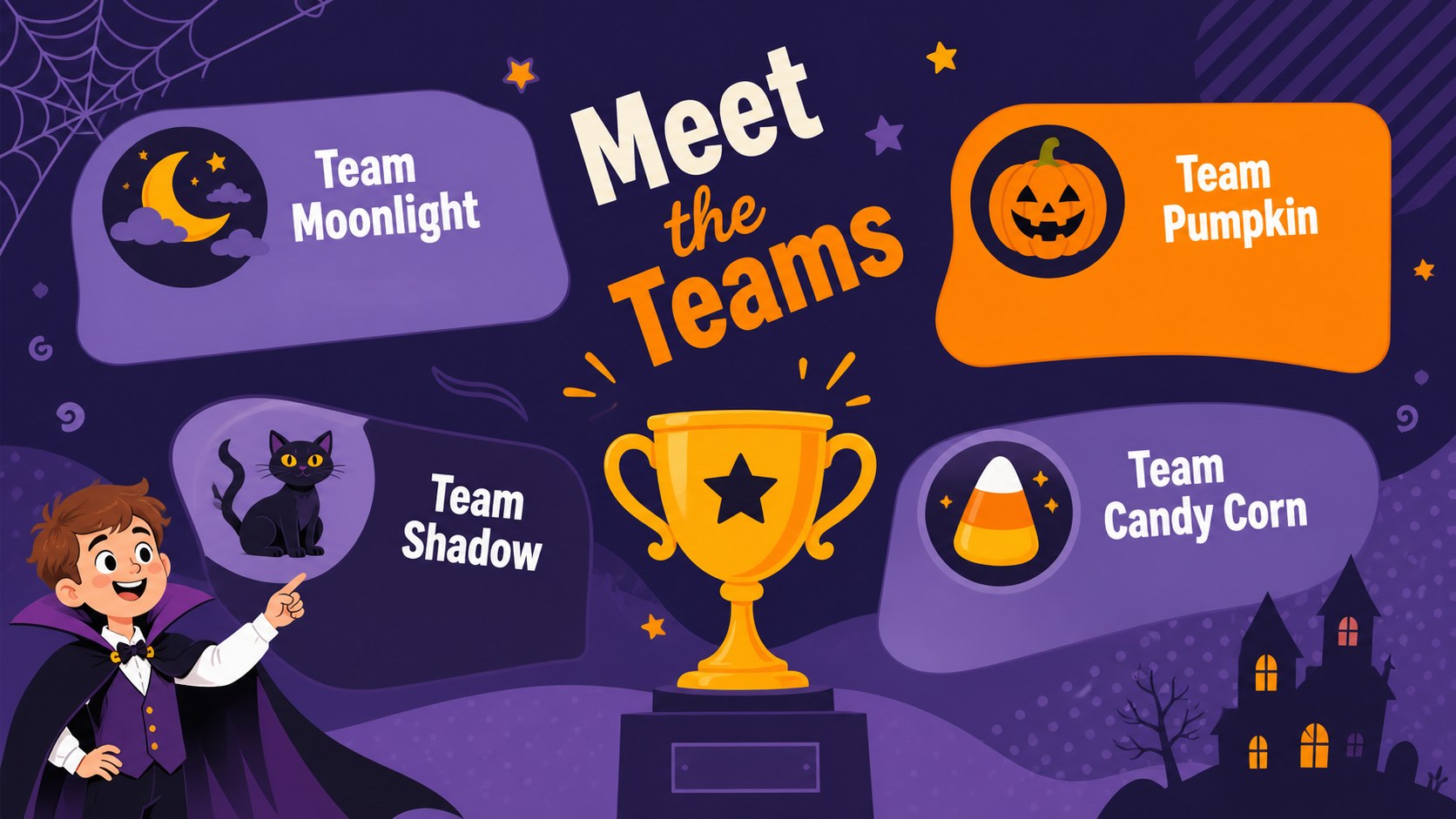
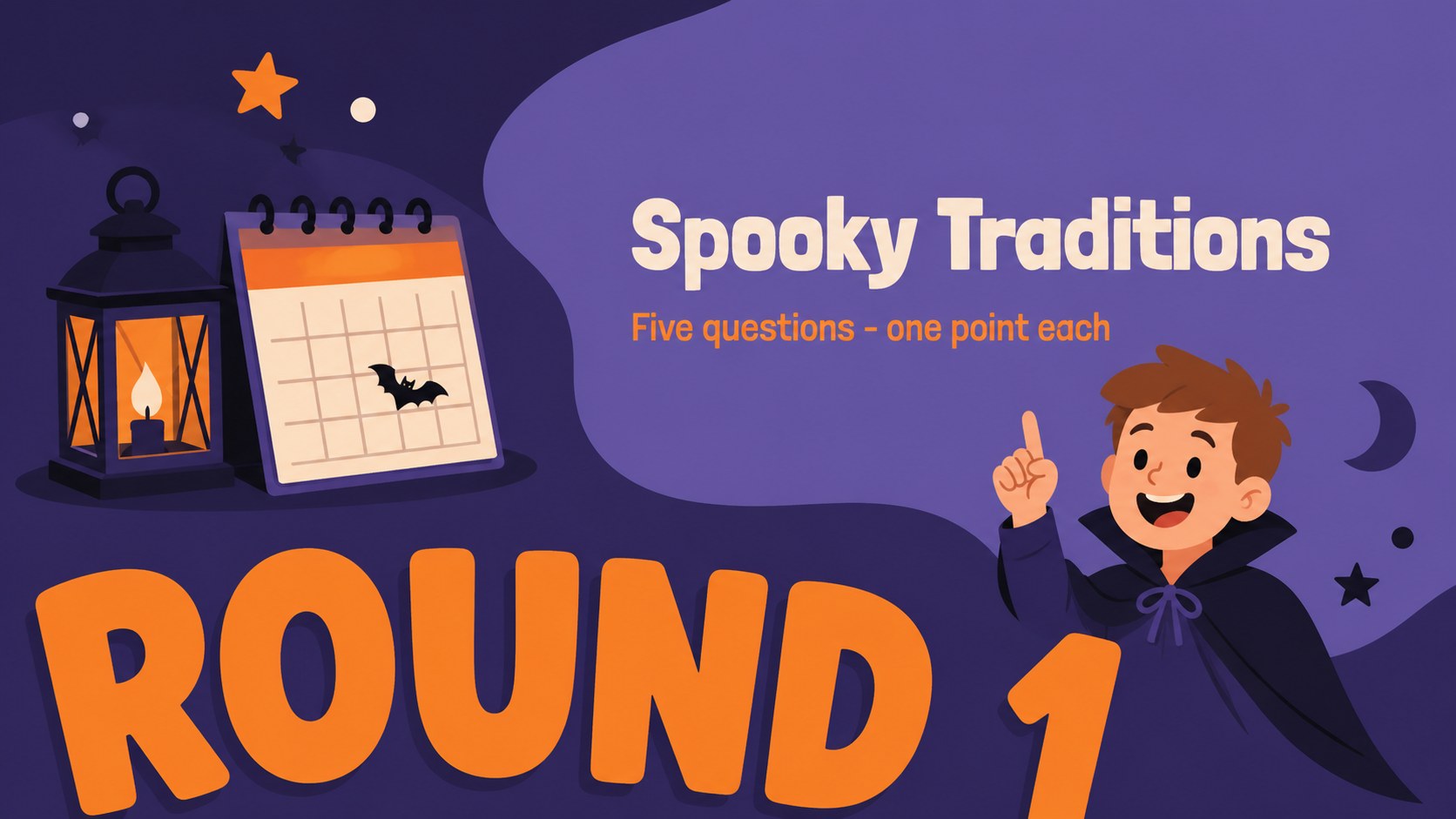
This editable Halloween trivia PowerPoint template includes 15 widescreen layouts for the opening screen, game rules, team introductions, themed rounds, multiple-choice questions, true-or-false challenges, answer reveals, score updates, a tie-breaker, and the winning announcement. Clear spaces for prompts and responses make the deck easy to adapt, while varied page structures keep the quiz moving without becoming repetitive.
Use the slides as a Halloween quiz game for classroom groups, an office social, a family gathering, or a community event. Teachers can build an illustrated Halloween classroom quiz around age-appropriate facts, and party hosts can mix pop culture, movies, traditions, and general knowledge. Edit the wording, fonts, colors, question order, and decorative elements to suit your audience. The 16:9 format works well on classroom displays, conference-room screens, and home projectors, giving hosts a practical game deck that feels festive from the first question to the final score.
Perfect for: classroom Halloween quiz; family trivia night; office Halloween social; community party game; youth group competition.
Frequently asked questions
Can I replace the sample quiz questions? Yes. Every question, answer, category label, and score field can be edited so you can build rounds around your preferred topics and difficulty level.
Practical details
Yes. Every question, answer, category label, and score field can be edited so you can build rounds around your preferred topics and difficulty level.
The deck is designed for Microsoft PowerPoint and Google Slides. Its 16:9 layout is suitable for projectors, classroom displays, televisions, and conference-room screens.
Yes. You can adjust the purple, orange, and black palette, update fonts, move decorative elements, and replace illustrations while preserving the quiz structure.
Yes. The layout set includes answer reveals, score updates, a tie-breaker, and a final winner screen, along with several question formats.
Keep exploring
15Build an engaging World UFO Day session with this flying saucer history lesson deck, featuring retro green-and-brown slides for PowerPoint and Google Slides.
 15
15Plan a lively animal-learning journey with this jungle zoo adventure lesson deck, ready to customize in PowerPoint and Google Slides for young learners.
 16
16Turn environmental research into a clear story with a Watercolor Ecology Presentation Theme for PowerPoint and Google Slides in calming green and blue.
 16
16Build focused fashion, literature, and humanities presentations with the Red Triangle Editorial Theme, editable in PowerPoint and Google Slides.
 15
15Turn streaming stats, favorite tracks, and concert highlights into a bold annual listening recap slide deck for PowerPoint and Google Slides.
 15
15Turn highlights, milestones, and favorite moments into a colorful year in review slide deck with bold 3D graphics for PowerPoint and Google Slides.
 3
3Build a credible endorsement with Standout Colleague Recommendation Letter Slides, featuring colorful prompts for skills, achievements, and team impact.
 4
4Build clear beginner sessions with an ice hockey fundamentals training deck for coaches, PE teachers, and clubs, ready for PowerPoint and Google Slides.