
 15
15presentation
Flying Saucer History Lesson Deck
Build an engaging World UFO Day session with this flying saucer history lesson deck, featuring retro green-and-brown slides for PowerPoint and Google Slides.
Google SlidesPowerPoint
presentation · English
Guide fair, focused review conversations with a green staff appraisal presentation built for goals, feedback, achievements, and growth planning.

Design notes
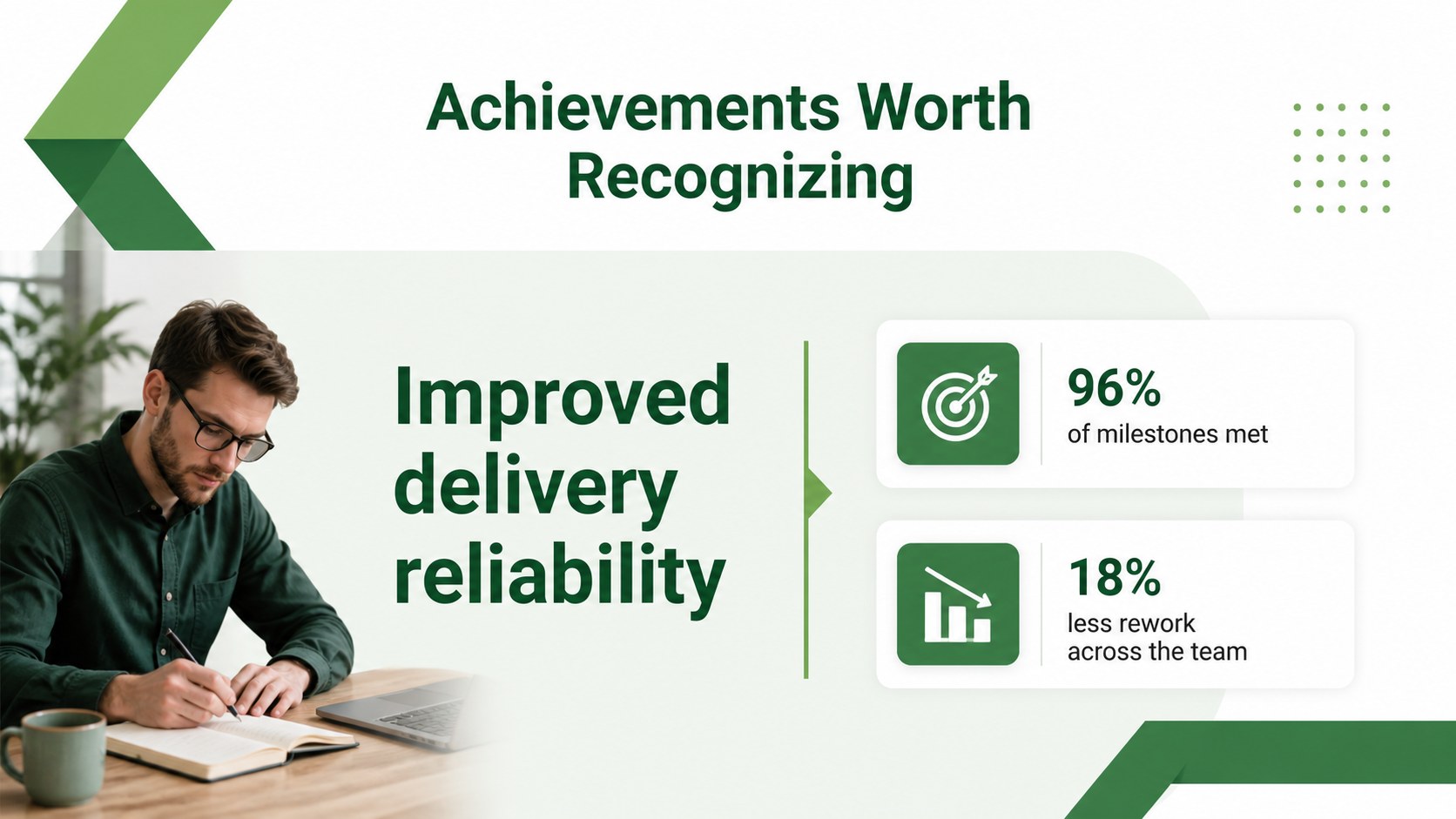
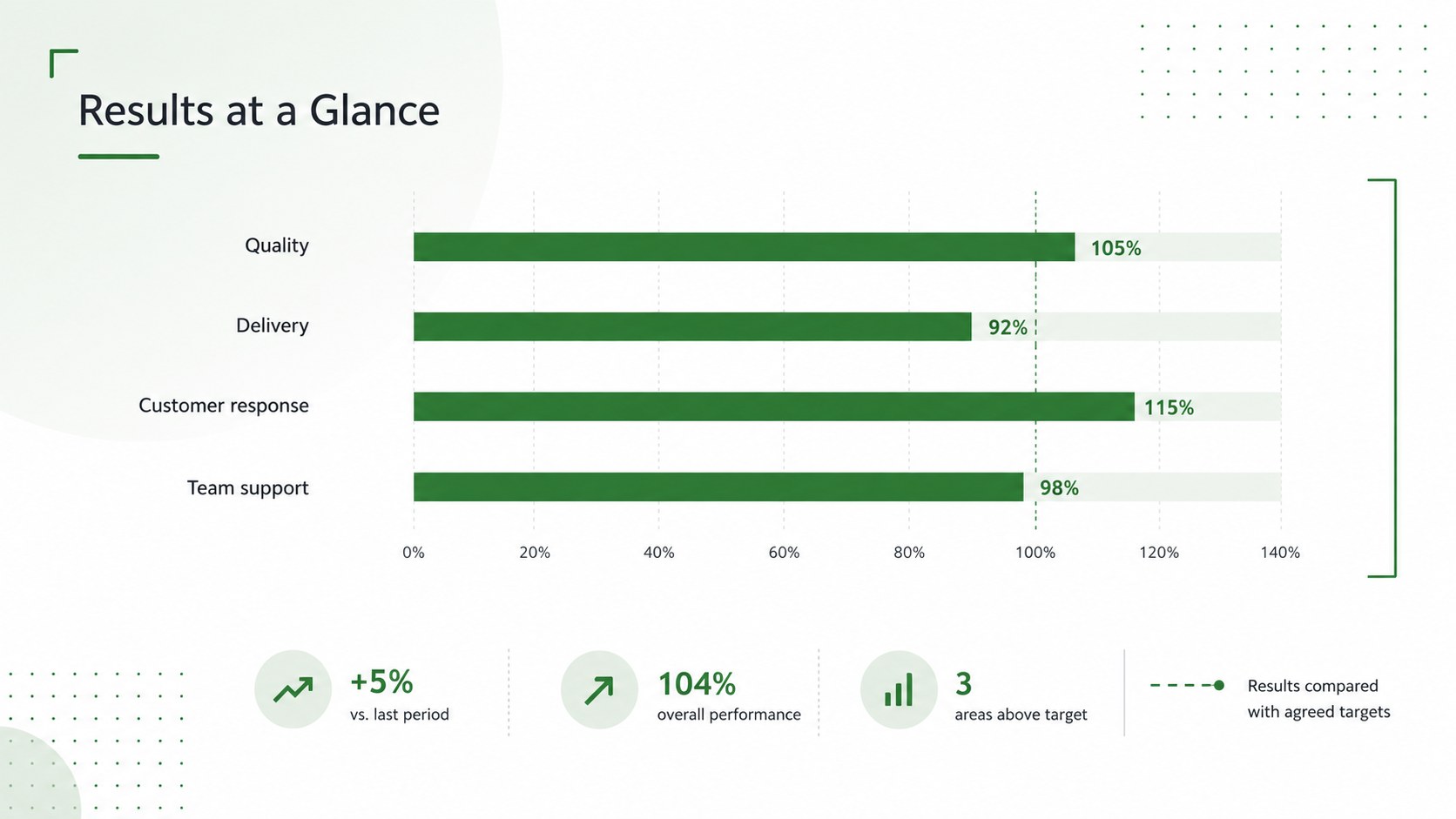
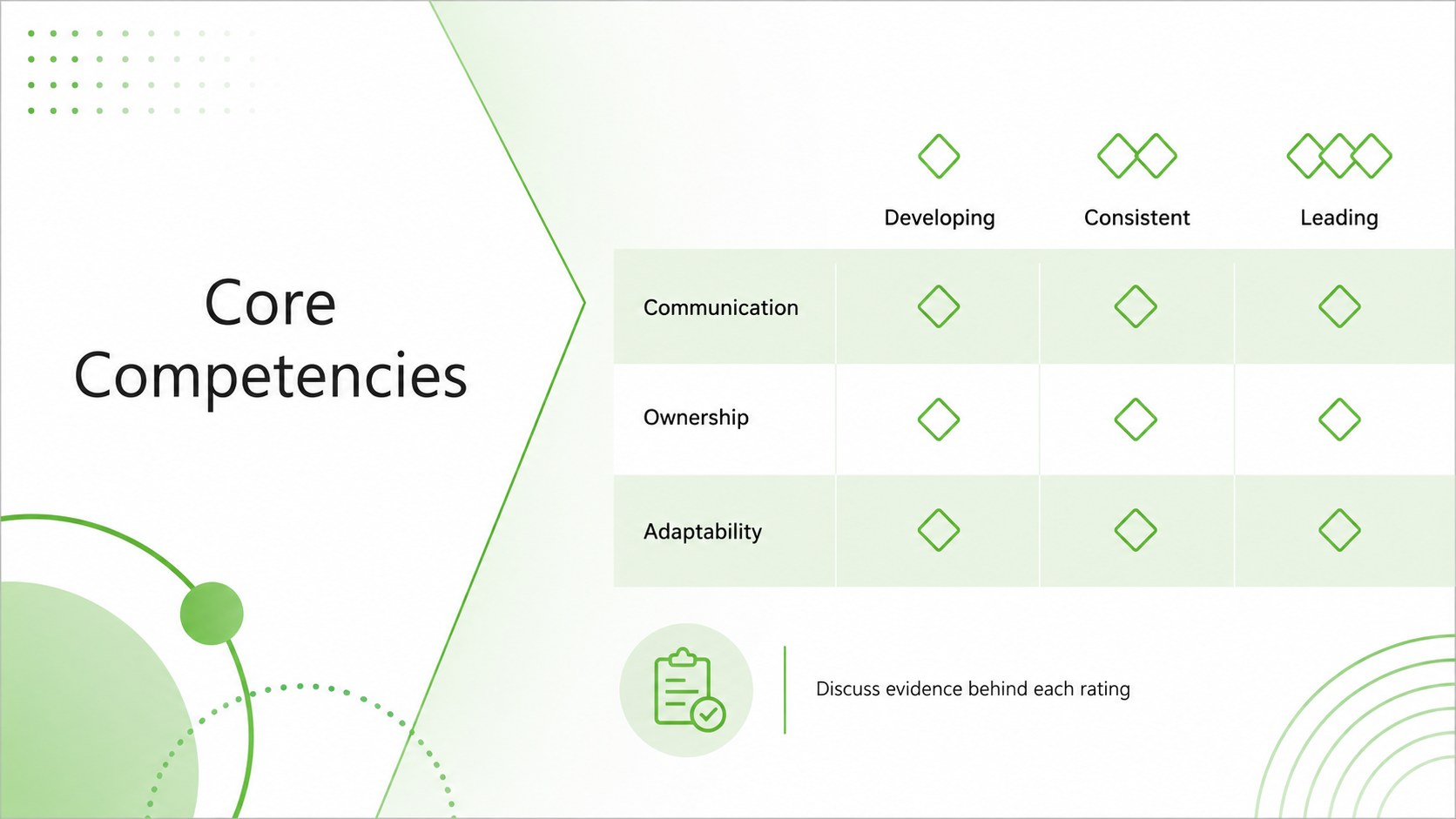
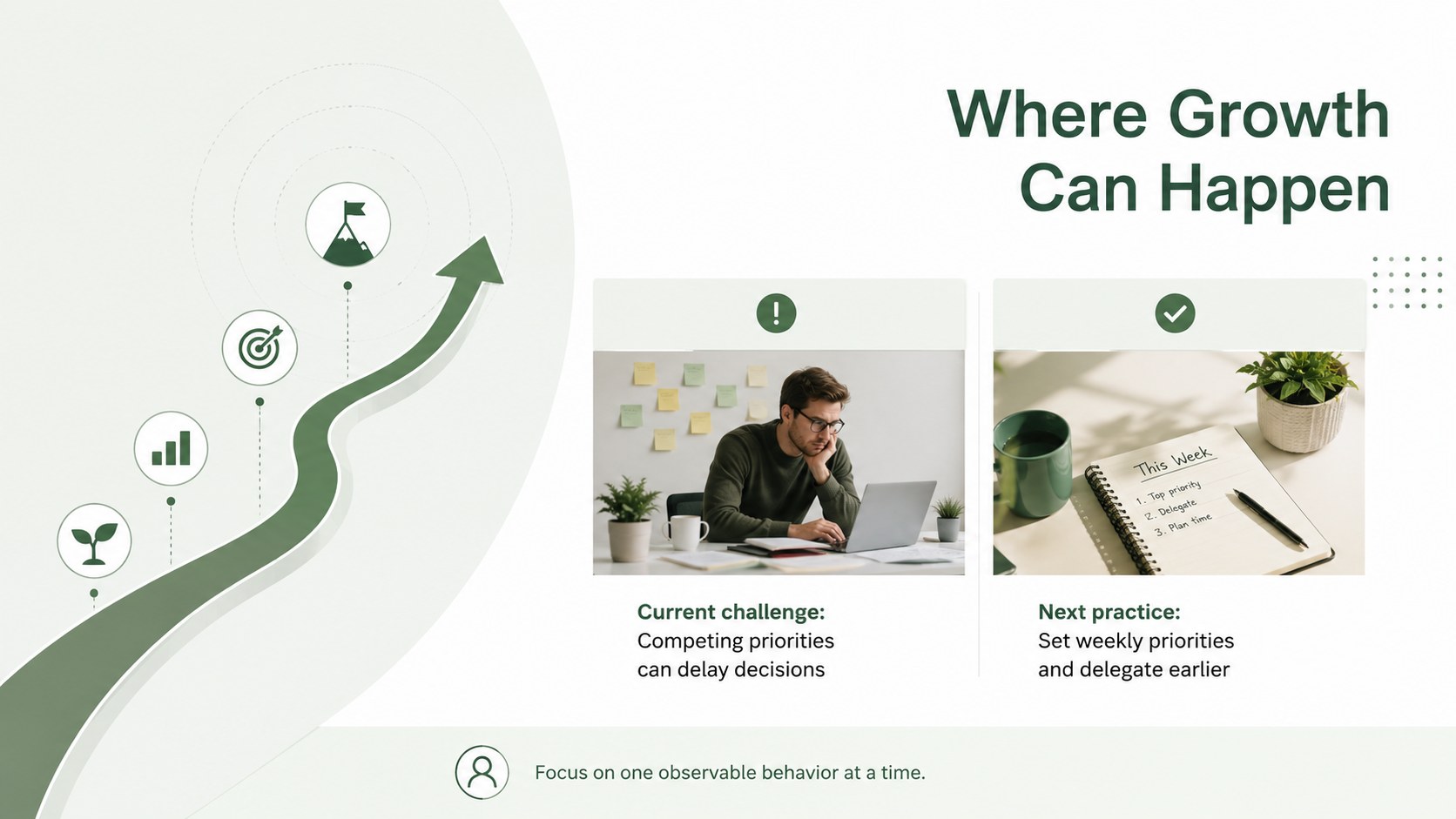
Turn employee reviews into constructive, evidence-based conversations with this green staff appraisal presentation. Its clean white canvas, vivid green accents, modern typography, and restrained graphic details create a professional setting for discussing results without making the meeting feel impersonal. Managers can move naturally from achievements and competencies to feedback, goals, and development priorities.
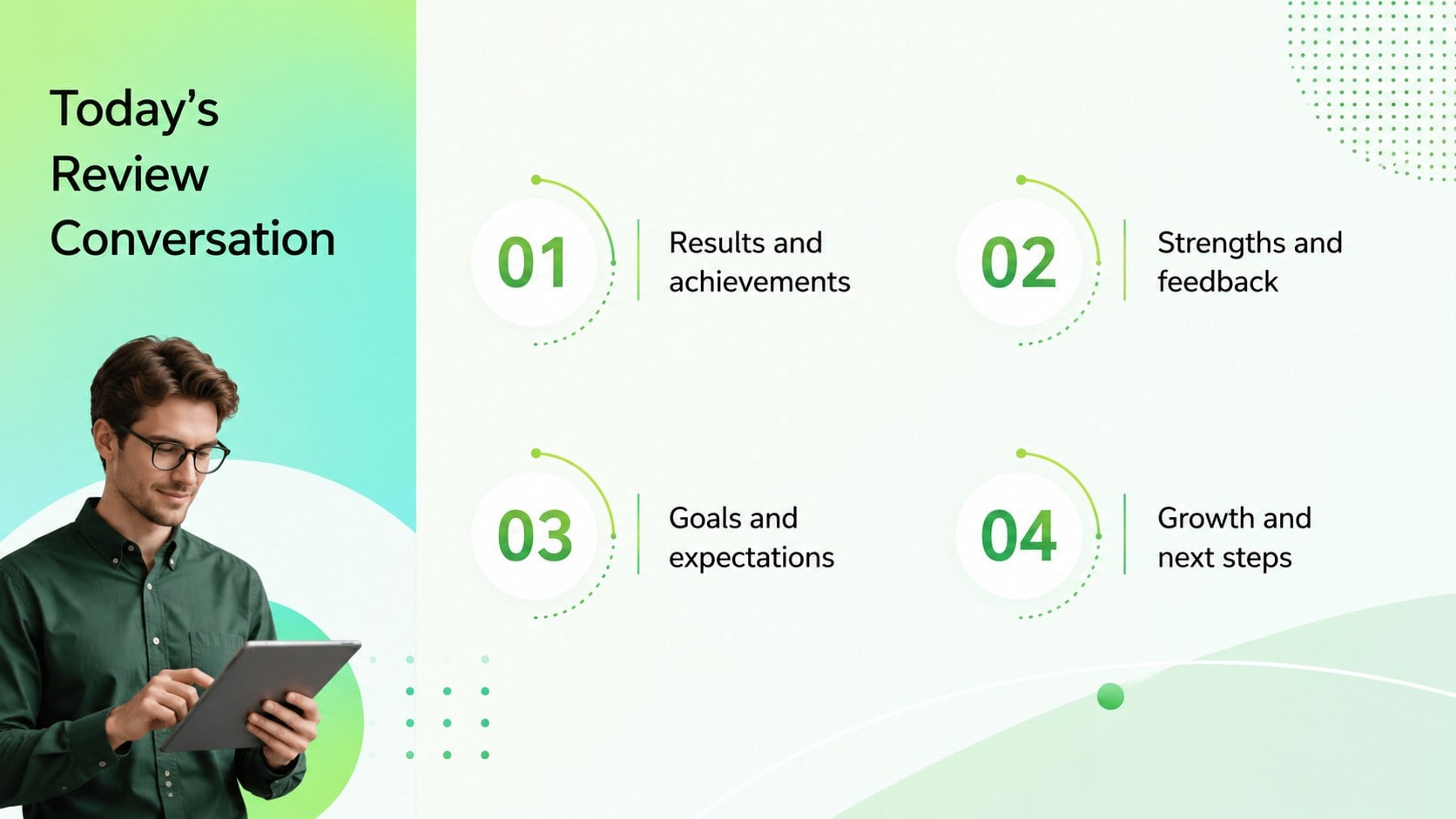
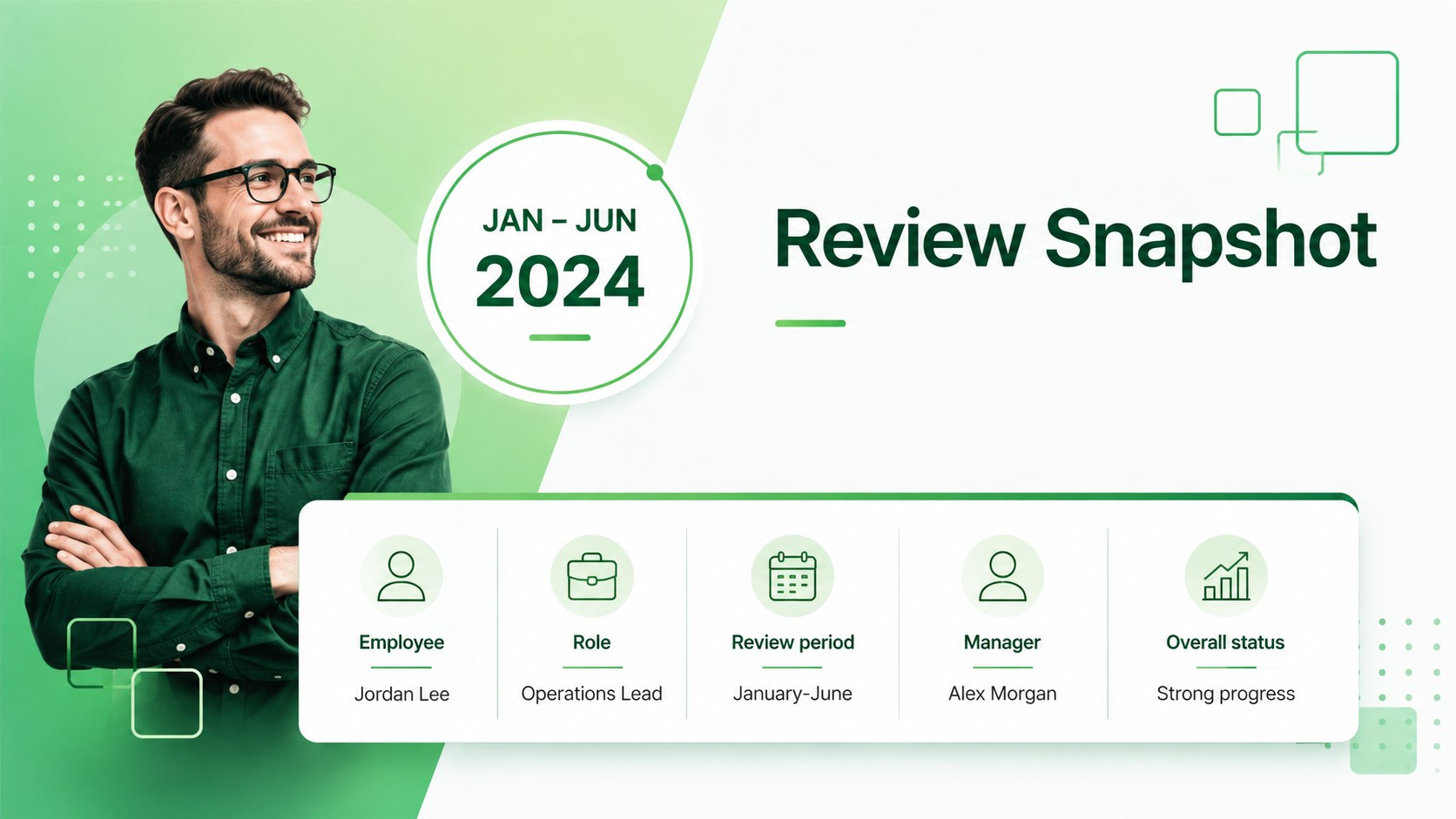
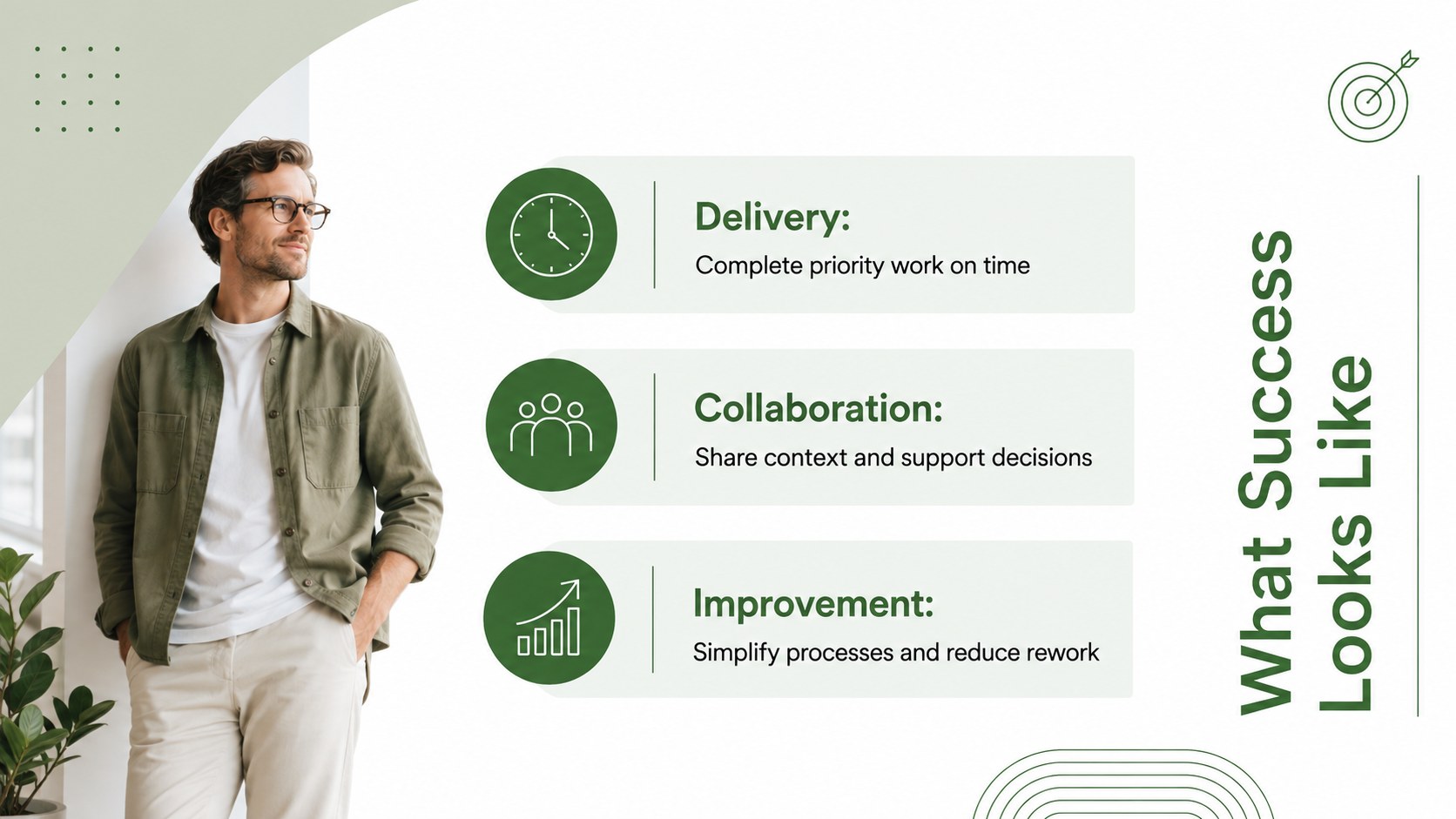
The 15-slide deck includes an agenda, review snapshot, role expectations, achievement highlights, performance metrics, competency ratings, strengths, improvement opportunities, employee feedback, goal tracking, a development plan, a quarterly timeline, action items, and a closing summary. Flexible layouts accommodate concise notes, rating scales, charts, timelines, and measurable objectives. Every element can be edited in PowerPoint or Google Slides to match an organization's review process, terminology, and employee data.
Designed as an annual review presentation for managers, the template also works for quarterly employee feedback slides, probation reviews, promotion discussions, and manager one-on-one meetings. HR teams, department leaders, project supervisors, and small-business owners can adapt the structure for individuals or teams. Replace the sample wording, adjust the green and white palette, add confidential performance figures, and tailor each section to the employee's role. The result is a focused appraisal meeting that recognizes contributions, clarifies expectations, and ends with accountable next steps.
Perfect for: annual employee appraisal; quarterly performance check-in; probation review meeting; promotion readiness discussion; manager one-on-one review; professional development planning.
Frequently asked questions
Can I edit this appraisal deck in PowerPoint and Google Slides? Yes. All text, colors, charts, shapes, and layout elements can be customized in PowerPoint or Google Slides. You can also duplicate or remove sections to fit your review process.
Practical details
Yes. All text, colors, charts, shapes, and layout elements can be customized in PowerPoint or Google Slides. You can also duplicate or remove sections to fit your review process.
Replace the sample content with role expectations, verified results, manager observations, and agreed development goals. Remove any sections that are not relevant and keep confidential information limited to the intended audience.
Yes. Use the timeline, metrics, feedback, and action-plan layouts for quarterly check-ins, then expand the same structure for an annual appraisal. The modular slides make it easy to adjust the level of detail.
Yes. Update the theme colors to reflect your organization while preserving sufficient contrast for charts, ratings, and body text. Fonts and decorative elements can also be replaced throughout the deck.
Keep exploring
15Build an engaging World UFO Day session with this flying saucer history lesson deck, featuring retro green-and-brown slides for PowerPoint and Google Slides.
 15
15Plan a lively animal-learning journey with this jungle zoo adventure lesson deck, ready to customize in PowerPoint and Google Slides for young learners.
 16
16Turn environmental research into a clear story with a Watercolor Ecology Presentation Theme for PowerPoint and Google Slides in calming green and blue.
 16
16Build focused fashion, literature, and humanities presentations with the Red Triangle Editorial Theme, editable in PowerPoint and Google Slides.
 15
15Turn streaming stats, favorite tracks, and concert highlights into a bold annual listening recap slide deck for PowerPoint and Google Slides.
 15
15Turn highlights, milestones, and favorite moments into a colorful year in review slide deck with bold 3D graphics for PowerPoint and Google Slides.
 3
3Build a credible endorsement with Standout Colleague Recommendation Letter Slides, featuring colorful prompts for skills, achievements, and team impact.
 4
4Build clear beginner sessions with an ice hockey fundamentals training deck for coaches, PE teachers, and clubs, ready for PowerPoint and Google Slides.