
 15
15presentation
Flying Saucer History Lesson Deck
Build an engaging World UFO Day session with this flying saucer history lesson deck, featuring retro green-and-brown slides for PowerPoint and Google Slides.
Google SlidesPowerPoint
presentation · English
Build a polished green aviation briefing with editable aircraft visuals, charts, and layouts for training, industry updates, and project pitches in…

Design notes
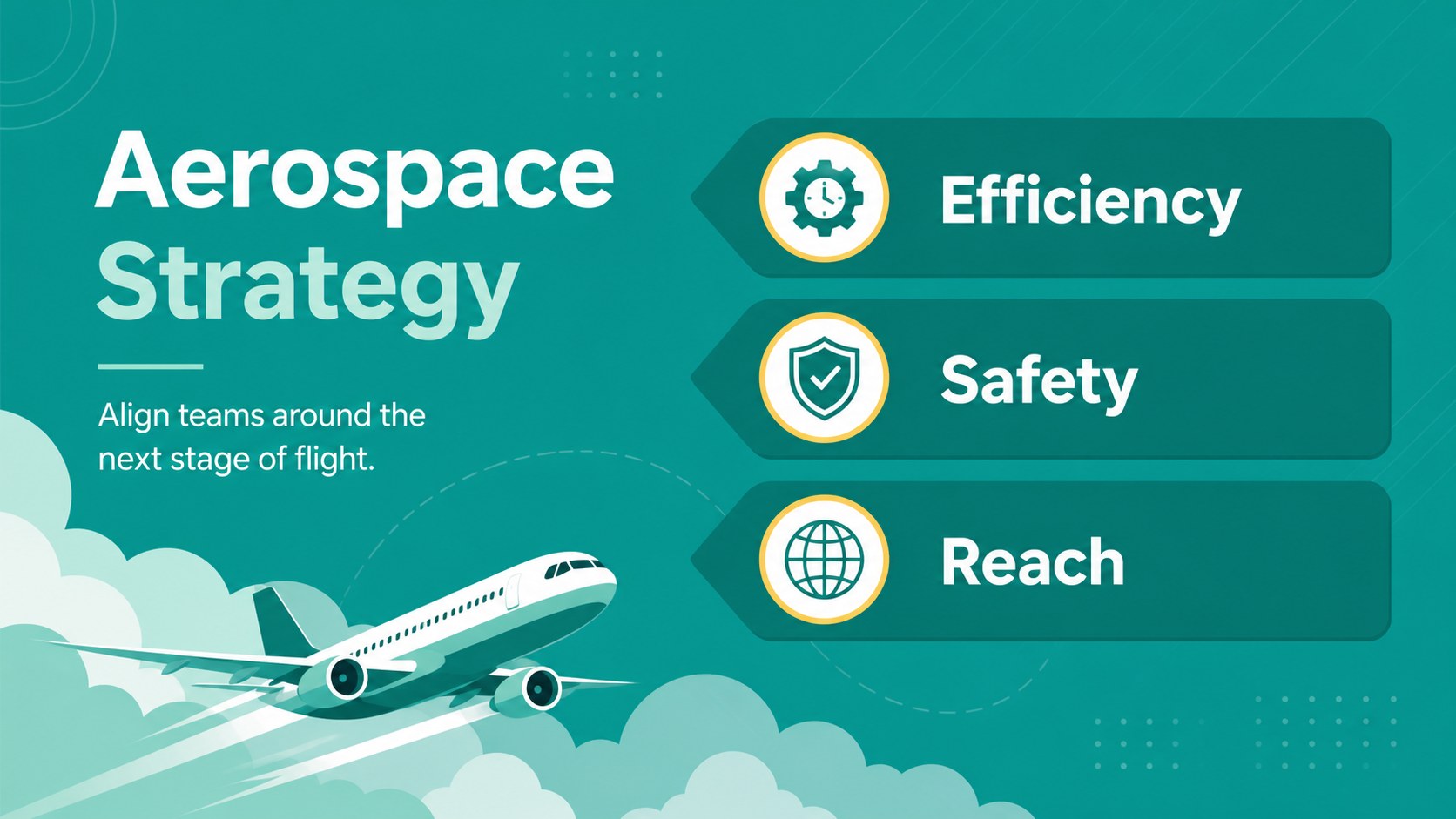
Green Aviation Briefing Slides gives aviation professionals, educators, and project teams a fresh way to explain aircraft, aerospace initiatives, and air-travel developments. Its illustrated green palette creates a confident, approachable tone while keeping the information easy to scan. Use the deck to introduce an aviation program, present aircraft market trends, or frame a new operational proposal.
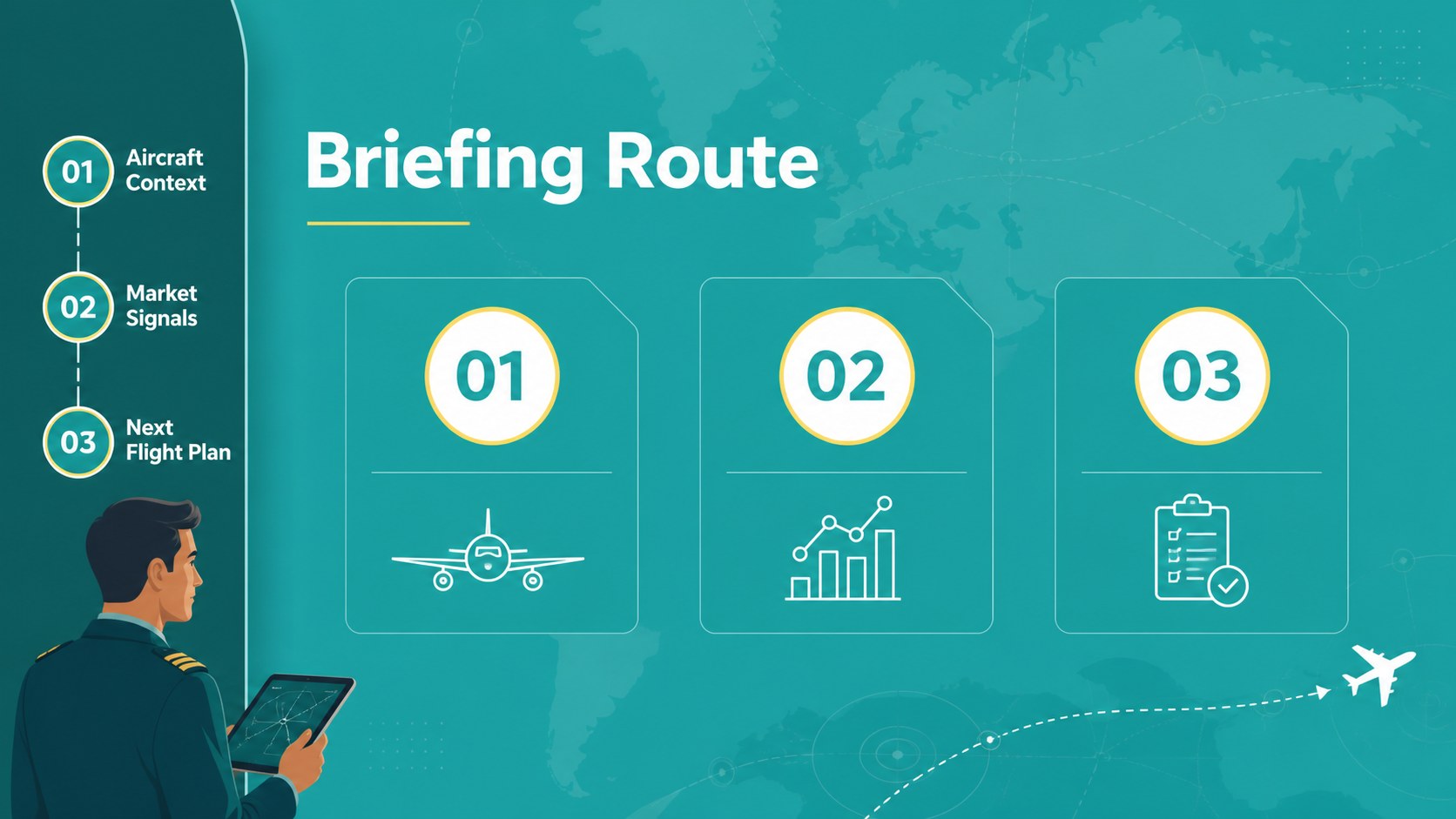
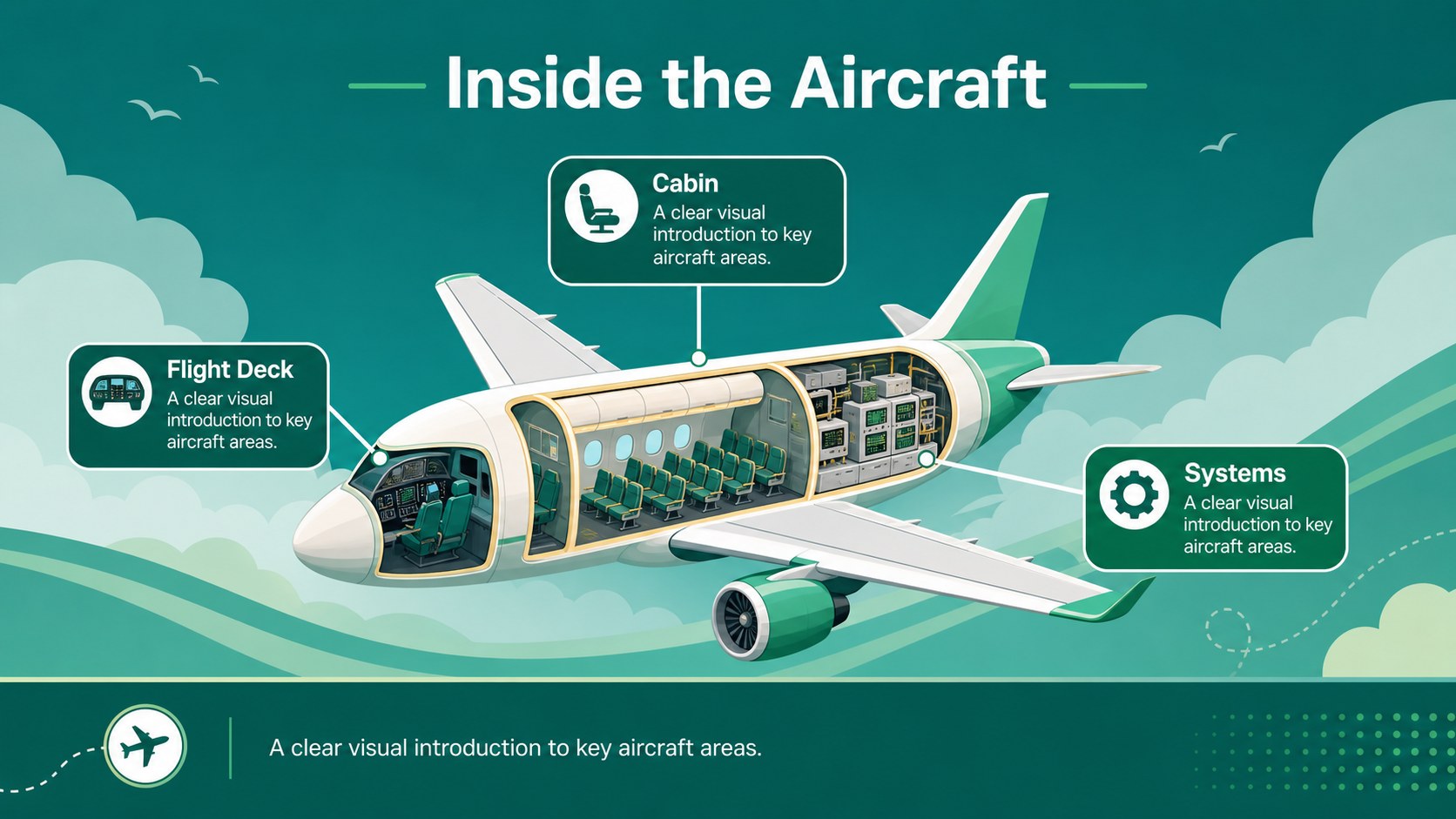
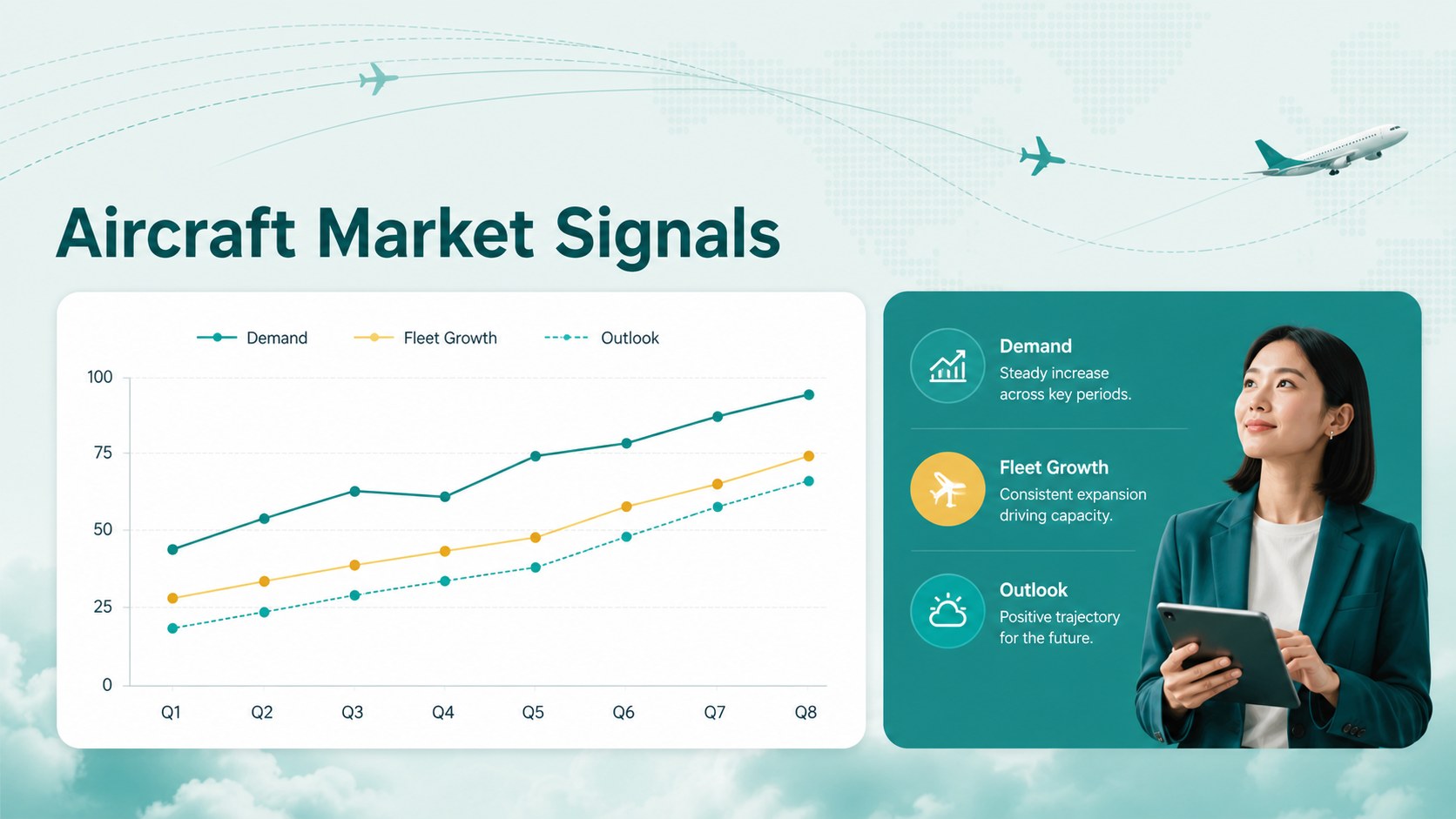
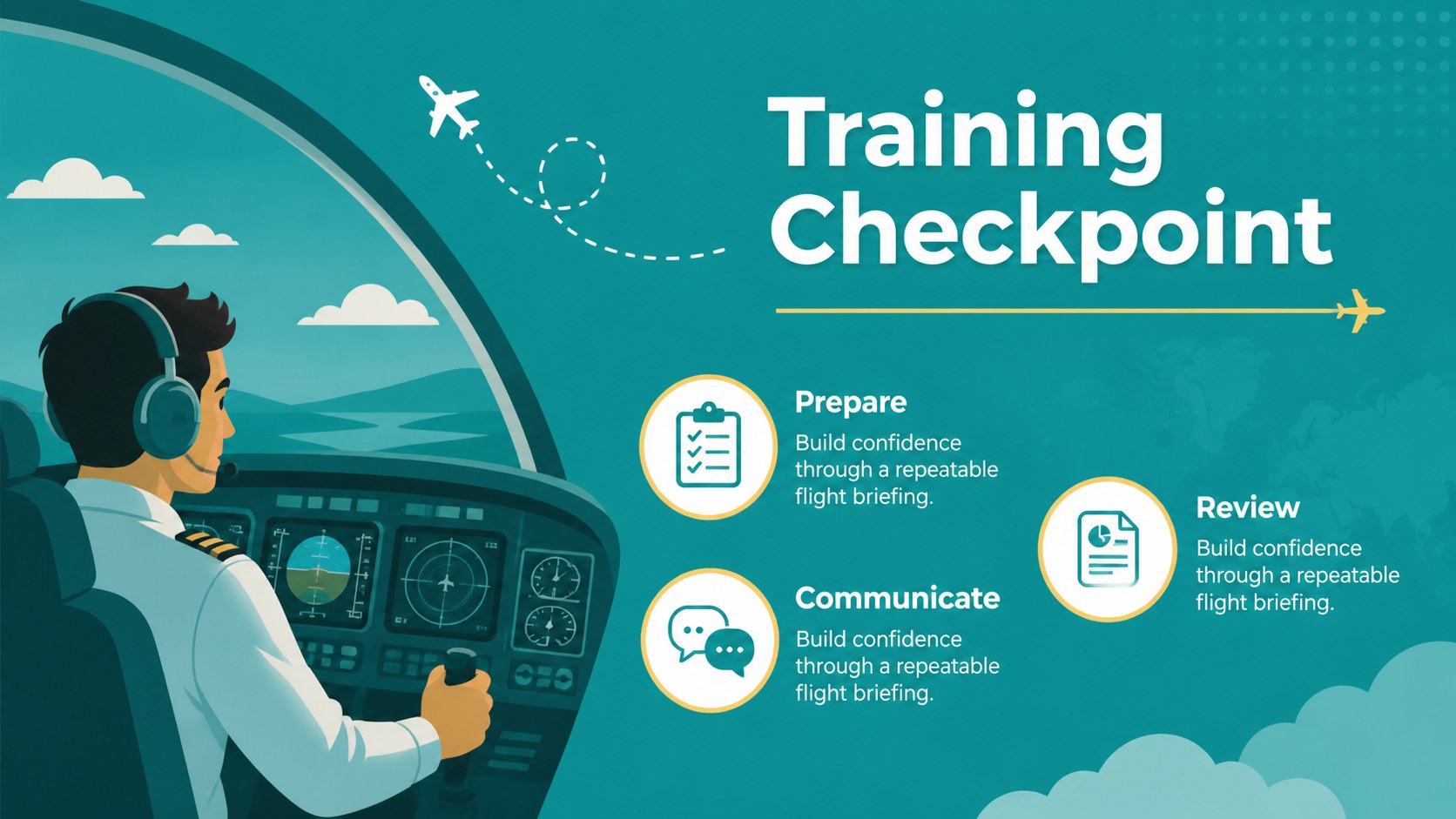
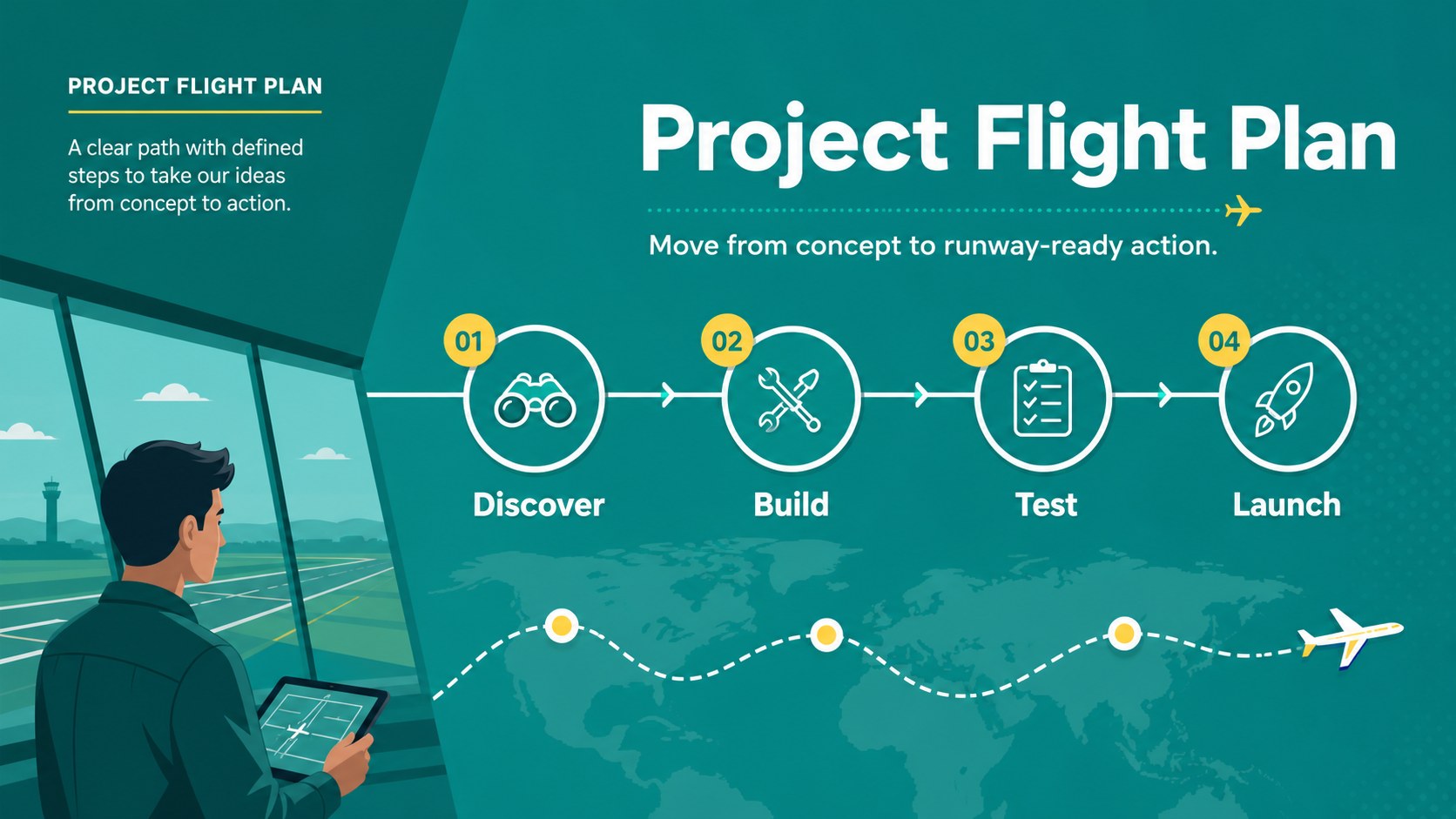
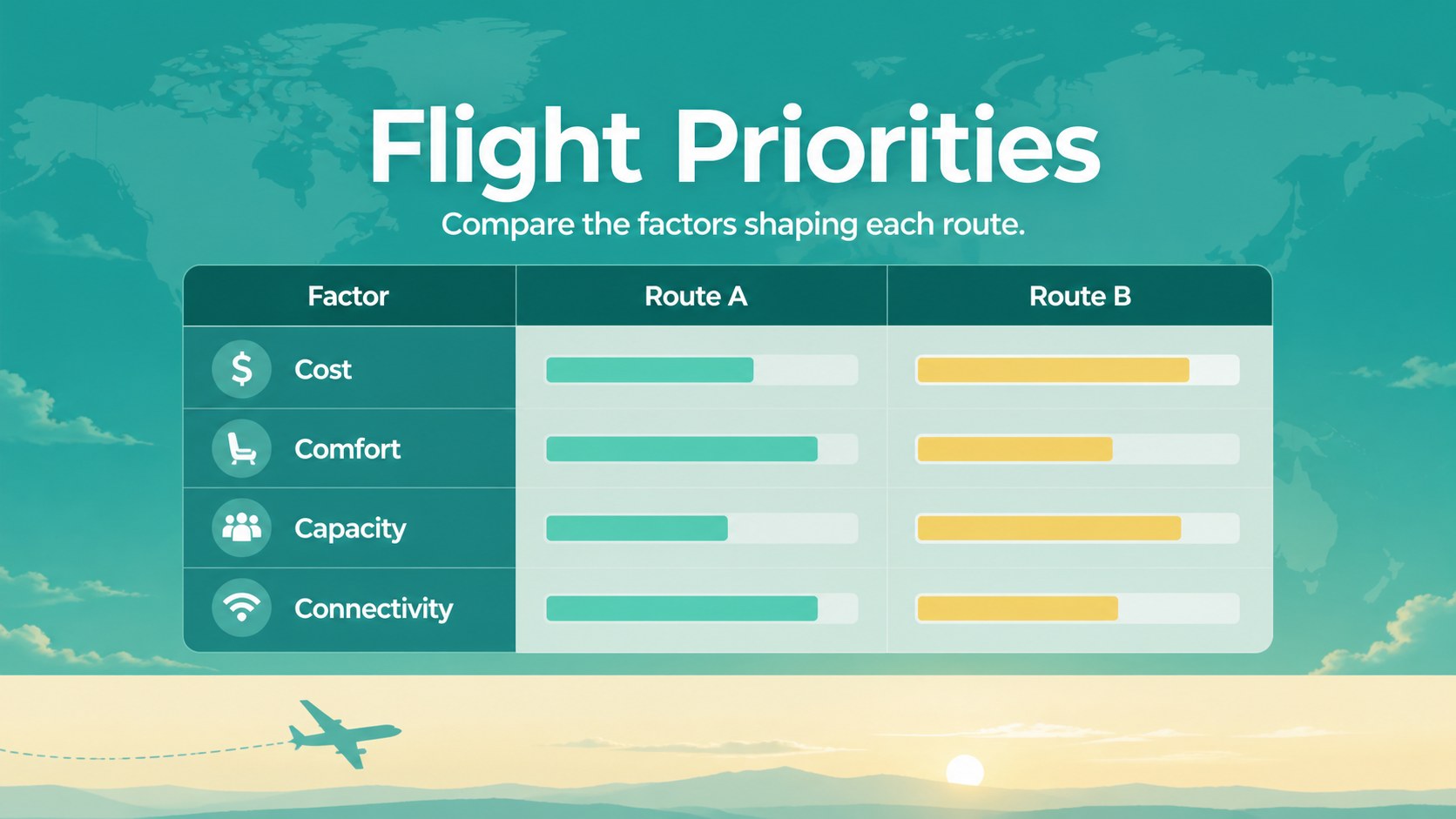
Inside, you’ll find 20 editable 16:9 layouts with space for agendas, timelines, comparisons, charts, image-led explanations, and closing takeaways. The visual system includes aircraft and sky-inspired artwork, clean typography, flexible shapes, and animation-ready elements. It can support an editable aircraft presentation for training, a green aerospace strategy presentation, or an aviation project pitch deck template without requiring advanced design skills.
Customize the slides in PowerPoint or Google Slides by changing colors, fonts, illustrations, photographs, and text. The deck is suitable for airline onboarding, classroom instruction, aviation research, campaign planning, and internal briefings. Presenters can also use speaker notes, transitions collaboration tools to prepare and share the final presentation efficiently.
Perfect for: aviation project pitch; airline staff onboarding; flight training lesson; aircraft market briefing; aerospace strategy workshop.
Frequently asked questions
Can I edit these aviation slides? Yes. The template is compatible with and supports editing of text, colors, fonts, illustrations, and images. users can also collaborate, add speaker notes, and apply presentation animations.
Practical details
Yes. The template is compatible with and supports editing of text, colors, fonts, illustrations, and images. users can also collaborate, add speaker notes, and apply presentation animations.
You can use the deck in Google Slides, Microsoft PowerPoint. The layouts are provided in a 16:9 format for modern screens, online meetings, and classroom displays.
Yes. You can replace or reposition the illustrated aircraft elements, add photographs, and adjust the surrounding shapes and colors. This makes the layouts suitable for training, research, or business presentations.
Yes. The deck includes editable chart, comparison, timeline, and information layouts. Replace the sample content with flight statistics, aircraft specifications, market findings, or project milestones.
Keep exploring
15Build an engaging World UFO Day session with this flying saucer history lesson deck, featuring retro green-and-brown slides for PowerPoint and Google Slides.
 15
15Plan a lively animal-learning journey with this jungle zoo adventure lesson deck, ready to customize in PowerPoint and Google Slides for young learners.
 16
16Turn environmental research into a clear story with a Watercolor Ecology Presentation Theme for PowerPoint and Google Slides in calming green and blue.
 16
16Build focused fashion, literature, and humanities presentations with the Red Triangle Editorial Theme, editable in PowerPoint and Google Slides.
 15
15Turn streaming stats, favorite tracks, and concert highlights into a bold annual listening recap slide deck for PowerPoint and Google Slides.
 15
15Turn highlights, milestones, and favorite moments into a colorful year in review slide deck with bold 3D graphics for PowerPoint and Google Slides.
 3
3Build a credible endorsement with Standout Colleague Recommendation Letter Slides, featuring colorful prompts for skills, achievements, and team impact.
 4
4Build clear beginner sessions with an ice hockey fundamentals training deck for coaches, PE teachers, and clubs, ready for PowerPoint and Google Slides.