
 15
15presentation
Flying Saucer History Lesson Deck
Build an engaging World UFO Day session with this flying saucer history lesson deck, featuring retro green-and-brown slides for PowerPoint and Google Slides.
Google SlidesPowerPoint
presentation · English
Build a polished gratitude message presentation for colleagues, clients, teachers, or friends with 12 colorful slides for PowerPoint and Google Slides.




Design notes
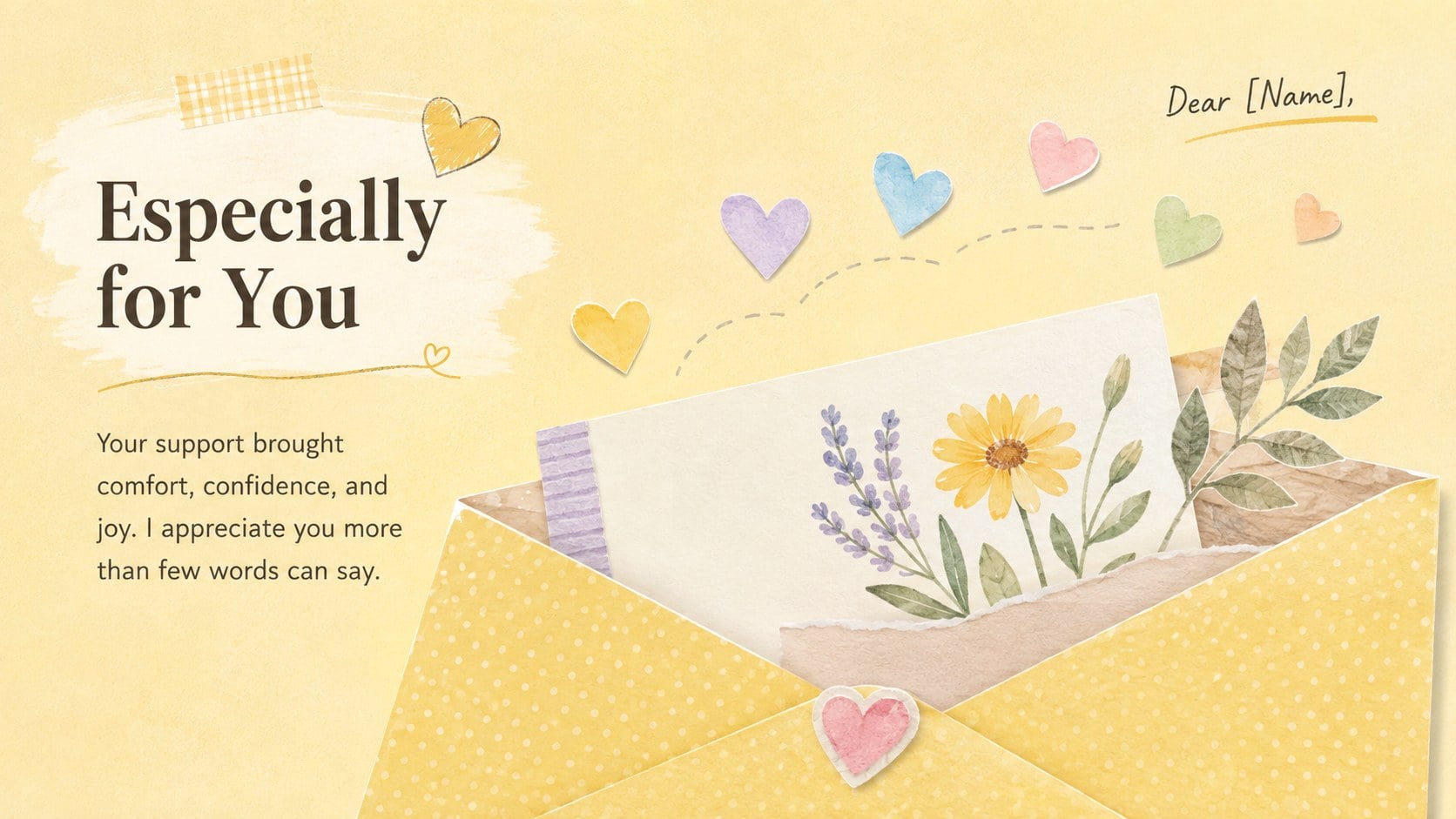
Make every expression of thanks feel thoughtful with this Gratitude Message Presentation. Its lively yellow and pastel palette, playful illustrations, and friendly typography create an upbeat setting for messages that still feel genuine. Use the deck to recognize a team, acknowledge a client, thank a teacher, celebrate volunteers, or close a successful project on a warm note.
The 12-slide collection includes a bold opening cover, short note layouts, team recognition pages, project acknowledgments, quote treatments, a photo collage, and a closing message. Each layout provides clear space for names, personal details, images, and specific examples of support. The result is an editable thank you message deck that can accommodate anything from one meaningful sentence to a structured appreciation story.
Designed for PowerPoint and Google Slides, the presentation can be adapted with your own wording, photos, fonts, and colors. It works especially well as colorful appreciation slides for workplace events, school communities, nonprofit gatherings, customer follow-ups, and personal celebrations. Present it live, share it virtually, or export selected pages as digital notes. Whether your tone is professional, playful, or deeply personal, this professional gratitude presentation template gives every recipient a clear and memorable moment of recognition.
Perfect for: employee appreciation event; teacher thank you message; client project follow-up; volunteer recognition gathering; personal celebration slideshow.
Frequently asked questions
Can I edit every part of the presentation? Yes. You can change the messages, names, photos, colors, fonts, and decorative elements to suit your recipient or occasion.
Practical details
Yes. You can change the messages, names, photos, colors, fonts, and decorative elements to suit your recipient or occasion.
The template is designed for Microsoft PowerPoint and Google Slides. Some fonts or transition effects may vary slightly between the two platforms.
Yes. The layouts can be customized for employee recognition, client acknowledgments, project wrap-ups, and other workplace occasions while retaining a friendly tone.
Add the recipient's name, include a specific example of their contribution, and replace sample images with relevant photos. You can also remove unneeded layouts and present only the slides that support your message.
Keep exploring
15Build an engaging World UFO Day session with this flying saucer history lesson deck, featuring retro green-and-brown slides for PowerPoint and Google Slides.
 15
15Plan a lively animal-learning journey with this jungle zoo adventure lesson deck, ready to customize in PowerPoint and Google Slides for young learners.
 16
16Turn environmental research into a clear story with a Watercolor Ecology Presentation Theme for PowerPoint and Google Slides in calming green and blue.
 16
16Build focused fashion, literature, and humanities presentations with the Red Triangle Editorial Theme, editable in PowerPoint and Google Slides.
 15
15Turn streaming stats, favorite tracks, and concert highlights into a bold annual listening recap slide deck for PowerPoint and Google Slides.
 15
15Turn highlights, milestones, and favorite moments into a colorful year in review slide deck with bold 3D graphics for PowerPoint and Google Slides.
 3
3Build a credible endorsement with Standout Colleague Recommendation Letter Slides, featuring colorful prompts for skills, achievements, and team impact.
 4
4Build clear beginner sessions with an ice hockey fundamentals training deck for coaches, PE teachers, and clubs, ready for PowerPoint and Google Slides.