
 15
15presentation
Flying Saucer History Lesson Deck
Build an engaging World UFO Day session with this flying saucer history lesson deck, featuring retro green-and-brown slides for PowerPoint and Google Slides.
Google SlidesPowerPoint
presentation · English
Build practical design knowledge with a graphic design fundamentals training deck featuring crisp blue-and-white layouts for PowerPoint and Google Slides.

Design notes
Build a structured introduction to visual communication with this graphic design fundamentals training deck. Its modern blue-and-white styling combines bold geometric accents, condensed headings, and spacious content areas to make foundational ideas easy to explain. Every slide is designed for clarity, helping audiences connect creative choices with practical outcomes.
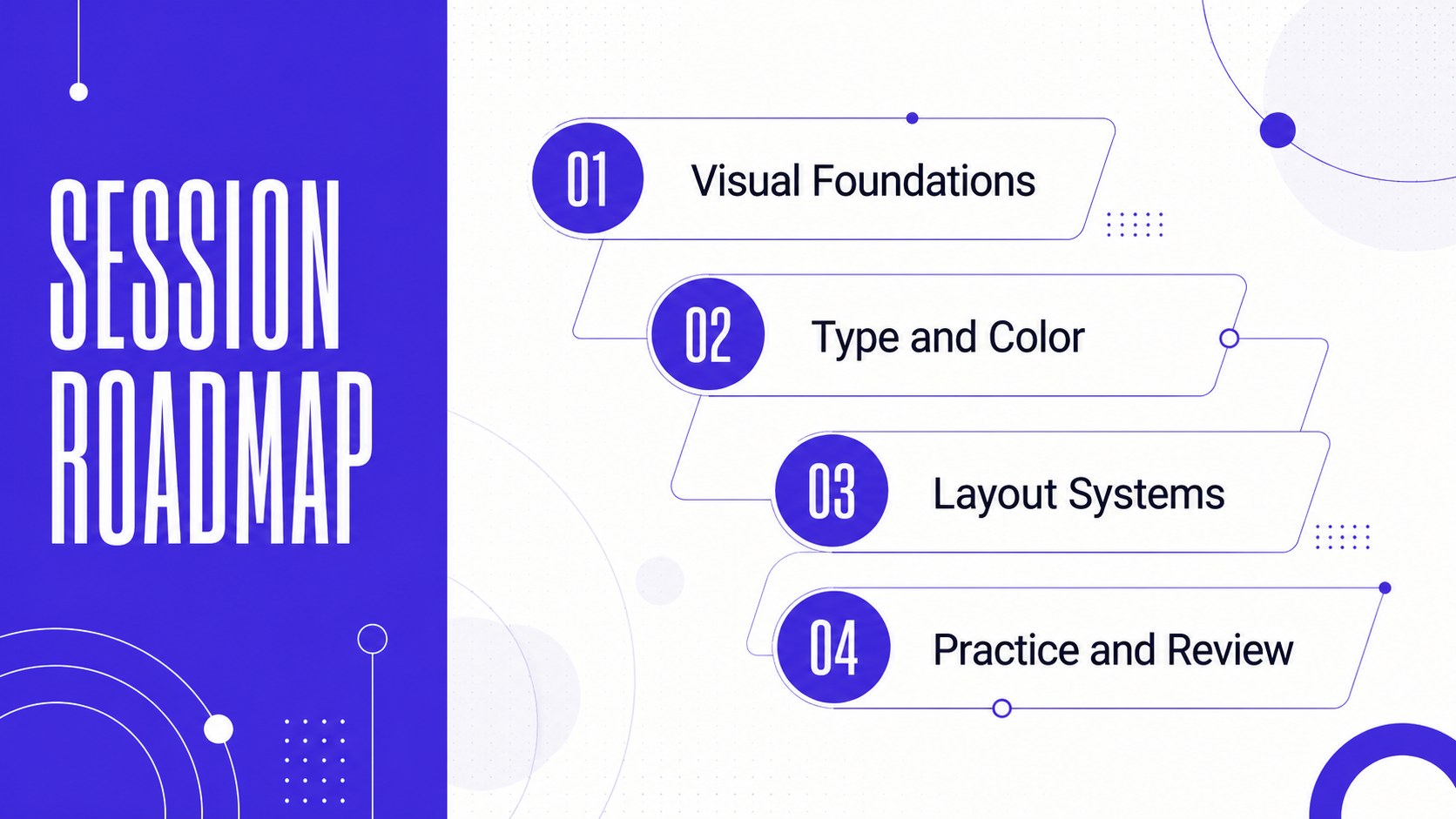
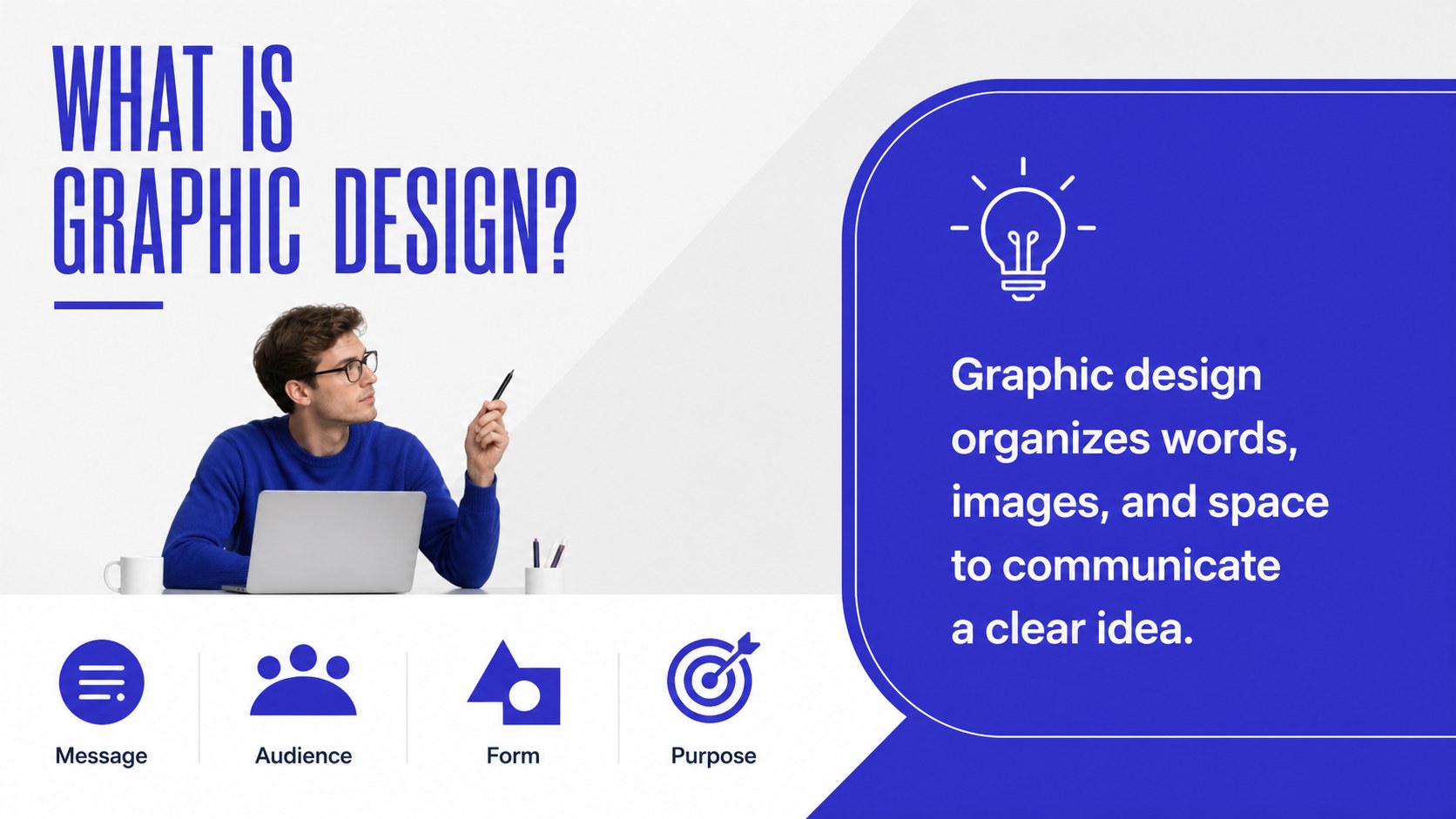
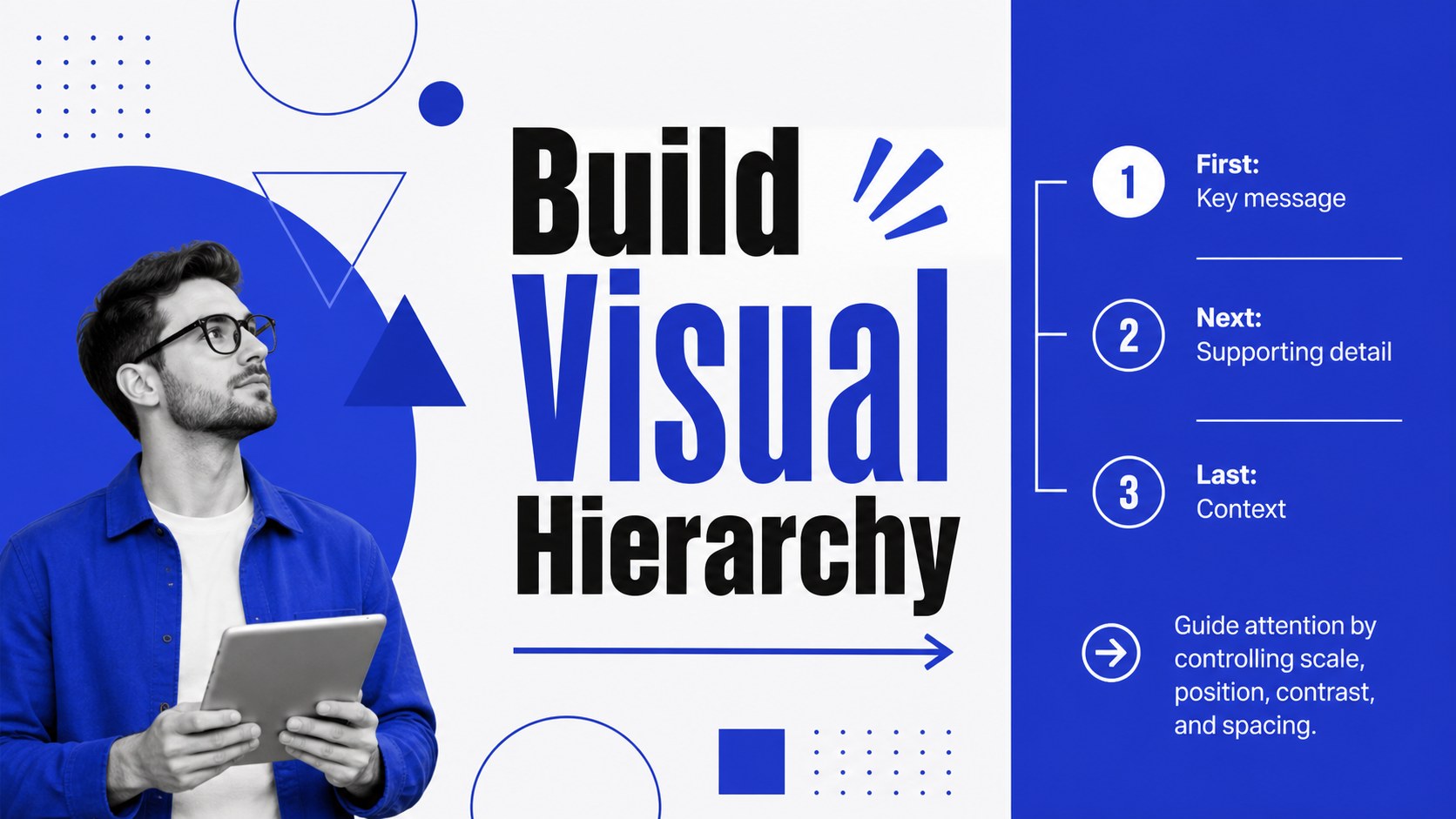
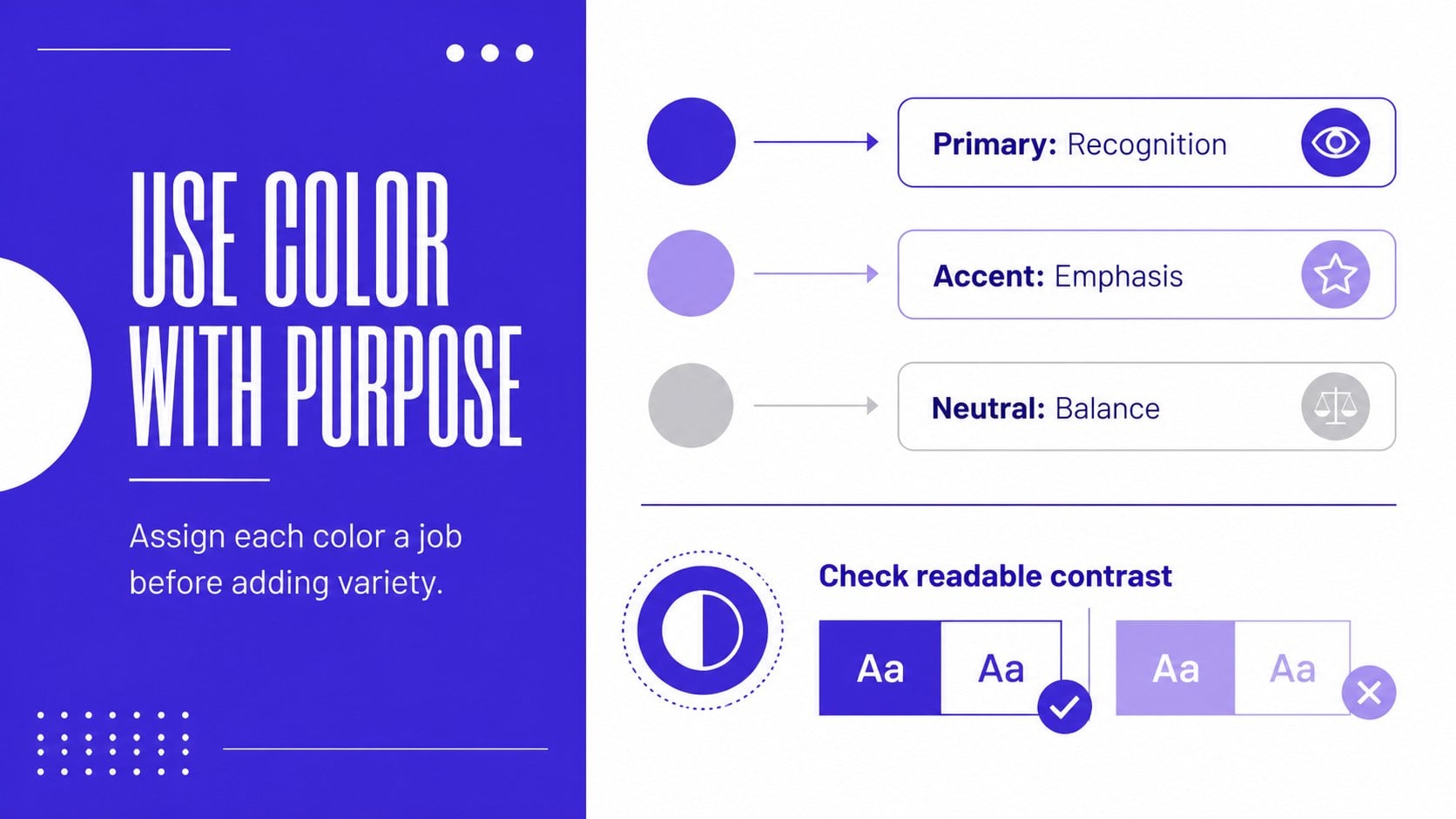
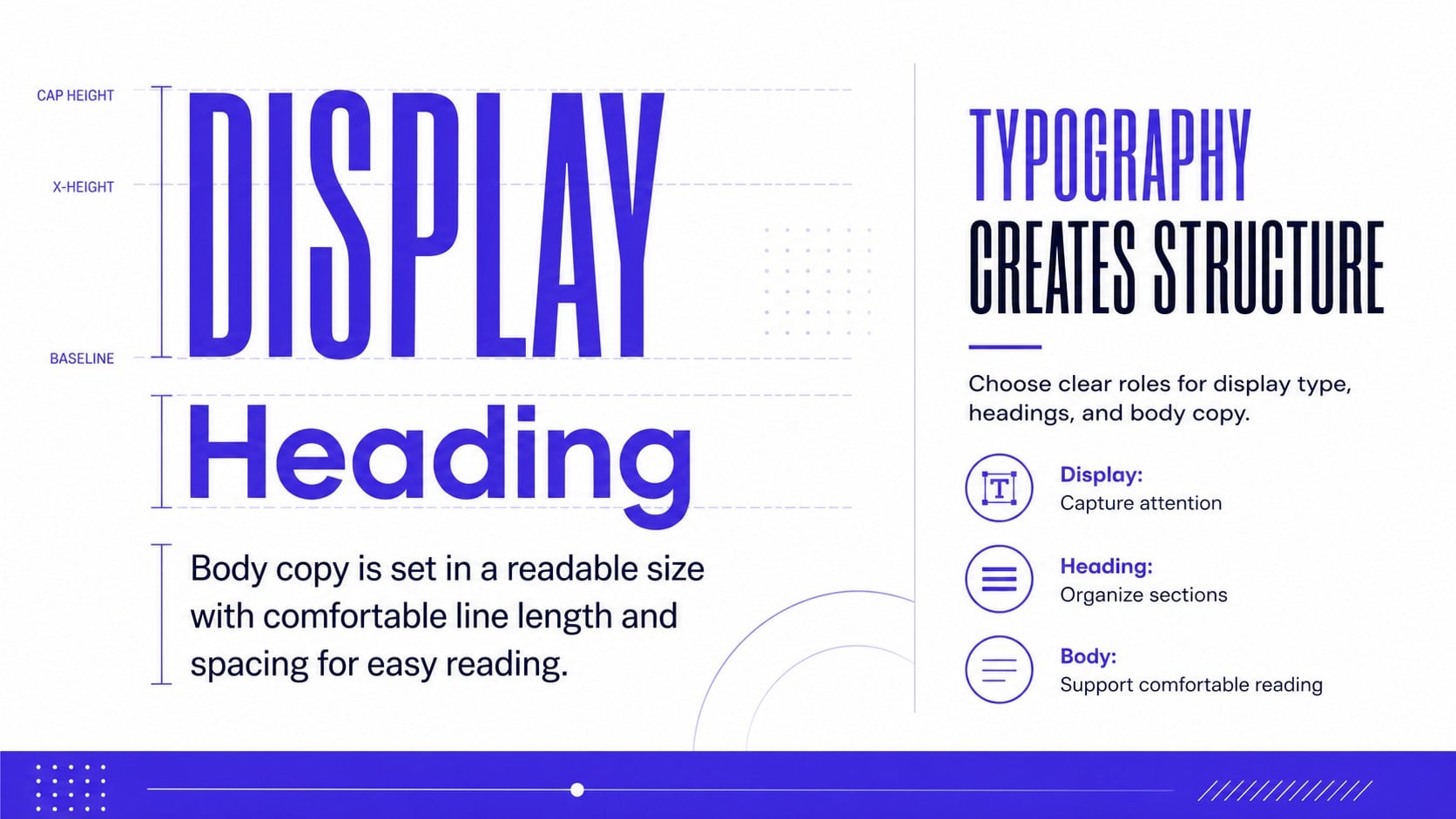
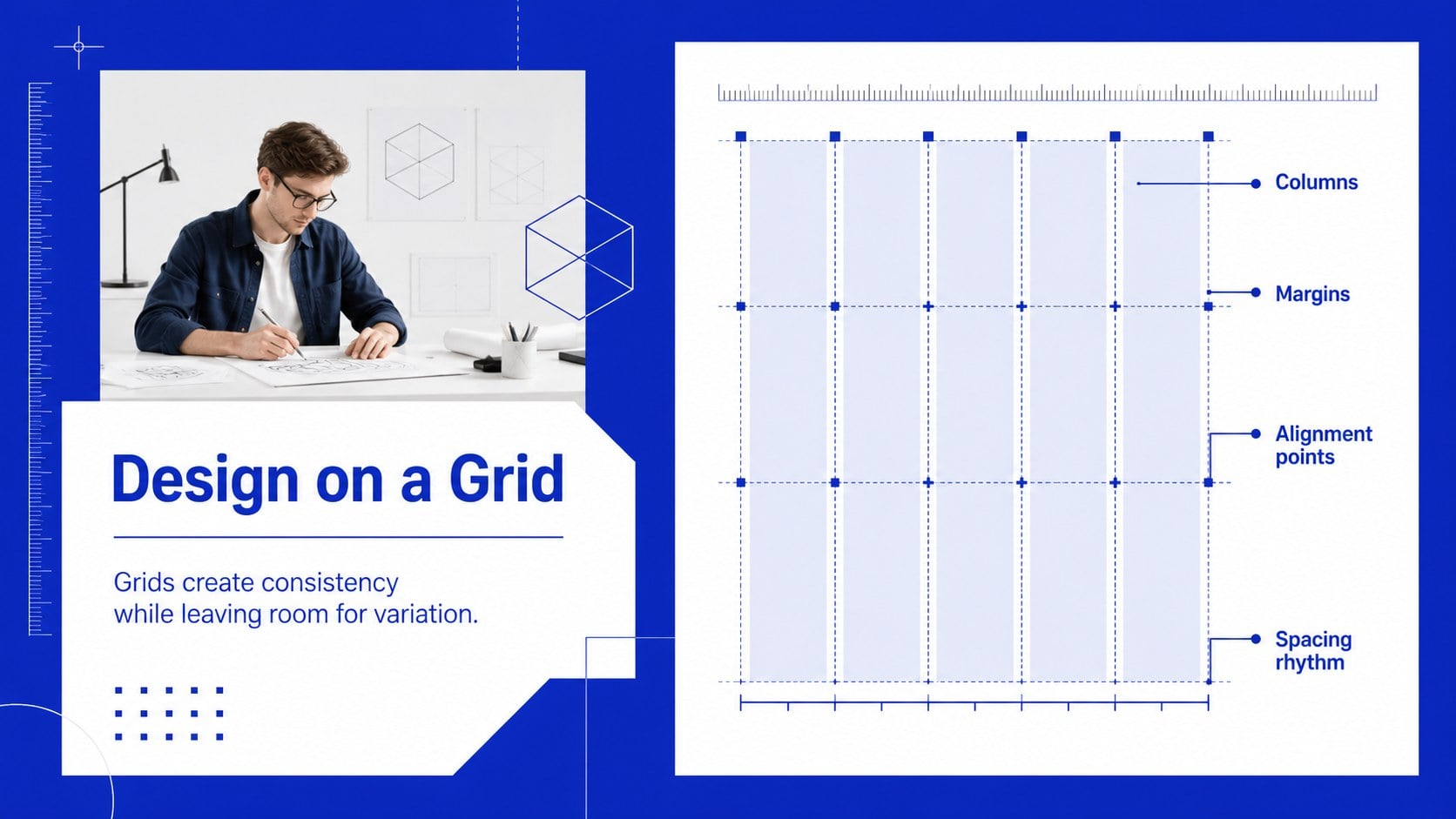
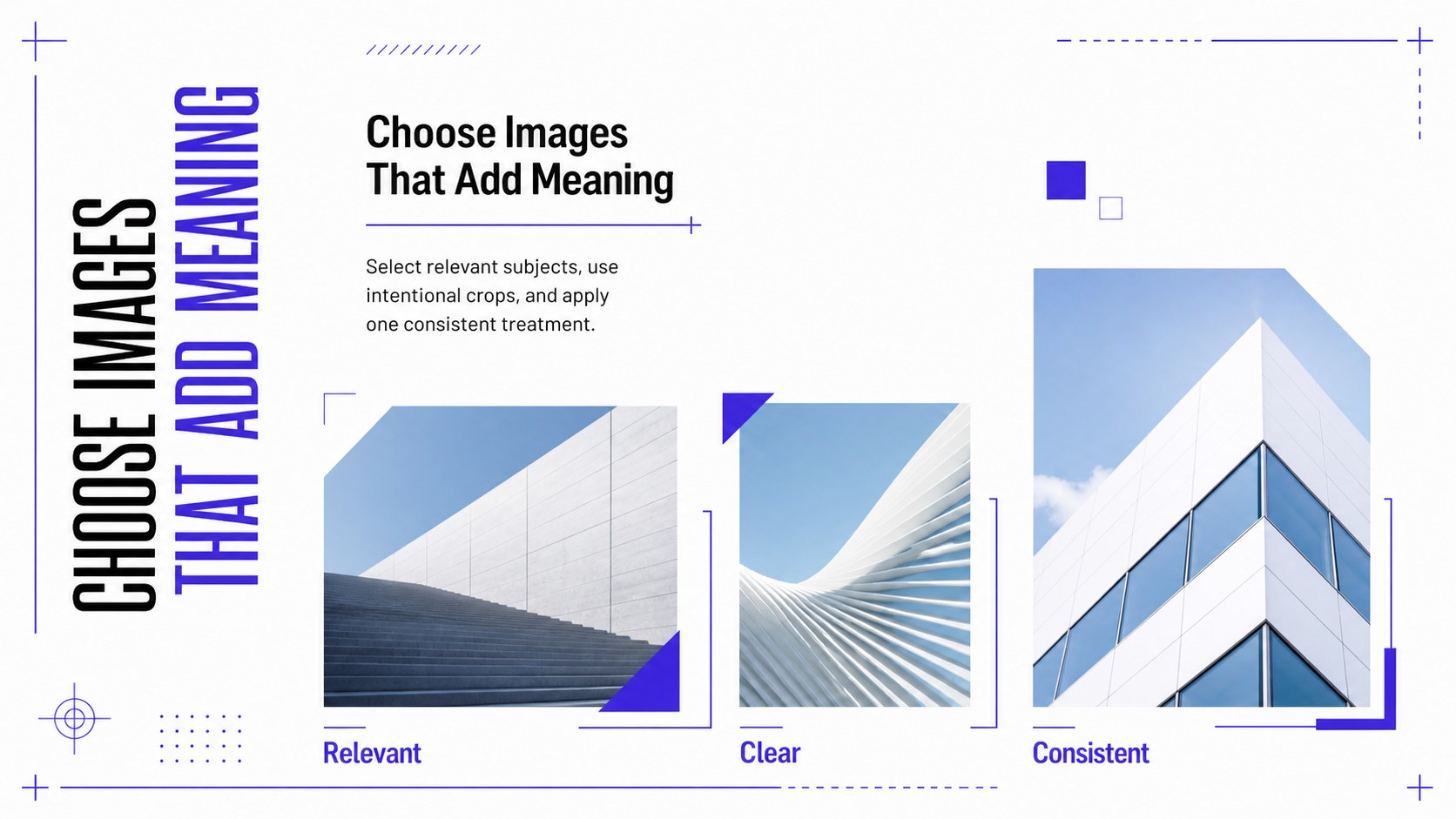
Inside, you will find layouts for defining graphic design, presenting core principles, comparing typography choices, exploring color relationships, organizing information with grids, and reviewing image selection. Additional slides support creative workflows, brand consistency, critique sessions, case studies, and hands-on exercises. Use the deck as a visual design principles presentation or adapt it into typography and layout lesson slides for a focused class.
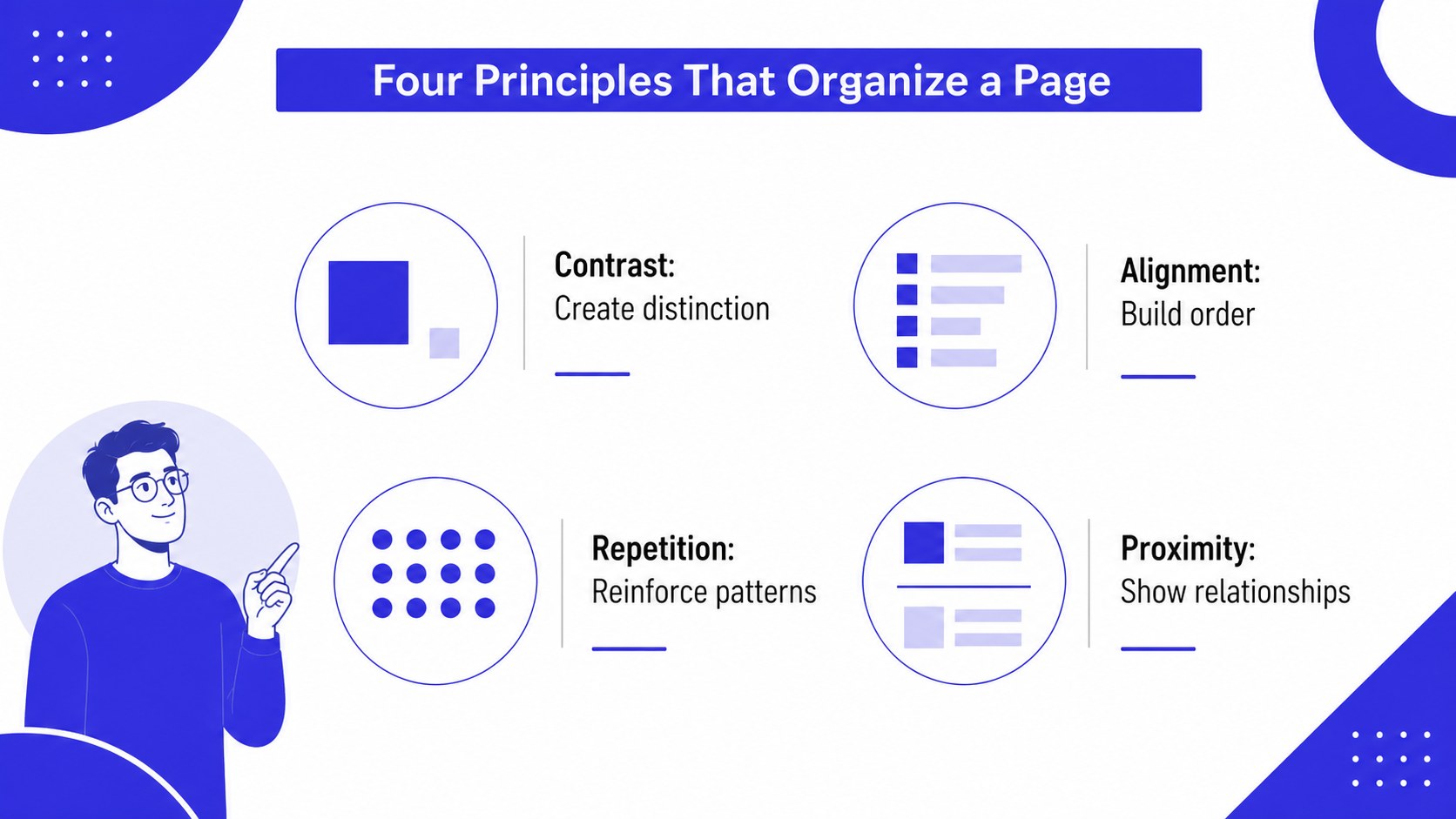
The template suits design instructors, creative agencies, marketing teams, business trainers, and professionals preparing client education sessions. It also works as a graphic design workshop template for onboarding junior creatives or introducing non-designers to hierarchy, contrast, alignment, balance, and repetition. Customize the text, examples, diagrams, and colors in PowerPoint or Google Slides while preserving the polished geometric system. With 15 coordinated 16:9 slides, the deck provides a practical framework for teaching stronger design decisions without overwhelming beginners.
Perfect for: employee design fundamentals training; beginner graphic design class; creative team onboarding; client visual strategy workshop; marketing team design seminar.
Frequently asked questions
Can I edit every part of this presentation? Yes. Text, colors, shapes, diagrams, and image placeholders can be adjusted to match your lesson, organization, or client project.
Practical details
Yes. Text, colors, shapes, diagrams, and image placeholders can be adjusted to match your lesson, organization, or client project.
The deck is designed for PowerPoint and Google Slides. Review font availability after importing so headings and body copy remain consistent.
Yes. The content follows a logical progression from basic definitions to practical design exercises. You can shorten the examples or add industry-specific references for your audience.
Replace the theme colors with your approved palette, then update accent shapes and charts consistently. Keep strong contrast between text and backgrounds to preserve readability.
Keep exploring
15Build an engaging World UFO Day session with this flying saucer history lesson deck, featuring retro green-and-brown slides for PowerPoint and Google Slides.
 15
15Plan a lively animal-learning journey with this jungle zoo adventure lesson deck, ready to customize in PowerPoint and Google Slides for young learners.
 16
16Turn environmental research into a clear story with a Watercolor Ecology Presentation Theme for PowerPoint and Google Slides in calming green and blue.
 16
16Build focused fashion, literature, and humanities presentations with the Red Triangle Editorial Theme, editable in PowerPoint and Google Slides.
 15
15Turn streaming stats, favorite tracks, and concert highlights into a bold annual listening recap slide deck for PowerPoint and Google Slides.
 15
15Turn highlights, milestones, and favorite moments into a colorful year in review slide deck with bold 3D graphics for PowerPoint and Google Slides.
 3
3Build a credible endorsement with Standout Colleague Recommendation Letter Slides, featuring colorful prompts for skills, achievements, and team impact.
 4
4Build clear beginner sessions with an ice hockey fundamentals training deck for coaches, PE teachers, and clubs, ready for PowerPoint and Google Slides.