
 15
15presentation
Flying Saucer History Lesson Deck
Build an engaging World UFO Day session with this flying saucer history lesson deck, featuring retro green-and-brown slides for PowerPoint and Google Slides.
Google SlidesPowerPoint
presentation · English
Teach gospel music history with a vivid purple lesson deck built for classrooms, worship studies, and cultural presentations. Edit freely.

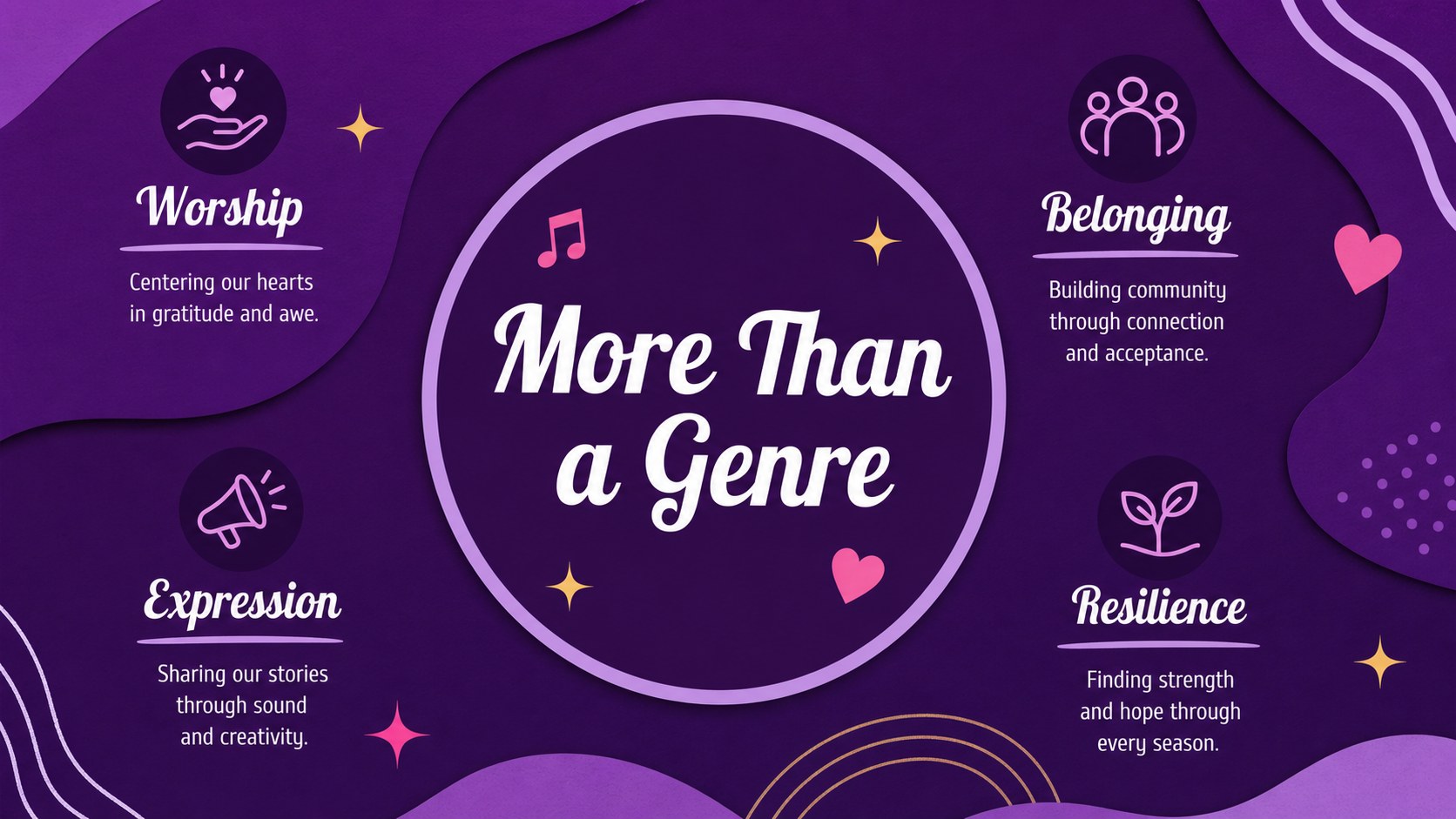
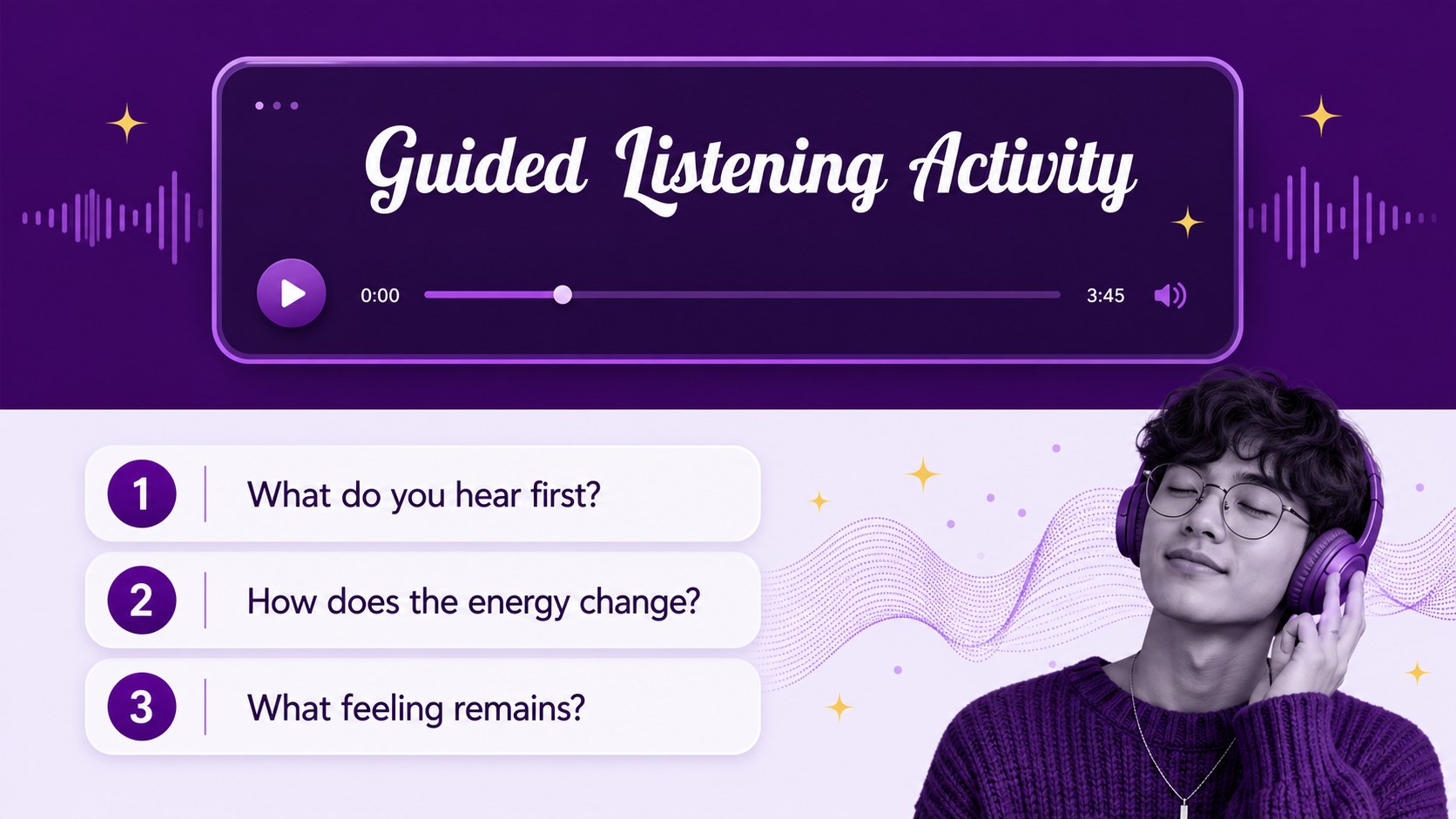
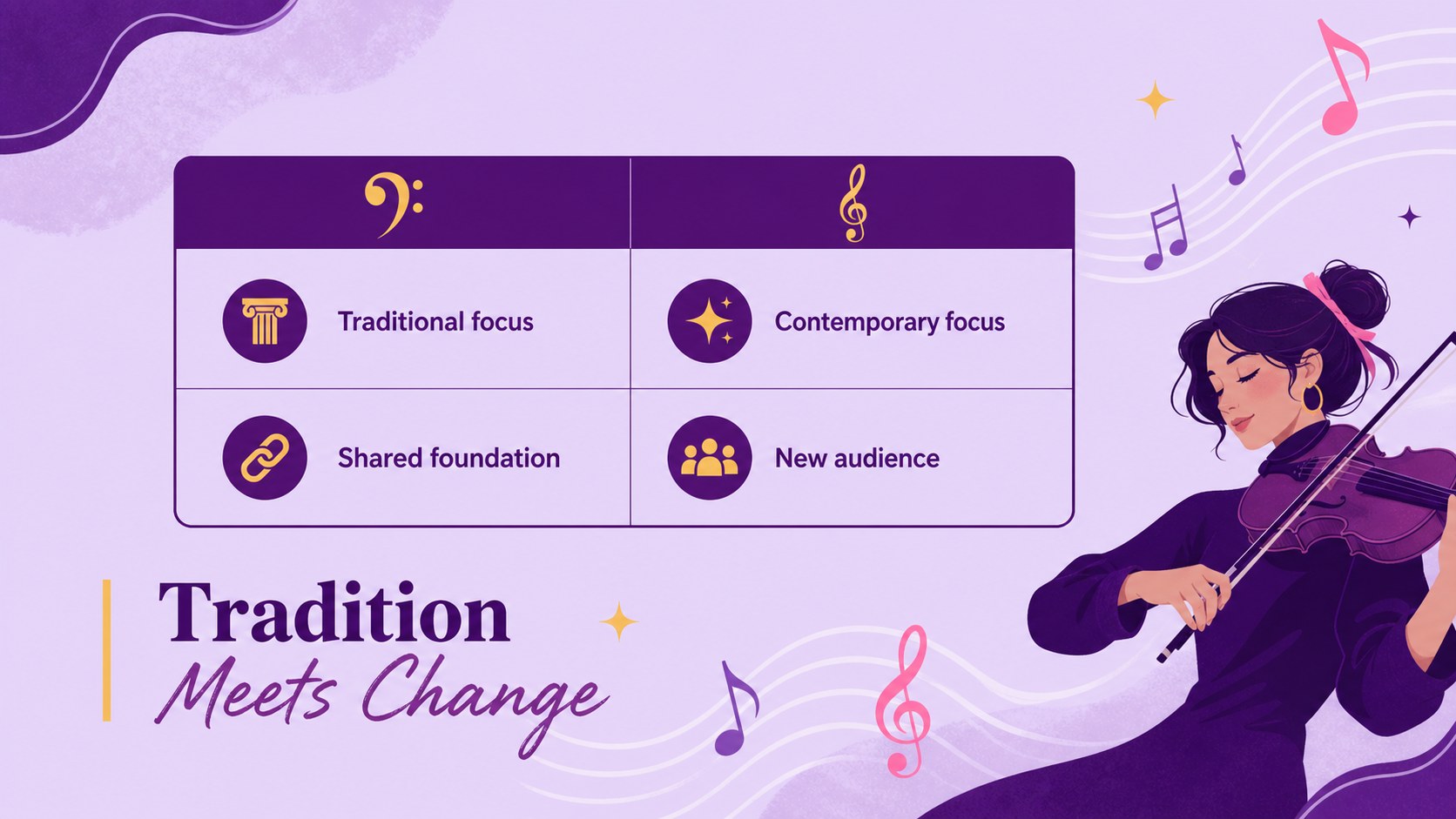
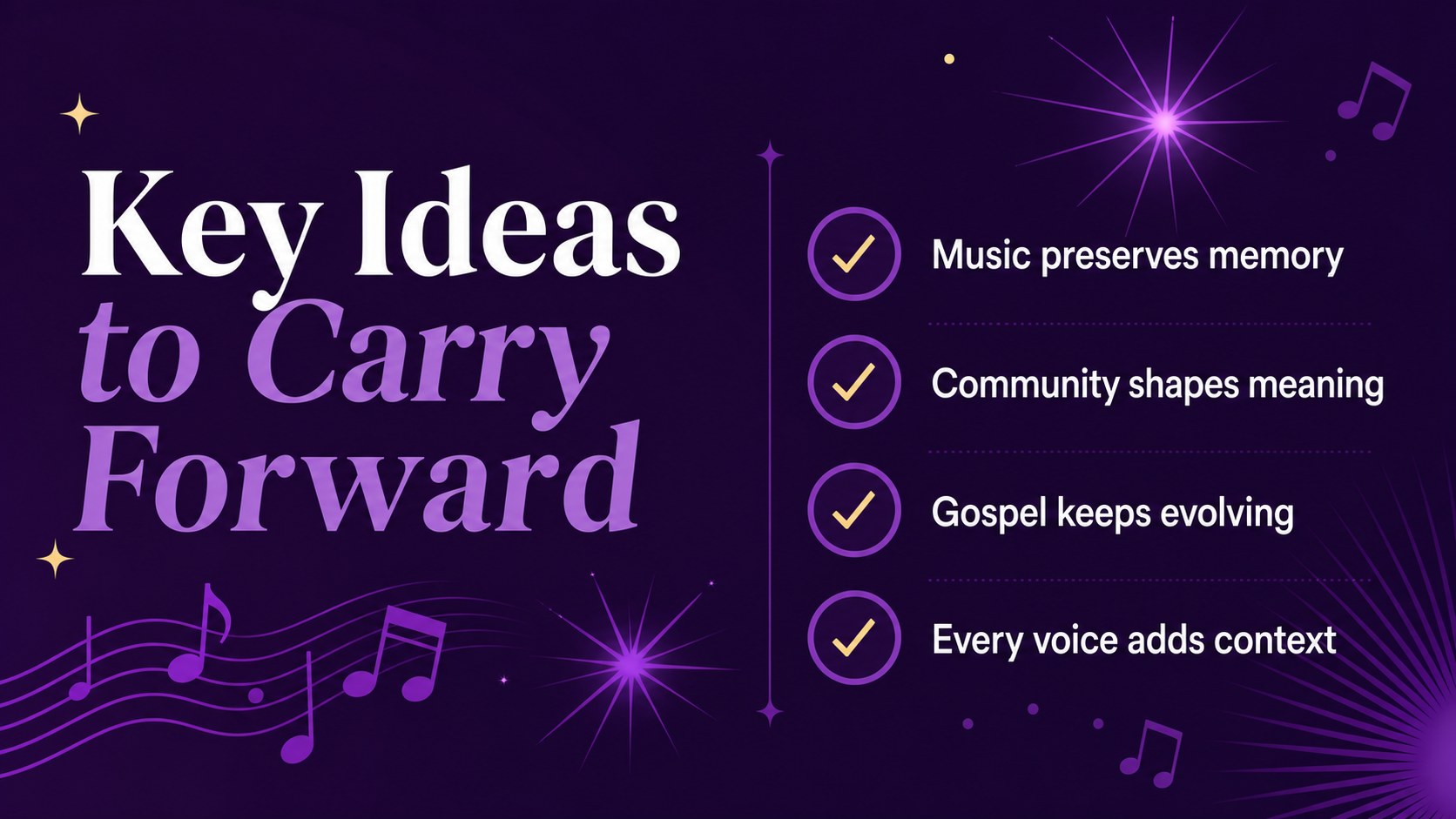
Design notes
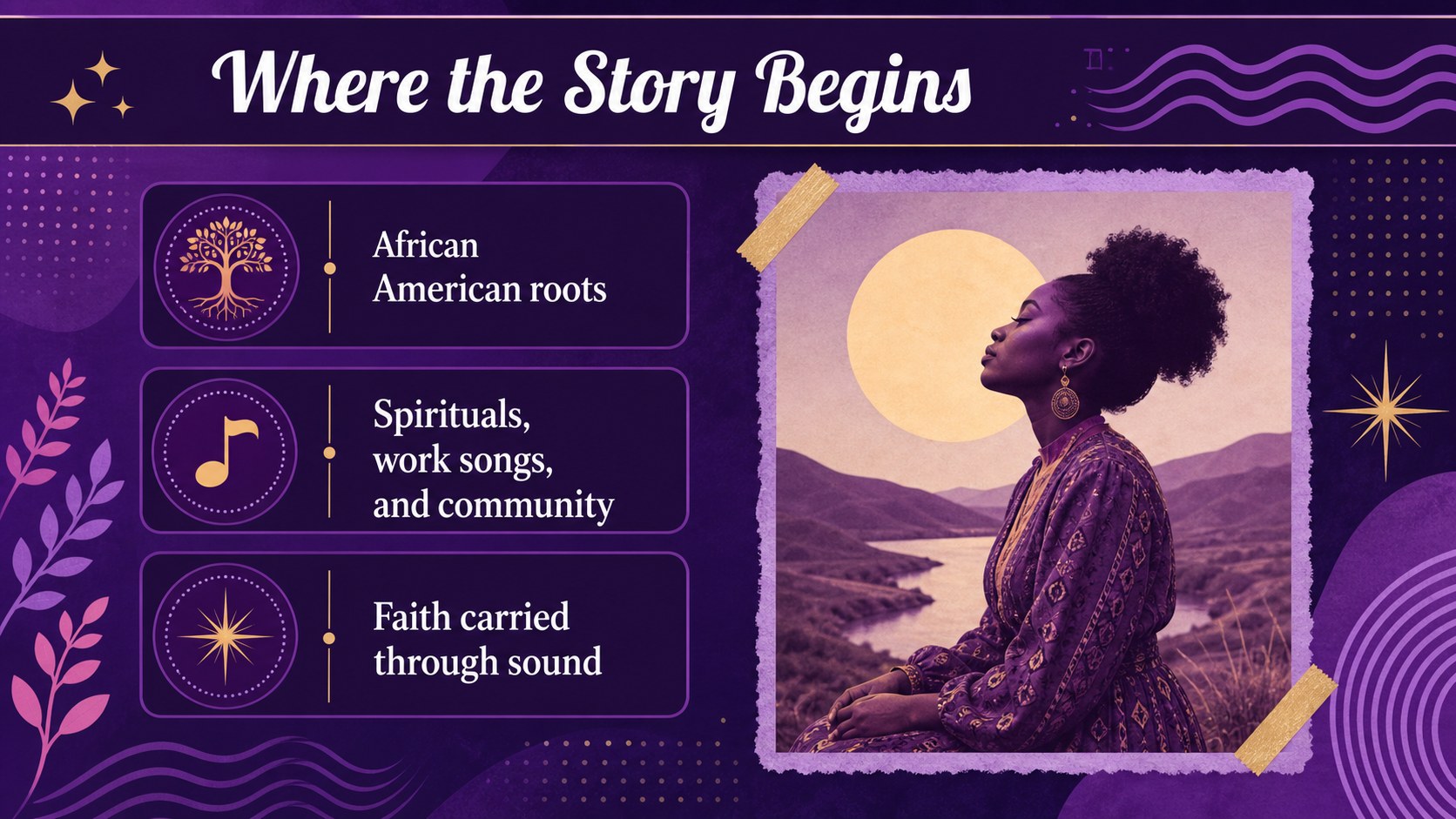
Make gospel music history easier to explore, explain, and remember with a presentation designed for thoughtful classroom discussion. This gospel music history lesson deck combines a restrained purple palette with clean layouts, expressive typography, and space for photographs, timelines, quotations, and listening prompts. It is suitable for music educators, religious studies teachers, choir directors, and anyone preparing a cultural presentation about gospel music.
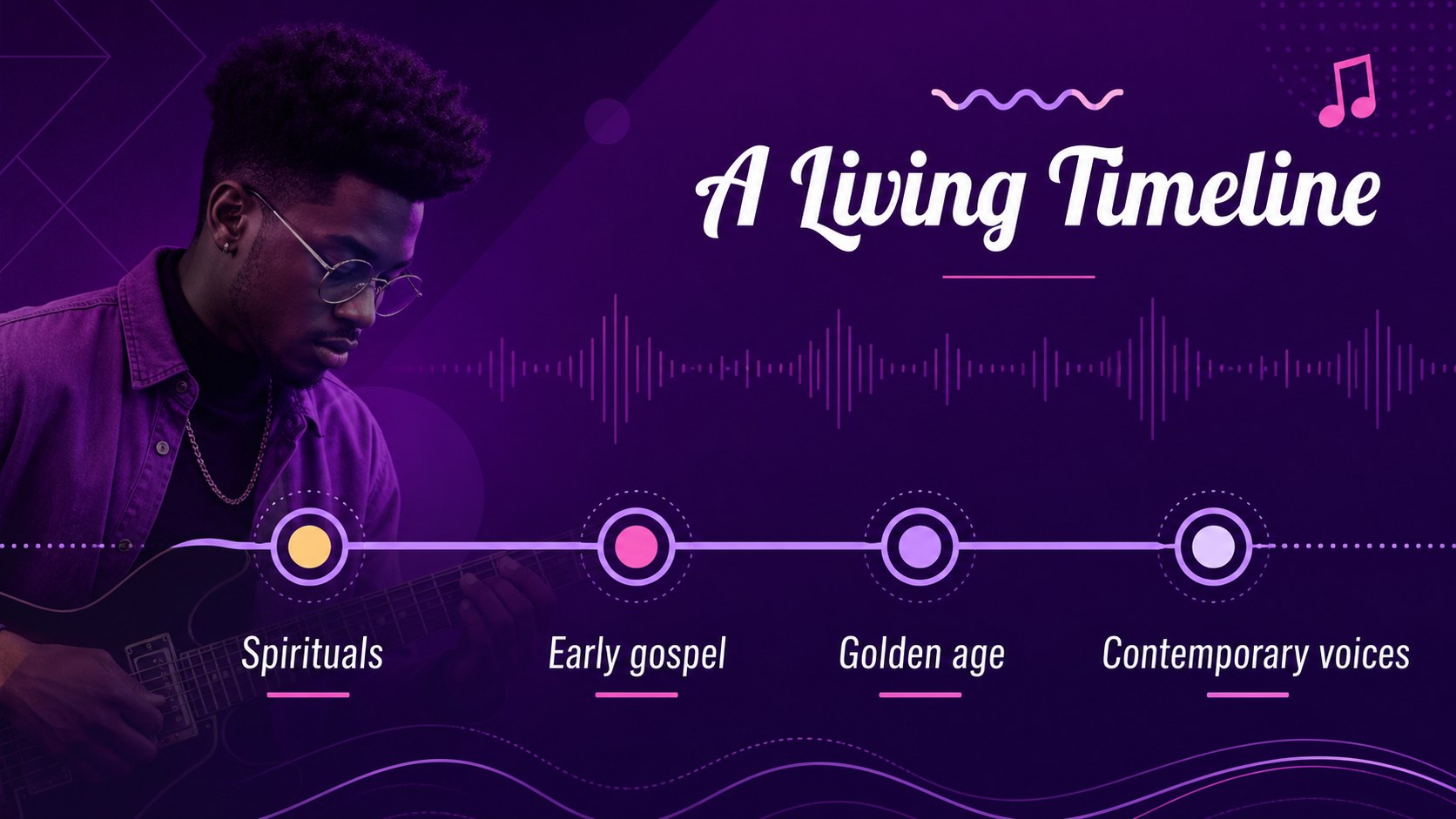
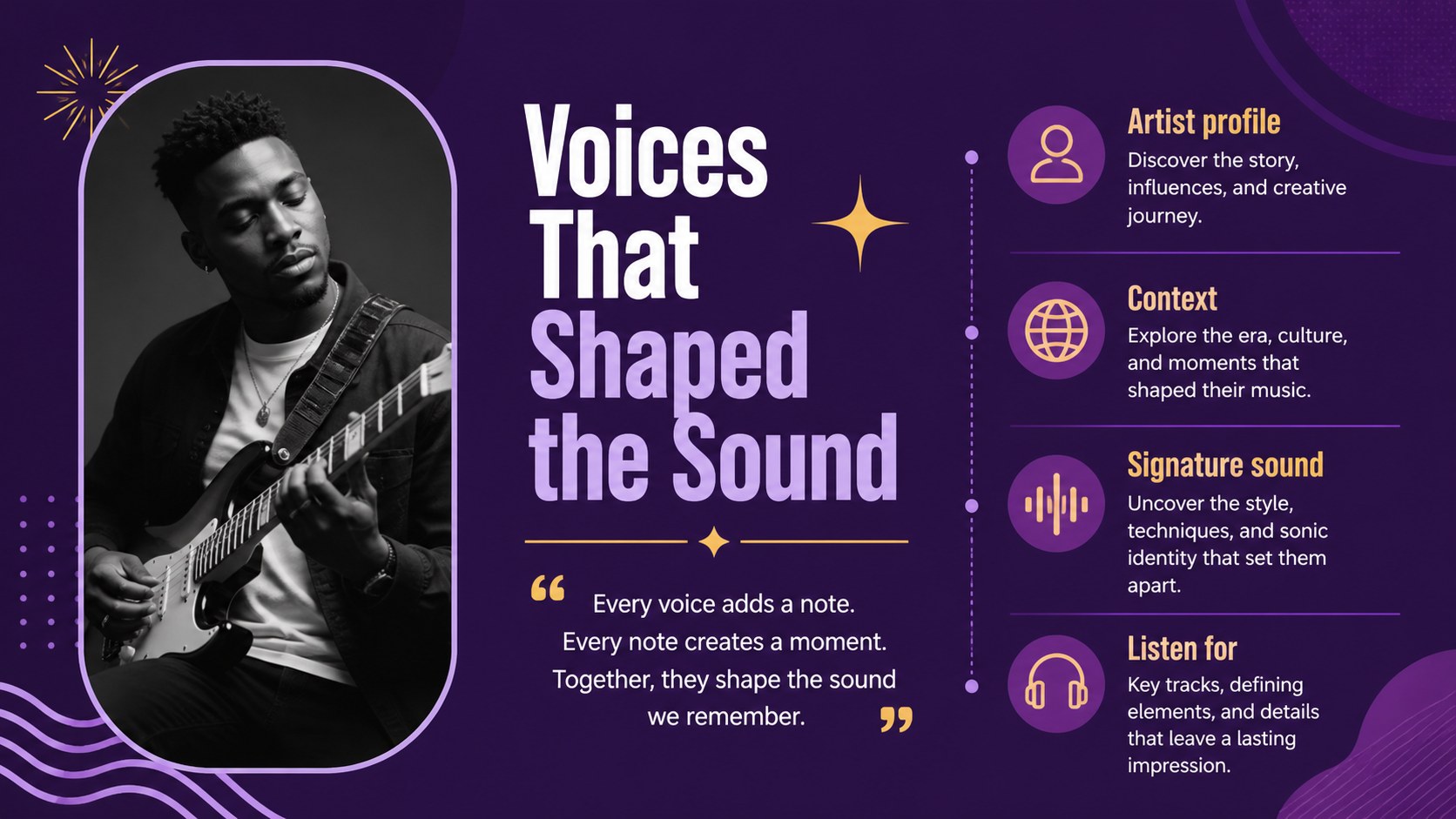
Inside, you will find more than 25 adaptable layouts for introducing the genre, mapping its roots, comparing musical characteristics, profiling influential artists, and connecting gospel traditions to contemporary sound. Use the gospel music classroom presentation to organize a chronology, add audio or video references, highlight key vocabulary, or guide students through a close listening activity. The visual structure also supports a gospel music cultural study with sections on community, worship, performance, and social influence.
Edit the deck, then export it for PowerPoint or Google Slides. Adjust the Cuprum and Lobster Two typography, replace imagery, recolor accents, and add speaker notes to match your lesson plan. Charts, frames, shapes, transitions, and collaboration tools help you build a polished presentation without starting from scratch.
Perfect for: middle school music history lesson; religious studies classroom; choir rehearsal workshop; church education session; gospel music cultural presentation.
Frequently asked questions
Can I edit this gospel music history lesson deck? Yes. Open the template to change the wording, images, colors, fonts, charts, and slide order. You can also add audio, video, speaker notes, and presentation animations.
Practical details
Yes. Open the template to change the wording, images, colors, fonts, charts, and slide order. You can also add audio, video, speaker notes, and presentation animations.
Yes. After opening the design, use Share and See all to export a PowerPoint file or save an editable copy to Google Drive. Some -only features may change during export.
It works for music teachers, choir directors, religious studies instructors, and community educators. Adapt the examples and activities for different ages, class lengths, or worship education settings.
Yes. lets you replace the violet accents with your school, church, or event colors while preserving the layout. You can also swap the included typography and imagery to fit your audience.
Keep exploring
15Build an engaging World UFO Day session with this flying saucer history lesson deck, featuring retro green-and-brown slides for PowerPoint and Google Slides.
 15
15Plan a lively animal-learning journey with this jungle zoo adventure lesson deck, ready to customize in PowerPoint and Google Slides for young learners.
 16
16Turn environmental research into a clear story with a Watercolor Ecology Presentation Theme for PowerPoint and Google Slides in calming green and blue.
 16
16Build focused fashion, literature, and humanities presentations with the Red Triangle Editorial Theme, editable in PowerPoint and Google Slides.
 15
15Turn streaming stats, favorite tracks, and concert highlights into a bold annual listening recap slide deck for PowerPoint and Google Slides.
 15
15Turn highlights, milestones, and favorite moments into a colorful year in review slide deck with bold 3D graphics for PowerPoint and Google Slides.
 3
3Build a credible endorsement with Standout Colleague Recommendation Letter Slides, featuring colorful prompts for skills, achievements, and team impact.
 4
4Build clear beginner sessions with an ice hockey fundamentals training deck for coaches, PE teachers, and clubs, ready for PowerPoint and Google Slides.