
 15
15presentation
Flying Saucer History Lesson Deck
Build an engaging World UFO Day session with this flying saucer history lesson deck, featuring retro green-and-brown slides for PowerPoint and Google Slides.
Google SlidesPowerPoint
presentation · English
Turn long-term goals into a clear action plan with this golden years financial roadmap, an elegant beige deck for PowerPoint and Google Slides.


Design notes
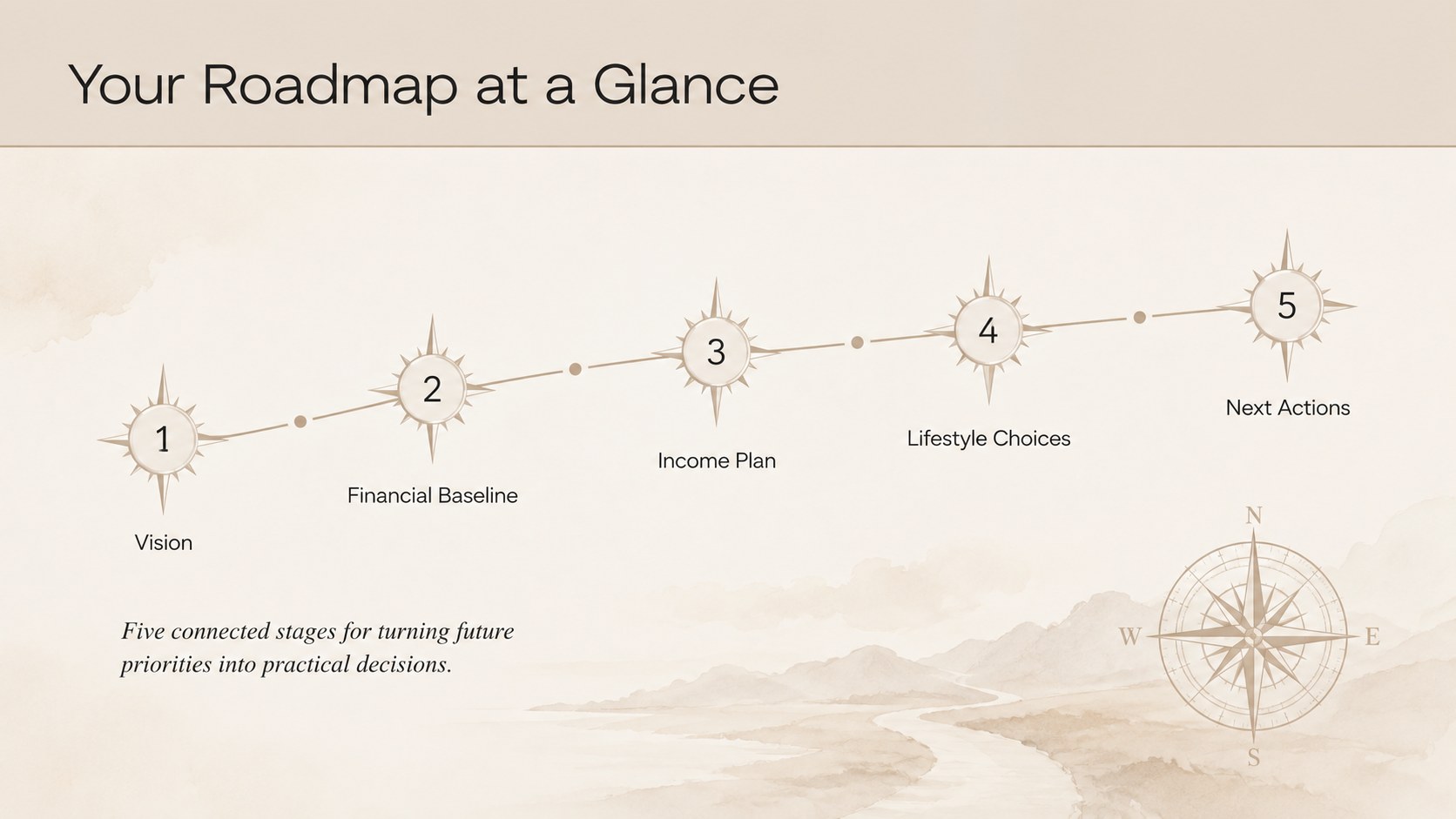
The golden years financial roadmap turns retirement decisions into a structured, easy-to-present plan. Its warm beige palette, refined typography, and uncluttered layouts create a calm setting for discussing money, timing, and future priorities without making the conversation feel clinical. Use the deck to connect today's financial picture with the life you want after full-time work.
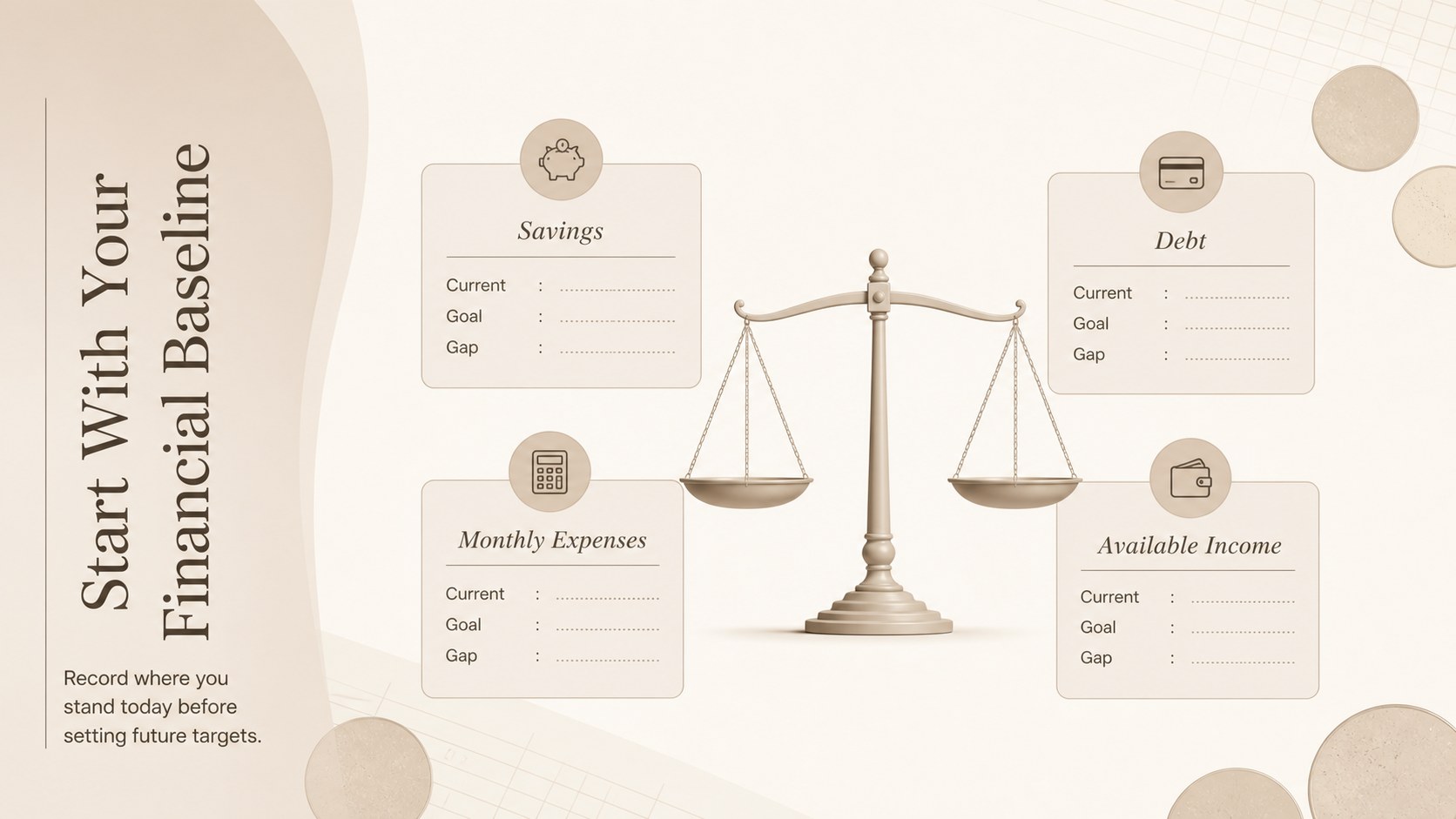
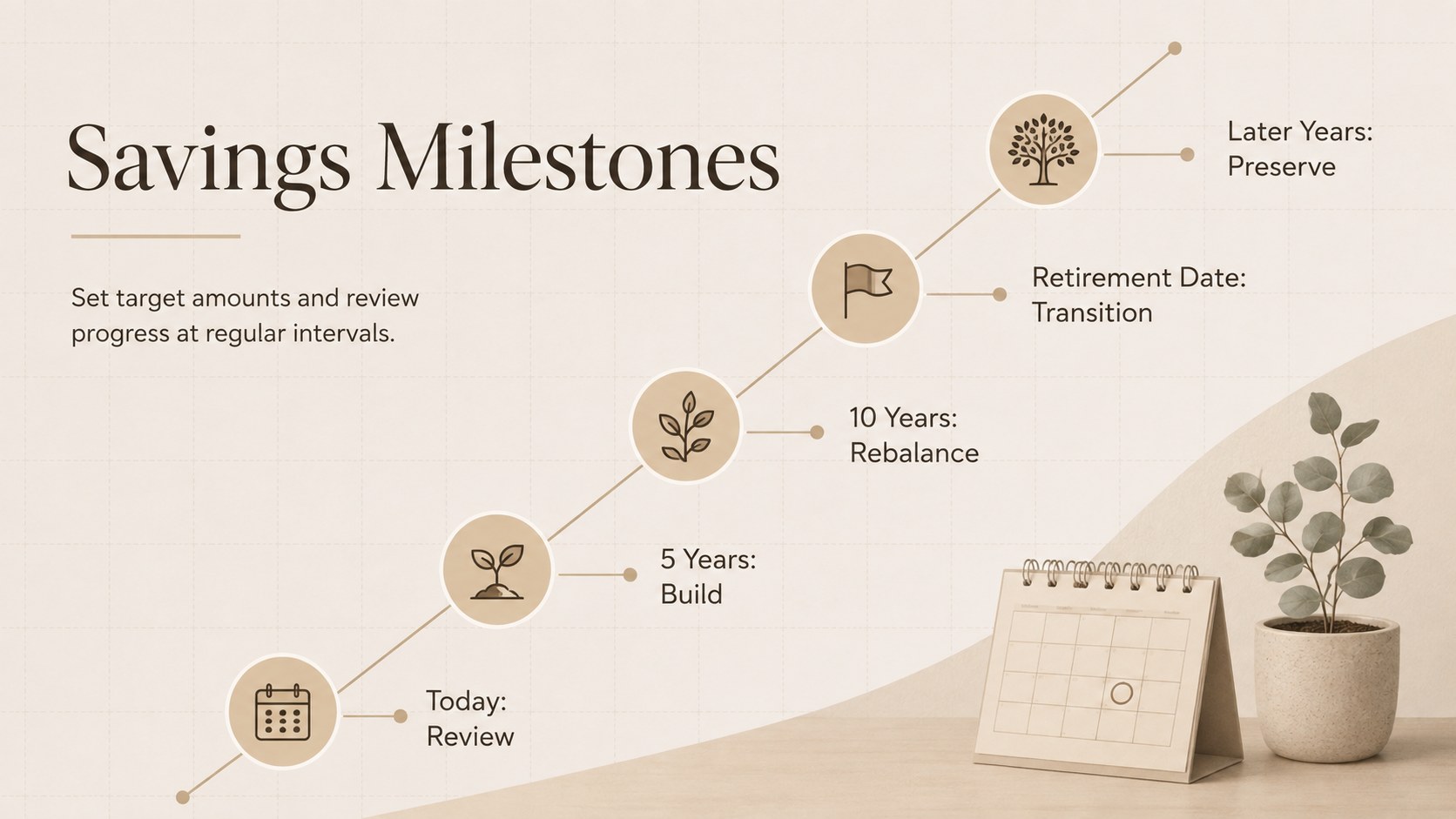
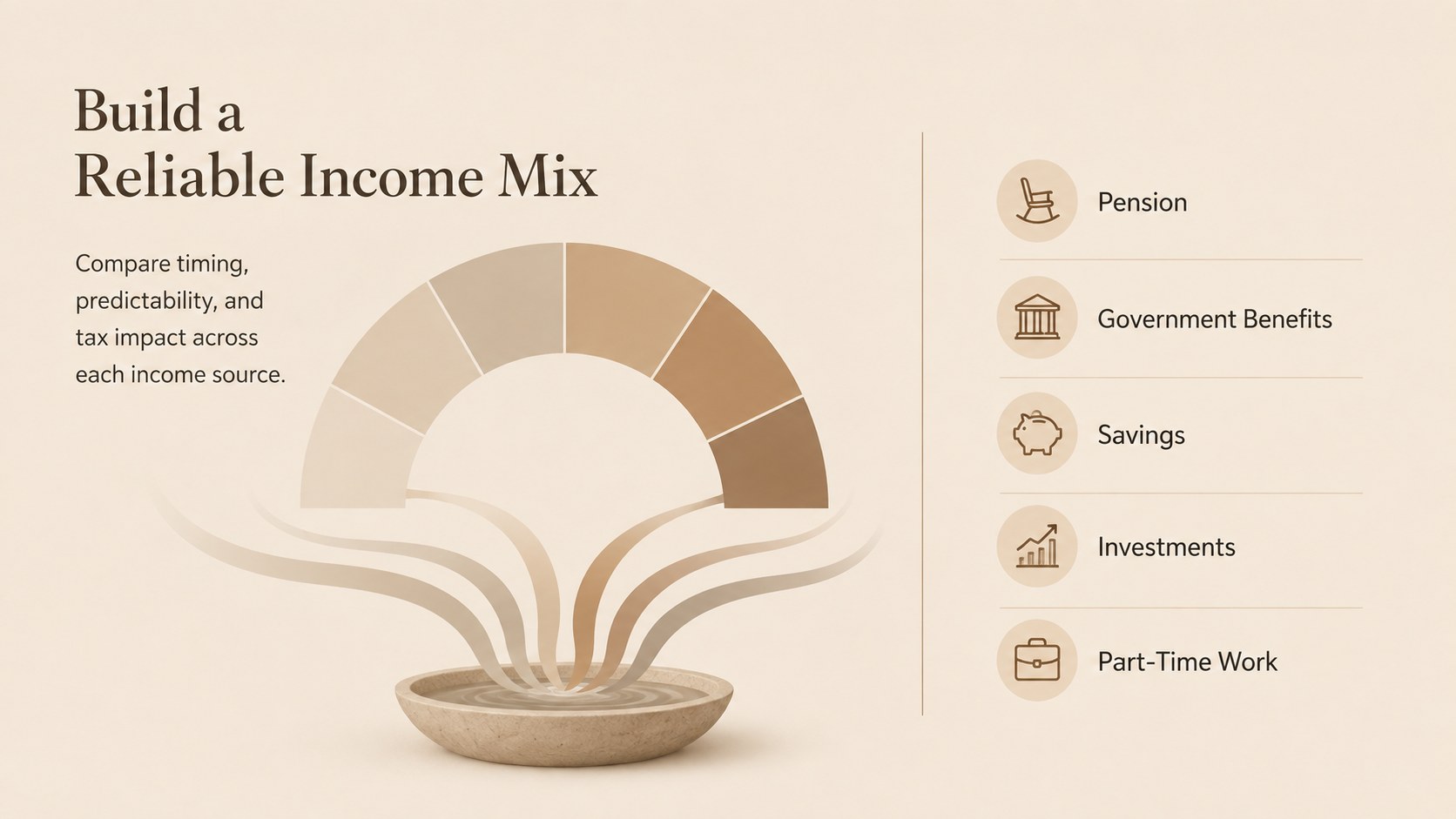
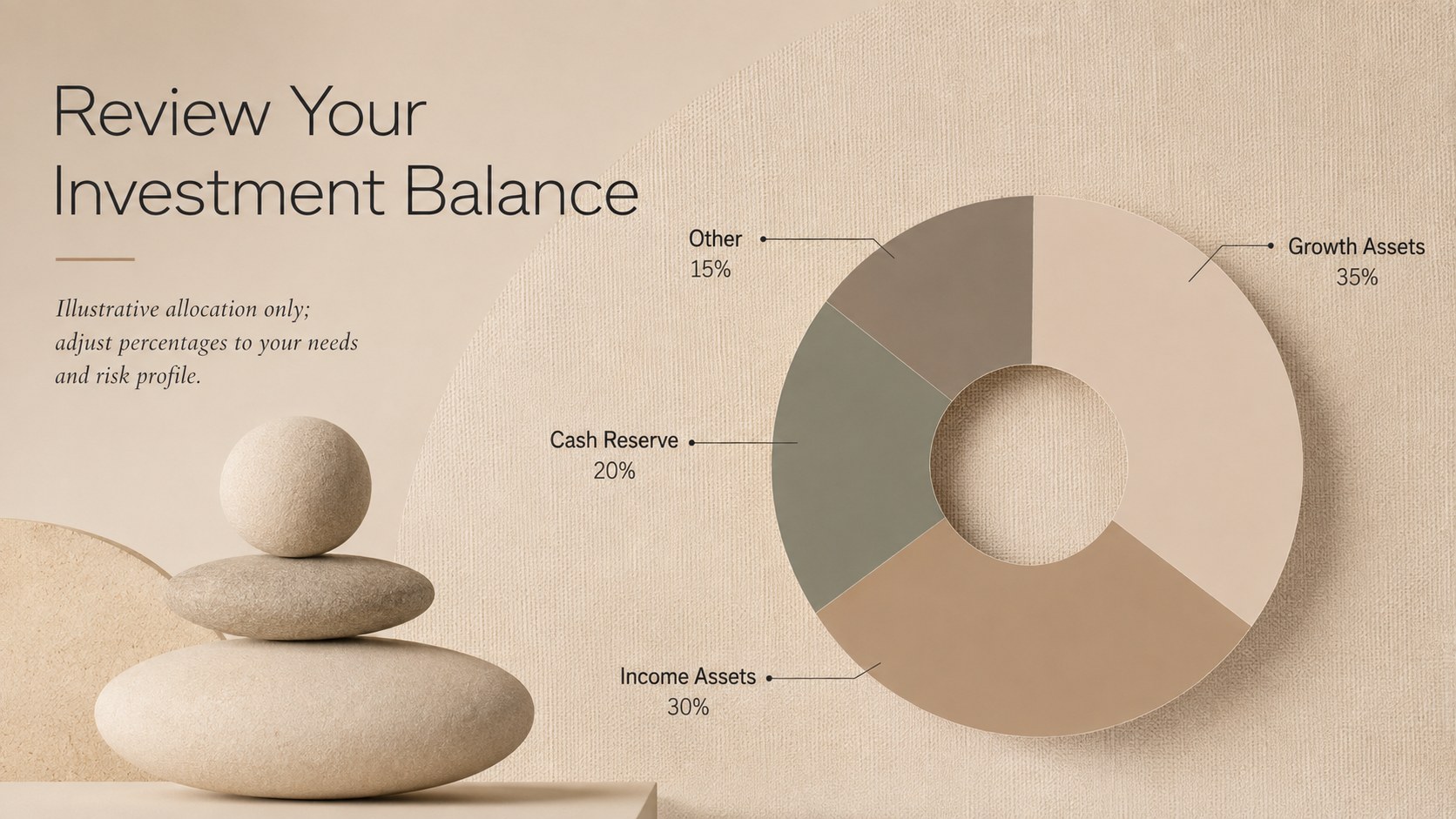
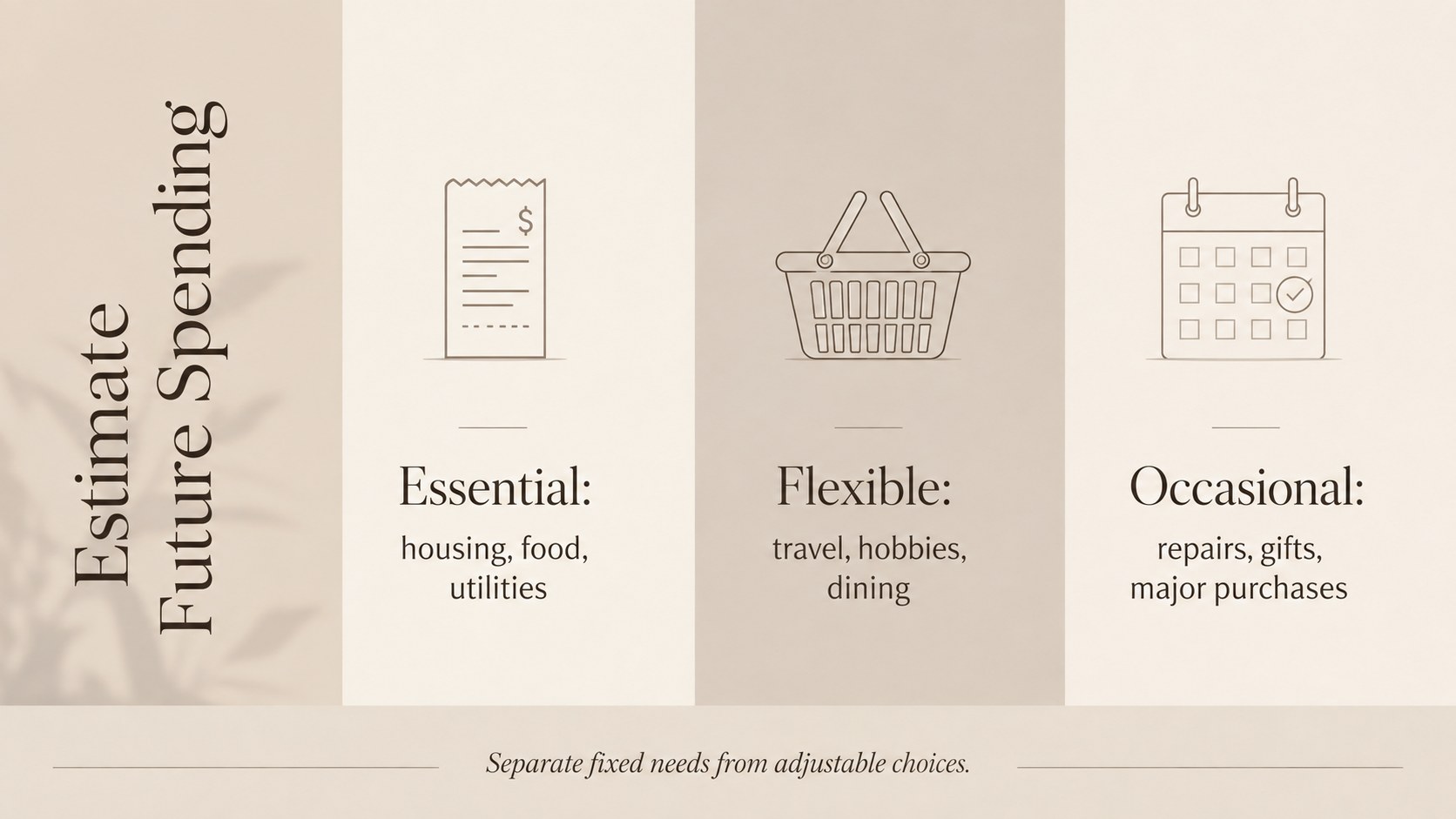
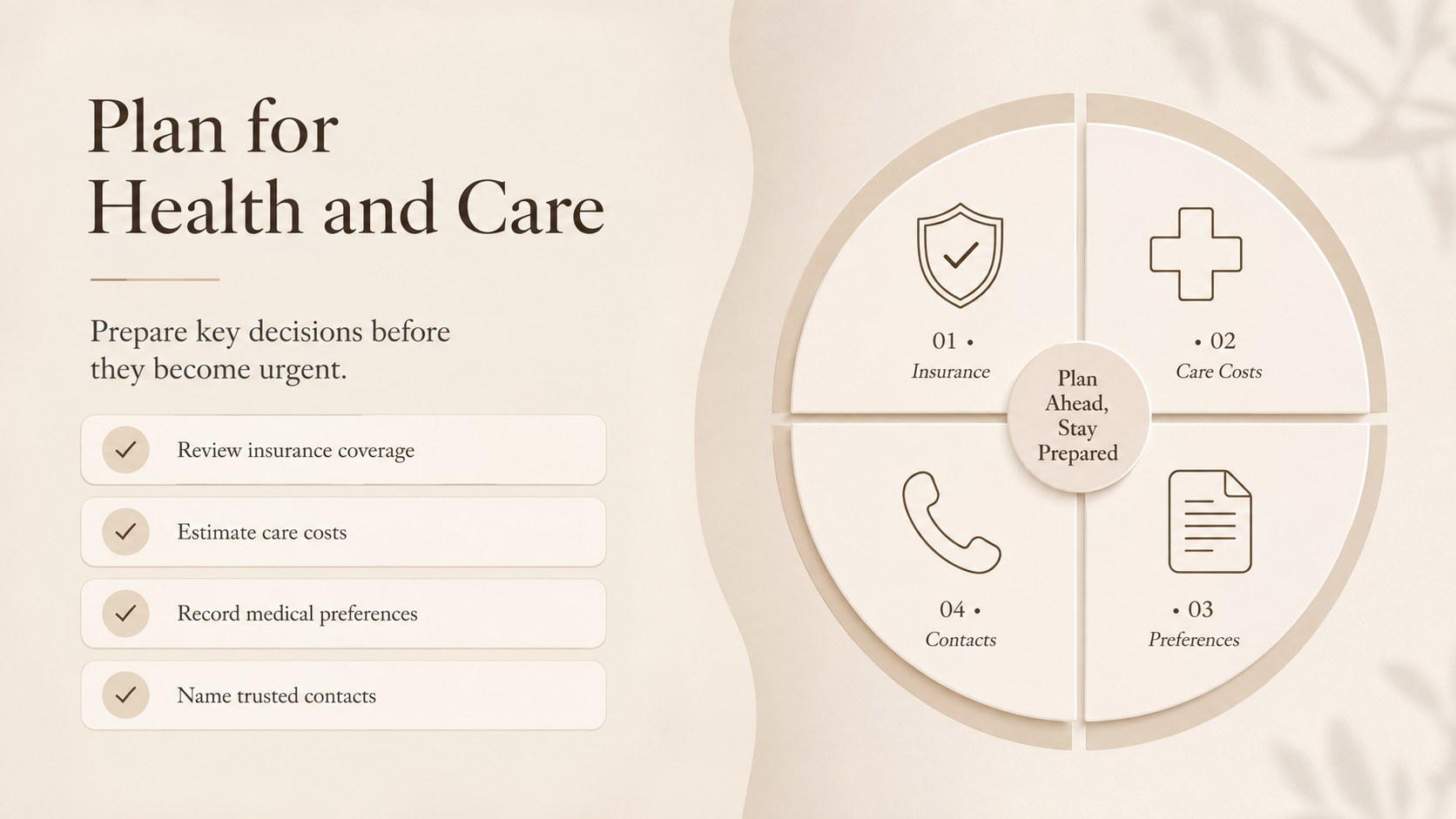
Inside are 15 editable slides for defining goals, reviewing savings, mapping income sources, estimating expenses, considering healthcare and housing, and assigning next actions. A retirement savings timeline presentation helps mark key ages and milestones, while visual charts support portfolio allocation and income comparisons. The estate and healthcare planning slides give sensitive topics a clear place in the same conversation, and the closing checklist keeps follow-up decisions visible.
This template suits individuals, couples, financial advisers, benefits teams, and community educators. It can support a one-to-one planning meeting, a pre-retirement workshop, or a family discussion. Customize the post career lifestyle planning slides with travel, volunteering, relocation, or part-time work priorities, then adjust figures and labels to match your situation. Every layout is designed for straightforward editing in PowerPoint and Google Slides, with consistent spacing and room for notes, charts, and personal milestones.
Perfect for: personal retirement review; couples financial planning session; pre-retirement employee workshop; financial adviser consultation; family future-planning discussion.
Frequently asked questions
Can I edit the financial figures and milestones? Yes. All headings, figures, tables, chart labels, and timeline milestones can be replaced with your own information in PowerPoint or Google Slides.
Practical details
Yes. All headings, figures, tables, chart labels, and timeline milestones can be replaced with your own information in PowerPoint or Google Slides.
The deck is designed for PowerPoint and Google Slides. Review fonts and chart formatting after importing to ensure the layouts remain consistent on your device.
Yes. Update the theme colors to match a financial practice, employer program, or personal preference while retaining the understated layout system.
Yes. Advisers can customize the slides for discovery meetings, retirement income discussions, client workshops, and annual plan reviews. Add appropriate disclosures before presenting regulated financial information.
Keep exploring
15Build an engaging World UFO Day session with this flying saucer history lesson deck, featuring retro green-and-brown slides for PowerPoint and Google Slides.
 15
15Plan a lively animal-learning journey with this jungle zoo adventure lesson deck, ready to customize in PowerPoint and Google Slides for young learners.
 16
16Turn environmental research into a clear story with a Watercolor Ecology Presentation Theme for PowerPoint and Google Slides in calming green and blue.
 16
16Build focused fashion, literature, and humanities presentations with the Red Triangle Editorial Theme, editable in PowerPoint and Google Slides.
 15
15Turn streaming stats, favorite tracks, and concert highlights into a bold annual listening recap slide deck for PowerPoint and Google Slides.
 15
15Turn highlights, milestones, and favorite moments into a colorful year in review slide deck with bold 3D graphics for PowerPoint and Google Slides.
 3
3Build a credible endorsement with Standout Colleague Recommendation Letter Slides, featuring colorful prompts for skills, achievements, and team impact.
 4
4Build clear beginner sessions with an ice hockey fundamentals training deck for coaches, PE teachers, and clubs, ready for PowerPoint and Google Slides.