
 15
15presentation
Flying Saucer History Lesson Deck
Build an engaging World UFO Day session with this flying saucer history lesson deck, featuring retro green-and-brown slides for PowerPoint and Google Slides.
Google SlidesPowerPoint
presentation · English
Organize seasonal campaigns, school events, and holiday programs with a winter fair planning deck in elegant blue and gold for PowerPoint and Google Slides.



Design notes
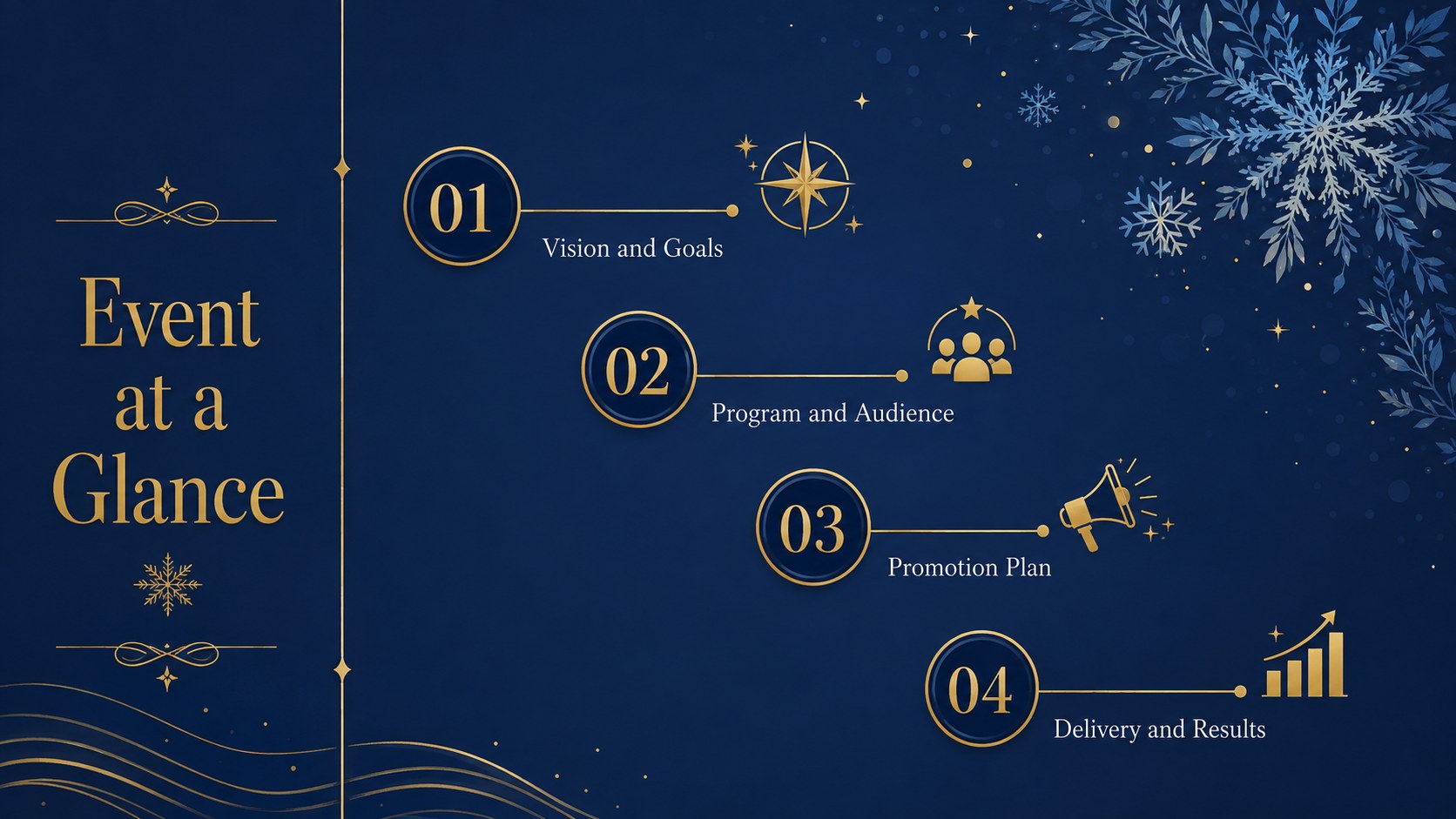
Turn seasonal ideas into a clear, polished plan with the Golden Winter Fair Planning Deck. Designed as a flexible winter fair planning deck, it pairs deep blue backgrounds, warm gold accents, crisp geometric details, and celebratory illustrations. The refined visual style keeps practical information easy to scan while giving every page an inviting holiday atmosphere.
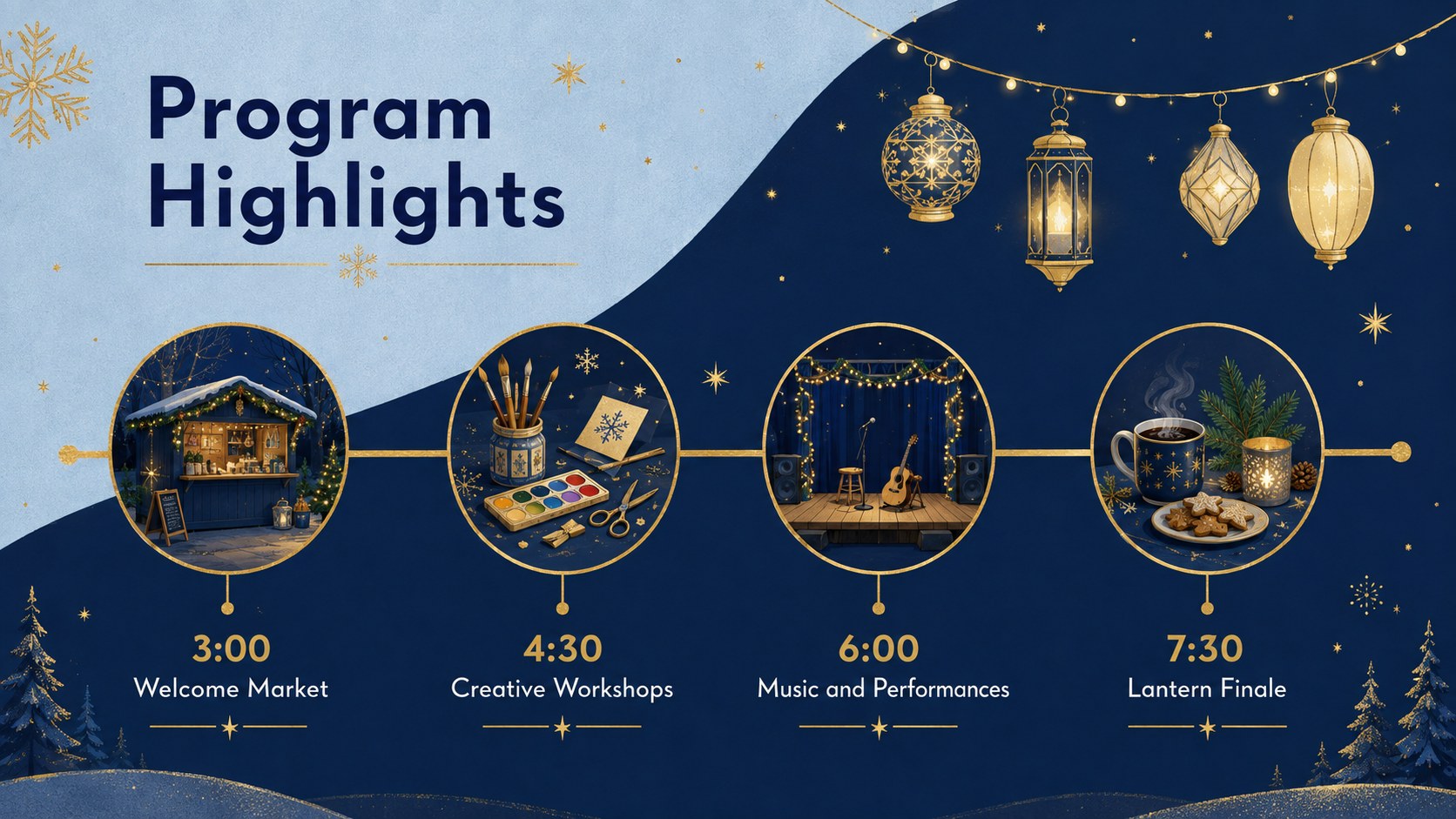
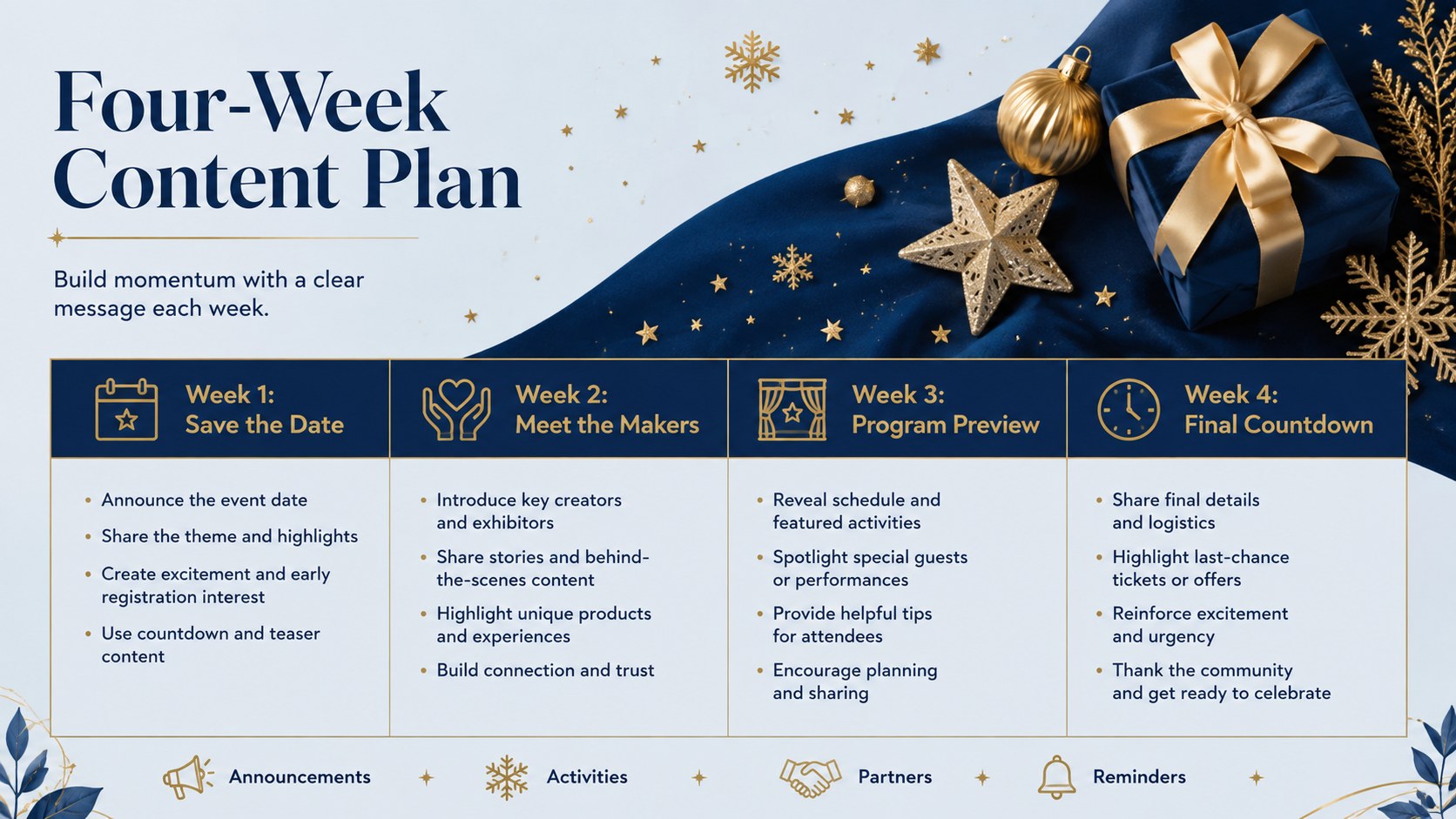
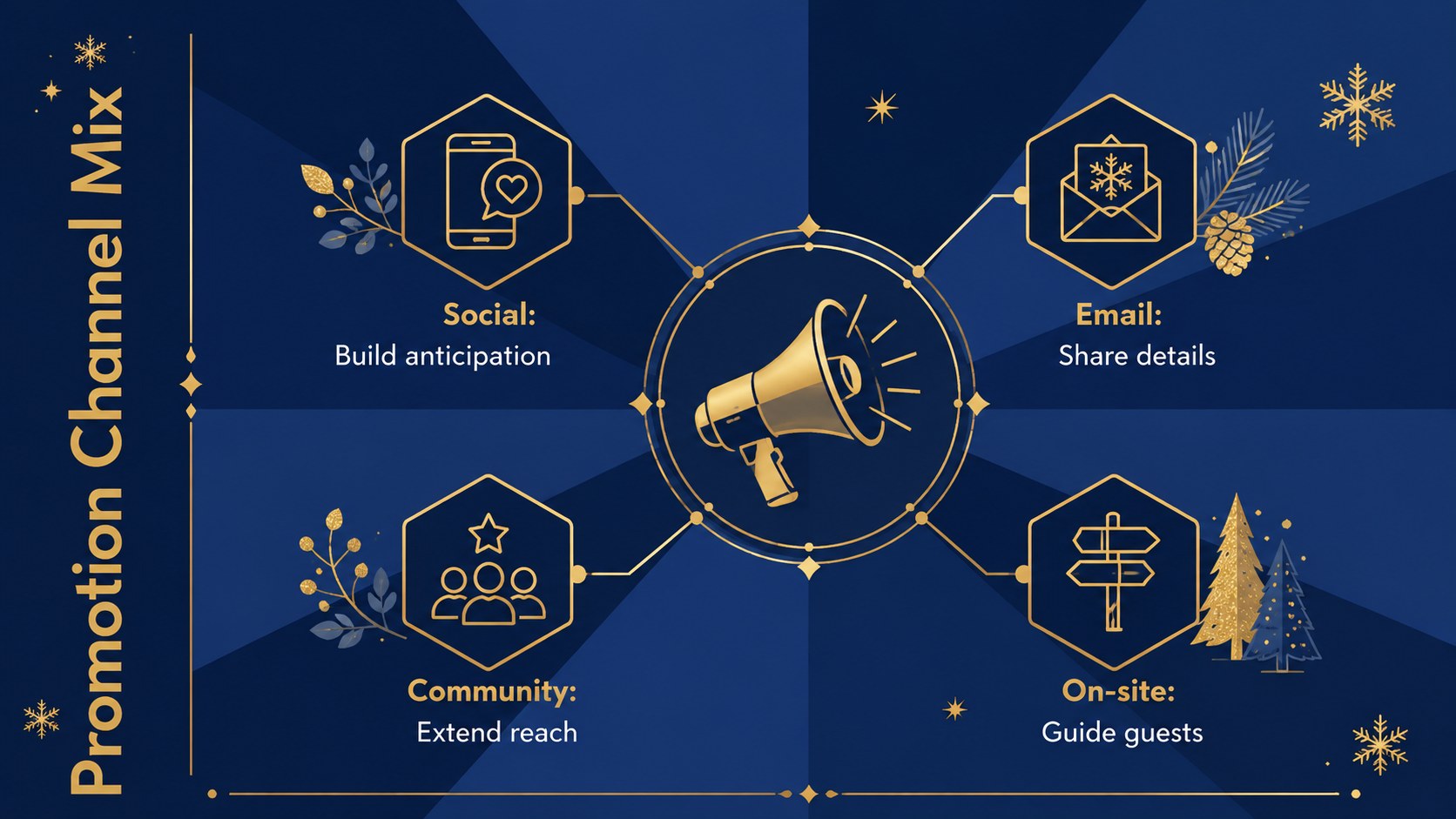
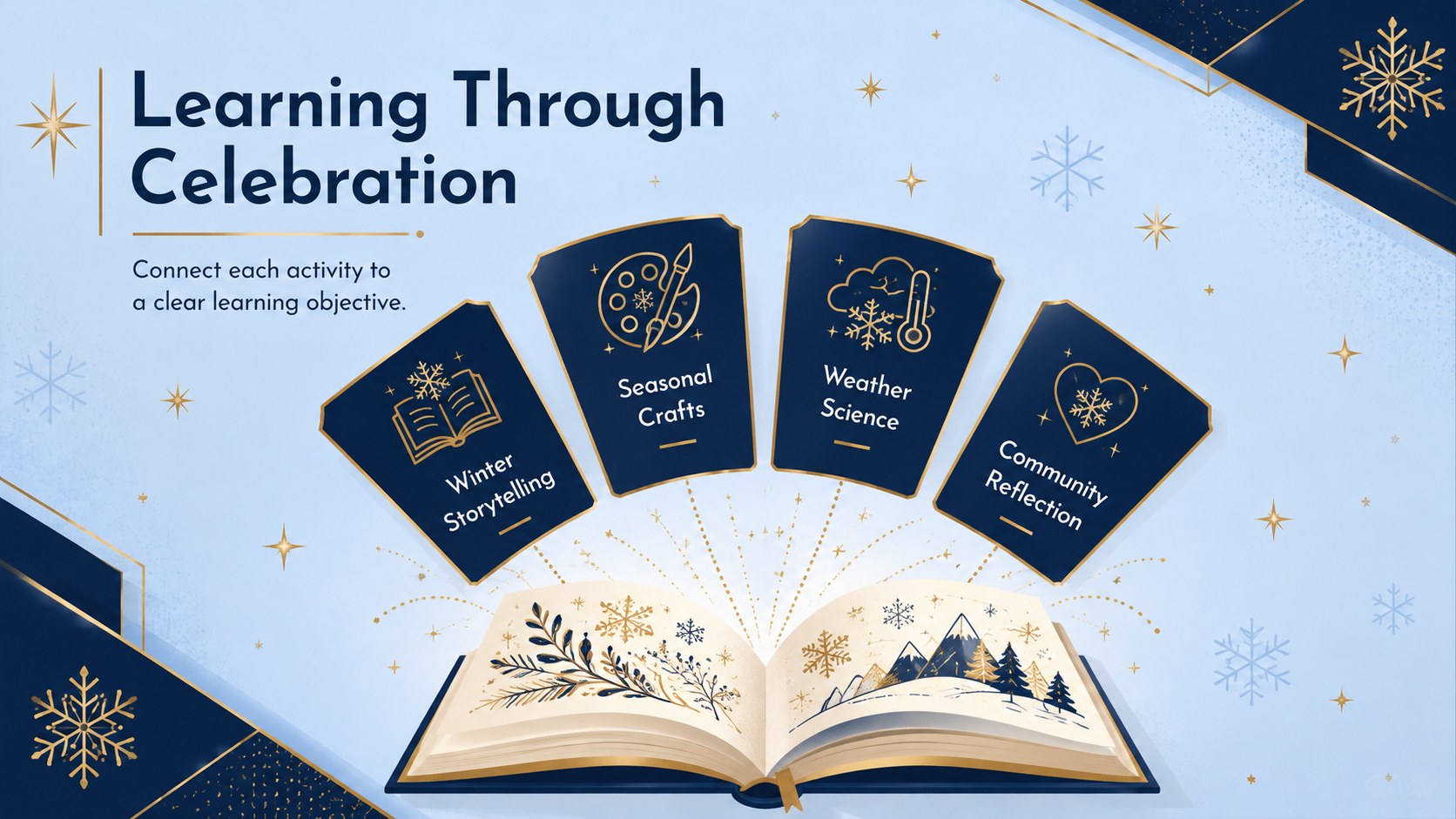
Inside, you will find layouts for an event overview, goals, audience, program schedule, promotional channels, social content, learning activities, venue zones, budget priorities, task ownership, milestones, and results. Use it as an elegant winter event presentation for sponsors and partners, or adapt the campaign pages into a holiday social media campaign template. Charts, timelines, lists, and image-led pages create a balanced story without forcing every section into the same format.
The deck suits marketing teams coordinating seasonal launches, educators organizing classroom celebrations, community groups producing local fairs, and event planners briefing staff or vendors. It also works as school winter celebration slides when lessons, activities, and announcements need one cohesive look. Edit the wording, colors, photos, icons, and data in PowerPoint or Google Slides, then duplicate or reorder layouts to fit a short update or a full event proposal.
Perfect for: community winter fair proposal; school holiday event planning; seasonal marketing campaign; festival sponsor briefing; holiday social media calendar; event staff coordination.
Frequently asked questions
Which presentation platforms support this deck? The template is designed for PowerPoint and Google Slides. Its layouts, text, colors, and visual elements can be edited in either platform.
Practical details
The template is designed for PowerPoint and Google Slides. Its layouts, text, colors, and visual elements can be edited in either platform.
Yes. Replace the sample program, activities, audience details, and venue information with content for a classroom celebration, fundraiser, market, or local festival.
Change the theme colors, typefaces, illustrations, icons, and image placeholders using the editing tools in PowerPoint or Google Slides. Keeping one dark base color and one metallic-style accent will preserve the deck's elegant character.
Yes. The slide set covers goals, schedules, promotional channels, social content, budgets, responsibilities, milestones, and results so it can support both event operations and marketing.
Keep exploring
15Build an engaging World UFO Day session with this flying saucer history lesson deck, featuring retro green-and-brown slides for PowerPoint and Google Slides.
 15
15Plan a lively animal-learning journey with this jungle zoo adventure lesson deck, ready to customize in PowerPoint and Google Slides for young learners.
 16
16Turn environmental research into a clear story with a Watercolor Ecology Presentation Theme for PowerPoint and Google Slides in calming green and blue.
 16
16Build focused fashion, literature, and humanities presentations with the Red Triangle Editorial Theme, editable in PowerPoint and Google Slides.
 15
15Turn streaming stats, favorite tracks, and concert highlights into a bold annual listening recap slide deck for PowerPoint and Google Slides.
 15
15Turn highlights, milestones, and favorite moments into a colorful year in review slide deck with bold 3D graphics for PowerPoint and Google Slides.
 3
3Build a credible endorsement with Standout Colleague Recommendation Letter Slides, featuring colorful prompts for skills, achievements, and team impact.
 4
4Build clear beginner sessions with an ice hockey fundamentals training deck for coaches, PE teachers, and clubs, ready for PowerPoint and Google Slides.