
 15
15presentation
Flying Saucer History Lesson Deck
Build an engaging World UFO Day session with this flying saucer history lesson deck, featuring retro green-and-brown slides for PowerPoint and Google Slides.
Google SlidesPowerPoint
presentation · English
Build moodboards, lookbooks, and stories with a golden hour nostalgia presentation in warm brown and cool blue, ready for PowerPoint and Google Slides.
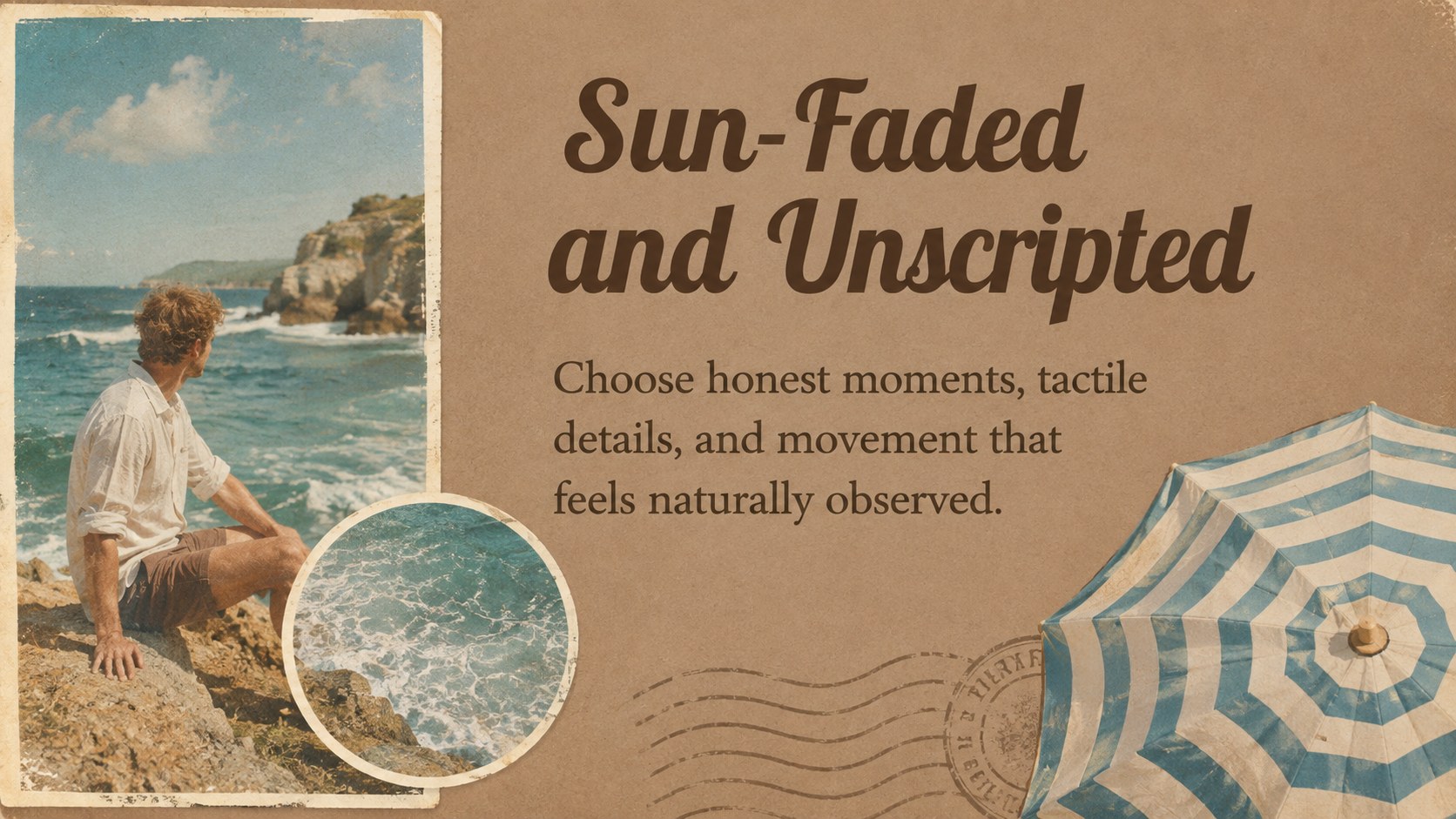
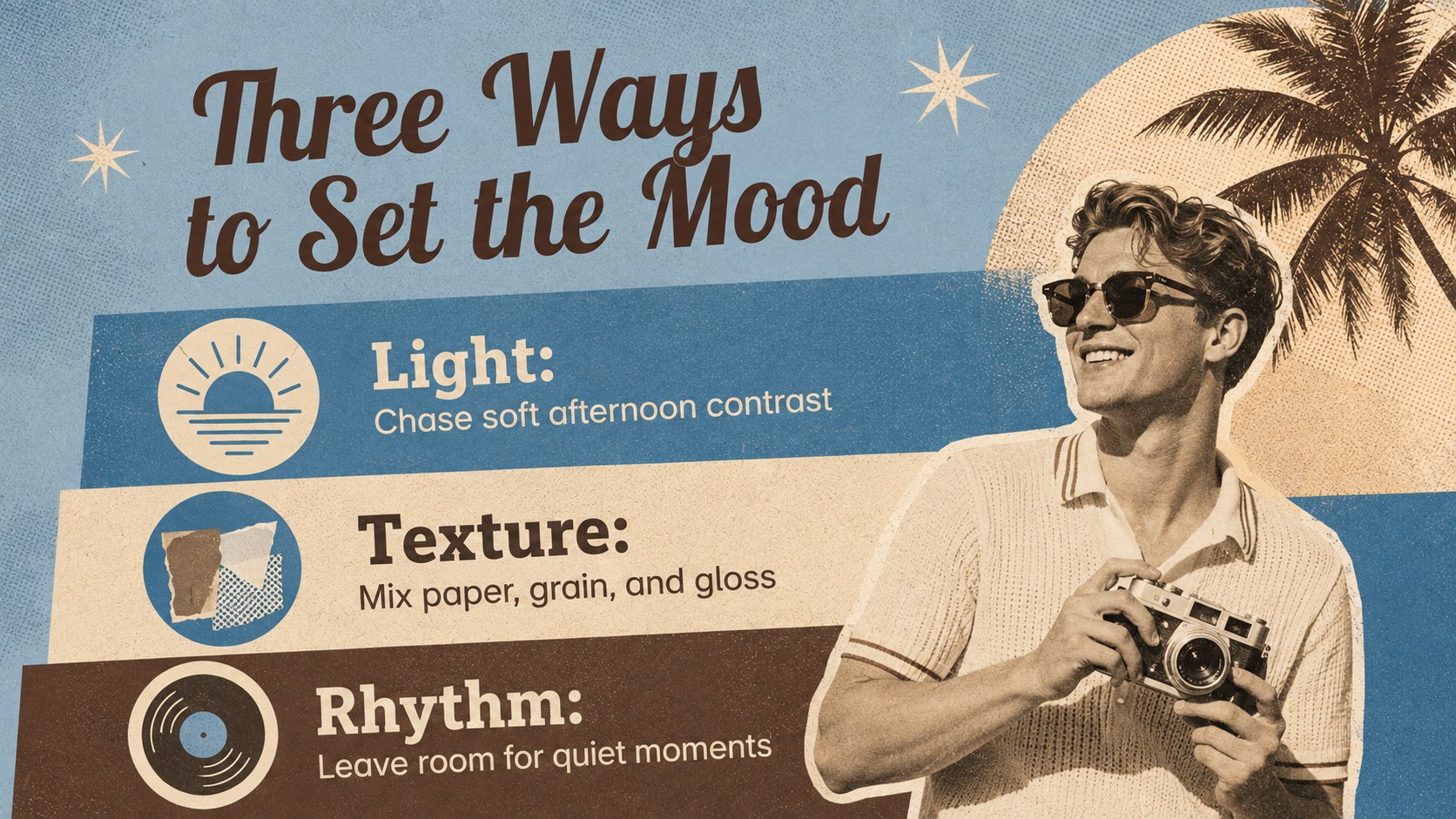
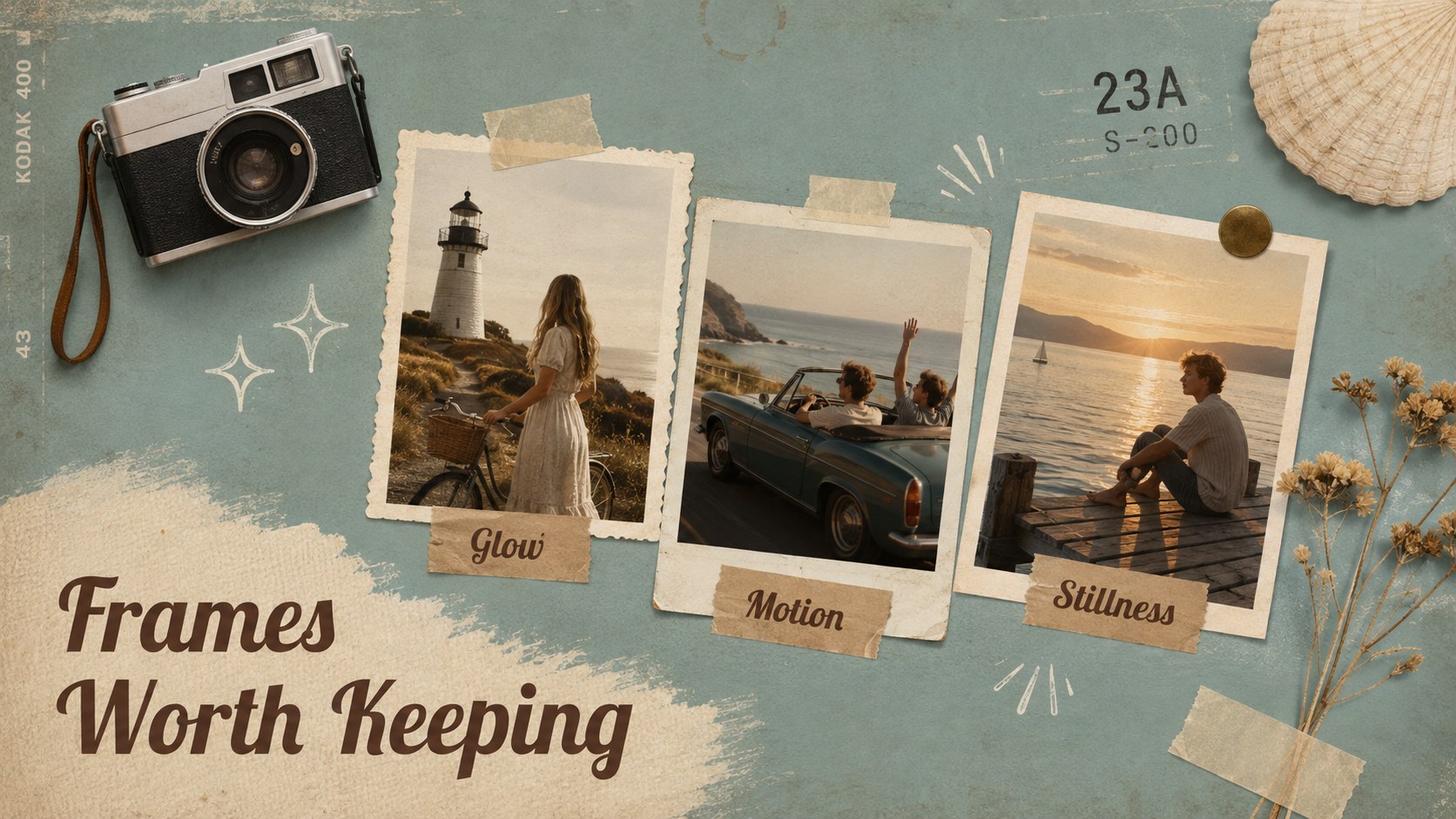

Design notes
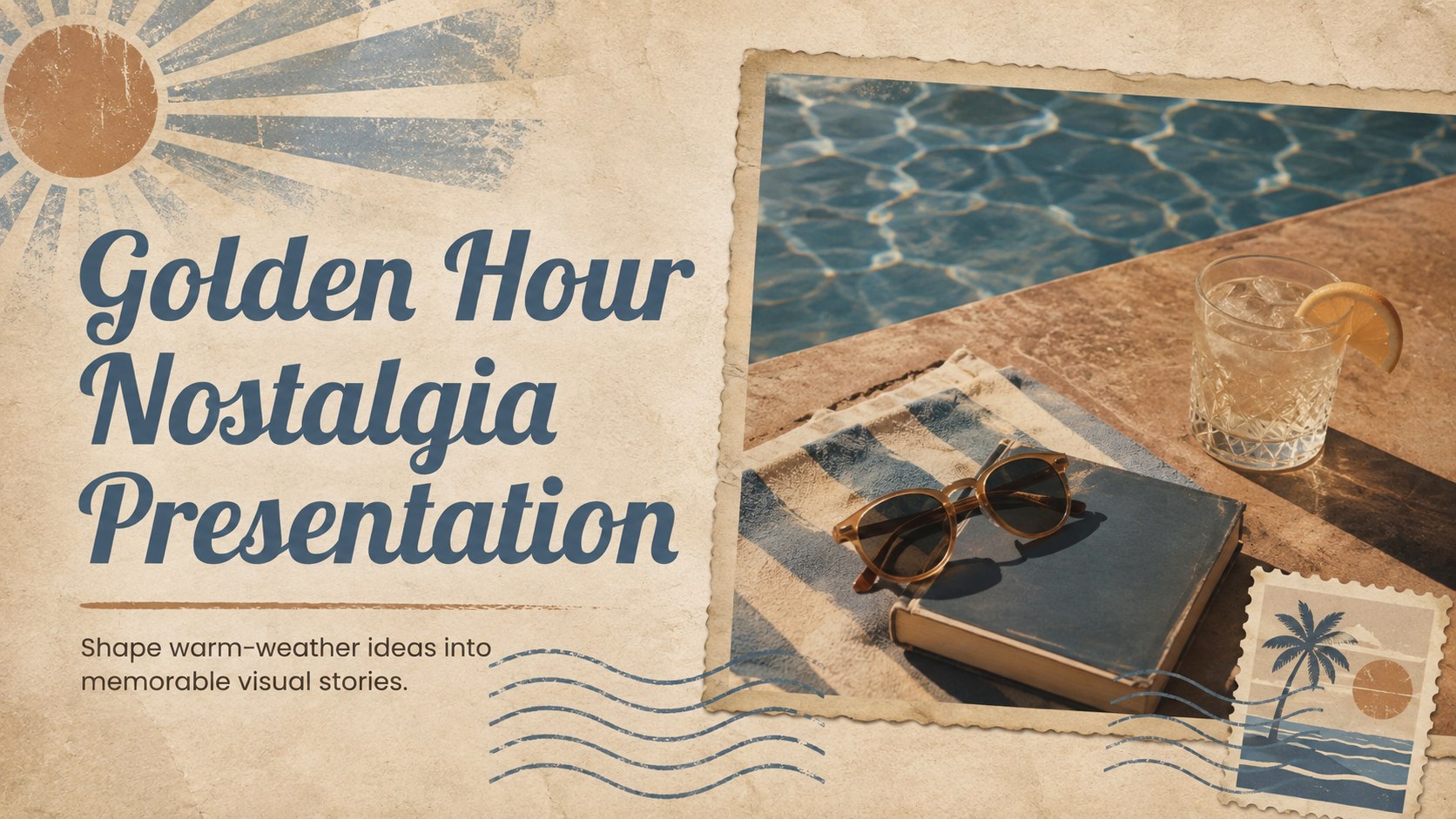
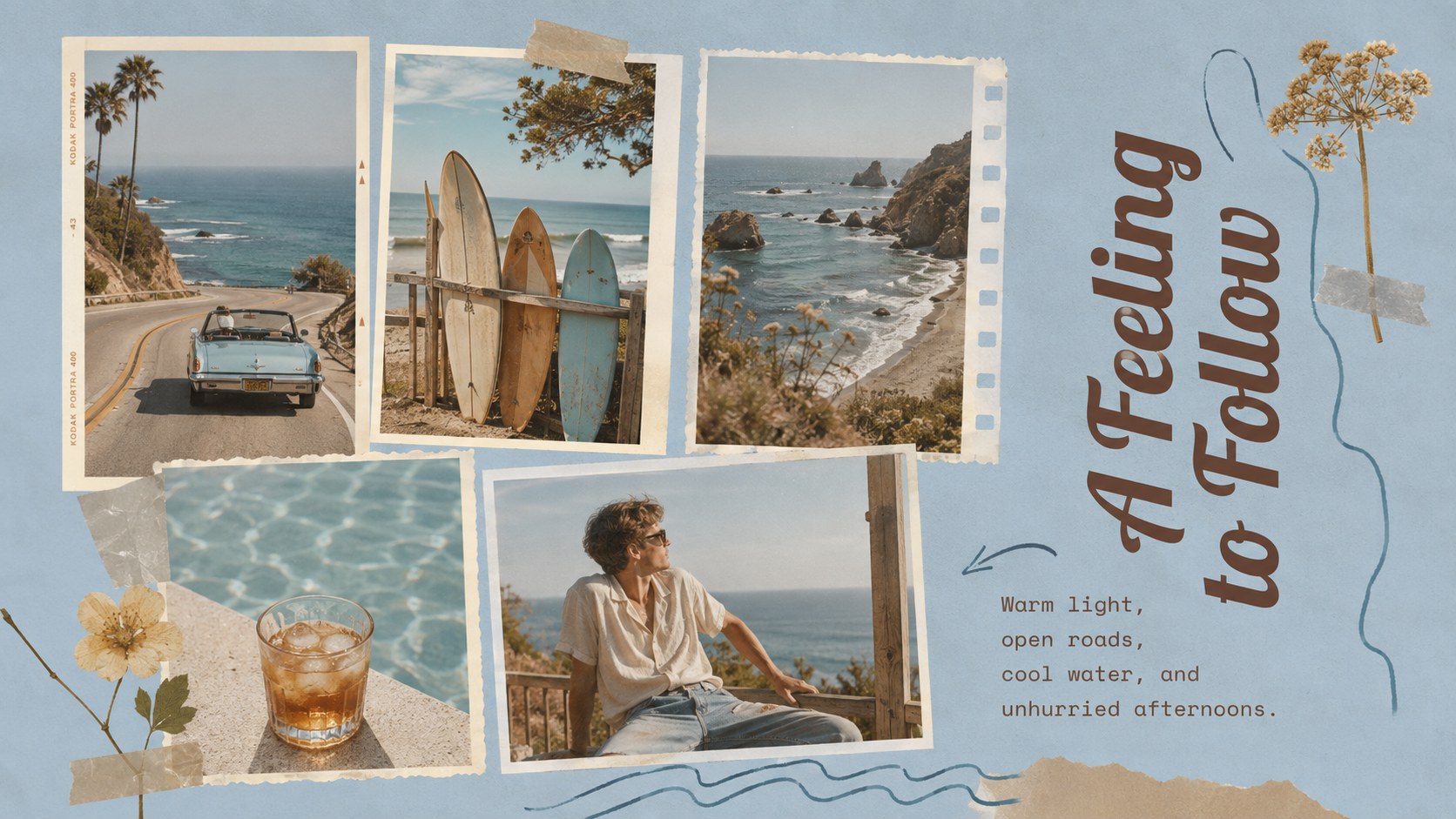
The Golden Hour Nostalgia Presentation turns warm-weather memories and creative concepts into a polished visual story. Its combination of sun-faded brown, poolside blue, playful typography, and analog-inspired details creates a relaxed retro mood without sacrificing clarity. Use it to present photographs, references, campaign ideas, or personal reflections in PowerPoint or Google Slides.
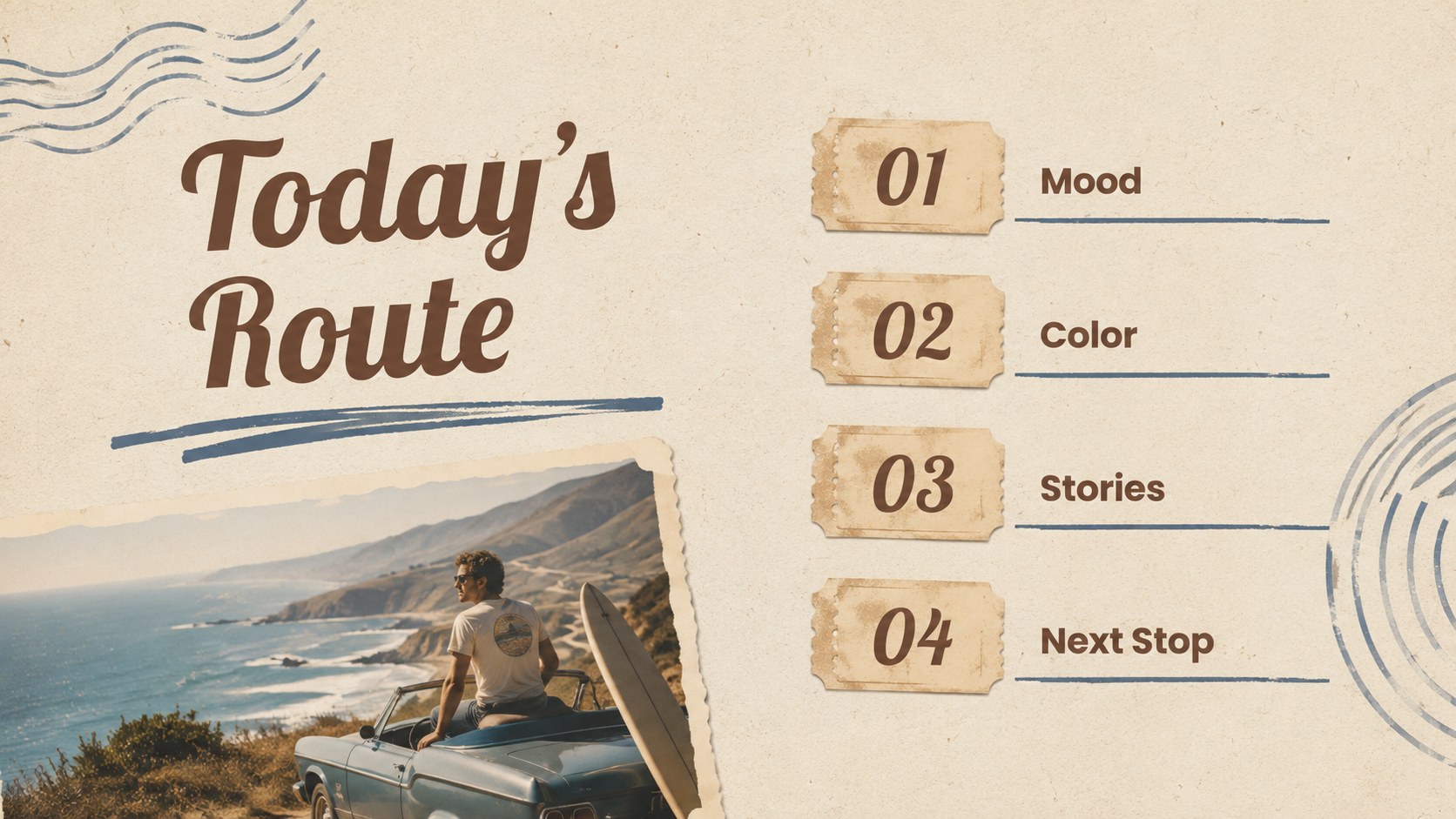
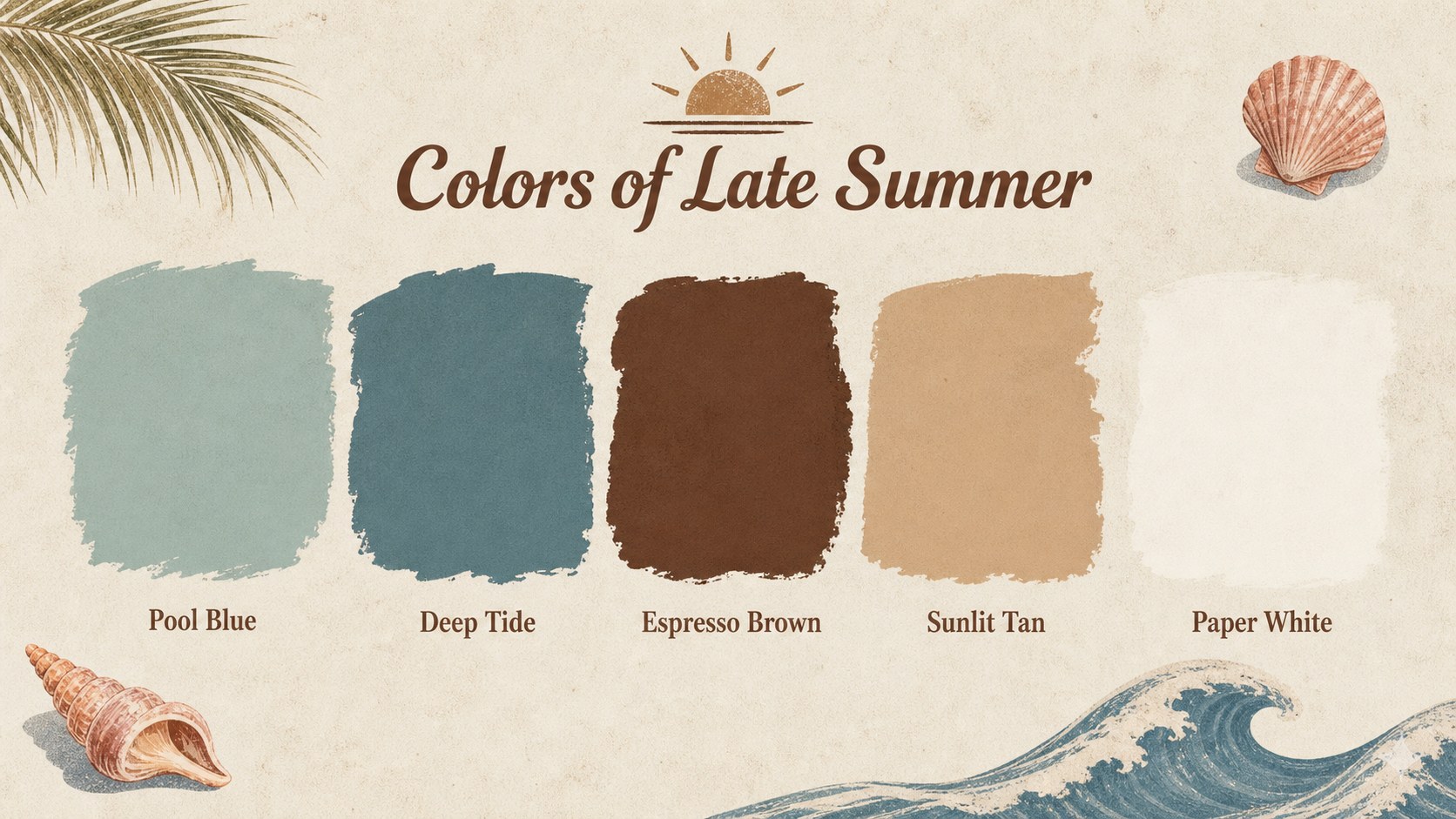
Inside are 15 editable widescreen layouts for opening statements, visual direction, color palettes, image collections, timelines, quotations, comparisons, and closing notes. The varied compositions make these golden hour moodboard slides suitable for both image-led storytelling and concise written content. Replace the sample copy, adjust the colors, reposition elements, and add your own photography while preserving the deck's nostalgic character.
The presentation works especially well for creative students, photographers, stylists, musicians, content creators, and small brand teams. Build a vintage beach lookbook deck, introduce a seasonal campaign, document a summer trip, or shape an editorial concept with blue and brown retro slides. Every page is designed for straightforward customization, giving you a cohesive starting point while leaving room for your own voice, imagery, and message.
Perfect for: summer campaign moodboard; vintage fashion lookbook; photography portfolio; seasonal editorial pitch; travel memory slideshow; music concept presentation.
Frequently asked questions
Can I edit every part of the presentation? Yes. The text, colors, photographs, shapes, and layout elements can be customized to fit your project. You can also duplicate or remove slides without disrupting the overall visual style.
Practical details
Yes. The text, colors, photographs, shapes, and layout elements can be customized to fit your project. You can also duplicate or remove slides without disrupting the overall visual style.
The template is designed for PowerPoint and Google Slides. Import the file into your preferred platform, then review font availability and image placement before presenting.
Yes. Replace the sample imagery with personal, editorial, travel, or campaign photography and adjust the blue and brown accents as needed. For a consistent result, keep strong contrast between text and background areas.
All 15 slides use a widescreen 16:9 format. This ratio is suitable for modern displays, classroom projectors, virtual meetings, and exported PDF handouts.
Keep exploring
15Build an engaging World UFO Day session with this flying saucer history lesson deck, featuring retro green-and-brown slides for PowerPoint and Google Slides.
 15
15Plan a lively animal-learning journey with this jungle zoo adventure lesson deck, ready to customize in PowerPoint and Google Slides for young learners.
 16
16Turn environmental research into a clear story with a Watercolor Ecology Presentation Theme for PowerPoint and Google Slides in calming green and blue.
 16
16Build focused fashion, literature, and humanities presentations with the Red Triangle Editorial Theme, editable in PowerPoint and Google Slides.
 15
15Turn streaming stats, favorite tracks, and concert highlights into a bold annual listening recap slide deck for PowerPoint and Google Slides.
 15
15Turn highlights, milestones, and favorite moments into a colorful year in review slide deck with bold 3D graphics for PowerPoint and Google Slides.
 3
3Build a credible endorsement with Standout Colleague Recommendation Letter Slides, featuring colorful prompts for skills, achievements, and team impact.
 4
4Build clear beginner sessions with an ice hockey fundamentals training deck for coaches, PE teachers, and clubs, ready for PowerPoint and Google Slides.