
 15
15presentation
Flying Saucer History Lesson Deck
Build an engaging World UFO Day session with this flying saucer history lesson deck, featuring retro green-and-brown slides for PowerPoint and Google Slides.
Google SlidesPowerPoint
presentation · English
Build a golden age cinema storytelling deck with cinematic photo layouts and editable pitch slides for PowerPoint and Google Slides.
Design notes
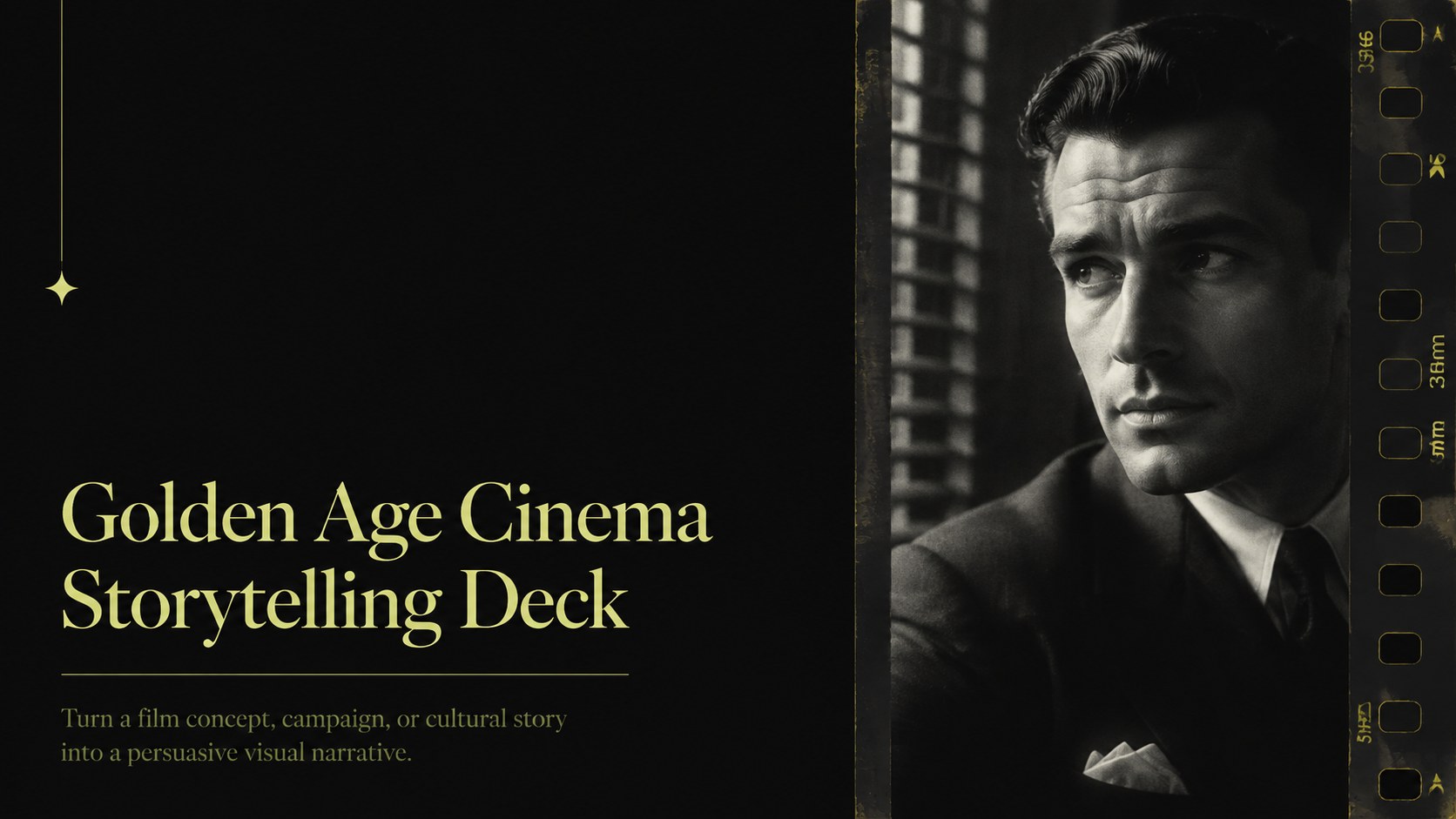
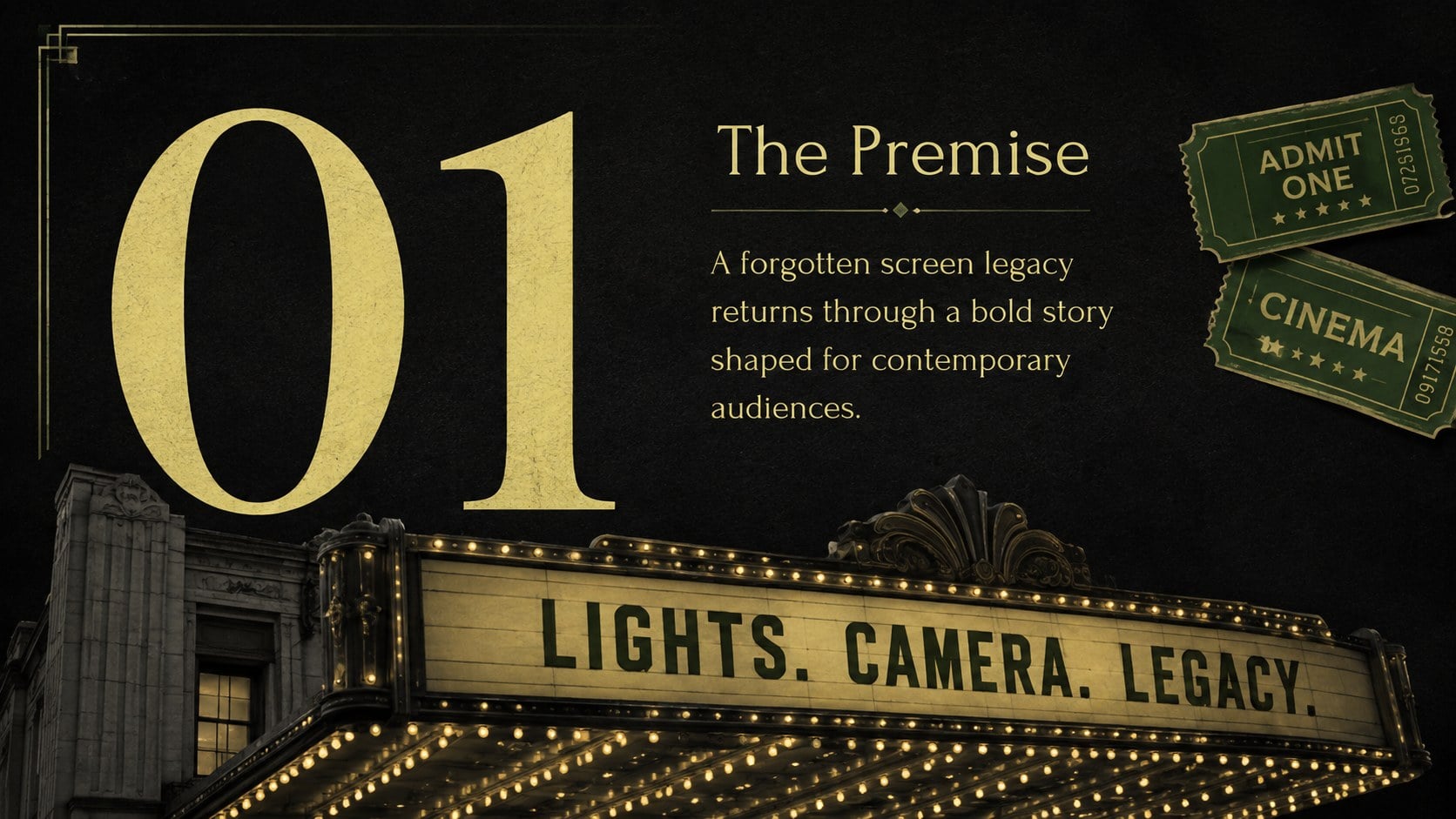
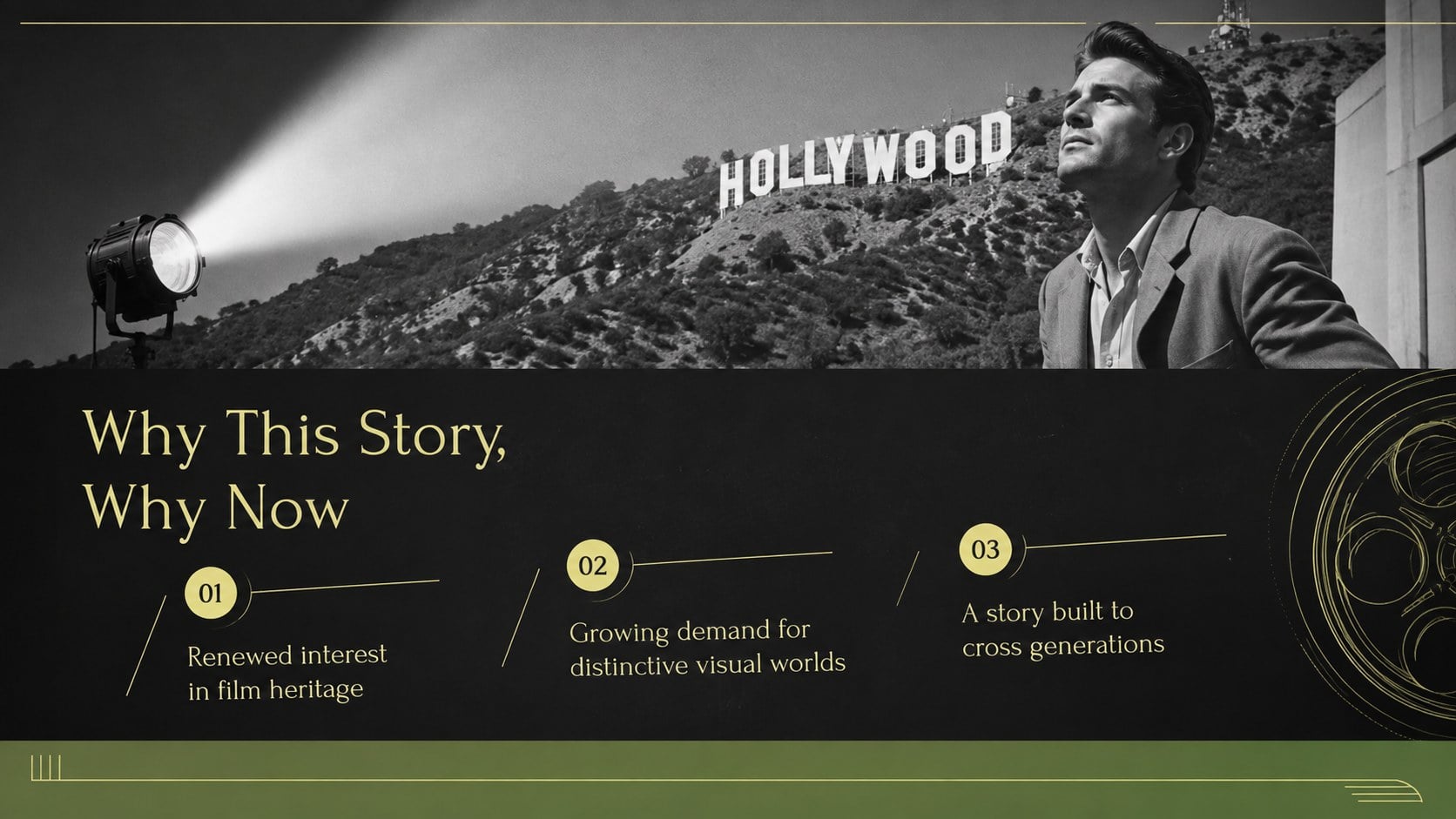
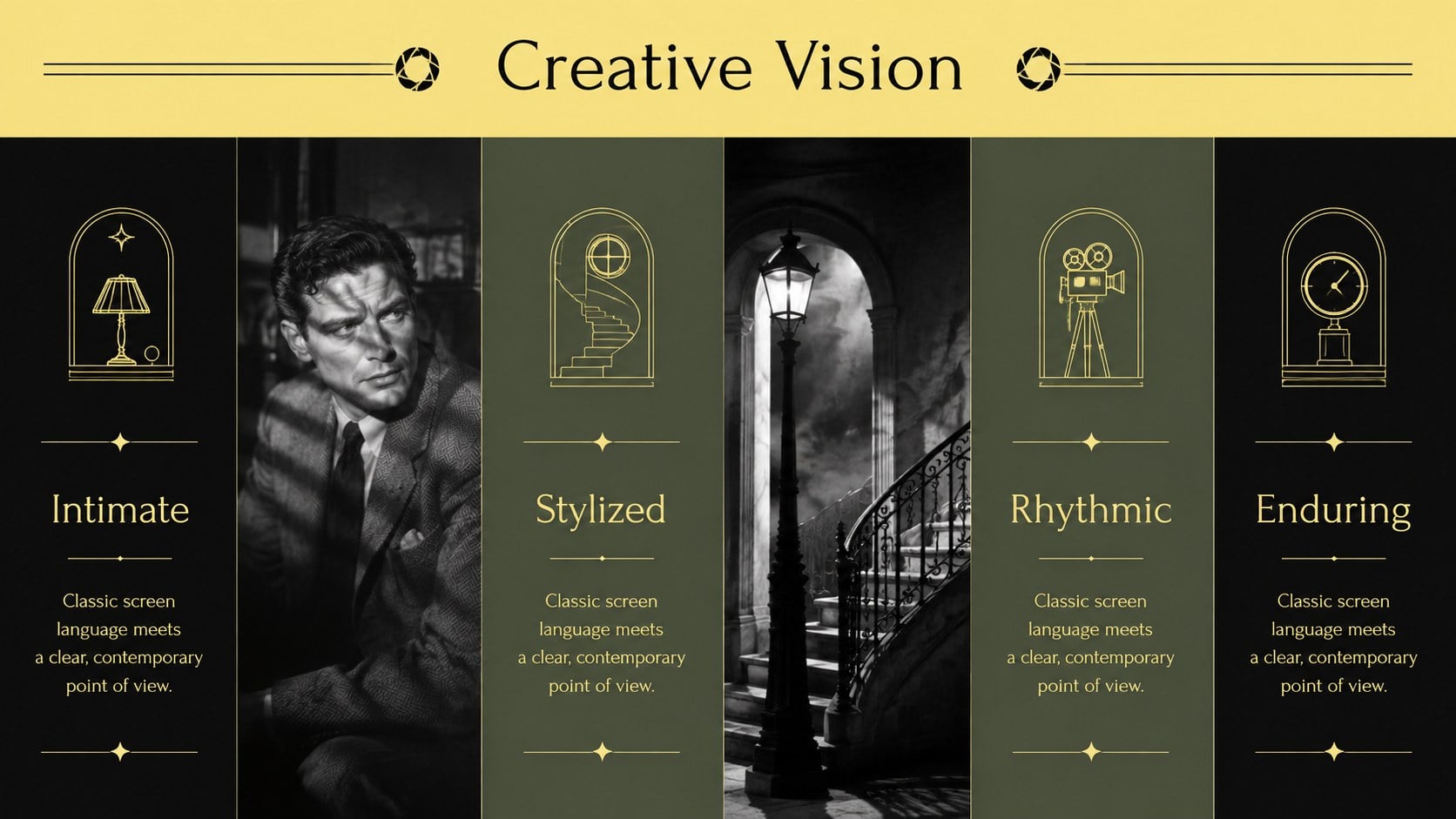
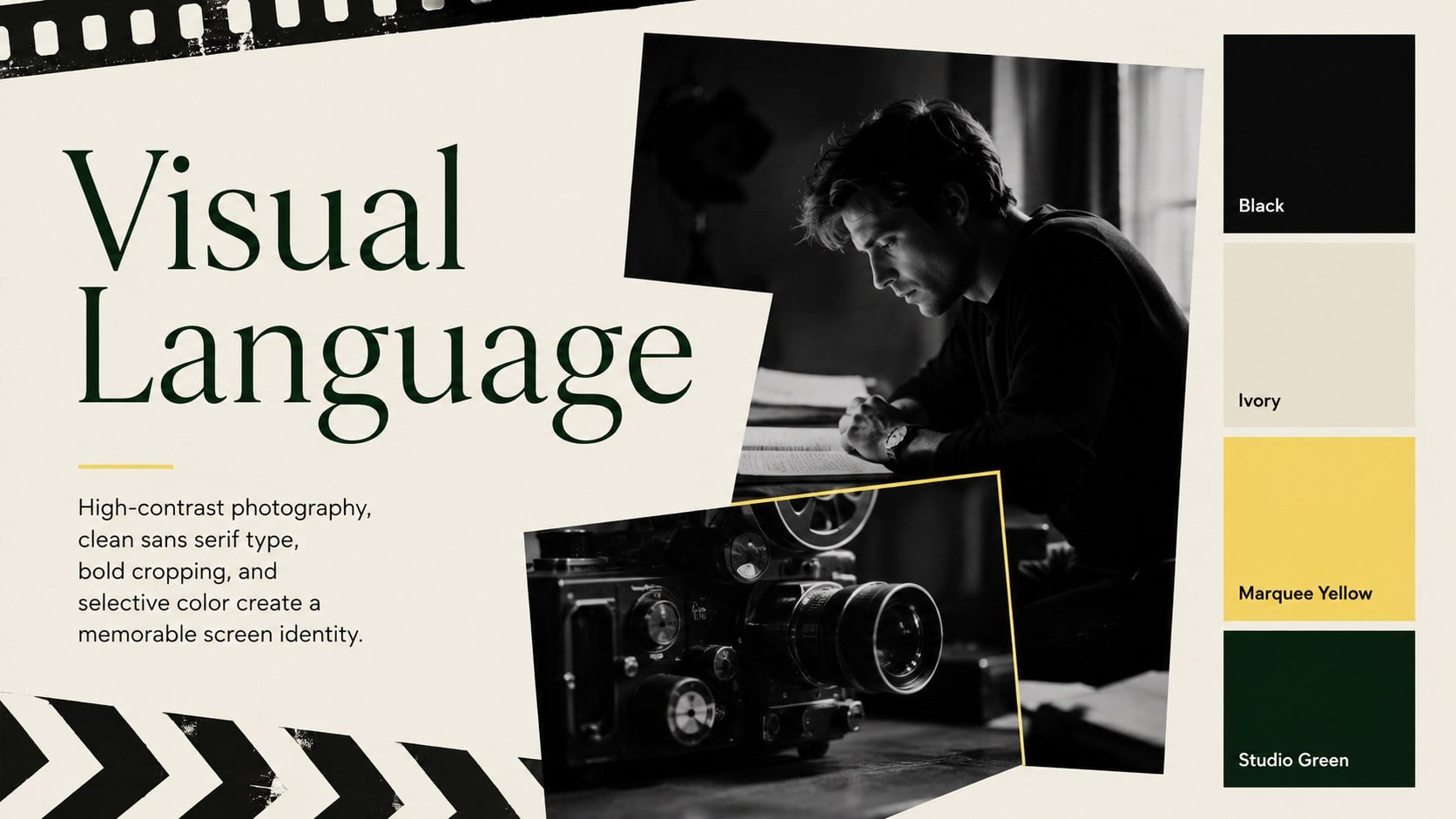
The Golden Age Cinema Storytelling Deck gives creative ideas the presence of a classic theatrical release. Designed around dramatic photography, restrained typography, and a black, yellow, green, and monochrome palette, it brings vintage film atmosphere to a modern presentation without sacrificing clarity. Use it as a classic cinema brand pitch, a production concept deck, or an engaging lesson about movie history.
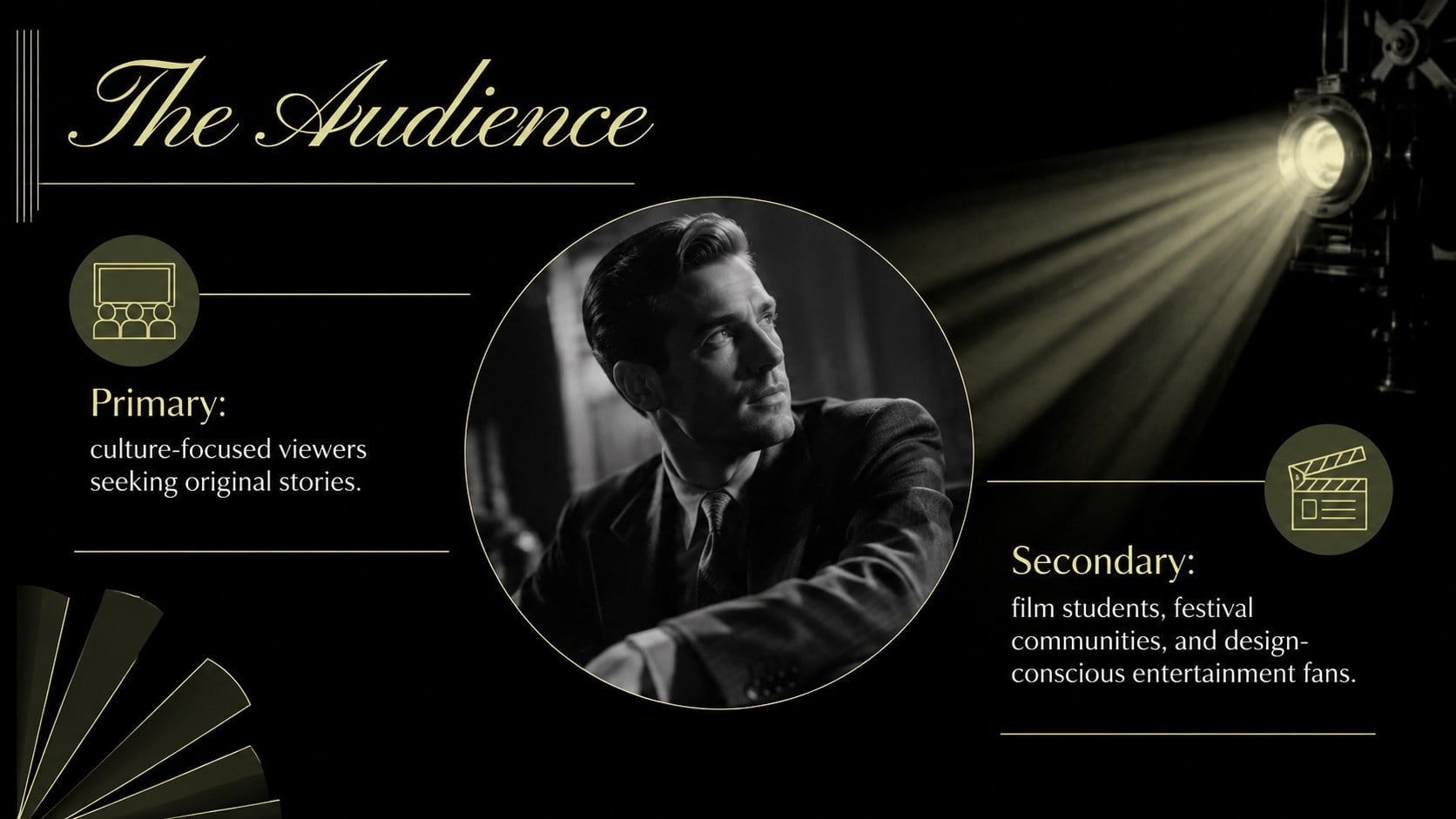
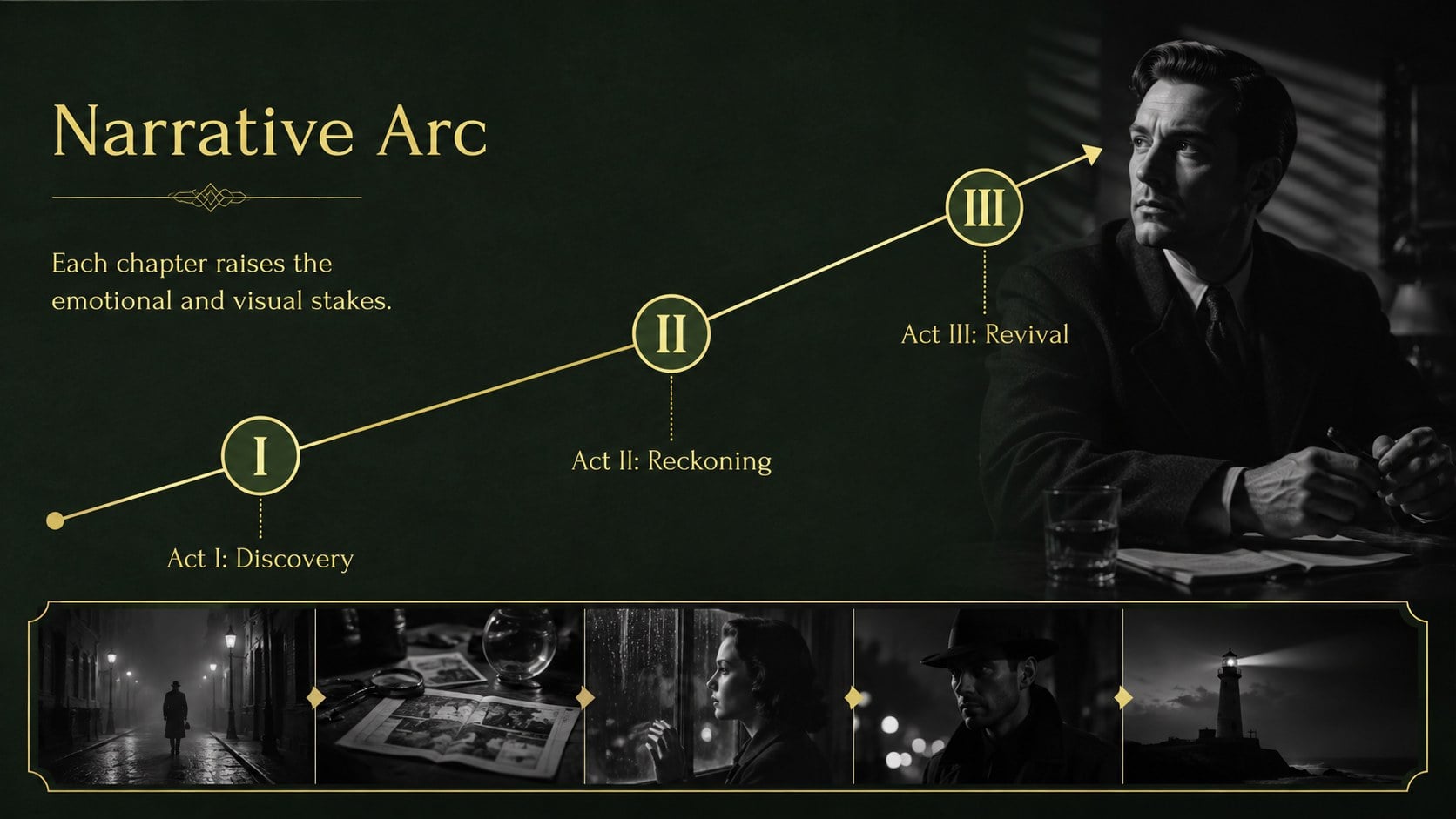
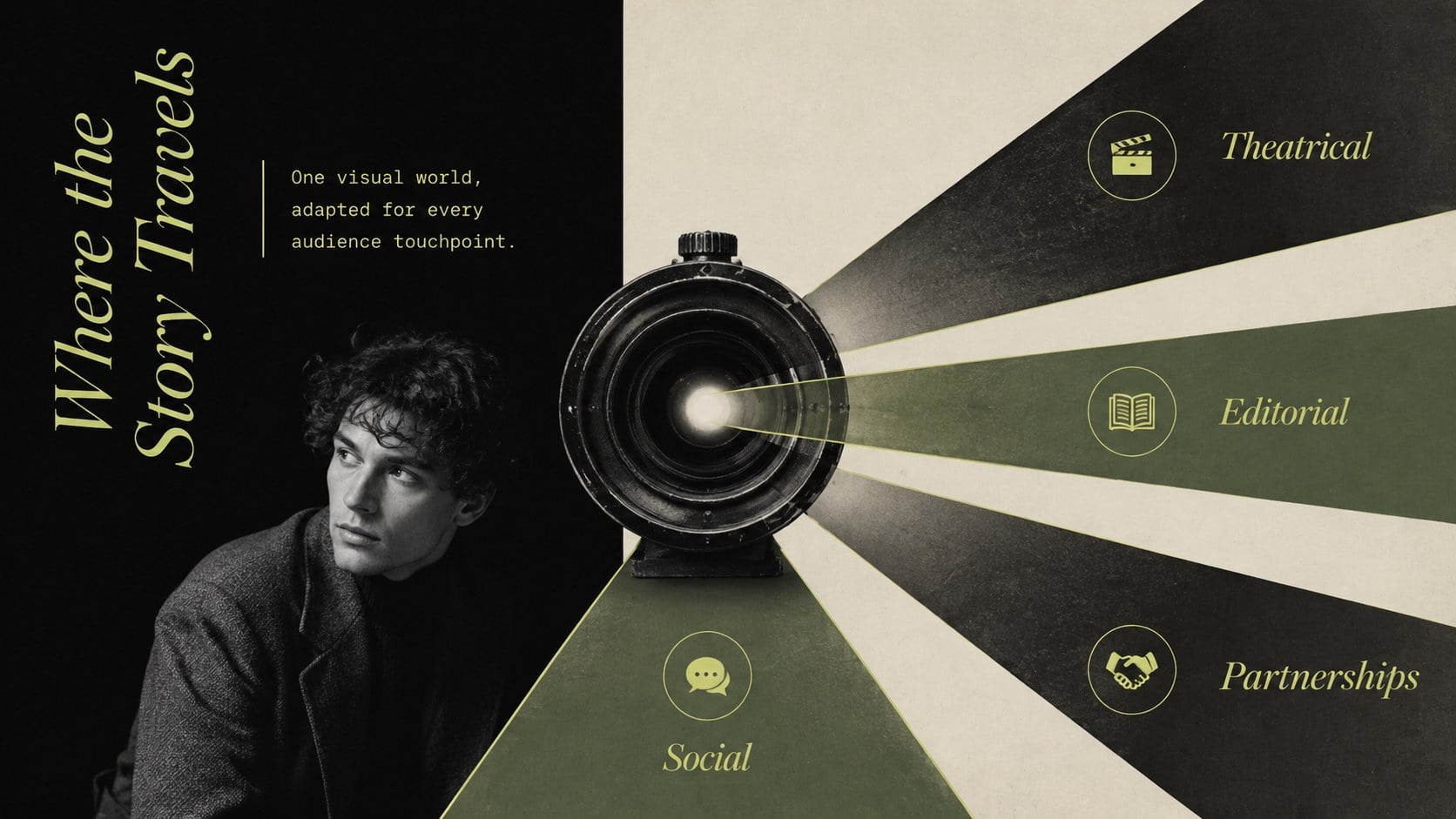
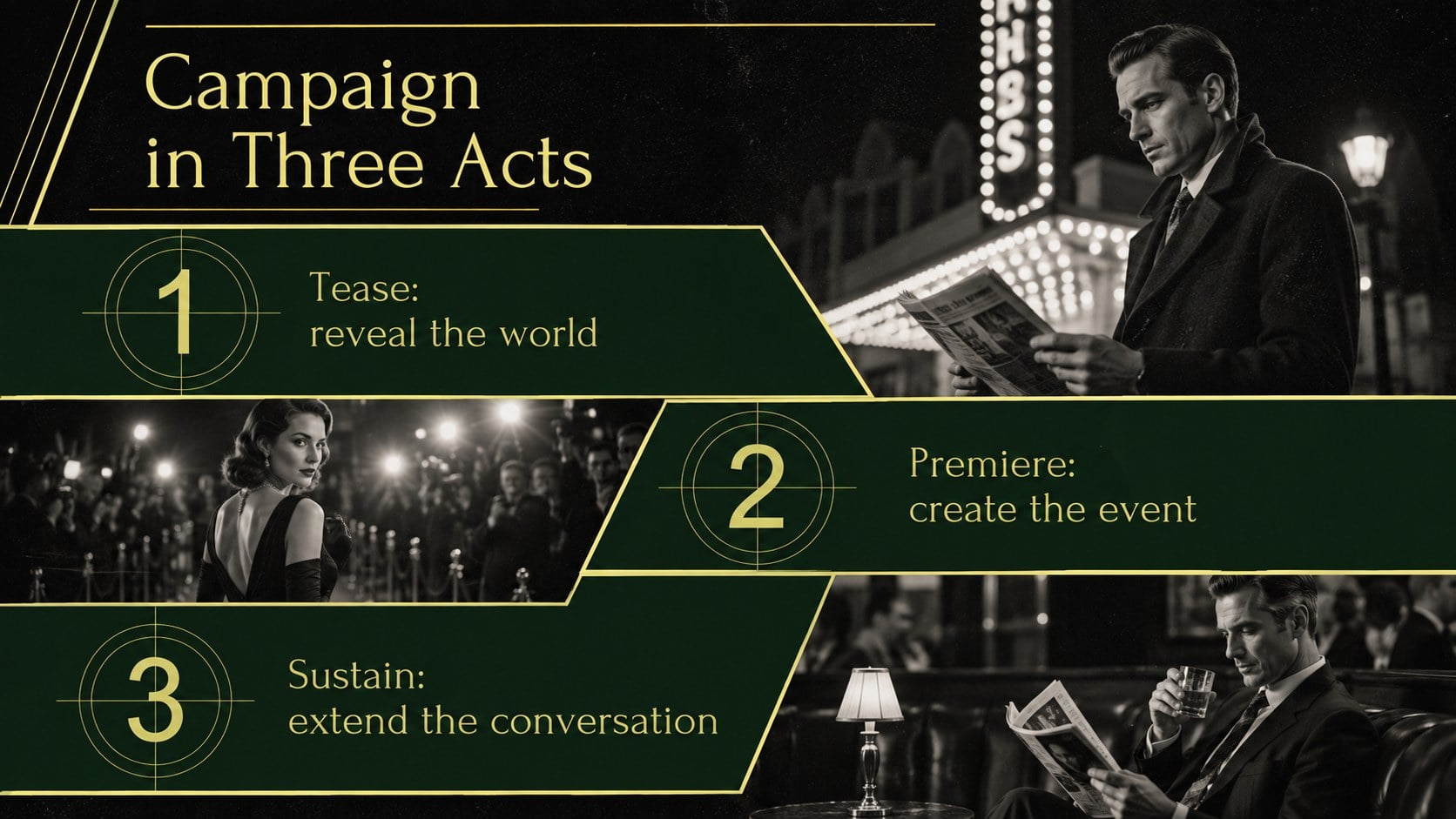
Inside, you will find 15 coordinated layouts for introducing a concept, defining the audience, presenting a creative vision, organizing a narrative arc, mapping campaign channels, and outlining timelines or budgets. Editorial image treatments, cinematic title frames, structured text areas, and flexible data layouts make the deck suitable for both visual storytelling and practical decision-making. Every slide can be edited in PowerPoint or Google Slides, including colors, type, photographs, charts, and supporting copy.
This retro movie marketing slide deck is built for filmmakers, creative agencies, educators, cultural organizations, and entertainment marketers. It can support a film proposal, festival campaign, heritage program, classroom lecture, or visual identity presentation. Teams developing a vintage film campaign presentation can adapt the layouts for sponsor meetings, internal reviews, or client-facing pitches while maintaining a consistent old-cinema mood from opening title to final call to action.
Perfect for: independent film proposal; cinema heritage lecture; movie festival campaign pitch; entertainment brand presentation; film retrospective sponsorship deck.
Frequently asked questions
Can I edit this cinema deck in PowerPoint and Google Slides? Yes. The presentation is designed for PowerPoint and Google Slides, where you can revise the text, images, colors, charts, and layout elements. Some font spacing may vary slightly between platforms.
Practical details
Yes. The presentation is designed for PowerPoint and Google Slides, where you can revise the text, images, colors, charts, and layout elements. Some font spacing may vary slightly between platforms.
Replace the photographs with your own film stills or licensed archival images, then adjust the yellow and green accents to match your project. Keep the dark backgrounds and restrained typography for a consistent classic-cinema mood.
No. It also works for cinema history lessons, festival promotions, creative agency proposals, cultural programs, and entertainment brand presentations. The modular slides can be reordered to suit educational or commercial storytelling.
Yes. Alongside visual concept slides, the deck includes space for audience insights, campaign channels, schedules, budgets, and success metrics. These layouts help connect the cinematic direction to an actionable plan.
Keep exploring
15Build an engaging World UFO Day session with this flying saucer history lesson deck, featuring retro green-and-brown slides for PowerPoint and Google Slides.
 15
15Plan a lively animal-learning journey with this jungle zoo adventure lesson deck, ready to customize in PowerPoint and Google Slides for young learners.
 16
16Turn environmental research into a clear story with a Watercolor Ecology Presentation Theme for PowerPoint and Google Slides in calming green and blue.
 16
16Build focused fashion, literature, and humanities presentations with the Red Triangle Editorial Theme, editable in PowerPoint and Google Slides.
 15
15Turn streaming stats, favorite tracks, and concert highlights into a bold annual listening recap slide deck for PowerPoint and Google Slides.
 15
15Turn highlights, milestones, and favorite moments into a colorful year in review slide deck with bold 3D graphics for PowerPoint and Google Slides.
 3
3Build a credible endorsement with Standout Colleague Recommendation Letter Slides, featuring colorful prompts for skills, achievements, and team impact.
 4
4Build clear beginner sessions with an ice hockey fundamentals training deck for coaches, PE teachers, and clubs, ready for PowerPoint and Google Slides.