
 15
15presentation
Flying Saucer History Lesson Deck
Build an engaging World UFO Day session with this flying saucer history lesson deck, featuring retro green-and-brown slides for PowerPoint and Google Slides.
Google SlidesPowerPoint
presentation · English
Build a focused plan with Goal Alignment Roadmap Slides, a blue-and-yellow visual toolkit for setting priorities, assigning owners, and tracking progress.
Design notes
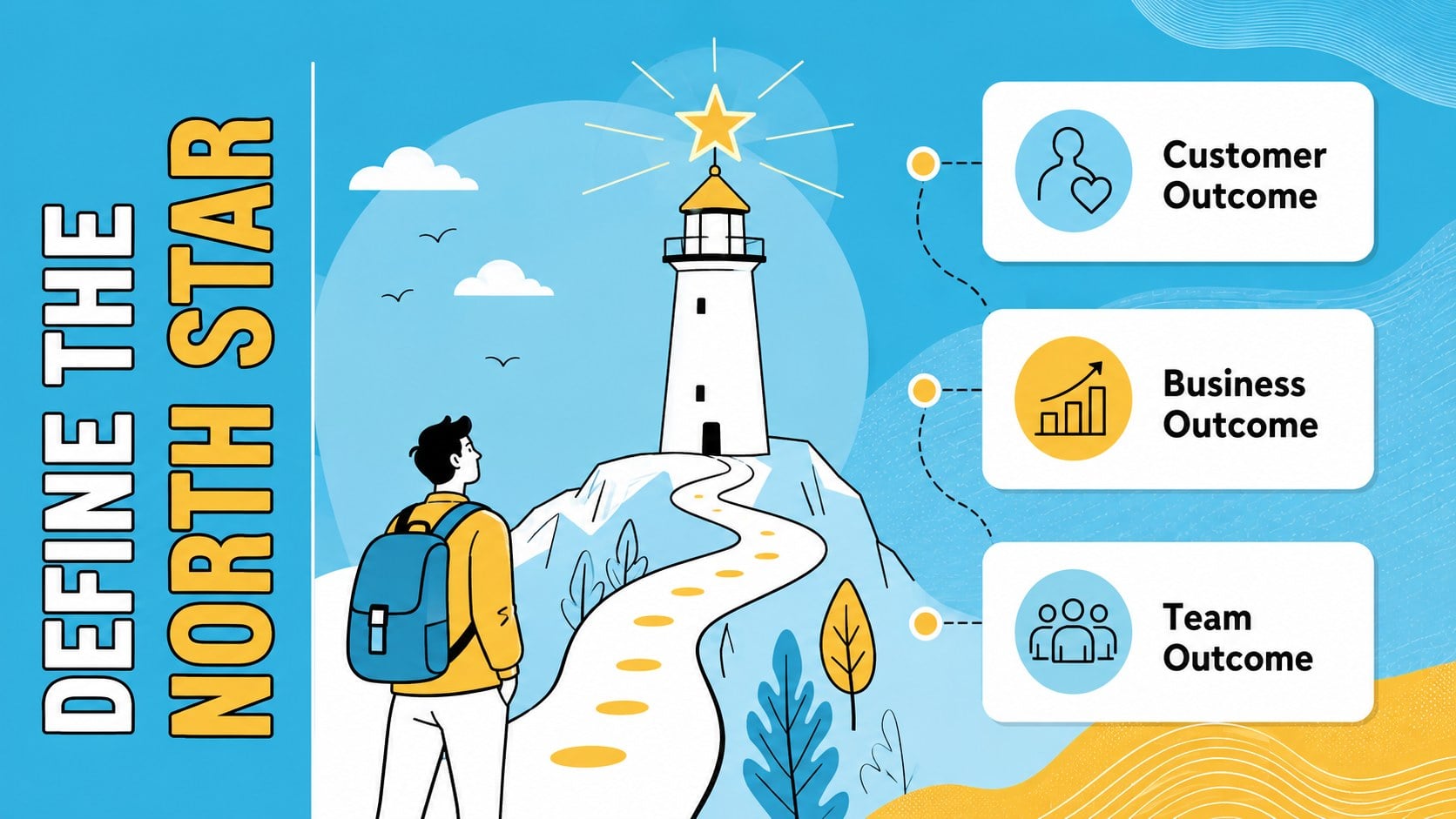
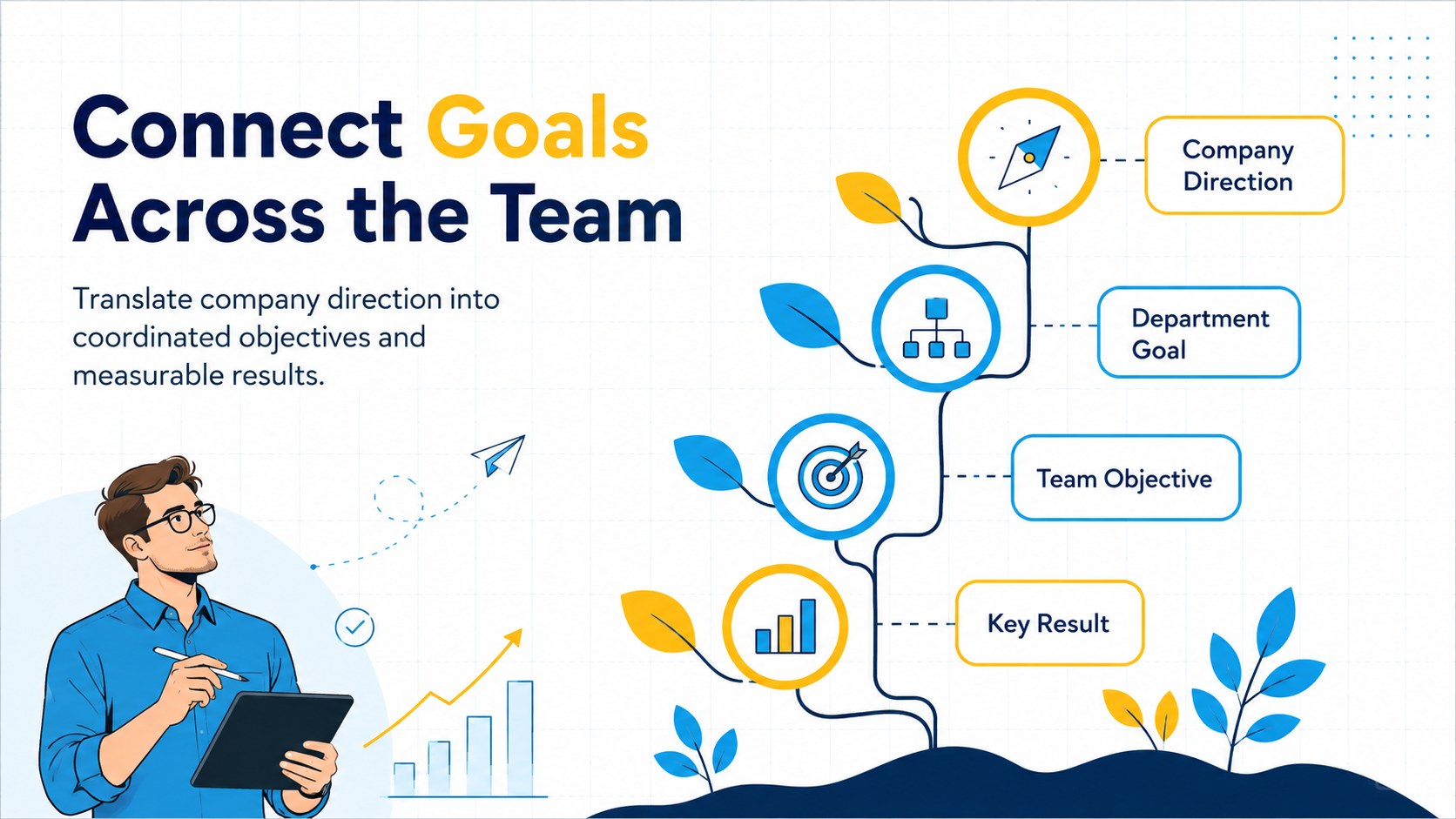
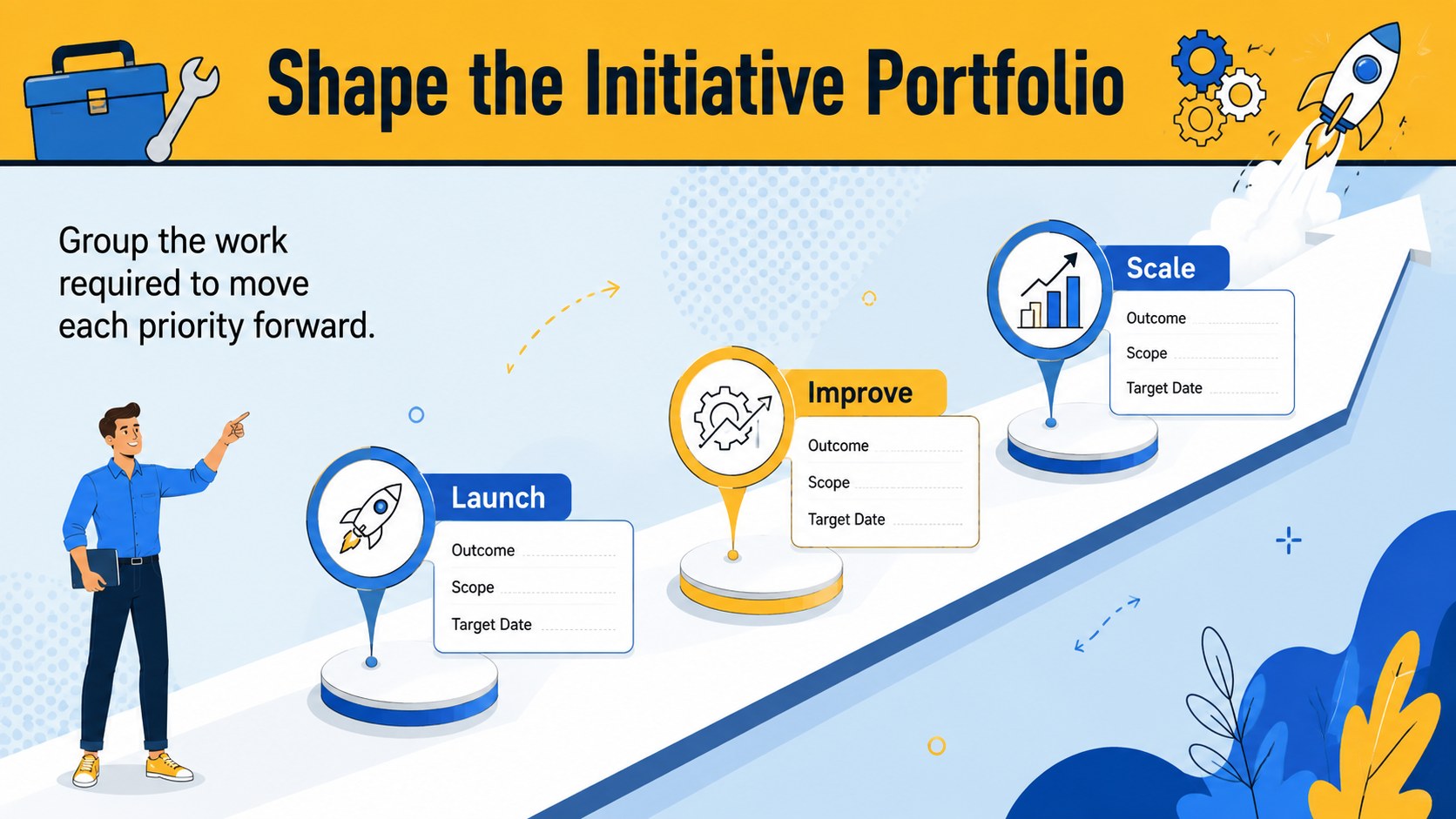
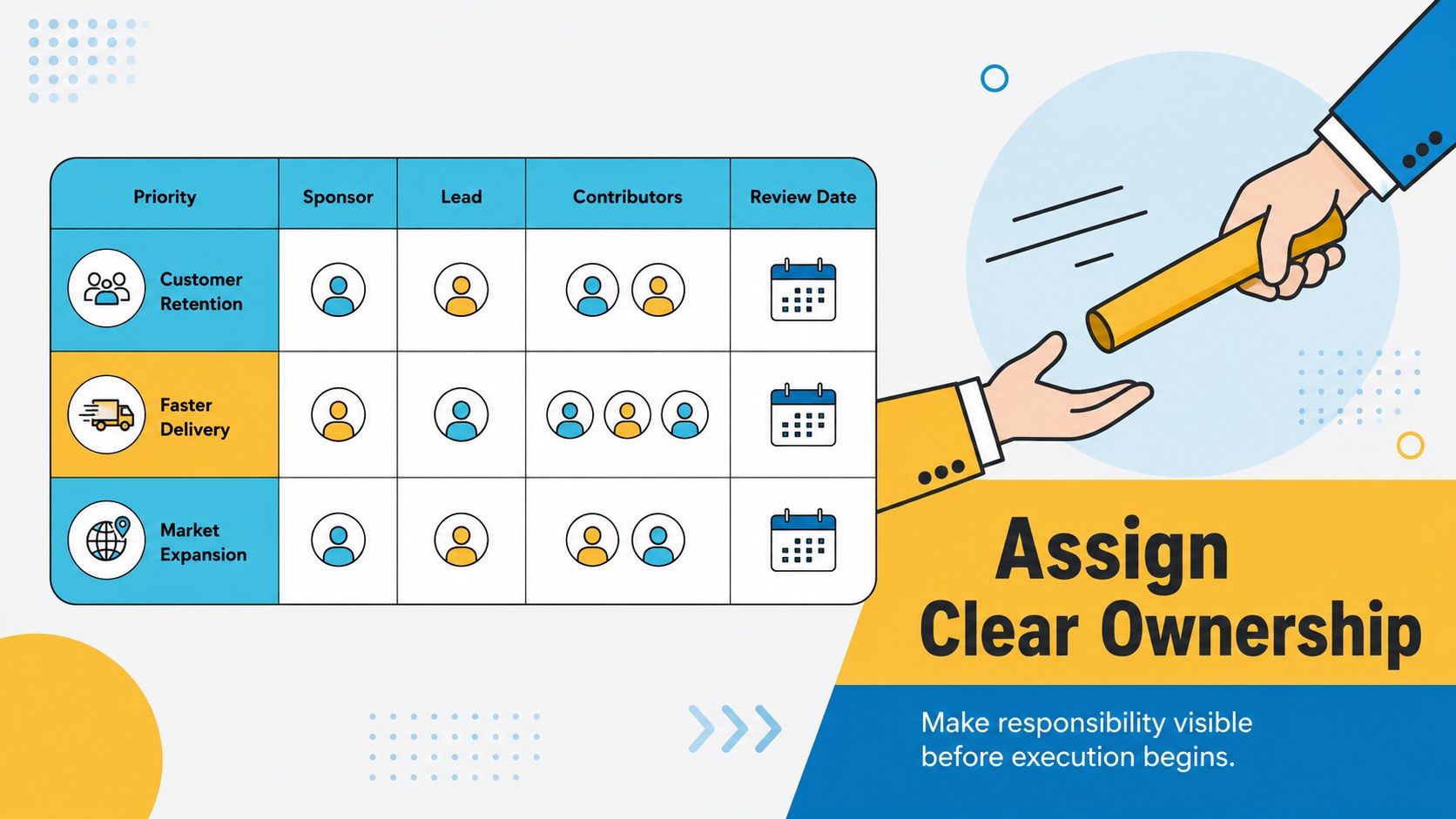
Goal Alignment Roadmap Slides turn strategic discussions into a clear, practical plan that teams can act on. The modern illustrative design uses energetic blue and yellow accents to organize priorities without making detailed business information feel crowded. Use the deck to connect long-term direction with measurable objectives, accountable owners, and realistic delivery dates.
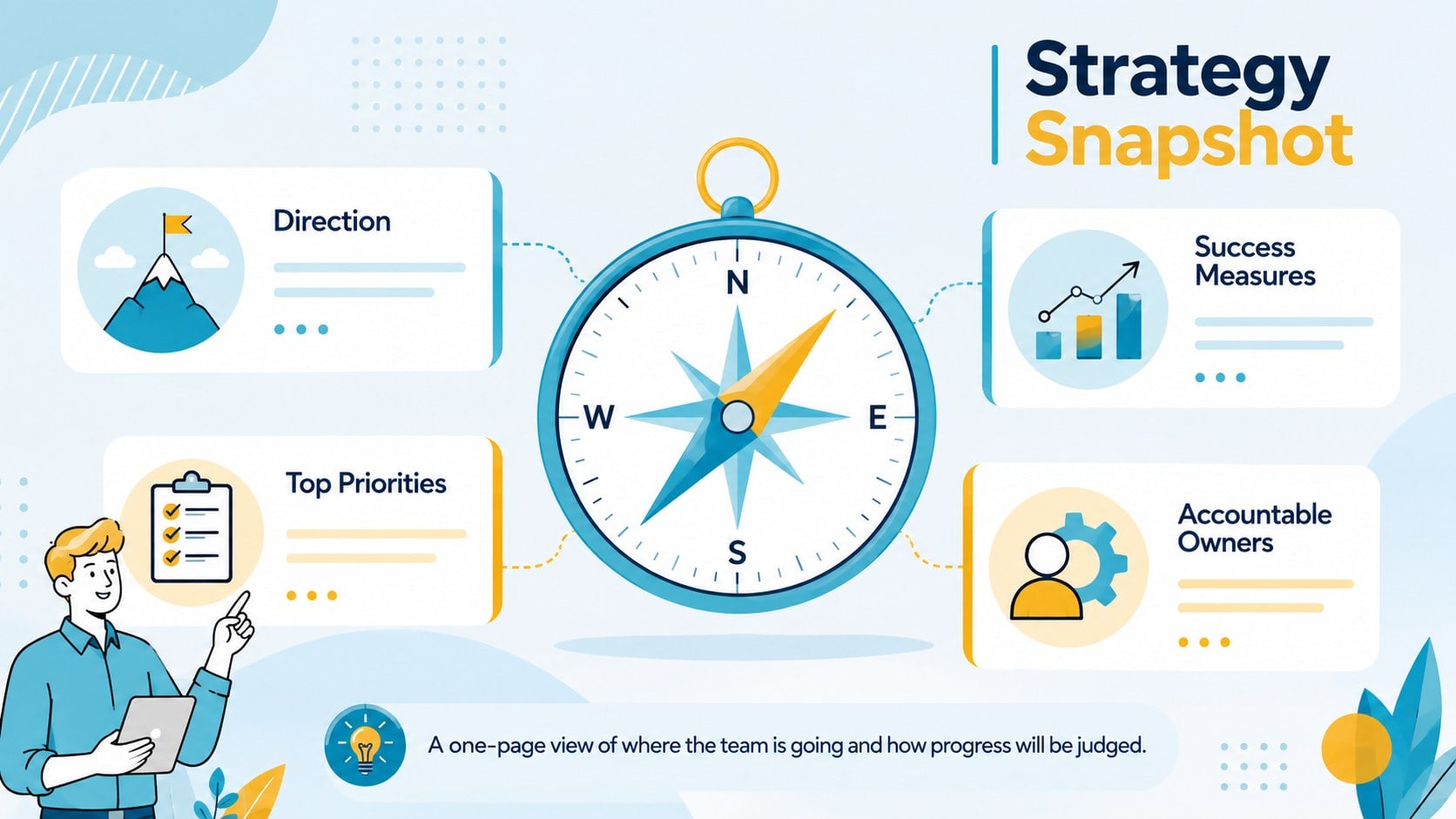
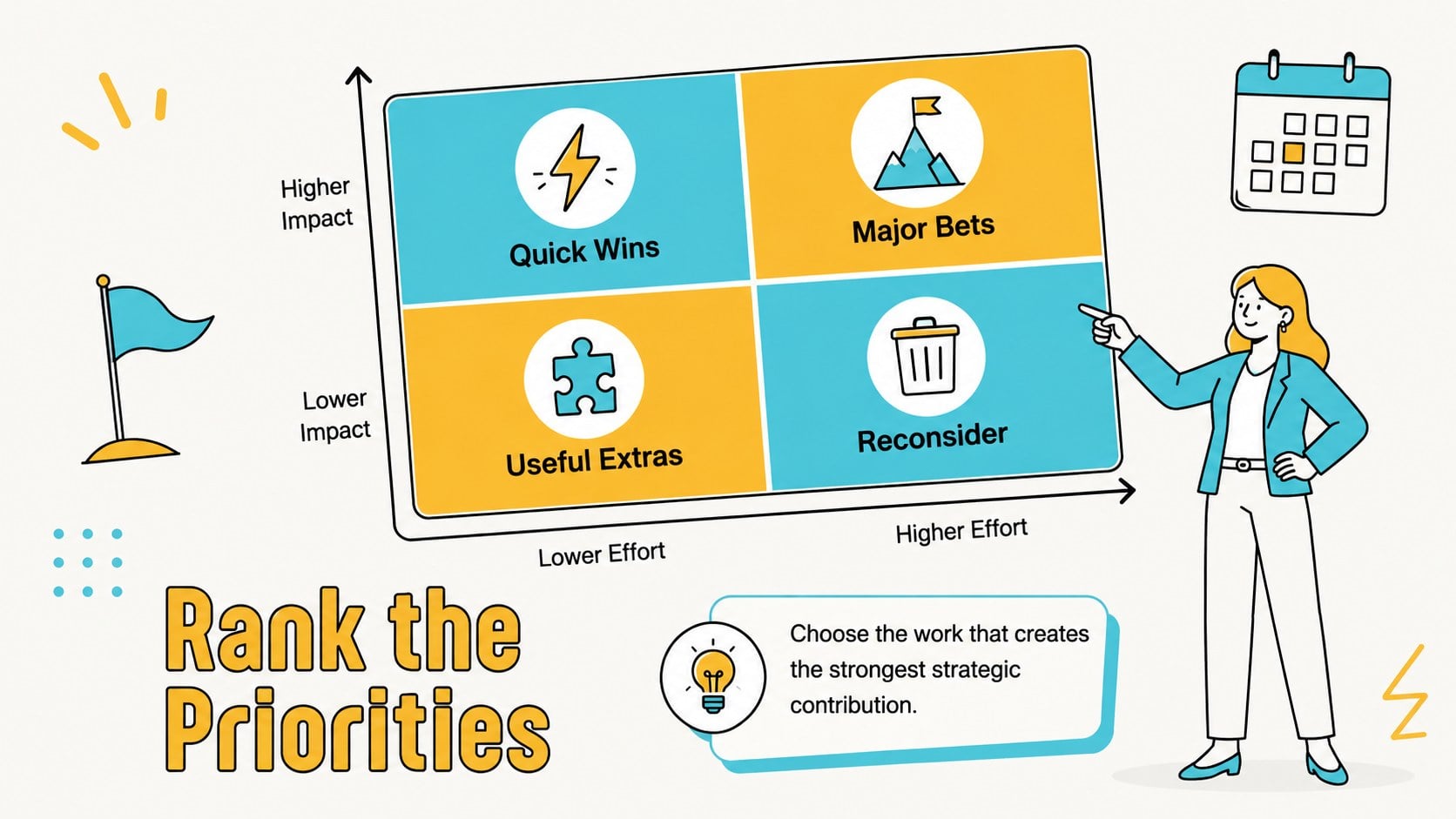
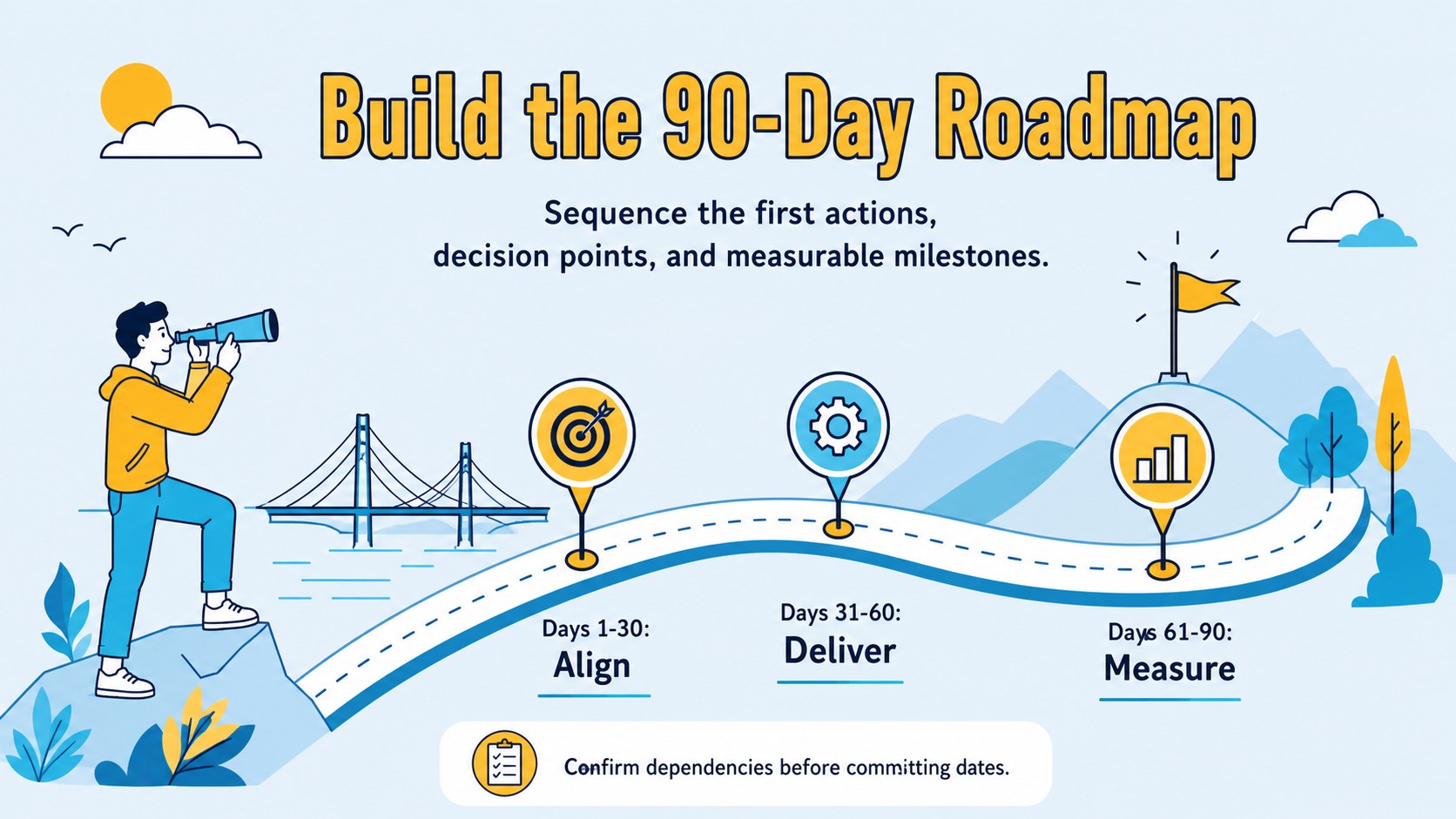
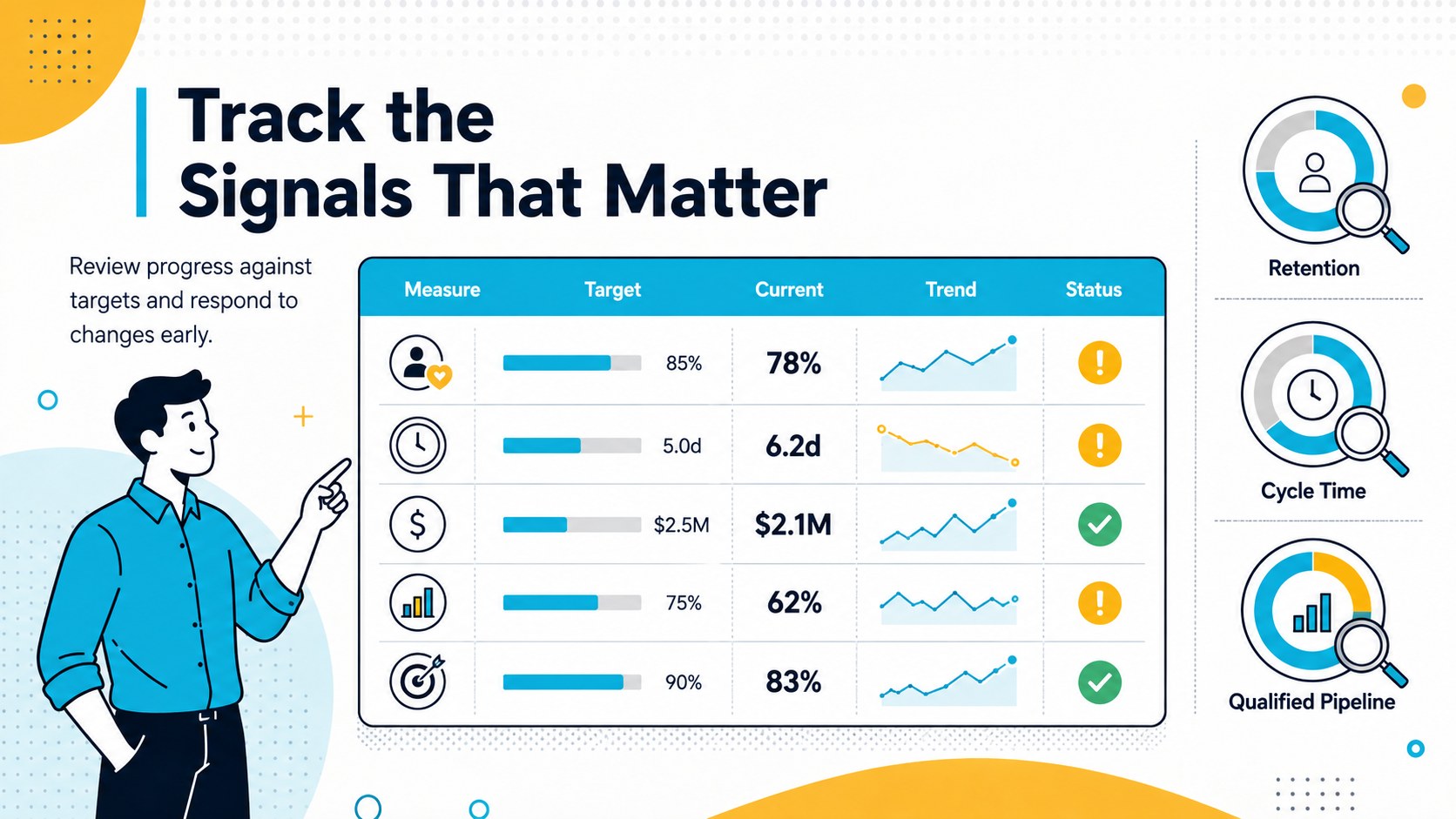
Inside, you will find layouts for a strategy snapshot, priority ranking, objective mapping, initiative planning, ownership assignments, a 90-day roadmap, KPI tracking, risk review, resource allocation, and stakeholder communication. The collection works equally well as a quarterly priorities roadmap deck, a set of team objective mapping slides, or a strategy ownership matrix presentation. Editable diagrams, tables, timelines, and charts make it easy to replace sample content with your own targets and operating data.
The template is designed for business leaders, project managers, consultants, department heads, and growing teams preparing planning meetings or leadership workshops. Customize the colors, typography, illustrations, and slide order in PowerPoint or Google Slides. Whether you are launching a new initiative, coordinating several departments, or reviewing execution with executives, these slides provide a consistent visual framework for keeping decisions, responsibilities, and progress visible.
Perfect for: quarterly strategy workshop; department goal alignment; leadership planning meeting; cross-functional initiative review; 90-day execution planning; KPI progress update.
Frequently asked questions
Can I edit every element in these slides? Yes. Text, colors, shapes, charts, timelines, and illustrations can be adjusted to match your organization and planning process. You can also duplicate, remove, or reorder layouts as your presentation develops.
Practical details
Yes. Text, colors, shapes, charts, timelines, and illustrations can be adjusted to match your organization and planning process. You can also duplicate, remove, or reorder layouts as your presentation develops.
The template is designed for PowerPoint and Google Slides. Some fonts or transition effects may vary slightly between platforms, so review the final deck before presenting.
Replace the sample phases with your own weeks, months, or quarters, then update milestones and owners. The timeline layouts can support short delivery sprints as well as annual strategic plans.
Yes. Apply your brand colors through the theme settings or edit individual accents directly. Keep strong contrast between backgrounds, labels, and data graphics to preserve readability.
Keep exploring
15Build an engaging World UFO Day session with this flying saucer history lesson deck, featuring retro green-and-brown slides for PowerPoint and Google Slides.
 15
15Plan a lively animal-learning journey with this jungle zoo adventure lesson deck, ready to customize in PowerPoint and Google Slides for young learners.
 16
16Turn environmental research into a clear story with a Watercolor Ecology Presentation Theme for PowerPoint and Google Slides in calming green and blue.
 16
16Build focused fashion, literature, and humanities presentations with the Red Triangle Editorial Theme, editable in PowerPoint and Google Slides.
 15
15Turn streaming stats, favorite tracks, and concert highlights into a bold annual listening recap slide deck for PowerPoint and Google Slides.
 15
15Turn highlights, milestones, and favorite moments into a colorful year in review slide deck with bold 3D graphics for PowerPoint and Google Slides.
 3
3Build a credible endorsement with Standout Colleague Recommendation Letter Slides, featuring colorful prompts for skills, achievements, and team impact.
 4
4Build clear beginner sessions with an ice hockey fundamentals training deck for coaches, PE teachers, and clubs, ready for PowerPoint and Google Slides.