
 15
15presentation
Flying Saucer History Lesson Deck
Build an engaging World UFO Day session with this flying saucer history lesson deck, featuring retro green-and-brown slides for PowerPoint and Google Slides.
Google SlidesPowerPoint
document · English
Build a meaningful future self reflection slides deck with a playful pink collage style for goals, hopes, advice, and memories in PowerPoint or Google Slides.
Design notes
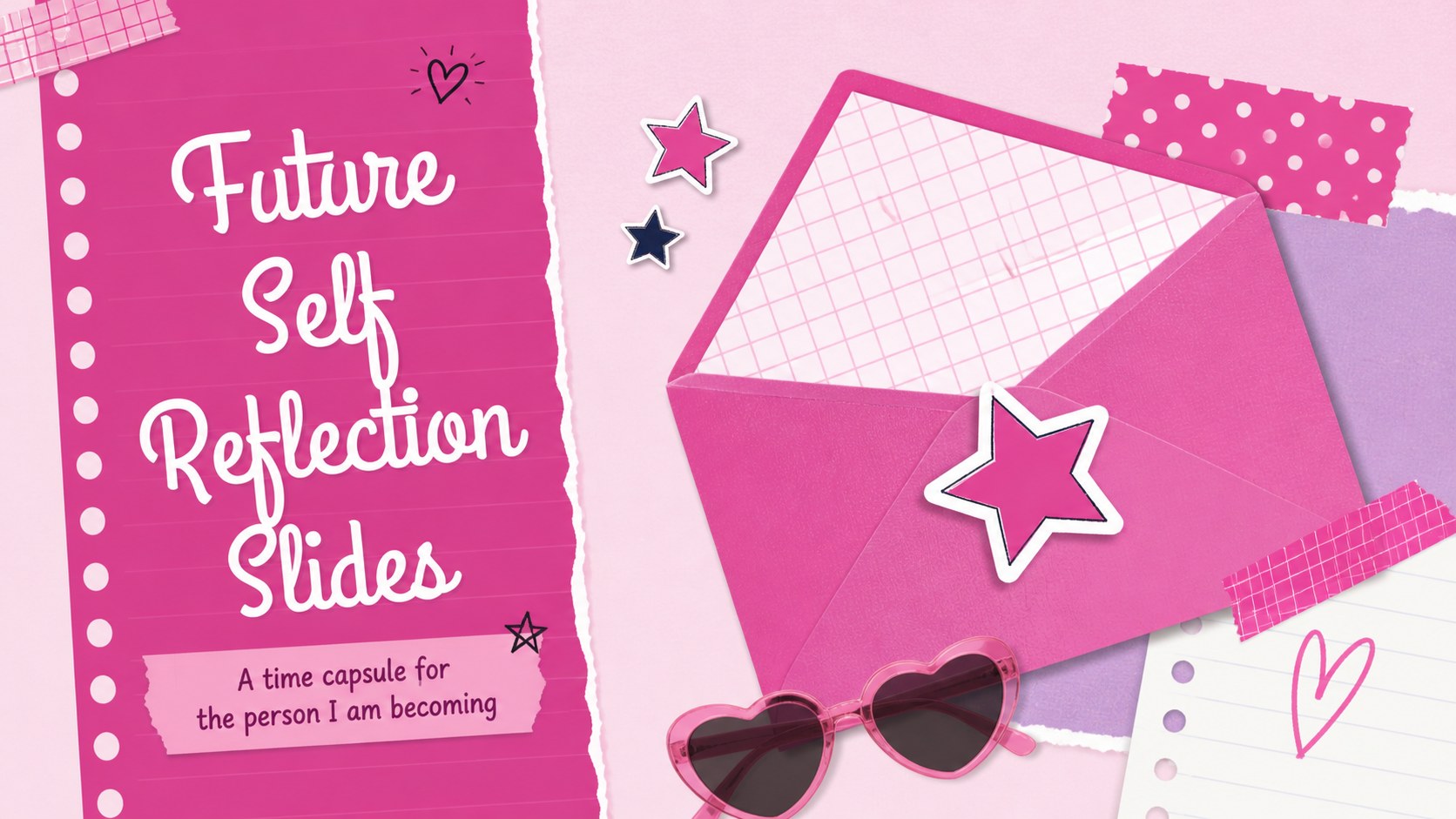
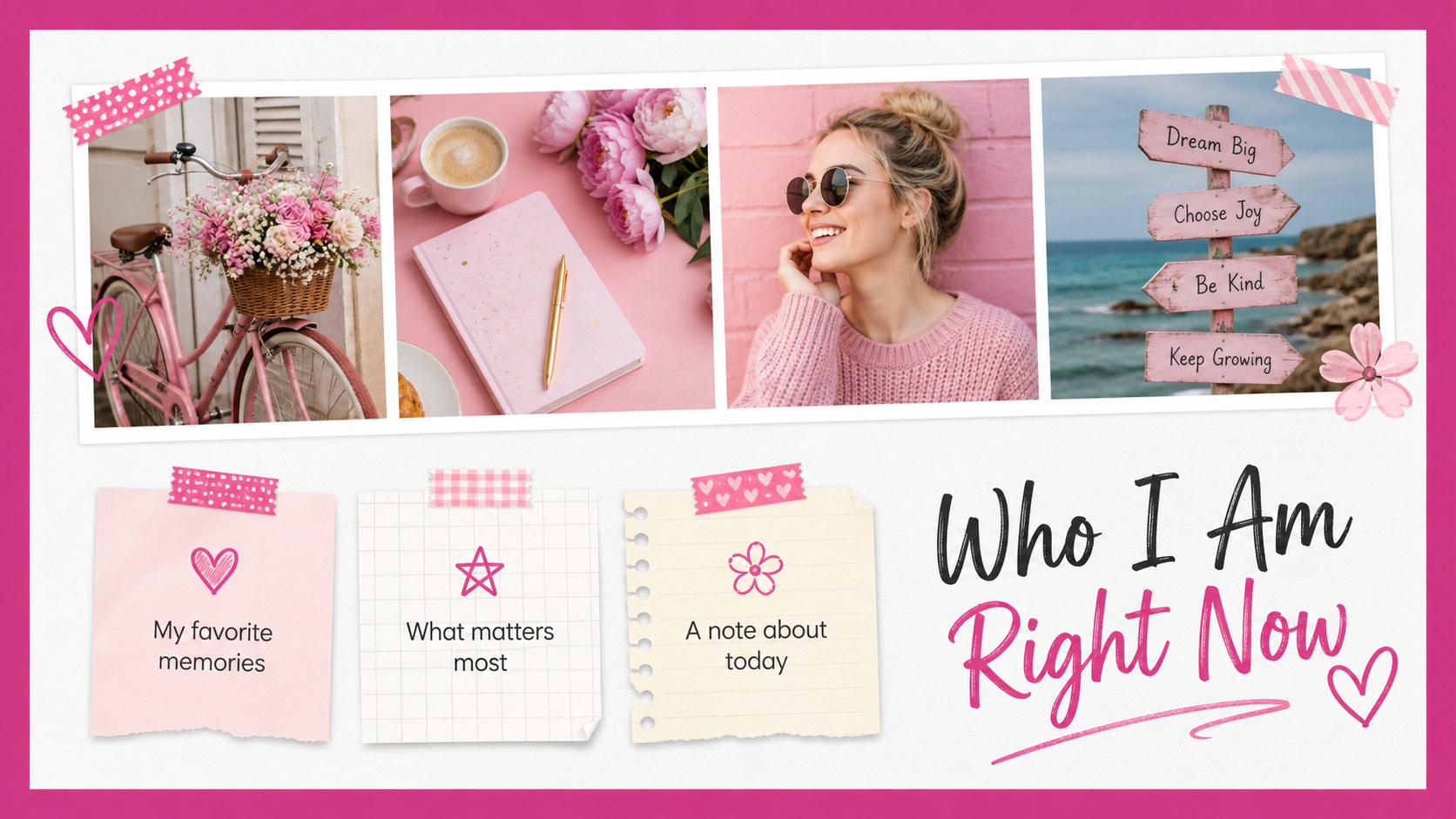
Future Self Reflection Slides turns a private letter-writing exercise into a visual time capsule. Use the playful pink collage aesthetic to record present-day hopes, personal values, favorite memories, and advice for the person you are becoming. The layout feels warm and expressive while leaving enough room for sincere writing.
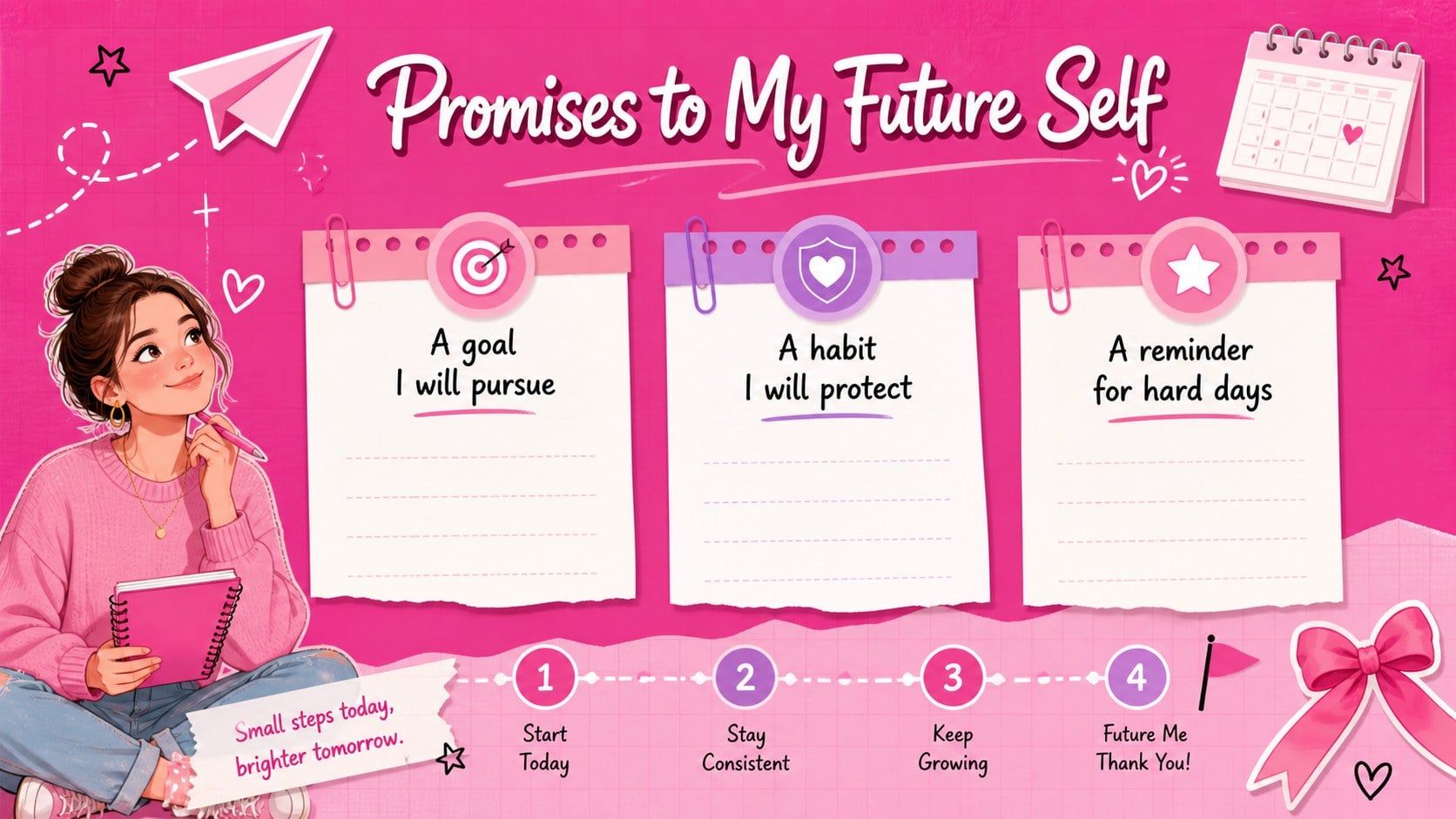
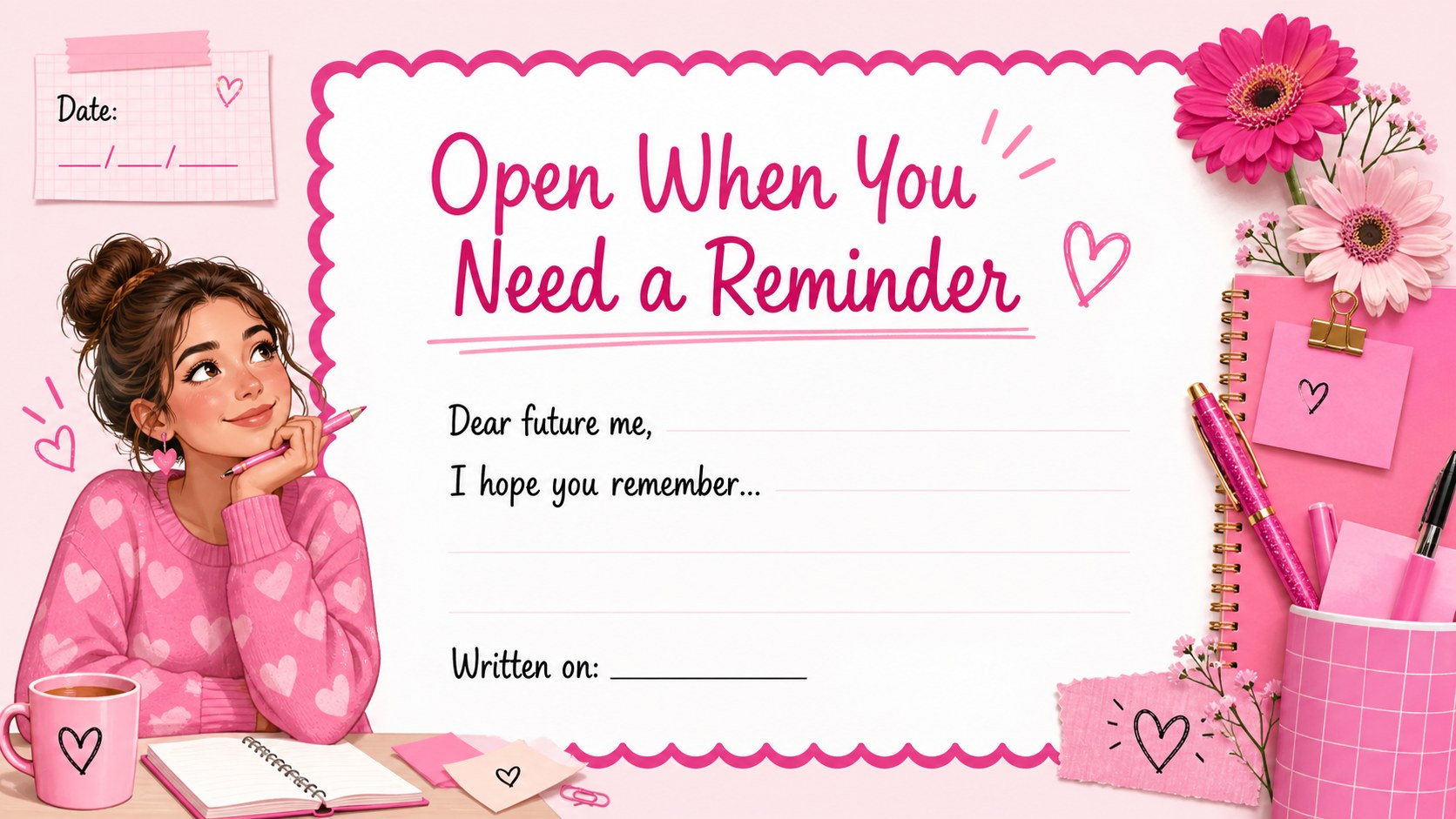
Inside, you will find a cover, a snapshot of your current life, a goals-and-promises page, and a closing reflection addressed to your future self. The deck works well as a future self journaling presentation, a personal goal setting slide deck, or a creative end-of-year reflection activity. Replace the sample copy, rearrange images, and add photos, stickers, charts, or handwritten-style notes to make the story yours.
This editable template is designed for PowerPoint and Google Slides. It suits students, teachers, wellness groups, creative workshops, birthday projects, and anyone creating a meaningful personal milestone record. Present it privately, share it with a trusted group, or export it as a PDF to revisit later. The pink palette, collage details, and feminine styling keep the experience upbeat without taking attention away from your words.
Perfect for: end-of-year student reflection; personal milestone keepsake; creative journaling workshop; birthday time capsule project; wellness goal-setting activity.
Frequently asked questions
Can I edit these slides in PowerPoint? Yes. The template is structured for PowerPoint editing, so you can change the text, colors, images, fonts, and layout elements. You can also export the finished presentation as a PDF.
Practical details
Yes. The template is structured for PowerPoint editing, so you can change the text, colors, images, fonts, and layout elements. You can also export the finished presentation as a PDF.
Yes, you can open and customize it in Google Slides. Review the imported fonts and spacing after upload, then adjust any elements that shift during conversion.
Consider documenting your current priorities, hopes, worries, favorite memories, and promises to yourself. Add specific goals or questions that will make the presentation meaningful when you revisit it later.
Absolutely. Replace the sample imagery, modify the accent colors, and use your preferred typography while keeping the collage structure. The layouts are flexible enough for a more personal, academic, or group-focused look.
Keep exploring
15Build an engaging World UFO Day session with this flying saucer history lesson deck, featuring retro green-and-brown slides for PowerPoint and Google Slides.
 15
15Plan a lively animal-learning journey with this jungle zoo adventure lesson deck, ready to customize in PowerPoint and Google Slides for young learners.
 16
16Turn environmental research into a clear story with a Watercolor Ecology Presentation Theme for PowerPoint and Google Slides in calming green and blue.
 16
16Build focused fashion, literature, and humanities presentations with the Red Triangle Editorial Theme, editable in PowerPoint and Google Slides.
 15
15Turn streaming stats, favorite tracks, and concert highlights into a bold annual listening recap slide deck for PowerPoint and Google Slides.
 15
15Turn highlights, milestones, and favorite moments into a colorful year in review slide deck with bold 3D graphics for PowerPoint and Google Slides.
 3
3Build a credible endorsement with Standout Colleague Recommendation Letter Slides, featuring colorful prompts for skills, achievements, and team impact.
 4
4Build clear beginner sessions with an ice hockey fundamentals training deck for coaches, PE teachers, and clubs, ready for PowerPoint and Google Slides.