
 15
15presentation
Flying Saucer History Lesson Deck
Build an engaging World UFO Day session with this flying saucer history lesson deck, featuring retro green-and-brown slides for PowerPoint and Google Slides.
Google SlidesPowerPoint
presentation · English
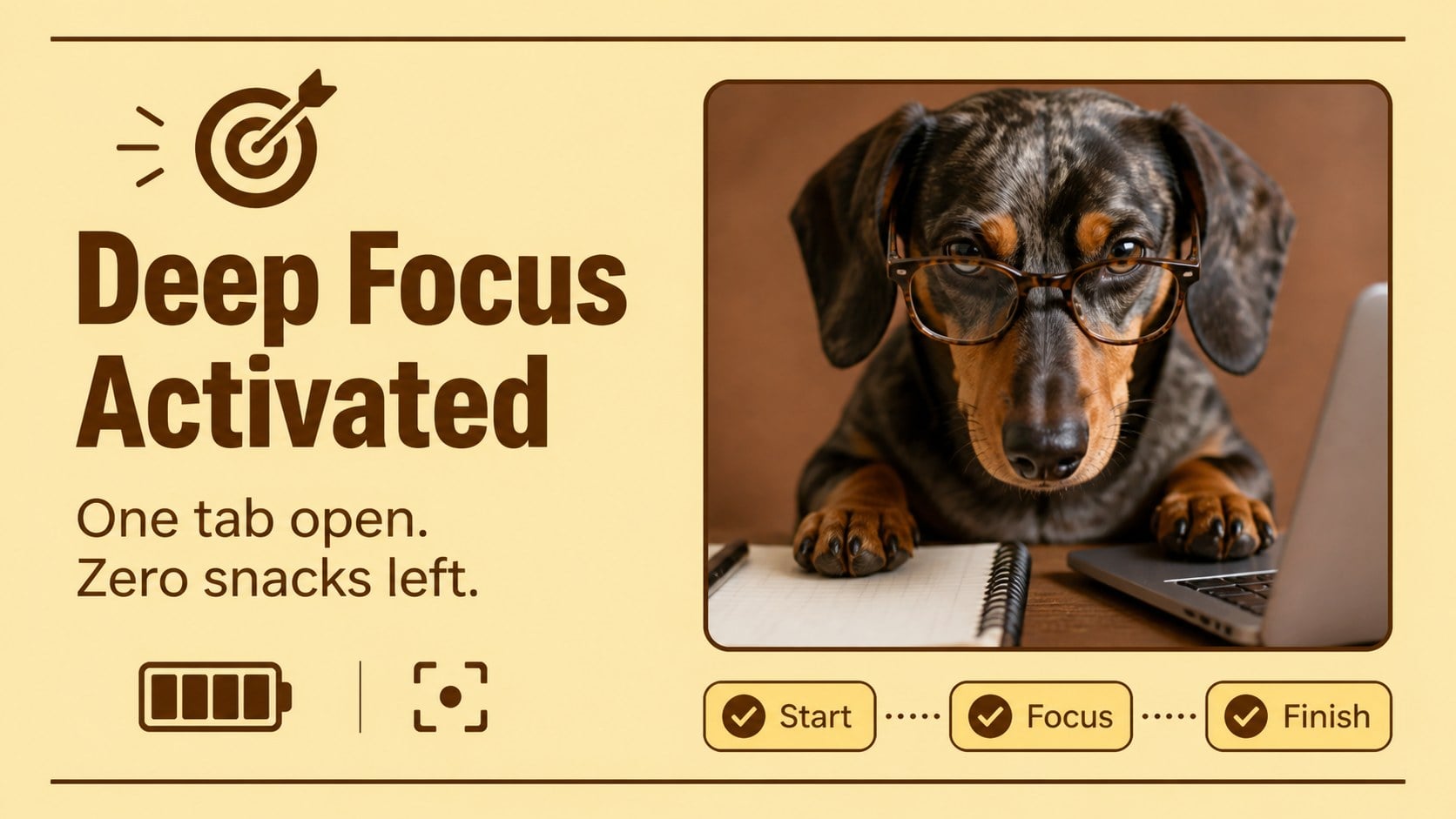
Turn everyday updates into shareable laughs with a funny puppy reaction deck featuring warm yellow-brown layouts for PowerPoint and Google Slides.








Design notes
Give routine announcements, team updates, and casual lessons a playful twist with the Funny Puppy Reaction Deck for Instant Laughs. Its expressive pet photography, bold captions, and warm yellow-and-brown interface styling help each joke land without making the presentation feel cluttered. Use it as a dog reaction presentation template for quick visual punchlines or lighthearted storytelling.
Inside are 12 flexible layouts covering an opening title, relatable reactions, workplace moments, classroom humor, weekend energy, progress updates, and a closing message. Photo frames, caption areas, speech bubbles, labels, and simple UI-inspired details can all be adapted to your topic. The balanced layouts also work well as a yellow brown meme presentation for internal events, social posts, or community activities.
This funny pet slideshow for meetings is designed for teachers, students, content creators, club organizers, and teams that want an easy icebreaker. Swap in your own puppy photos, rewrite the captions, adjust colors, or rearrange the decorative elements while keeping the cheerful visual rhythm.
Every slide is editable in PowerPoint and Google Slides. Use the full deck as a humorous presentation or select individual designs for announcements, reaction cards, digital messages, and audience engagement breaks.
Perfect for: team meeting icebreaker; classroom humor activity; club announcement slideshow; social media caption planning; informal event presentation; student storytelling project.
Frequently asked questions
Practical details
Yes. Replace every image with your own pet photography and rewrite the caption fields to match your topic. The frames and text areas can also be resized or repositioned.
The template is designed for PowerPoint and Google Slides. Core text, colors, image placeholders, and decorative elements remain editable on both platforms.
Yes. Update the background, accent, label, and text colors through the theme settings or individual object controls. Check text contrast after changing darker background shades.
It works best for informal team sessions, internal celebrations, icebreakers, and friendly progress updates. For formal presentations, use selected reaction slides as short transitions or closing moments.
Keep exploring
15Build an engaging World UFO Day session with this flying saucer history lesson deck, featuring retro green-and-brown slides for PowerPoint and Google Slides.
 15
15Plan a lively animal-learning journey with this jungle zoo adventure lesson deck, ready to customize in PowerPoint and Google Slides for young learners.
 16
16Turn environmental research into a clear story with a Watercolor Ecology Presentation Theme for PowerPoint and Google Slides in calming green and blue.
 16
16Build focused fashion, literature, and humanities presentations with the Red Triangle Editorial Theme, editable in PowerPoint and Google Slides.
 15
15Turn streaming stats, favorite tracks, and concert highlights into a bold annual listening recap slide deck for PowerPoint and Google Slides.
 15
15Turn highlights, milestones, and favorite moments into a colorful year in review slide deck with bold 3D graphics for PowerPoint and Google Slides.
 3
3Build a credible endorsement with Standout Colleague Recommendation Letter Slides, featuring colorful prompts for skills, achievements, and team impact.
 4
4Build clear beginner sessions with an ice hockey fundamentals training deck for coaches, PE teachers, and clubs, ready for PowerPoint and Google Slides.