
 15
15presentation
Flying Saucer History Lesson Deck
Build an engaging World UFO Day session with this flying saucer history lesson deck, featuring retro green-and-brown slides for PowerPoint and Google Slides.
Google SlidesPowerPoint
presentation · English
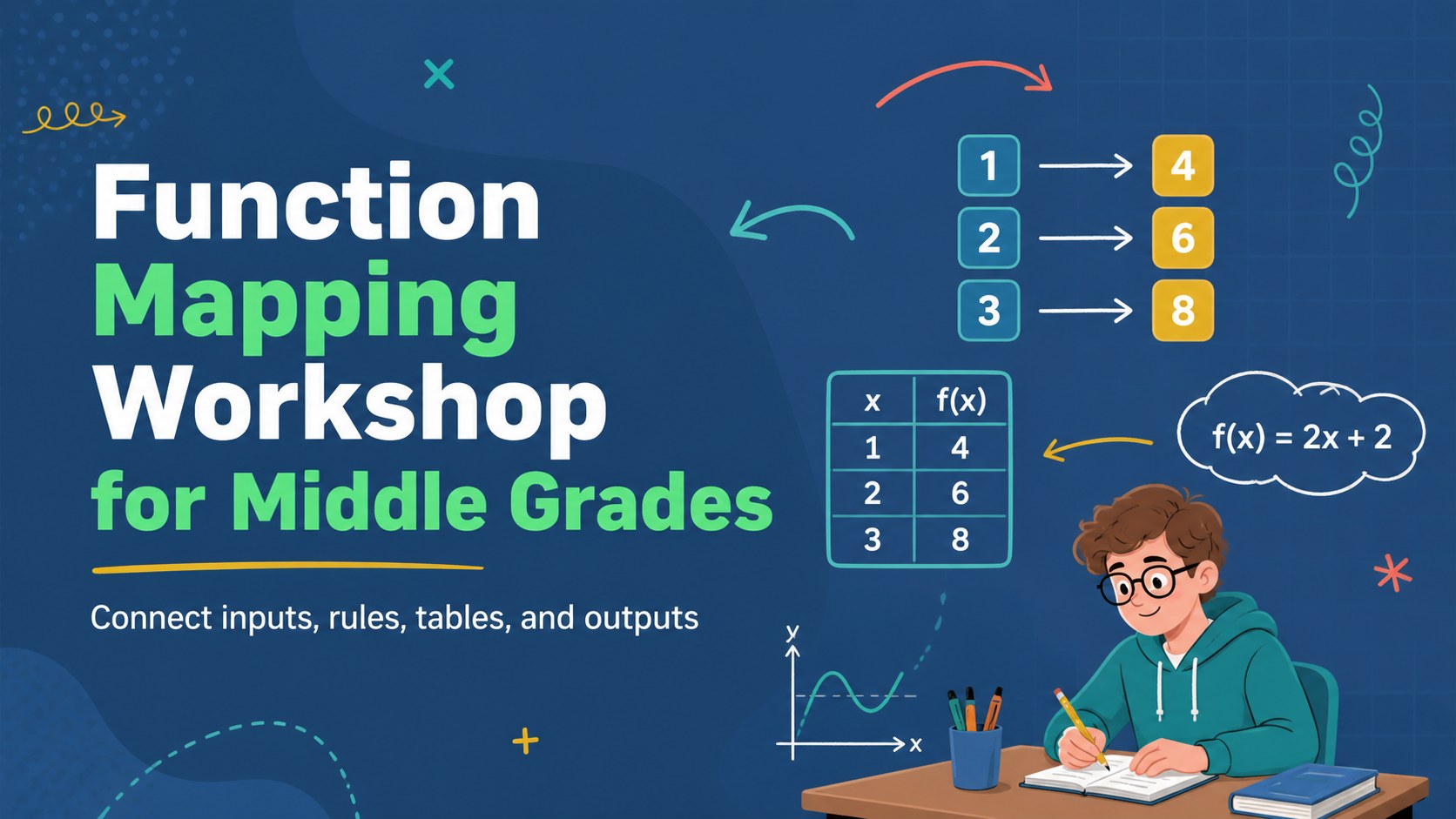
Turn function mapping into an active middle-school lesson with blue doodle visuals, guided examples, and editable PowerPoint and Google Slides.
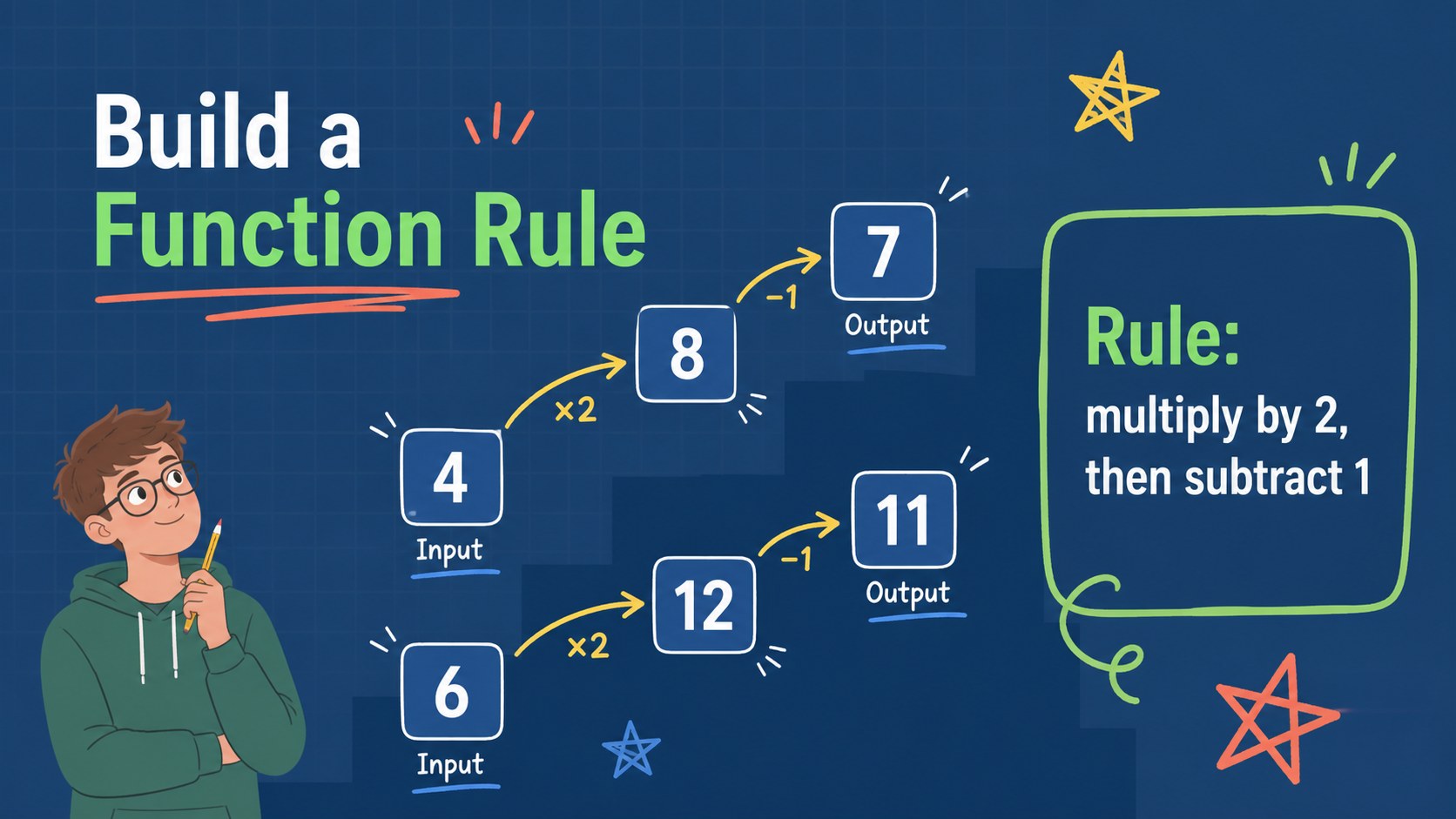
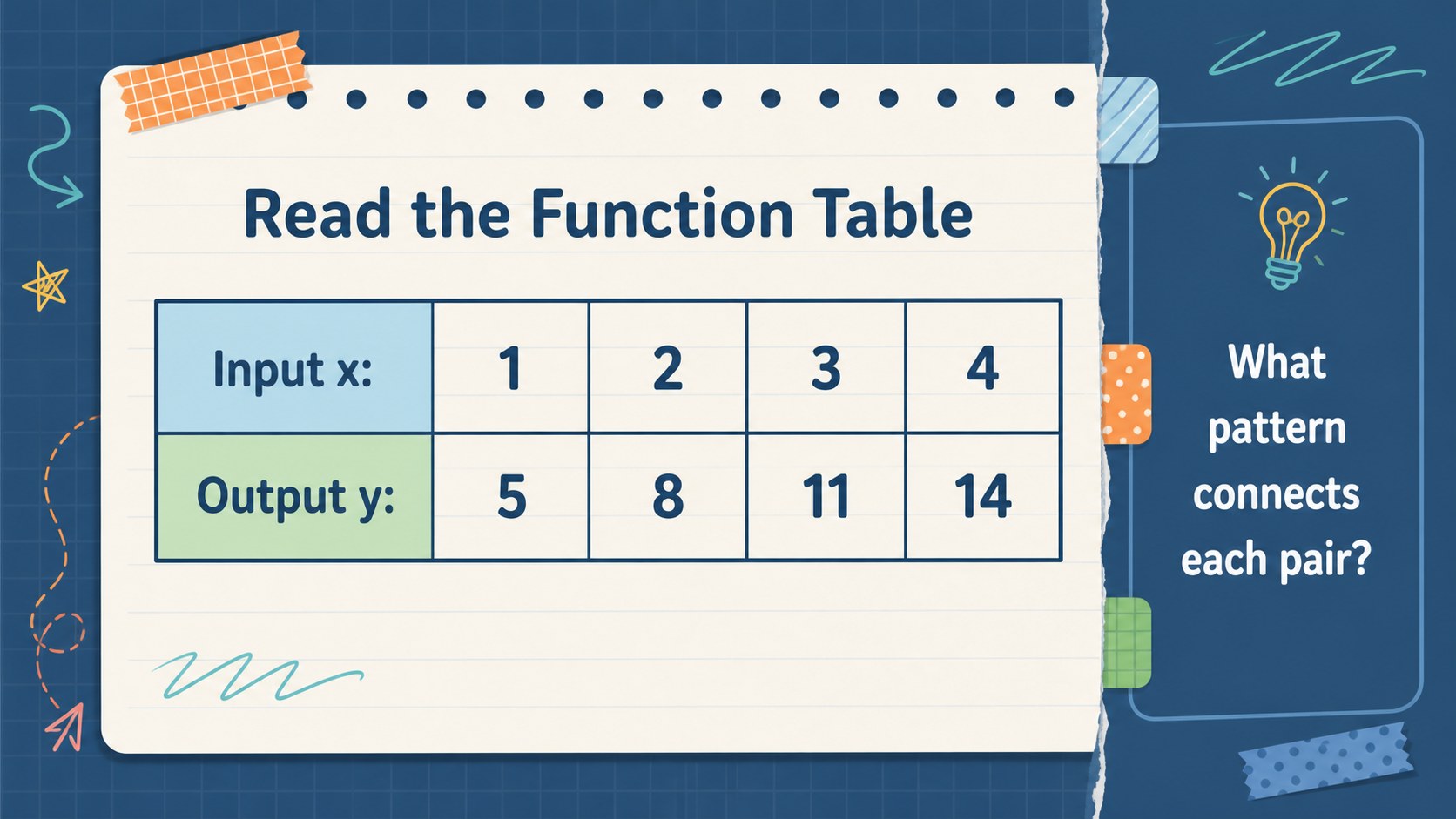
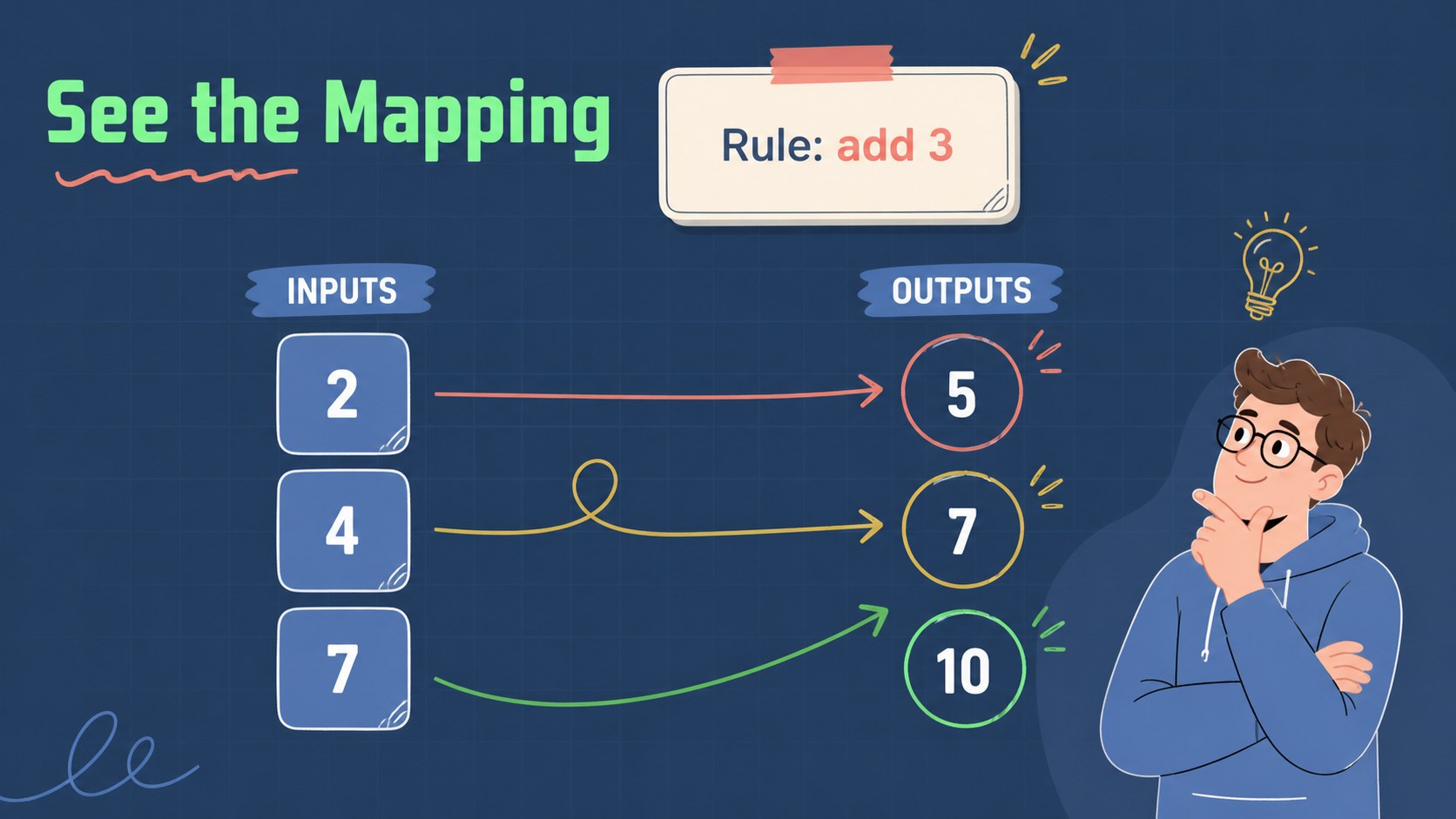
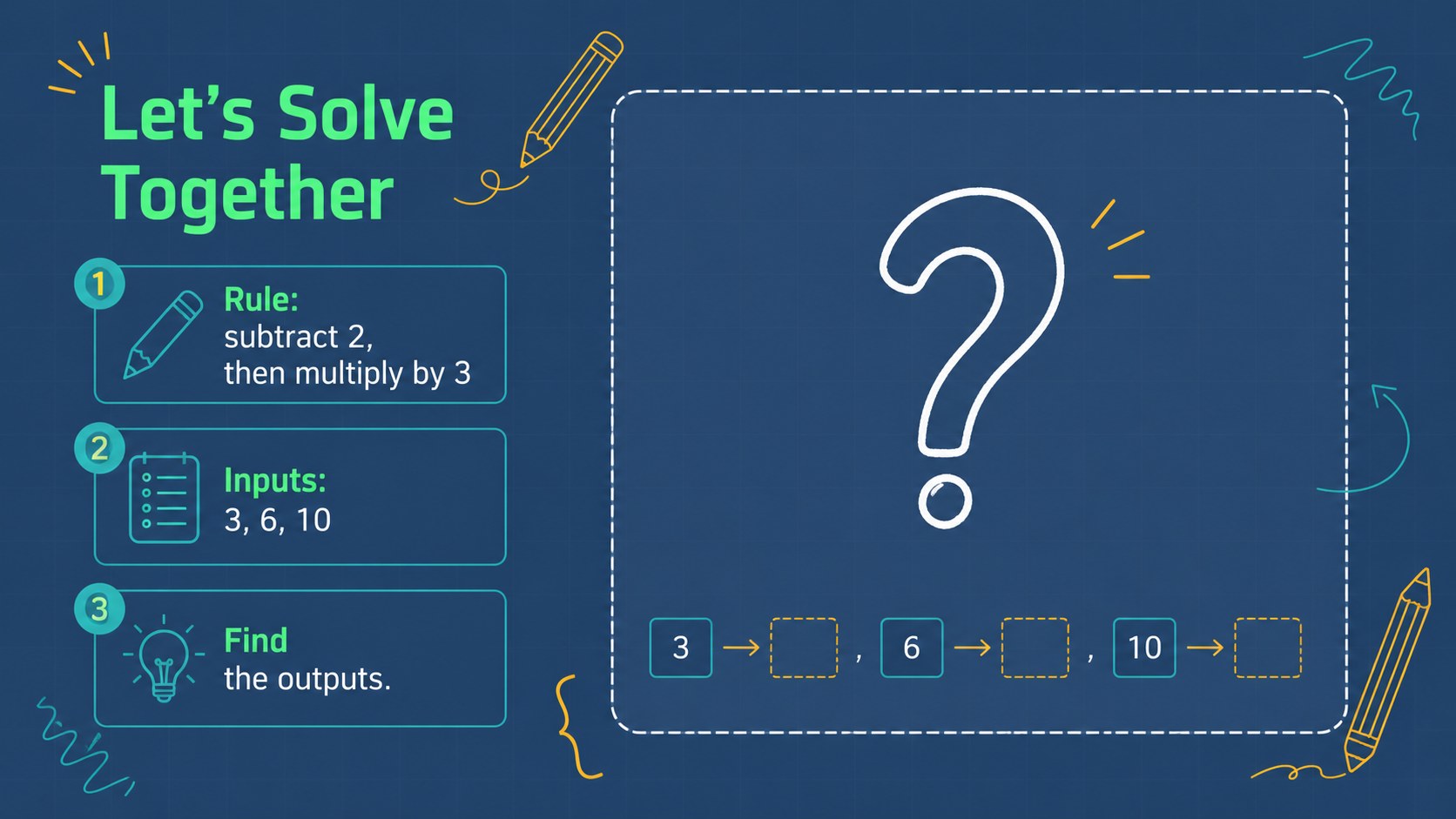
Design notes
Make function mapping easier to teach with a visual lesson deck built for middle grades. This blue doodle presentation uses friendly diagrams, clear examples, and guided practice to help students see how an input becomes an output. It gives teachers a flexible structure for introducing rules, reading function tables, and checking solutions without overwhelming the class.
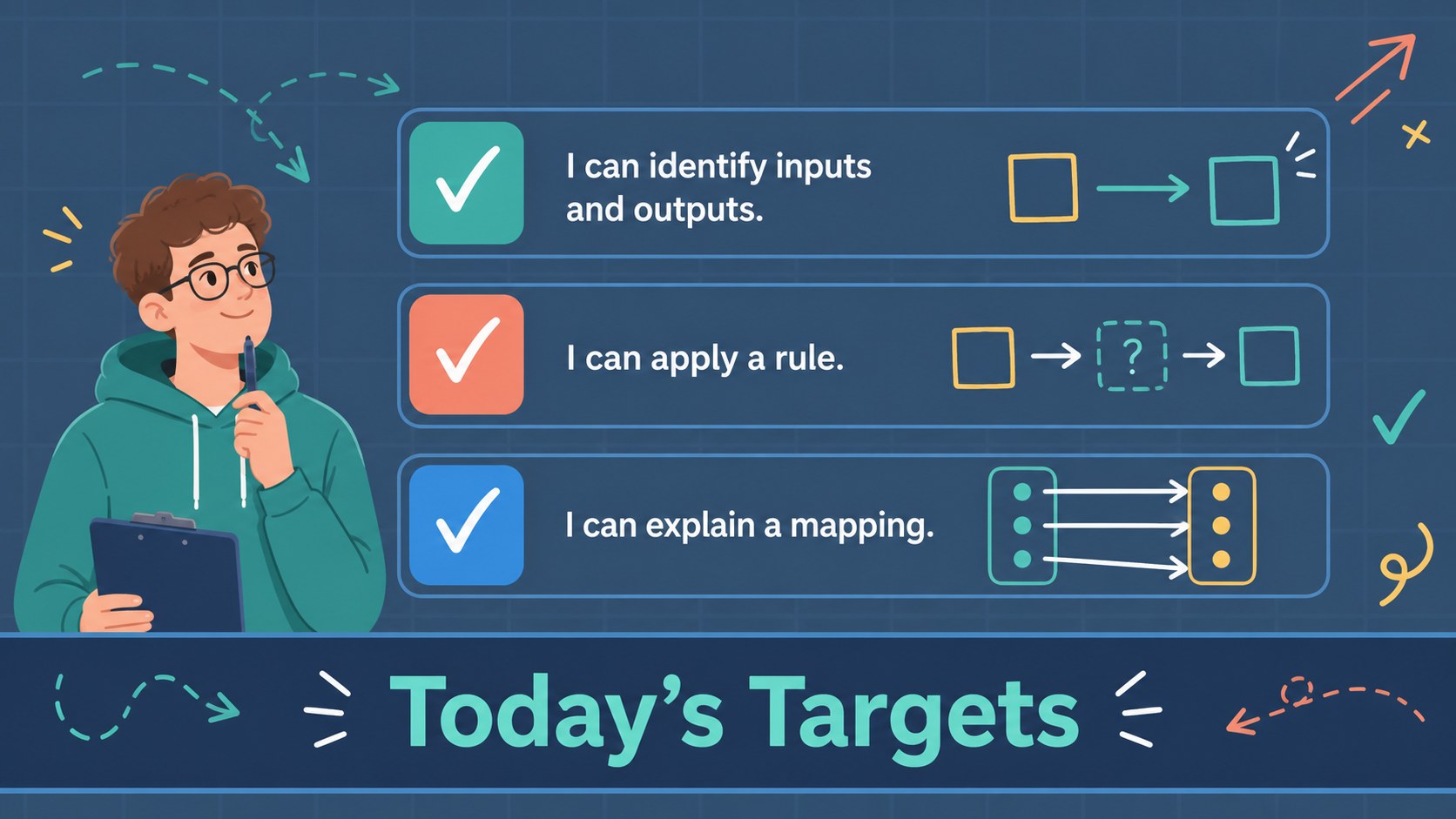
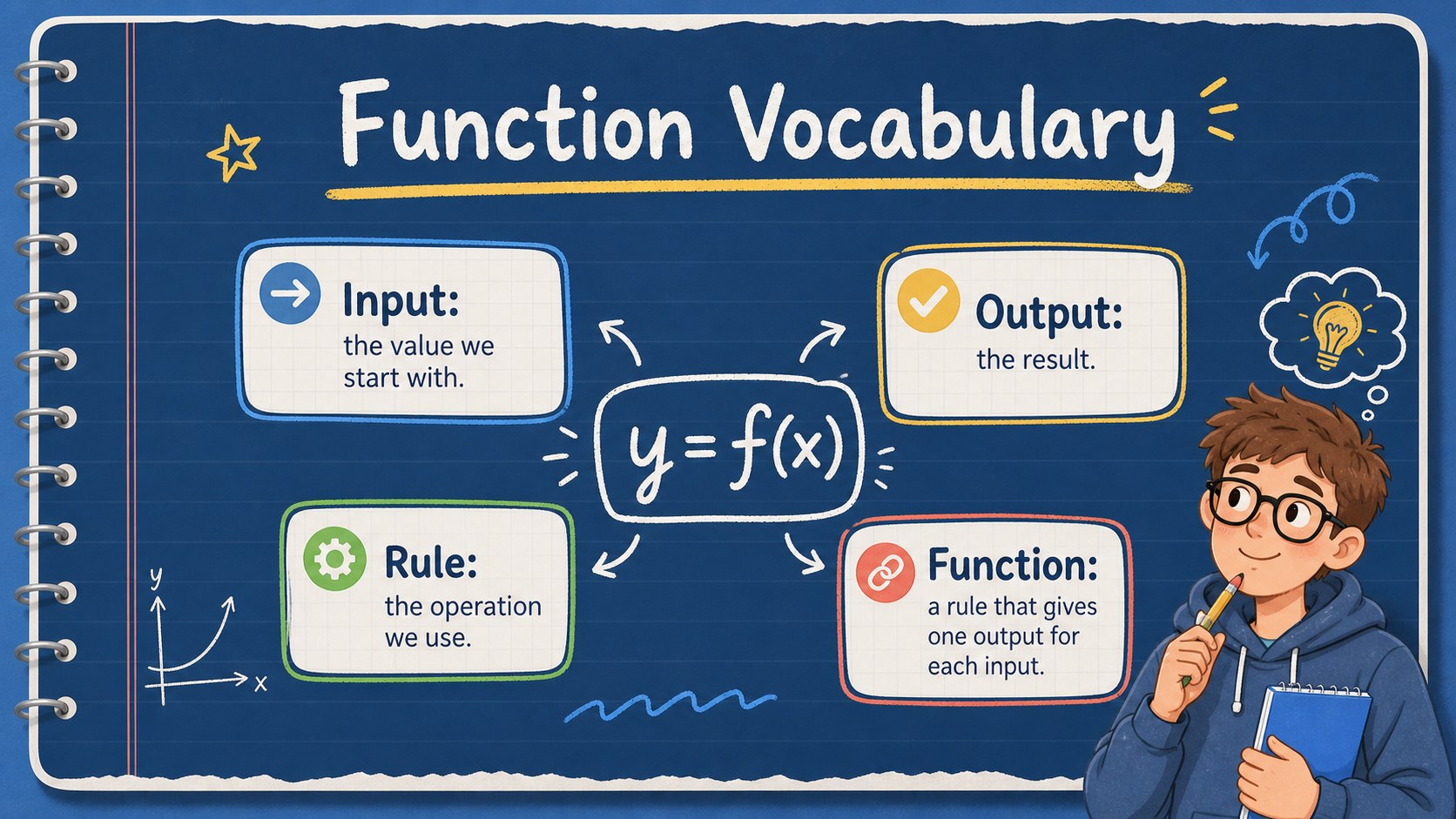
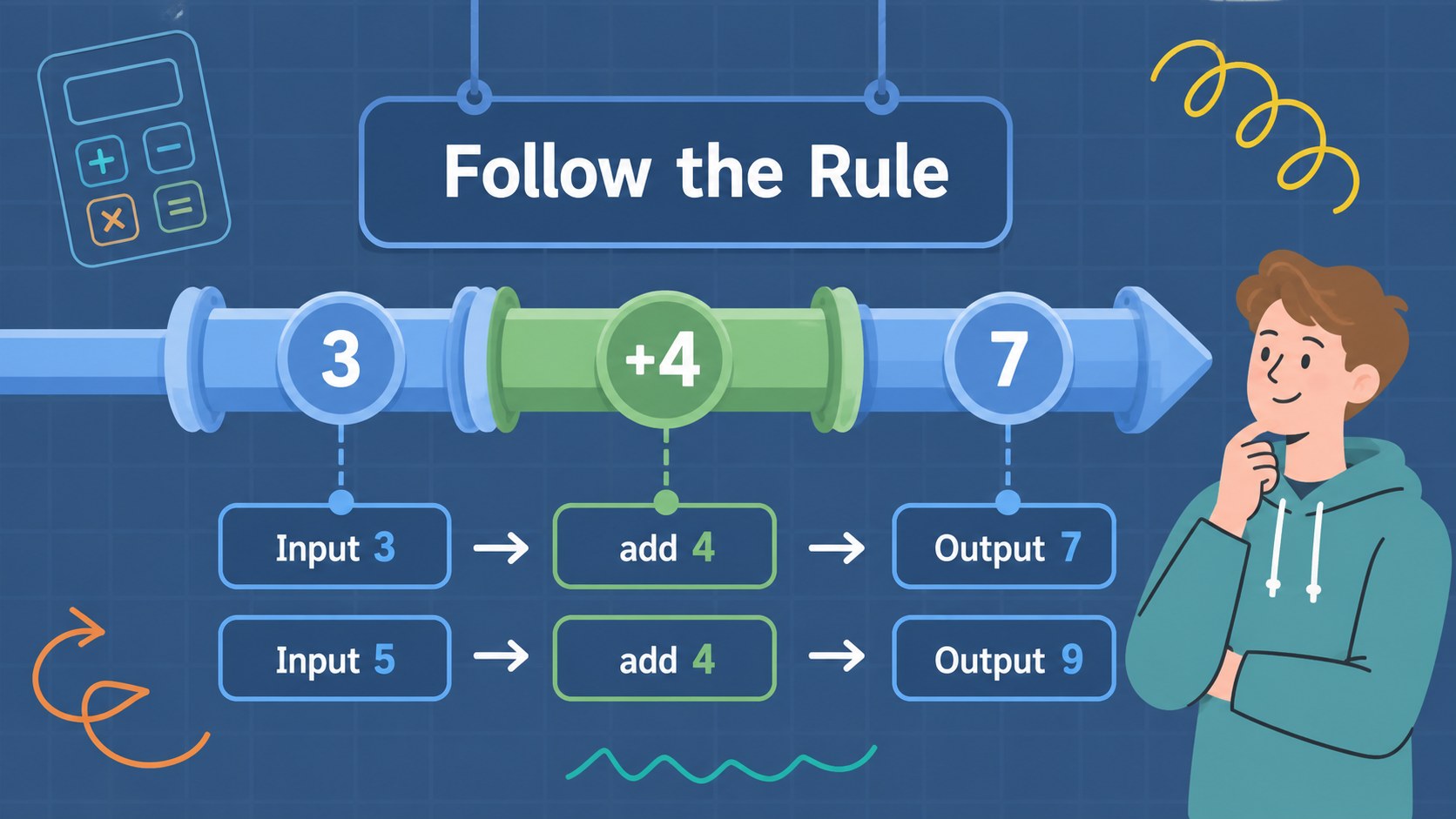
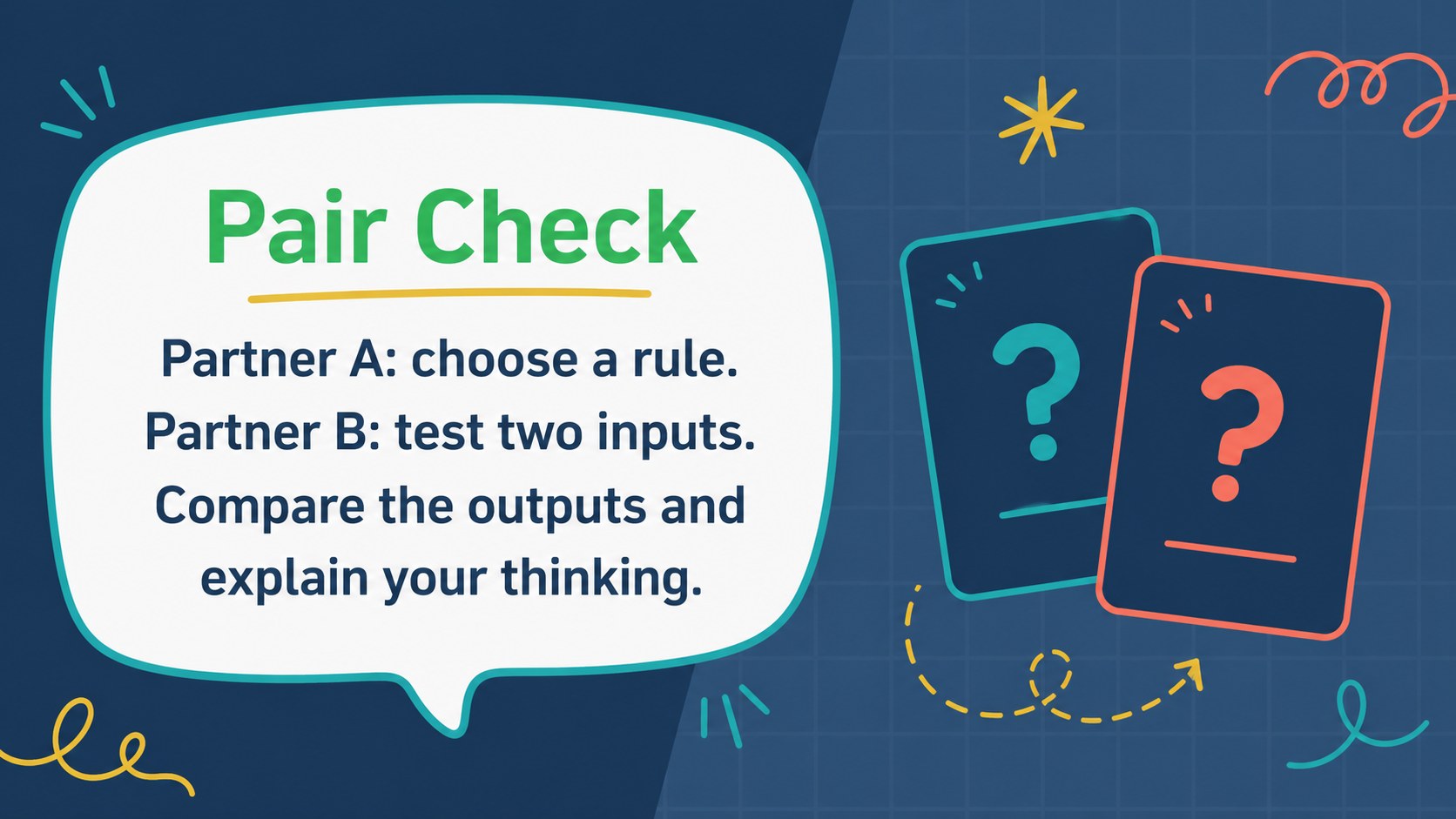
Inside are 15 editable 16:9 slides for a complete classroom sequence: an engaging opener, learning goals, vocabulary, input-output examples, rule demonstrations, function tables, mapping diagrams, partner activities, independent practice, review prompts, and a final exit ticket. The layouts balance short explanations with space for numbers, arrows, labels, and student responses. Blue accents, playful hand-drawn details, and readable typography preserve a welcoming classroom mood while keeping the math central.
Use this function mapping workshop for middle grades in a live lesson, small-group intervention, tutoring session, or recorded review. Teachers can update the numbers, add local curriculum language, or duplicate practice slides for differentiated instruction. The files work with PowerPoint and Google Slides, so the deck is easy to present, share, and revise for different classes.
Perfect for: middle-school math introduction; small-group intervention lesson; function table tutoring session; partner mapping activity; recorded math review.
Frequently asked questions
Can I edit the numbers and examples? Yes. All text, numbers, diagrams, colors, and shapes can be adjusted in PowerPoint or Google Slides. Duplicate practice pages to create easier or more challenging examples.
Practical details
Yes. All text, numbers, diagrams, colors, and shapes can be adjusted in PowerPoint or Google Slides. Duplicate practice pages to create easier or more challenging examples.
The template is designed for PowerPoint and Google Slides. You can present it live, share it digitally, or export it to common classroom formats.
The slides introduce inputs, outputs, rules, function tables, and mapping diagrams. They also include guided examples, partner practice, independent work, and an exit check.
Yes. Replace the sample values, vocabulary, and practice prompts to match your curriculum. The blue doodle design can support introductory lessons, review sessions, or intervention groups.
Keep exploring
15Build an engaging World UFO Day session with this flying saucer history lesson deck, featuring retro green-and-brown slides for PowerPoint and Google Slides.
 15
15Plan a lively animal-learning journey with this jungle zoo adventure lesson deck, ready to customize in PowerPoint and Google Slides for young learners.
 16
16Turn environmental research into a clear story with a Watercolor Ecology Presentation Theme for PowerPoint and Google Slides in calming green and blue.
 16
16Build focused fashion, literature, and humanities presentations with the Red Triangle Editorial Theme, editable in PowerPoint and Google Slides.
 15
15Turn streaming stats, favorite tracks, and concert highlights into a bold annual listening recap slide deck for PowerPoint and Google Slides.
 15
15Turn highlights, milestones, and favorite moments into a colorful year in review slide deck with bold 3D graphics for PowerPoint and Google Slides.
 3
3Build a credible endorsement with Standout Colleague Recommendation Letter Slides, featuring colorful prompts for skills, achievements, and team impact.
 4
4Build clear beginner sessions with an ice hockey fundamentals training deck for coaches, PE teachers, and clubs, ready for PowerPoint and Google Slides.