
 15
15presentation
Flying Saucer History Lesson Deck
Build an engaging World UFO Day session with this flying saucer history lesson deck, featuring retro green-and-brown slides for PowerPoint and Google Slides.
Google SlidesPowerPoint
presentation · English
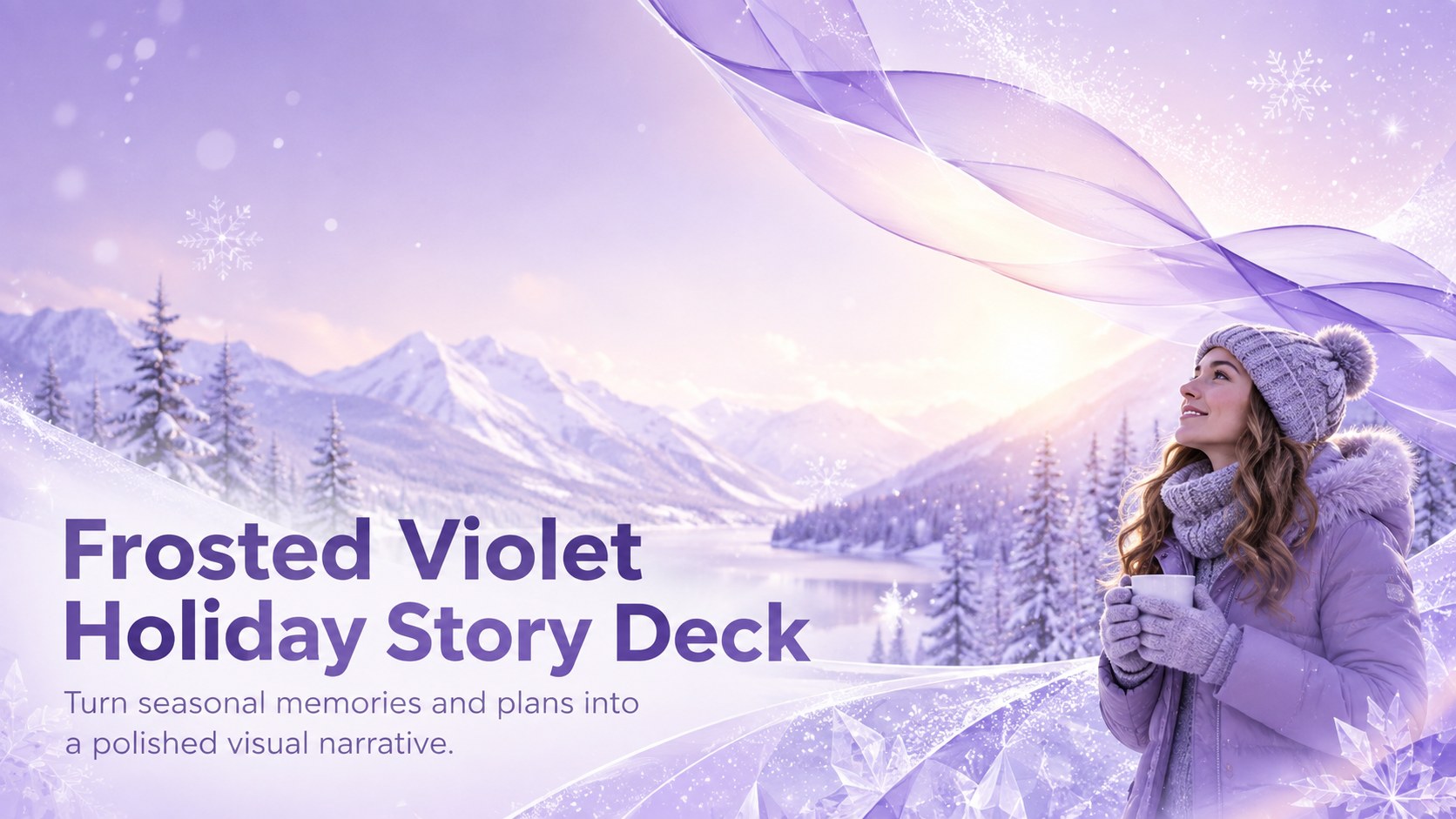
Create a Frosted Violet Holiday Story Deck for seasonal updates, travel recaps, greetings, and event plans in PowerPoint or Google Slides with ease.
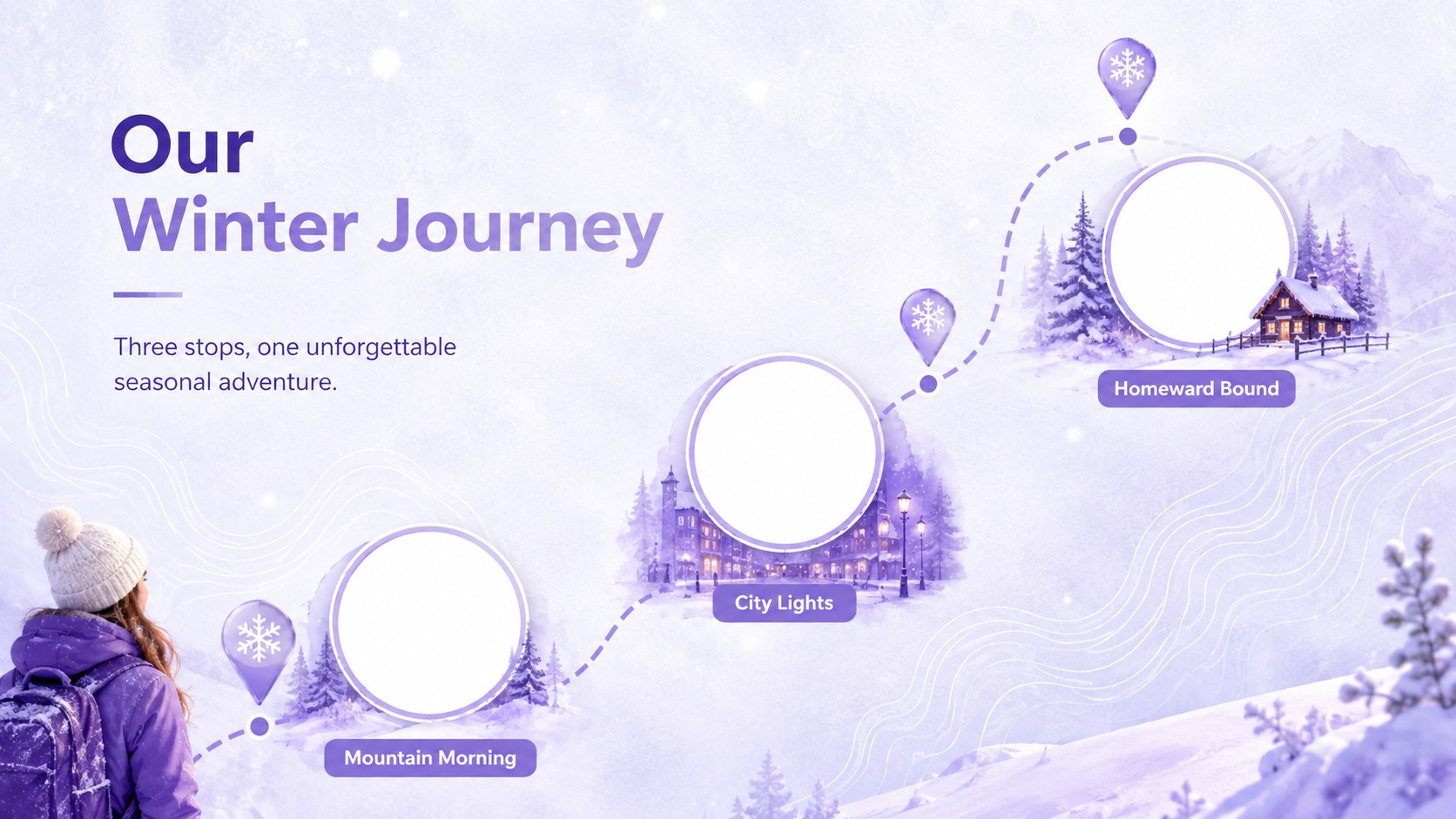

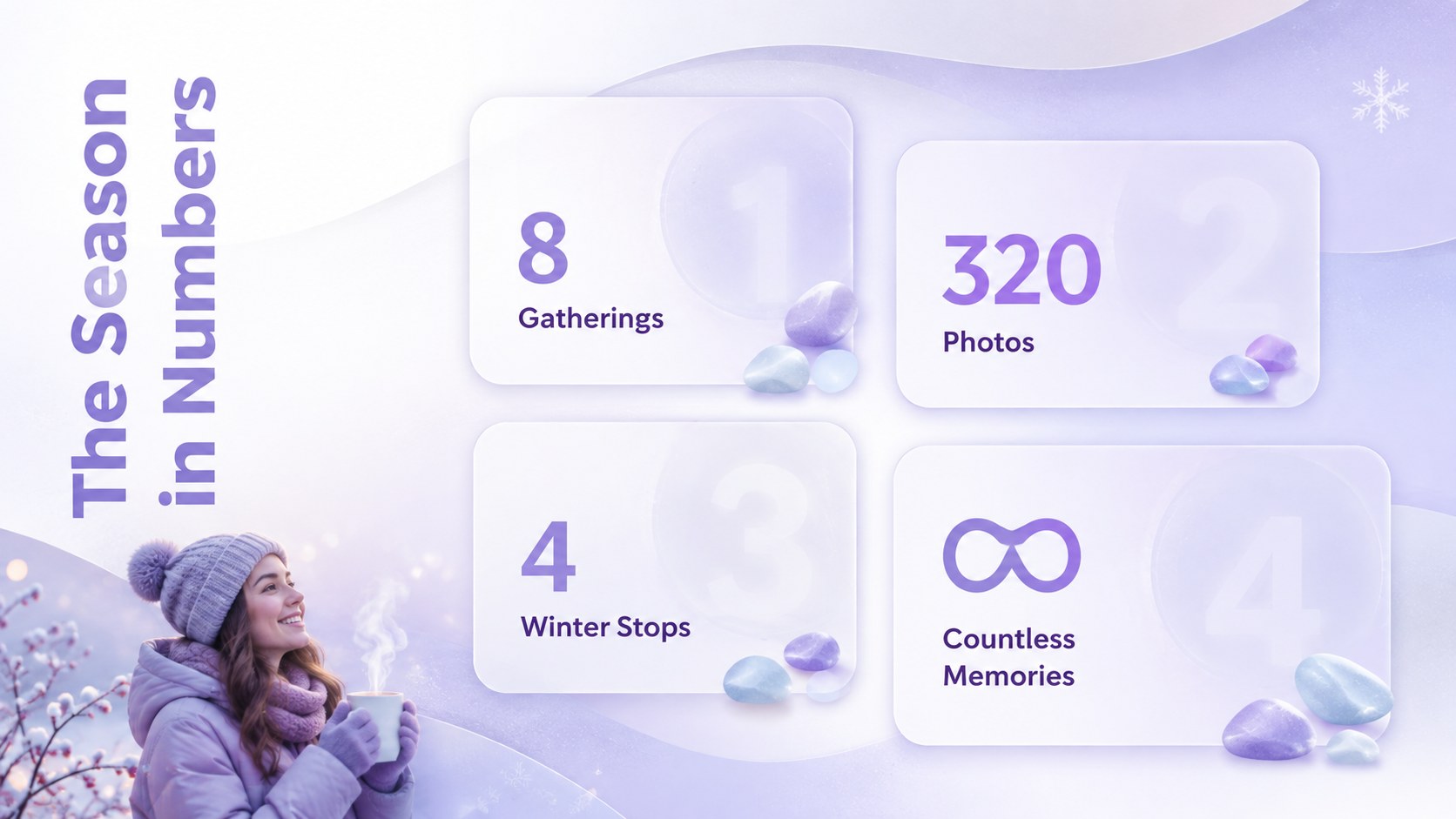
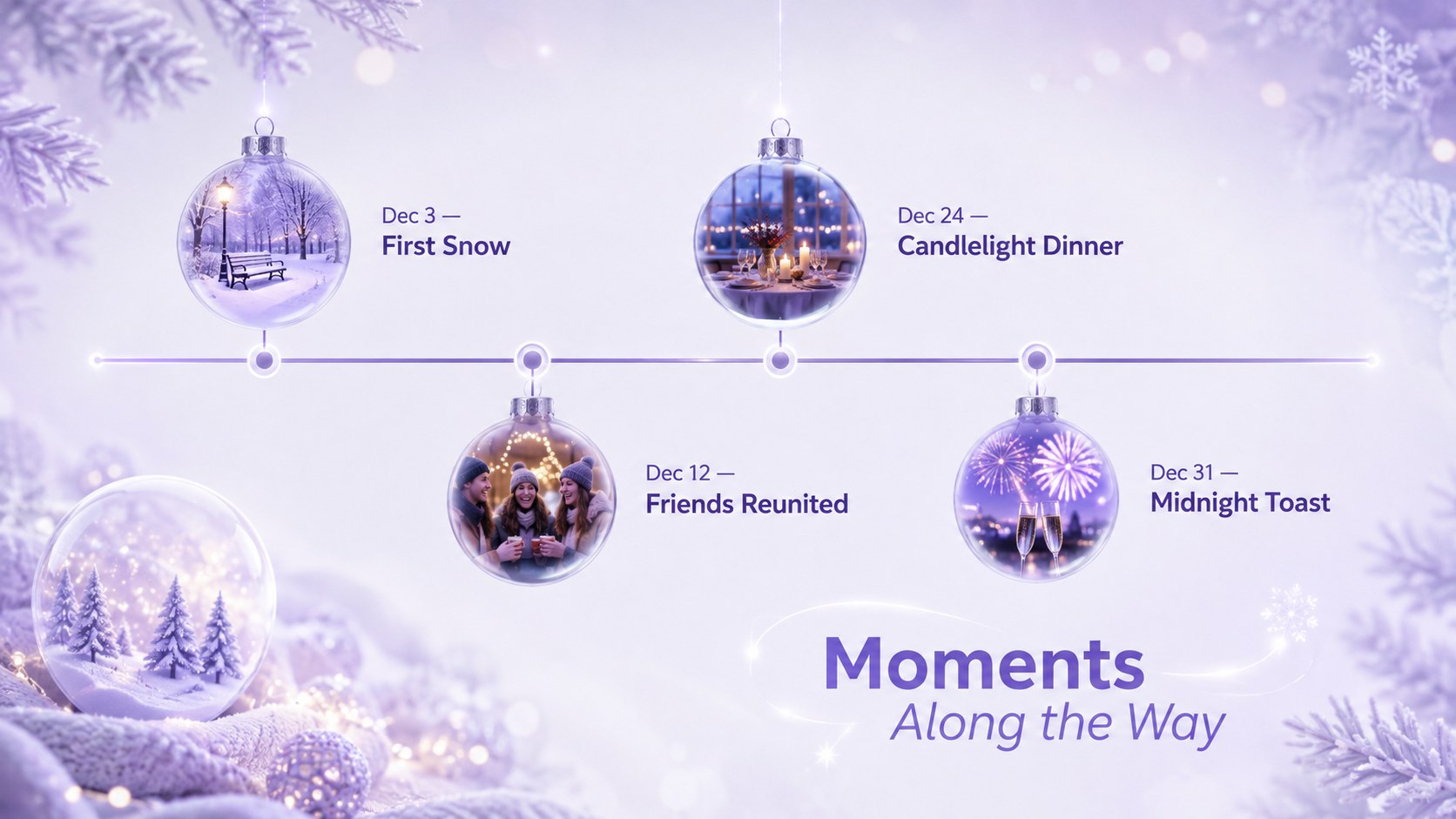
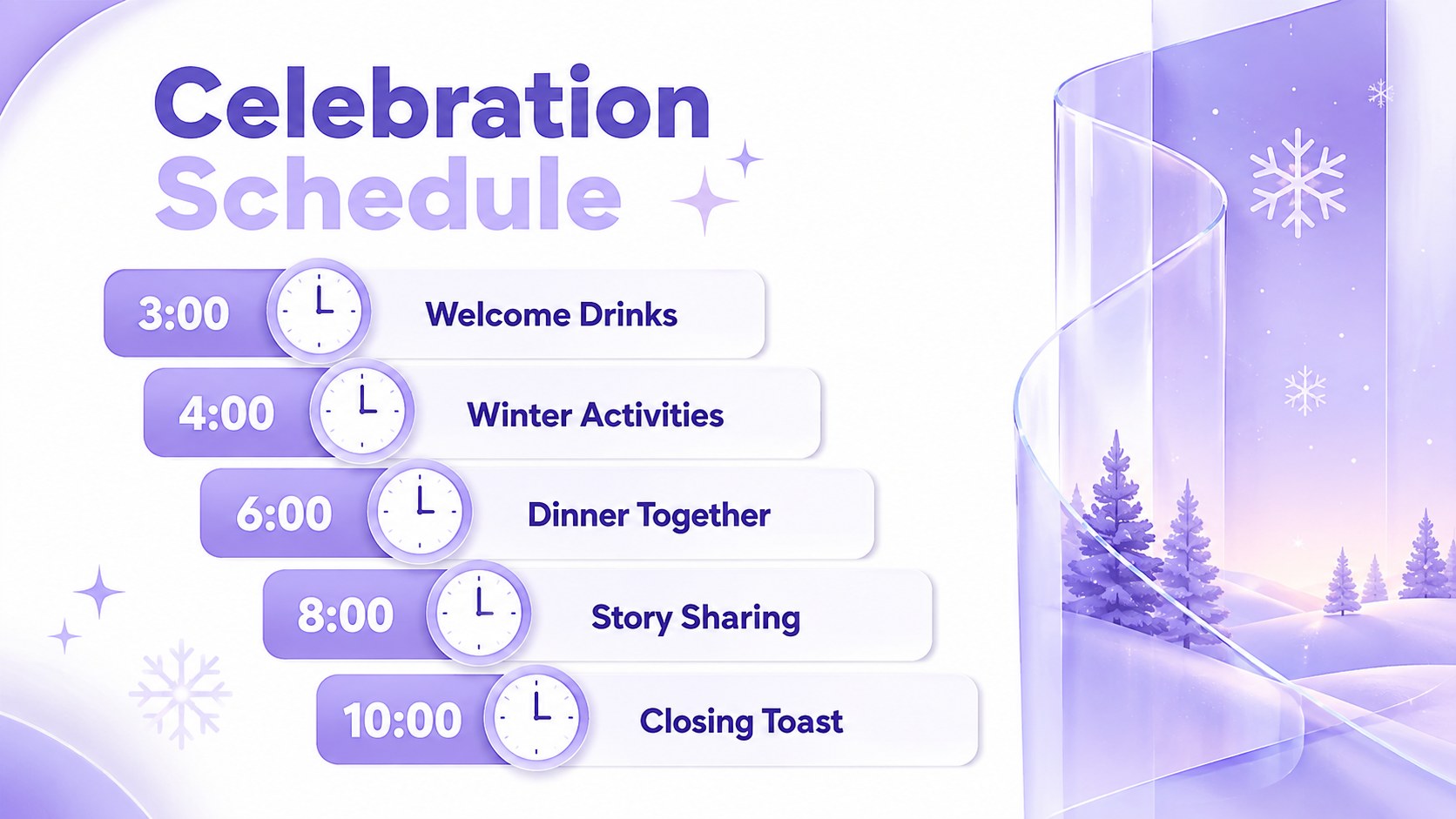
Design notes
The Frosted Violet Holiday Story Deck offers a refined way to present seasonal ideas without relying on traditional red and green styling. Its luminous white backgrounds, soft purple gradients, translucent panels, and fluid abstract accents create a modern winter atmosphere that feels festive, calm, and versatile.
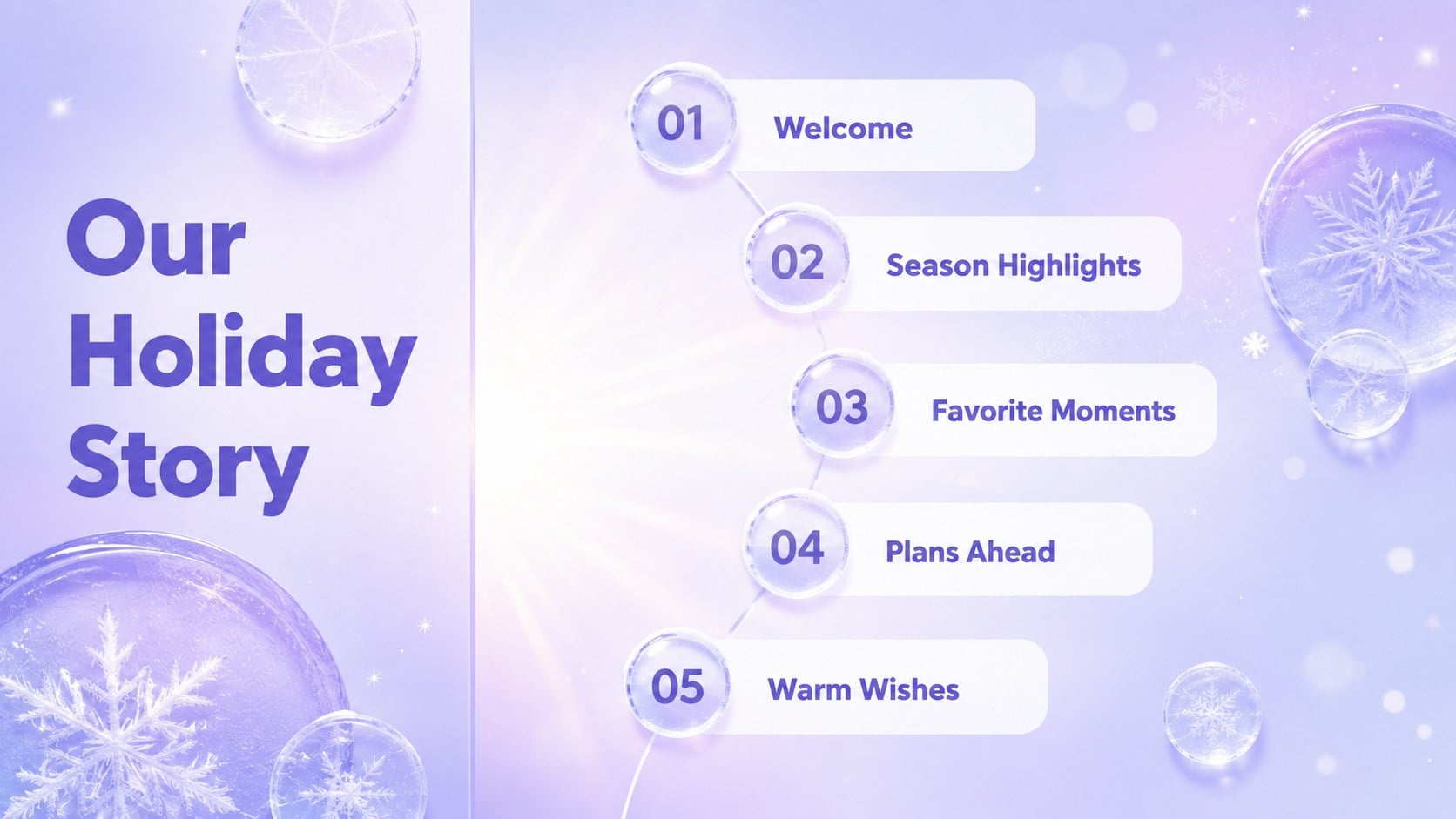
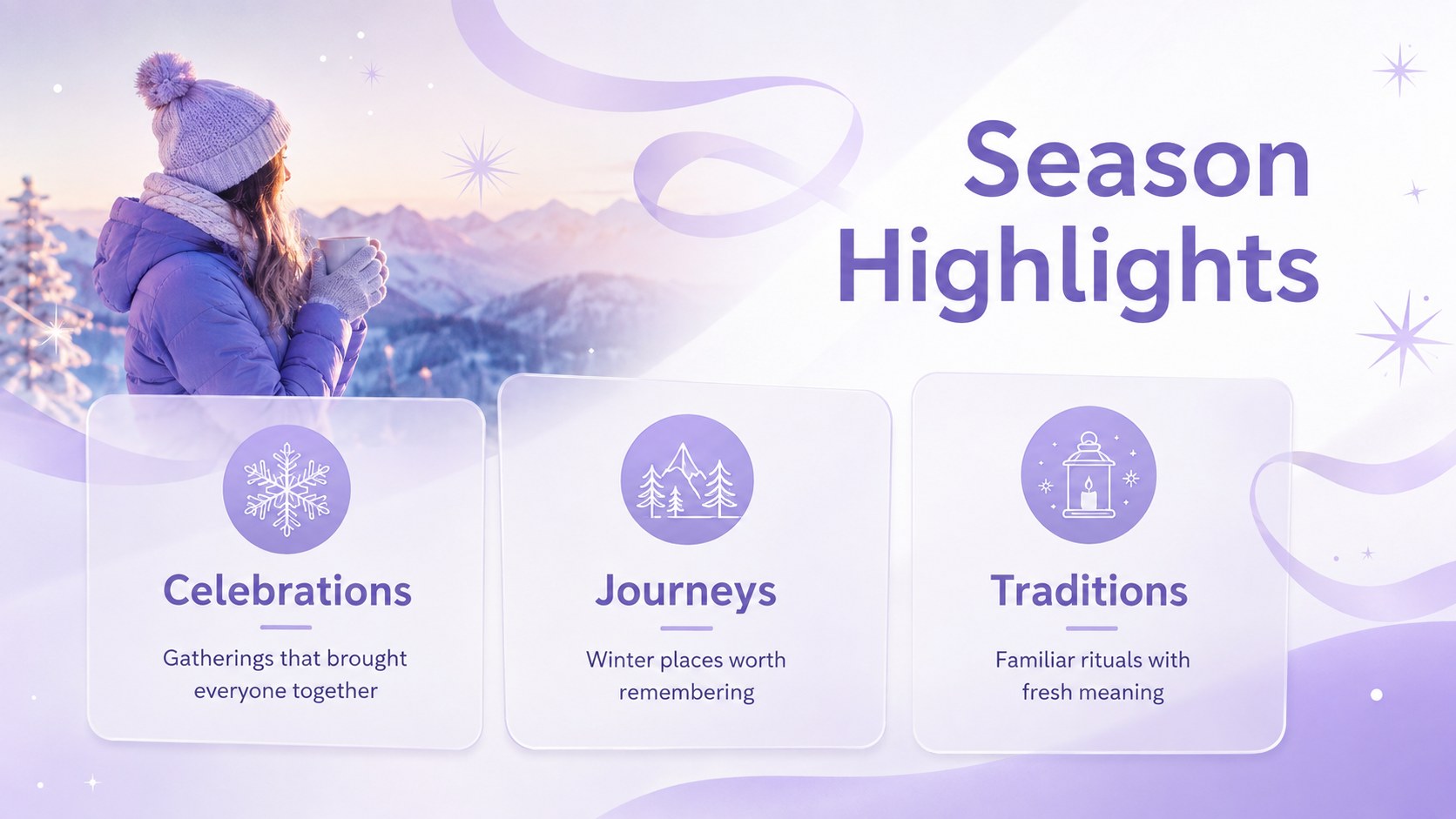
Inside, you will find 15 coordinated layouts for introductions, agendas, holiday highlights, travel memories, event schedules, photo stories, key figures, timelines, greetings, and closing messages. Use it as a purple holiday presentation template for a family update, a holiday travel recap presentation, or a polished seasonal campaign. Charts, image frames, typography, and decorative elements can be adapted to match your message while preserving the cohesive glass-inspired design.
This glassmorphism seasonal slide deck is suitable for families, educators, community organizers, travel creators, small businesses, and event teams. Every layout is editable in PowerPoint and Google Slides, making it straightforward to replace text, adjust colors, insert photography, and reorganize sections. The restrained palette also works well for winter celebrations, end-of-year reflections, virtual greetings, destination recaps, and elegant holiday announcements.
Perfect for: family holiday photo recap; winter event schedule; seasonal business update; holiday travel journal; virtual festive greeting; year-end community reflection.
Frequently asked questions
Can I edit this deck in PowerPoint and Google Slides? Yes. The layouts, text, colors, and image placeholders can be edited in both PowerPoint and Google Slides. Some transitions or font spacing may vary slightly between the two platforms.
Practical details
Yes. The layouts, text, colors, and image placeholders can be edited in both PowerPoint and Google Slides. Some transitions or font spacing may vary slightly between the two platforms.
Select the gradient shapes and translucent panels to replace the violet tones with your preferred seasonal colors. Keep strong contrast between text and frosted backgrounds so each slide remains easy to read.
Yes. Replace the sample imagery in the existing photo frames, then crop and reposition each image to suit the layout. Bright winter scenes and high-contrast portraits work especially well with the white and purple design.
It supports both. Use the storytelling layouts for personal memories and greetings, or adapt the schedules, statistics, and timeline slides for campaigns, events, and year-end updates.
Keep exploring
15Build an engaging World UFO Day session with this flying saucer history lesson deck, featuring retro green-and-brown slides for PowerPoint and Google Slides.
 15
15Plan a lively animal-learning journey with this jungle zoo adventure lesson deck, ready to customize in PowerPoint and Google Slides for young learners.
 16
16Turn environmental research into a clear story with a Watercolor Ecology Presentation Theme for PowerPoint and Google Slides in calming green and blue.
 16
16Build focused fashion, literature, and humanities presentations with the Red Triangle Editorial Theme, editable in PowerPoint and Google Slides.
 15
15Turn streaming stats, favorite tracks, and concert highlights into a bold annual listening recap slide deck for PowerPoint and Google Slides.
 15
15Turn highlights, milestones, and favorite moments into a colorful year in review slide deck with bold 3D graphics for PowerPoint and Google Slides.
 3
3Build a credible endorsement with Standout Colleague Recommendation Letter Slides, featuring colorful prompts for skills, achievements, and team impact.
 4
4Build clear beginner sessions with an ice hockey fundamentals training deck for coaches, PE teachers, and clubs, ready for PowerPoint and Google Slides.