
 15
15presentation
Flying Saucer History Lesson Deck
Build an engaging World UFO Day session with this flying saucer history lesson deck, featuring retro green-and-brown slides for PowerPoint and Google Slides.
Google SlidesPowerPoint
presentation · English
Present shipped products, technical choices, and measurable outcomes with a Frontend Engineering Case Study Deck for PowerPoint and Google Slides.


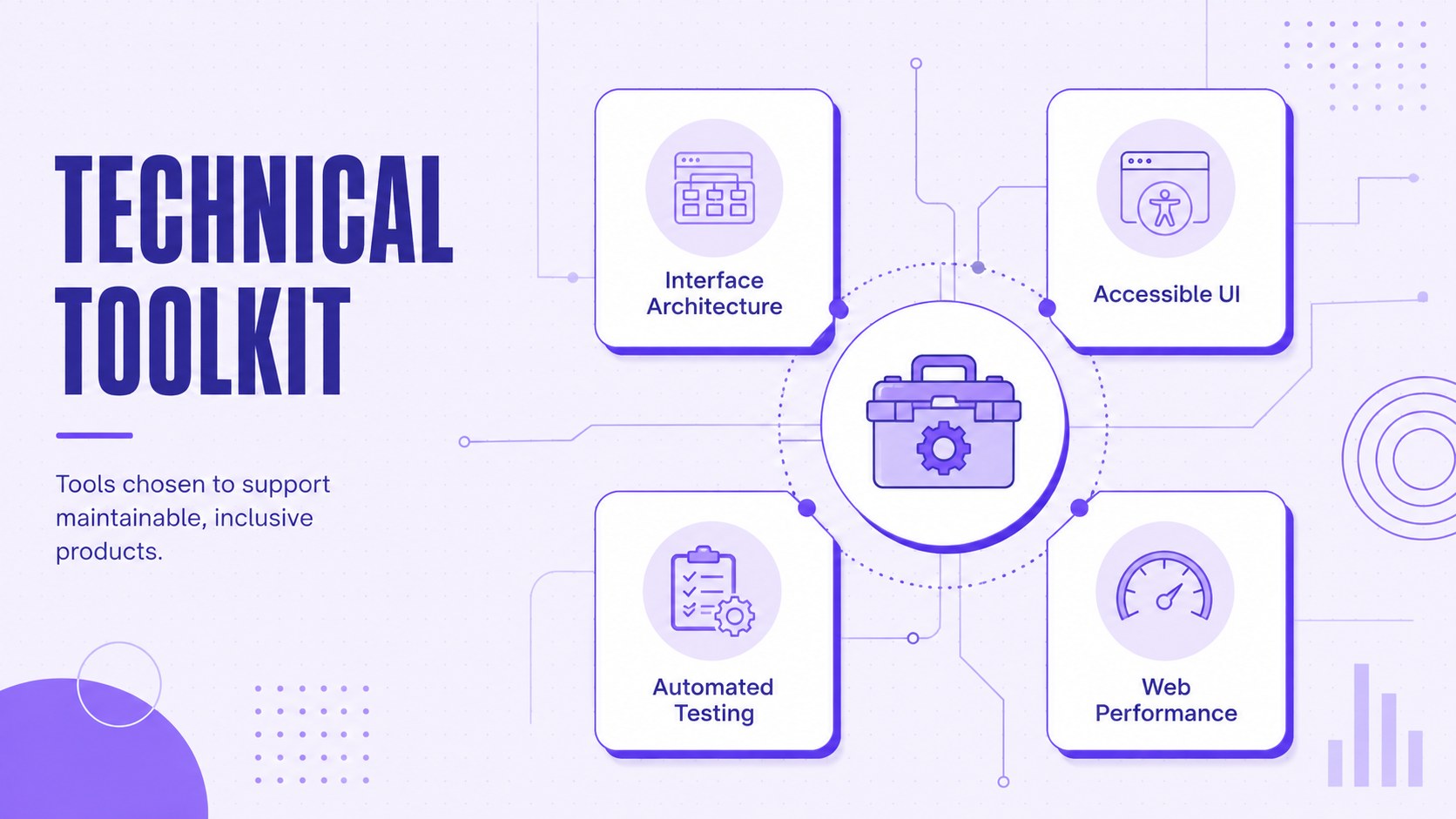
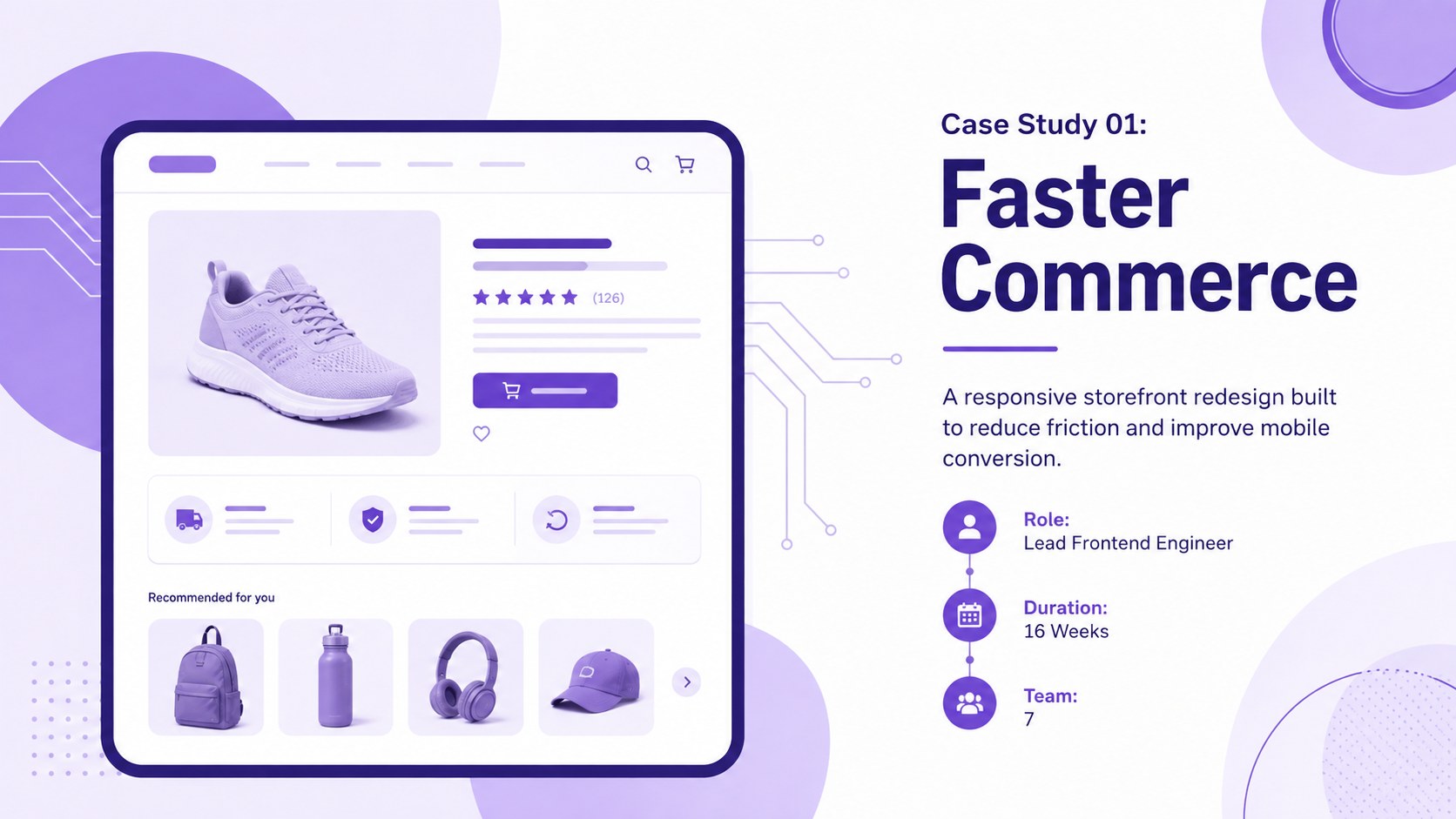
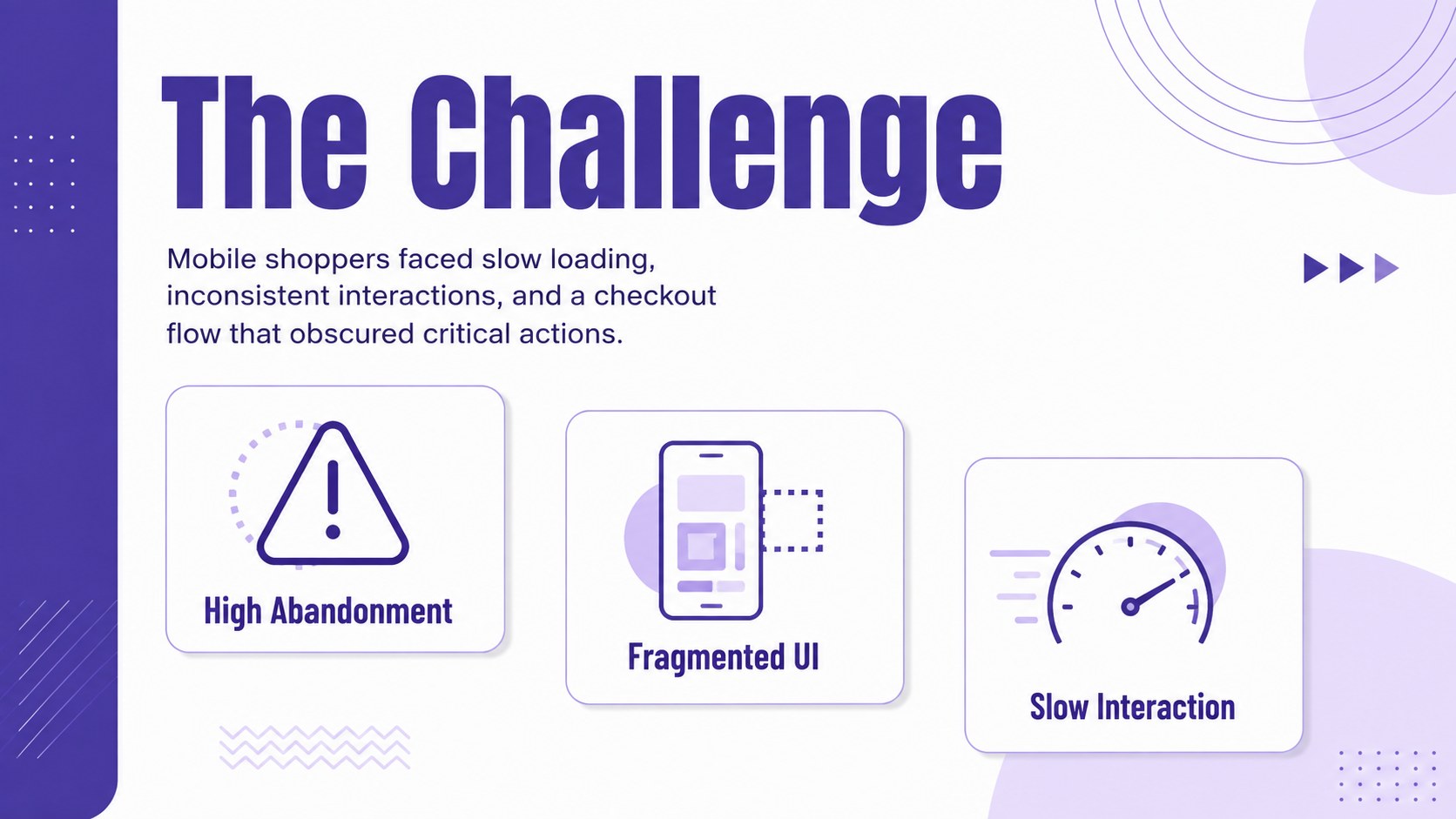
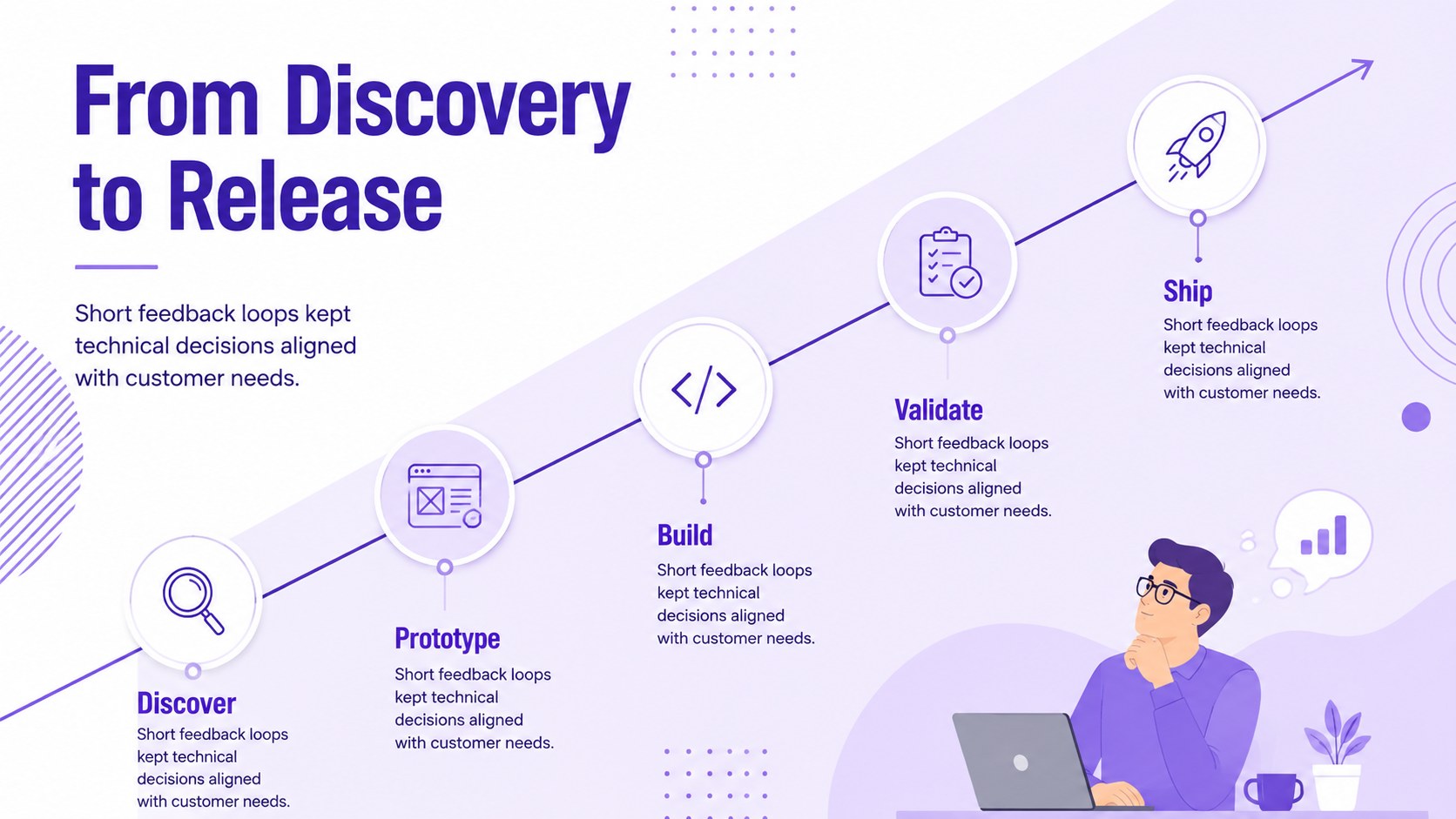
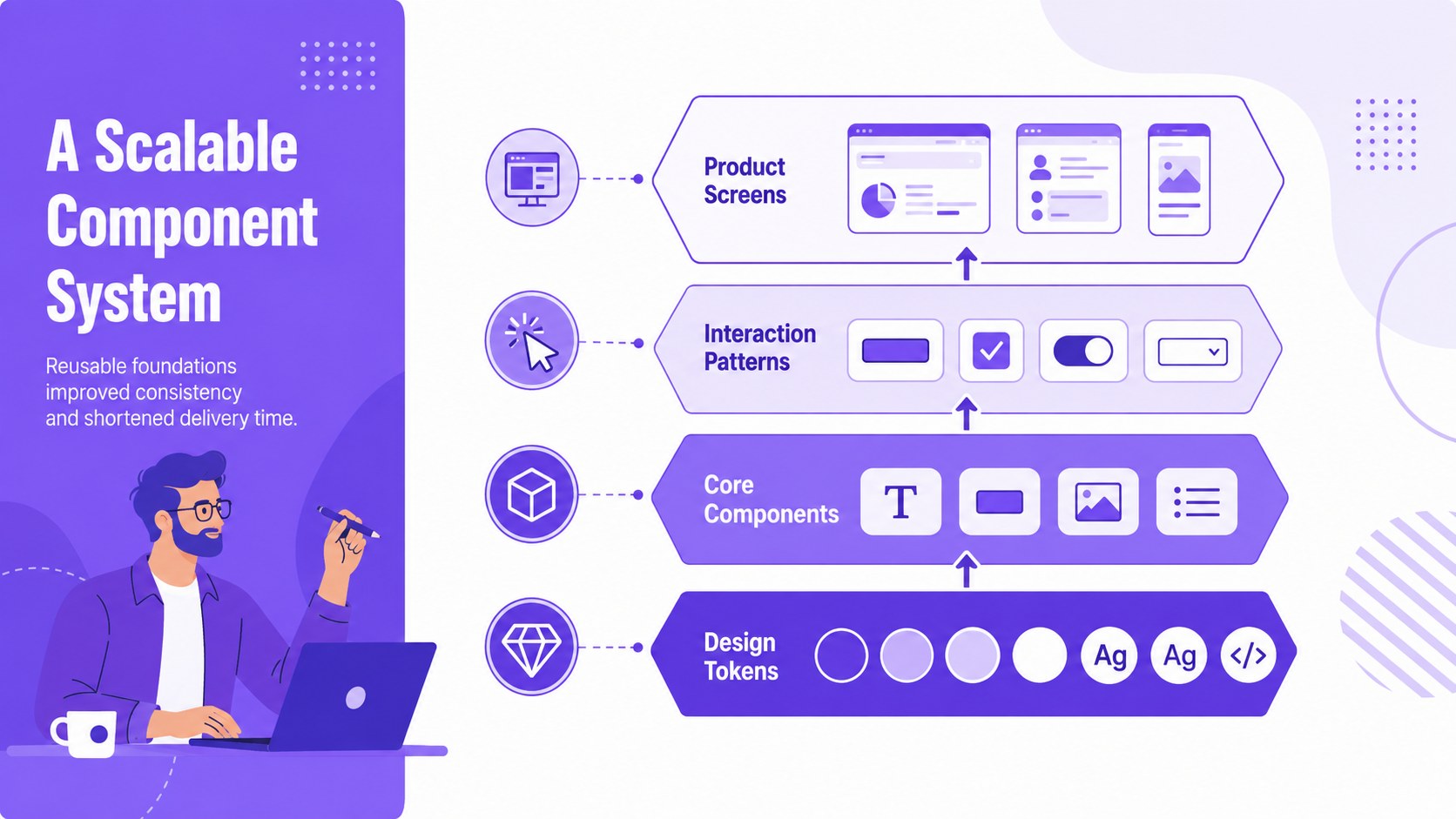
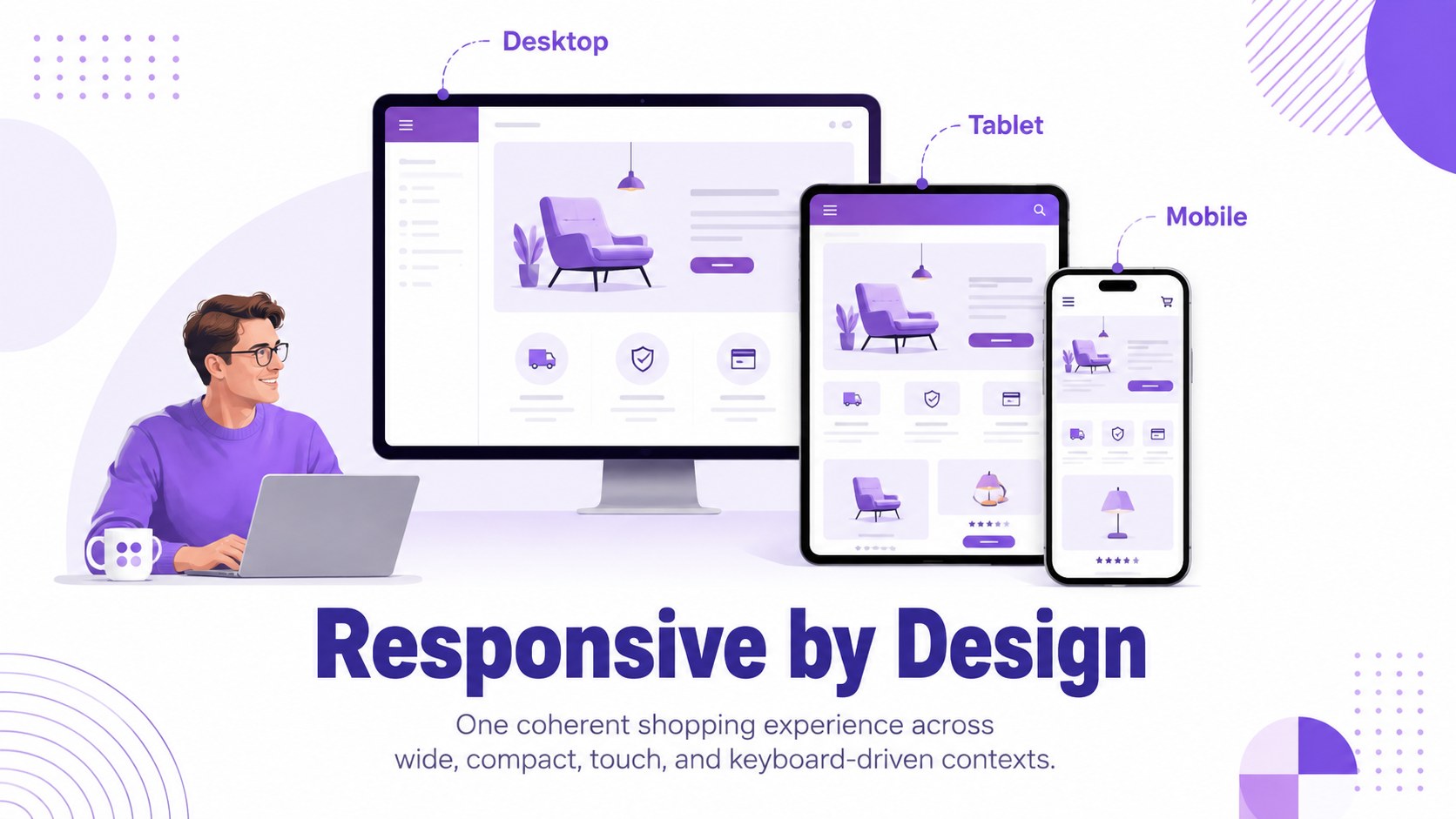
Design notes
Turn technical experience into a persuasive professional narrative with the Frontend Engineering Case Study Deck. Its crisp white canvas, violet accents, geometric lines, and original illustrations create a confident setting for explaining how you solve product and interface challenges. The visual style feels creative without distracting from code samples, architecture decisions, or business outcomes.
This 15-slide frontend project case study template includes layouts for an introduction, professional profile, technical toolkit, project overview, challenge definition, design process, component architecture, performance metrics, accessibility improvements, responsive behavior, and lessons learned. Dedicated spaces for timelines, charts, interface previews, and concise evidence help each case study move logically from context to measurable impact. Every element can be edited in PowerPoint or Google Slides, including colors, typography, diagrams, and image placeholders.
The deck is built for experienced frontend engineers, UI developers, technical leads, consultants, and job seekers. Adapt it as a software engineer interview presentation, a client-facing web project recap, or a developer promotion portfolio deck. Use one complete case study for a focused interview or combine several projects when presenting a broader career history. The structured storytelling makes complex implementation work understandable to recruiters, engineering managers, product leaders, and nontechnical stakeholders.
Perfect for: frontend developer job interview; engineering promotion review; client project retrospective; technical conference introduction; freelance capabilities presentation.
Frequently asked questions
Can I edit this deck in PowerPoint and Google Slides? Yes. The layouts, text, colors, charts, and image placeholders can be customized in PowerPoint or Google Slides. Some fonts may be substituted automatically if they are not installed on your device.
Practical details
Yes. The layouts, text, colors, charts, and image placeholders can be customized in PowerPoint or Google Slides. Some fonts may be substituted automatically if they are not installed on your device.
Replace the sample copy with a concise challenge, your technical approach, and verified results from each project. Add interface screenshots, architecture diagrams, or performance data while keeping sensitive client and company information private.
Yes. Select the slides that best demonstrate your role, decision-making process, collaboration, and measurable impact. A focused interview version will usually work best with one detailed case study and a brief skills summary.
Yes. Several layouts provide structured areas for code snippets, component relationships, workflows, and system explanations. Keep code examples short and enlarge only the lines needed to support your main point.
Keep exploring
15Build an engaging World UFO Day session with this flying saucer history lesson deck, featuring retro green-and-brown slides for PowerPoint and Google Slides.
 15
15Plan a lively animal-learning journey with this jungle zoo adventure lesson deck, ready to customize in PowerPoint and Google Slides for young learners.
 16
16Turn environmental research into a clear story with a Watercolor Ecology Presentation Theme for PowerPoint and Google Slides in calming green and blue.
 16
16Build focused fashion, literature, and humanities presentations with the Red Triangle Editorial Theme, editable in PowerPoint and Google Slides.
 15
15Turn streaming stats, favorite tracks, and concert highlights into a bold annual listening recap slide deck for PowerPoint and Google Slides.
 15
15Turn highlights, milestones, and favorite moments into a colorful year in review slide deck with bold 3D graphics for PowerPoint and Google Slides.
 3
3Build a credible endorsement with Standout Colleague Recommendation Letter Slides, featuring colorful prompts for skills, achievements, and team impact.
 4
4Build clear beginner sessions with an ice hockey fundamentals training deck for coaches, PE teachers, and clubs, ready for PowerPoint and Google Slides.