
 15
15presentation
Flying Saucer History Lesson Deck
Build an engaging World UFO Day session with this flying saucer history lesson deck, featuring retro green-and-brown slides for PowerPoint and Google Slides.
Google SlidesPowerPoint
presentation · English
Teach equivalent parts, comparisons, and simple operations with a colorful fraction math practice deck for classroom drills, tutoring, and family learning.
Design notes
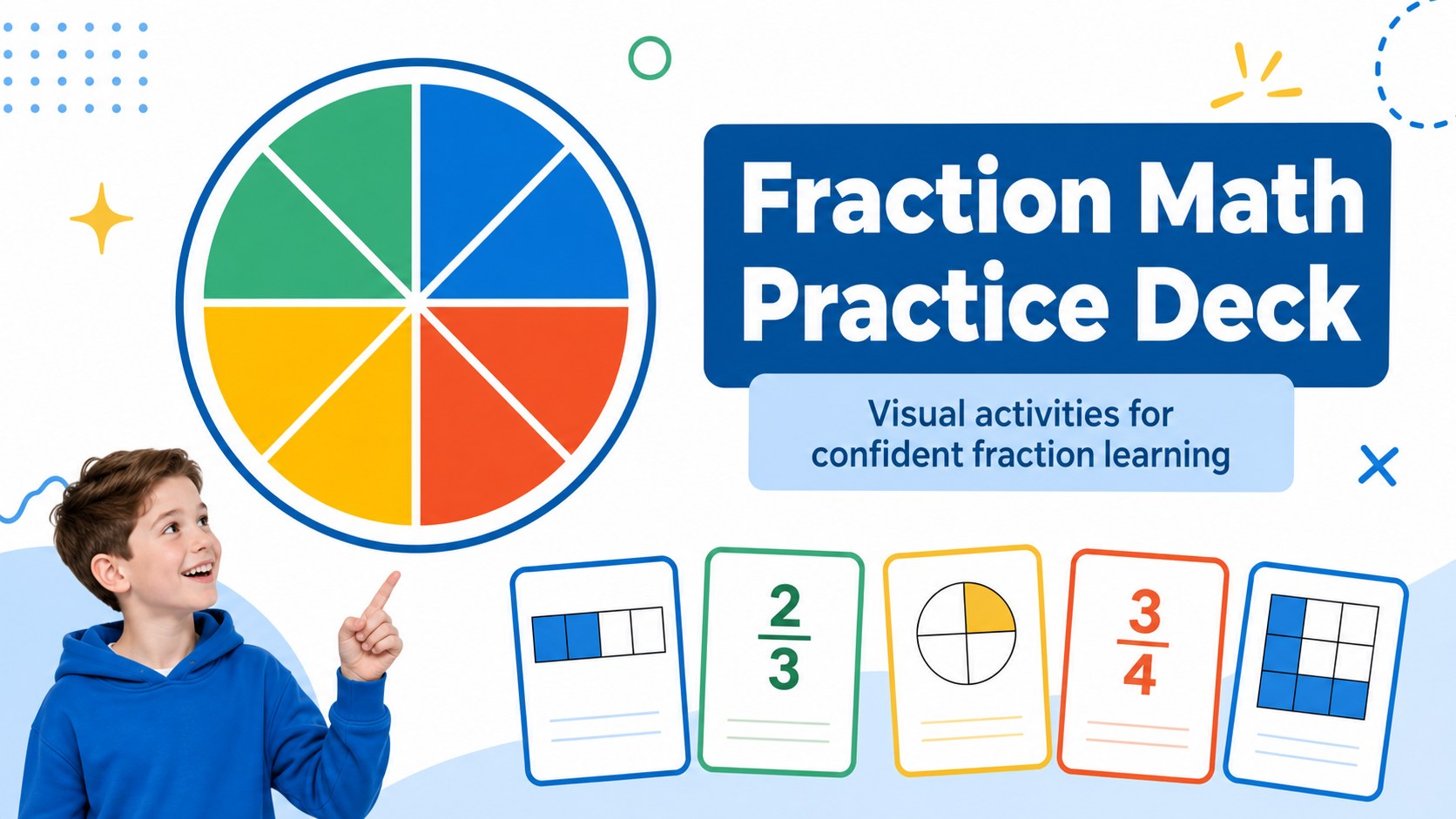
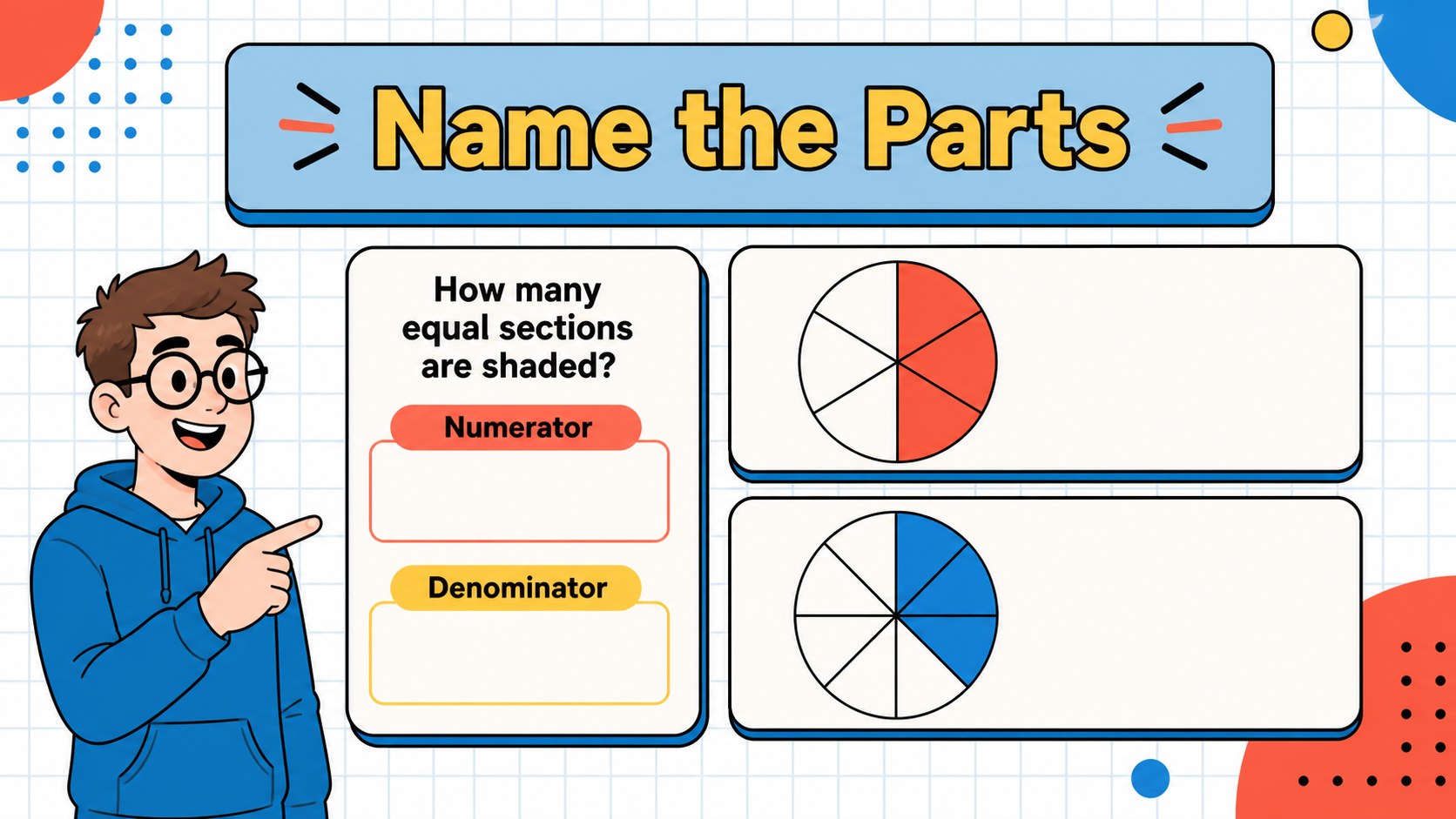
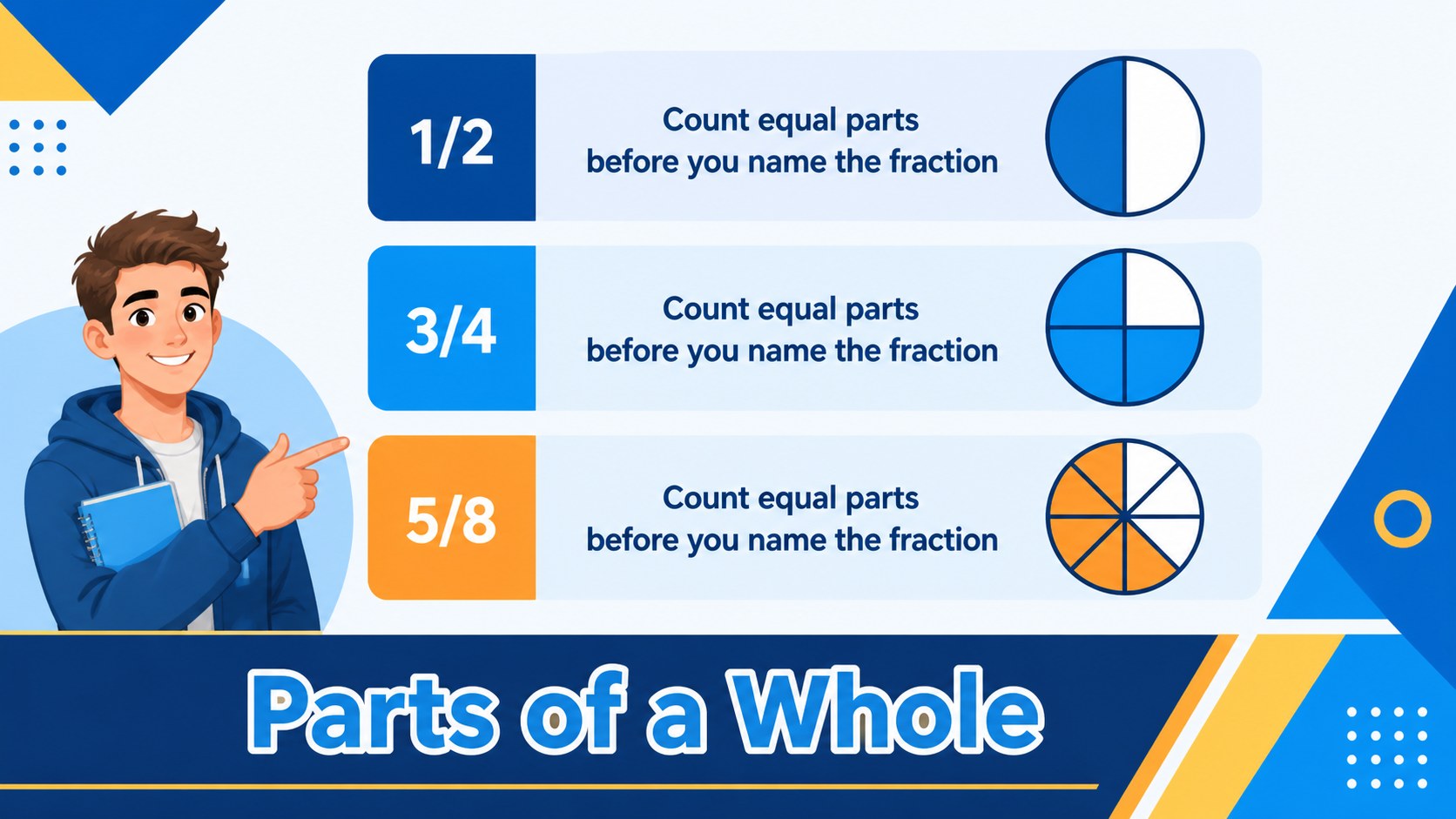
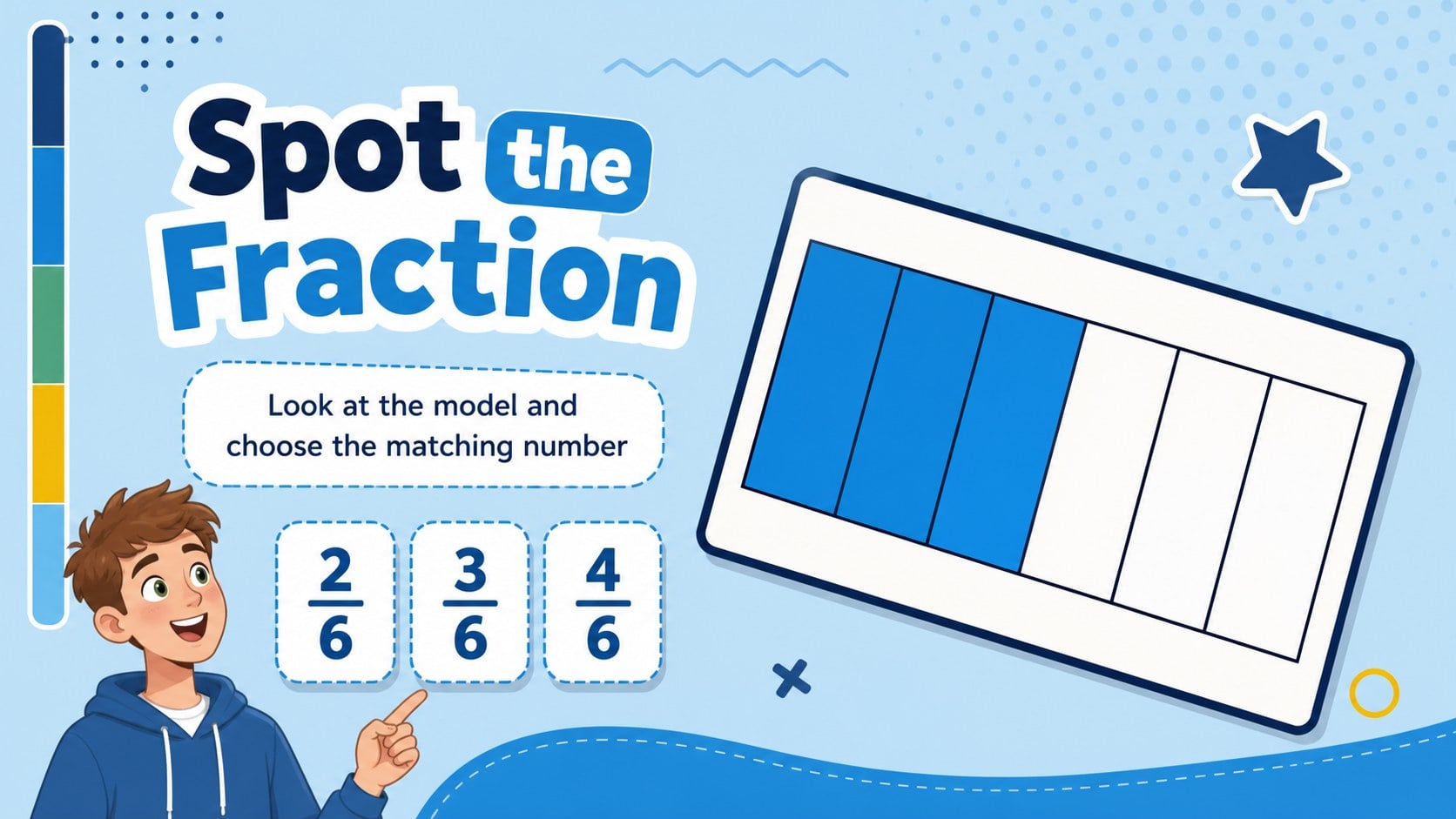
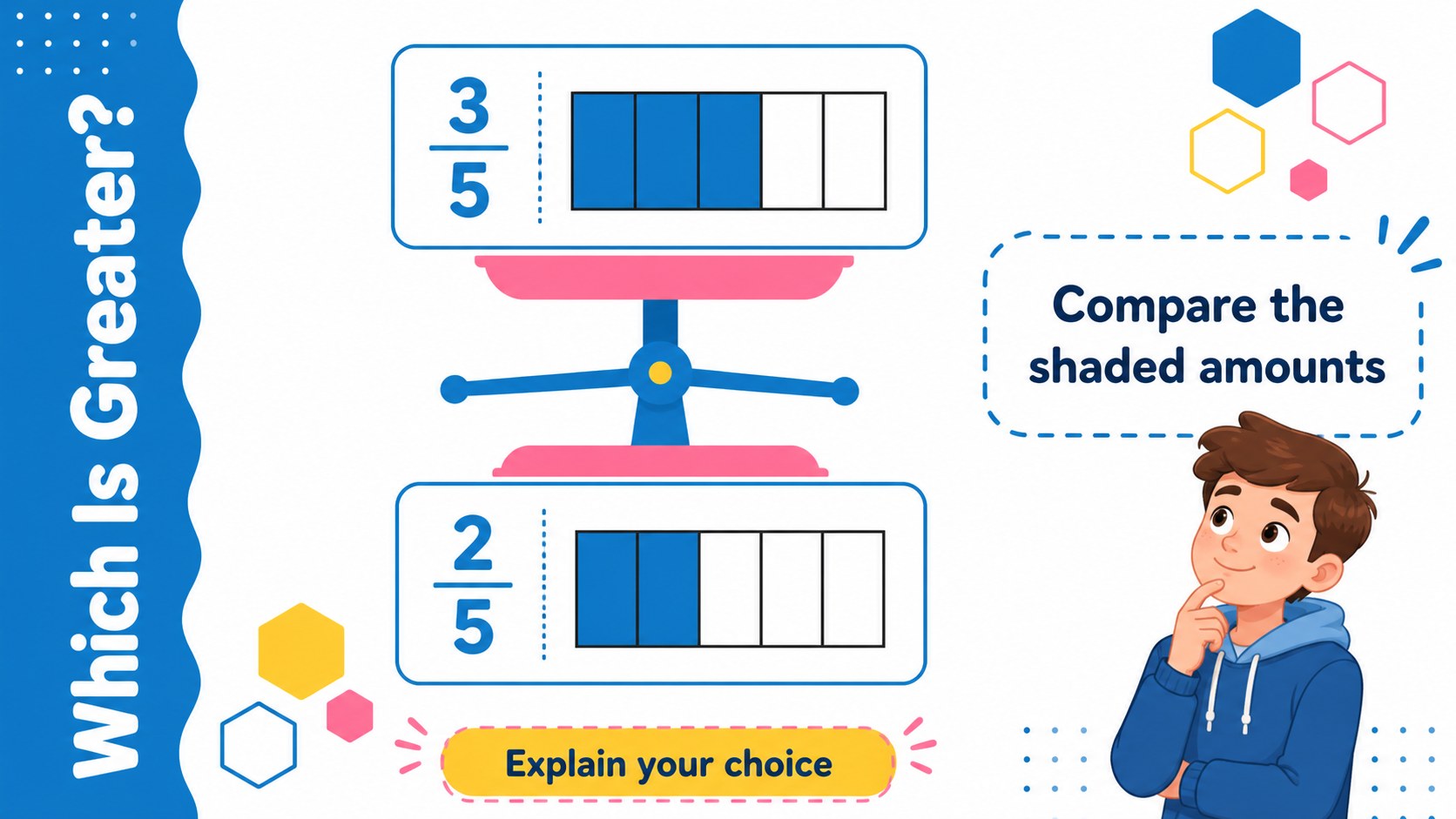
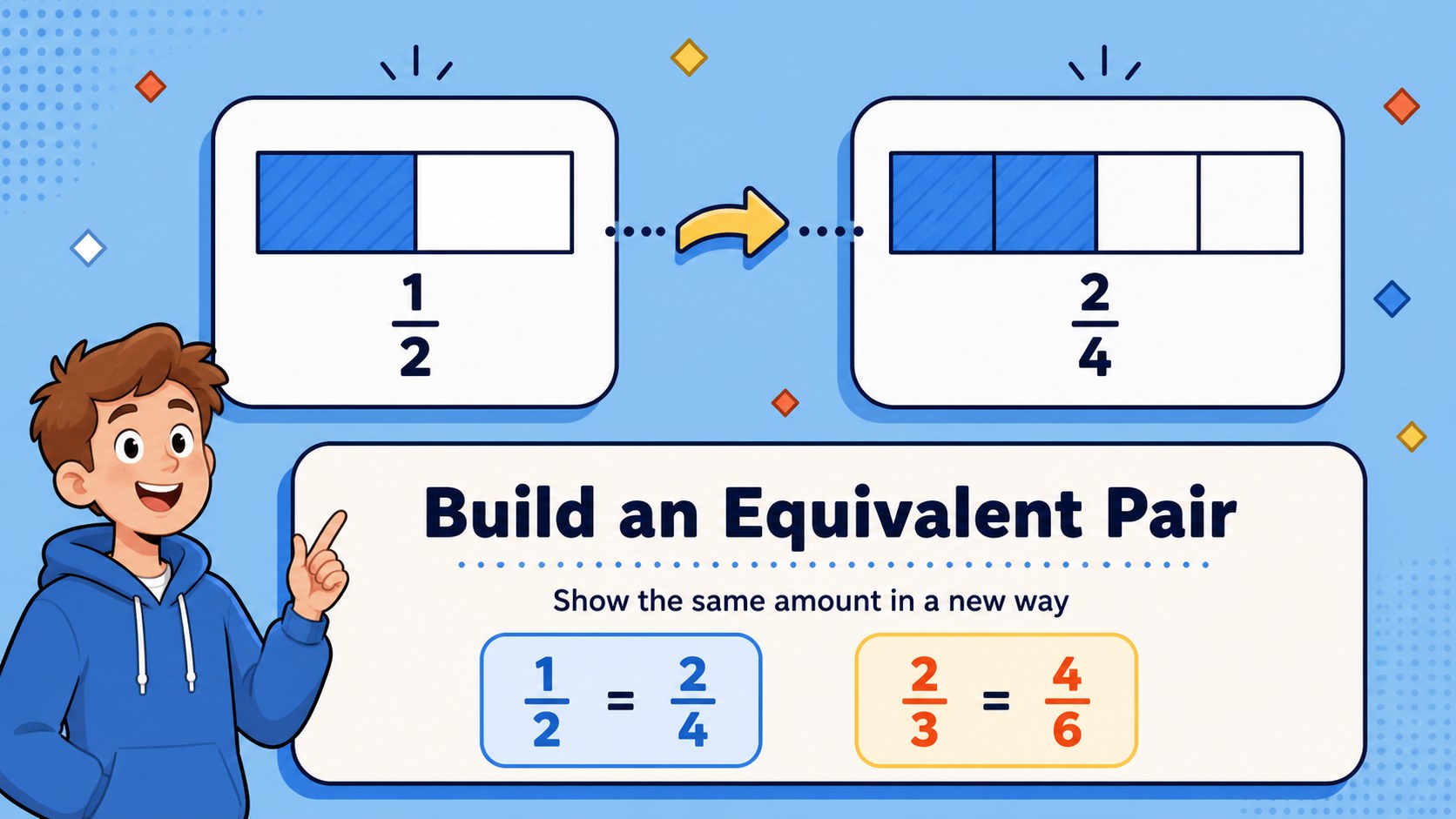
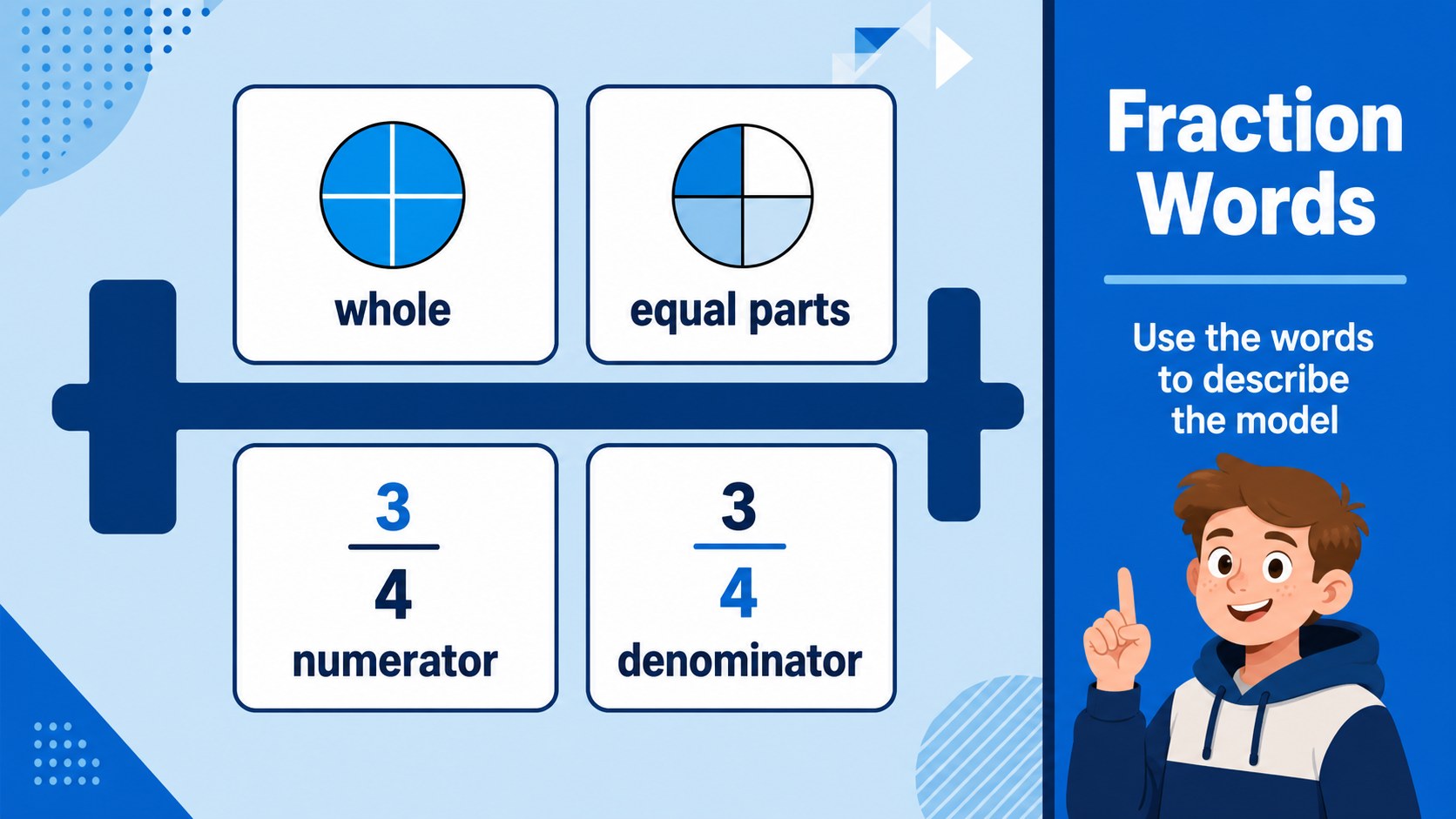
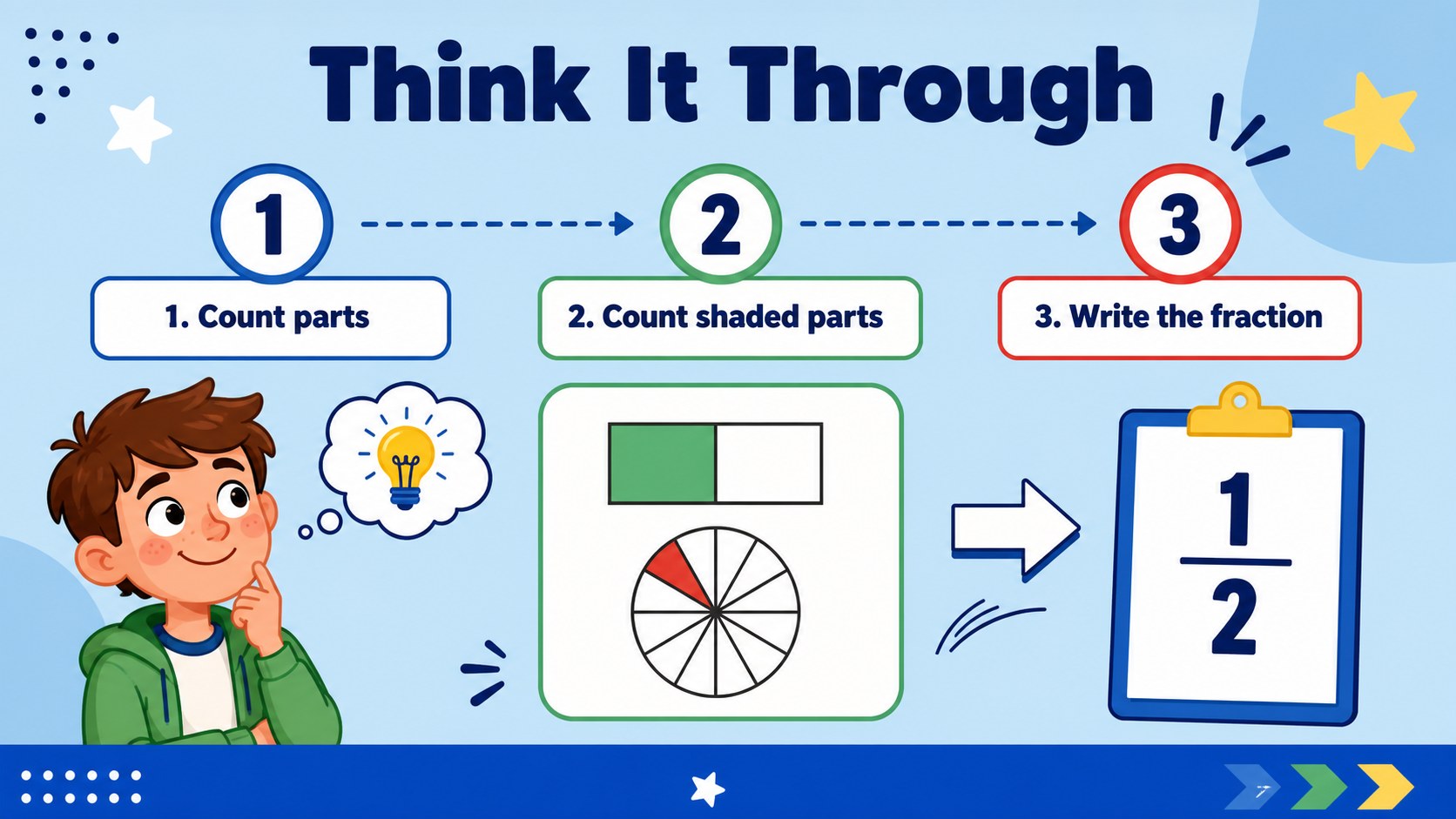
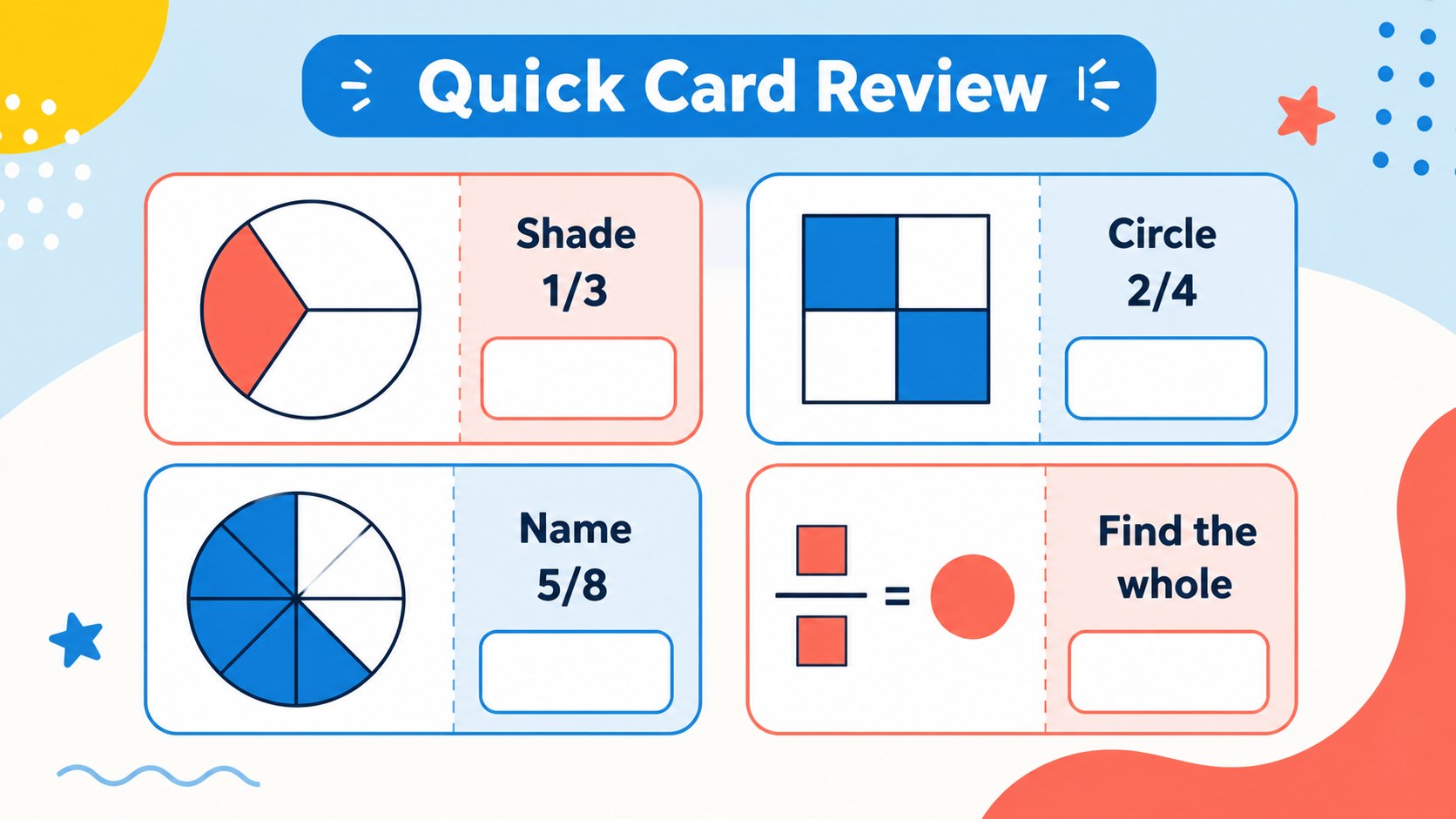
Fraction Math Practice Deck turns abstract number concepts into clear, colorful visual activities for elementary learners. Use the slides to introduce parts of a whole, compare values, recognize equivalent fractions, and build confidence through short rounds of guided practice. Bold blue accents, crisp geometric shapes, and generous spaces for answers create an upbeat classroom resource without overwhelming the page.
Inside, you will find cover layouts, fraction identification cards, shaded-shape examples, comparison prompts, matching exercises, review questions, and flexible activity pages. The sequence works well for a visual fractions lesson, while individual pages can be rearranged for warm-ups, centers, tutoring, or homework review. Add your own numbers, illustrations, instructions, or answer reveals to create fraction practice slides suited to different ability levels. The layouts can also be exported as printable fraction flashcards for small-group work or take-home study.
This resource is designed for elementary teachers, homeschool families, tutors, and education creators preparing math activities in PowerPoint or Google Slides. It is easy to adapt for whole-class instruction, partner games, intervention sessions, and quick assessment checks. Keep the existing blue palette for a cohesive lesson, or adjust the shapes and labels to match your curriculum.
Perfect for: elementary math warm-up; fraction intervention session; homeschool number lesson; small-group tutoring activity; math center review game.
Frequently asked questions
Can I edit this deck in PowerPoint? Yes. The presentation can be opened and customized in PowerPoint, including text, colors, shapes, and slide order. Replace the sample fractions with examples that match your lesson.
Practical details
Yes. The presentation can be opened and customized in PowerPoint, including text, colors, shapes, and slide order. Replace the sample fractions with examples that match your lesson.
Yes, you can use the deck in Google Slides for browser-based editing and collaboration. Check each imported slide for font or spacing changes before presenting.
Yes. Duplicate the activity pages, place several cards on a printable page, and export the result as a PDF from your presentation software. Add answer keys on separate pages for independent review.
The visual layouts are suited to elementary learners who are beginning to identify, compare, and use fractions. Teachers and tutors can simplify or increase the numerical difficulty by changing the labels and examples.
Keep exploring
15Build an engaging World UFO Day session with this flying saucer history lesson deck, featuring retro green-and-brown slides for PowerPoint and Google Slides.
 15
15Plan a lively animal-learning journey with this jungle zoo adventure lesson deck, ready to customize in PowerPoint and Google Slides for young learners.
 16
16Turn environmental research into a clear story with a Watercolor Ecology Presentation Theme for PowerPoint and Google Slides in calming green and blue.
 16
16Build focused fashion, literature, and humanities presentations with the Red Triangle Editorial Theme, editable in PowerPoint and Google Slides.
 15
15Turn streaming stats, favorite tracks, and concert highlights into a bold annual listening recap slide deck for PowerPoint and Google Slides.
 15
15Turn highlights, milestones, and favorite moments into a colorful year in review slide deck with bold 3D graphics for PowerPoint and Google Slides.
 3
3Build a credible endorsement with Standout Colleague Recommendation Letter Slides, featuring colorful prompts for skills, achievements, and team impact.
 4
4Build clear beginner sessions with an ice hockey fundamentals training deck for coaches, PE teachers, and clubs, ready for PowerPoint and Google Slides.