
 15
15presentation
Flying Saucer History Lesson Deck
Build an engaging World UFO Day session with this flying saucer history lesson deck, featuring retro green-and-brown slides for PowerPoint and Google Slides.
Google SlidesPowerPoint
presentation · English
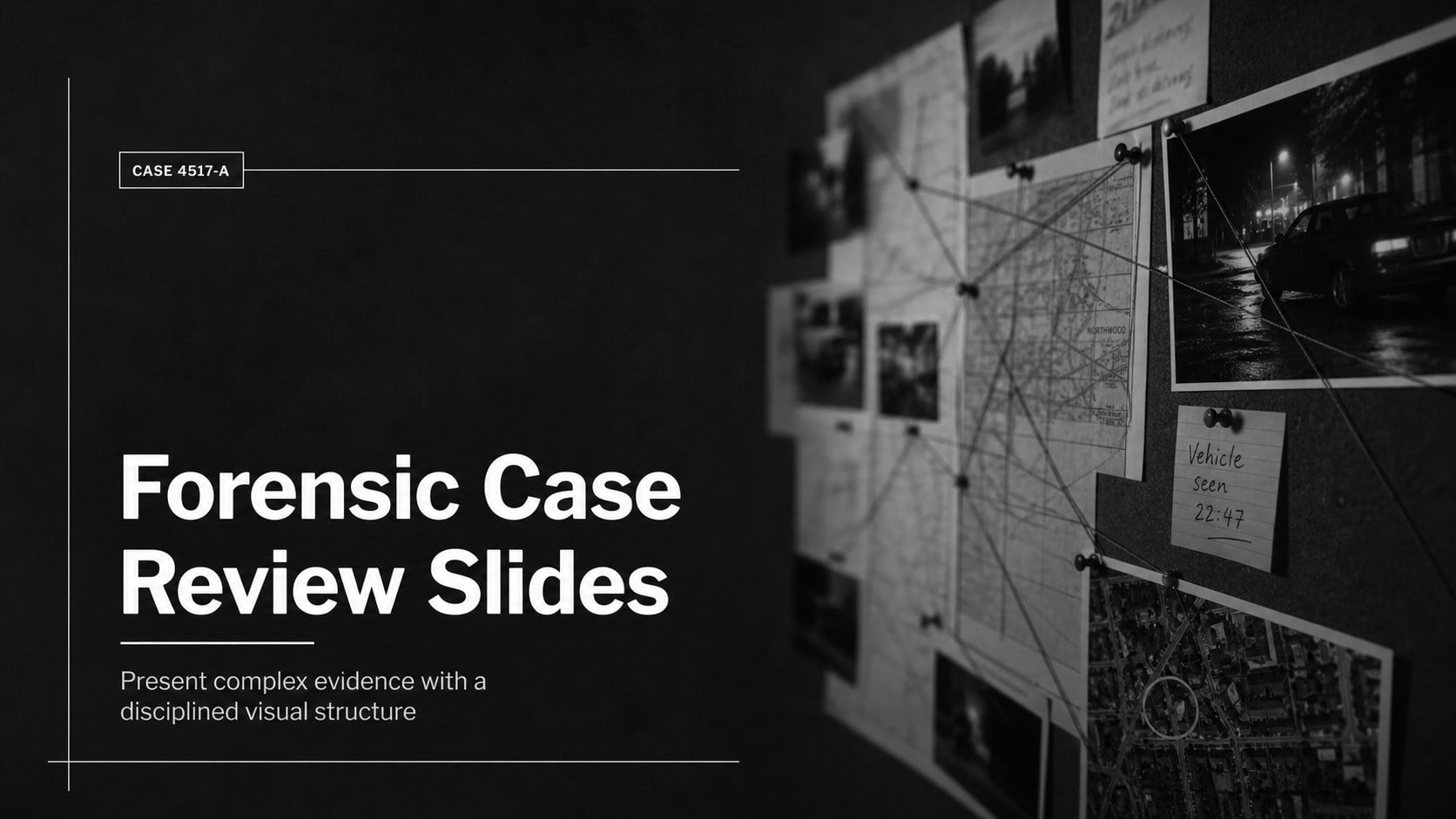
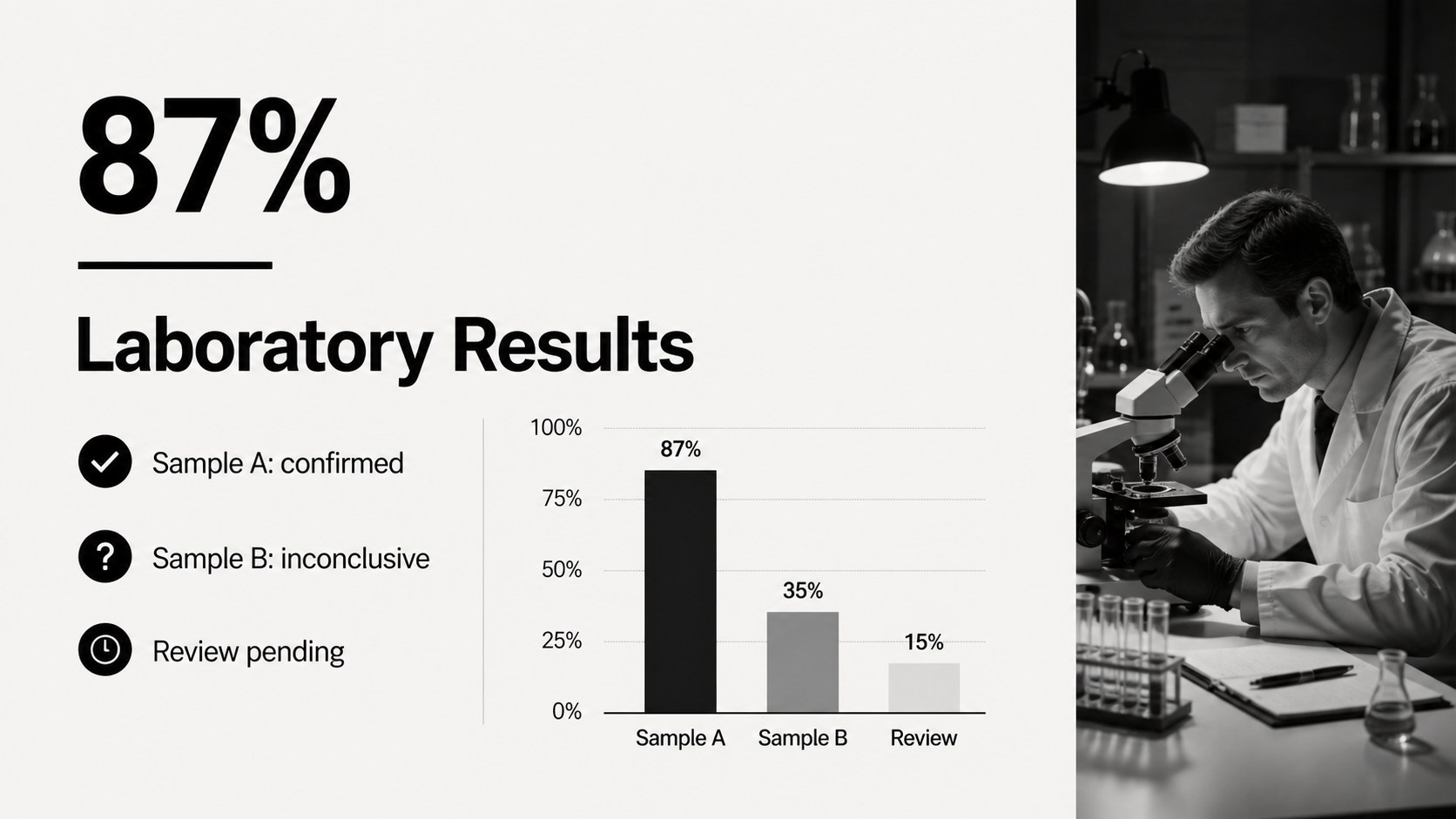
Build a focused forensic case review slides deck for crime scene analysis, evidence summaries, and legal briefings in a stark black-and-white editorial style.
Design notes
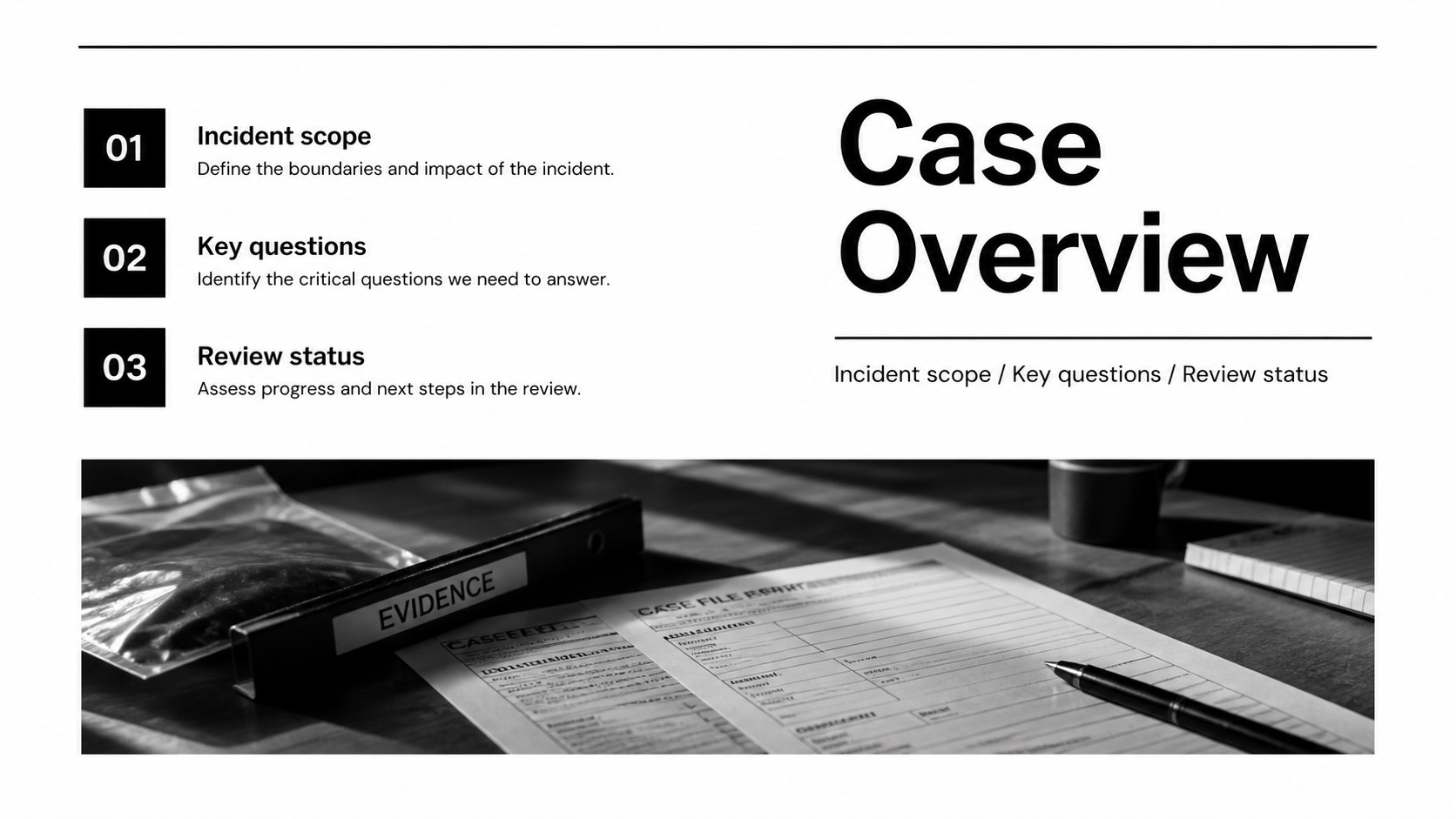
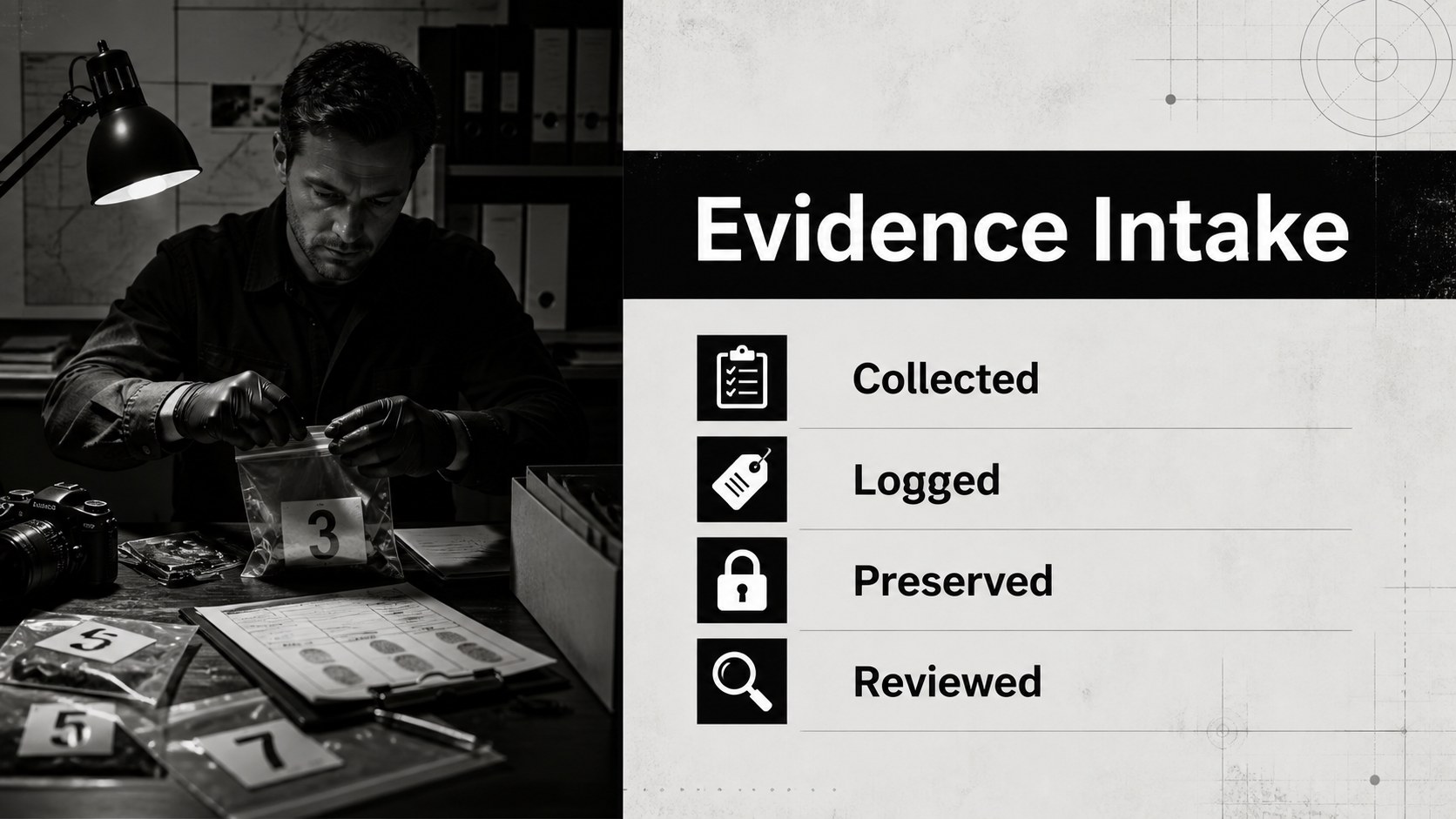
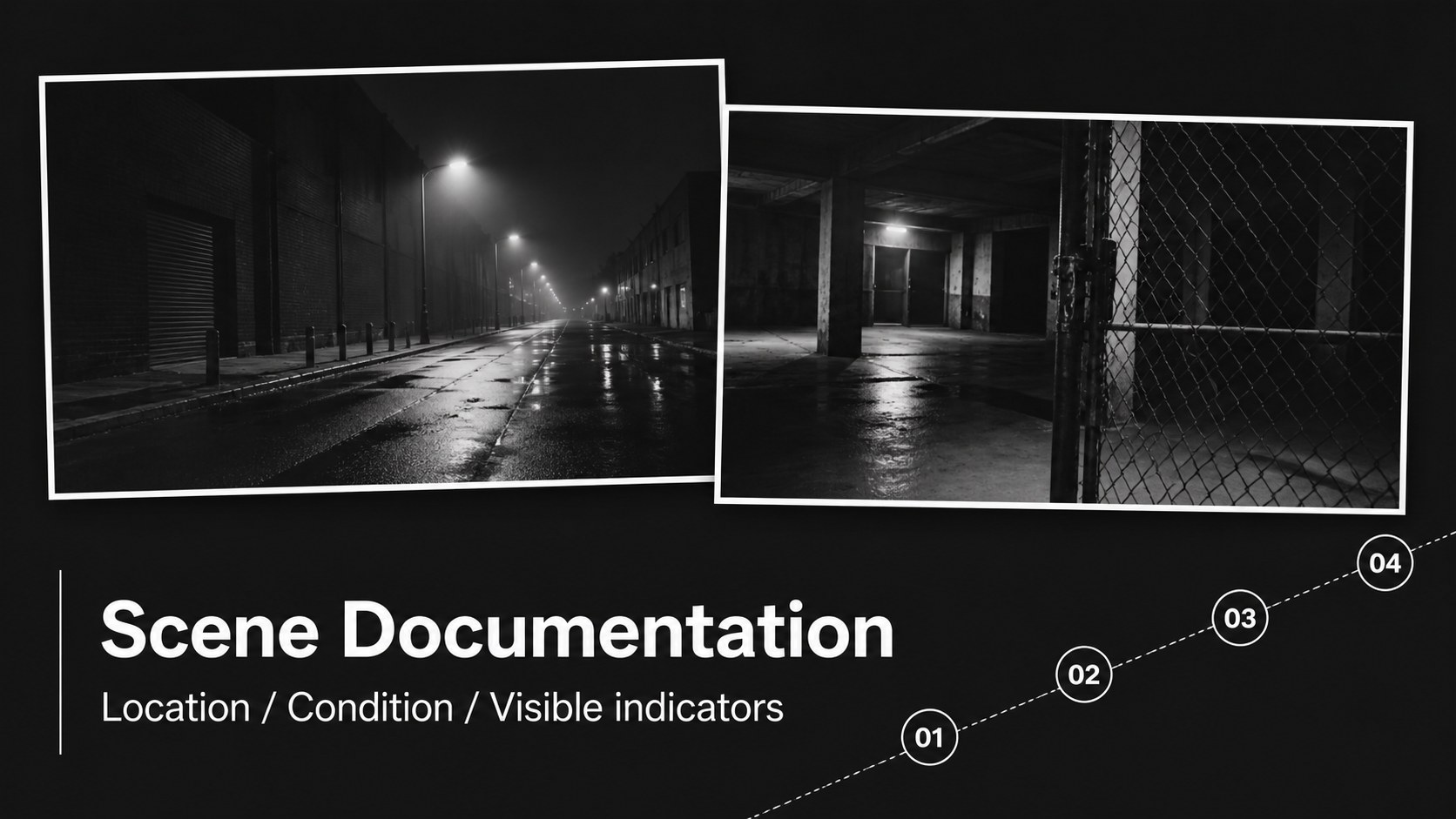
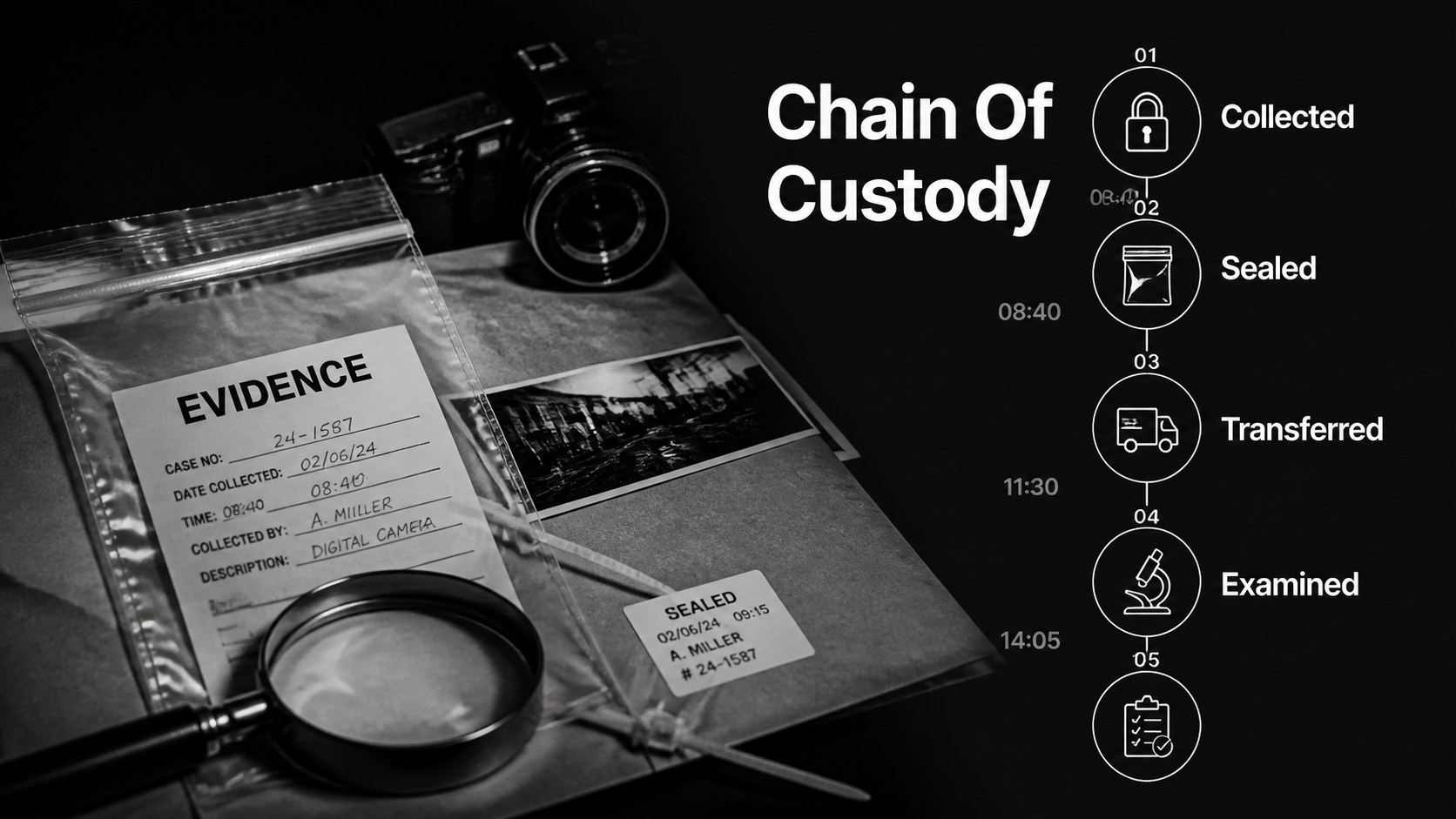
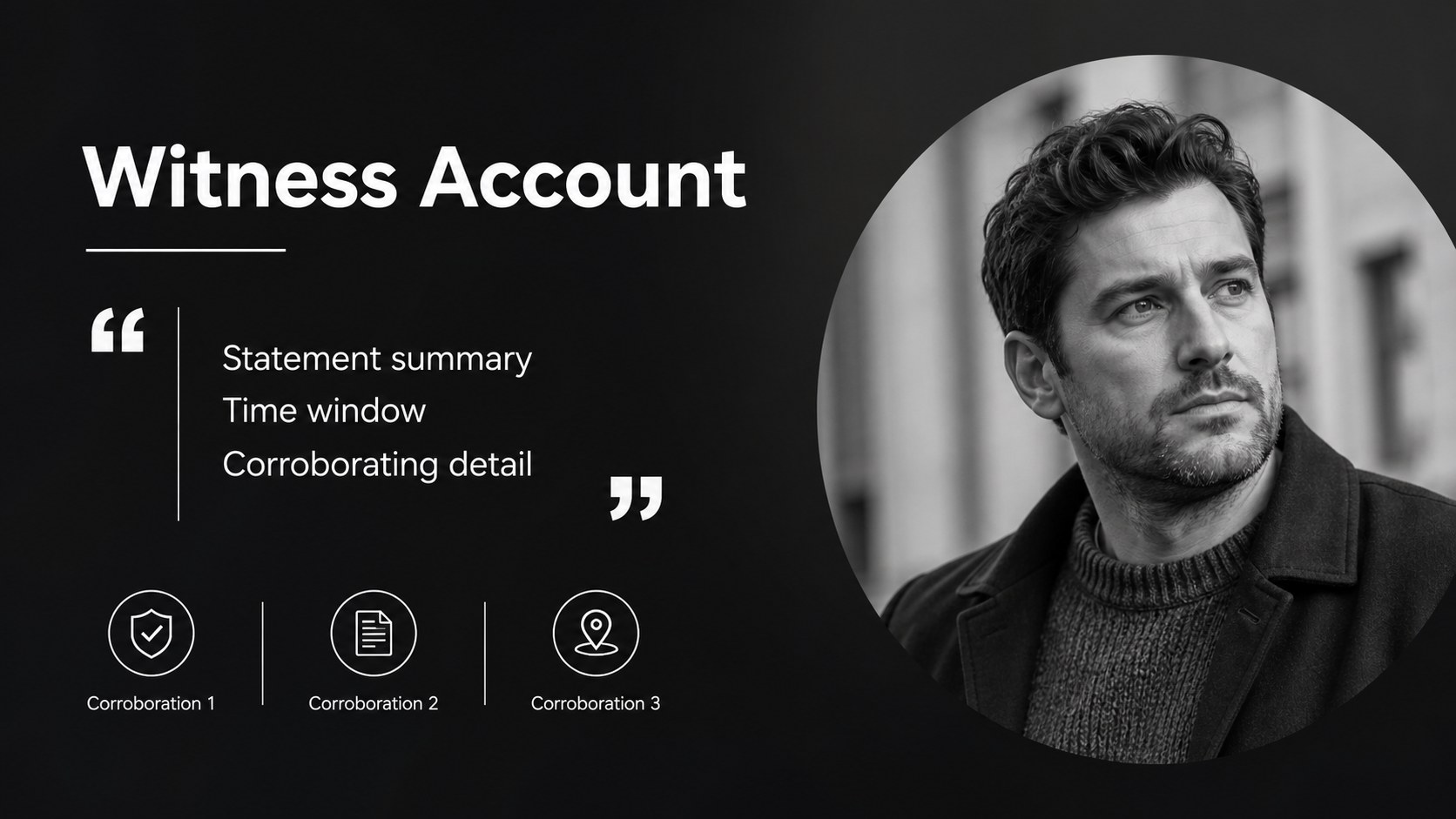
Forensic case review slides give investigators, legal teams, and justice educators a clear way to organize visual evidence and explain investigative reasoning. The black-and-white palette, restrained typography, and photo-led layouts create a serious editorial tone for a crime scene analysis presentation without distracting decoration. Use the deck to show a case overview, scene documentation, evidence chains, witness notes, investigative milestones, and conclusions.
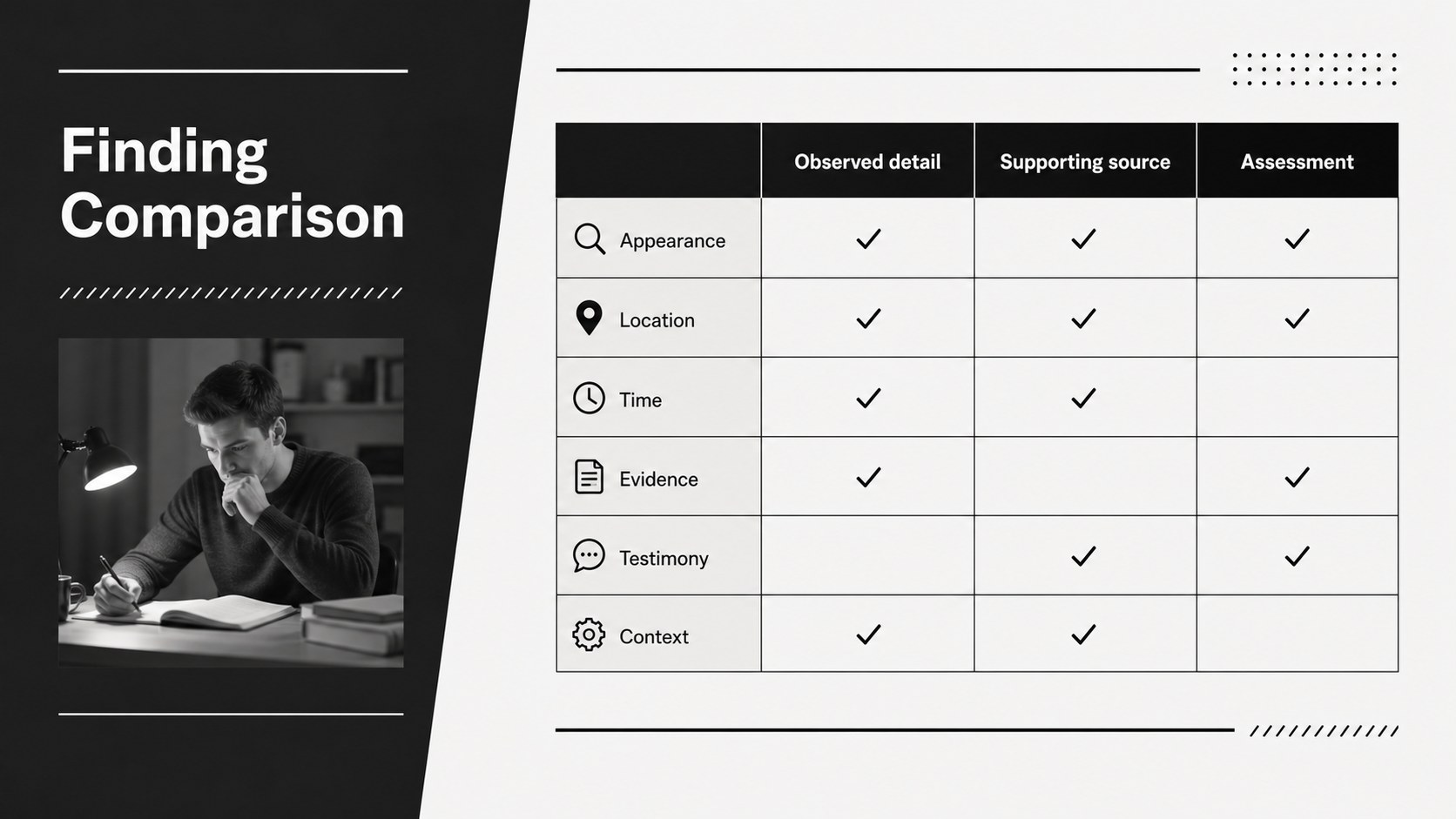
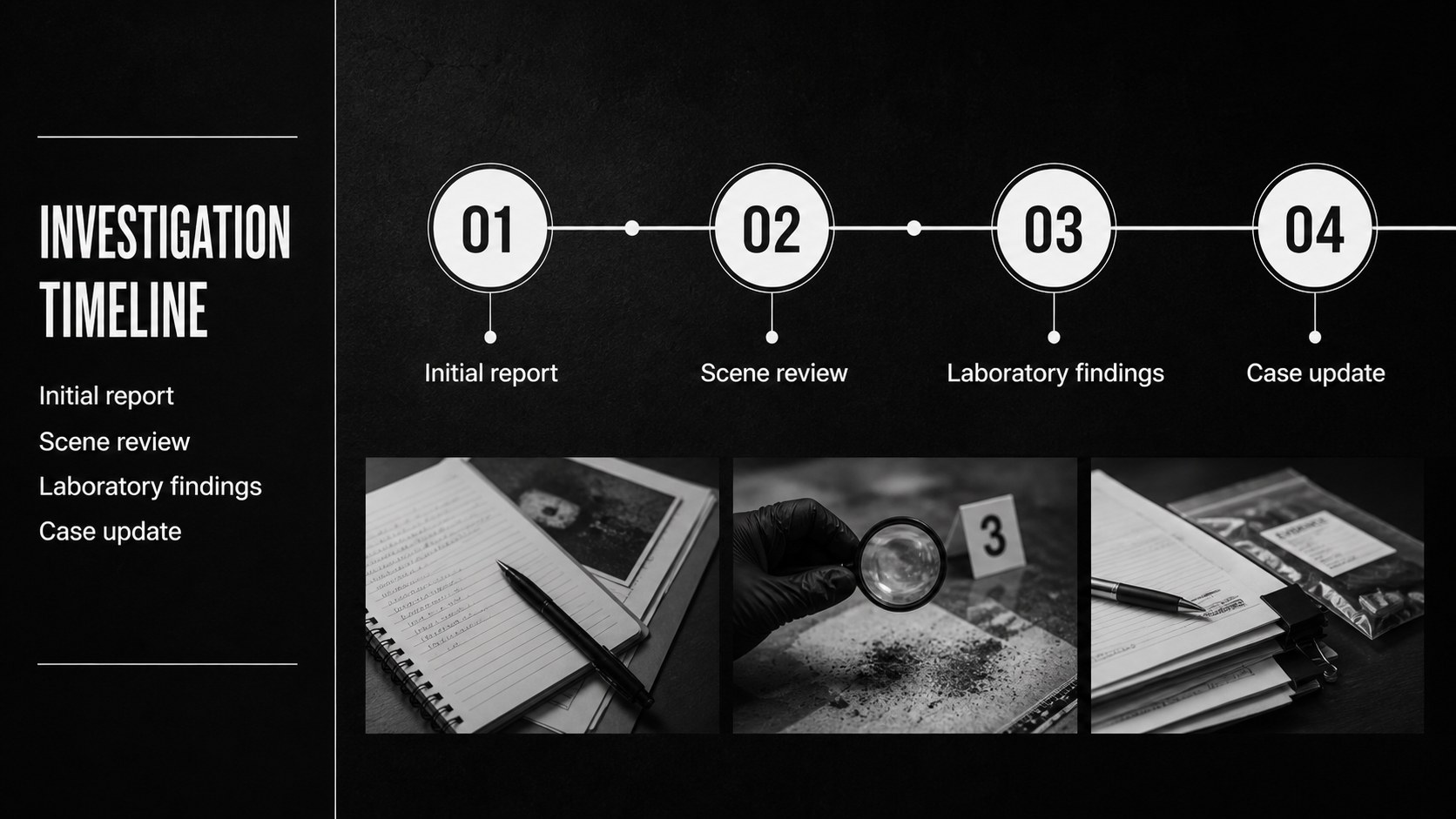
Inside, you will find 15 editable 16:9 layouts with image frames, section dividers, comparison panels, timeline structures, data callouts, and space for concise findings. The layouts work well for a forensic investigation briefing, classroom discussion, mock trial preparation, or internal case update. Charts, lines, shapes, and image placeholders can be rearranged to fit different evidence sets and reporting styles.
The template is compatible with PowerPoint and Google Slides. Replace the sample wording, import your own photographs or diagrams, adjust typography, and apply transitions when useful. Its clean structure also supports a legal evidence presentation where chronology, source labeling, and careful visual emphasis matter. Keep sensitive information controlled when sharing case materials, and remove identifying details when preparing educational examples.
Perfect for: crime scene analysis presentation; forensic investigation briefing; mock trial evidence review; criminal justice classroom case study; internal investigation update.
Frequently asked questions
Can I edit these slides in PowerPoint? Yes. The layouts are designed for PowerPoint and use editable text, image areas, shapes, and charts. Replace the sample case information with your own material and reorganize sections as needed.
Practical details
Yes. The layouts are designed for PowerPoint and use editable text, image areas, shapes, and charts. Replace the sample case information with your own material and reorganize sections as needed.
Yes, the presentation can be opened and customized in Google Slides. Review font substitutions after importing and replace the sample images with approved case visuals.
Use the timeline, comparison, and callout layouts to separate observations from conclusions. Maintain consistent labels for evidence sources, dates, and status so the review remains easy to follow.
Yes, but add only information your organization permits you to share. Remove personally identifying details and confirm that photographs, documents, and case references are appropriate for the intended audience.
Keep exploring
15Build an engaging World UFO Day session with this flying saucer history lesson deck, featuring retro green-and-brown slides for PowerPoint and Google Slides.
 15
15Plan a lively animal-learning journey with this jungle zoo adventure lesson deck, ready to customize in PowerPoint and Google Slides for young learners.
 16
16Turn environmental research into a clear story with a Watercolor Ecology Presentation Theme for PowerPoint and Google Slides in calming green and blue.
 16
16Build focused fashion, literature, and humanities presentations with the Red Triangle Editorial Theme, editable in PowerPoint and Google Slides.
 15
15Turn streaming stats, favorite tracks, and concert highlights into a bold annual listening recap slide deck for PowerPoint and Google Slides.
 15
15Turn highlights, milestones, and favorite moments into a colorful year in review slide deck with bold 3D graphics for PowerPoint and Google Slides.
 3
3Build a credible endorsement with Standout Colleague Recommendation Letter Slides, featuring colorful prompts for skills, achievements, and team impact.
 4
4Build clear beginner sessions with an ice hockey fundamentals training deck for coaches, PE teachers, and clubs, ready for PowerPoint and Google Slides.