
 15
15presentation
Flying Saucer History Lesson Deck
Build an engaging World UFO Day session with this flying saucer history lesson deck, featuring retro green-and-brown slides for PowerPoint and Google Slides.
Google SlidesPowerPoint
presentation · English
Build support with a food insecurity awareness action deck featuring editable scrapbook layouts for outreach in PowerPoint and Google Slides.
Design notes
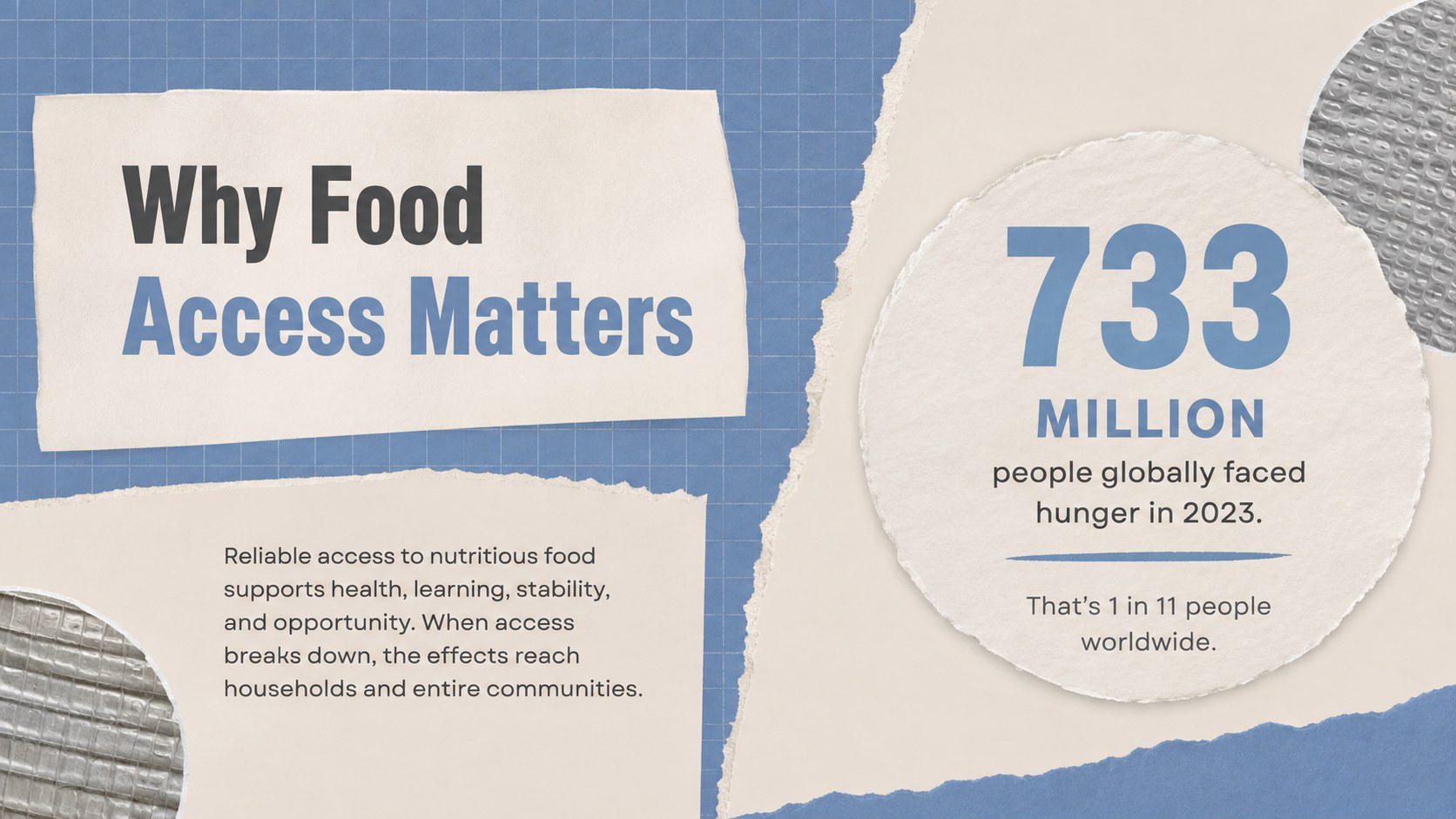
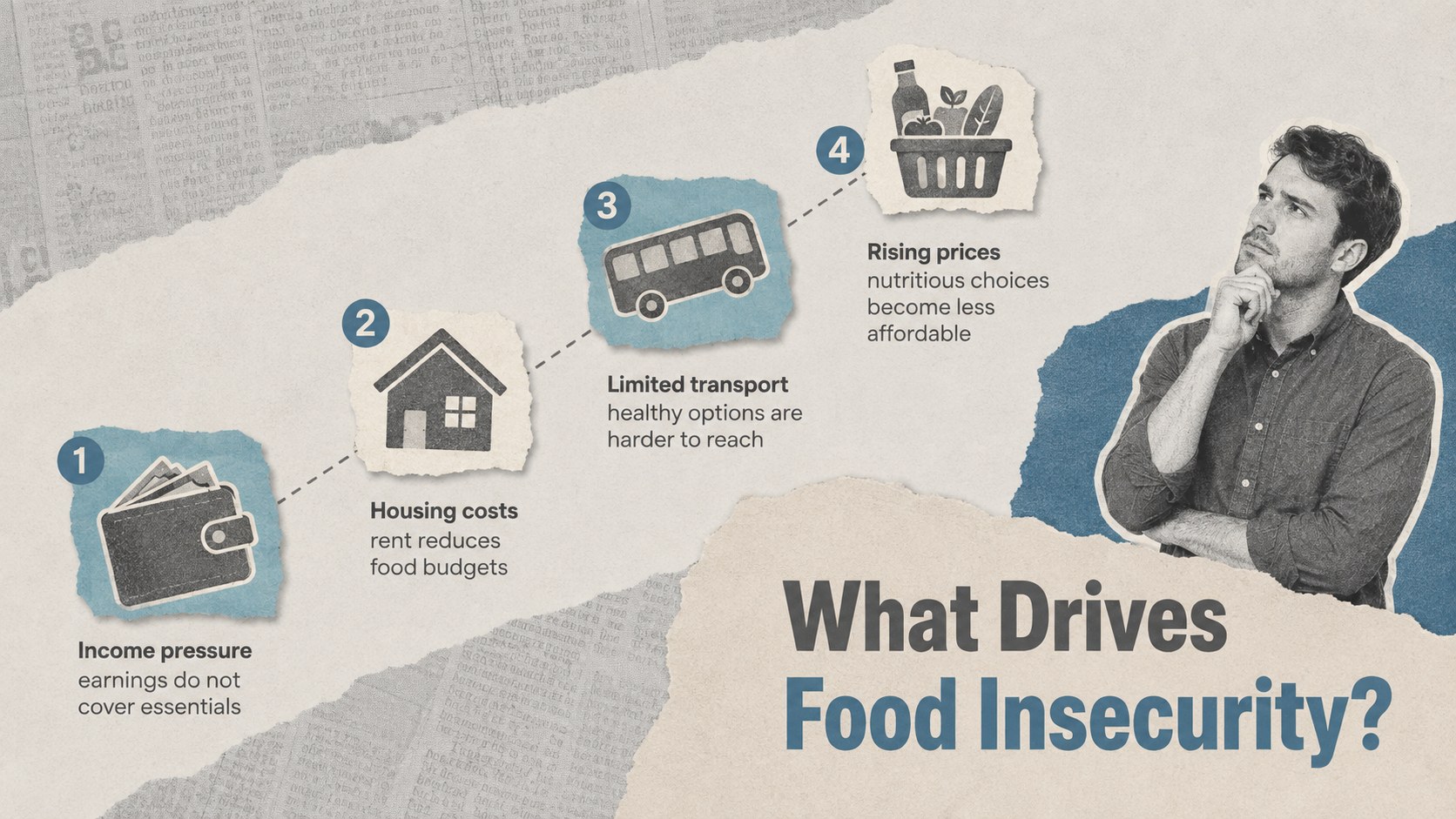
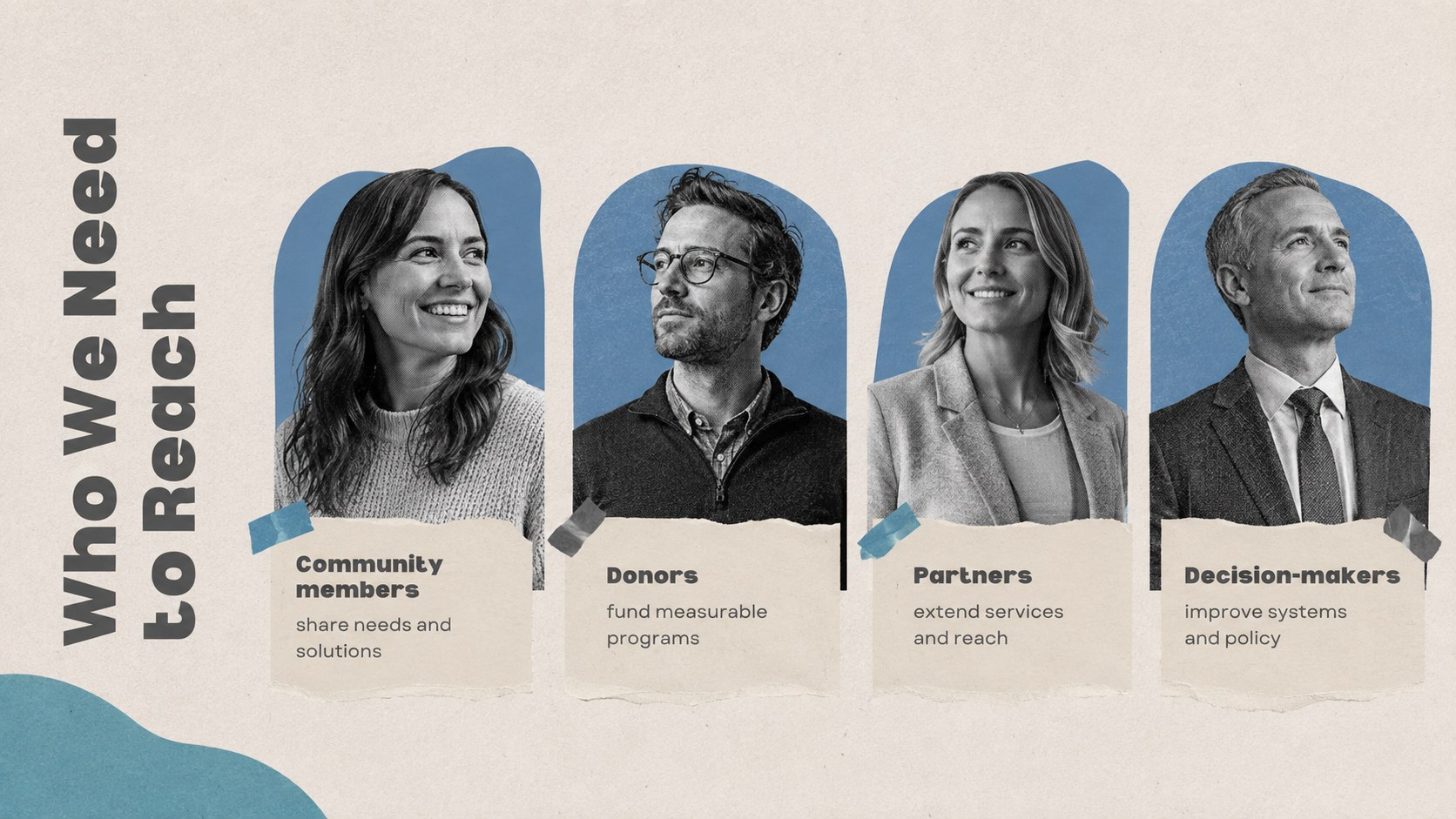
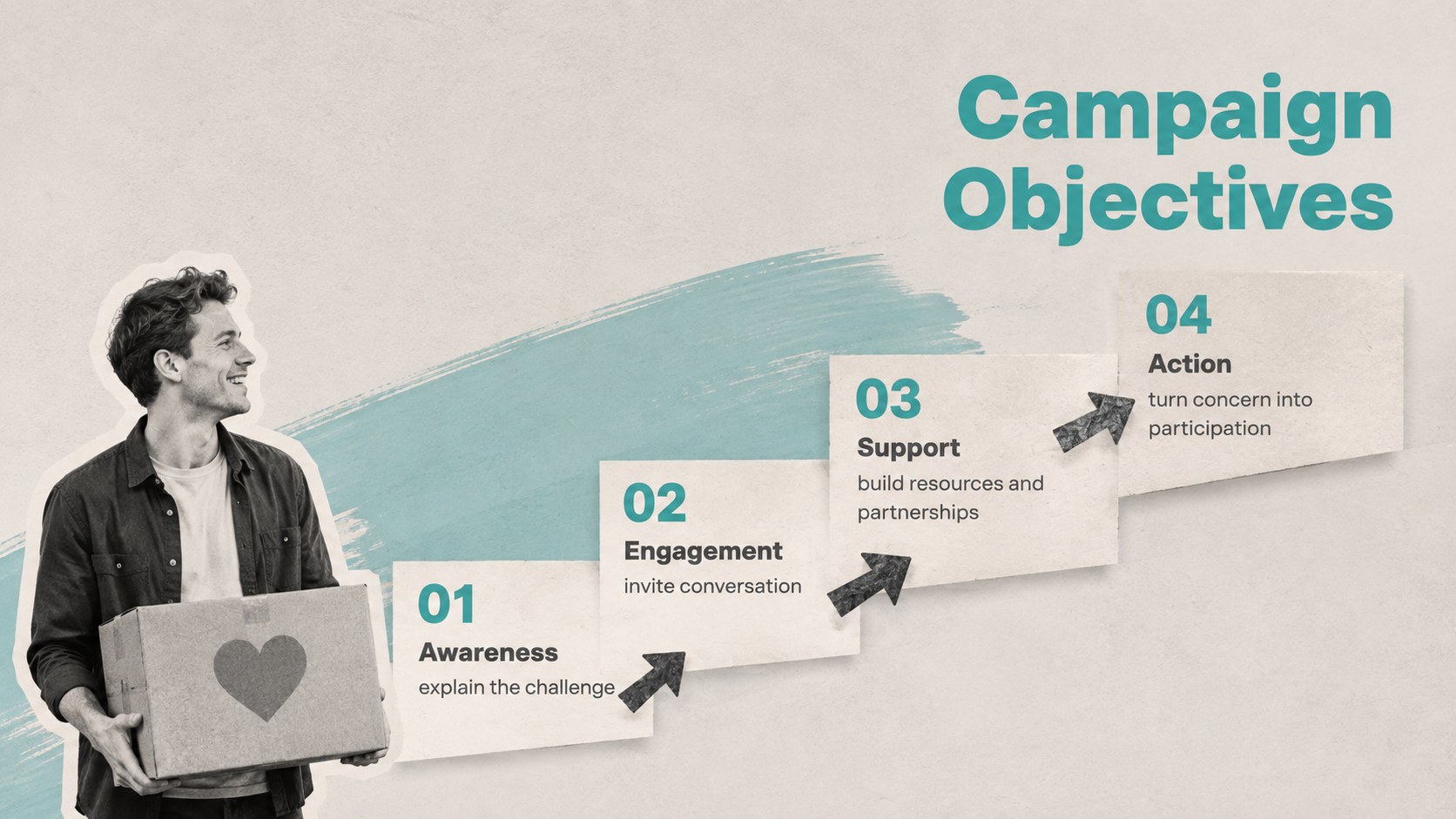
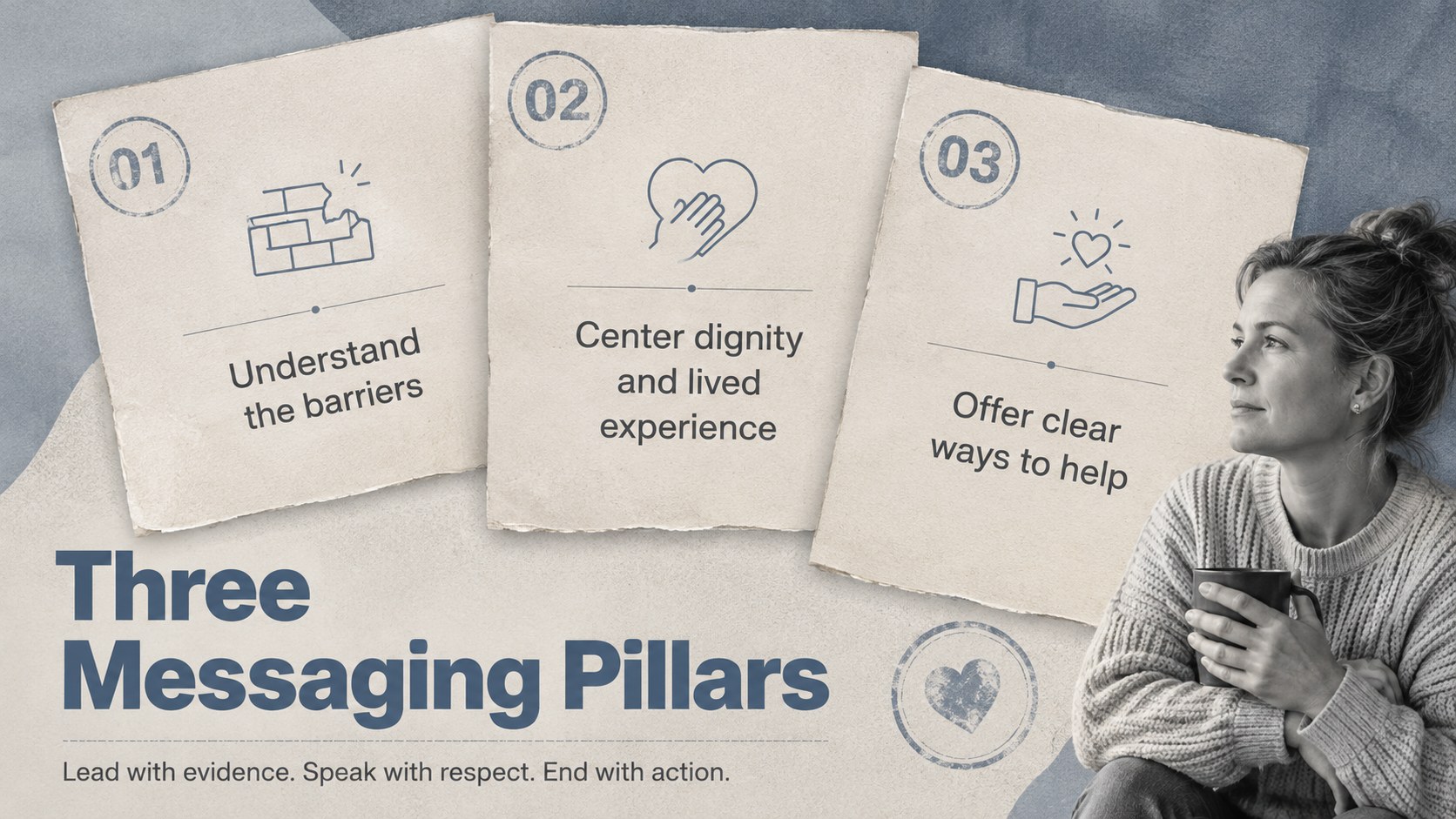
Turn urgent facts into a focused call to action with this Food Insecurity Awareness Action Deck. Designed for nonprofit communicators, advocacy teams, public agencies, and socially responsible brands, its beige, blue, and grey scrapbook aesthetic balances human warmth with campaign-ready clarity. Use the layouts to explain the scale of food insecurity, connect statistics with lived experiences, and show audiences how they can contribute.
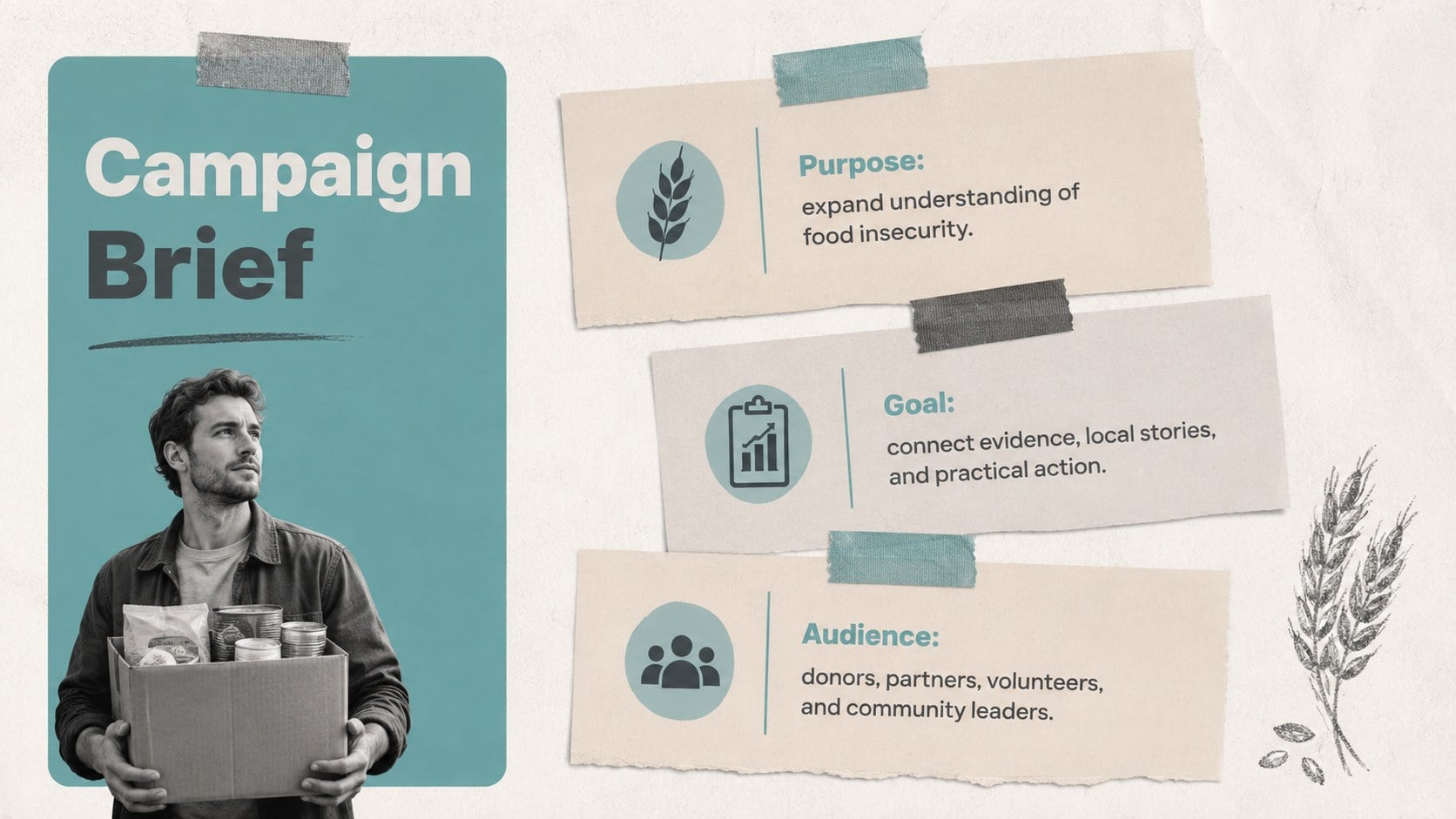
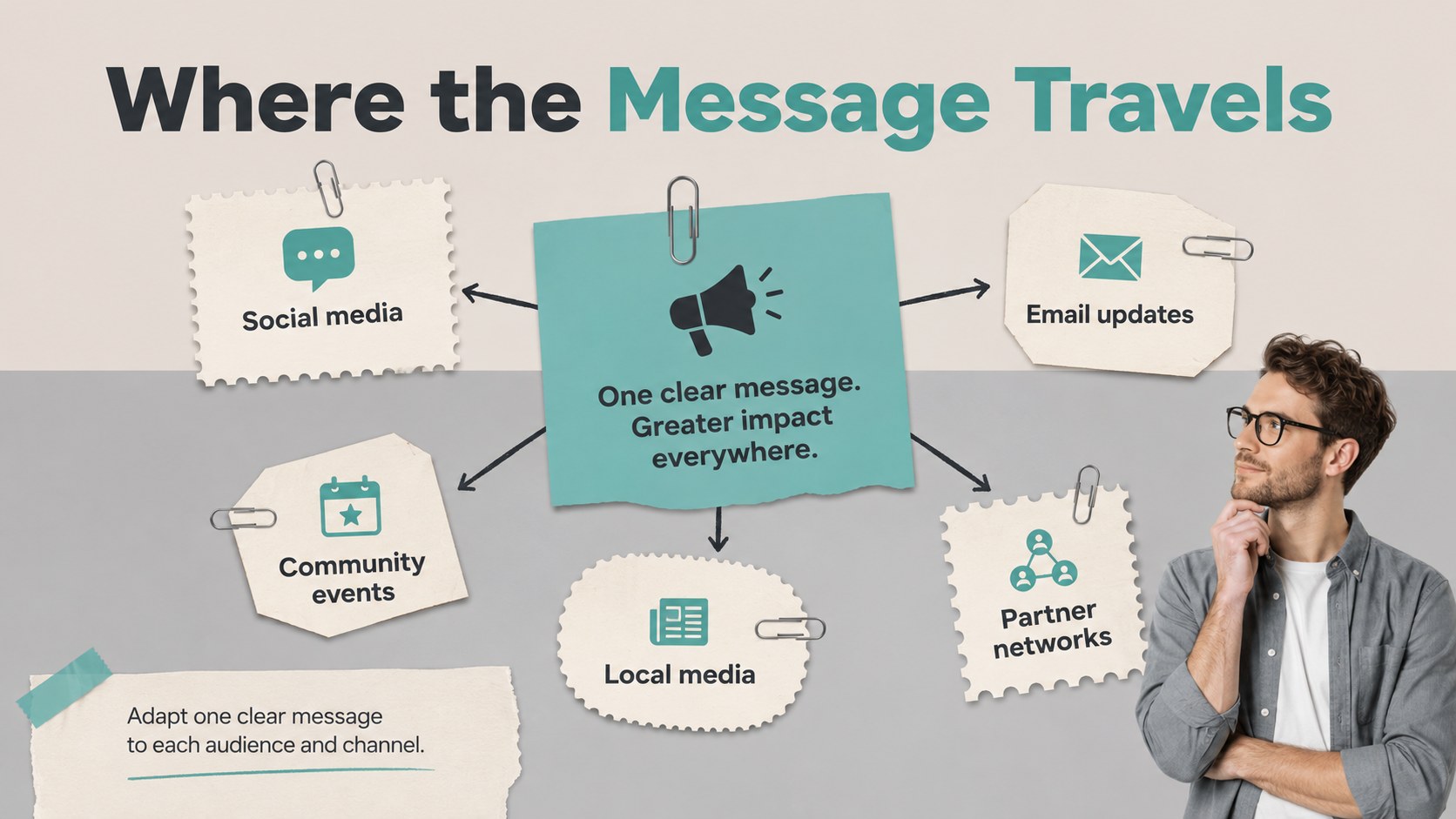
The deck includes space for campaign goals, key findings, root causes, audience profiles, messaging pillars, outreach channels, partnerships, budgets, timelines, and impact measures. A dedicated food access advocacy presentation layout helps organize policy and community recommendations, while the hunger relief campaign pitch slides support sponsor meetings and fundraising conversations. Editable charts, photo frames, paper textures, and structured content areas make complex information easier to scan without losing the handmade editorial character.
Adapt the presentation for donor briefings, volunteer orientations, school awareness programs, community events, or corporate responsibility initiatives. Every slide can be customized in PowerPoint or Google Slides, including colors, type, imagery, data, and calls to action. Whether you are launching a local food bank awareness slide deck or presenting a broader regional initiative, this template provides a coherent narrative from the opening challenge through measurable next steps.
Perfect for: nonprofit donor briefing; food bank fundraising pitch; community awareness event; volunteer orientation session; corporate responsibility proposal; school hunger awareness program.
Frequently asked questions
Can I edit every part of the presentation? Yes. Text, colors, photographs, charts, shapes, and paper-style decorations can be adjusted to match your campaign and organization.
Practical details
Yes. Text, colors, photographs, charts, shapes, and paper-style decorations can be adjusted to match your campaign and organization.
The deck is designed for PowerPoint and Google Slides. Some fonts or visual effects may vary slightly between platforms, so review the final presentation before sharing it.
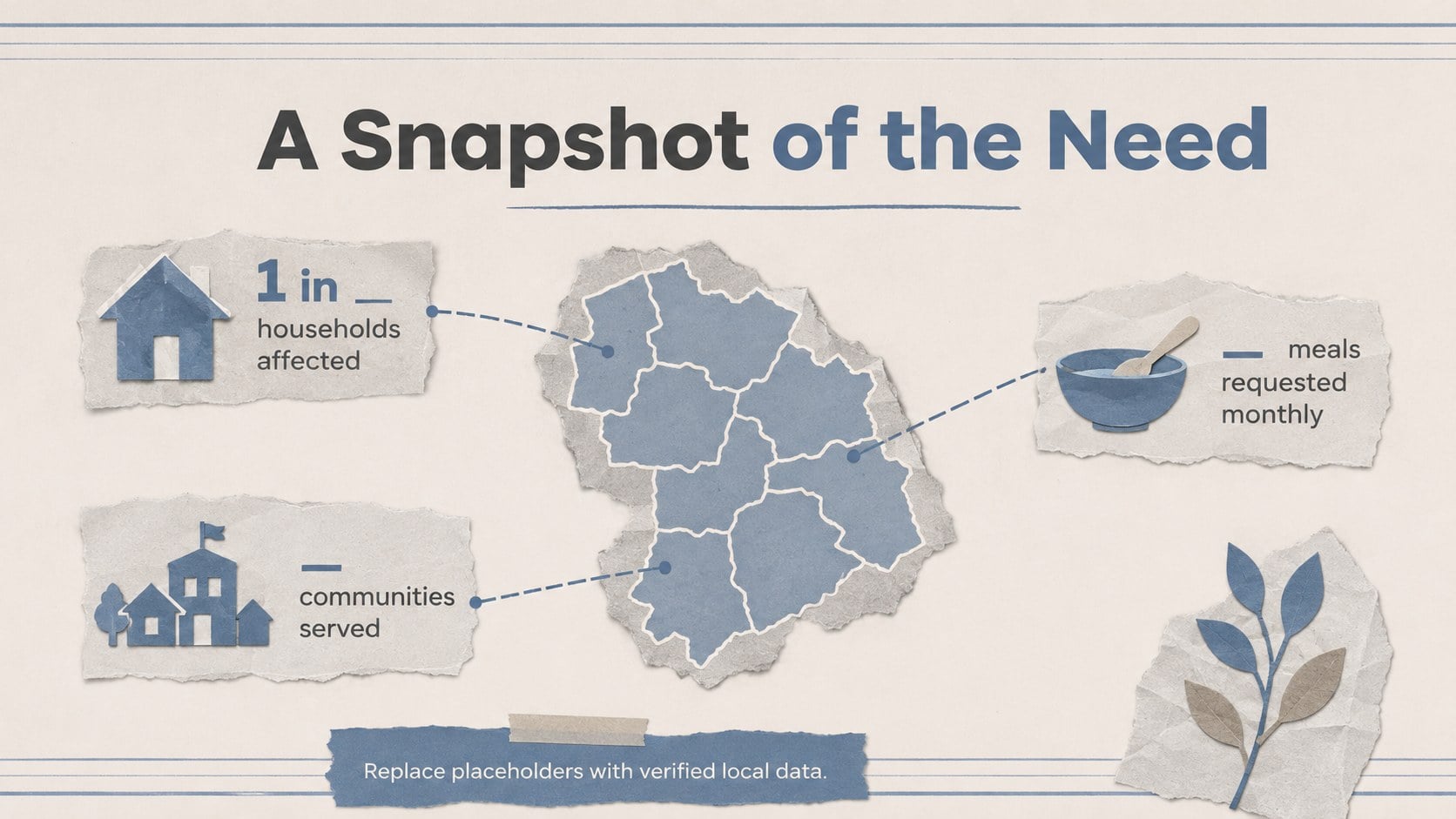
Yes. The data slides are structured for easy replacement with figures from food banks, government reports, surveys, or trusted research organizations.
Add your funding target, program costs, partner logos, beneficiary stories, and donation instructions. Keep the final call to action specific by stating what support is needed and how it will be used.
Keep exploring
15Build an engaging World UFO Day session with this flying saucer history lesson deck, featuring retro green-and-brown slides for PowerPoint and Google Slides.
 15
15Plan a lively animal-learning journey with this jungle zoo adventure lesson deck, ready to customize in PowerPoint and Google Slides for young learners.
 16
16Turn environmental research into a clear story with a Watercolor Ecology Presentation Theme for PowerPoint and Google Slides in calming green and blue.
 16
16Build focused fashion, literature, and humanities presentations with the Red Triangle Editorial Theme, editable in PowerPoint and Google Slides.
 15
15Turn streaming stats, favorite tracks, and concert highlights into a bold annual listening recap slide deck for PowerPoint and Google Slides.
 15
15Turn highlights, milestones, and favorite moments into a colorful year in review slide deck with bold 3D graphics for PowerPoint and Google Slides.
 3
3Build a credible endorsement with Standout Colleague Recommendation Letter Slides, featuring colorful prompts for skills, achievements, and team impact.
 4
4Build clear beginner sessions with an ice hockey fundamentals training deck for coaches, PE teachers, and clubs, ready for PowerPoint and Google Slides.