
 15
15presentation
Flying Saucer History Lesson Deck
Build an engaging World UFO Day session with this flying saucer history lesson deck, featuring retro green-and-brown slides for PowerPoint and Google Slides.
Google SlidesPowerPoint
presentation · English
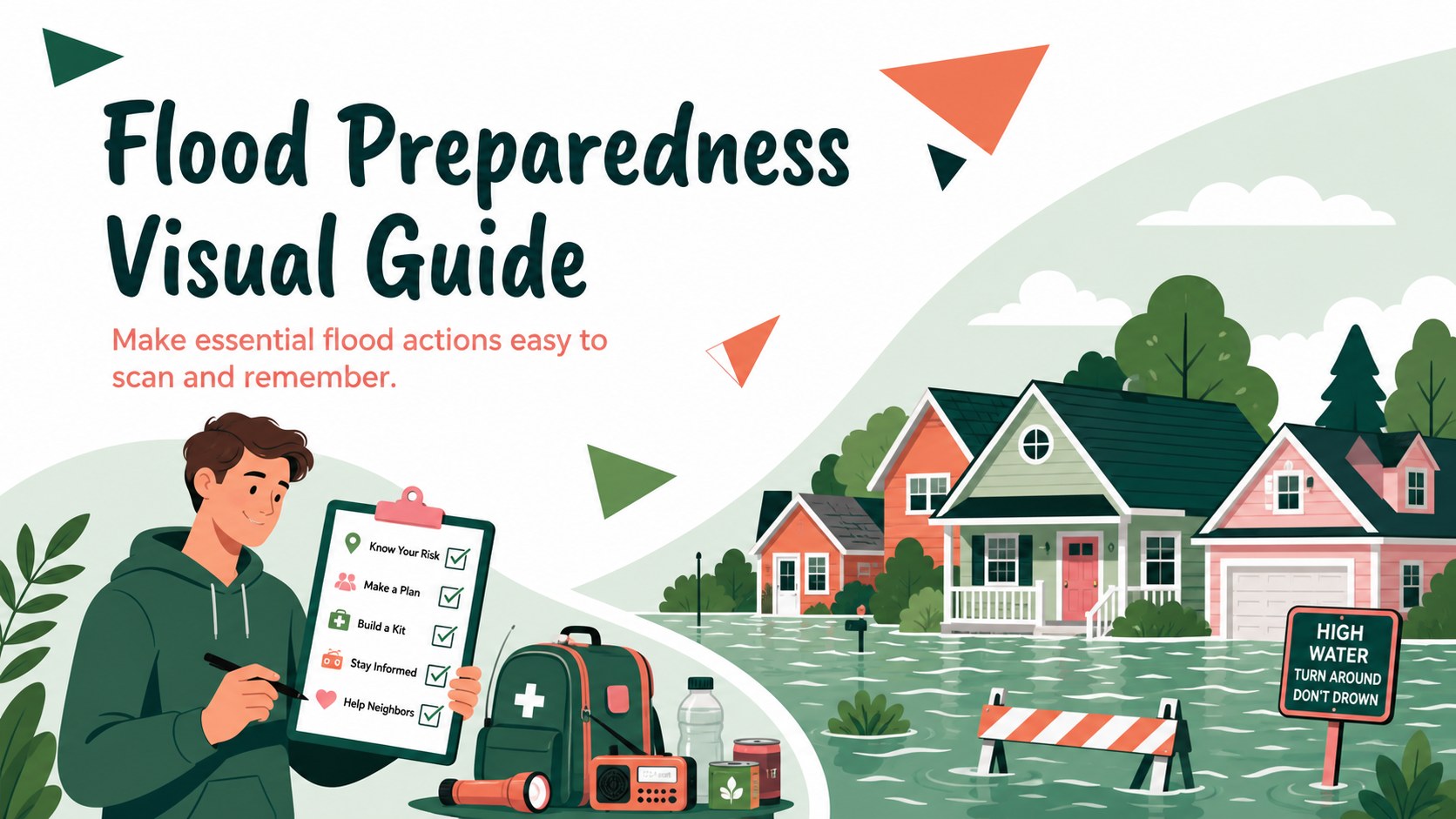
Help communities act before, during, and after high water with a Flood Preparedness Visual Guide for use in PowerPoint and Google Slides.
Design notes
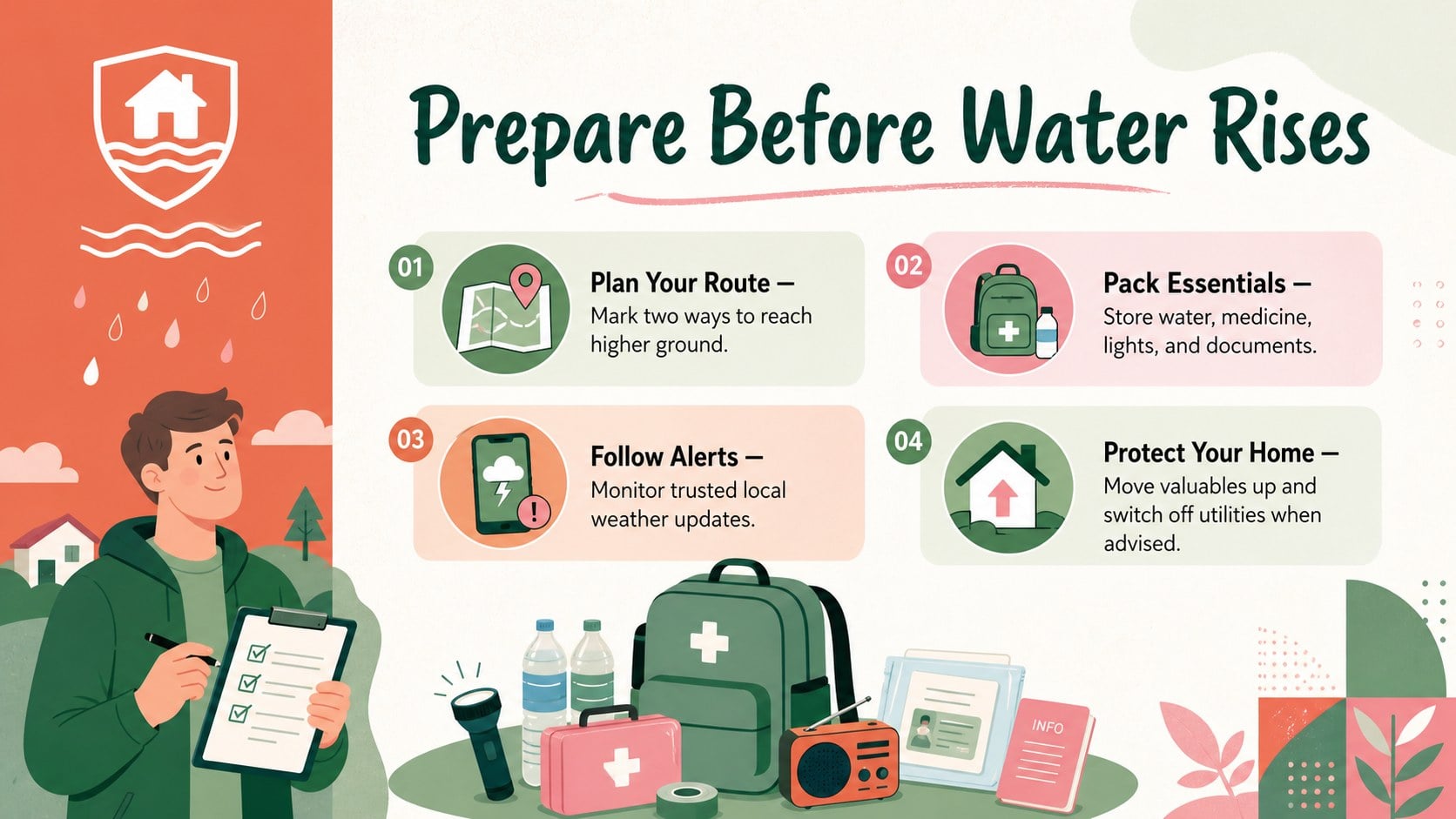
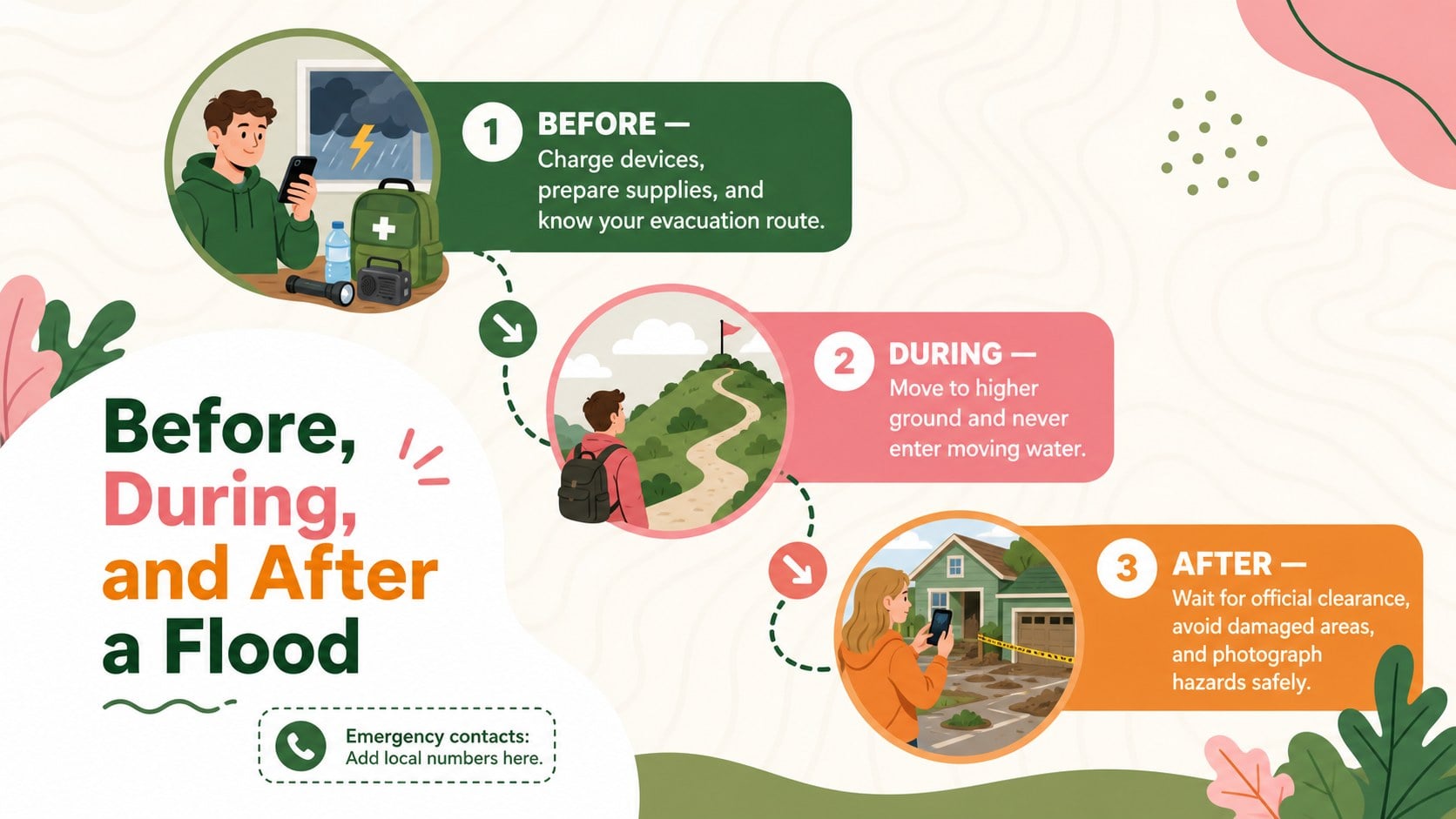
The Flood Preparedness Visual Guide turns essential emergency information into a clear, approachable resource for public learning. Its lively green, pink, orange, and white palette balances urgency with a reassuring tone, while geometric shapes and original illustrations help audiences follow each action without feeling overwhelmed. Use it as a community flood readiness presentation, a classroom resource, or a public information display.
Inside, you will find three coordinated 16:9 layouts covering preparation, immediate response, and post-flood precautions. The structured sections make it easy to build a before during after flood infographic, add local evacuation routes, list emergency numbers, and adapt guidance for different neighborhoods. Visual callouts, checklists, and simple icons keep the most important instructions prominent. Every element can be edited in PowerPoint or Google Slides, including colors, text, shapes, and illustrations.
This template is designed for teachers, emergency coordinators, local authorities, nonprofit teams, and community leaders who need an editable flood preparedness guide. It can support school safety lessons, neighborhood workshops, volunteer briefings, preparedness campaigns, and seasonal weather awareness programs. Replace the sample wording with regional advice, translate the content for local audiences, or add organization-specific contact details while retaining the energetic illustrated style.
Perfect for: community preparedness workshop; school flood safety lesson; neighborhood evacuation briefing; seasonal weather awareness campaign; emergency volunteer training.
Frequently asked questions
Can I edit the safety guidance and emergency contacts? Yes. All headings, instructions, phone numbers, icons, shapes, and color elements can be customized for local procedures and regional emergency services.
Practical details
Yes. All headings, instructions, phone numbers, icons, shapes, and color elements can be customized for local procedures and regional emergency services.
The template is designed for PowerPoint and Google Slides. You can edit the layouts, present them on screen, or export individual slides for digital and printed outreach.
Yes. Replace the sample advice with age-appropriate instructions, local evacuation routes, meeting points, or organization-specific response steps while keeping the visual hierarchy intact.
Change the accent colors, fonts, illustrations, and icons using the editing tools in PowerPoint or Google Slides. Keep strong contrast between text and backgrounds so emergency information remains easy to read.
Keep exploring
15Build an engaging World UFO Day session with this flying saucer history lesson deck, featuring retro green-and-brown slides for PowerPoint and Google Slides.
 15
15Plan a lively animal-learning journey with this jungle zoo adventure lesson deck, ready to customize in PowerPoint and Google Slides for young learners.
 16
16Turn environmental research into a clear story with a Watercolor Ecology Presentation Theme for PowerPoint and Google Slides in calming green and blue.
 16
16Build focused fashion, literature, and humanities presentations with the Red Triangle Editorial Theme, editable in PowerPoint and Google Slides.
 15
15Turn streaming stats, favorite tracks, and concert highlights into a bold annual listening recap slide deck for PowerPoint and Google Slides.
 15
15Turn highlights, milestones, and favorite moments into a colorful year in review slide deck with bold 3D graphics for PowerPoint and Google Slides.
 3
3Build a credible endorsement with Standout Colleague Recommendation Letter Slides, featuring colorful prompts for skills, achievements, and team impact.
 4
4Build clear beginner sessions with an ice hockey fundamentals training deck for coaches, PE teachers, and clubs, ready for PowerPoint and Google Slides.