
 15
15presentation
Flying Saucer History Lesson Deck
Build an engaging World UFO Day session with this flying saucer history lesson deck, featuring retro green-and-brown slides for PowerPoint and Google Slides.
Google SlidesPowerPoint
presentation · English
Build a vivid flamenco culture presentation for lessons, workshops, and festivals with red illustrated slides, editable layouts, and support for PowerPoint…
Design notes
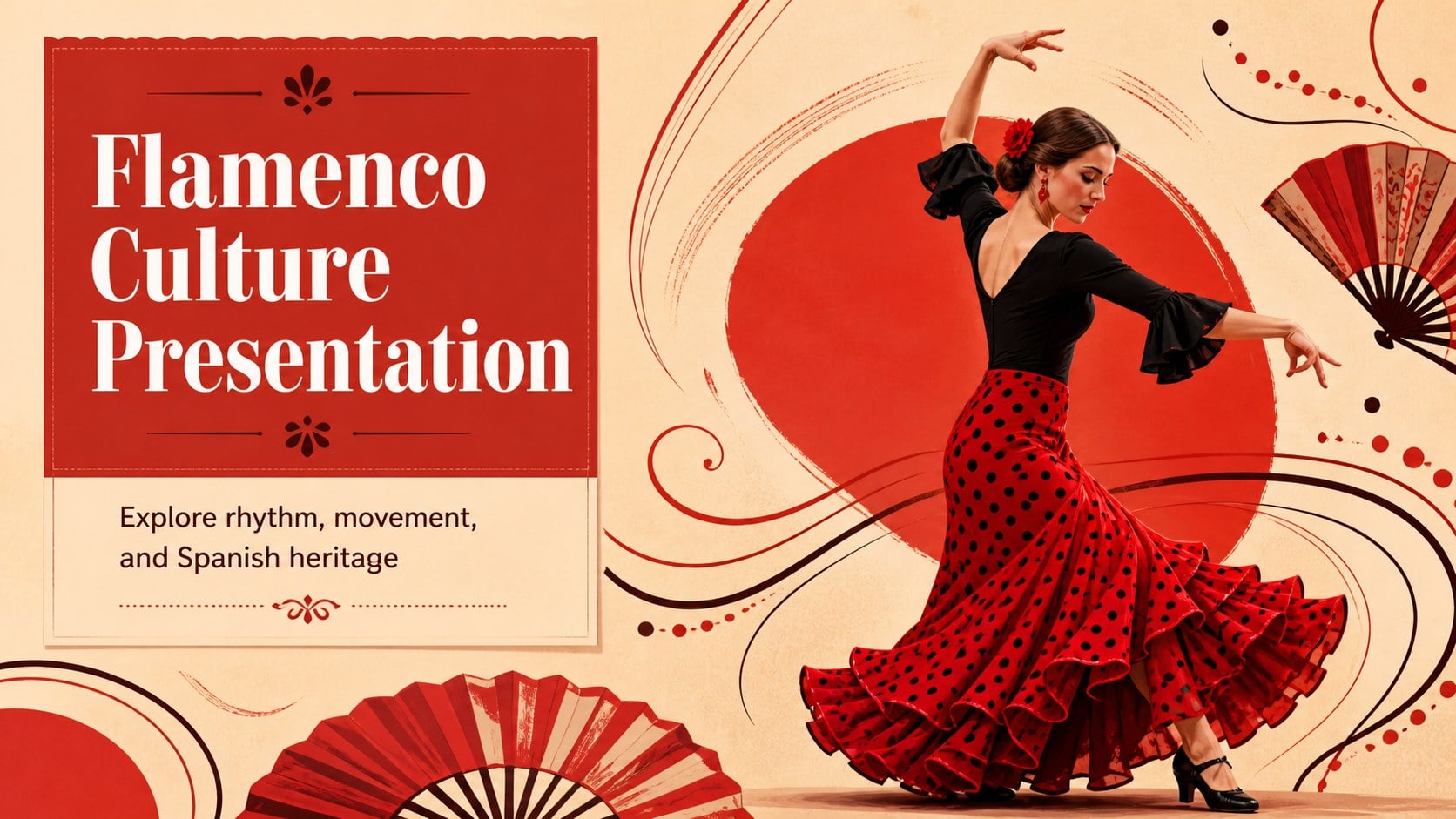
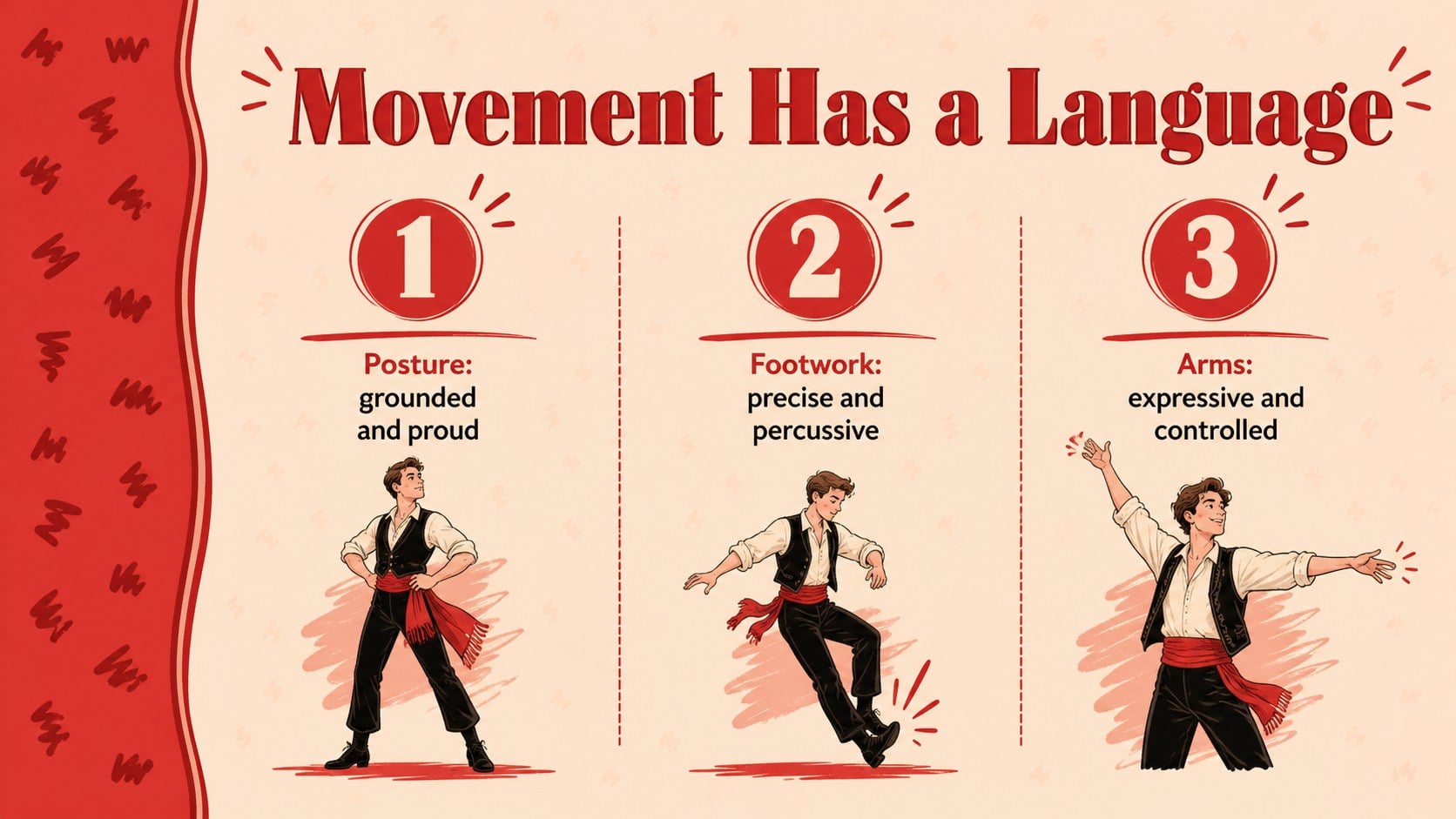
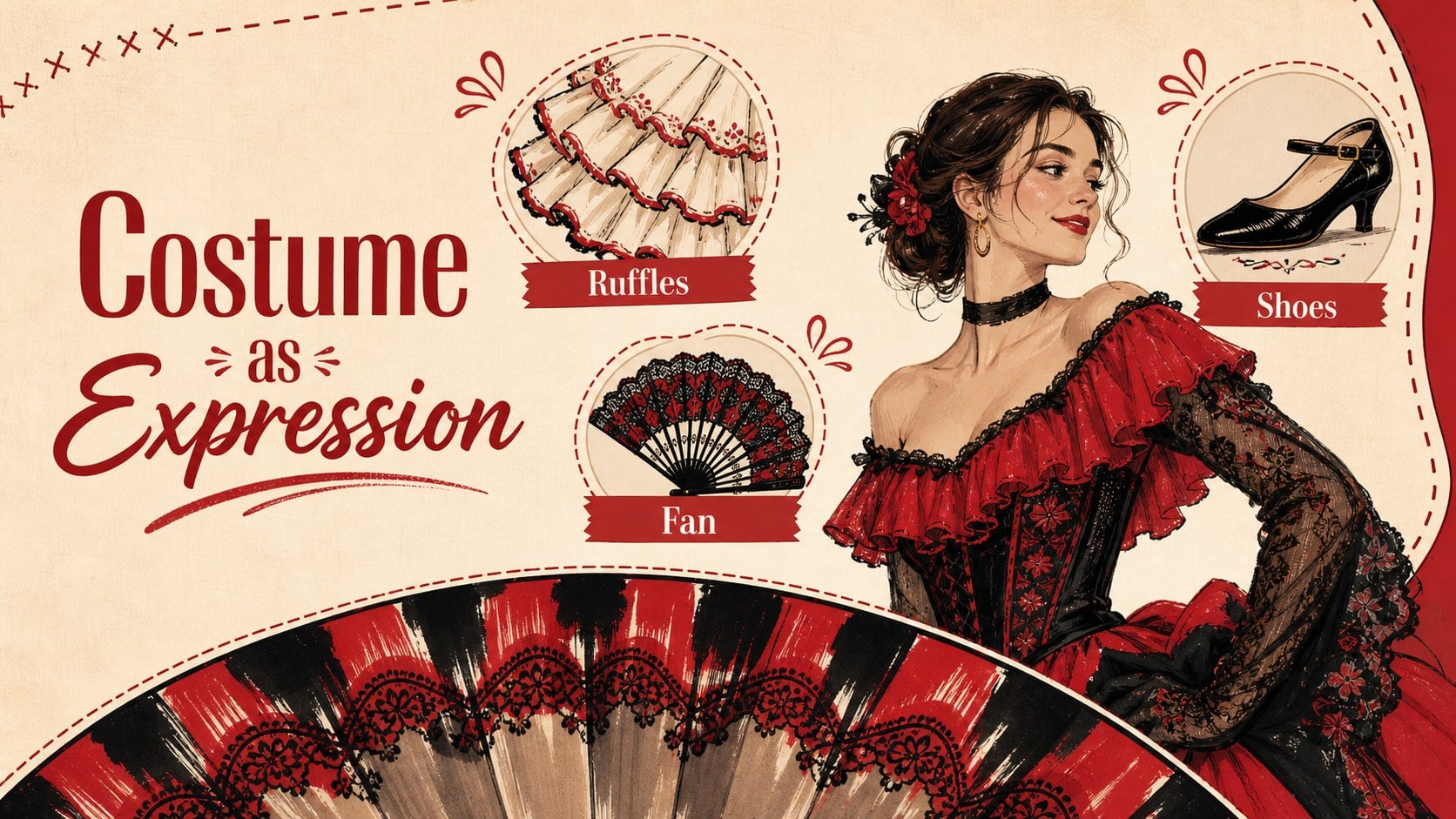
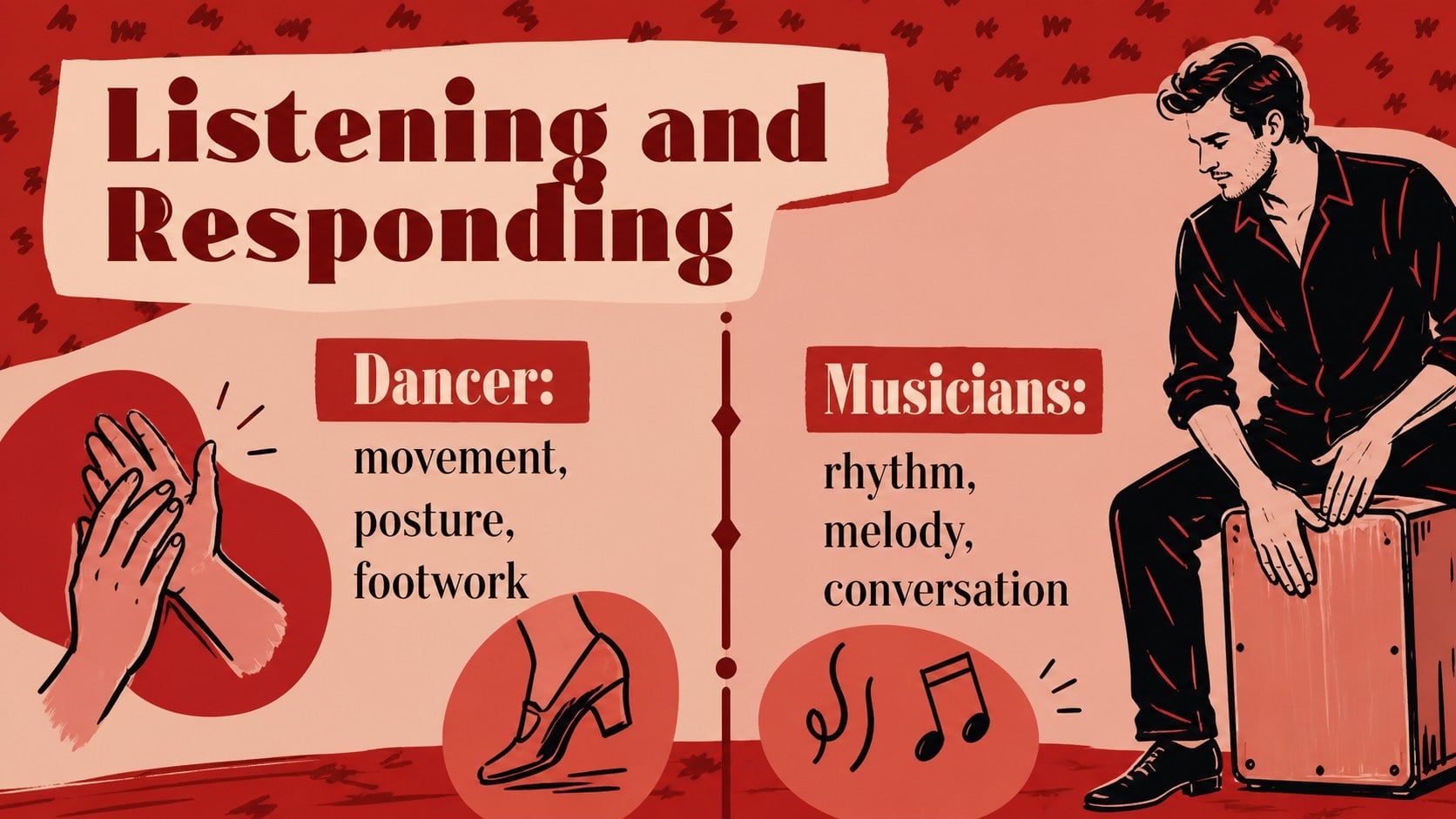
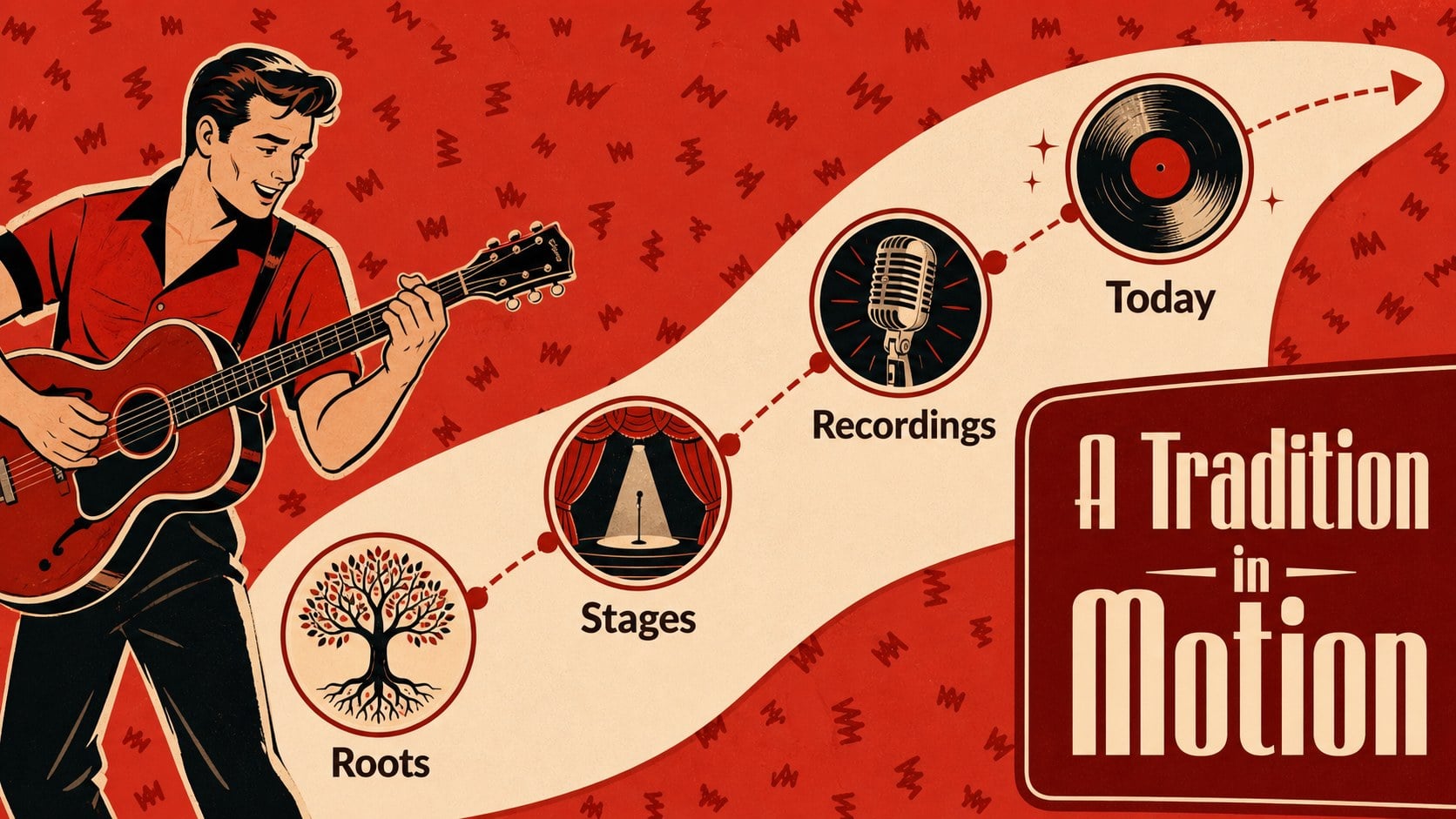
Turn a cultural lesson or community event into an engaging visual experience with this flamenco culture presentation. Designed around the passion of Spanish dance, the deck combines a bold red palette, playful illustrations, expressive shapes, and approachable layouts that make movement and history easy to explain. It works well for educators, dance instructors, cultural organizations, and event planners.
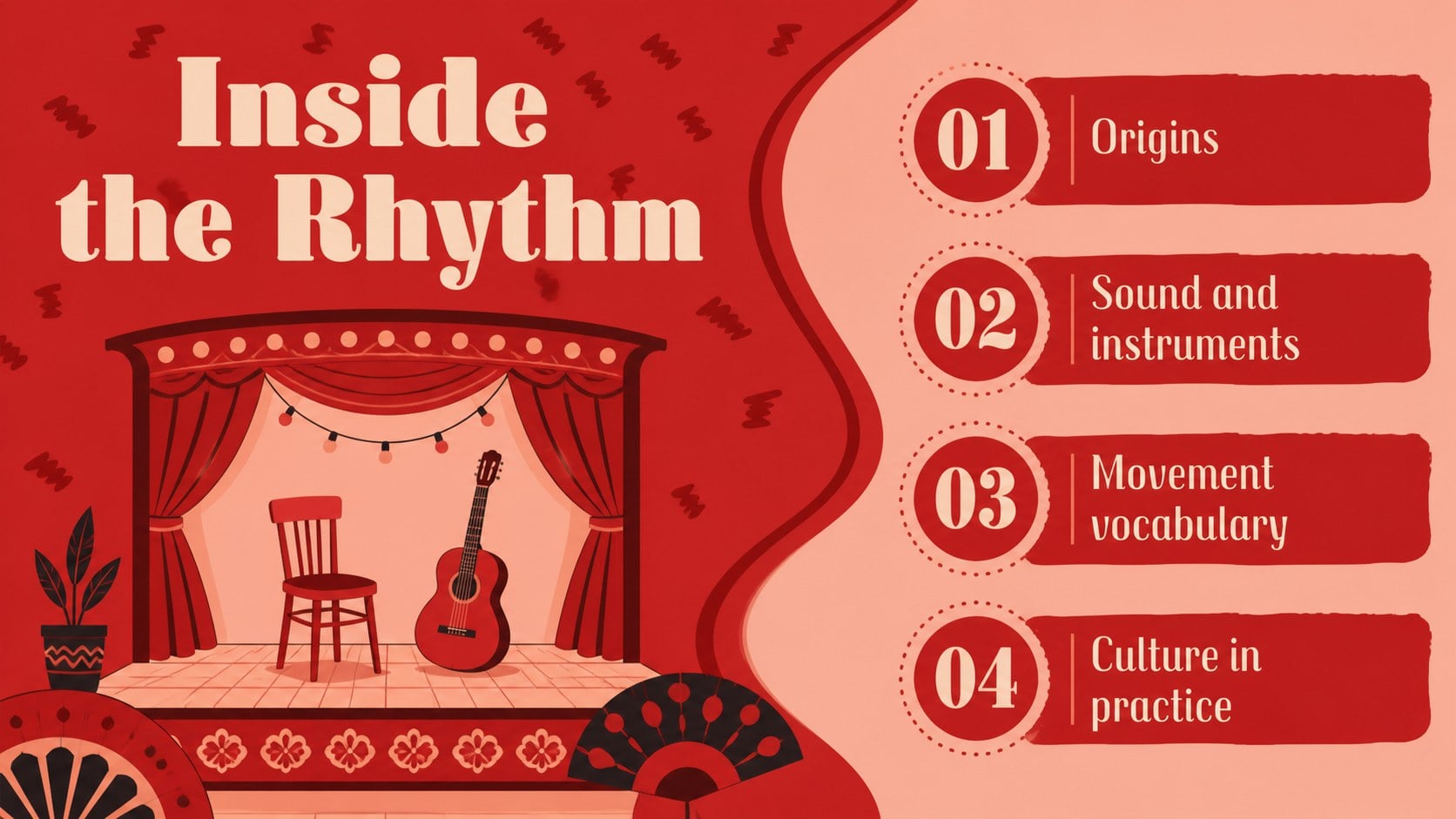
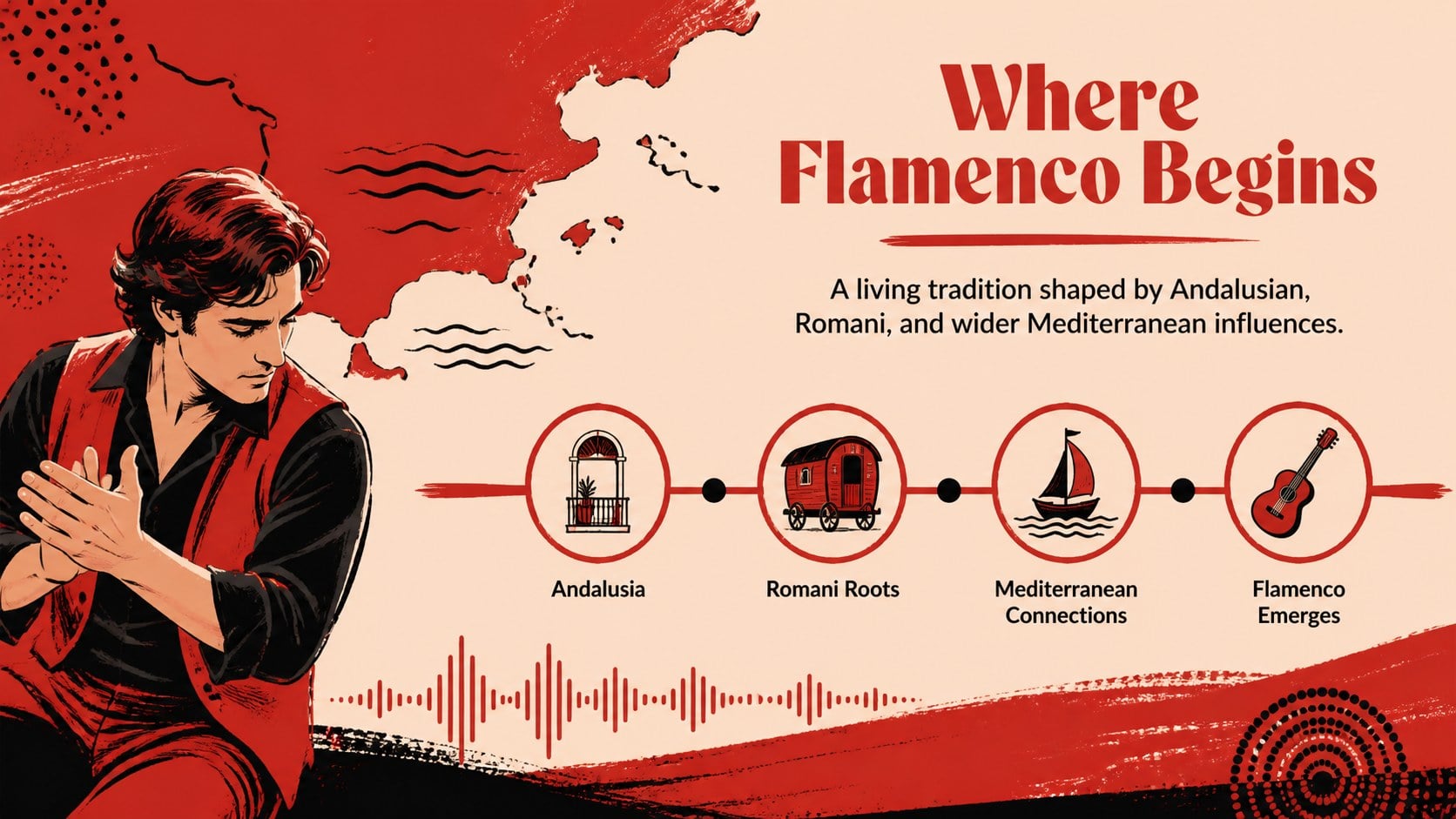
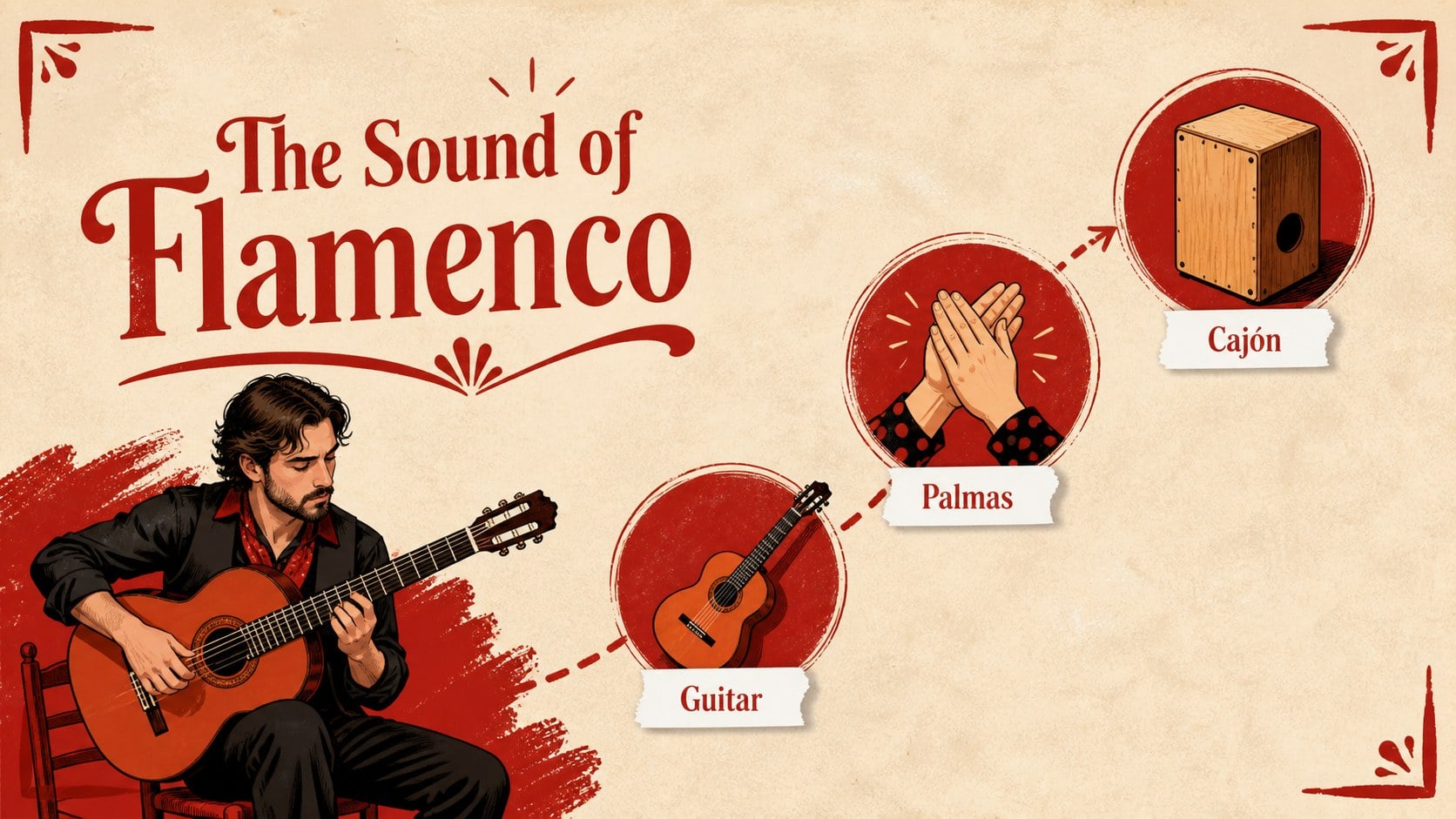
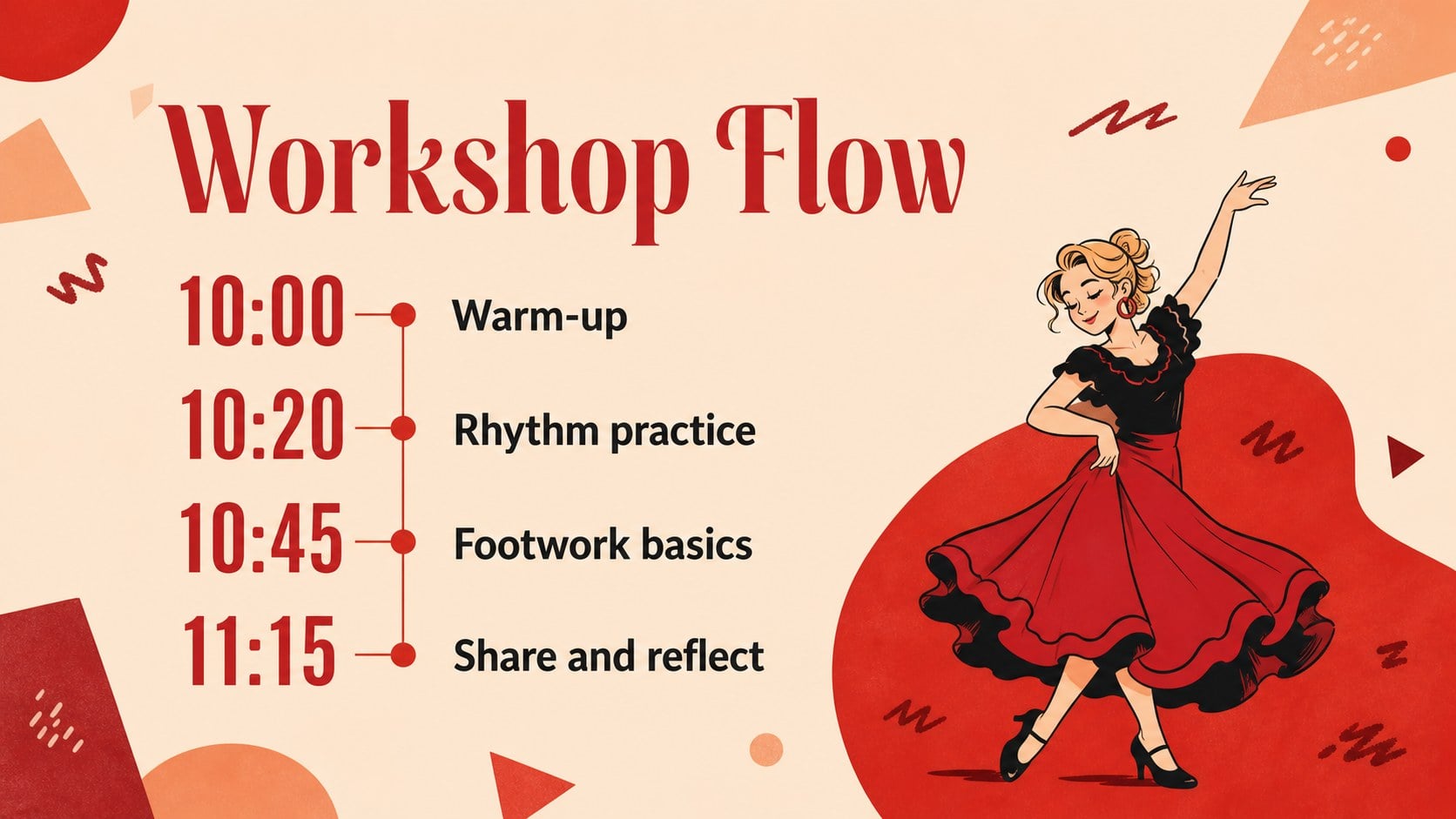
Inside, you’ll find 15 widescreen slides for an opening title, agenda, flamenco origins, essential instruments, signature movements, costume details, regional influences, a workshop schedule, comparison layouts, image-led storytelling, and a closing invitation. Use the slides to build flamenco dance history slides, introduce a flamenco music classroom lesson, or promote a Spanish dance workshop presentation. Charts, frames, timelines, text blocks, and image placeholders can be rearranged in PowerPoint or Google Slides.
Customize the wording, illustrations, photographs, typography, and red accent tones to suit a school presentation, beginner dance class, heritage celebration, or festival program. The friendly visual language is accessible for younger learners while remaining lively enough for public events and creative workshops.
Perfect for: school culture lesson; beginner dance workshop; flamenco festival program; Spanish heritage event; community arts presentation.
Frequently asked questions
Can I edit this presentation in PowerPoint? Yes. The template is designed for PowerPoint editing, so you can replace text, adjust layouts, add images, and change the red accent colors. Keep the widescreen format for the intended composition.
Practical details
Yes. The template is designed for PowerPoint editing, so you can replace text, adjust layouts, add images, and change the red accent colors. Keep the widescreen format for the intended composition.
Yes, the deck can be used in Google Slides. Upload or import the PowerPoint file, then review font substitutions and spacing before presenting.
Yes. Replace the history and instrument sections with class objectives, movement demonstrations, timing, and instructor notes. The agenda, timeline, comparison, and closing slides are especially useful for workshop planning.
Yes. Image placeholders can be replaced with performance photos, costume details, instruments, or archival material. Choose high-contrast images so the red shapes and text remain readable.
Keep exploring
15Build an engaging World UFO Day session with this flying saucer history lesson deck, featuring retro green-and-brown slides for PowerPoint and Google Slides.
 15
15Plan a lively animal-learning journey with this jungle zoo adventure lesson deck, ready to customize in PowerPoint and Google Slides for young learners.
 16
16Turn environmental research into a clear story with a Watercolor Ecology Presentation Theme for PowerPoint and Google Slides in calming green and blue.
 16
16Build focused fashion, literature, and humanities presentations with the Red Triangle Editorial Theme, editable in PowerPoint and Google Slides.
 15
15Turn streaming stats, favorite tracks, and concert highlights into a bold annual listening recap slide deck for PowerPoint and Google Slides.
 15
15Turn highlights, milestones, and favorite moments into a colorful year in review slide deck with bold 3D graphics for PowerPoint and Google Slides.
 3
3Build a credible endorsement with Standout Colleague Recommendation Letter Slides, featuring colorful prompts for skills, achievements, and team impact.
 4
4Build clear beginner sessions with an ice hockey fundamentals training deck for coaches, PE teachers, and clubs, ready for PowerPoint and Google Slides.