
 15
15presentation
Flying Saucer History Lesson Deck
Build an engaging World UFO Day session with this flying saucer history lesson deck, featuring retro green-and-brown slides for PowerPoint and Google Slides.
Google SlidesPowerPoint
presentation · English
Build a sharper fitness retail campaign planner with purple geometric slides for content calendars, audience insights, promotions, and performance reviews.



Design notes
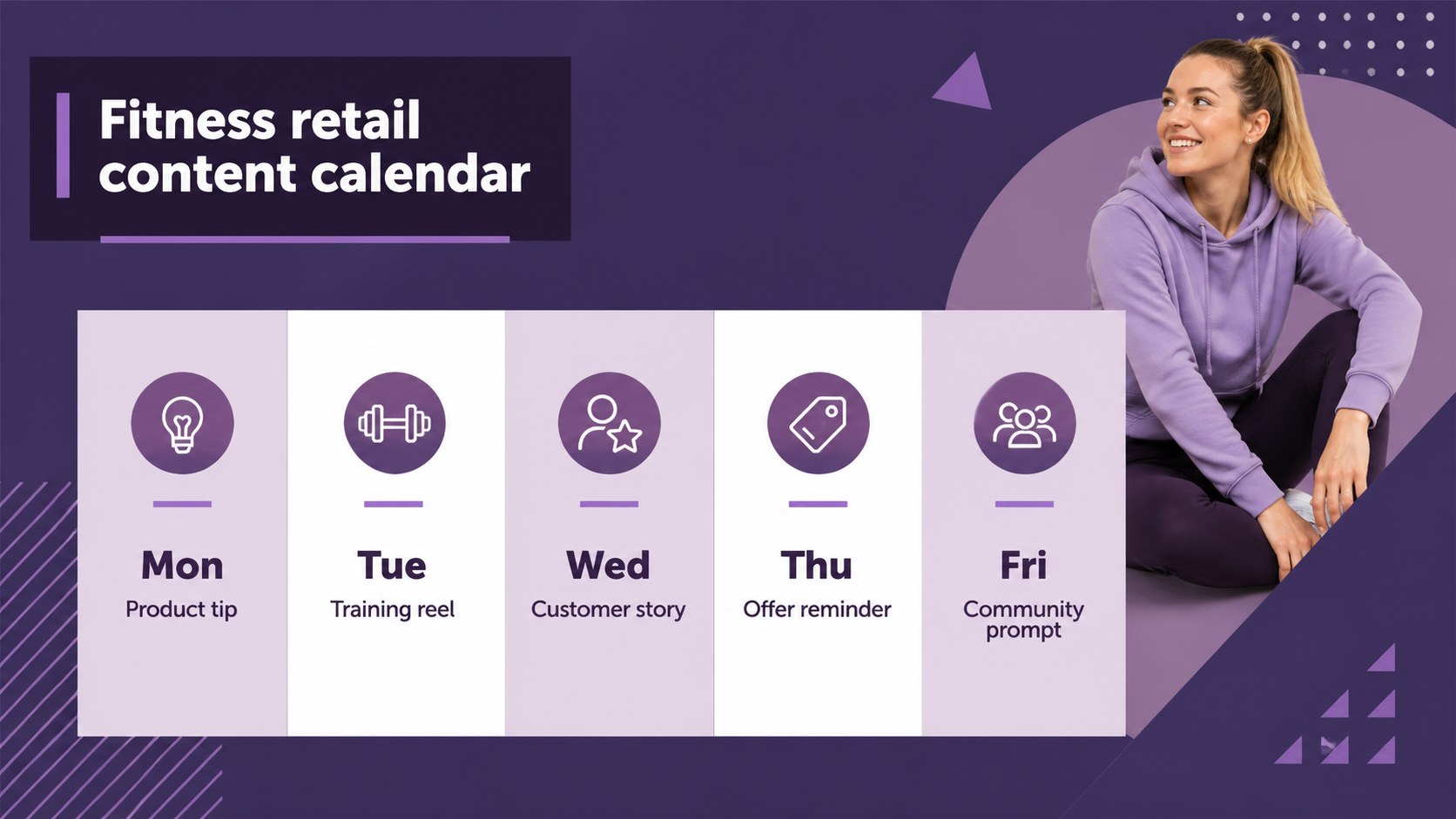
Turn scattered campaign ideas into a clear, persuasive plan with this fitness retail campaign planner. Its cool purple palette, geometric accents, and minimal layout give marketing teams a focused way to organize promotions, define audiences, and show how each channel supports store growth.
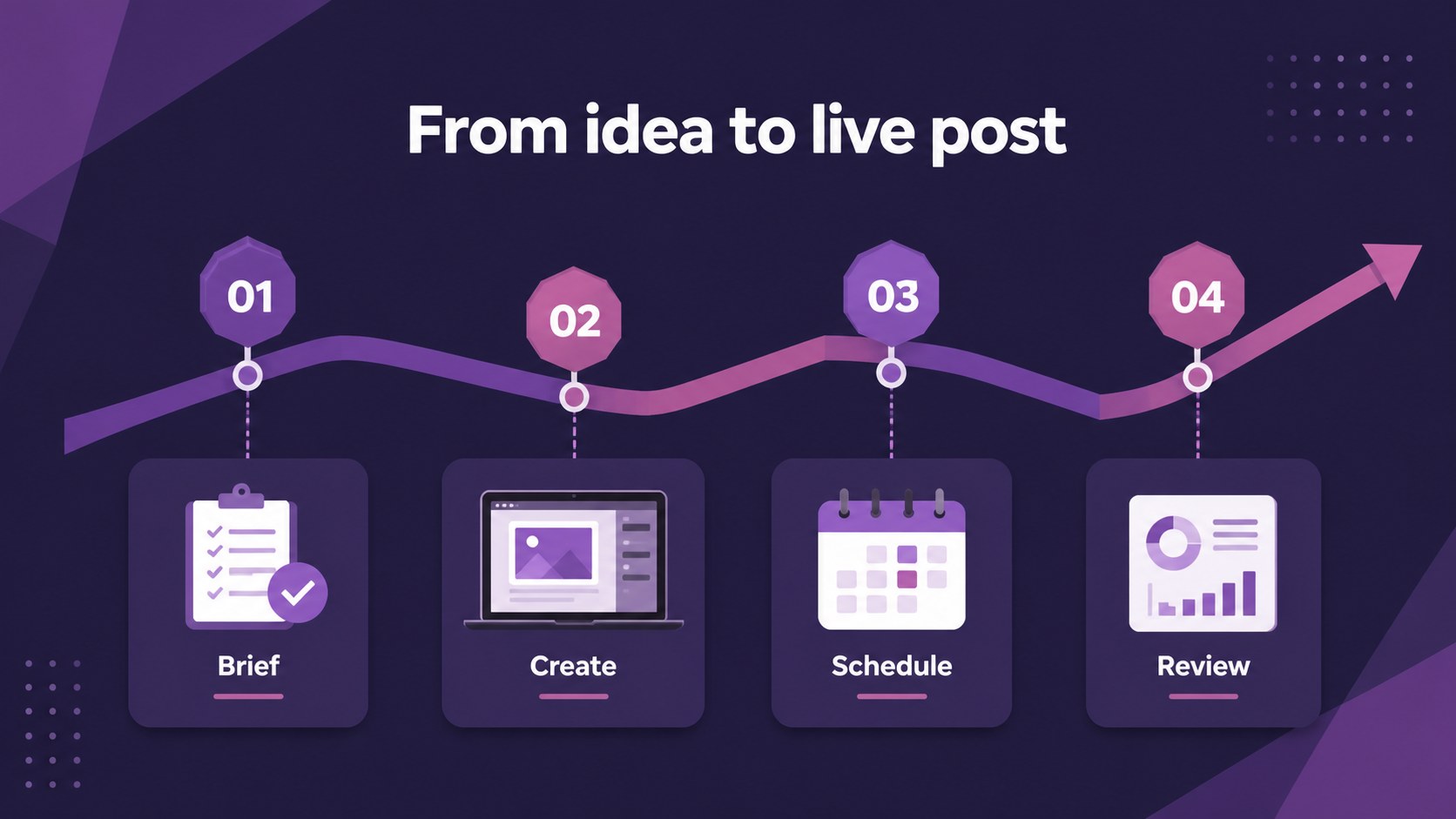
Inside, you will find 15 editable 16:9 slides for campaign objectives, audience personas, content pillars, channel planning, promotional concepts, publishing schedules, and performance reporting. Use the layouts to build an Instagram campaign planning deck, outline a gym apparel social media plan, or compare engagement results across product launches. Charts, tables, image frames, timelines, and metric callouts make the presentation easy to adapt without losing visual consistency.
This template suits fitness retailers, sportswear shops, gym marketing teams, boutique owners, social media managers, and agencies presenting campaign recommendations. Replace the sample copy with product drops, seasonal offers, influencer partnerships, or community events. The deck is designed in Aleo with purple as the dominant color and can be edited before exporting to PowerPoint or Google Slides. Add your own photos, logos, brand colors, and numbers to create a campaign review that feels specific to your business.
Perfect for: sportswear product launch; gym apparel content planning; fitness store seasonal promotion; agency campaign recommendation; retail marketing performance review.
Frequently asked questions
Can I edit this fitness retail campaign planner? Yes. The slides are designed for editing, so you can change text, photos, charts, shapes, fonts, and colors. Add your store details and campaign data directly in the editor.
Practical details
Yes. The slides are designed for editing, so you can change text, photos, charts, shapes, fonts, and colors. Add your store details and campaign data directly in the editor.
Yes. After customizing the template, export it as a PowerPoint file or send an editable copy to Google Drive for Google Slides. Some -specific elements may need minor adjustment after export.
Yes. The layouts work for sportswear retailers, gym apparel launches, fitness accessories, and local athletic stores. Replace the sample campaign language with your products, channels, and audience segments.
Use the chart and metric layouts for reach, impressions, clicks, saves, conversions, sales, and return on ad spend. You can also compare content formats or report results from a promotional campaign.
Keep exploring
15Build an engaging World UFO Day session with this flying saucer history lesson deck, featuring retro green-and-brown slides for PowerPoint and Google Slides.
 15
15Plan a lively animal-learning journey with this jungle zoo adventure lesson deck, ready to customize in PowerPoint and Google Slides for young learners.
 16
16Turn environmental research into a clear story with a Watercolor Ecology Presentation Theme for PowerPoint and Google Slides in calming green and blue.
 16
16Build focused fashion, literature, and humanities presentations with the Red Triangle Editorial Theme, editable in PowerPoint and Google Slides.
 15
15Turn streaming stats, favorite tracks, and concert highlights into a bold annual listening recap slide deck for PowerPoint and Google Slides.
 15
15Turn highlights, milestones, and favorite moments into a colorful year in review slide deck with bold 3D graphics for PowerPoint and Google Slides.
 3
3Build a credible endorsement with Standout Colleague Recommendation Letter Slides, featuring colorful prompts for skills, achievements, and team impact.
 4
4Build clear beginner sessions with an ice hockey fundamentals training deck for coaches, PE teachers, and clubs, ready for PowerPoint and Google Slides.