
 15
15presentation
Flying Saucer History Lesson Deck
Build an engaging World UFO Day session with this flying saucer history lesson deck, featuring retro green-and-brown slides for PowerPoint and Google Slides.
Google SlidesPowerPoint
presentation · English
Build a welcoming first week classroom kickoff deck with pastel blue-green scrapbook visuals, editable lesson plans, math activities, charts, and Google…

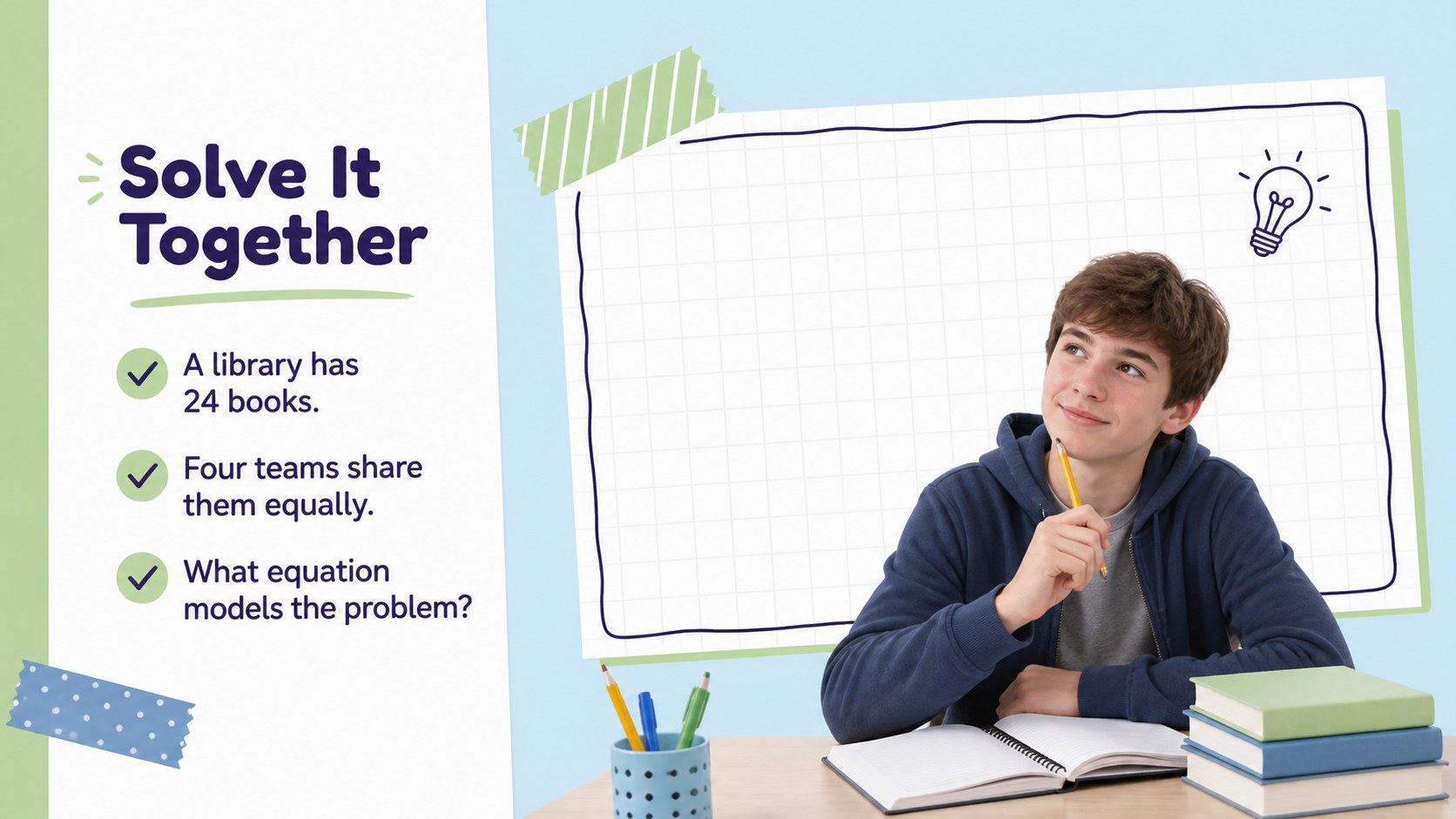
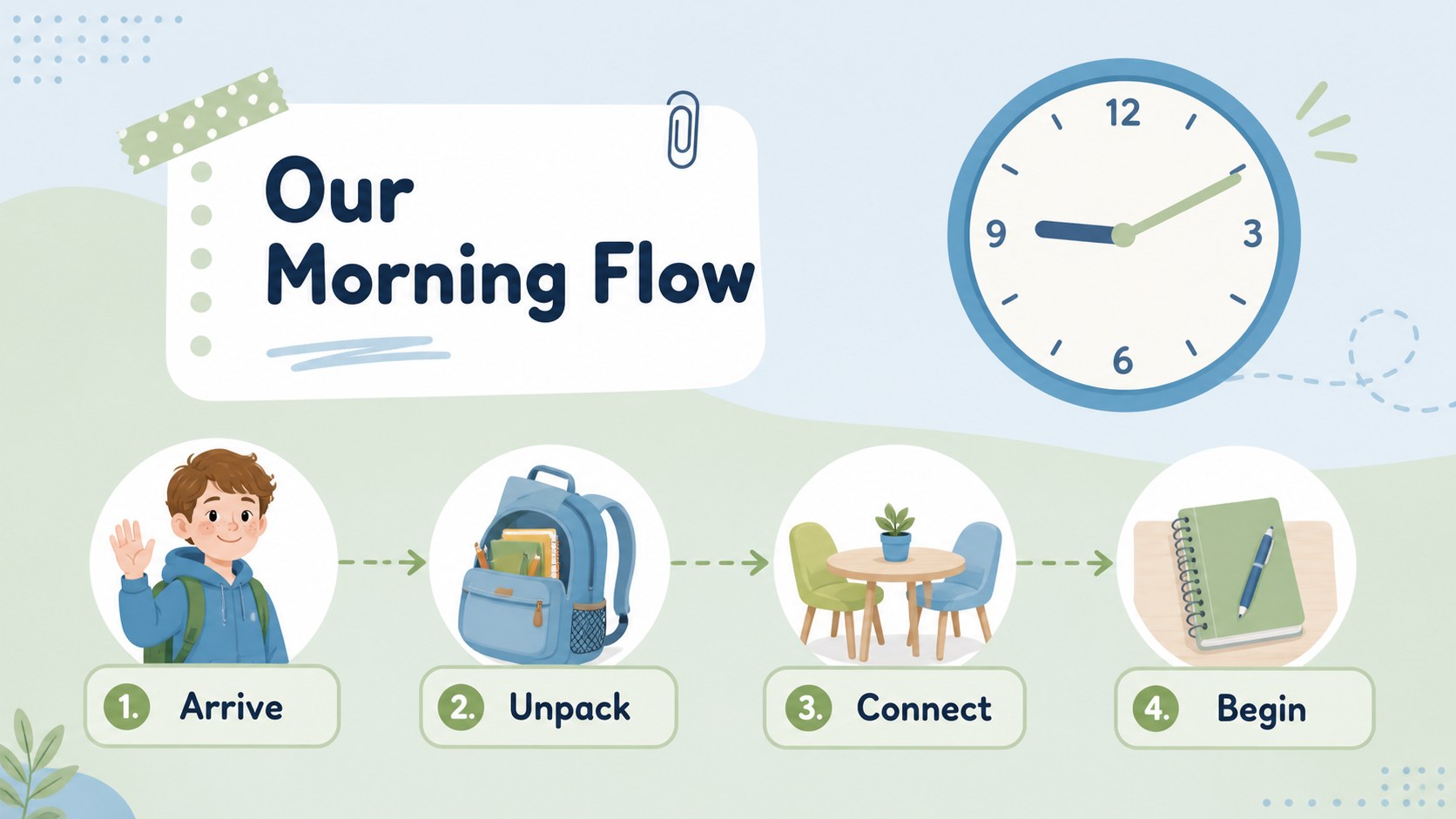
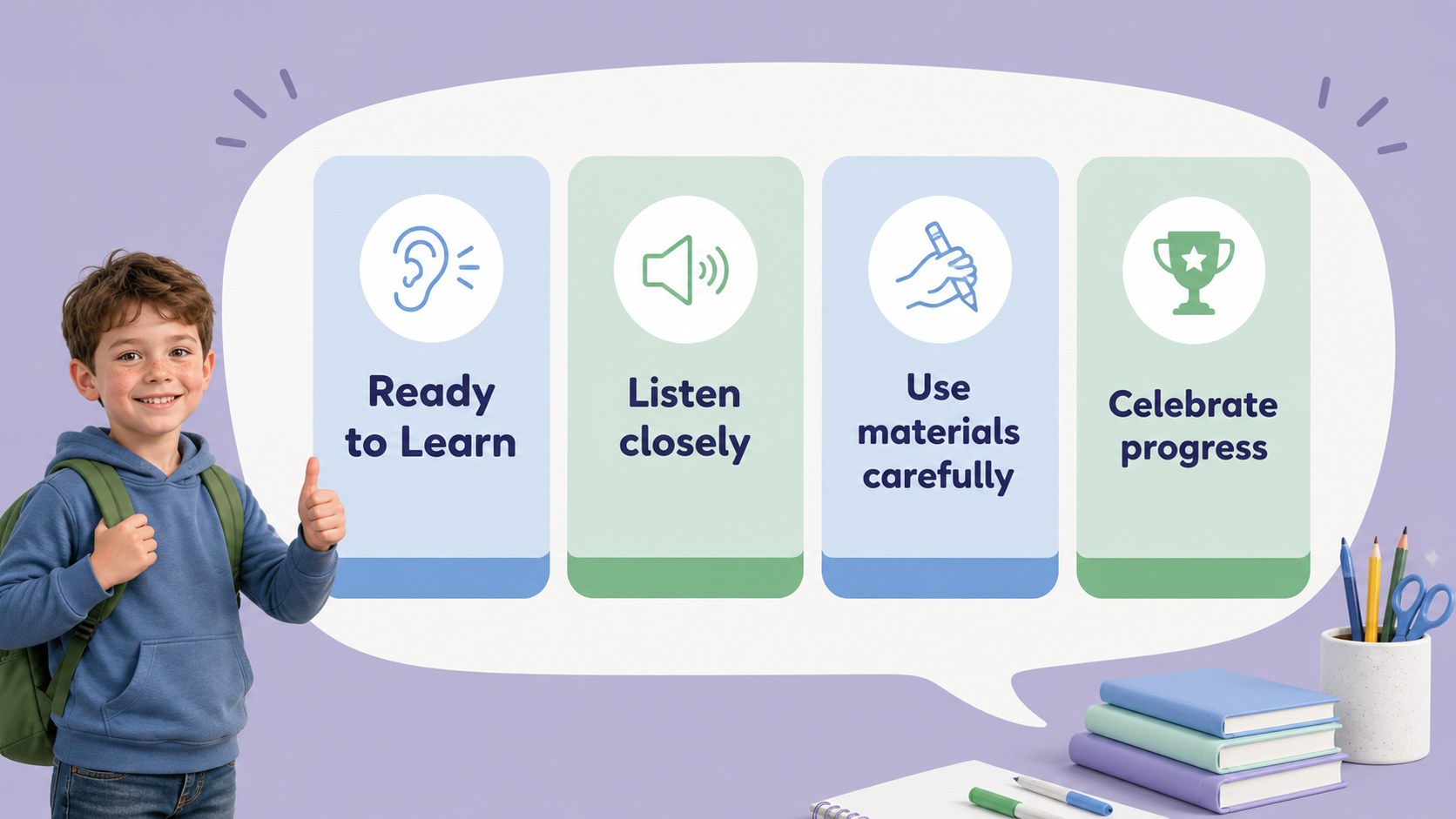
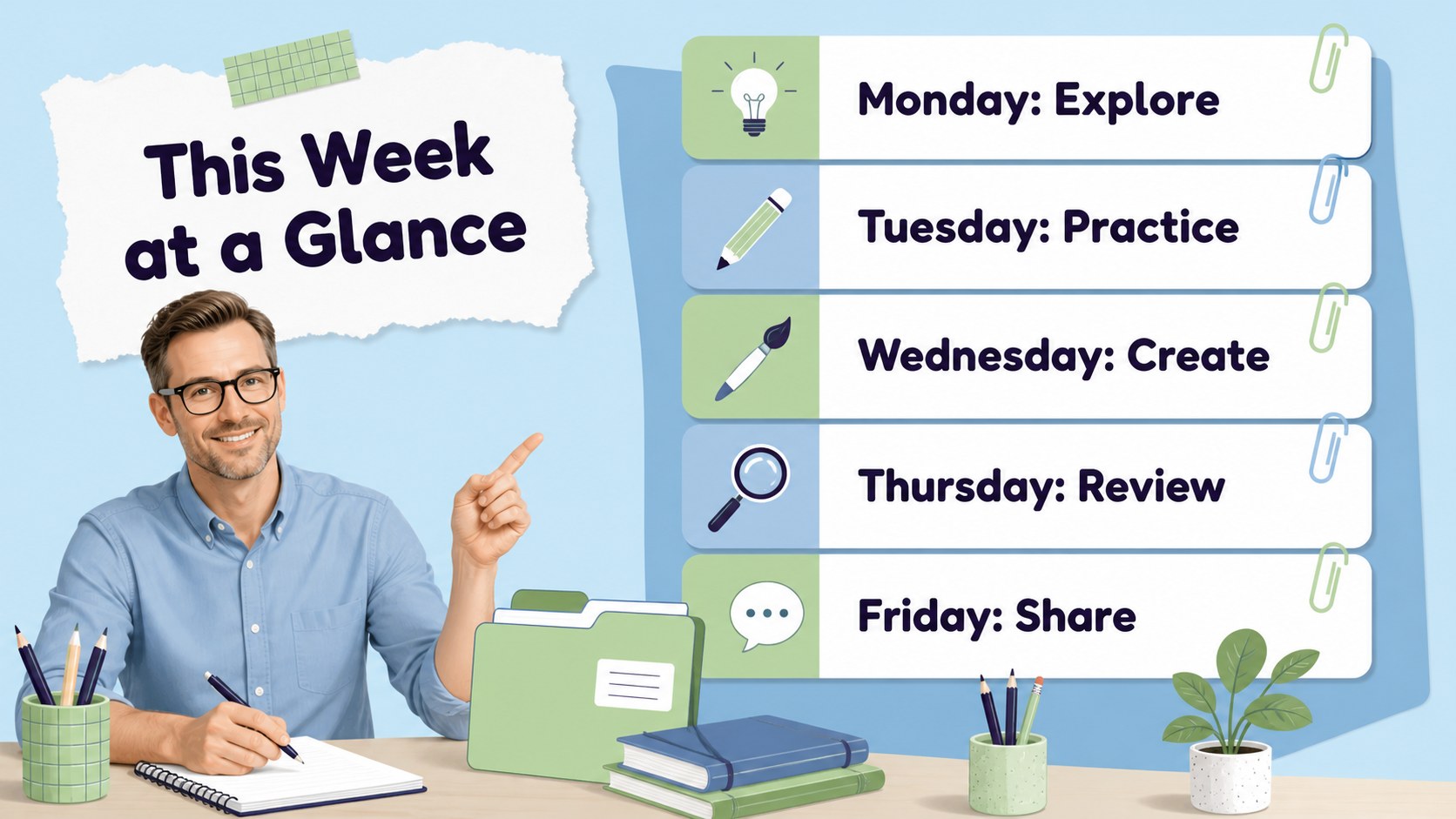
Design notes
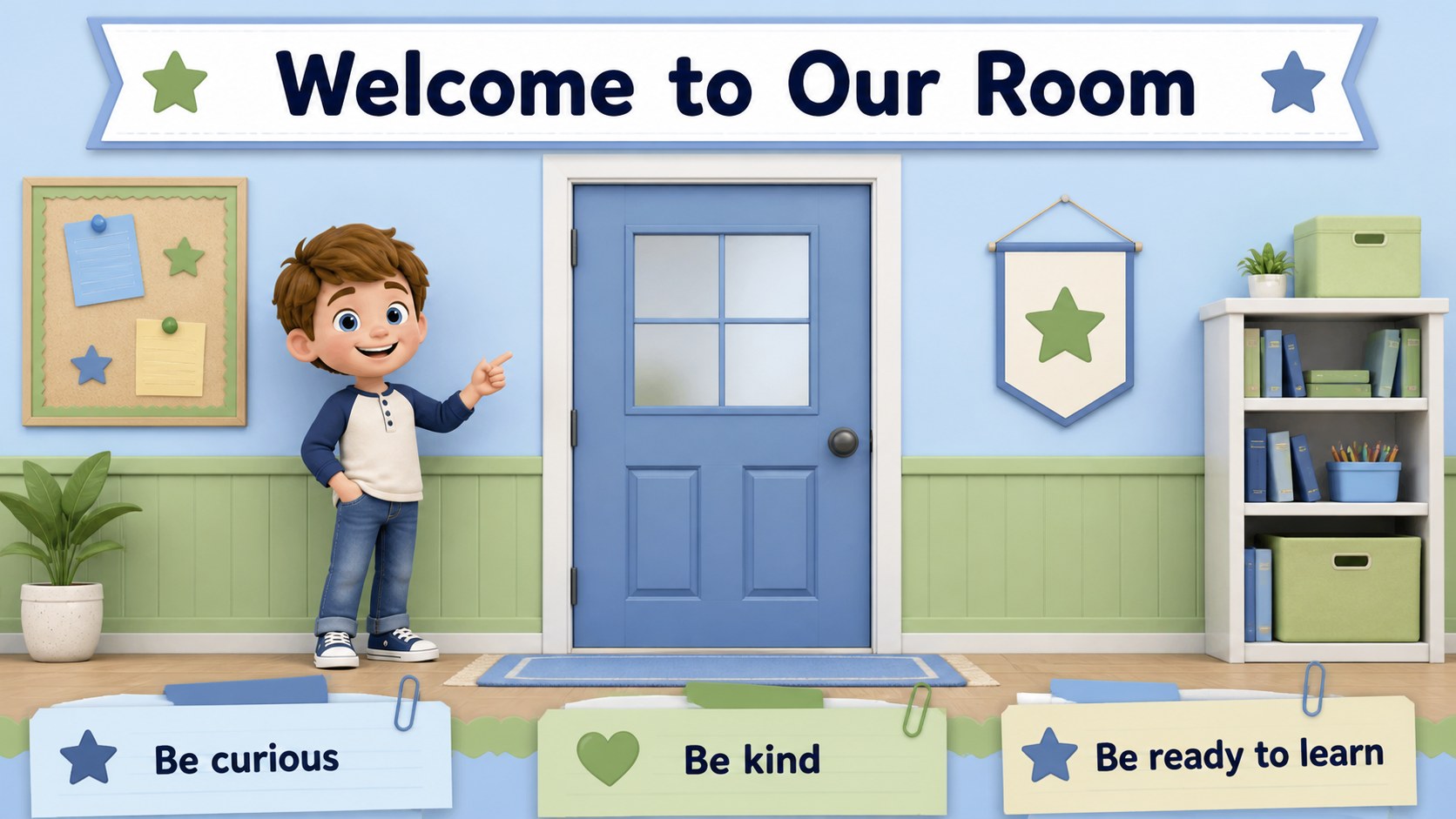
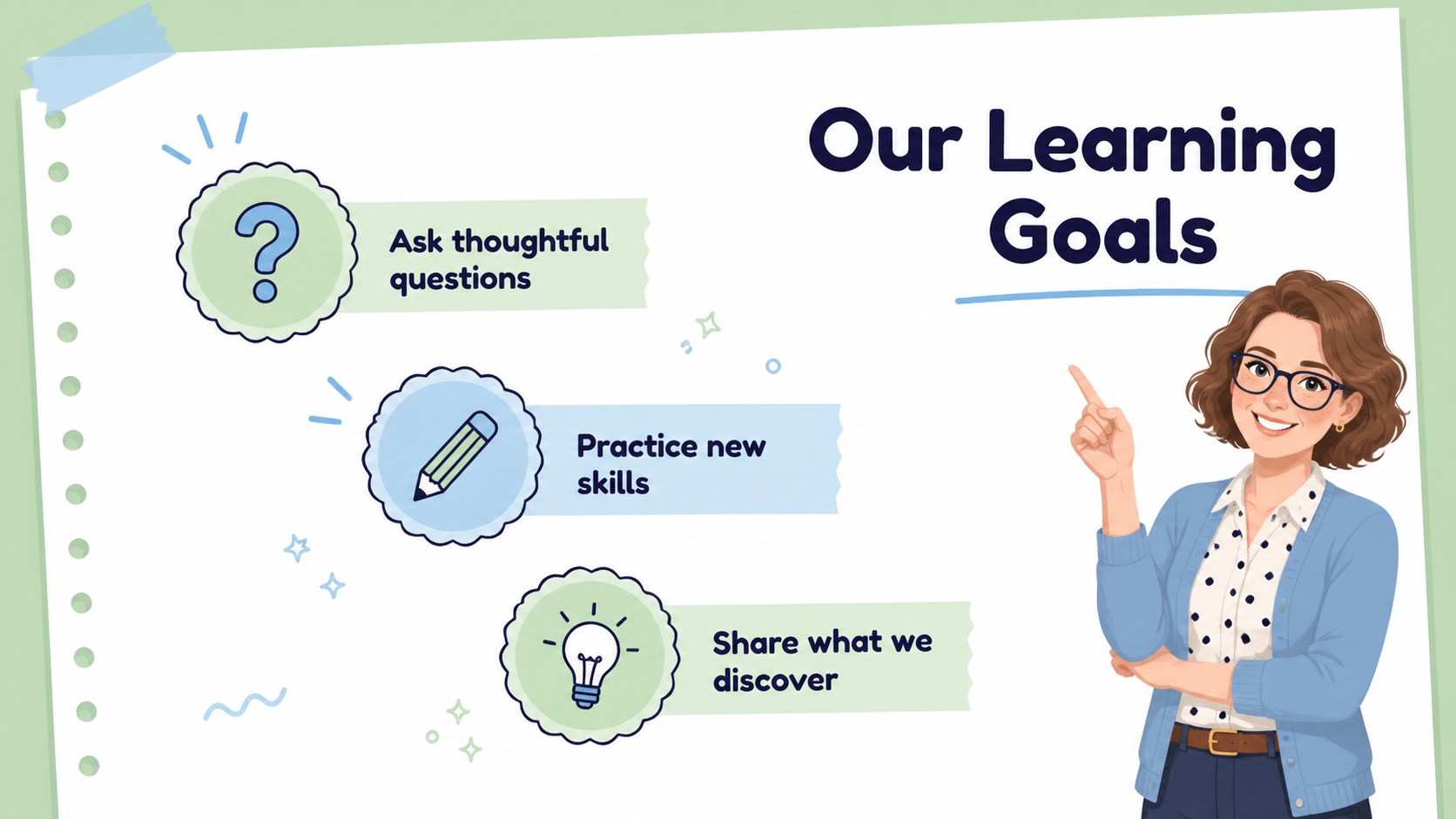
Set the tone for a successful new term with a first week classroom kickoff deck designed for teachers, tutors, and education teams. Its pastel blue and green scrapbook aesthetic feels friendly and energetic while keeping lesson information easy for students to follow. Use the layouts to introduce classroom routines, present learning goals, and make the first days feel structured without becoming formal or dull.
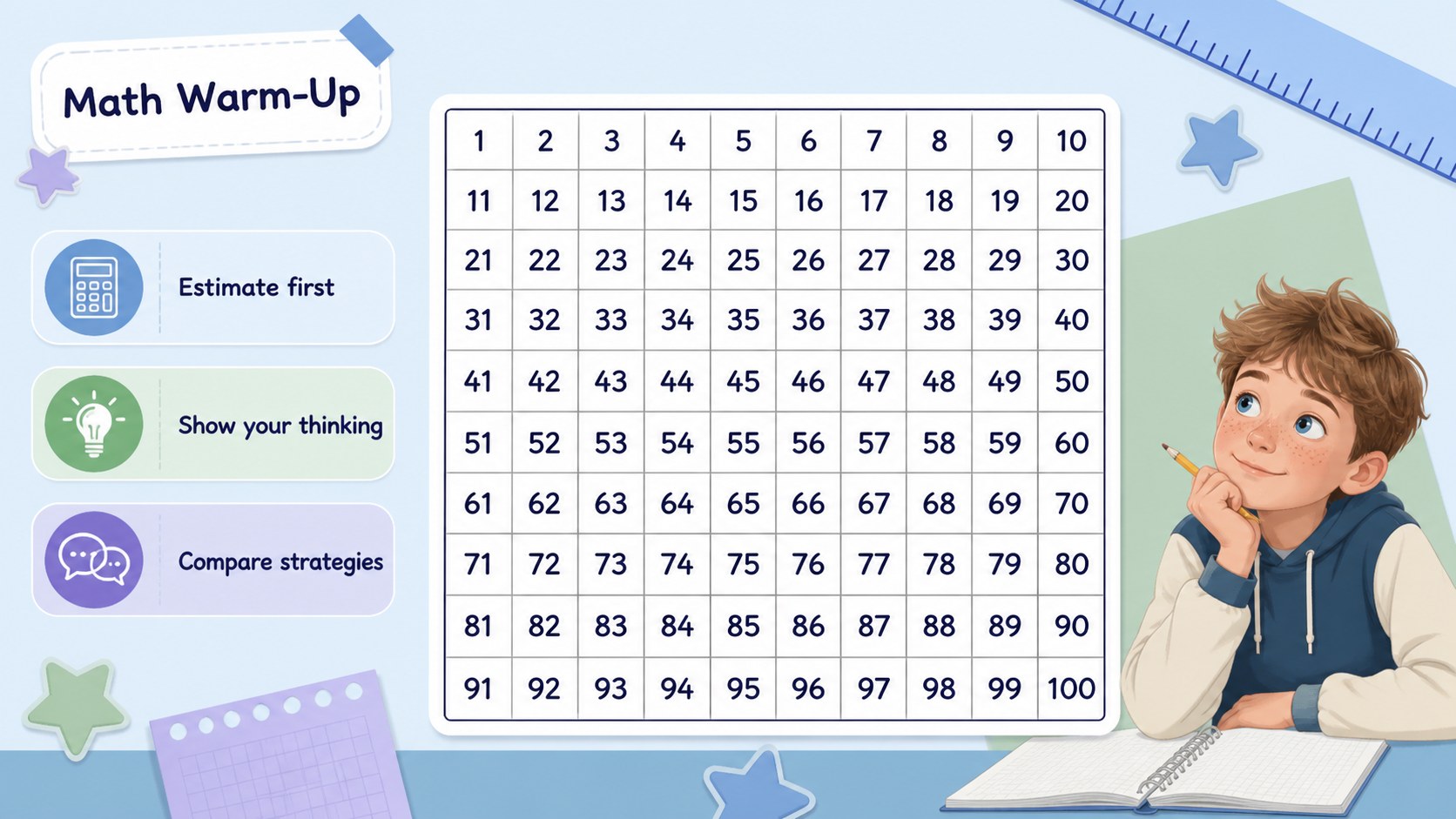
Inside, you will find more than 25 editable slides for a class welcome, agenda, subject overview, activity instructions, inspirational statements, timelines, and visual summaries. The chart layout can become a seating plan, progress tracker, or quick classroom survey, while the resource pages provide reusable school-themed icons and decorative elements. It also works well as an editable math lesson presentation for warm-ups, examples, and collaborative exercises.
Customize the deck in Google Slides or PowerPoint by changing colors, text, illustrations, and layout proportions. Elementary teachers can adapt it for first week classroom activities, while tutors and homeschool educators can build a complete classroom welcome presentation around the same visual language. Add photos, animations, audio, or video when a lesson needs more dimension, then export the finished work as a PDF or JPG.
Perfect for: elementary classroom welcome; first-week lesson planning; math warm-up presentation; student routine briefing; homeschool learning session.
Frequently asked questions
Can I edit this deck in Google Slides? Yes. The presentation is designed for Google Slides and PowerPoint. You can replace text, resize elements, recolor graphics, and rearrange slides in the editor you prefer.
Practical details
Yes. The presentation is designed for Google Slides and PowerPoint. You can replace text, resize elements, recolor graphics, and rearrange slides in the editor you prefer.
The playful visual style works especially well for elementary classrooms, tutoring sessions, and homeschool lessons. Teachers can simplify the wording or add more advanced examples to adapt it for older students.
Yes. Replace the chart labels with student names, table groups, or classroom zones to create a seating plan. It can also be reused for participation tracking, quiz results, or a quick class survey.
You can export the customized deck as a PDF or JPG for handouts and classroom displays. Present it directly from Google Slides or PowerPoint when you need animations, sound, or video.
Keep exploring
15Build an engaging World UFO Day session with this flying saucer history lesson deck, featuring retro green-and-brown slides for PowerPoint and Google Slides.
 15
15Plan a lively animal-learning journey with this jungle zoo adventure lesson deck, ready to customize in PowerPoint and Google Slides for young learners.
 16
16Turn environmental research into a clear story with a Watercolor Ecology Presentation Theme for PowerPoint and Google Slides in calming green and blue.
 16
16Build focused fashion, literature, and humanities presentations with the Red Triangle Editorial Theme, editable in PowerPoint and Google Slides.
 15
15Turn streaming stats, favorite tracks, and concert highlights into a bold annual listening recap slide deck for PowerPoint and Google Slides.
 15
15Turn highlights, milestones, and favorite moments into a colorful year in review slide deck with bold 3D graphics for PowerPoint and Google Slides.
 3
3Build a credible endorsement with Standout Colleague Recommendation Letter Slides, featuring colorful prompts for skills, achievements, and team impact.
 4
4Build clear beginner sessions with an ice hockey fundamentals training deck for coaches, PE teachers, and clubs, ready for PowerPoint and Google Slides.