
 15
15presentation
Flying Saucer History Lesson Deck
Build an engaging World UFO Day session with this flying saucer history lesson deck, featuring retro green-and-brown slides for PowerPoint and Google Slides.
Google SlidesPowerPoint
presentation · English
Build confident first-time surfers with a surfing lesson deck featuring ocean safety, paddling basics, pop-up technique, and wave-reading activities.
Design notes
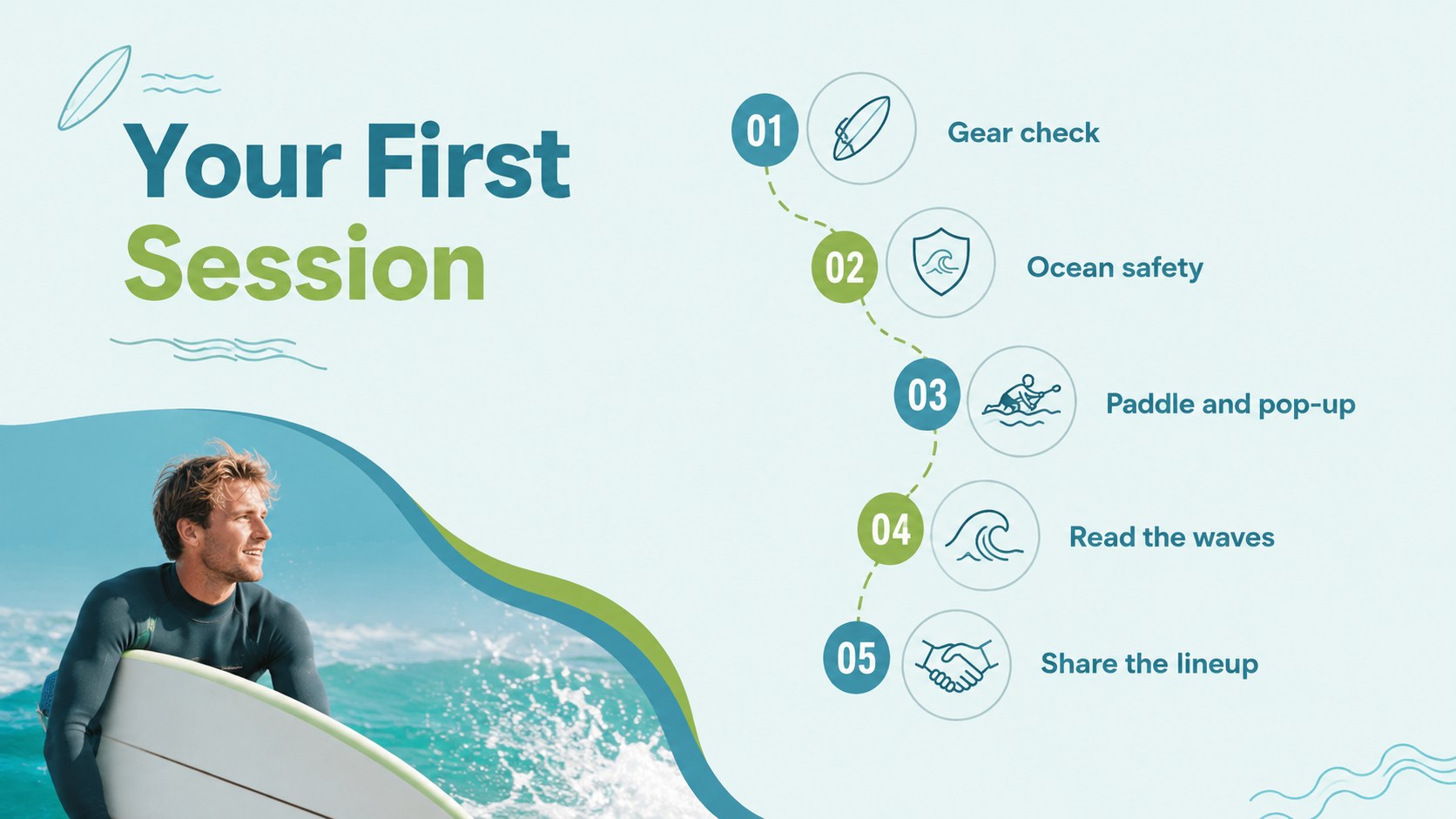
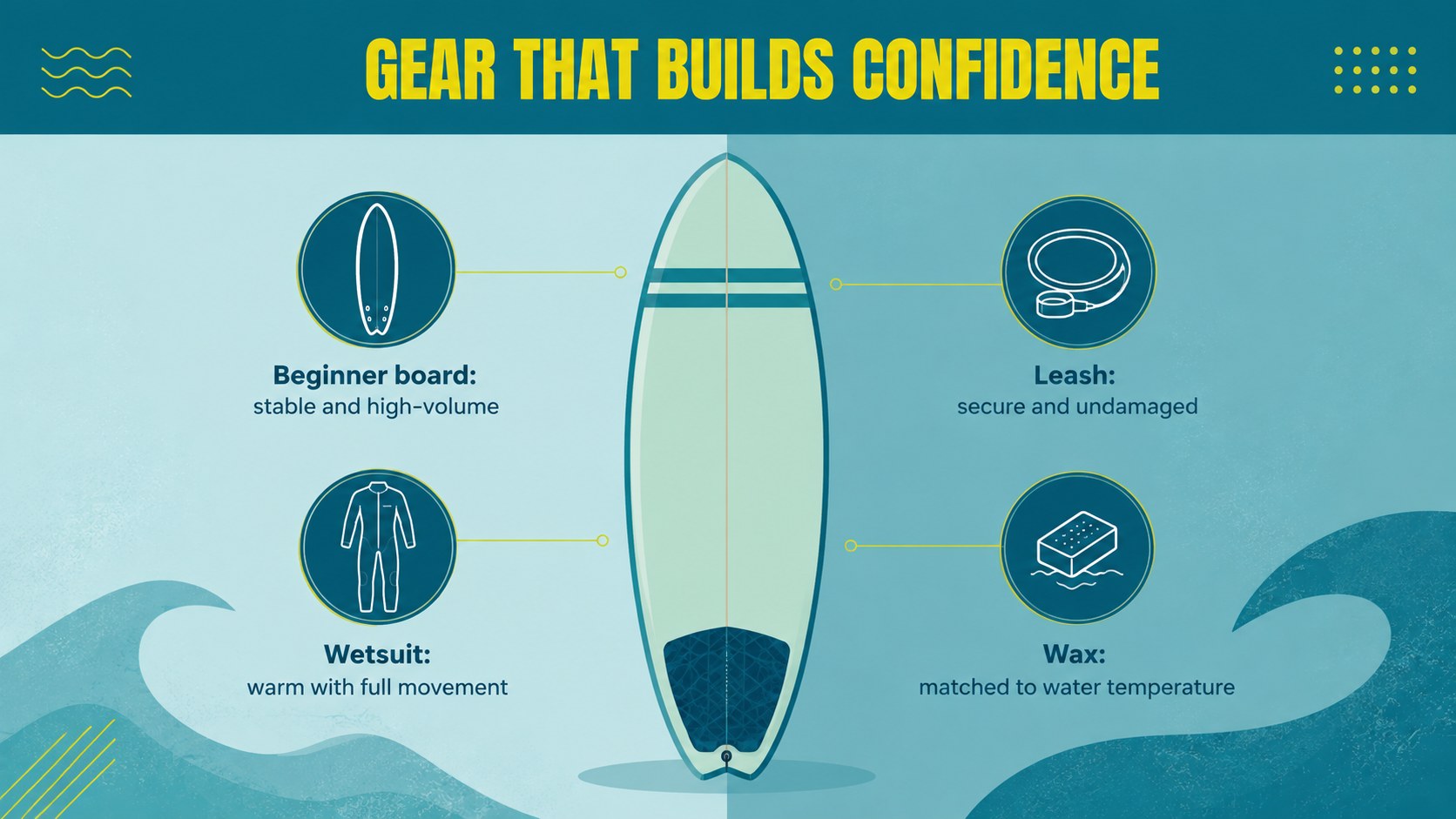
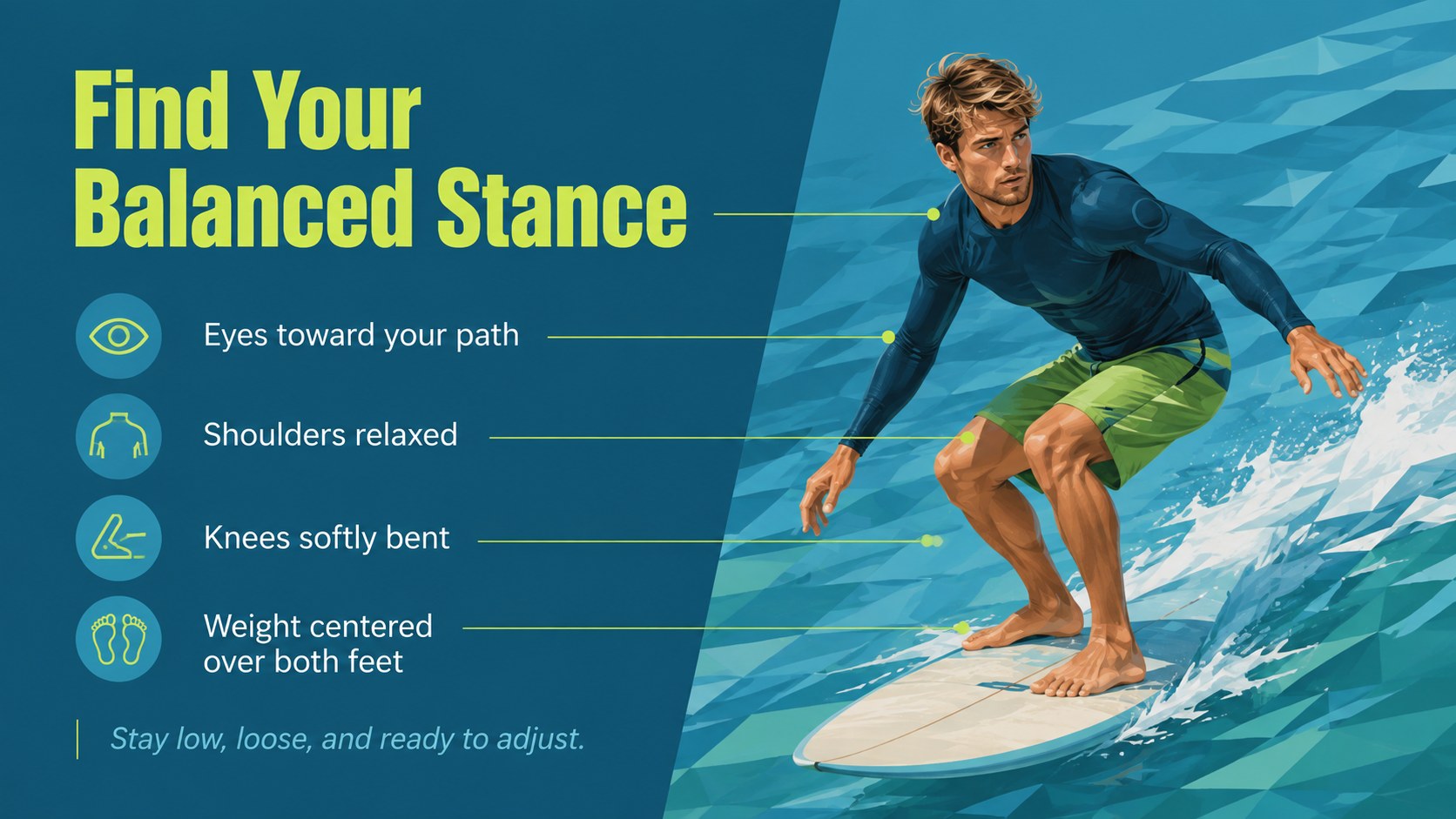
Help new surfers enter the water with practical knowledge and realistic expectations. This First Wave Surfing Lesson Deck gives instructors a clear sequence for explaining equipment, ocean awareness, paddling, standing up, and choosing suitable waves. Its fresh blue and green palette, spacious typography, and modern coastal graphics keep technical guidance approachable without losing focus.
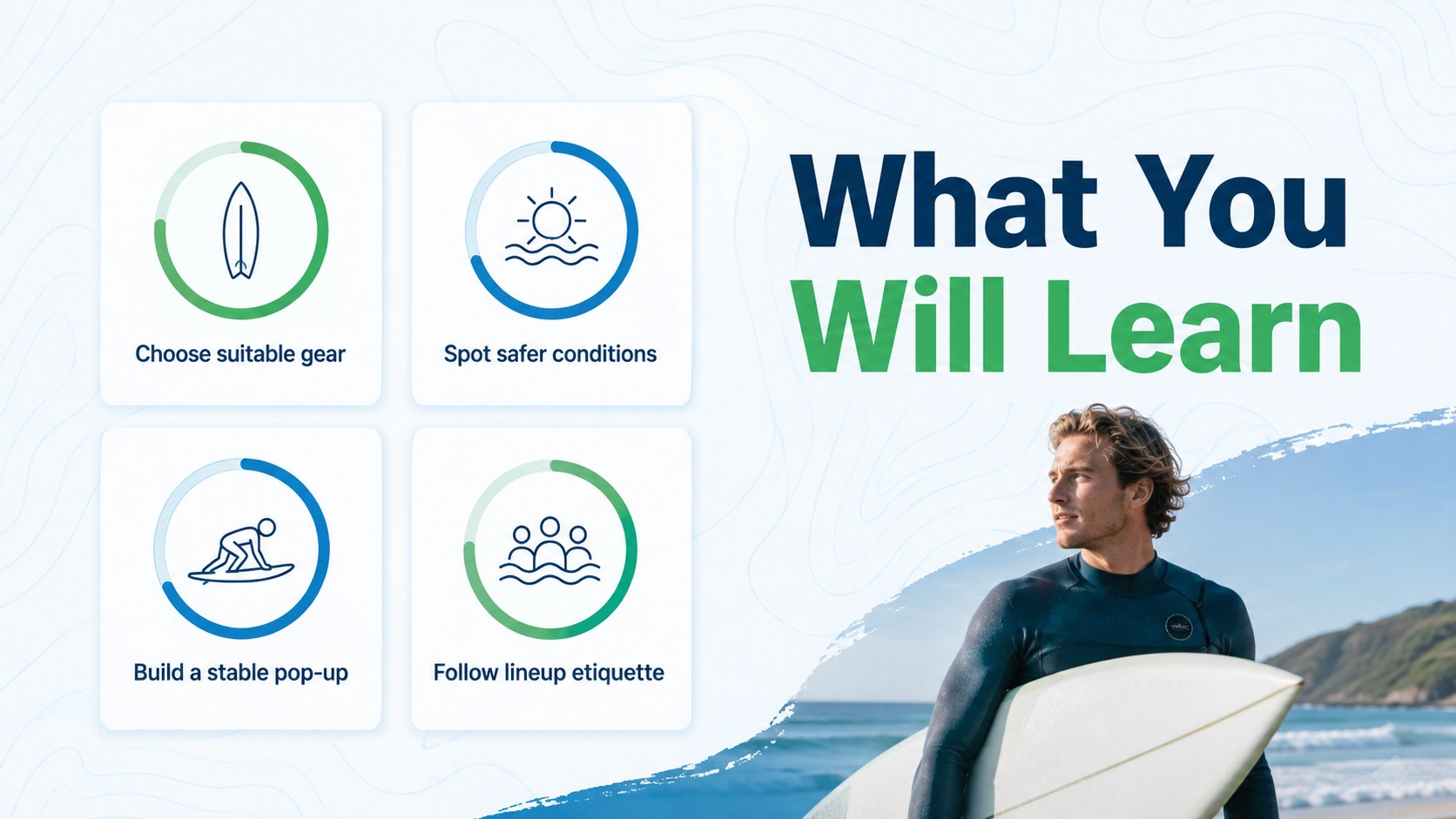
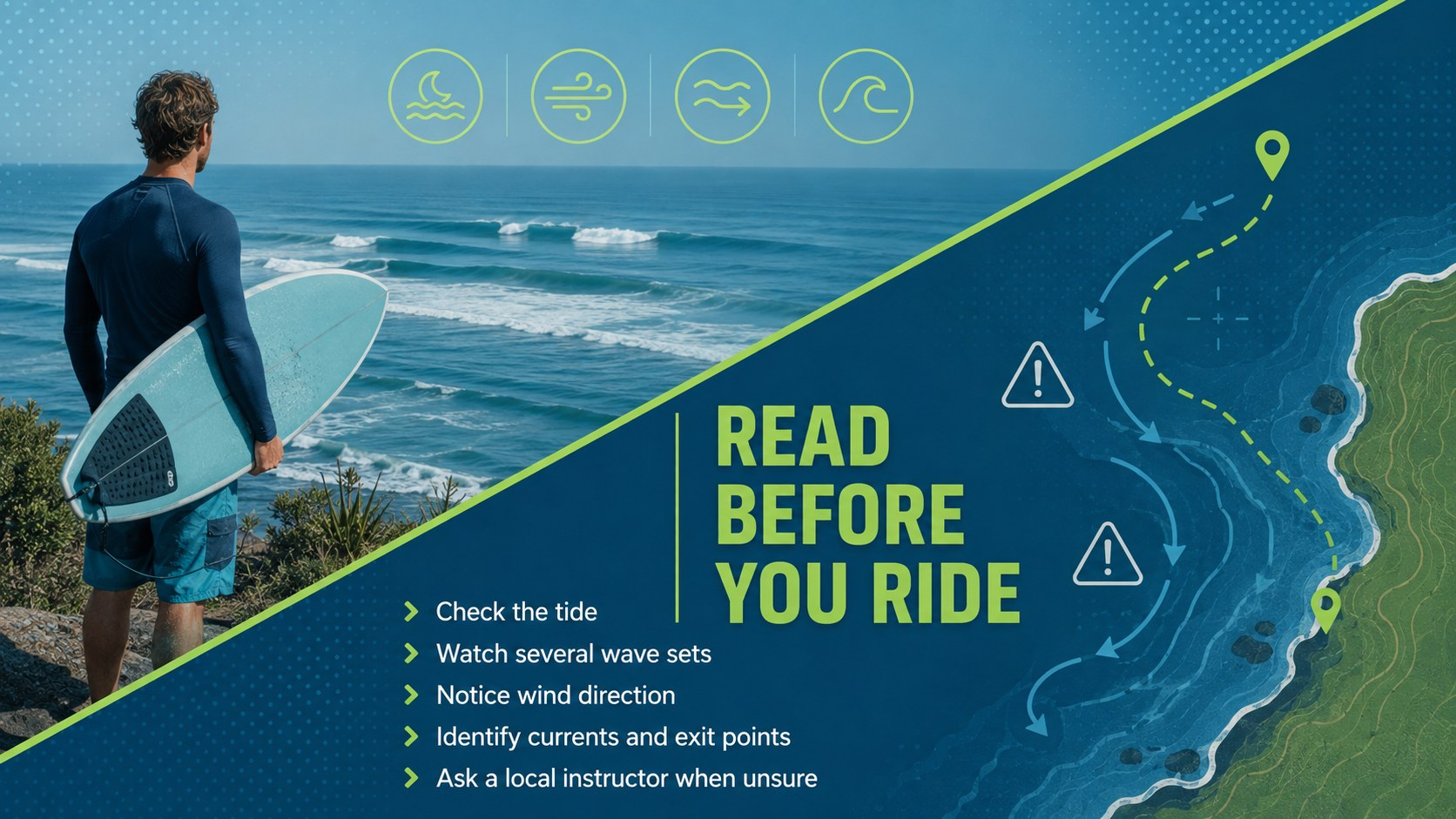
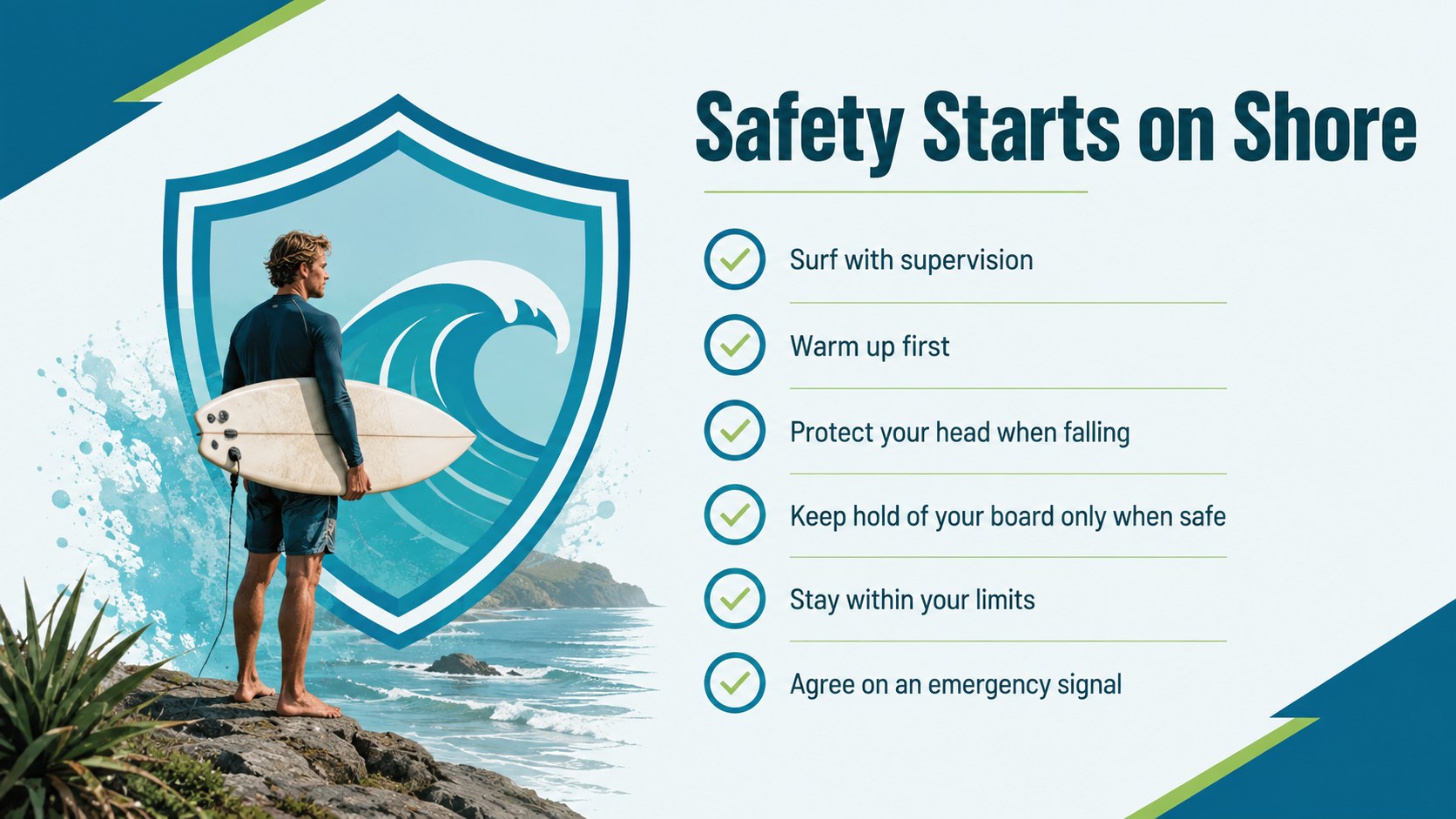
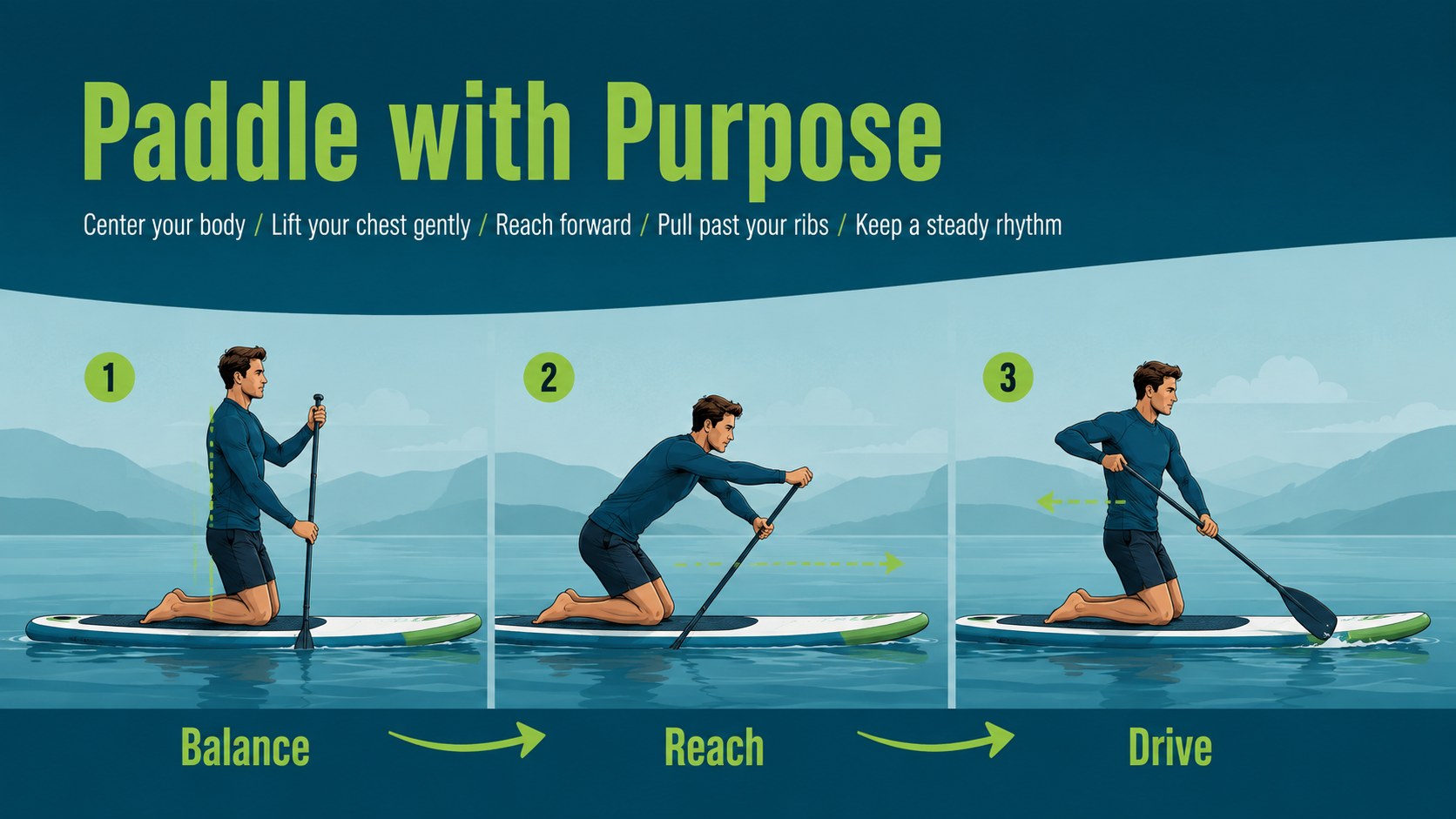
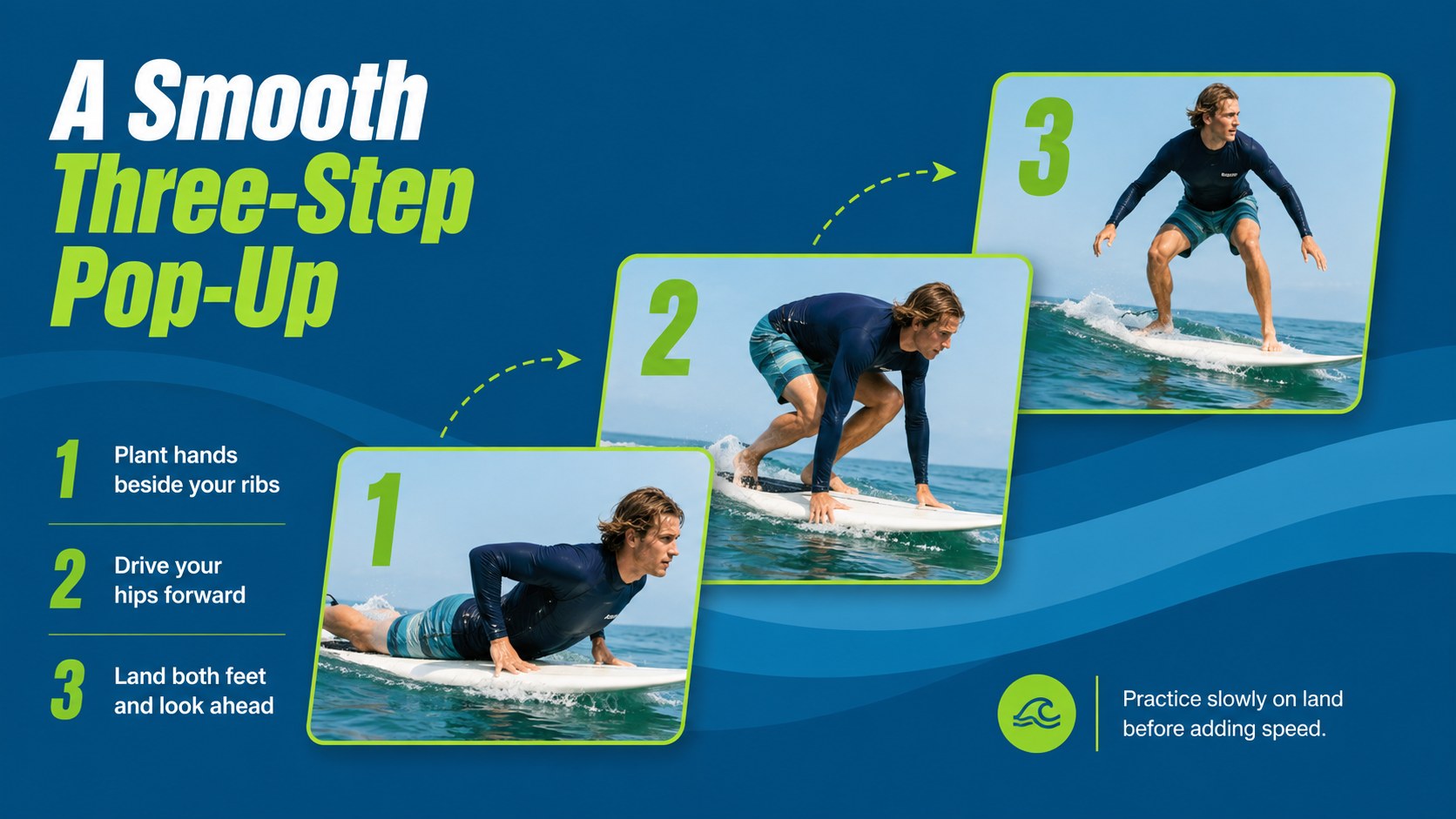
Inside, you will find an opening agenda, learning goals, board and wetsuit guidance, surf safety training slides, technique breakdowns, wave-reading tips, lineup etiquette, and a simple practice plan. Visual checklists and step-by-step layouts make the material easy to present during an indoor briefing or beside the beach. Every slide can be edited in PowerPoint or Google Slides, so instructors can add local conditions, lesson times, photographs, and school-specific safety procedures.
Use this surfing lesson deck as a beginner surf lesson presentation, a surf school orientation deck, or a visual guide for private coaching. It is designed for surf schools, activity leaders, summer camps, physical education teachers, and experienced surfers introducing friends to the sport. The structure supports short introductory sessions as well as longer workshops with demonstrations, discussion, and guided practice.
Perfect for: surf school beginner orientation; private first-wave coaching; summer camp surf workshop; beach safety briefing; physical education surf lesson.
Frequently asked questions
Can I edit the lesson content for local surf conditions? Yes. All headings, instructions, diagrams, colors, and image areas can be customized. Add local tide guidance, beach rules, emergency contacts, and instructor-specific coaching notes before presenting.
Practical details
Yes. All headings, instructions, diagrams, colors, and image areas can be customized. Add local tide guidance, beach rules, emergency contacts, and instructor-specific coaching notes before presenting.
Yes. The presentation is designed for editing and presenting in both PowerPoint and Google Slides. Review fonts and media placement after importing to ensure they display correctly on your device.
Yes. Select the equipment, safety, paddling, pop-up, and etiquette slides for a concise introduction. The complete sequence also supports a longer workshop with demonstrations and group discussion.
Replace the image placeholders with photographs of your beach, instructors, equipment, or lesson area. You can also adjust the blue and green accents while preserving strong contrast and readable text.
Keep exploring
15Build an engaging World UFO Day session with this flying saucer history lesson deck, featuring retro green-and-brown slides for PowerPoint and Google Slides.
 15
15Plan a lively animal-learning journey with this jungle zoo adventure lesson deck, ready to customize in PowerPoint and Google Slides for young learners.
 16
16Turn environmental research into a clear story with a Watercolor Ecology Presentation Theme for PowerPoint and Google Slides in calming green and blue.
 16
16Build focused fashion, literature, and humanities presentations with the Red Triangle Editorial Theme, editable in PowerPoint and Google Slides.
 15
15Turn streaming stats, favorite tracks, and concert highlights into a bold annual listening recap slide deck for PowerPoint and Google Slides.
 15
15Turn highlights, milestones, and favorite moments into a colorful year in review slide deck with bold 3D graphics for PowerPoint and Google Slides.
 3
3Build a credible endorsement with Standout Colleague Recommendation Letter Slides, featuring colorful prompts for skills, achievements, and team impact.
 4
4Build clear beginner sessions with an ice hockey fundamentals training deck for coaches, PE teachers, and clubs, ready for PowerPoint and Google Slides.