
 15
15presentation
Flying Saucer History Lesson Deck
Build an engaging World UFO Day session with this flying saucer history lesson deck, featuring retro green-and-brown slides for PowerPoint and Google Slides.
Google SlidesPowerPoint
presentation · English
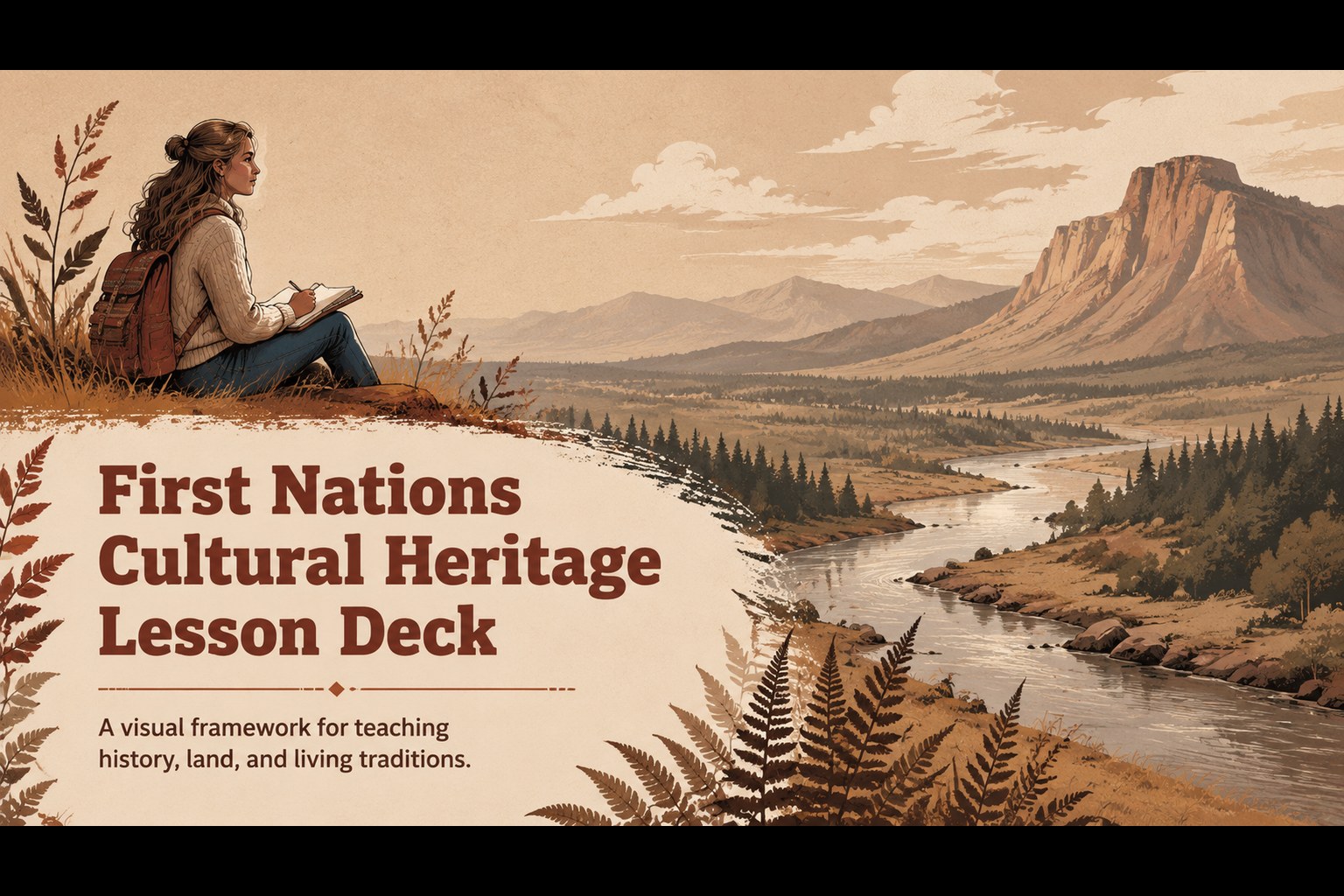
Build a thoughtful classroom story with a First Nations cultural heritage lesson for PowerPoint and Google Slides, using warm illustrated landscapes.
Design notes
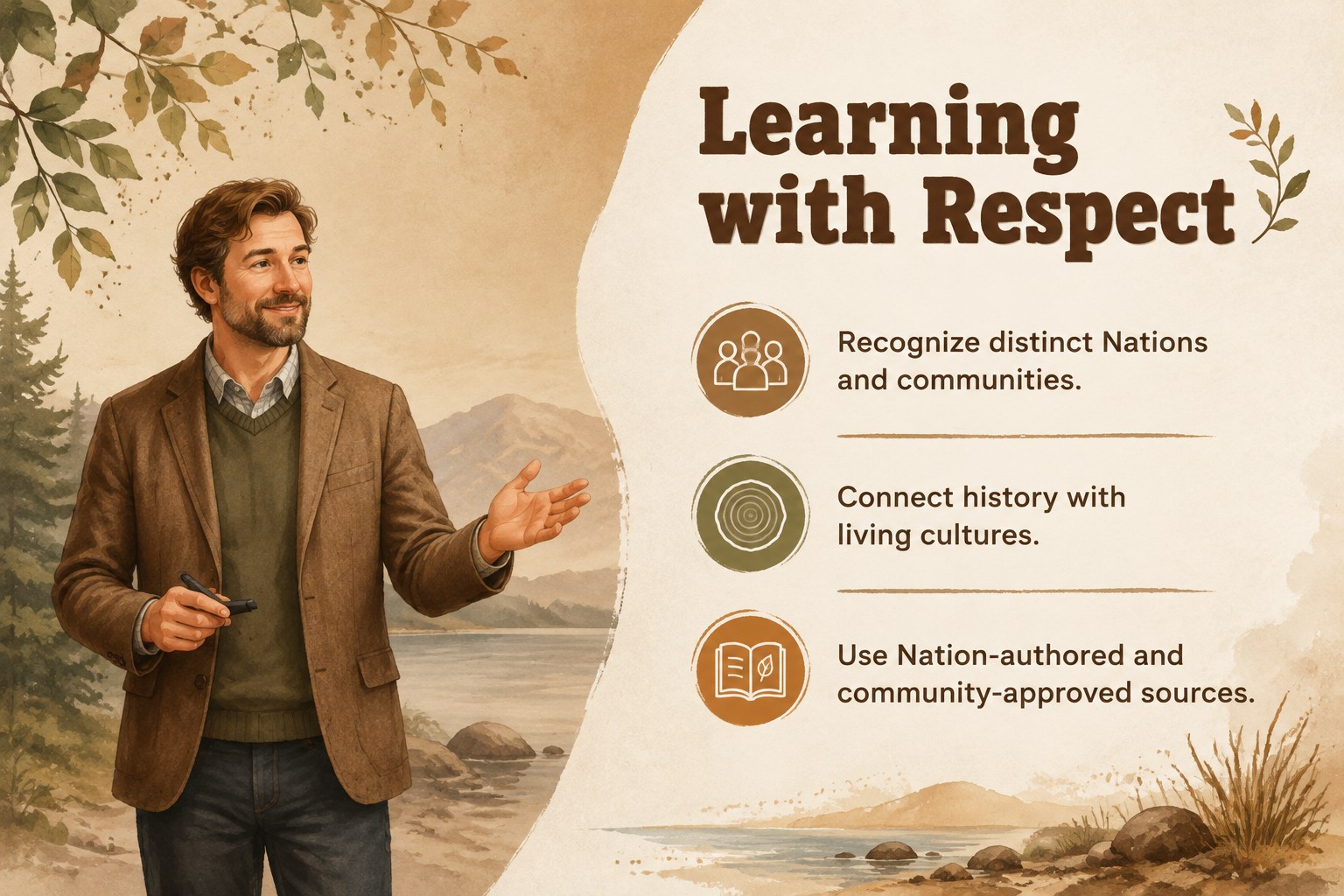
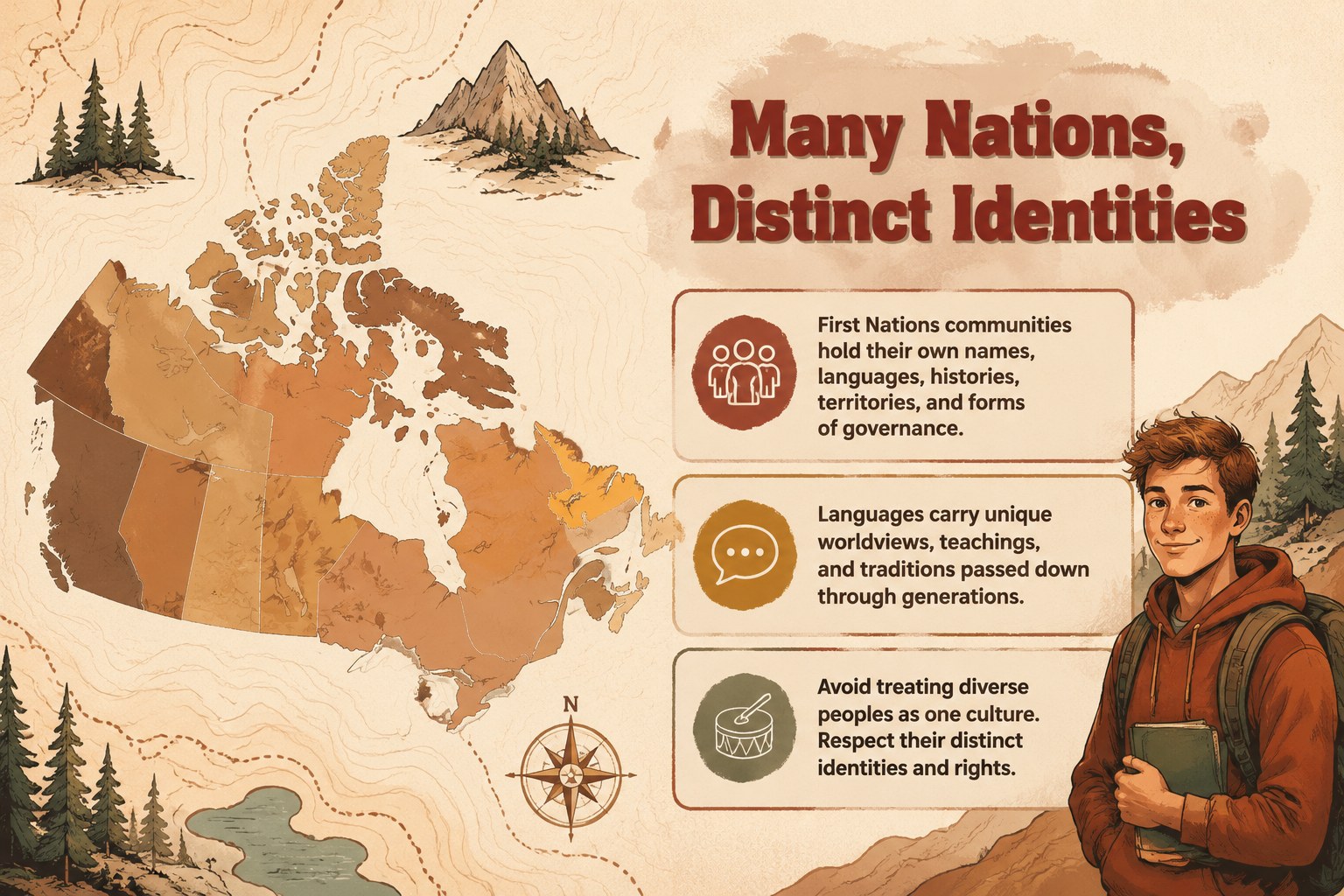
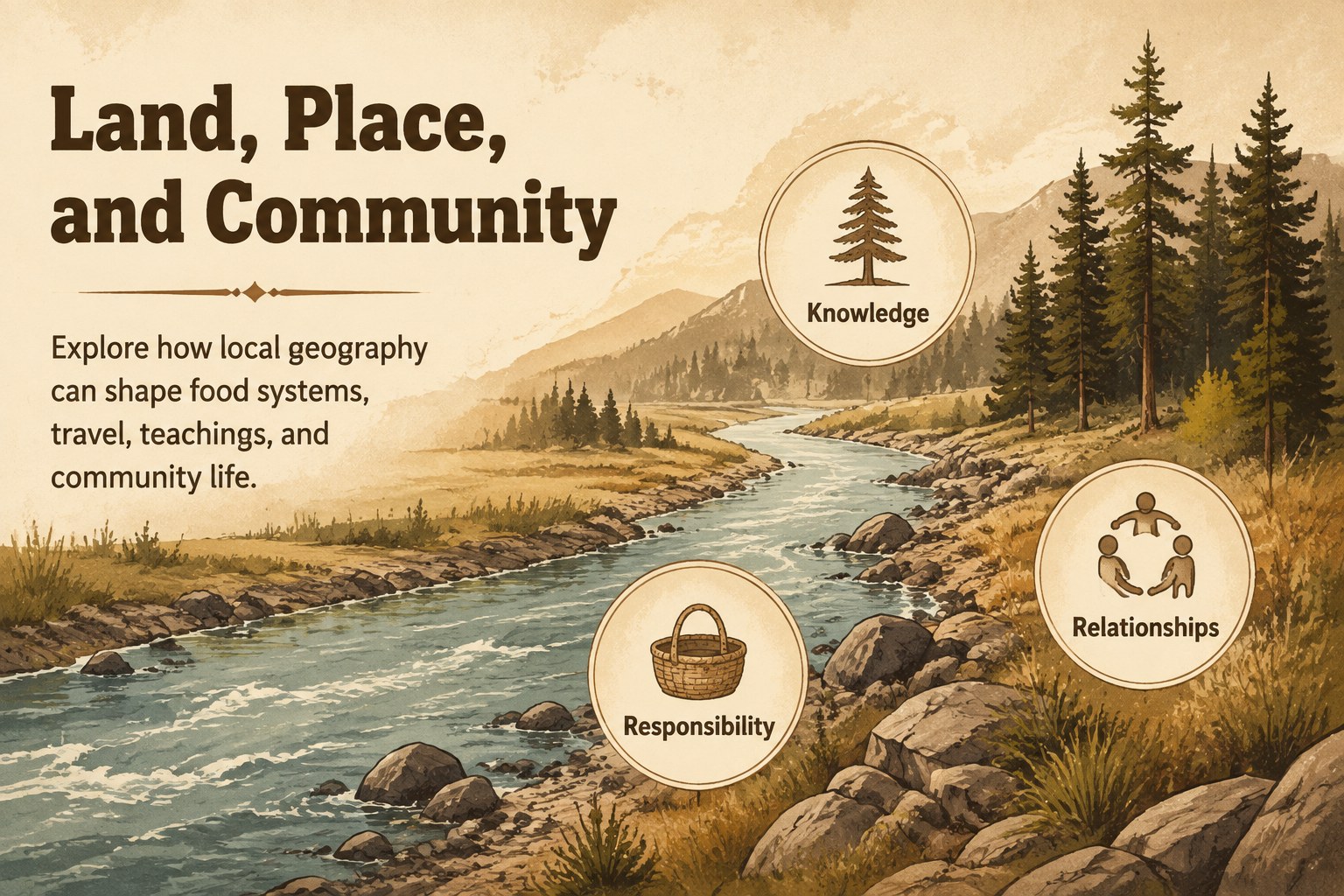
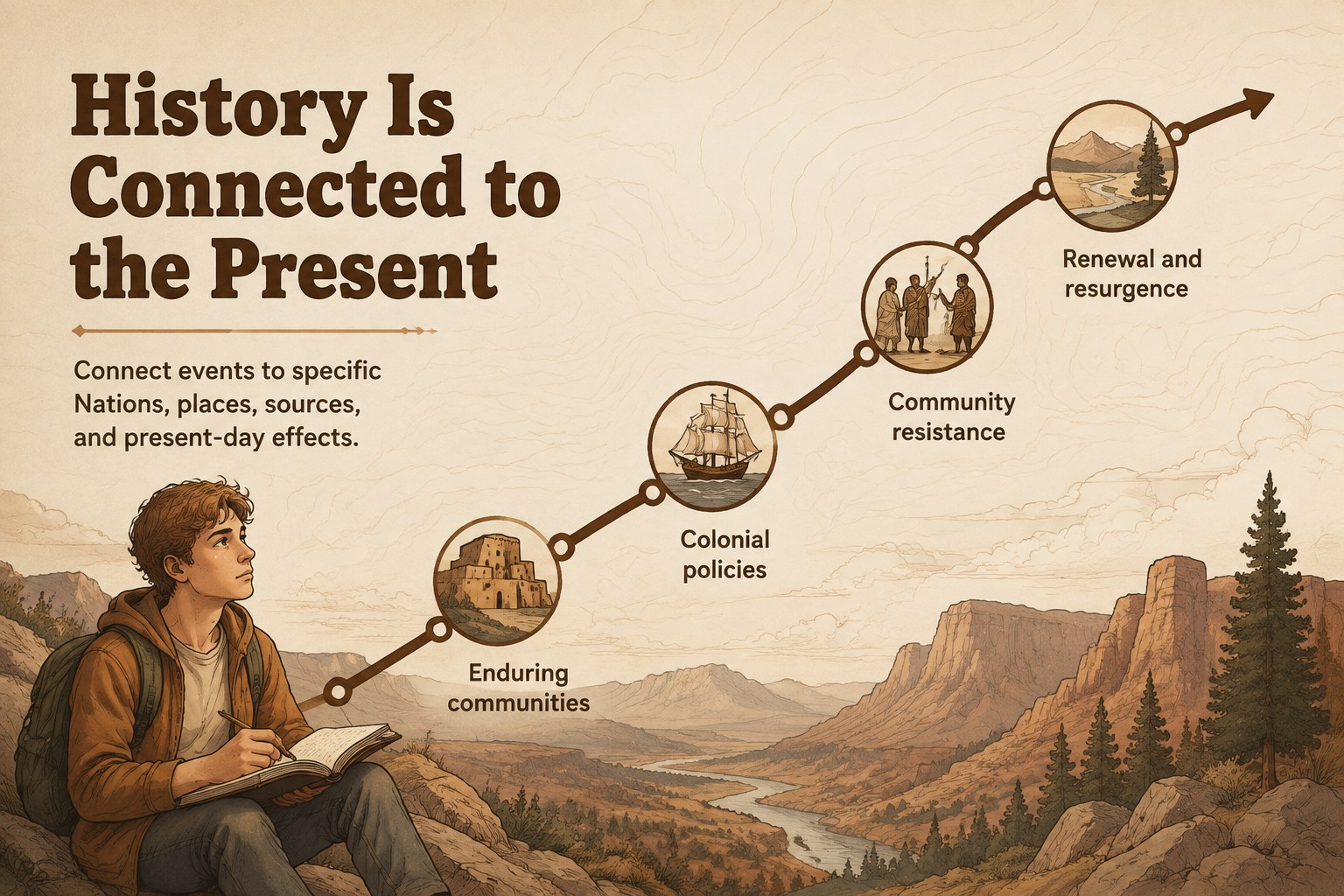
Create a thoughtful classroom narrative with this First Nations cultural heritage lesson for PowerPoint and Google Slides. Warm brown tones, organic shapes, and illustrated Canadian landscapes establish an inviting visual style for discussing history, identity, land, language, governance, and living traditions. The layouts balance concise teaching points with space for maps, archival material, quotations, and student observations.
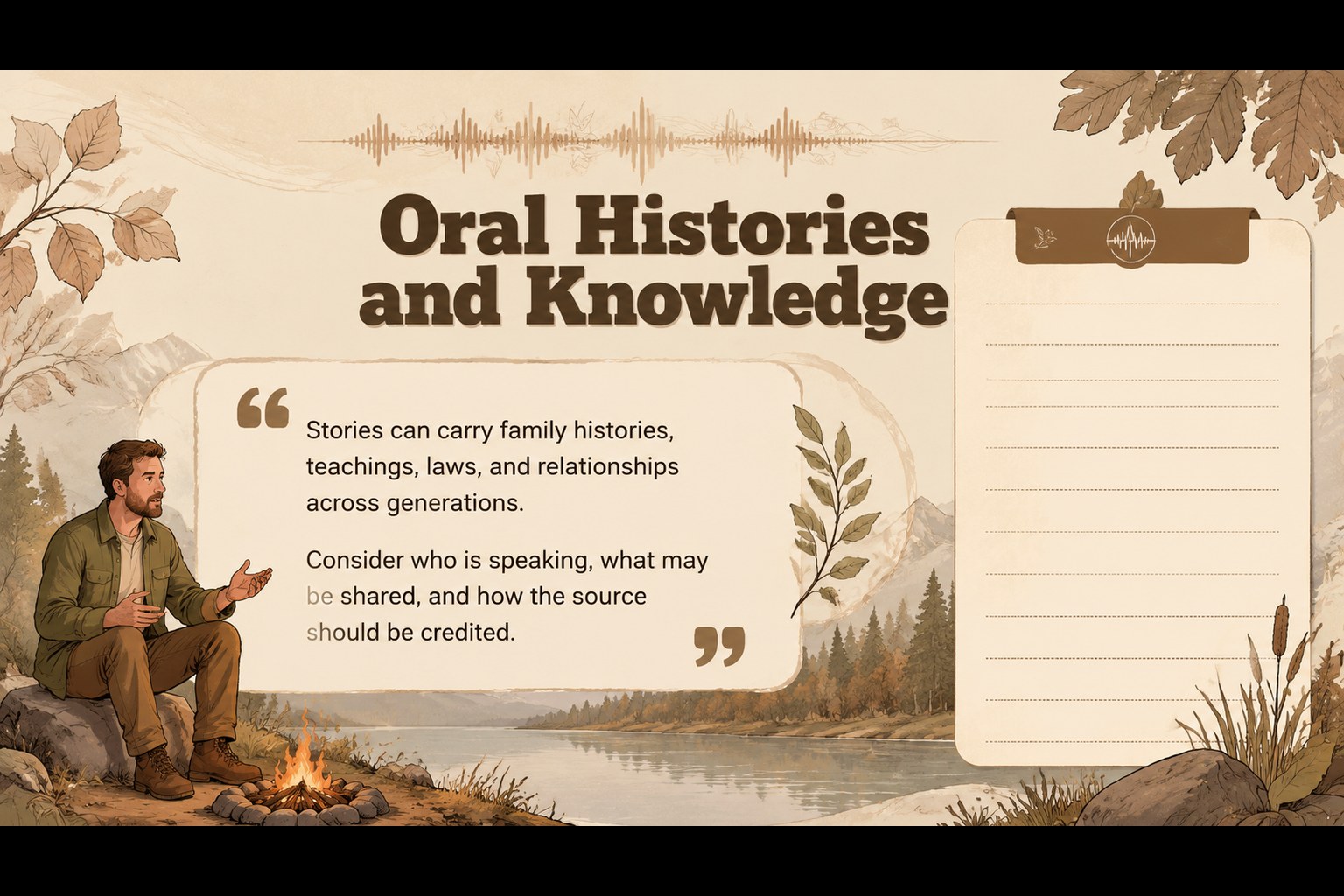
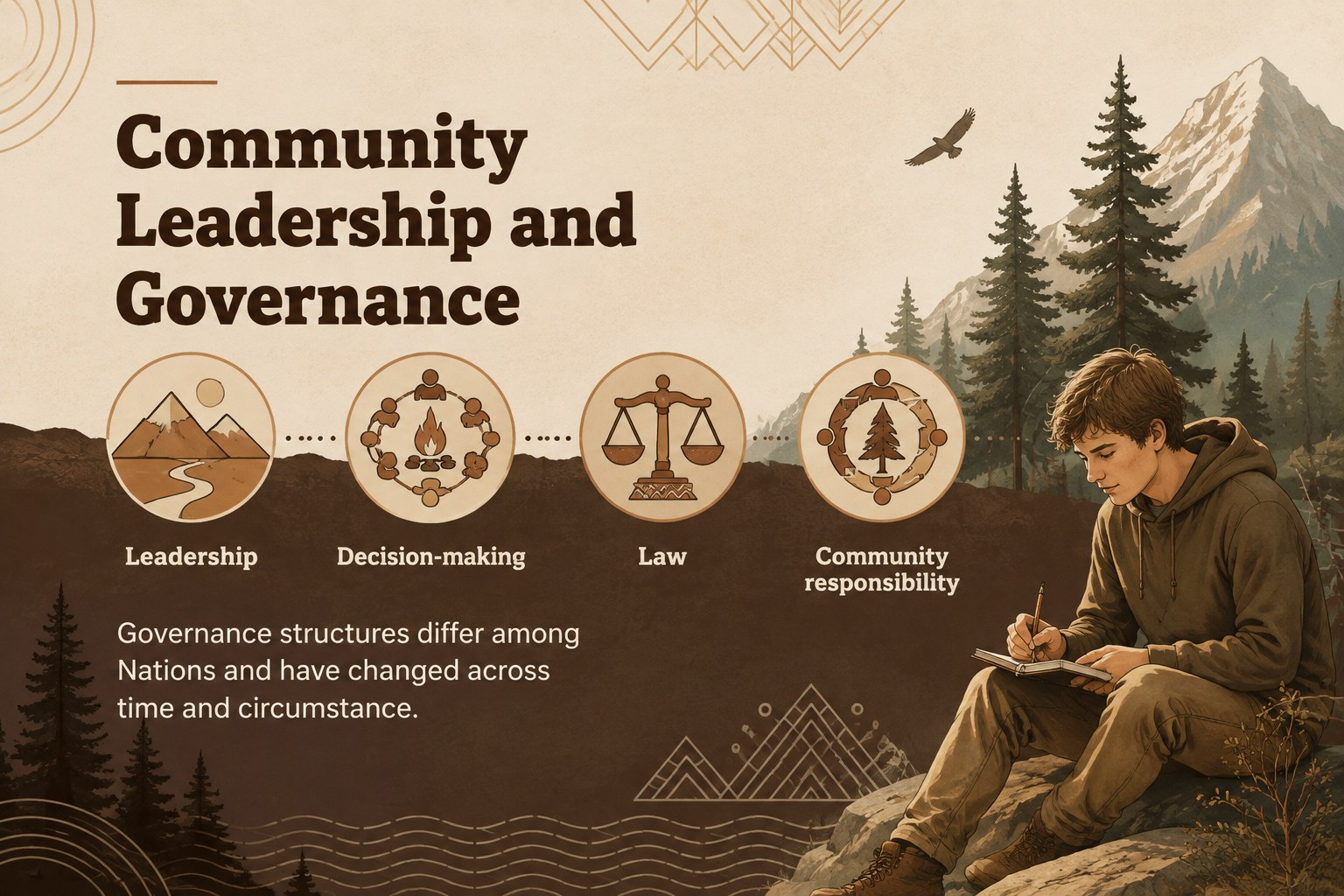
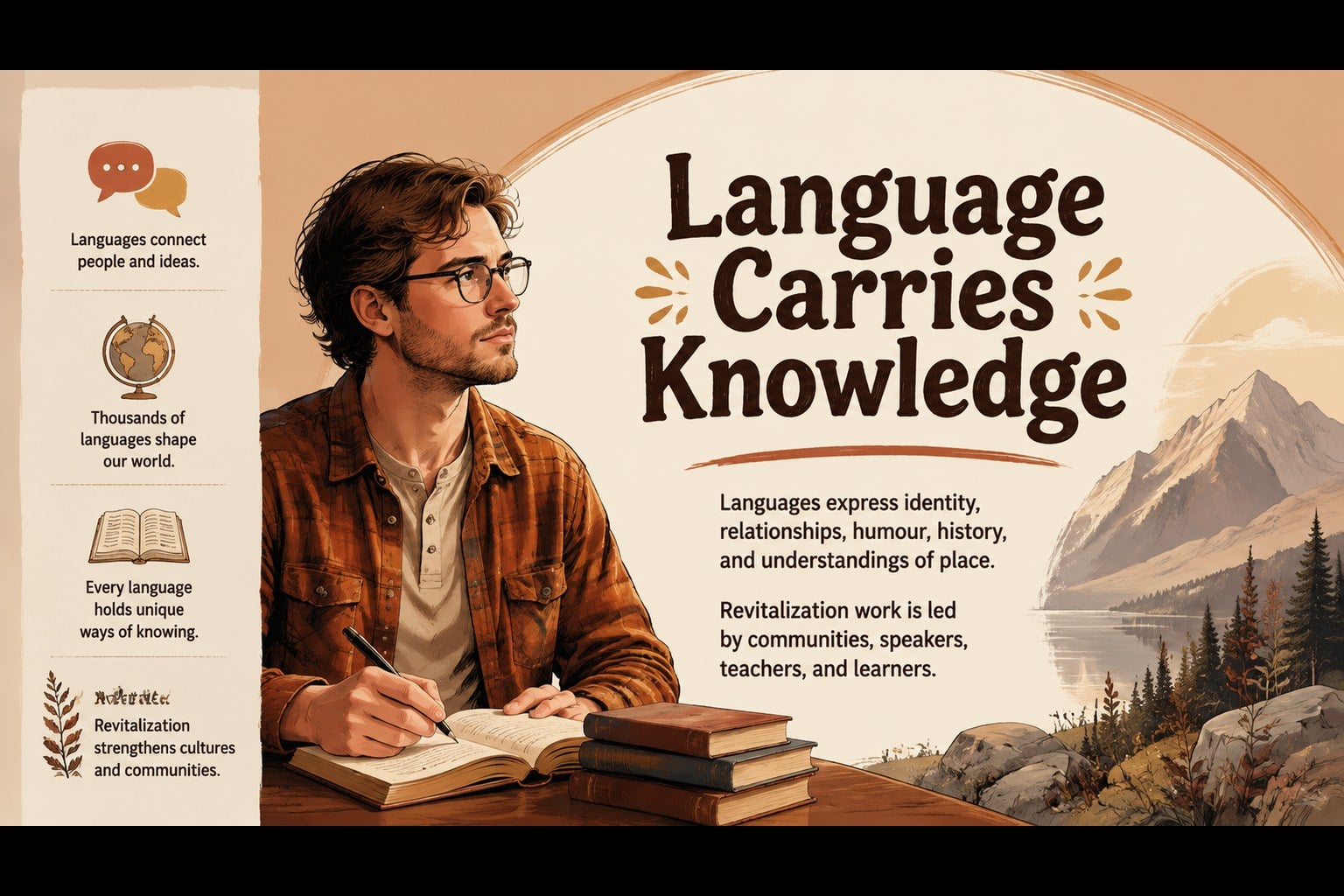
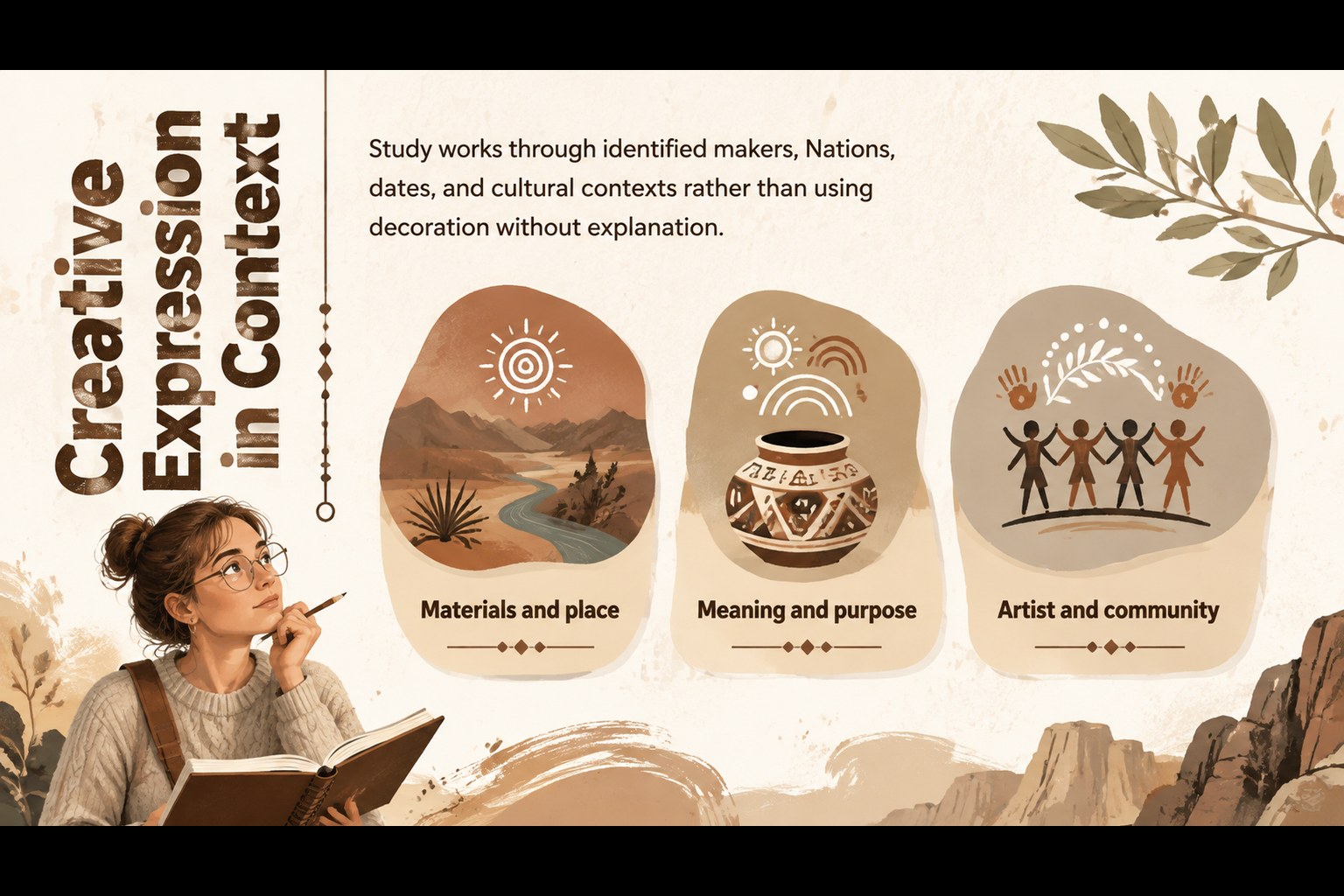
The deck includes 14 adaptable slides for opening context, respectful terminology, regional diversity, relationships with the land, oral histories, community governance, language, creative expression, contemporary experiences, source analysis, discussion, and reflection. Use it as a Canadian Indigenous history presentation for students or reshape it into a First Nations social studies slide deck for a focused unit. Timelines, comparison layouts, image frames, and activity prompts help educators organize reliable, Nation-specific research without presenting First Nations peoples as a single culture.
Designed for teachers, students, museum educators, and community learning programs, these editable First Nations classroom slides support lessons across history, geography, civics, anthropology, and cultural studies. Replace the sample wording with information from Nation-authored resources, local cultural organizations, and approved curriculum materials. Every slide can be adjusted to match the age group, lesson length, and community context while preserving the earthy illustrated design.
Perfect for: Canadian history classroom lesson; First Nations social studies unit; Cultural heritage student project; Museum education workshop; Community research presentation.
Frequently asked questions
Can I edit every part of the lesson deck? Yes. Text, colors, illustrations, image frames, and activity prompts can be edited in PowerPoint or Google Slides. You can also duplicate or remove layouts to fit a shorter lesson.
Practical details
Yes. Text, colors, illustrations, image frames, and activity prompts can be edited in PowerPoint or Google Slides. You can also duplicate or remove layouts to fit a shorter lesson.
The deck is designed for PowerPoint and Google Slides. Some fonts or transitions may vary slightly between platforms, so review the presentation once it has been imported.
Replace general prompts with Nation-specific names, histories, languages, and perspectives from reliable community-approved sources. Whenever possible, prioritize Nation-authored materials and guidance from local cultural or educational organizations.
Yes. Simplify the vocabulary and use more guided questions for younger students, or add primary-source analysis and research tasks for older learners. Speaker notes can hold additional context without crowding the slides.
Keep exploring
15Build an engaging World UFO Day session with this flying saucer history lesson deck, featuring retro green-and-brown slides for PowerPoint and Google Slides.
 15
15Plan a lively animal-learning journey with this jungle zoo adventure lesson deck, ready to customize in PowerPoint and Google Slides for young learners.
 16
16Turn environmental research into a clear story with a Watercolor Ecology Presentation Theme for PowerPoint and Google Slides in calming green and blue.
 16
16Build focused fashion, literature, and humanities presentations with the Red Triangle Editorial Theme, editable in PowerPoint and Google Slides.
 15
15Turn streaming stats, favorite tracks, and concert highlights into a bold annual listening recap slide deck for PowerPoint and Google Slides.
 15
15Turn highlights, milestones, and favorite moments into a colorful year in review slide deck with bold 3D graphics for PowerPoint and Google Slides.
 3
3Build a credible endorsement with Standout Colleague Recommendation Letter Slides, featuring colorful prompts for skills, achievements, and team impact.
 4
4Build clear beginner sessions with an ice hockey fundamentals training deck for coaches, PE teachers, and clubs, ready for PowerPoint and Google Slides.