
 15
15presentation
Flying Saucer History Lesson Deck
Build an engaging World UFO Day session with this flying saucer history lesson deck, featuring retro green-and-brown slides for PowerPoint and Google Slides.
Google SlidesPowerPoint
presentation · English
Build lively math practice with a first grade addition lesson deck featuring friendly illustrations, visual examples, and editable activities for young…
Design notes
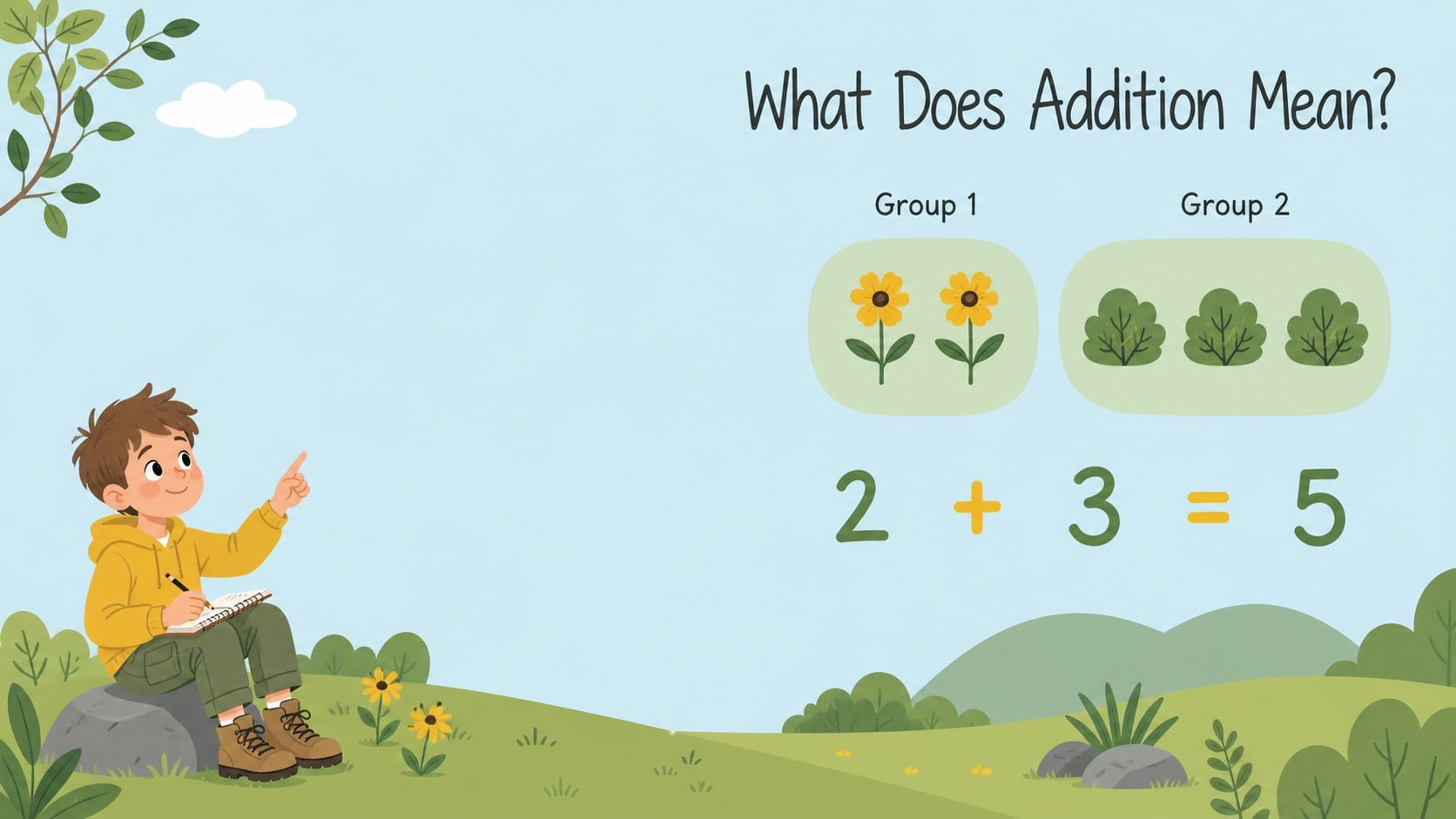
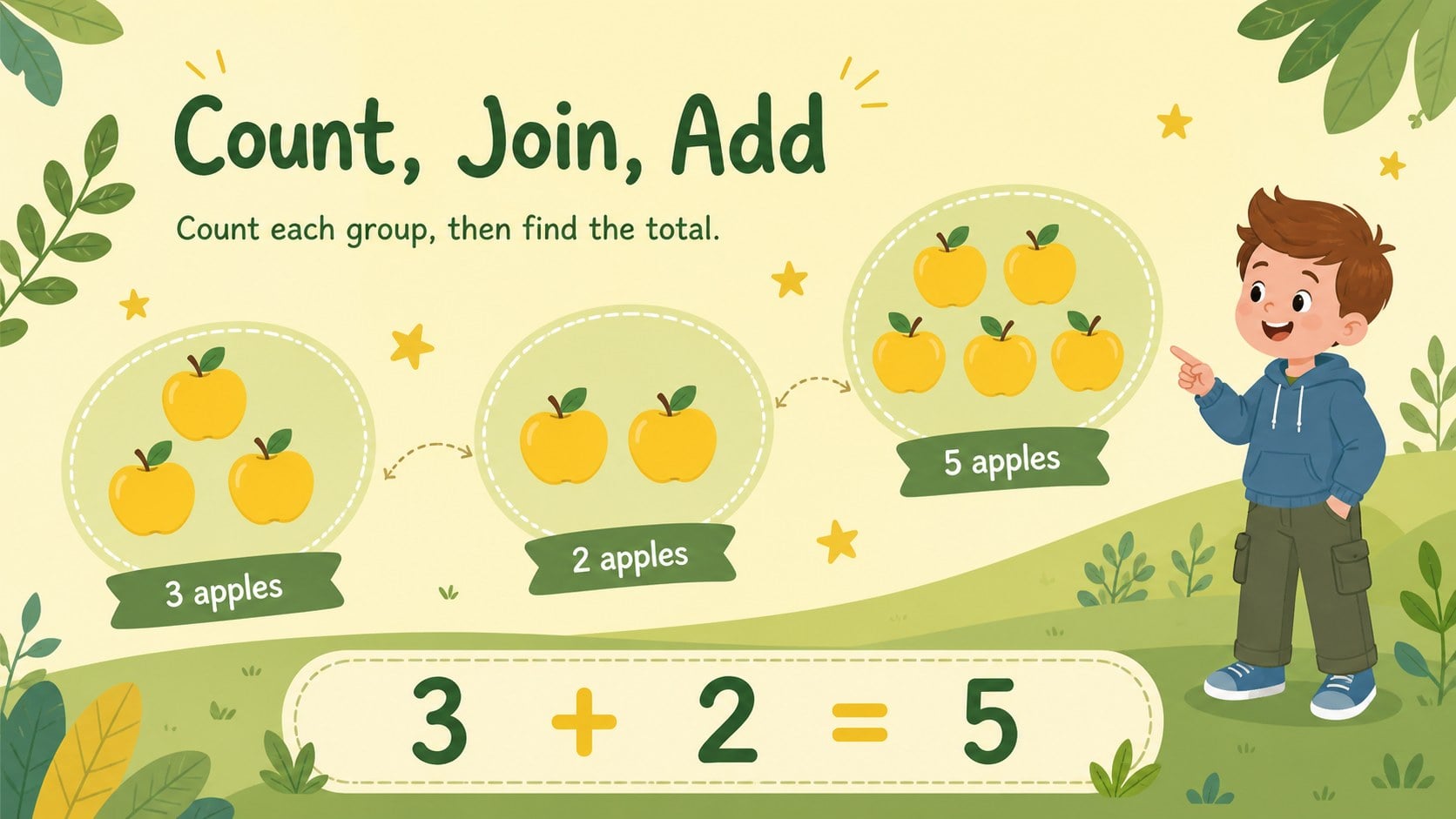
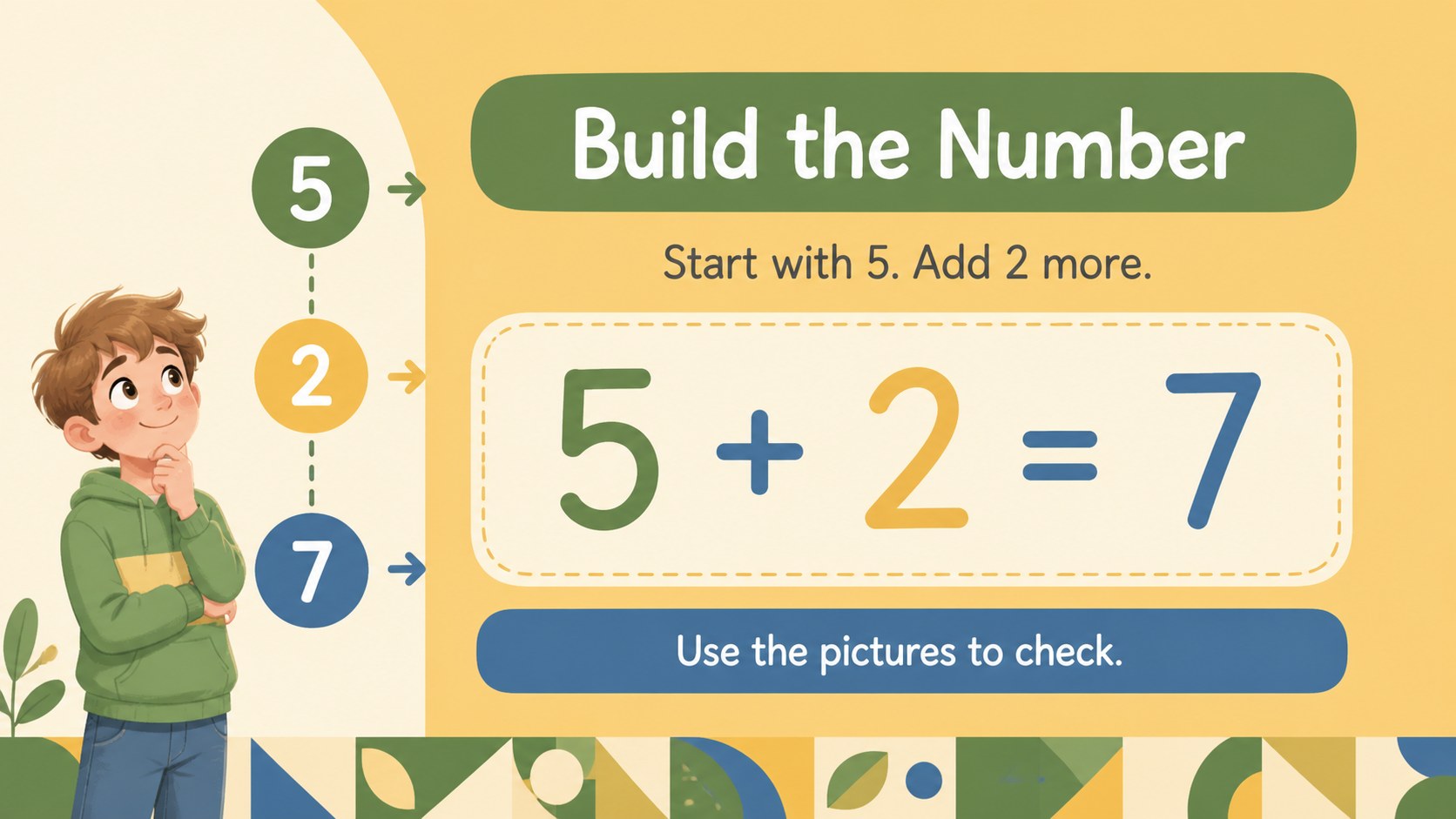
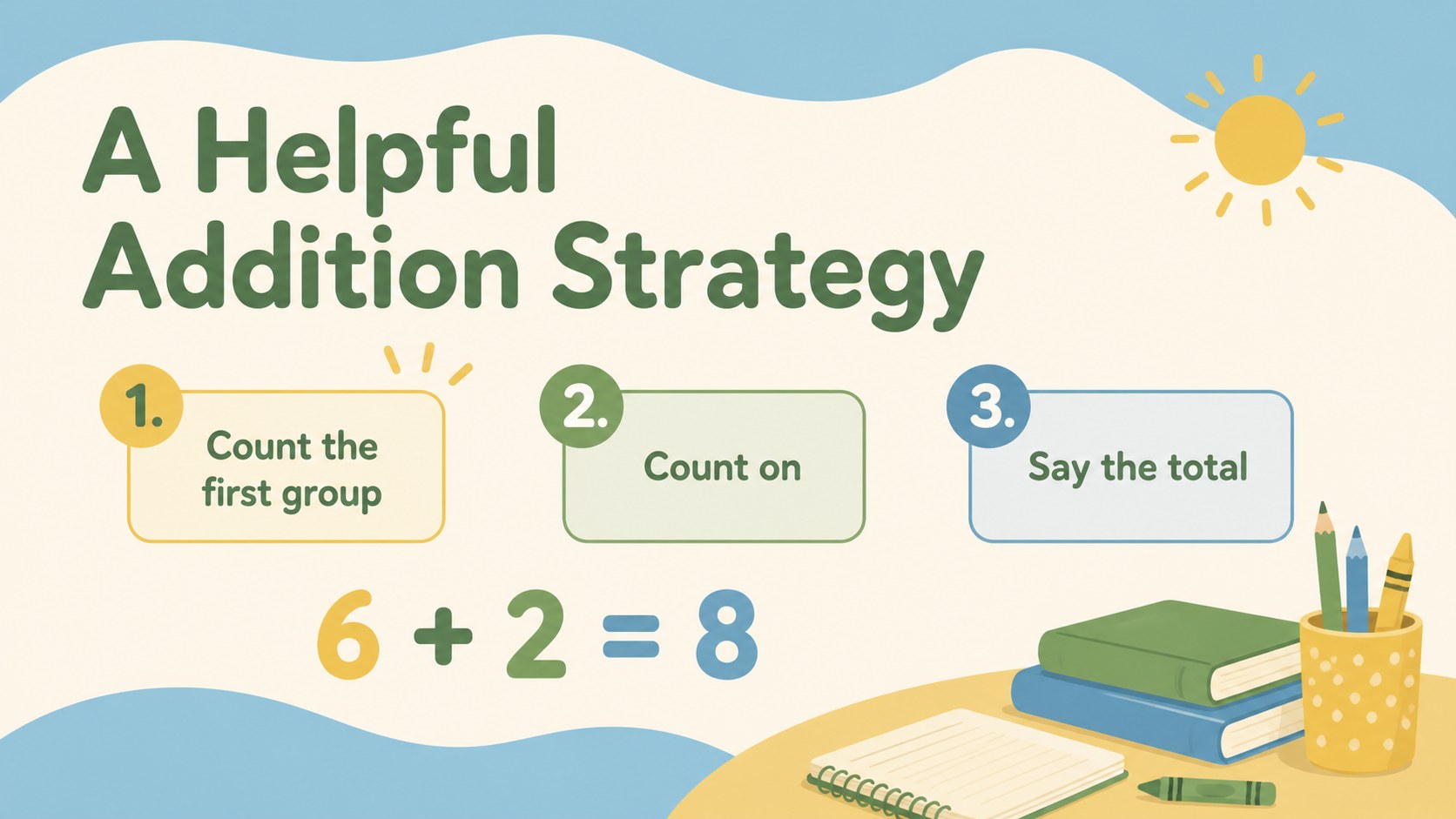
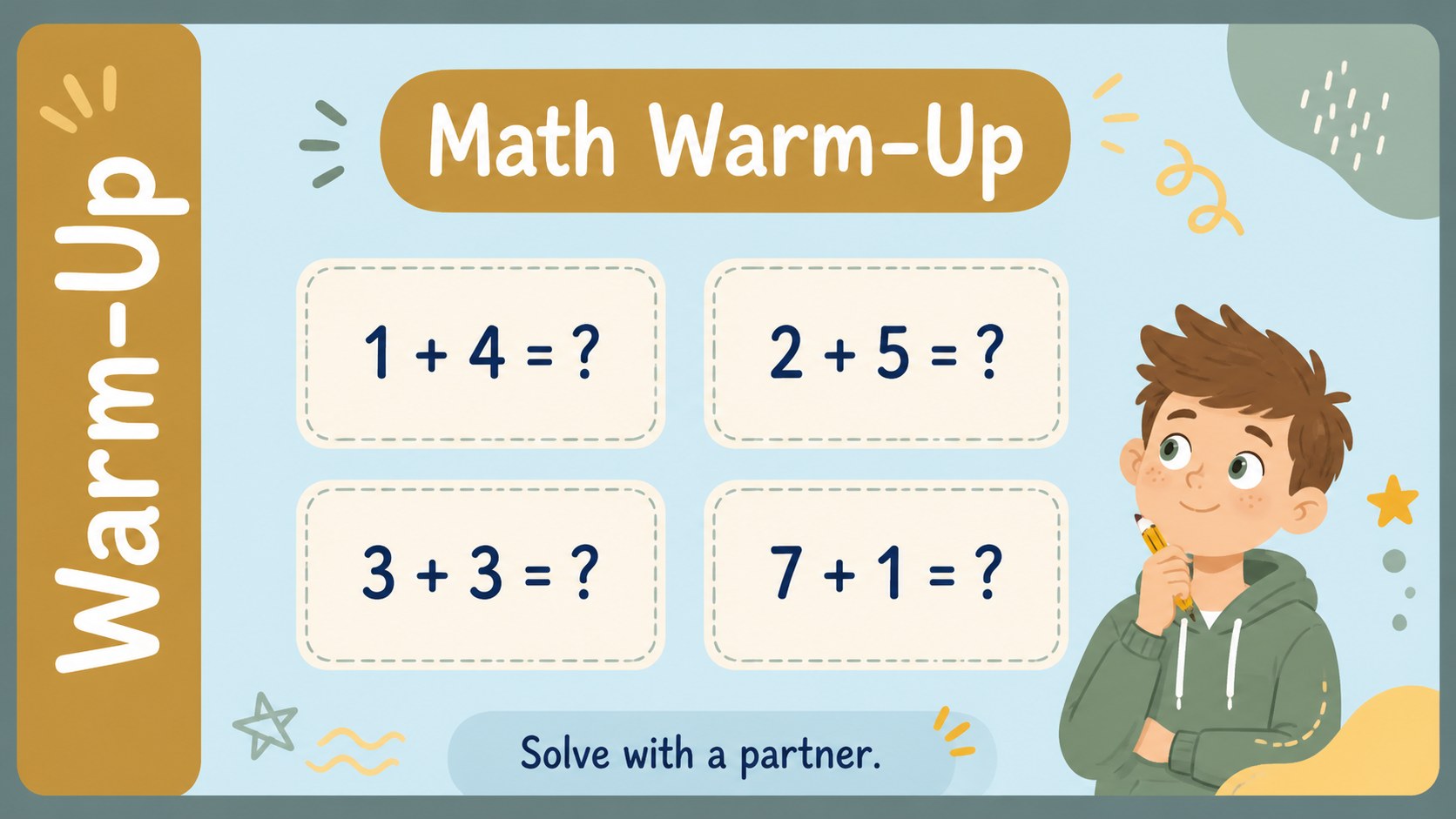
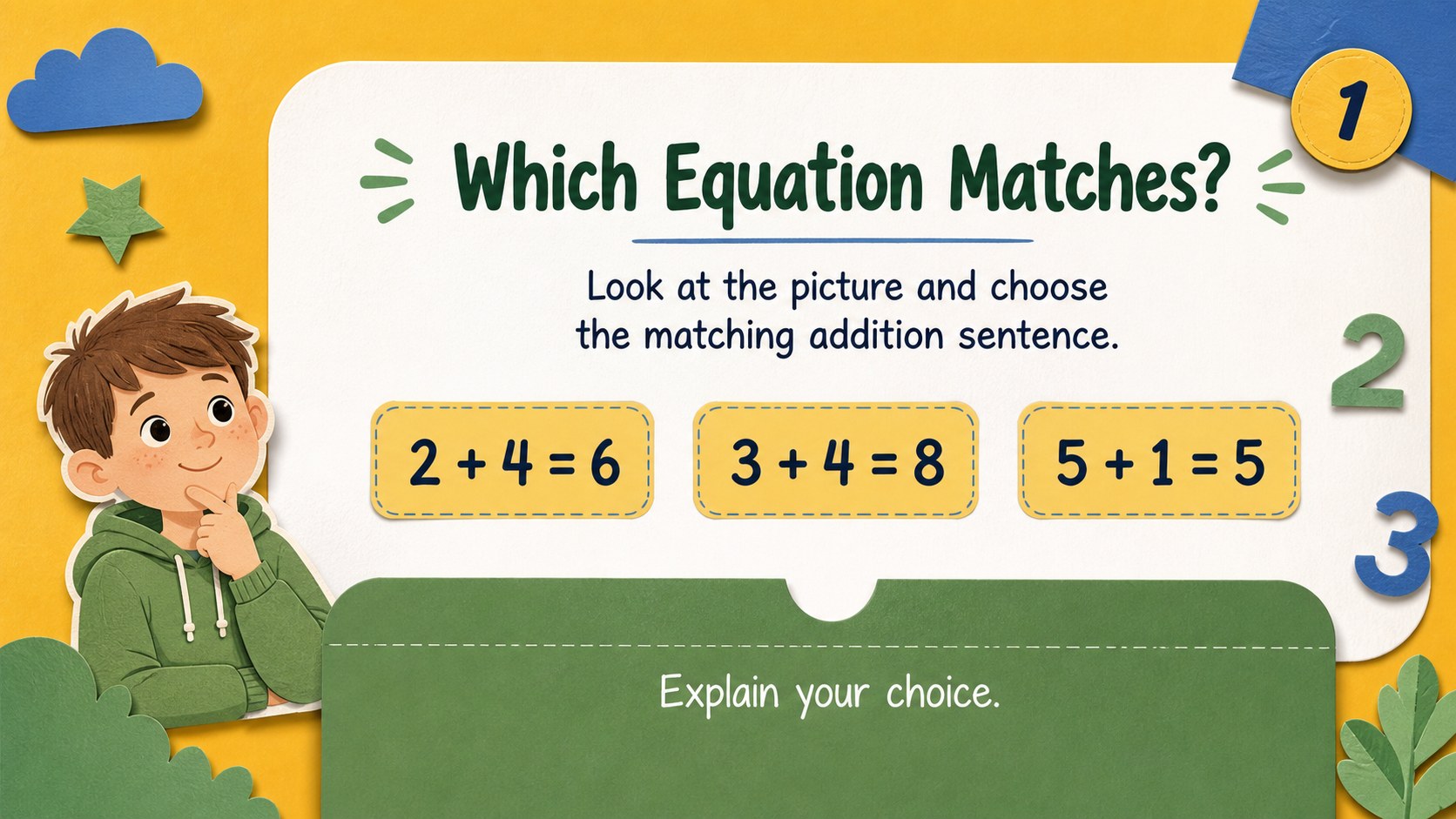
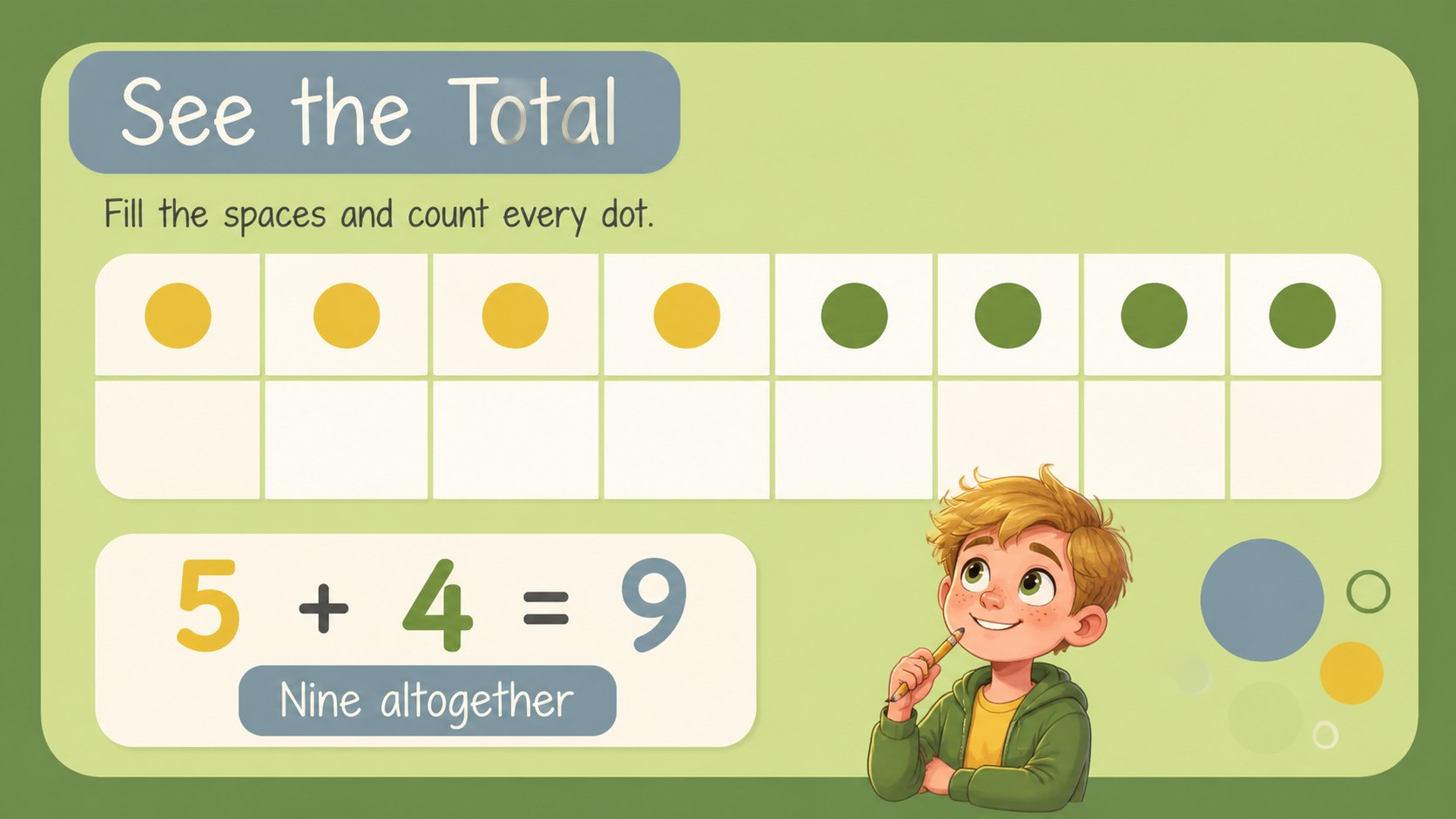
Make early arithmetic feel approachable with this first grade addition lesson deck for teachers working with young learners. Friendly animal illustrations and a lively mix of yellow, green, and blue create an upbeat setting for introducing number combinations, counting strategies, and simple equations.
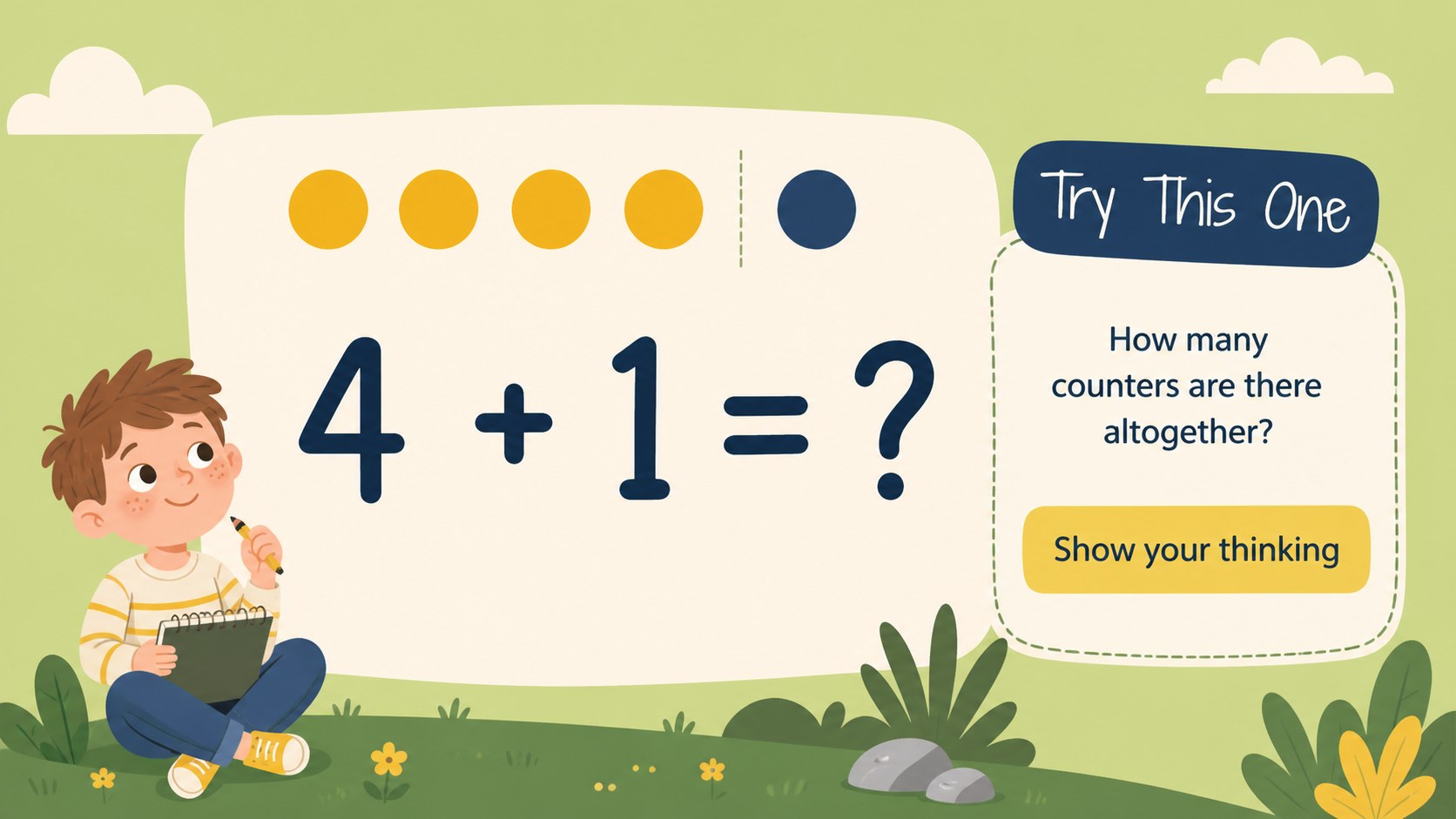
Inside, you’ll find visual addition examples, picture-based problems, practice prompts, and flexible layouts for guided instruction or independent work. The 16:9 slides are fully editable in PowerPoint and Google Slides, so you can adjust numbers, add classroom language, or create differentiated activities for varied learning levels. Quicksand and Shadows Into Light Two keep the typography rounded, readable, and welcoming for children.
Use the deck for a first grade math warm-up, a small-group intervention, a homeschool activity, or a review lesson before an assessment. It also works well as an addition counting presentation when students need concrete visual support before moving toward abstract equations. Teachers can mix whole-class explanation with quick checks, partner challenges, and exit questions to make each lesson more interactive. Bright colors, clear structure, and child-friendly visuals help maintain attention while leaving plenty of room for your own teaching approach.
Perfect for: first grade math warm-up; small-group addition intervention; homeschool counting activity; addition review before assessment.
Frequently asked questions
Can I edit the numbers and exercises? Yes. The text, numbers, illustrations, colors, and layout elements can be adjusted to match your lesson. Create easier examples, extension problems, or localized classroom instructions as needed.
Practical details
Yes. The text, numbers, illustrations, colors, and layout elements can be adjusted to match your lesson. Create easier examples, extension problems, or localized classroom instructions as needed.
The deck is designed for PowerPoint and Google Slides. You can present it digitally, share it with colleagues, or export it to a format supported by your classroom workflow.
Yes. Picture-based examples and counting prompts provide concrete support before students work with equations alone. Teachers can also use the layouts for guided practice, partner work, or review.
Yes. Replace the example values, duplicate practice layouts, and add challenge questions to create differentiated instruction. The visual structure works for introductory practice as well as reinforcement.
Keep exploring
15Build an engaging World UFO Day session with this flying saucer history lesson deck, featuring retro green-and-brown slides for PowerPoint and Google Slides.
 15
15Plan a lively animal-learning journey with this jungle zoo adventure lesson deck, ready to customize in PowerPoint and Google Slides for young learners.
 16
16Turn environmental research into a clear story with a Watercolor Ecology Presentation Theme for PowerPoint and Google Slides in calming green and blue.
 16
16Build focused fashion, literature, and humanities presentations with the Red Triangle Editorial Theme, editable in PowerPoint and Google Slides.
 15
15Turn streaming stats, favorite tracks, and concert highlights into a bold annual listening recap slide deck for PowerPoint and Google Slides.
 15
15Turn highlights, milestones, and favorite moments into a colorful year in review slide deck with bold 3D graphics for PowerPoint and Google Slides.
 3
3Build a credible endorsement with Standout Colleague Recommendation Letter Slides, featuring colorful prompts for skills, achievements, and team impact.
 4
4Build clear beginner sessions with an ice hockey fundamentals training deck for coaches, PE teachers, and clubs, ready for PowerPoint and Google Slides.