
 15
15presentation
Flying Saucer History Lesson Deck
Build an engaging World UFO Day session with this flying saucer history lesson deck, featuring retro green-and-brown slides for PowerPoint and Google Slides.
Google SlidesPowerPoint
presentation · English
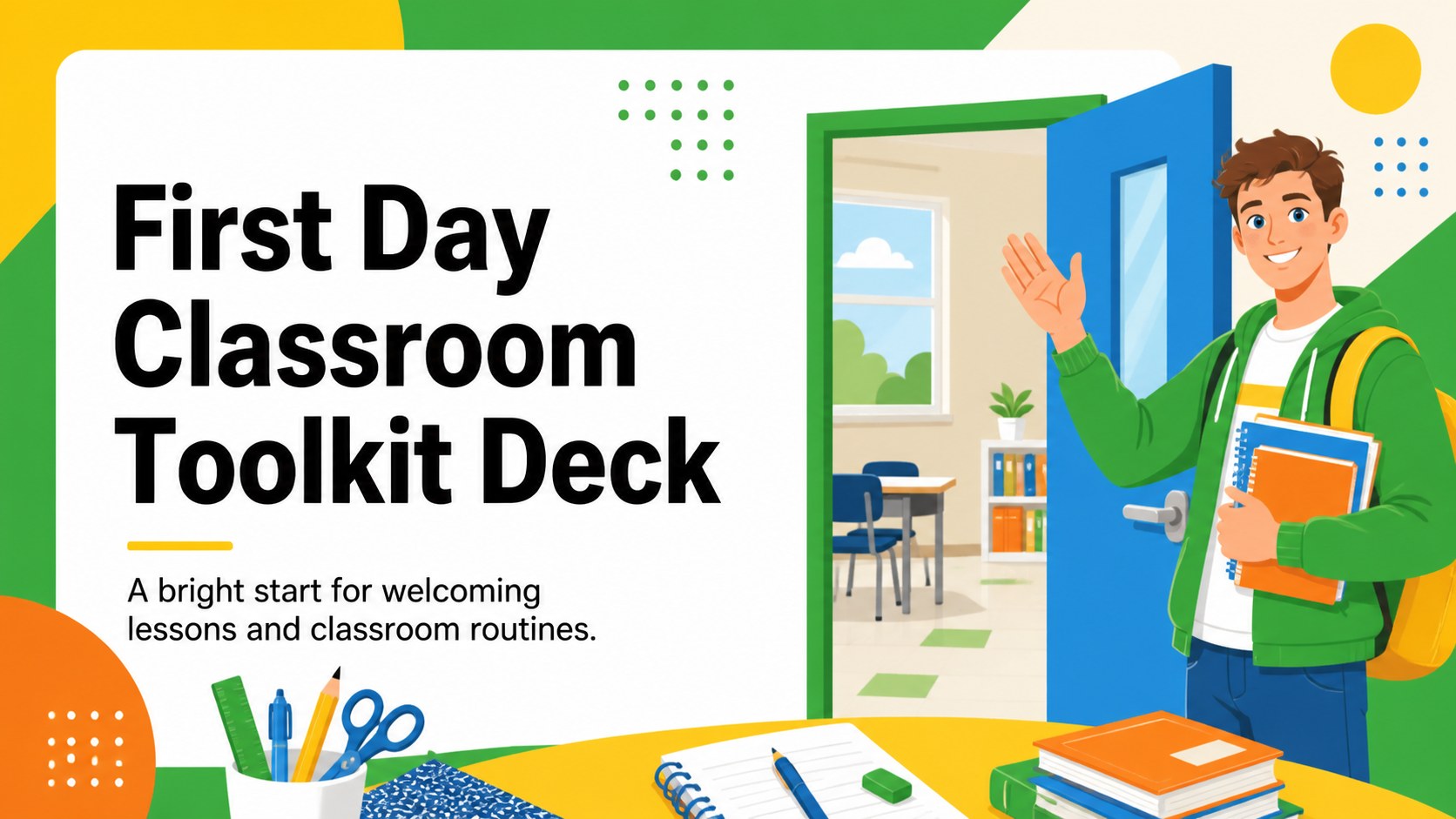
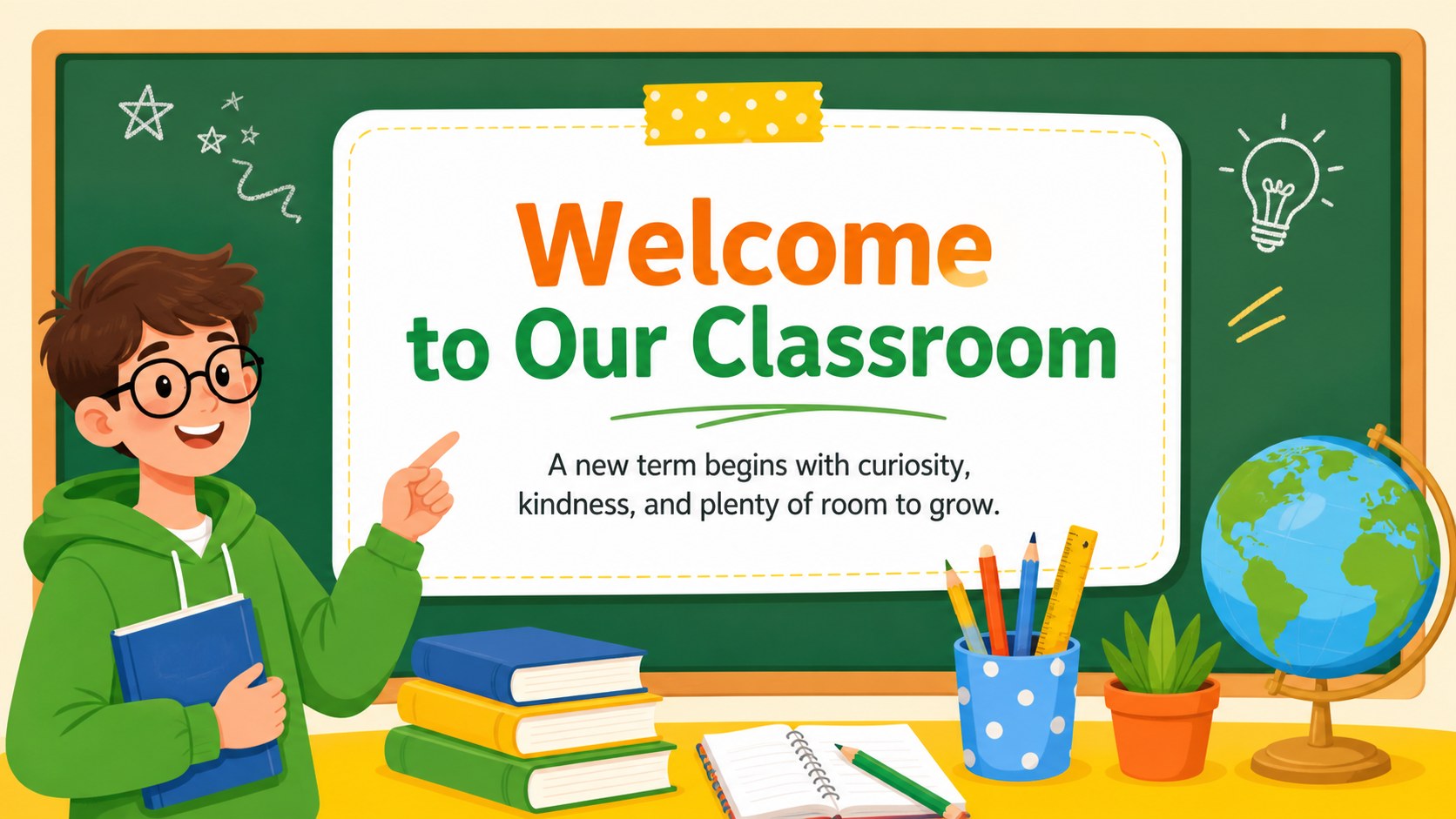
Create a lively first day classroom toolkit with editable slides for welcomes, routines, activities, and student projects in a bright illustrated style.



Design notes
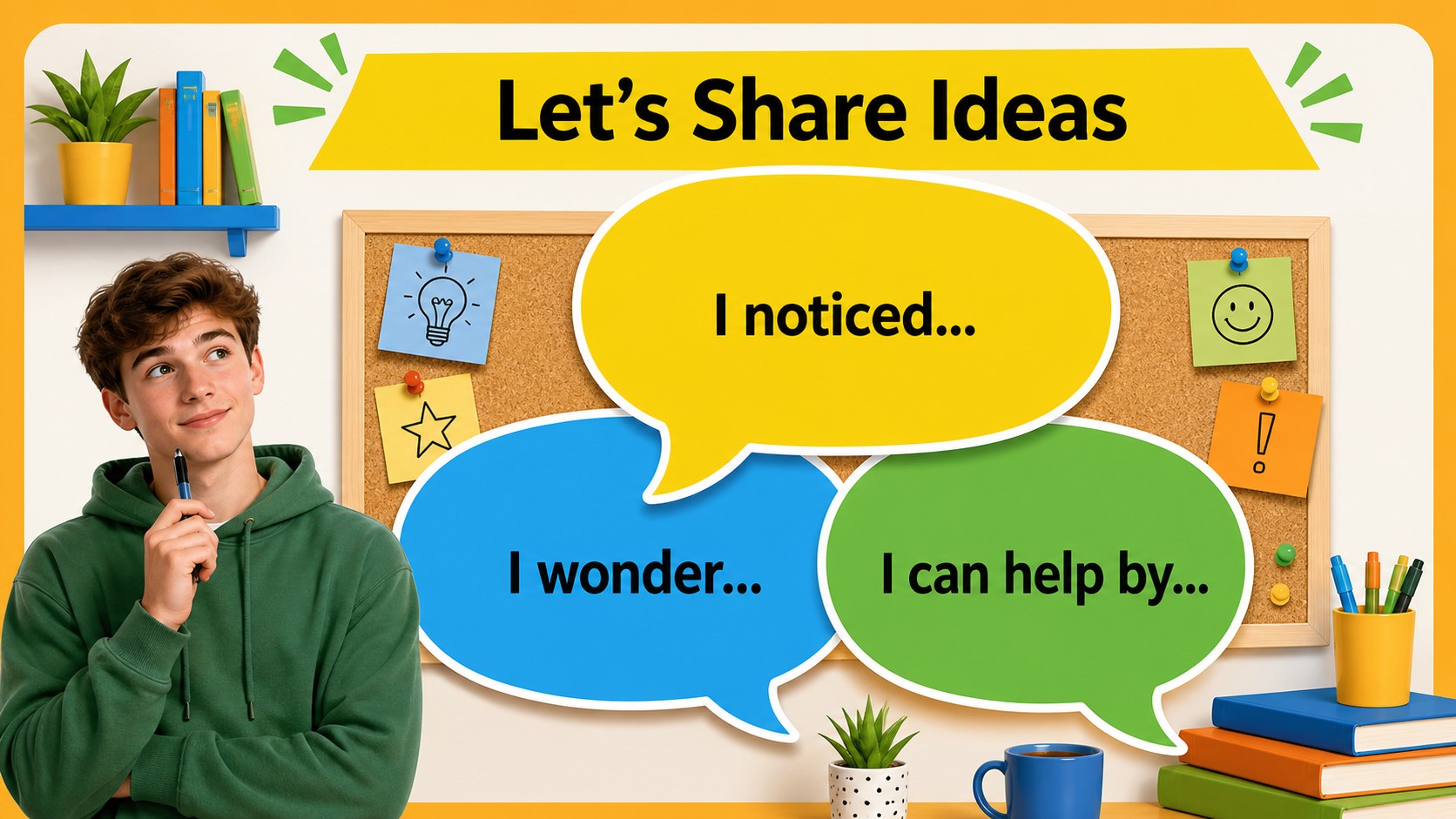
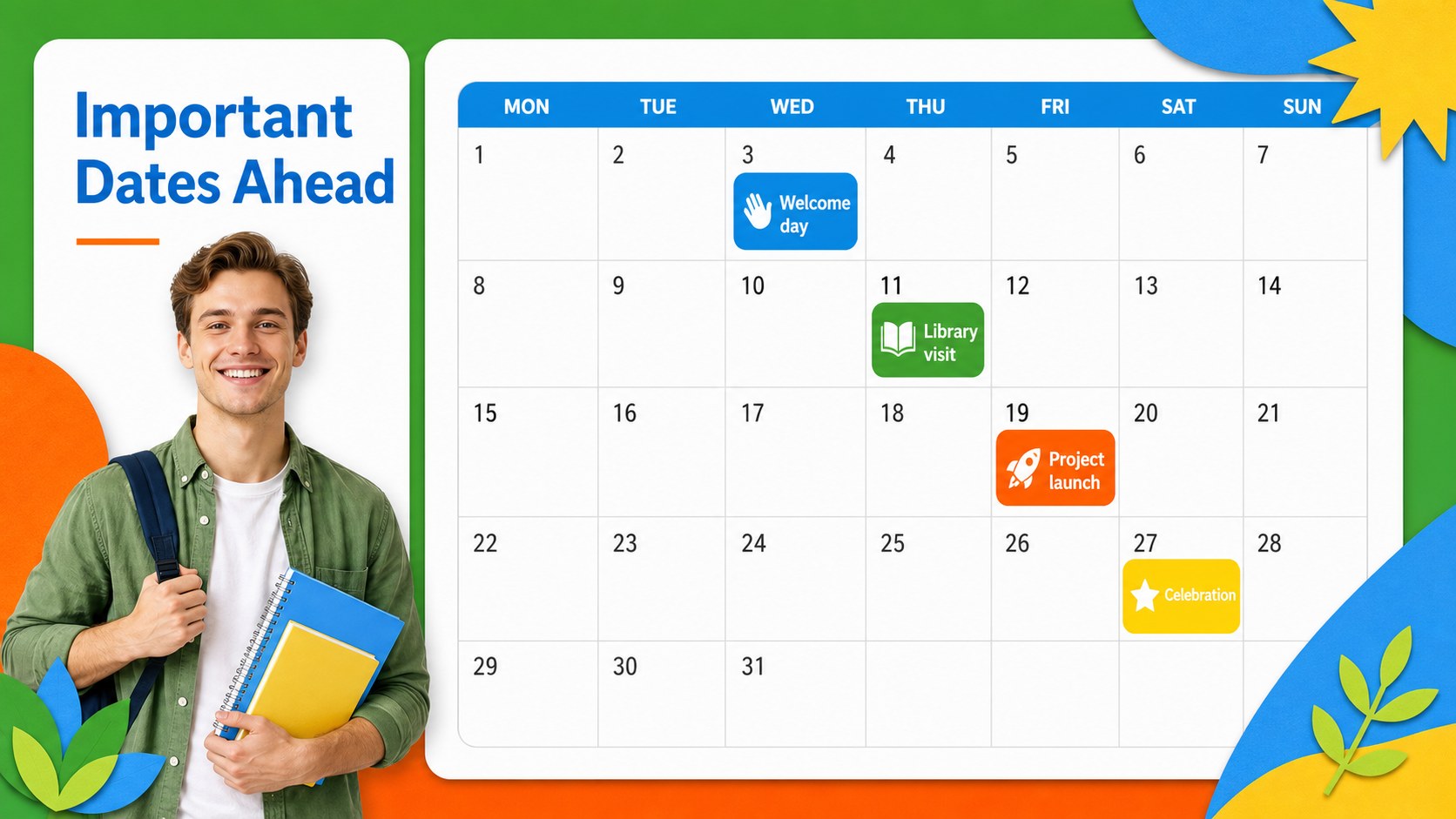
Make the first lesson feel organized, welcoming, and visually engaging with the First Day Classroom Toolkit Deck. Designed for teachers, tutors, and school teams, this colorful presentation system helps introduce classroom routines, set expectations, and build excitement around a new term. Its playful illustrations and clean layouts bring energy to lessons while keeping information easy for students to follow.
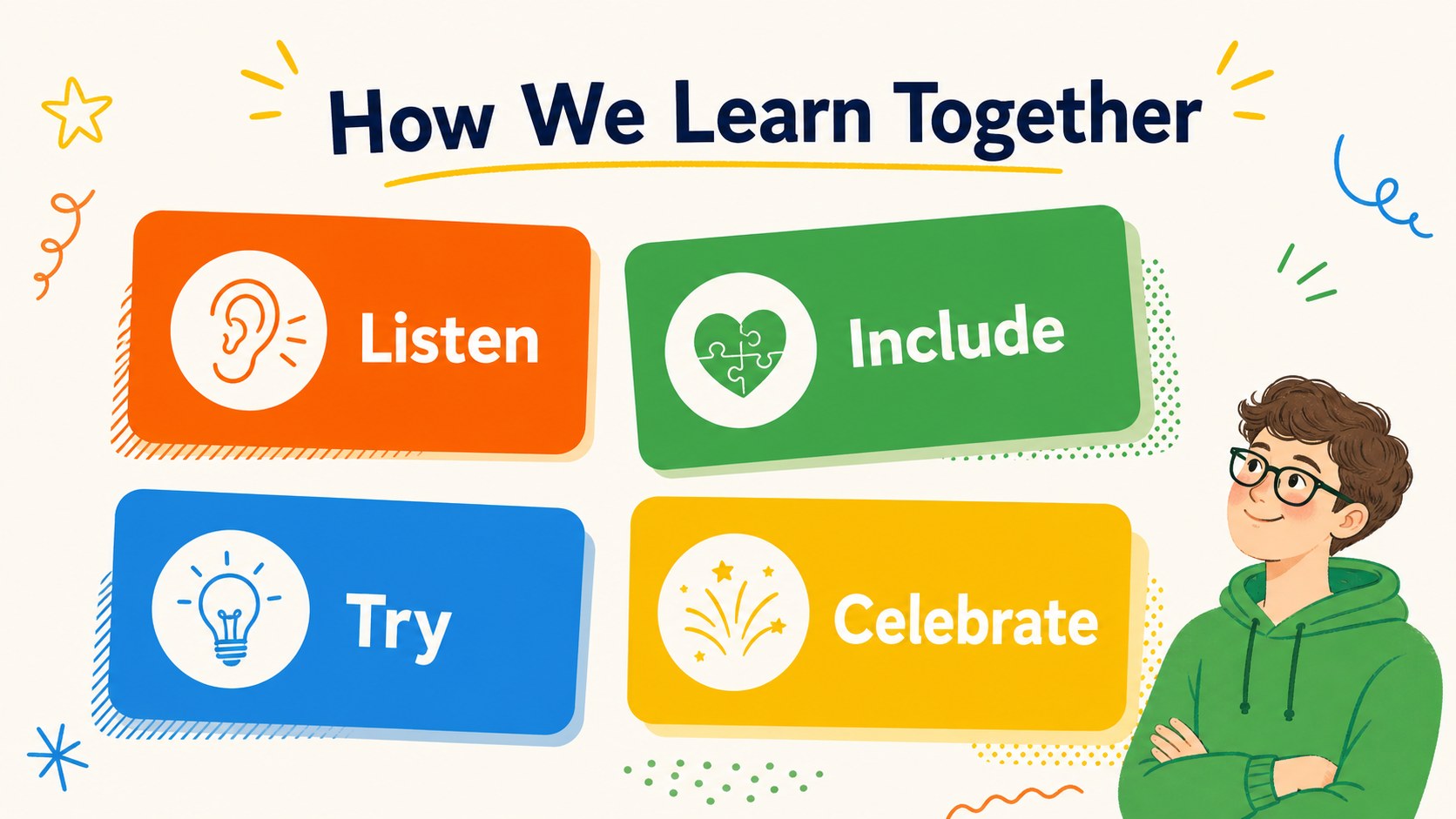
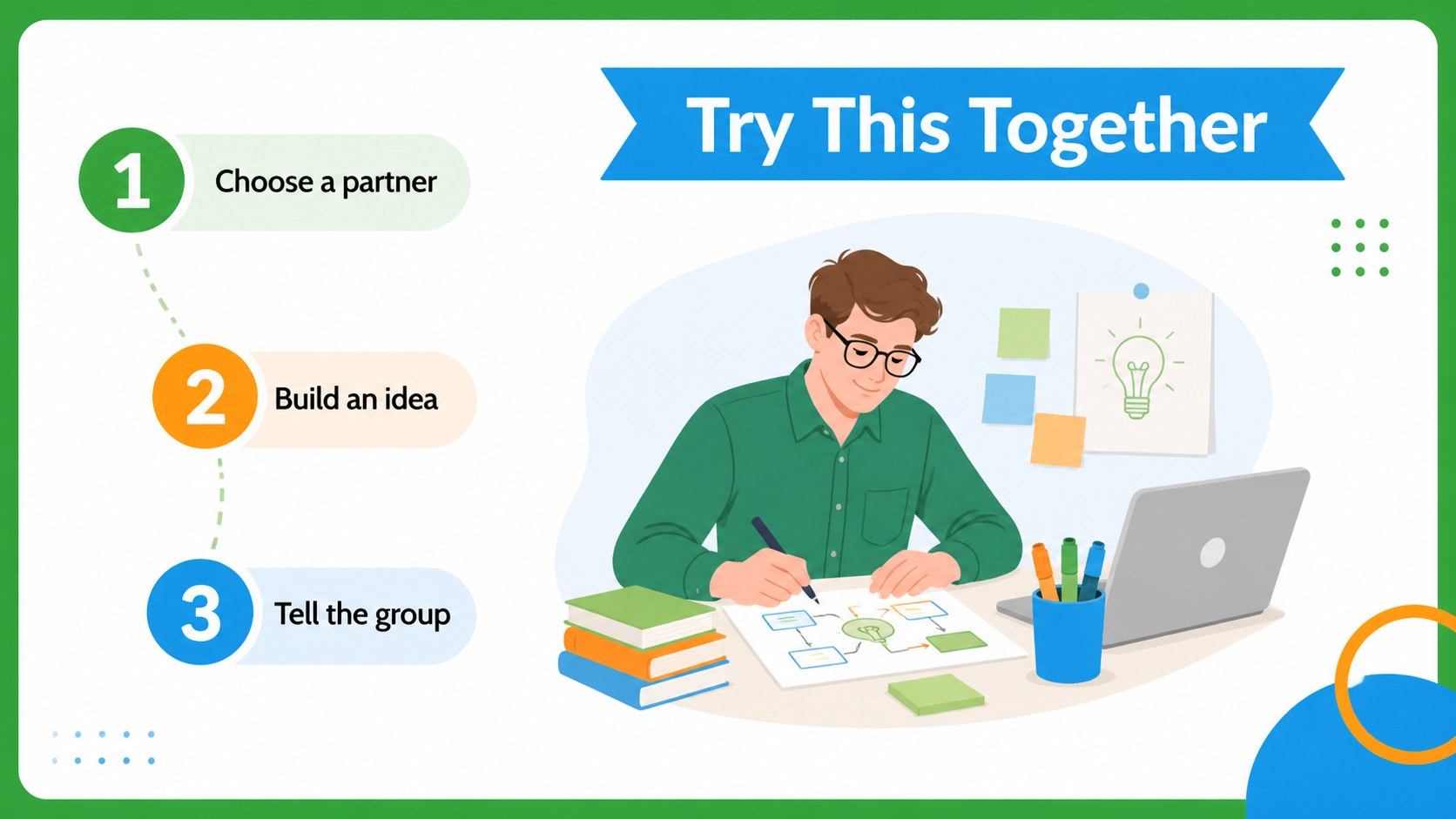
Inside, you will find 15 editable 16:9 slides for a welcome message, daily schedule, classroom agreements, activity instructions, learning goals, supply lists, and student project sharing. Use the deck to create first day classroom slides, prepare an elementary school welcome presentation, or build an editable teacher lesson opener for a new group. Charts, frames, shapes, and visual callouts support quick customization without requiring advanced design skills.
The template works in Google Slides and PowerPoint, so you can update colors, text, illustrations, and page order to match your classroom. Teachers can use it for homeroom introductions, orientation sessions, curriculum previews, or family meetings. The friendly illustrated style, colorful palette, and Cabin font keep the experience approachable for younger learners while remaining polished enough for school-wide communication.
Perfect for: homeroom welcome session; elementary classroom orientation; new student introduction; family curriculum meeting; student project showcase.
Frequently asked questions
Can I edit this classroom deck in Google Slides? Yes. The presentation is designed for Google Slides and PowerPoint. You can change the wording, colors, illustrations, fonts, and slide order in the platform you prefer.
Practical details
Yes. The presentation is designed for Google Slides and PowerPoint. You can change the wording, colors, illustrations, fonts, and slide order in the platform you prefer.
The bright illustrated layouts work especially well for elementary and middle school settings. Teachers can replace the examples and simplify or expand the text for different age groups.
Yes. The welcome, schedule, goals, and expectations layouts can support family information nights, staff briefings, and school orientation events. Adjust the language and visuals to suit the audience.
Yes. The editable layouts include flexible text areas, frames, shapes, and image spaces for custom content. Add activity instructions, photographs, examples, or student project highlights without changing the overall design system.
Keep exploring
15Build an engaging World UFO Day session with this flying saucer history lesson deck, featuring retro green-and-brown slides for PowerPoint and Google Slides.
 15
15Plan a lively animal-learning journey with this jungle zoo adventure lesson deck, ready to customize in PowerPoint and Google Slides for young learners.
 16
16Turn environmental research into a clear story with a Watercolor Ecology Presentation Theme for PowerPoint and Google Slides in calming green and blue.
 16
16Build focused fashion, literature, and humanities presentations with the Red Triangle Editorial Theme, editable in PowerPoint and Google Slides.
 15
15Turn streaming stats, favorite tracks, and concert highlights into a bold annual listening recap slide deck for PowerPoint and Google Slides.
 15
15Turn highlights, milestones, and favorite moments into a colorful year in review slide deck with bold 3D graphics for PowerPoint and Google Slides.
 3
3Build a credible endorsement with Standout Colleague Recommendation Letter Slides, featuring colorful prompts for skills, achievements, and team impact.
 4
4Build clear beginner sessions with an ice hockey fundamentals training deck for coaches, PE teachers, and clubs, ready for PowerPoint and Google Slides.