
 15
15presentation
Flying Saucer History Lesson Deck
Build an engaging World UFO Day session with this flying saucer history lesson deck, featuring retro green-and-brown slides for PowerPoint and Google Slides.
Google SlidesPowerPoint
presentation · English
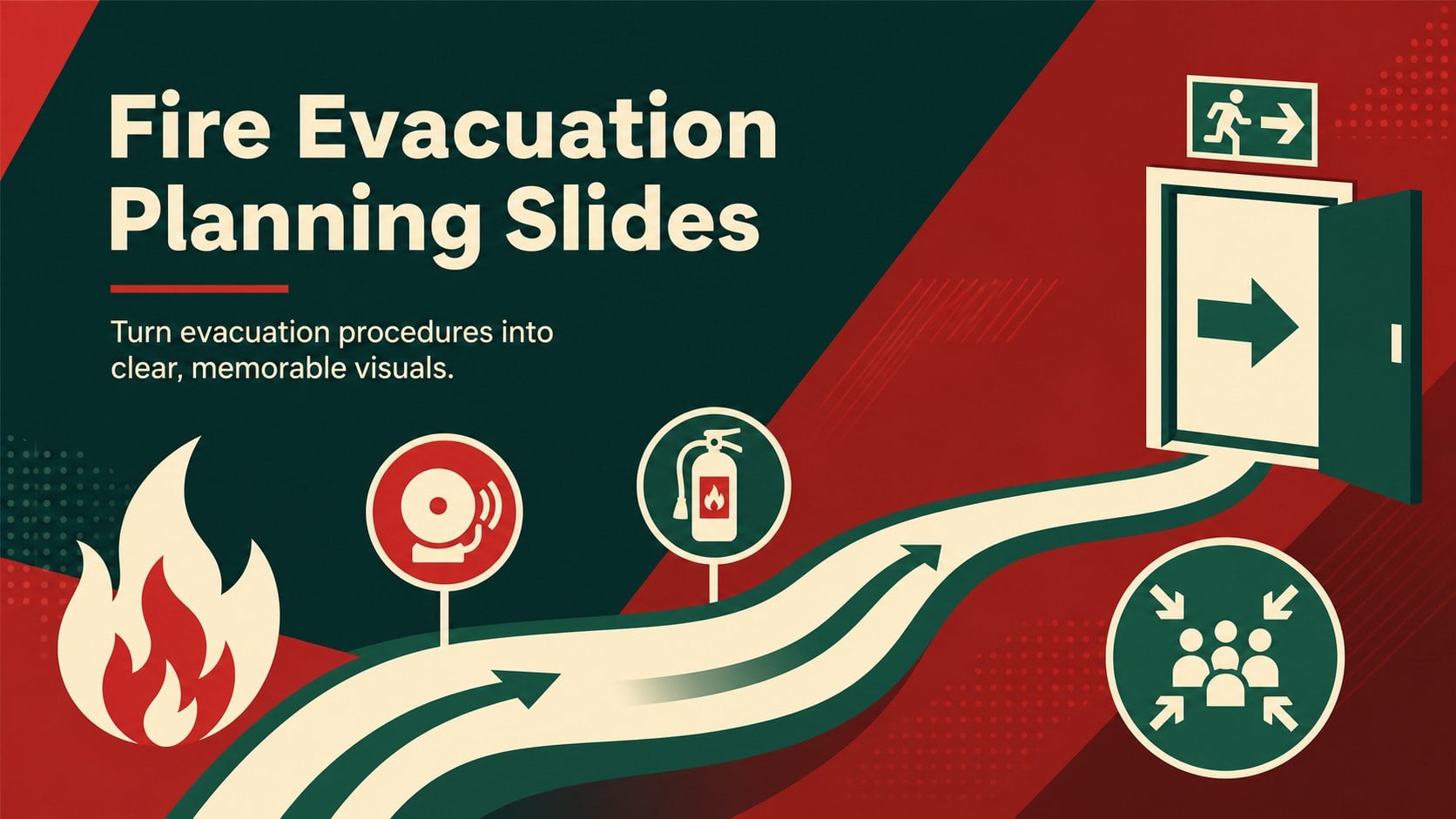
Prepare teams for alarms and safe exits with fire evacuation planning slides in a bold red-and-green design for PowerPoint and Google Slides.
Design notes
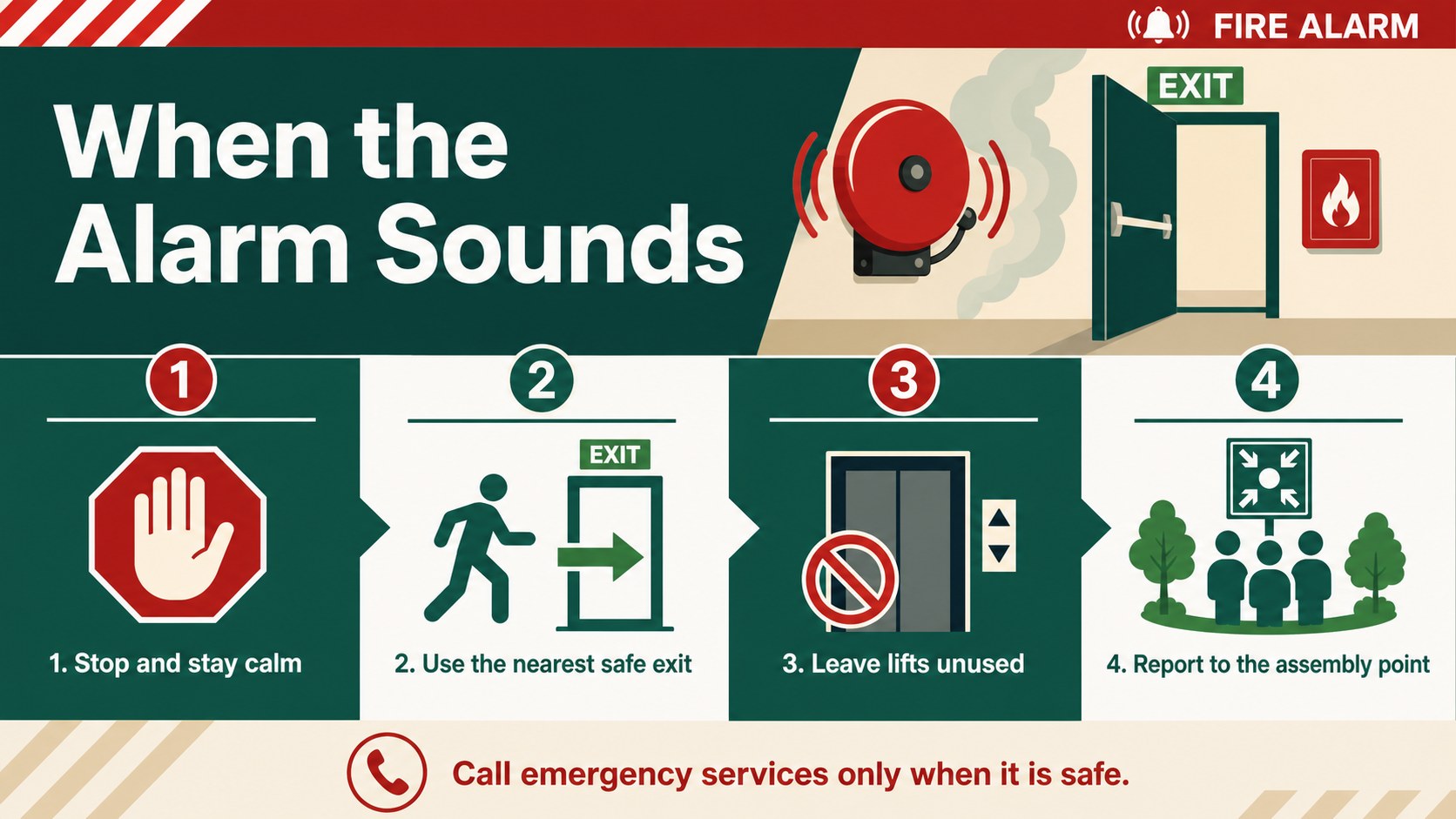
Fire evacuation planning slides help you turn critical safety procedures into visual instructions that people can scan and remember. Built around a bold red-and-green palette, this editable deck makes alarms, exit routes, assembly areas, emergency contacts, and staff responsibilities easy to explain without relying on dense paragraphs.
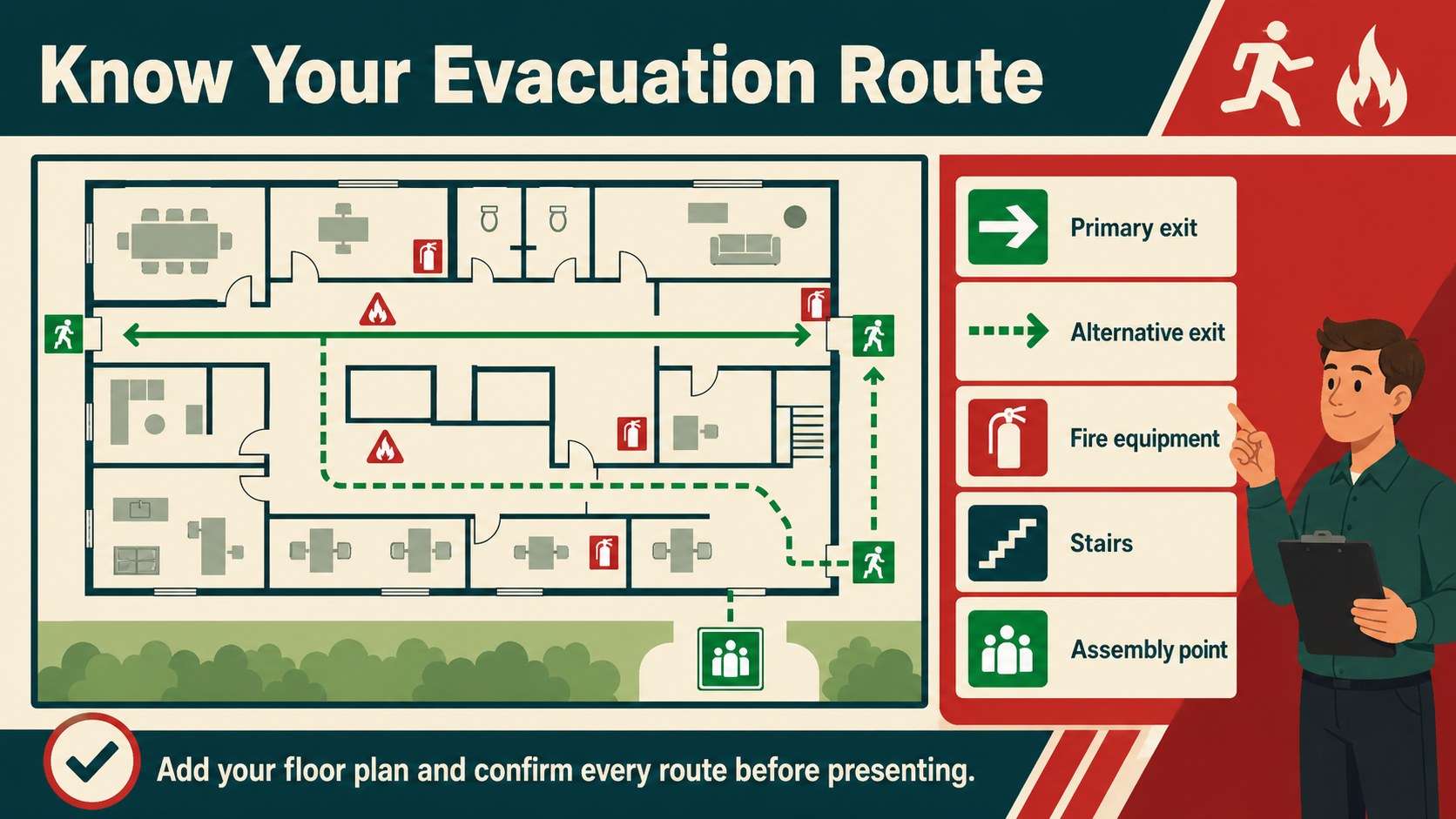
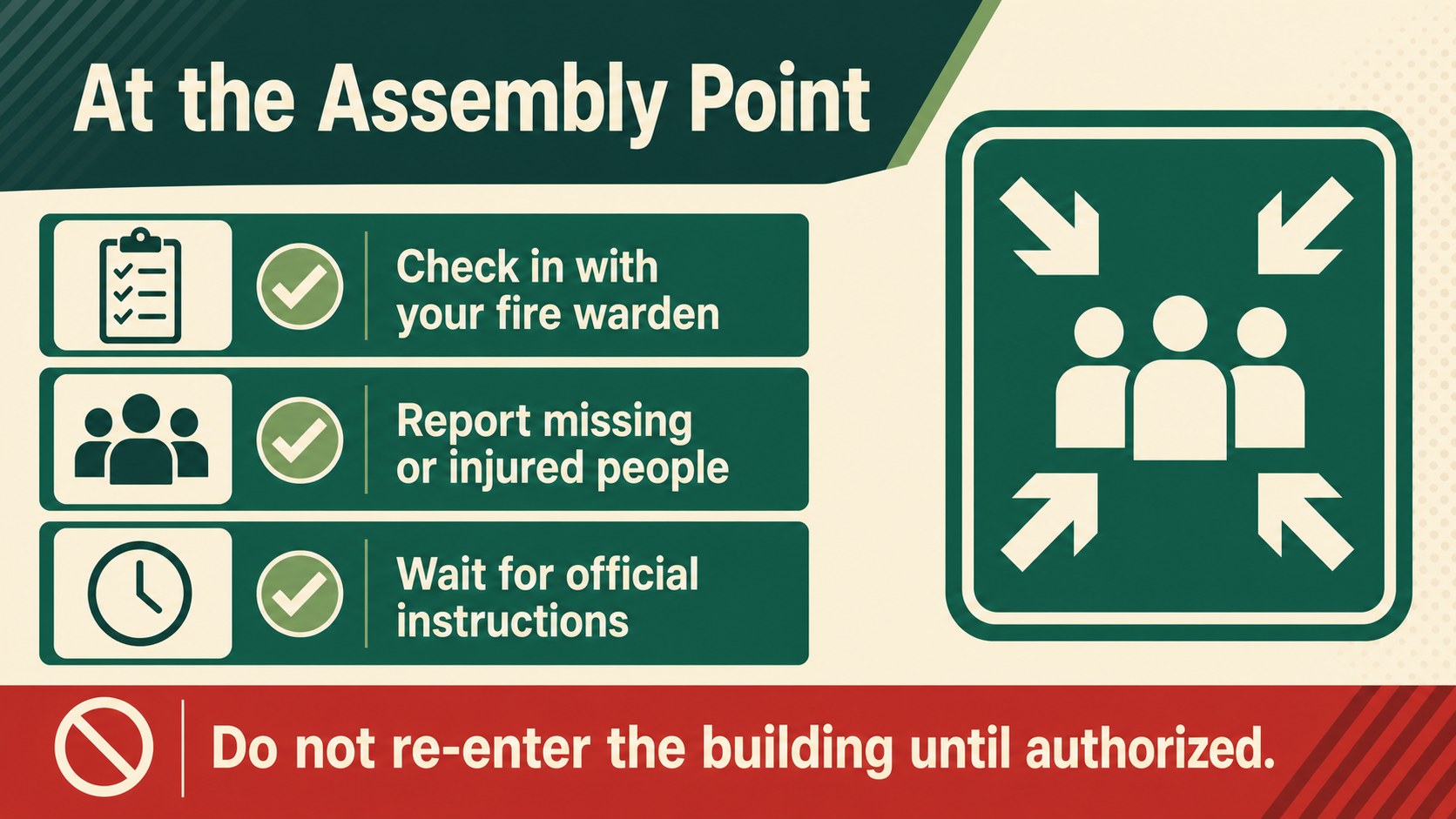
Inside, you will find layouts for prevention reminders, an alarm-response sequence, evacuation route guidance, assigned safety roles, assembly point instructions, and post-evacuation checks. Add your own building map, room labels, phone numbers, icons, and local procedures to create an editable fire escape route presentation for a specific site. The structured infographic format also works as an emergency assembly point infographic for noticeboards, handouts, or digital displays.
Use the deck as a workplace fire evacuation presentation during employee onboarding, annual compliance sessions, or emergency preparedness meetings. It is equally practical for teachers, school administrators, HR teams, facilities managers, community coordinators, and designated fire wardens. Every section can be adapted in PowerPoint or Google Slides, whether you need a projected briefing, a printable reference sheet, or a school fire drill slide template. Keep the language concise, confirm details with your organization’s approved safety plan, and update routes whenever rooms, exits, or assembly locations change.
Perfect for: employee fire safety onboarding; school evacuation drill briefing; fire warden role training; office emergency plan review; community center safety workshop.
Frequently asked questions
Can I add a building evacuation map? Yes. Replace the sample route area with a floor plan, then mark exits, stairways, fire equipment, accessible routes, and assembly points using editable shapes and labels.
Practical details
Yes. Replace the sample route area with a floor plan, then mark exits, stairways, fire equipment, accessible routes, and assembly points using editable shapes and labels.
The slides are designed for PowerPoint and Google Slides. Fonts, colors, text, icons, and layout elements can be adjusted in either platform.
Yes. Update the roles, emergency contacts, room names, alarm procedures, and assembly instructions to match the site’s approved evacuation plan.
Yes. Export selected layouts as PDF files for handouts, noticeboards, or emergency folders, and check print scaling before distribution.
Keep exploring
15Build an engaging World UFO Day session with this flying saucer history lesson deck, featuring retro green-and-brown slides for PowerPoint and Google Slides.
 15
15Plan a lively animal-learning journey with this jungle zoo adventure lesson deck, ready to customize in PowerPoint and Google Slides for young learners.
 16
16Turn environmental research into a clear story with a Watercolor Ecology Presentation Theme for PowerPoint and Google Slides in calming green and blue.
 16
16Build focused fashion, literature, and humanities presentations with the Red Triangle Editorial Theme, editable in PowerPoint and Google Slides.
 15
15Turn streaming stats, favorite tracks, and concert highlights into a bold annual listening recap slide deck for PowerPoint and Google Slides.
 15
15Turn highlights, milestones, and favorite moments into a colorful year in review slide deck with bold 3D graphics for PowerPoint and Google Slides.
 3
3Build a credible endorsement with Standout Colleague Recommendation Letter Slides, featuring colorful prompts for skills, achievements, and team impact.
 4
4Build clear beginner sessions with an ice hockey fundamentals training deck for coaches, PE teachers, and clubs, ready for PowerPoint and Google Slides.