
 15
15presentation
Flying Saucer History Lesson Deck
Build an engaging World UFO Day session with this flying saucer history lesson deck, featuring retro green-and-brown slides for PowerPoint and Google Slides.
Google SlidesPowerPoint
presentation · English
Bring guests together with a Festive Quiz Party Poster, ready to personalize in PowerPoint or Google Slides for office, community, or family events.
Design notes
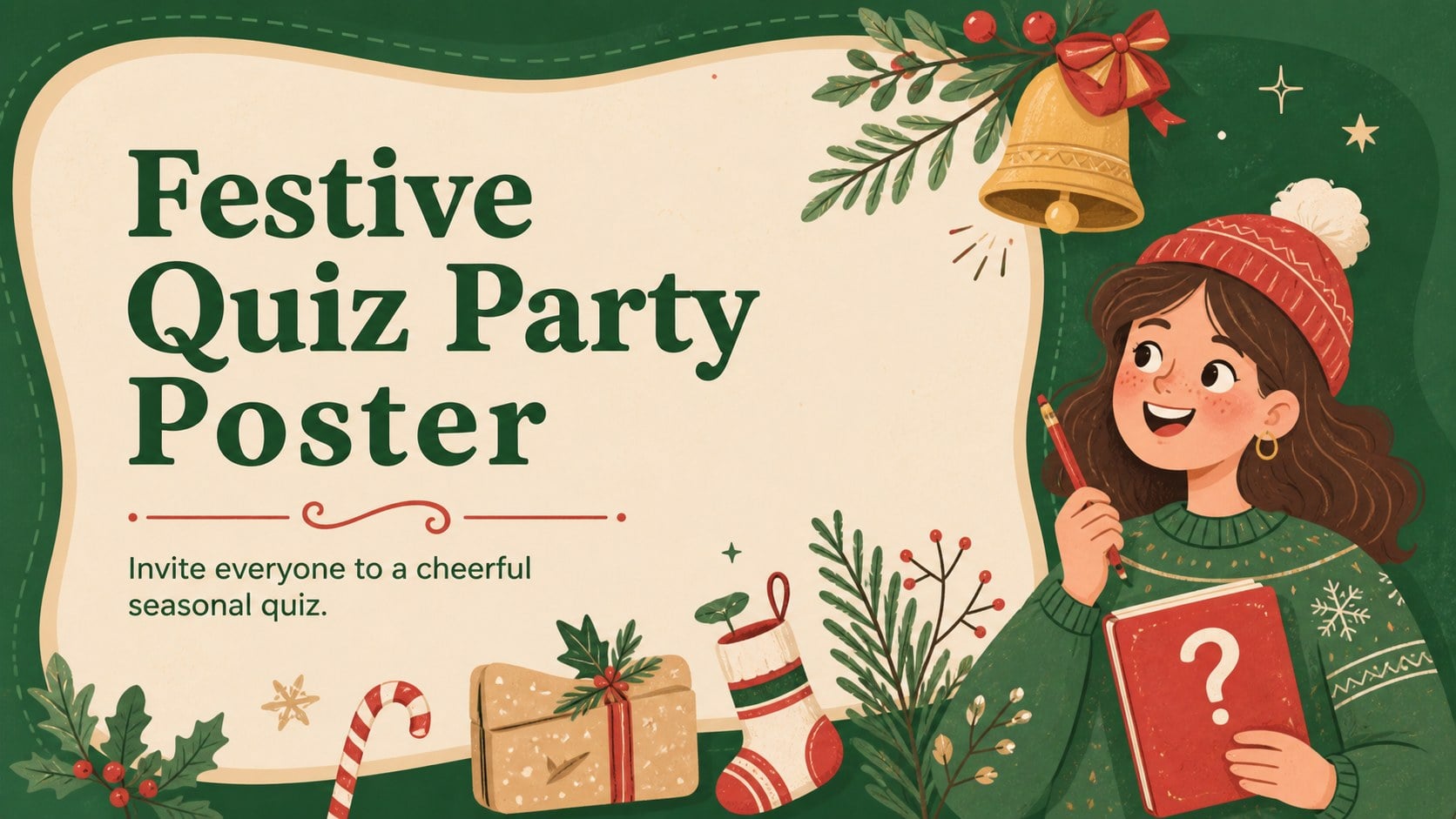
Gather friends, colleagues, or neighbors for some friendly seasonal competition with this Festive Quiz Party Poster. The cheerful illustrated design pairs a cozy green background with bright red and warm beige accents, creating a welcoming look that feels playful without making practical details difficult to read. Use it as a Christmas quiz event poster for a one-off celebration or adapt the wording for a broader winter gathering.
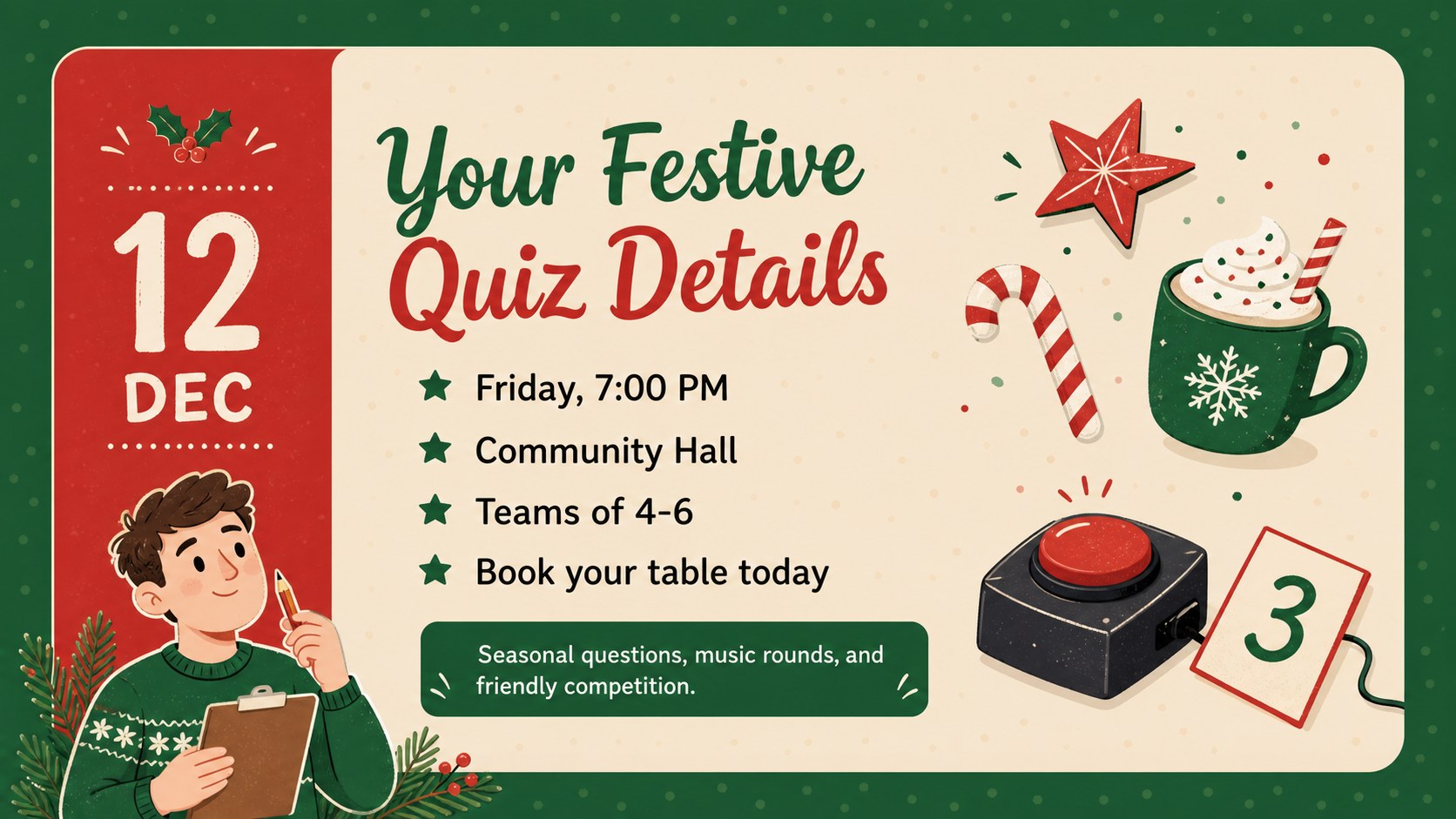
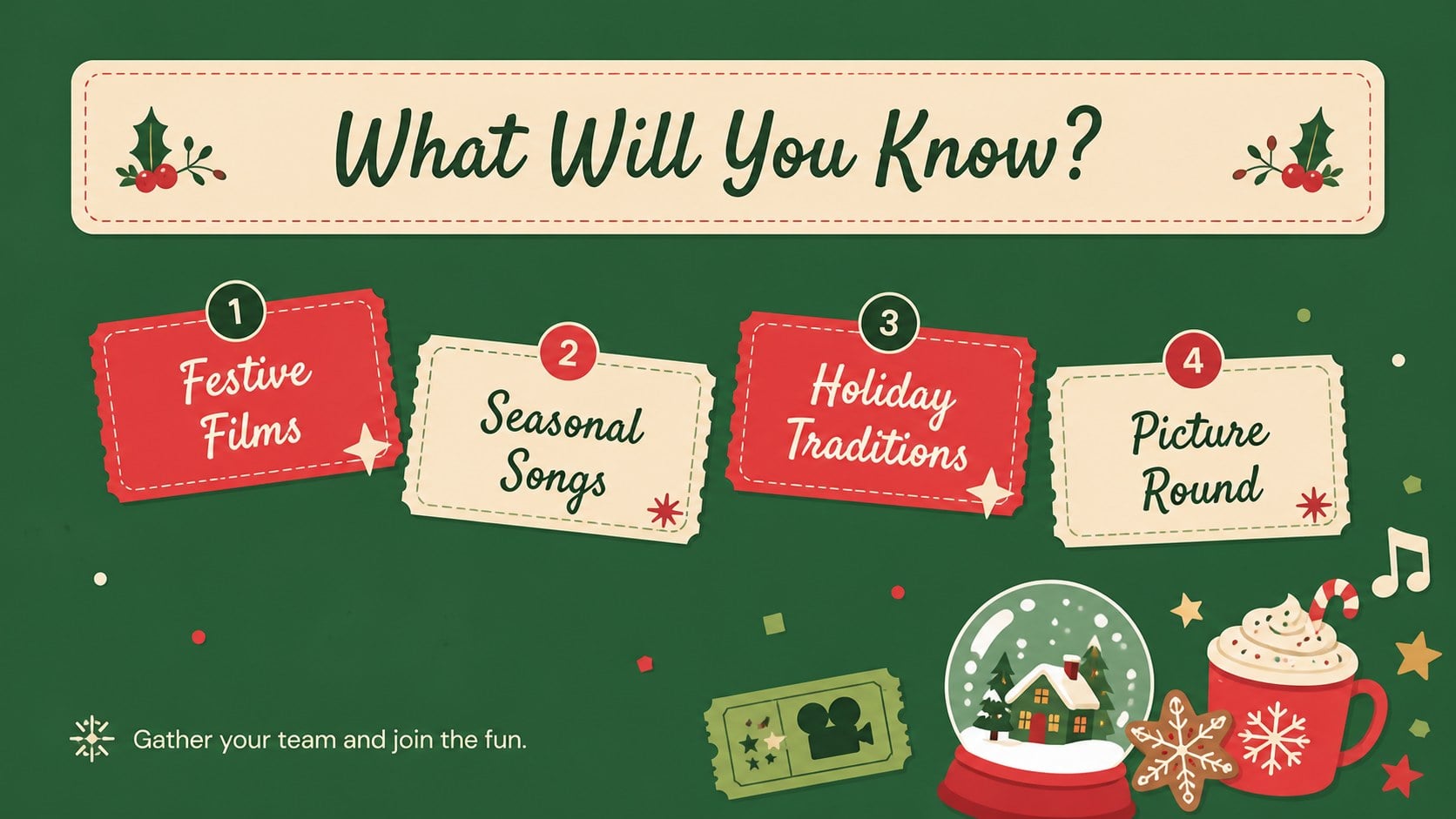
The template includes three coordinated layouts: a bold event announcement, an information-focused design for the date and venue, and a quiz-round teaser. Editable text areas give you room for the event name, start time, location, team rules, booking details, and contact information. Original cartoon-style seasonal illustrations, decorative shapes, and clear type hierarchy help each version stand out when displayed on a screen, shared digitally, or printed.
Designed for PowerPoint and Google Slides, the poster can be updated with your own fonts, colors, icons, and images. It works especially well as an office holiday quiz invitation, a community-center announcement, or a printable festive trivia flyer for a family party. Event organizers, teachers, workplace social committees, hospitality teams, and local clubs can quickly tailor the layouts to suit their audience while keeping a consistent green, beige, and red visual theme.
Perfect for: office holiday quiz invitation; community Christmas trivia night; family festive game evening; school staff seasonal social; pub winter quiz promotion.
Frequently asked questions
Can I edit the poster in PowerPoint and Google Slides? Yes. All text, colors, shapes, and event details can be changed in PowerPoint or Google Slides. You can also duplicate a layout to create versions for different venues or dates.
Practical details
Yes. All text, colors, shapes, and event details can be changed in PowerPoint or Google Slides. You can also duplicate a layout to create versions for different venues or dates.
Yes. Replace the Christmas wording and seasonal illustrations with winter quiz details that suit your event. The green, beige, and red palette can also be adjusted to match a club, school, or workplace identity.
Include the date, start time, location, team size, entry requirements, and a contact or booking method. Keep the event name and date prominent so viewers can understand the invitation at a glance.
Yes. Export the finished design to a suitable image or PDF format for printing, email, social posts, or digital noticeboards. Check print margins and image quality before producing physical copies.
Keep exploring
15Build an engaging World UFO Day session with this flying saucer history lesson deck, featuring retro green-and-brown slides for PowerPoint and Google Slides.
 15
15Plan a lively animal-learning journey with this jungle zoo adventure lesson deck, ready to customize in PowerPoint and Google Slides for young learners.
 16
16Turn environmental research into a clear story with a Watercolor Ecology Presentation Theme for PowerPoint and Google Slides in calming green and blue.
 16
16Build focused fashion, literature, and humanities presentations with the Red Triangle Editorial Theme, editable in PowerPoint and Google Slides.
 15
15Turn streaming stats, favorite tracks, and concert highlights into a bold annual listening recap slide deck for PowerPoint and Google Slides.
 15
15Turn highlights, milestones, and favorite moments into a colorful year in review slide deck with bold 3D graphics for PowerPoint and Google Slides.
 3
3Build a credible endorsement with Standout Colleague Recommendation Letter Slides, featuring colorful prompts for skills, achievements, and team impact.
 4
4Build clear beginner sessions with an ice hockey fundamentals training deck for coaches, PE teachers, and clubs, ready for PowerPoint and Google Slides.