
 15
15presentation
Flying Saucer History Lesson Deck
Build an engaging World UFO Day session with this flying saucer history lesson deck, featuring retro green-and-brown slides for PowerPoint and Google Slides.
Google SlidesPowerPoint
presentation · English
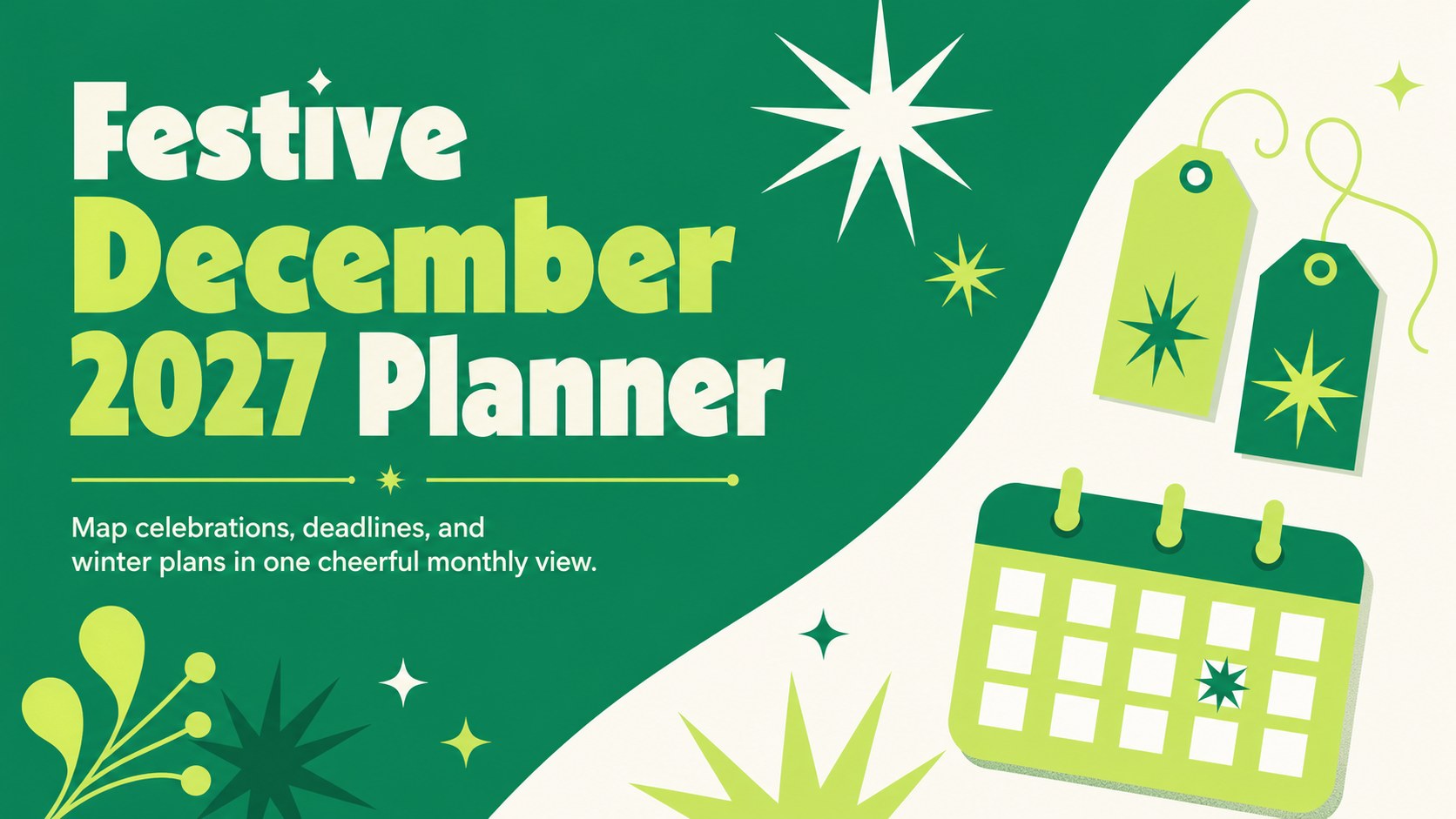
This festive December 2027 planner keeps holidays, deadlines, and family events visible in editable PowerPoint and Google Slides layouts all month.
Design notes
Bring seasonal commitments into focus with a festive December 2027 planner designed for clear, colorful organization. Vibrant green and crisp white establish a fresh holiday palette, while retro-inspired lettering, playful starbursts, and geometric accents create an upbeat year-end mood. The spacious layouts make important dates easy to scan without crowding the page.
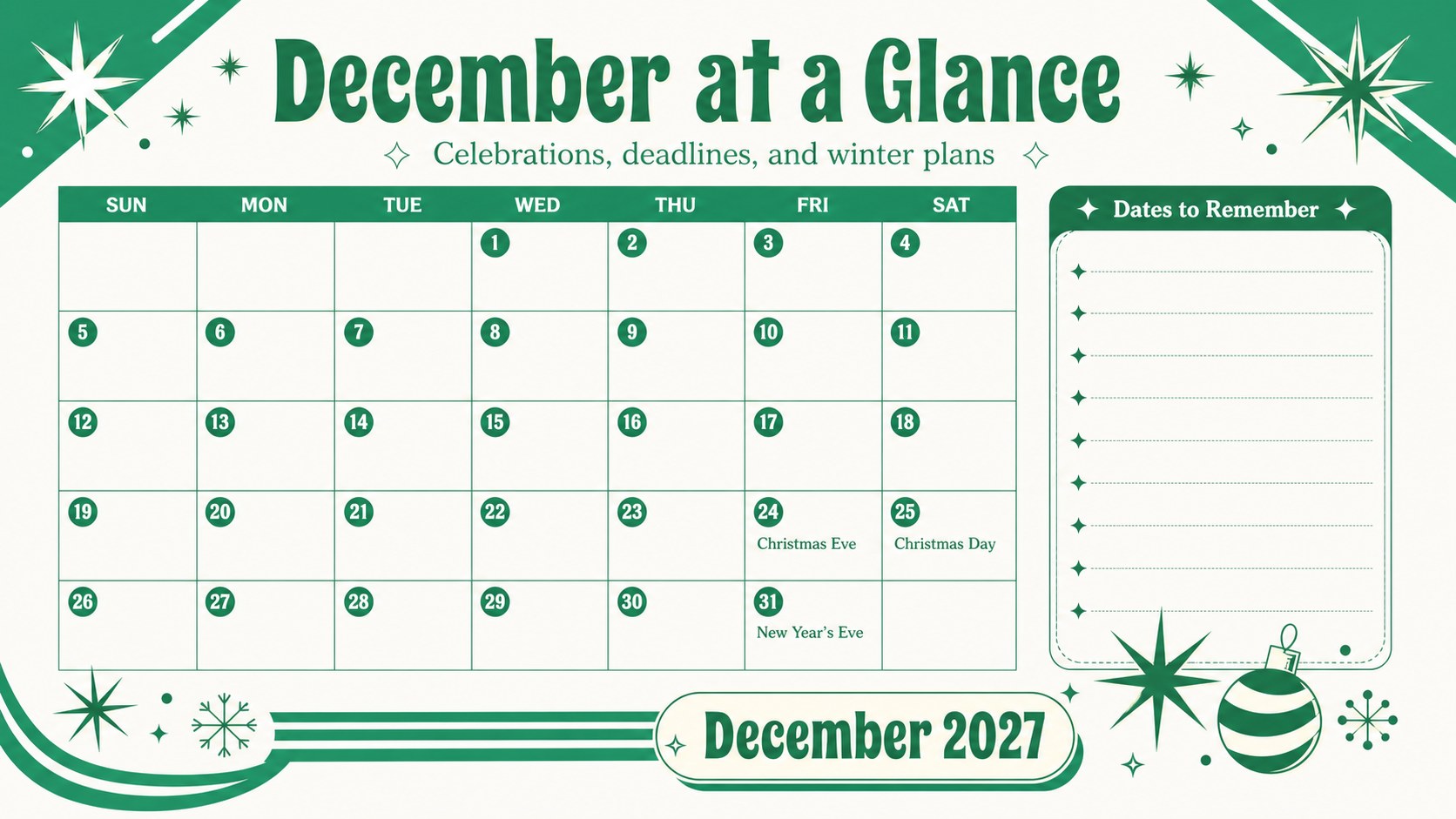
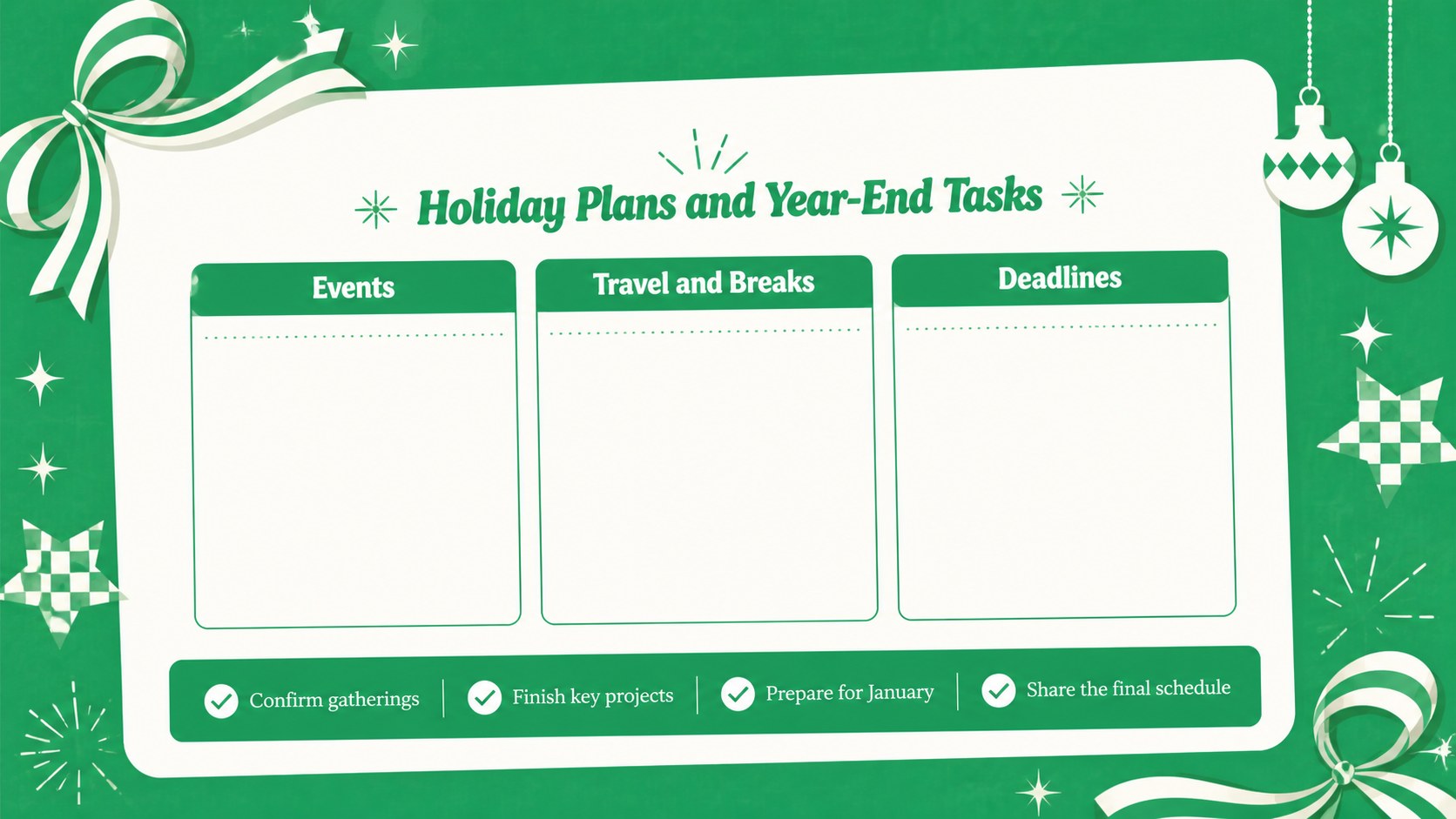
Inside, you will find an editable December 2027 calendar slides layout, a dedicated holiday events page, and a practical checklist for final tasks before the new year. Christmas Eve, Christmas Day, and New Year's Eve are clearly identified, with open space for school breaks, travel dates, parties, appointments, project milestones, and personal reminders. Every element can be adjusted in PowerPoint or Google Slides, including text, colors, shapes, and decorative details.
This Christmas planning presentation template works well for families coordinating gatherings, teachers outlining classroom activities, students tracking assignments, office teams preparing for seasonal closures, and community organizers scheduling local events. It can also serve as a year end schedule planner slides set for reviewing deadlines and planning a smooth transition into January.
Use the planner on screen during meetings, share it digitally with a group, or export selected pages for printing. Its cheerful retro character keeps planning approachable, while the structured calendar grid and task sections provide enough flexibility for both detailed schedules and simple seasonal overviews.
Perfect for: family holiday coordination; classroom December scheduling; office closure planning; seasonal event management; year-end deadline tracking.
Frequently asked questions
Practical details
Yes. Dates, labels, event details, colors, shapes, and decorative accents can all be changed to suit your schedule.
The layouts are designed for Microsoft PowerPoint and Google Slides. You can present them digitally or export individual pages in a printable format.
Yes. The monthly grid includes open areas for custom events, and the additional planning pages provide room for deadlines, reminders, and seasonal tasks.
Yes. Replace the green and white theme with your preferred seasonal, school, family, or workplace colors while retaining the retro layout style.
Keep exploring
15Build an engaging World UFO Day session with this flying saucer history lesson deck, featuring retro green-and-brown slides for PowerPoint and Google Slides.
 15
15Plan a lively animal-learning journey with this jungle zoo adventure lesson deck, ready to customize in PowerPoint and Google Slides for young learners.
 16
16Turn environmental research into a clear story with a Watercolor Ecology Presentation Theme for PowerPoint and Google Slides in calming green and blue.
 16
16Build focused fashion, literature, and humanities presentations with the Red Triangle Editorial Theme, editable in PowerPoint and Google Slides.
 15
15Turn streaming stats, favorite tracks, and concert highlights into a bold annual listening recap slide deck for PowerPoint and Google Slides.
 15
15Turn highlights, milestones, and favorite moments into a colorful year in review slide deck with bold 3D graphics for PowerPoint and Google Slides.
 3
3Build a credible endorsement with Standout Colleague Recommendation Letter Slides, featuring colorful prompts for skills, achievements, and team impact.
 4
4Build clear beginner sessions with an ice hockey fundamentals training deck for coaches, PE teachers, and clubs, ready for PowerPoint and Google Slides.