
 15
15presentation
Flying Saucer History Lesson Deck
Build an engaging World UFO Day session with this flying saucer history lesson deck, featuring retro green-and-brown slides for PowerPoint and Google Slides.
Google SlidesPowerPoint
presentation · English
Organize school events, family occasions, and seasonal reminders with a February 2027 celebration planner for PowerPoint and Google Slides.

Design notes
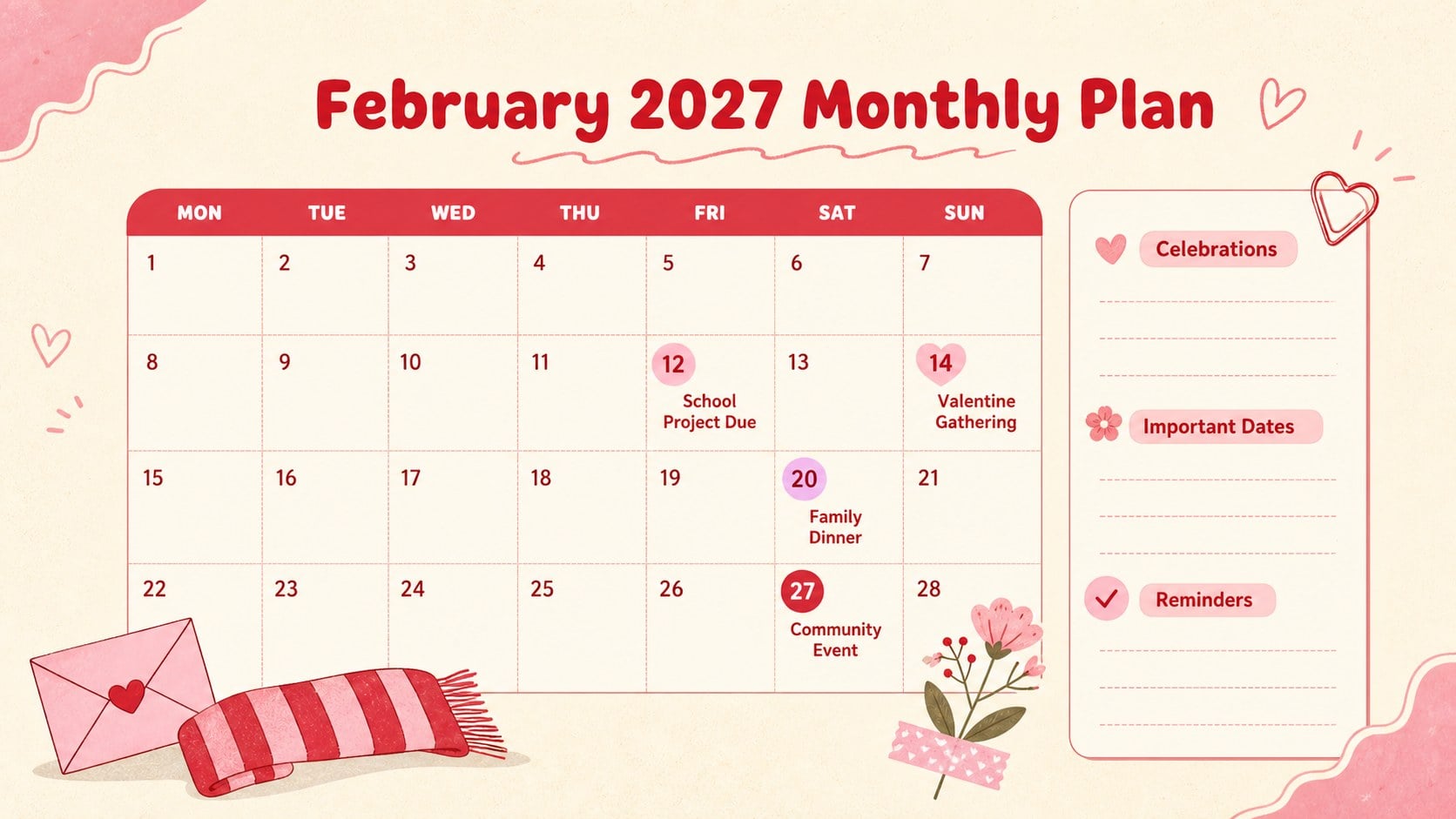
Bring structure and personality to a busy month with this February 2027 celebration planner. Soft beige backgrounds, lively pink and red accents, and hand-drawn doodles create a cheerful planning space without making dates difficult to read. Use the spacious monthly grid to organize holidays, appointments, school activities, family occasions, deadlines, and personal reminders in one convenient view.
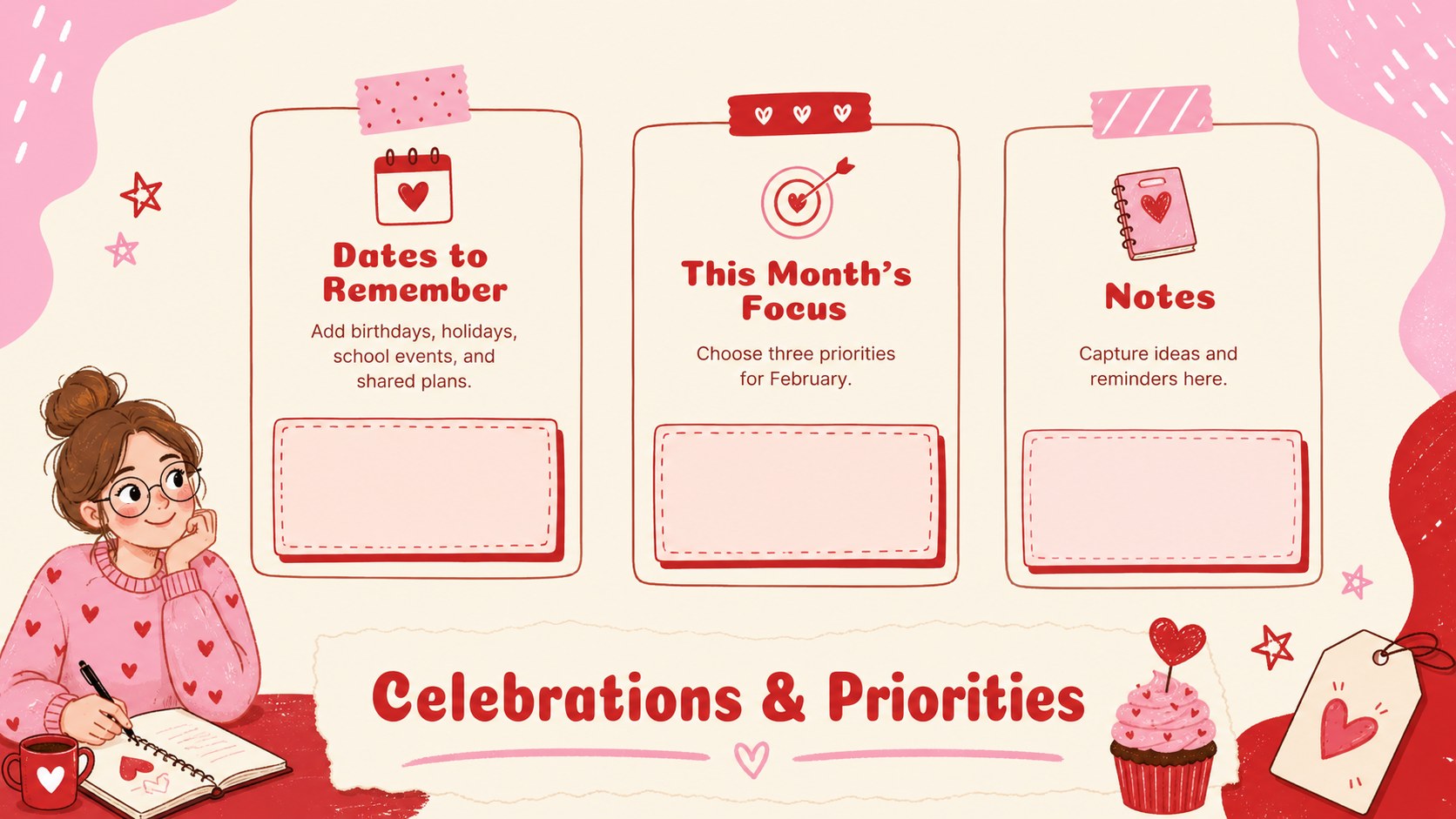
Inside, you will find a coordinated cover, an editable February calendar layout, and a dedicated page for celebrations and priority notes. The printable February 2027 planner can be adapted with your own event labels, color coding, icons, and short reminders. Clearly separated date areas support quick scanning, while the illustrated February schedule maintains a warm seasonal character suitable for Valentine events and winter activities. Every slide can be edited in PowerPoint or Google Slides, whether you plan to present it digitally or print it for a desk, noticeboard, classroom, or household command center.
This February holiday planning template works well for families coordinating shared plans, students tracking coursework, teachers arranging classroom events, and community organizers preparing seasonal programs. It is also useful for personal goal setting, content scheduling, and small-team planning. Adjust the wording, type styles, decorative elements, and event categories to build a practical monthly organizer that reflects your own routine.
Perfect for: family event coordination; classroom activity planning; holiday and celebration tracking; monthly appointment scheduling; community program planning.
Frequently asked questions
Can I edit every date and event in the planner? Yes. You can replace event labels, add reminders, change category colors, and adjust the text formatting to match your schedule.
Practical details
Yes. You can replace event labels, add reminders, change category colors, and adjust the text formatting to match your schedule.
The planner is designed for Microsoft PowerPoint and Google Slides. Both platforms allow you to edit the calendar content, colors, typography, and decorative elements.
Yes. Export the finished pages as a PDF or print them directly from your presentation software, checking the printer scaling settings before producing the final copy.
Add your own activity categories, event icons, deadlines, and color-coded labels. You can also duplicate the notes page to create separate sections for school, work, and household plans.
Keep exploring
15Build an engaging World UFO Day session with this flying saucer history lesson deck, featuring retro green-and-brown slides for PowerPoint and Google Slides.
 15
15Plan a lively animal-learning journey with this jungle zoo adventure lesson deck, ready to customize in PowerPoint and Google Slides for young learners.
 16
16Turn environmental research into a clear story with a Watercolor Ecology Presentation Theme for PowerPoint and Google Slides in calming green and blue.
 16
16Build focused fashion, literature, and humanities presentations with the Red Triangle Editorial Theme, editable in PowerPoint and Google Slides.
 15
15Turn streaming stats, favorite tracks, and concert highlights into a bold annual listening recap slide deck for PowerPoint and Google Slides.
 15
15Turn highlights, milestones, and favorite moments into a colorful year in review slide deck with bold 3D graphics for PowerPoint and Google Slides.
 3
3Build a credible endorsement with Standout Colleague Recommendation Letter Slides, featuring colorful prompts for skills, achievements, and team impact.
 4
4Build clear beginner sessions with an ice hockey fundamentals training deck for coaches, PE teachers, and clubs, ready for PowerPoint and Google Slides.