
 15
15presentation
Flying Saucer History Lesson Deck
Build an engaging World UFO Day session with this flying saucer history lesson deck, featuring retro green-and-brown slides for PowerPoint and Google Slides.
Google SlidesPowerPoint
presentation · English
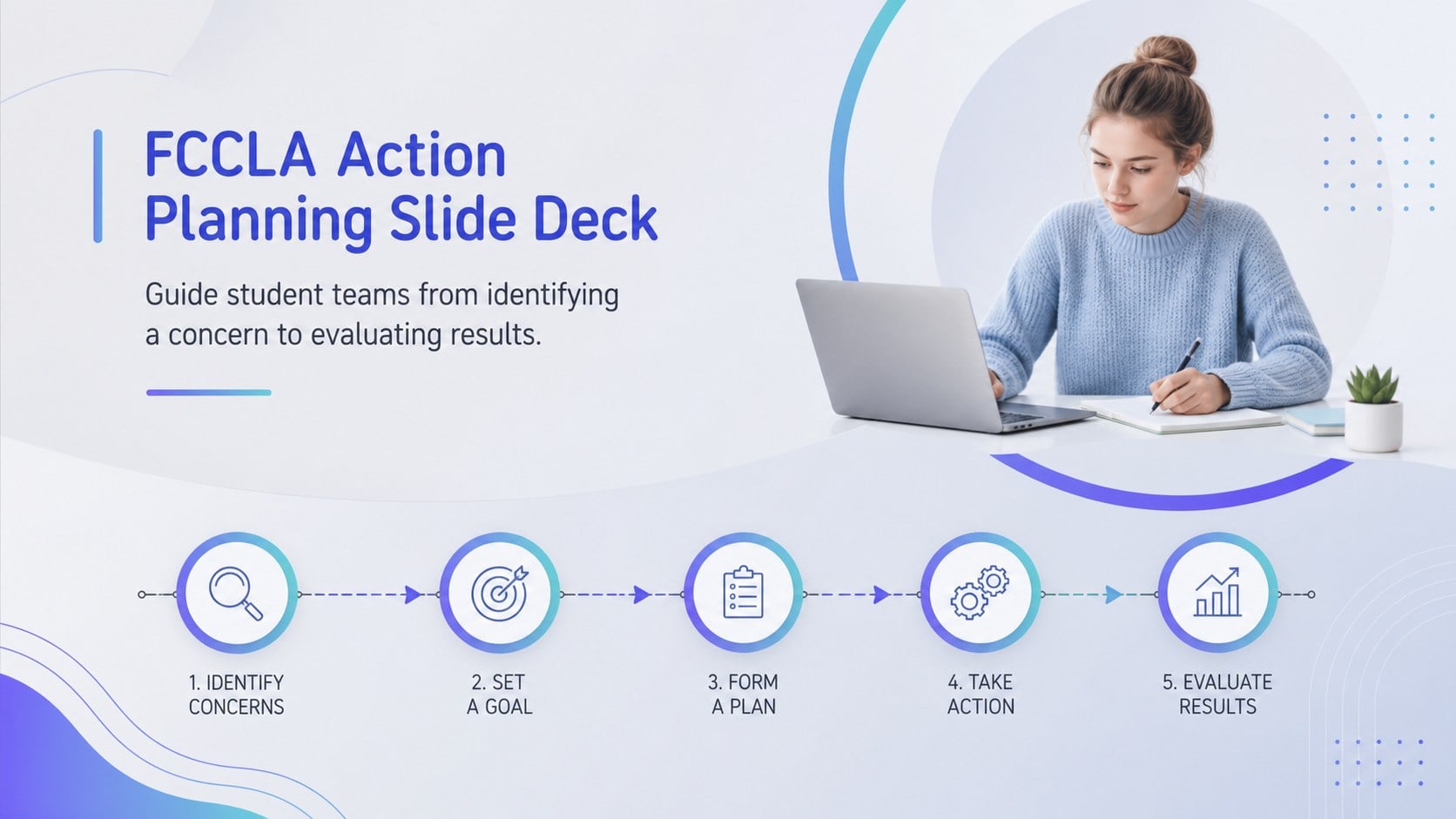
Turn FCCLA projects into clear next steps with an FCCLA action planning slide deck featuring 12 editable blue-grey visuals for PowerPoint and Google Slides.
Design notes
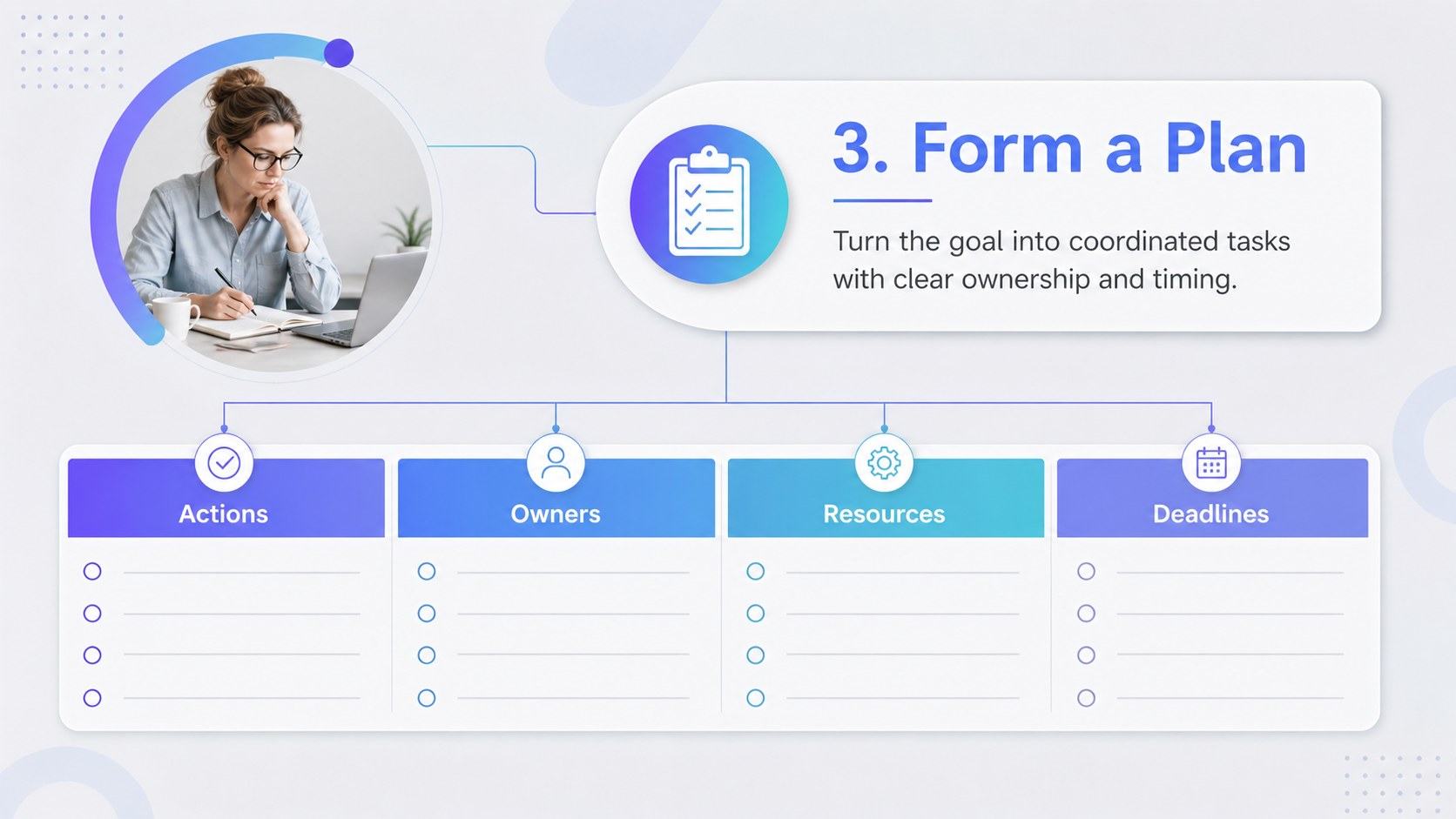
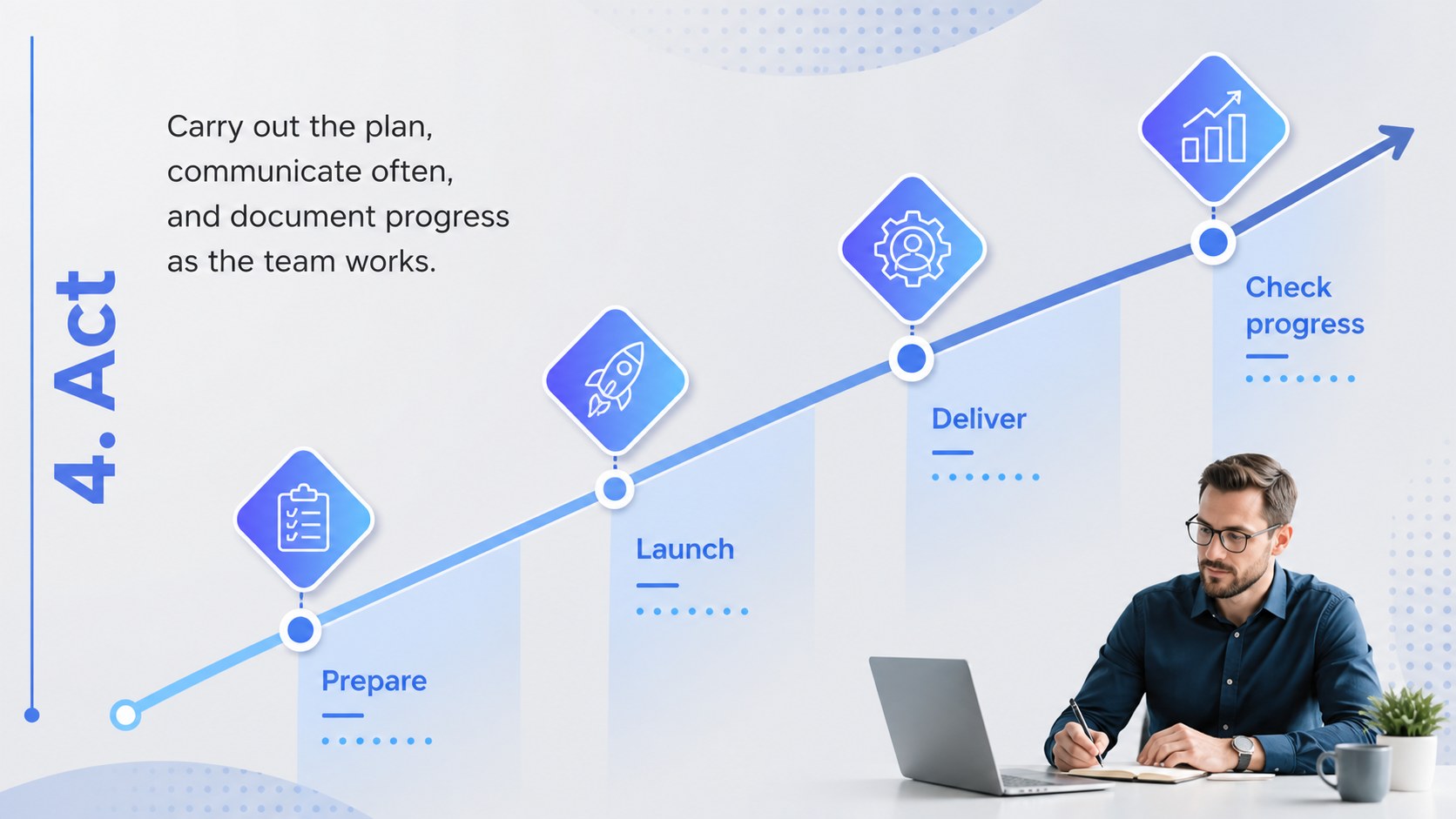
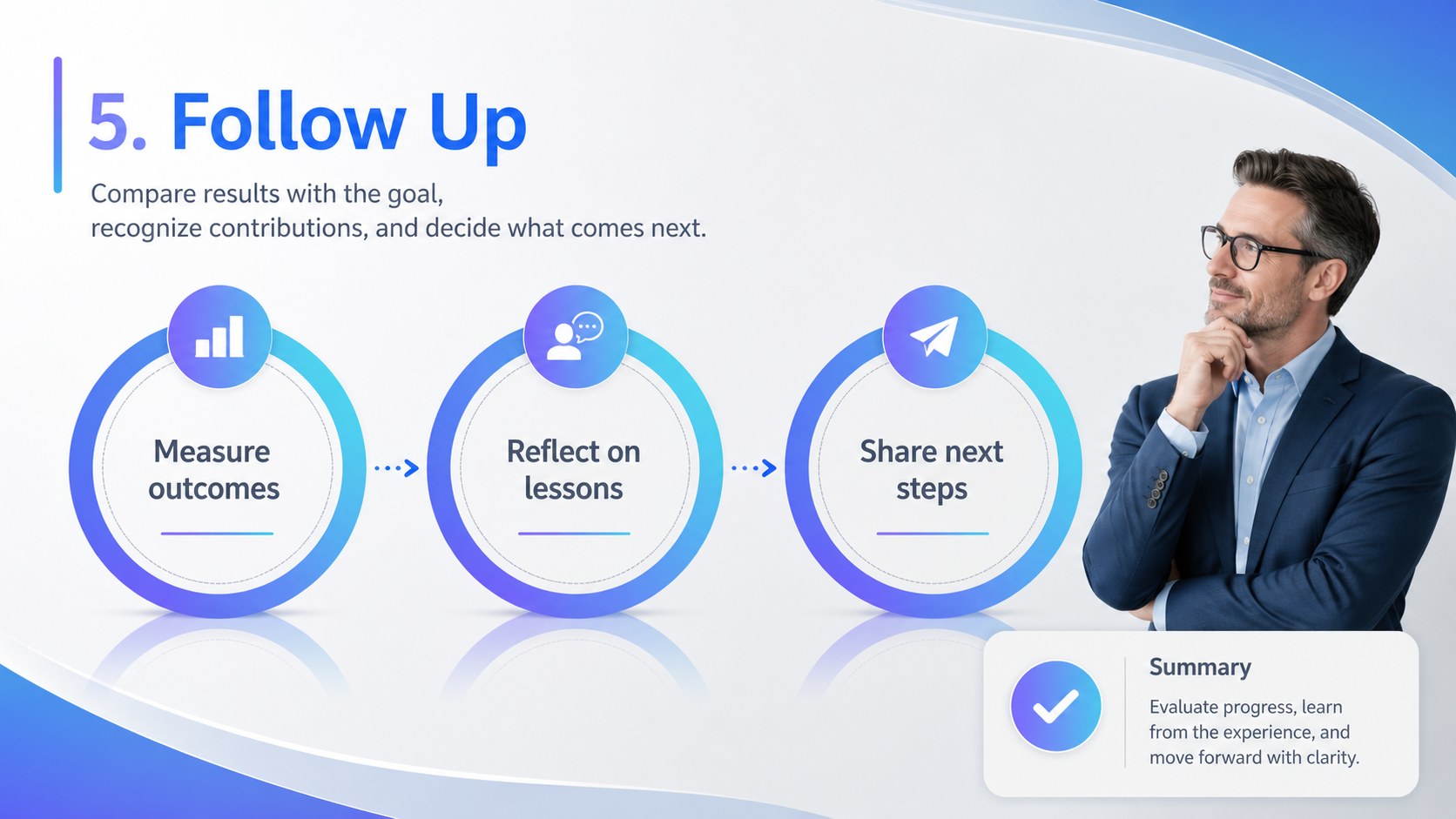
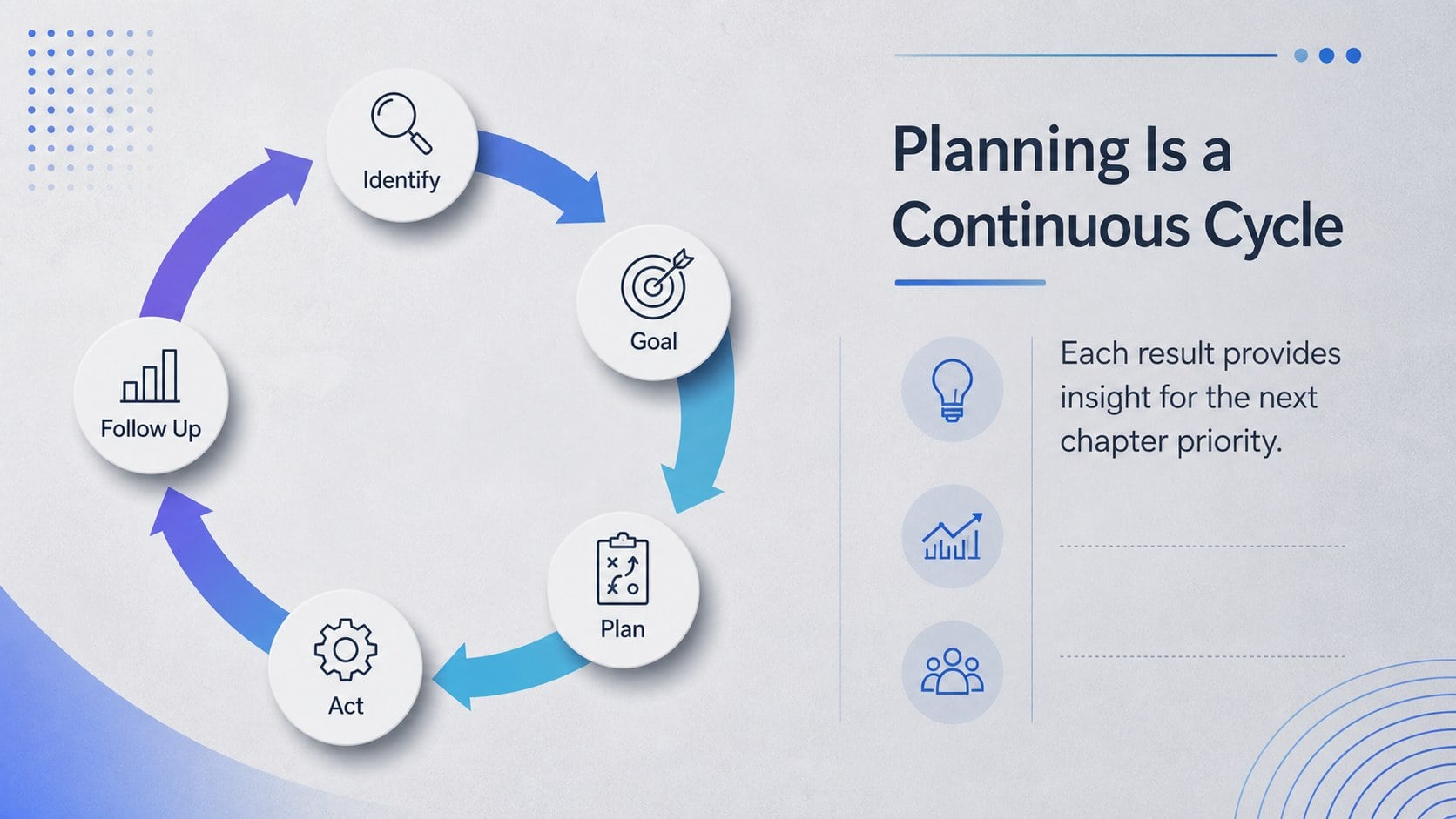
Move chapter initiatives from early ideas to measurable outcomes with this FCCLA action planning slide deck. Its structured infographics present the five planning stages in a clear sequence, helping students explain decisions, responsibilities, deadlines, and results without overcrowding their presentation. A restrained grey and blue gradient gives the slides a professional, focused appearance suited to classrooms, chapter meetings, and competitive event preparation.
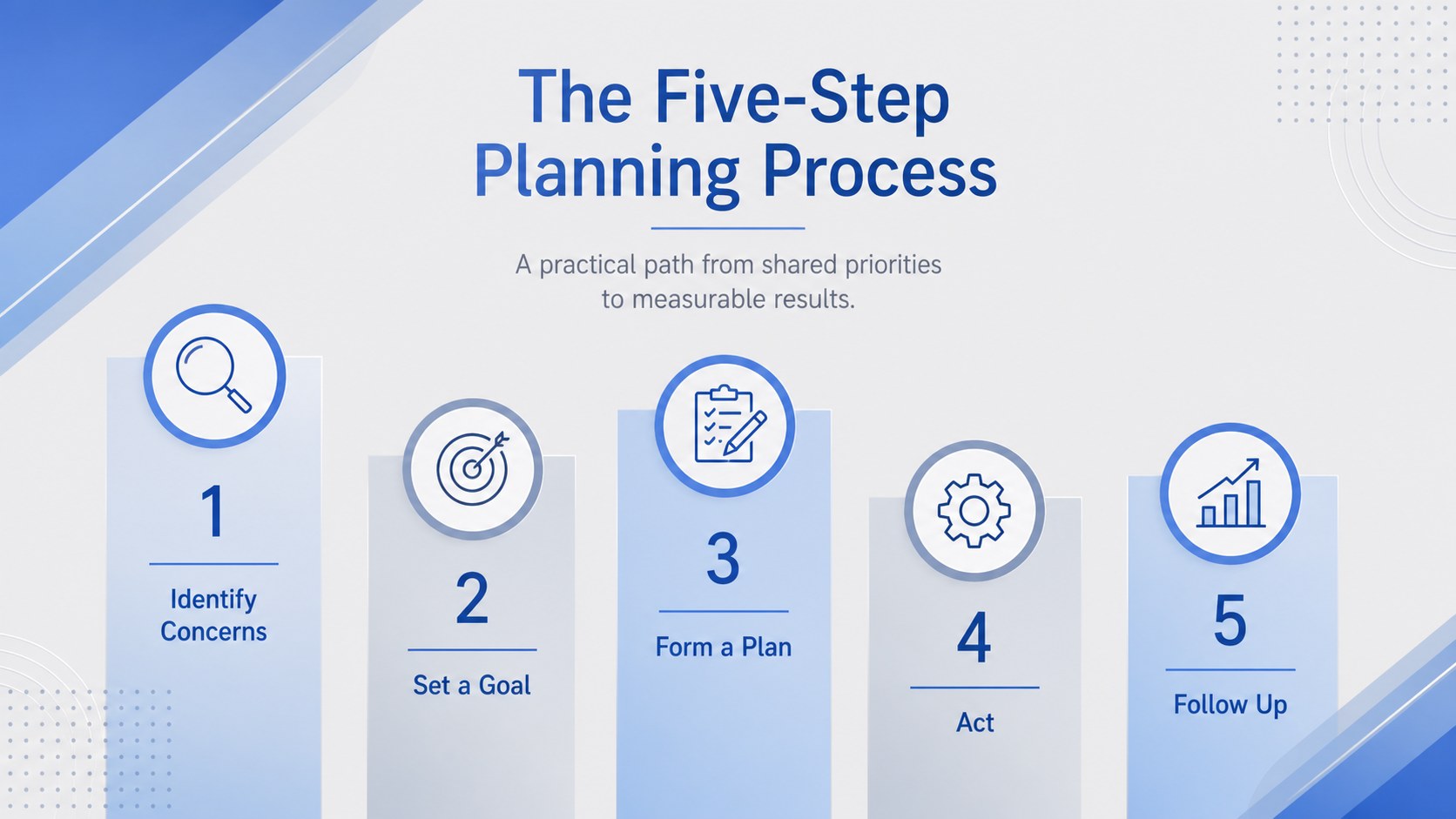
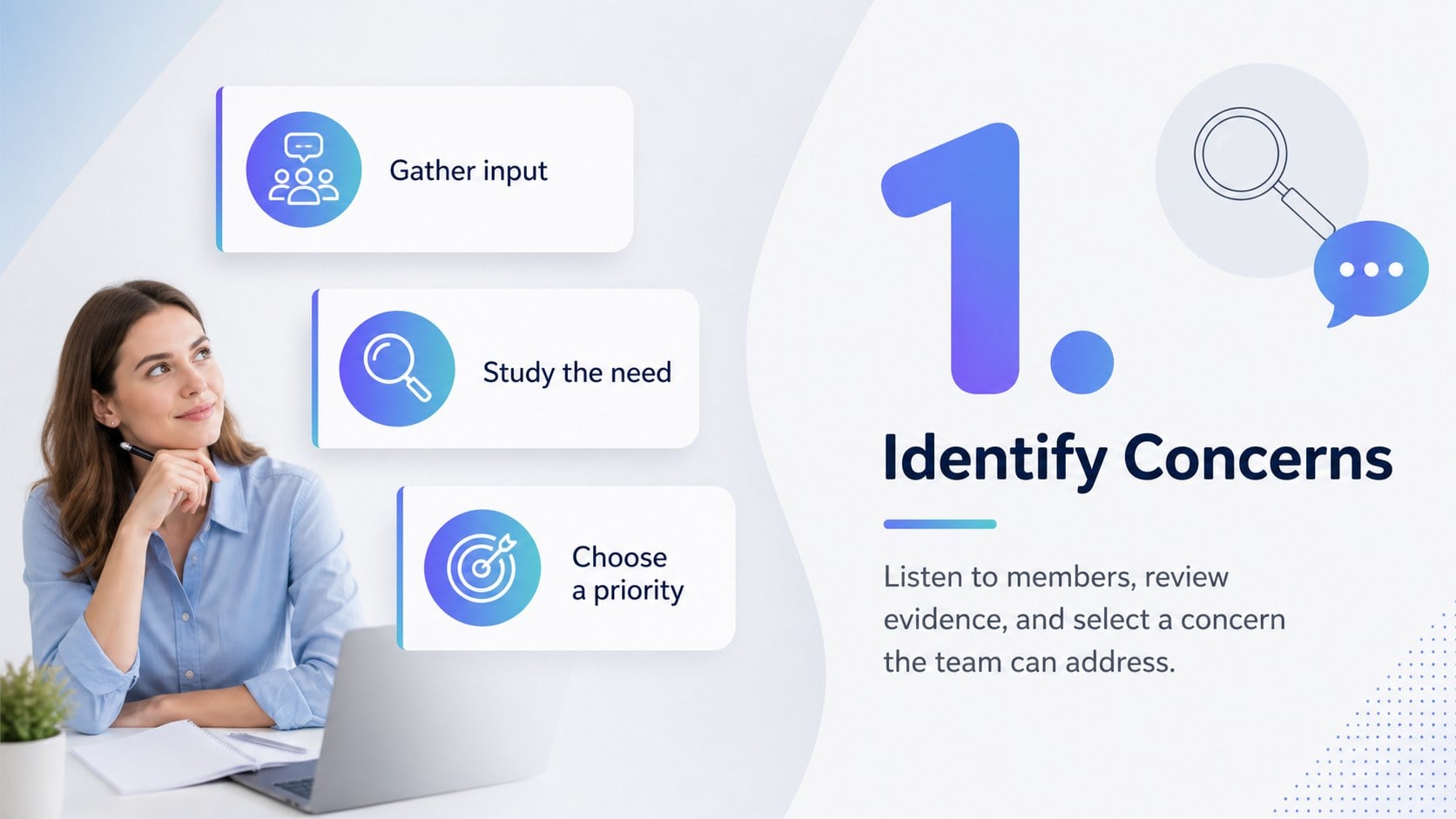
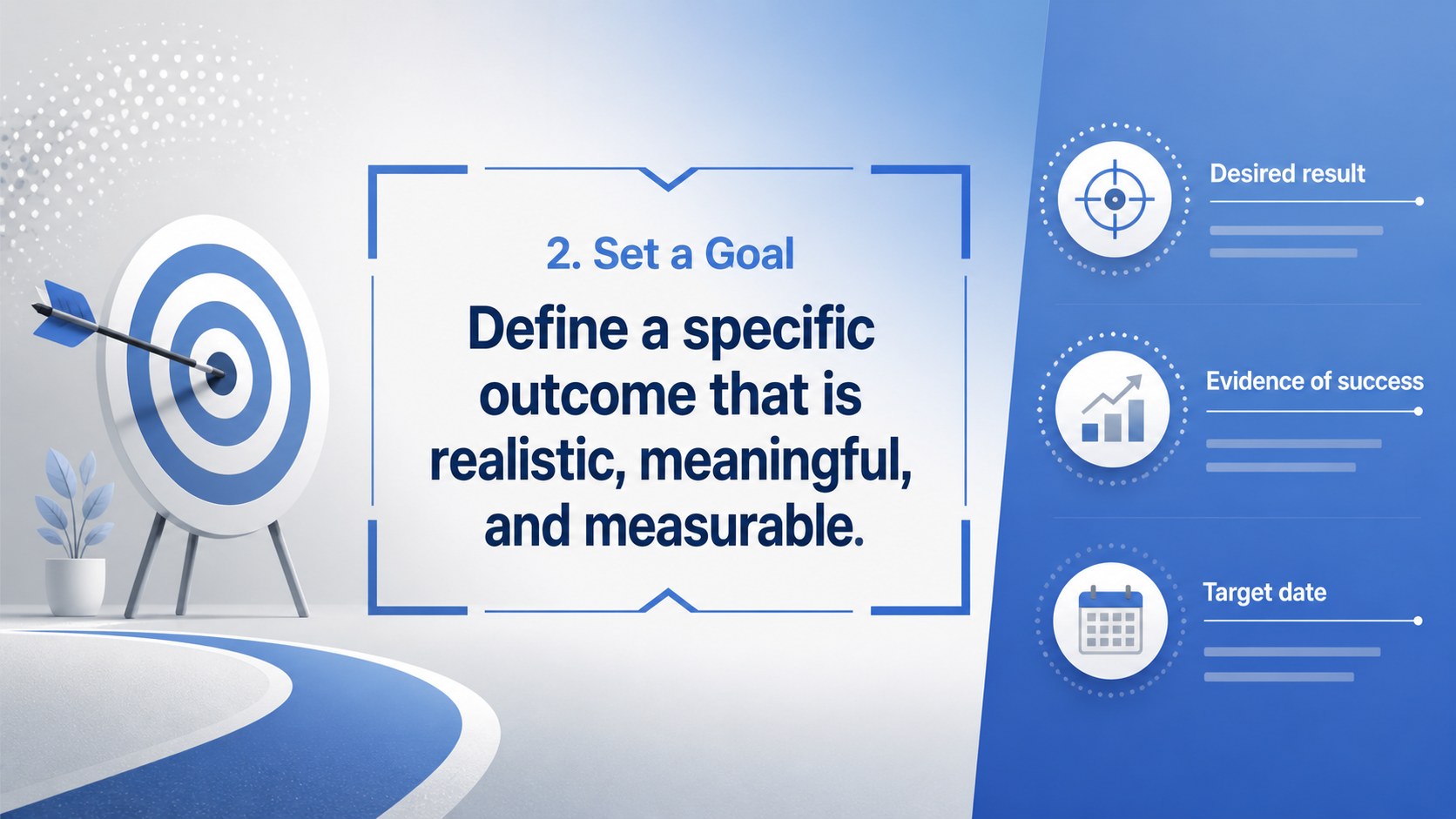
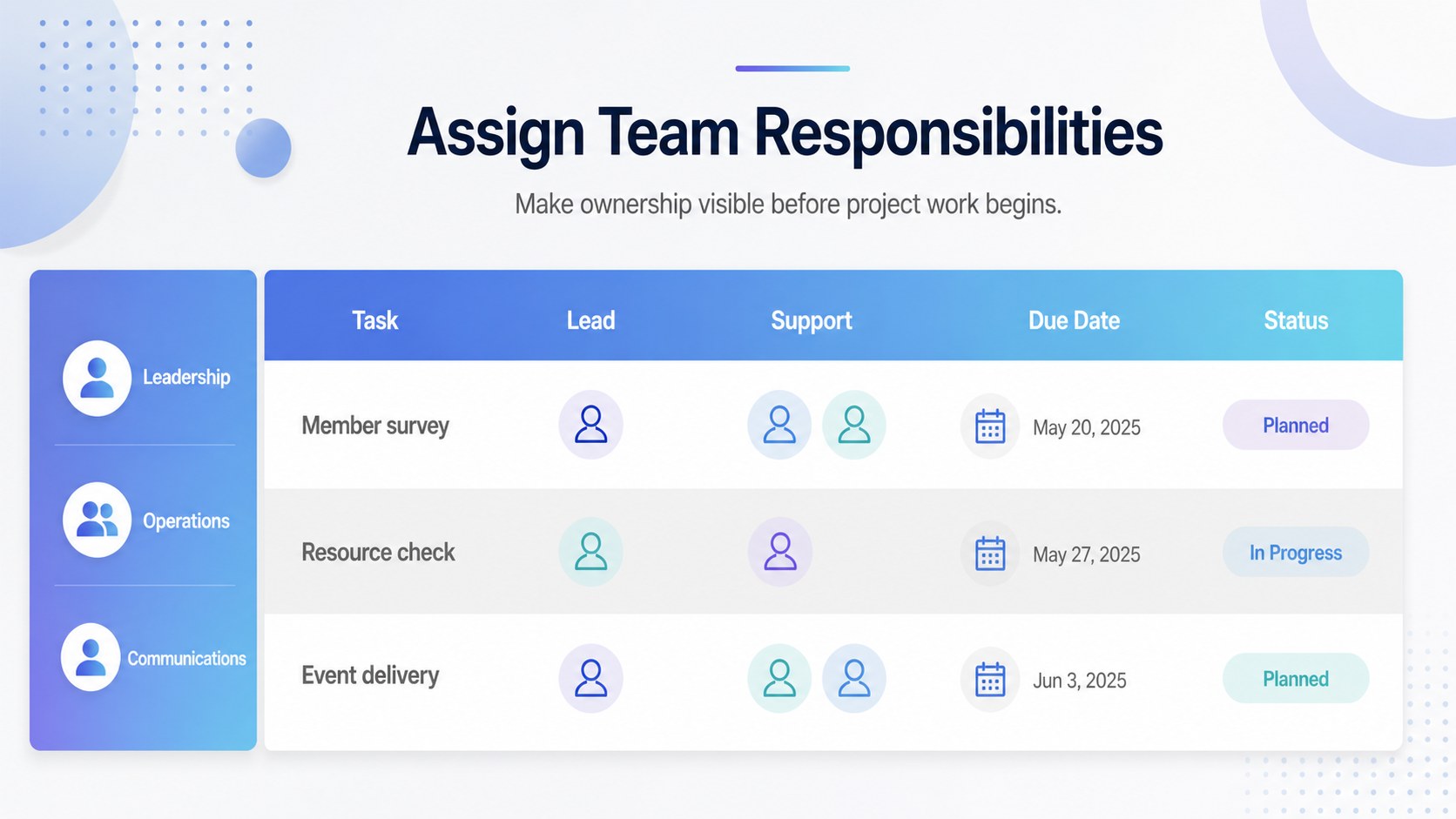
Inside are 12 editable 16:9 layouts covering the five-step FCCLA planning process: Identify Concerns, Set a Goal, Form a Plan, Act, and Follow Up. Use the included cycle diagram, step-by-step roadmap, responsibility matrix, milestone timeline, action tracker, and reflection layout to build a complete project story. Shapes, colors, labels, charts, and text can be adjusted in PowerPoint or Google Slides to match a chapter project or school identity.
This FCCLA project planning template is designed for advisers, middle and high school students, chapter officers, and Family and Consumer Sciences educators. It works especially well for community service proposals, STAR Events preparation, membership initiatives, school improvement campaigns, and leadership workshops. The student leadership project slides can also support team check-ins, progress reports, and final evaluations, giving presenters a consistent visual system from the first concern through the follow-up stage.
Perfect for: FCCLA chapter project kickoff; STAR Events planning session; Community service proposal; Student leadership workshop; Chapter progress review; Project results presentation.
Frequently asked questions
Can I edit every part of the slides? Yes. Text, colors, shapes, diagrams, and process labels are editable, so you can adapt each layout to a specific FCCLA chapter project.
Practical details
Yes. Text, colors, shapes, diagrams, and process labels are editable, so you can adapt each layout to a specific FCCLA chapter project.
Yes. The template is designed for both PowerPoint and Google Slides in a widescreen 16:9 format. Minor font or animation differences may occur when moving between platforms.
Yes. The standard stages are included as editable text, and you can add project details, deadlines, student roles, and evidence beneath each stage.
Yes. The layouts use concise labels and clear visual sequences that help middle and high school students organize chapter plans, competition materials, and project reflections.
Keep exploring
15Build an engaging World UFO Day session with this flying saucer history lesson deck, featuring retro green-and-brown slides for PowerPoint and Google Slides.
 15
15Plan a lively animal-learning journey with this jungle zoo adventure lesson deck, ready to customize in PowerPoint and Google Slides for young learners.
 16
16Turn environmental research into a clear story with a Watercolor Ecology Presentation Theme for PowerPoint and Google Slides in calming green and blue.
 16
16Build focused fashion, literature, and humanities presentations with the Red Triangle Editorial Theme, editable in PowerPoint and Google Slides.
 15
15Turn streaming stats, favorite tracks, and concert highlights into a bold annual listening recap slide deck for PowerPoint and Google Slides.
 15
15Turn highlights, milestones, and favorite moments into a colorful year in review slide deck with bold 3D graphics for PowerPoint and Google Slides.
 3
3Build a credible endorsement with Standout Colleague Recommendation Letter Slides, featuring colorful prompts for skills, achievements, and team impact.
 4
4Build clear beginner sessions with an ice hockey fundamentals training deck for coaches, PE teachers, and clubs, ready for PowerPoint and Google Slides.