
 15
15presentation
Flying Saucer History Lesson Deck
Build an engaging World UFO Day session with this flying saucer history lesson deck, featuring retro green-and-brown slides for PowerPoint and Google Slides.
Google SlidesPowerPoint
presentation · English
Build a polished fashion consumer insights deck for audience profiles, trend research, and competitor comparisons in beige and red PowerPoint or Google…
Design notes
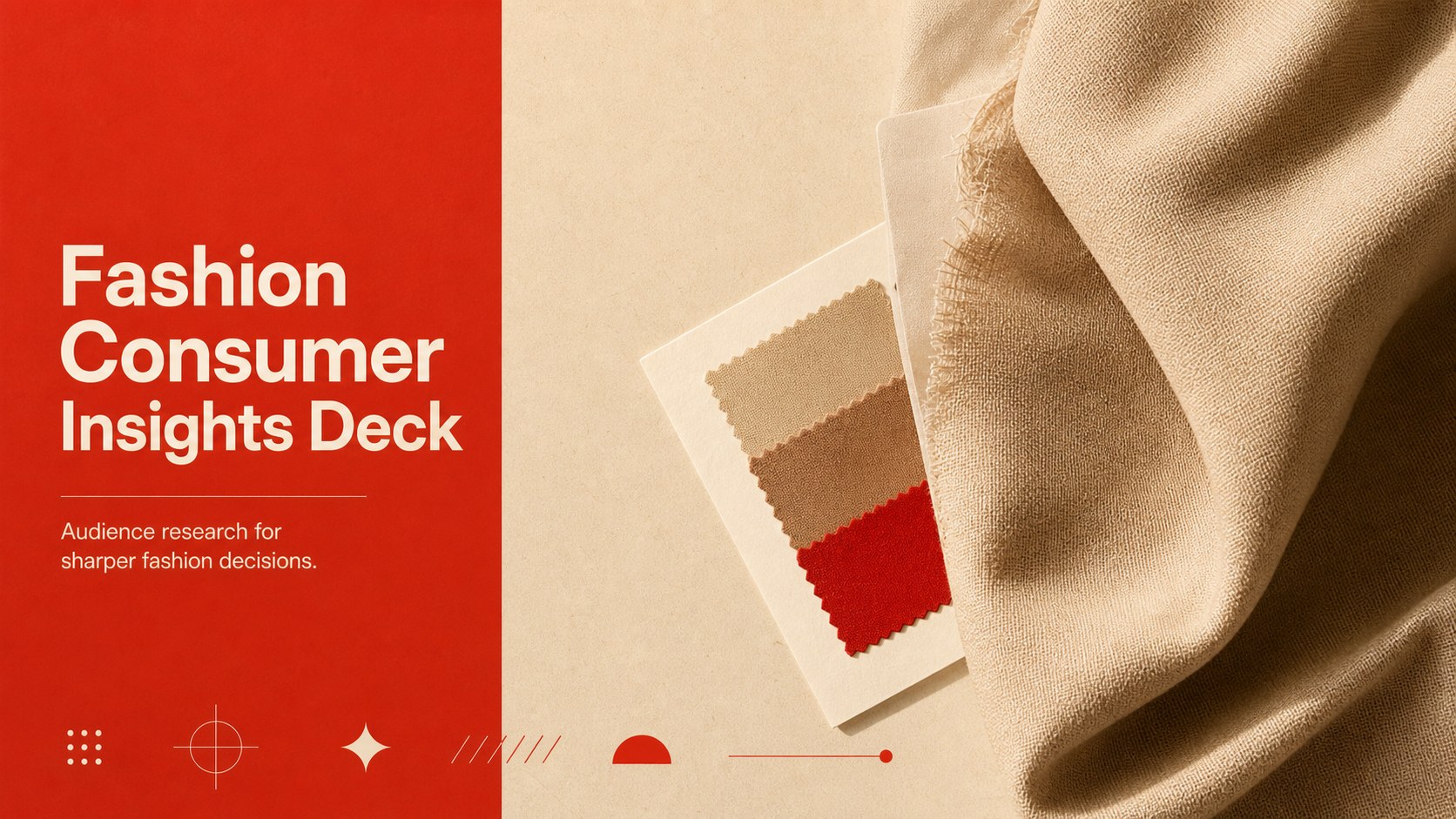
Fashion Consumer Insights Deck is a refined presentation template for turning customer research into a focused visual narrative. Its restrained beige background, red accents, and clean typography create an editorial feel while keeping audience data, trend findings, and competitive observations easy to scan. Use it to explain who your customers are, what influences their buying decisions, and where your brand can find its next opportunity.
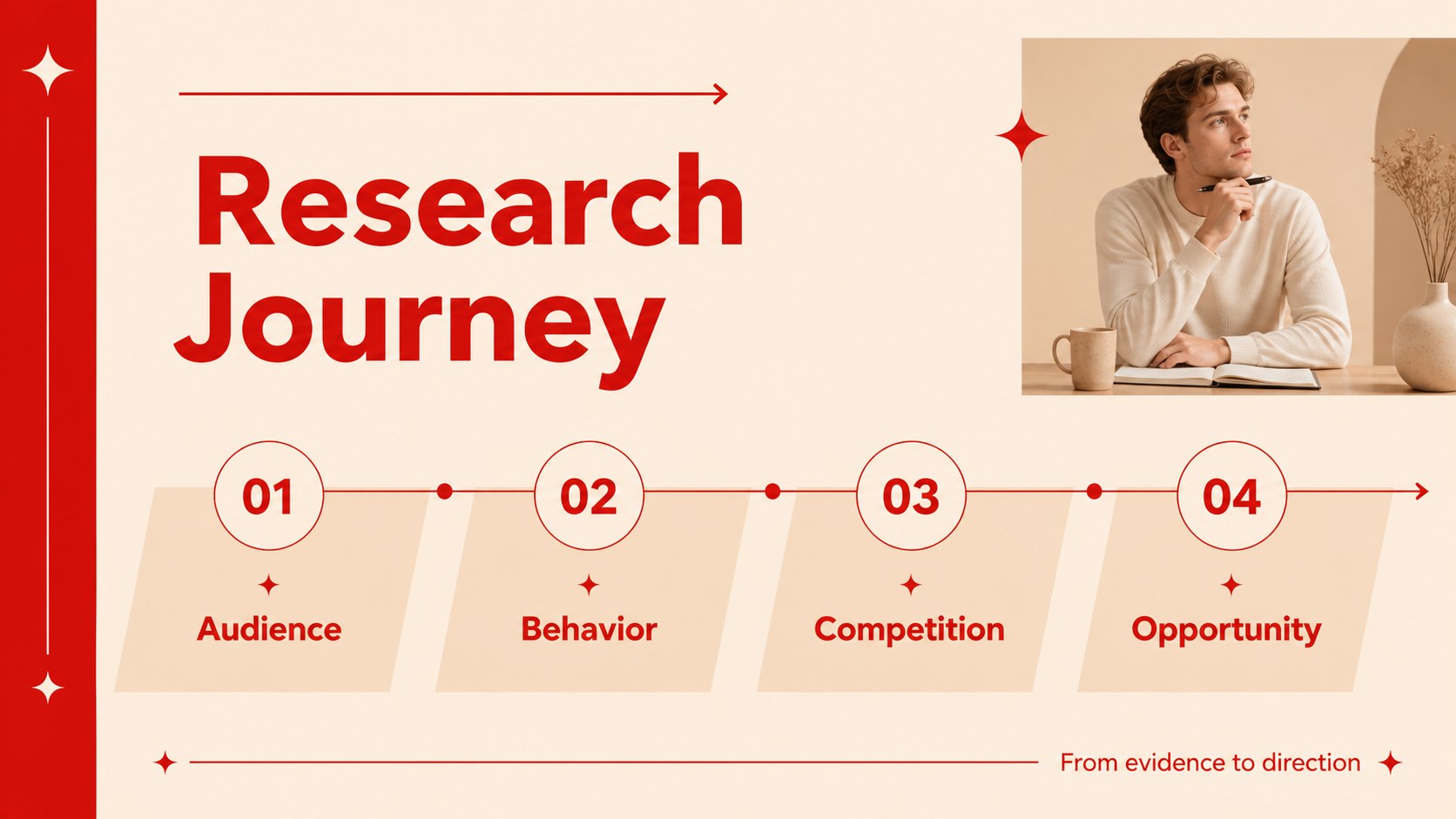
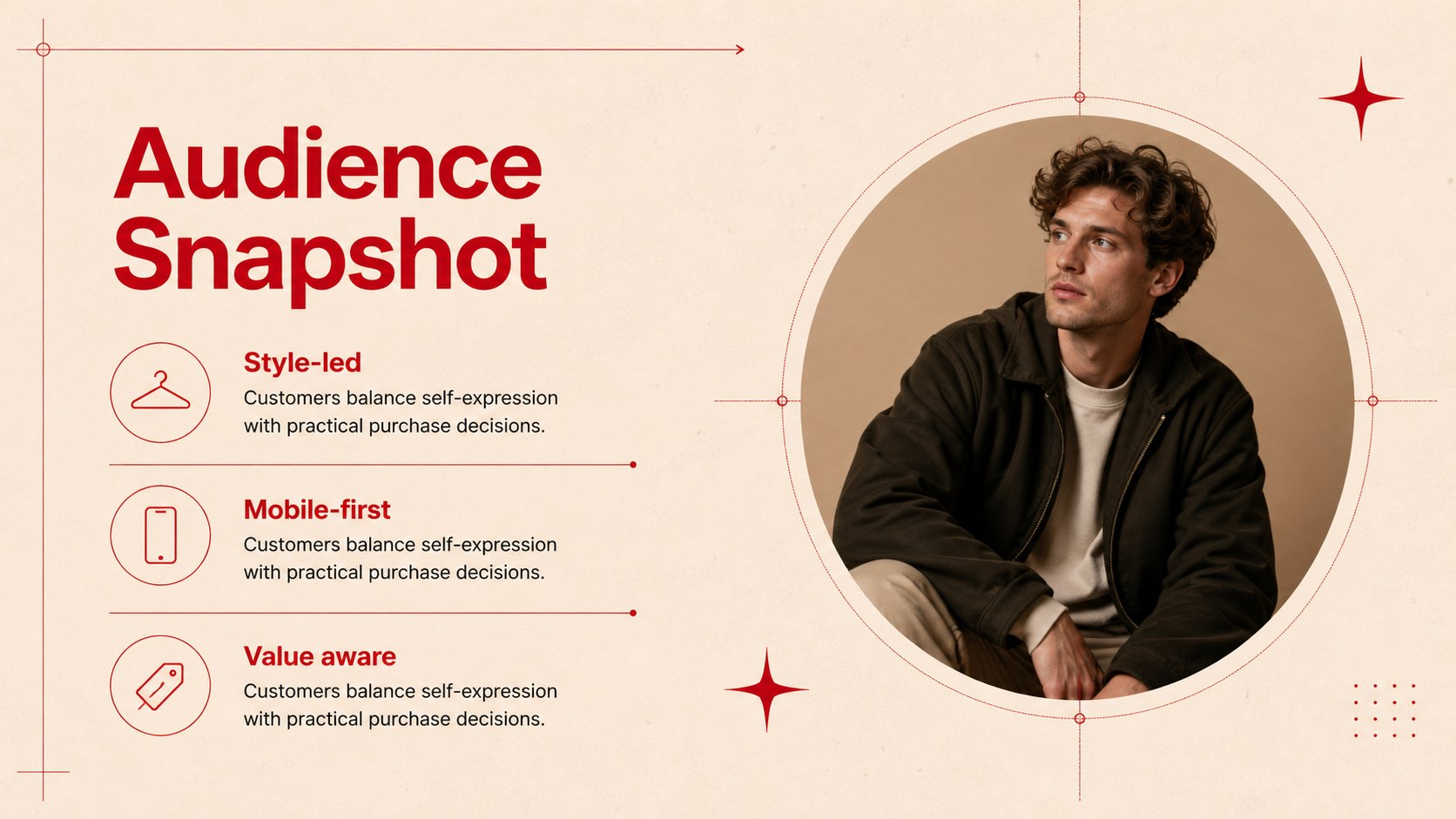
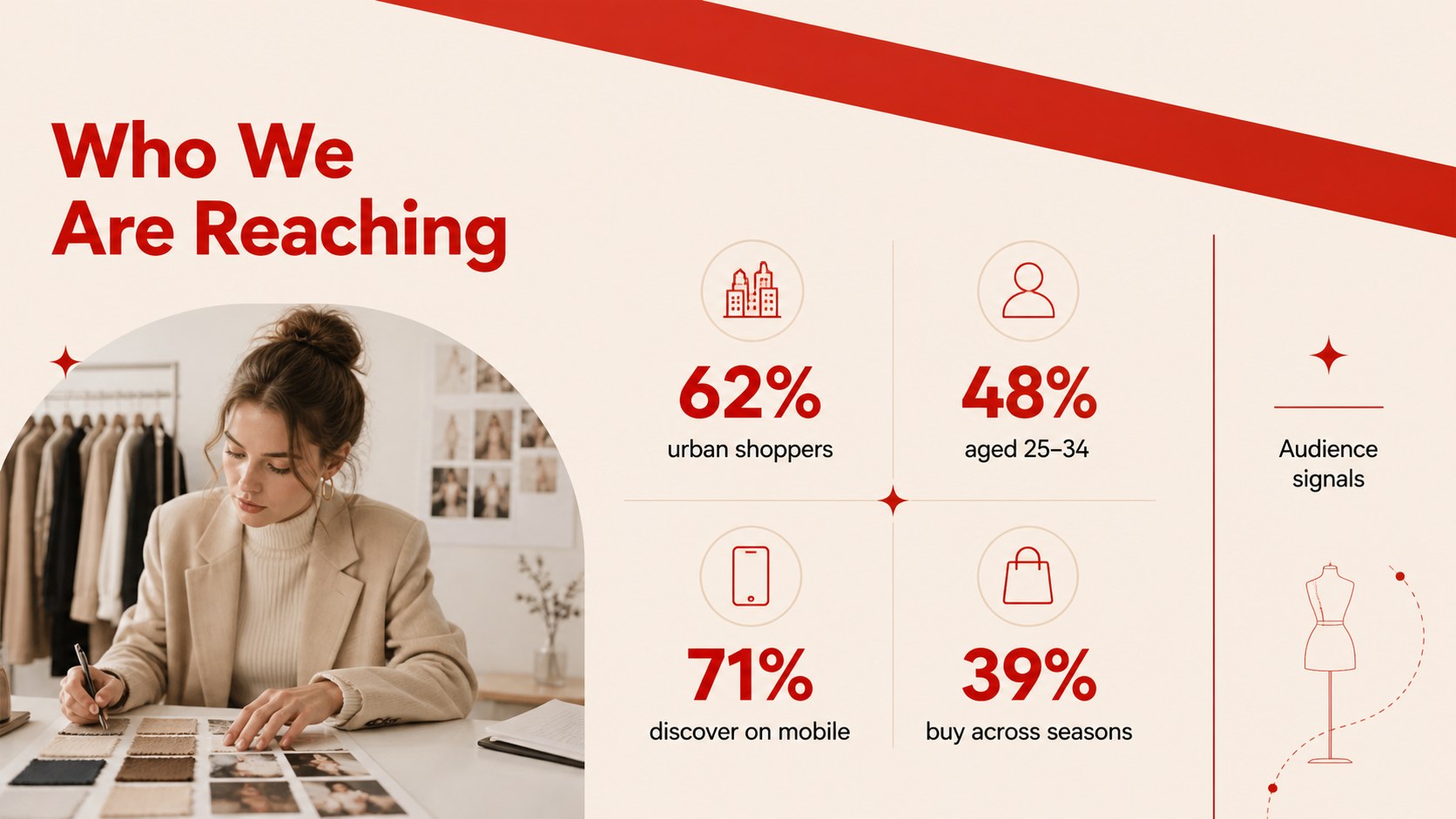
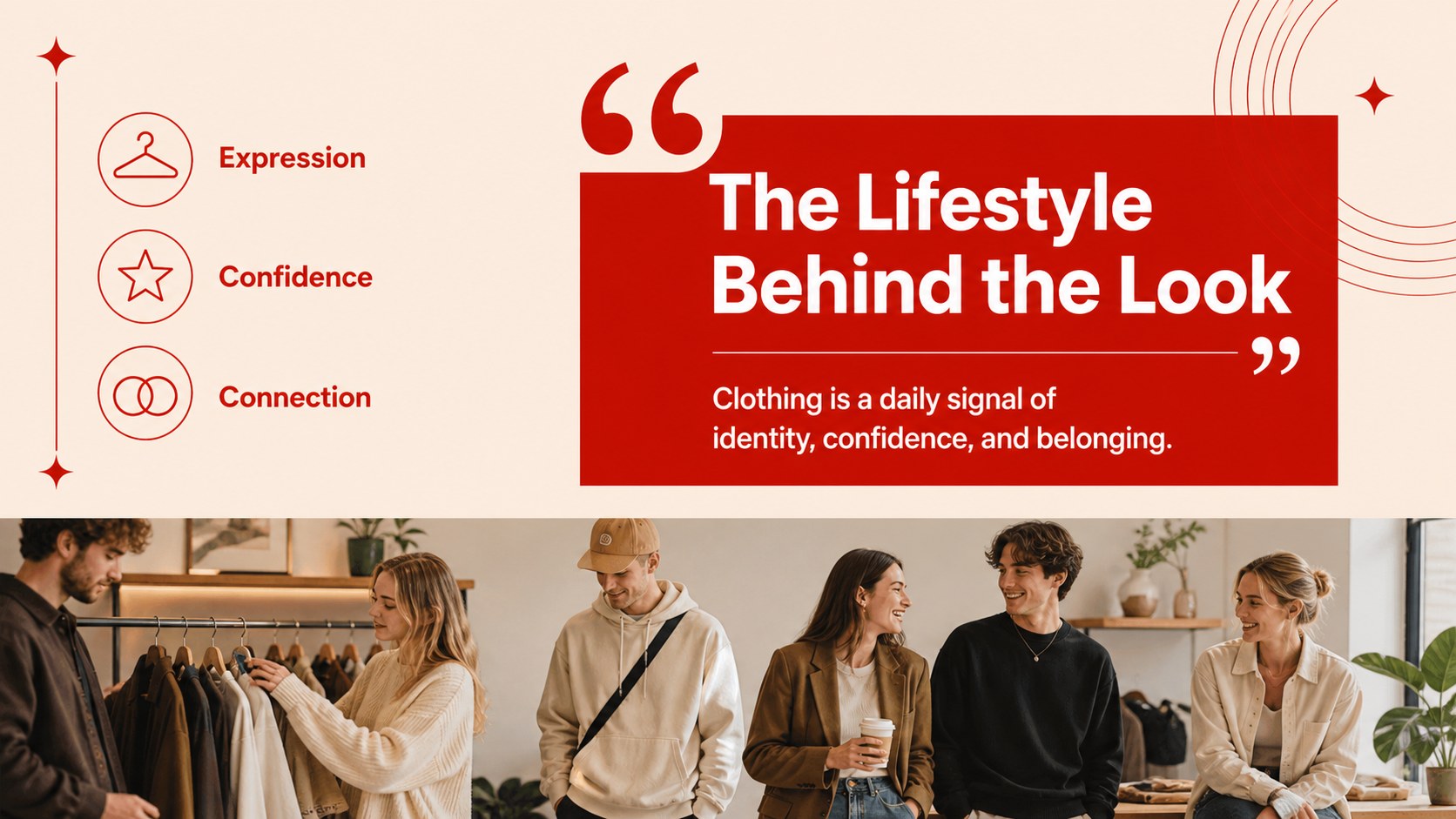
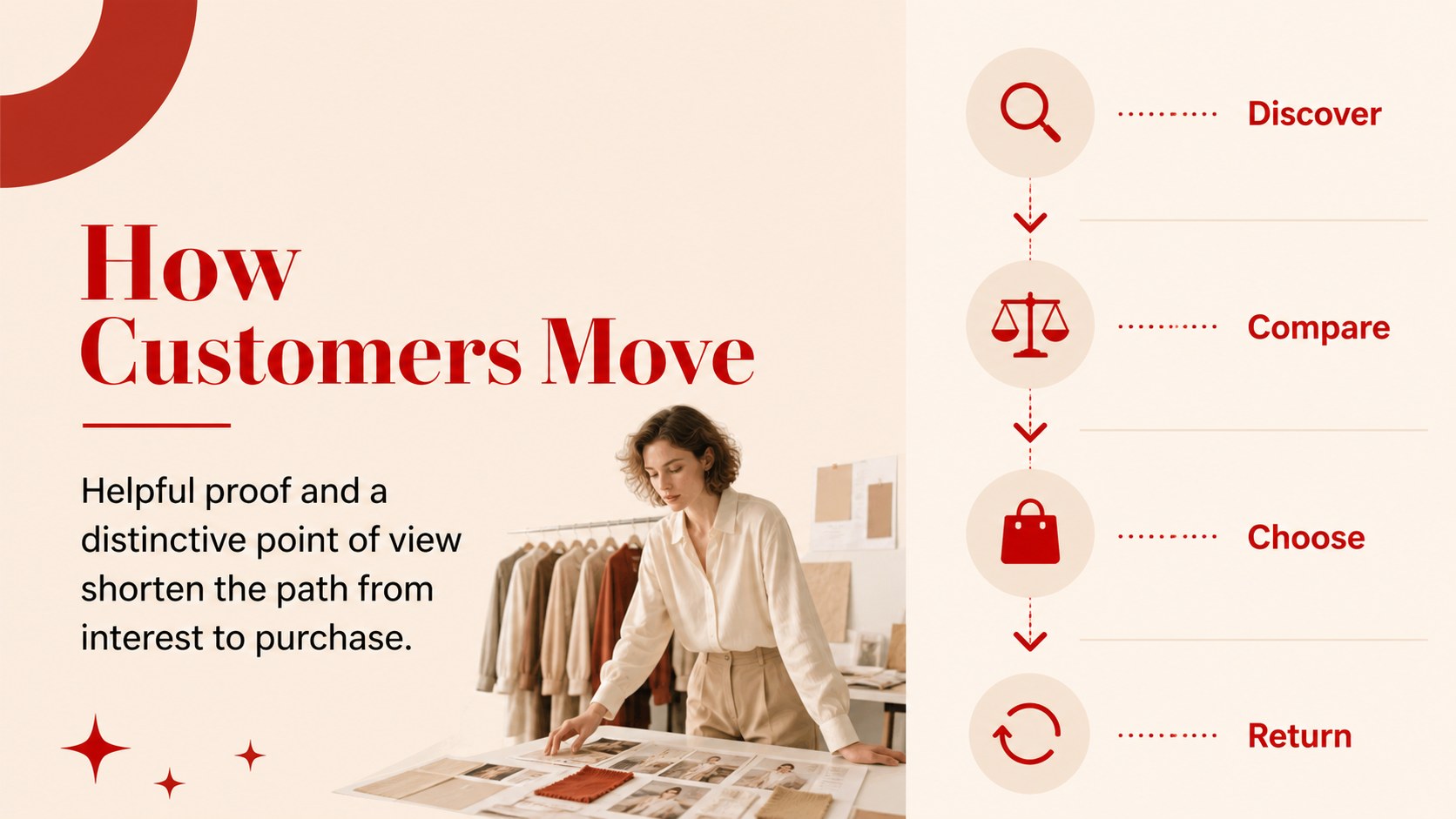
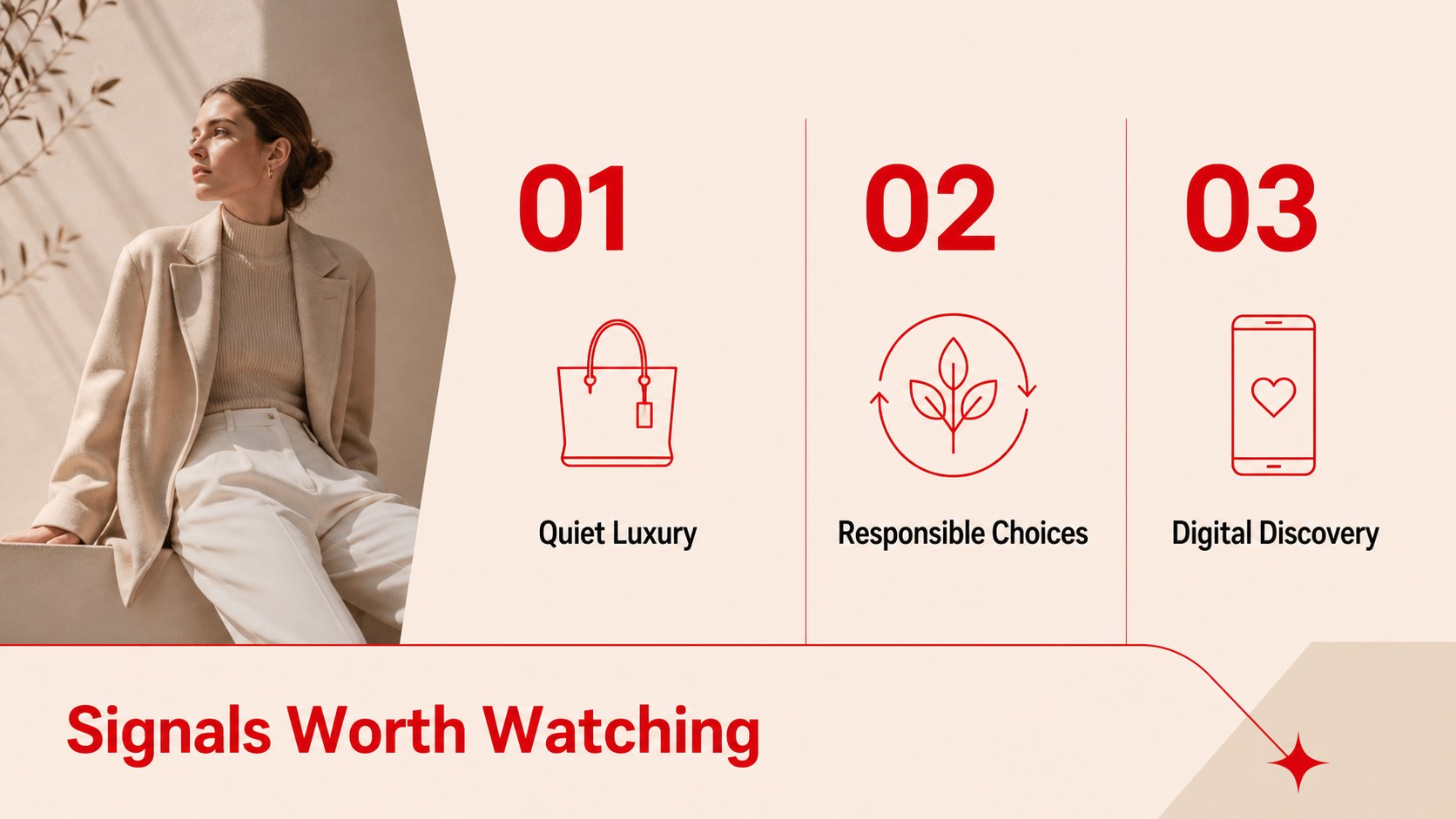
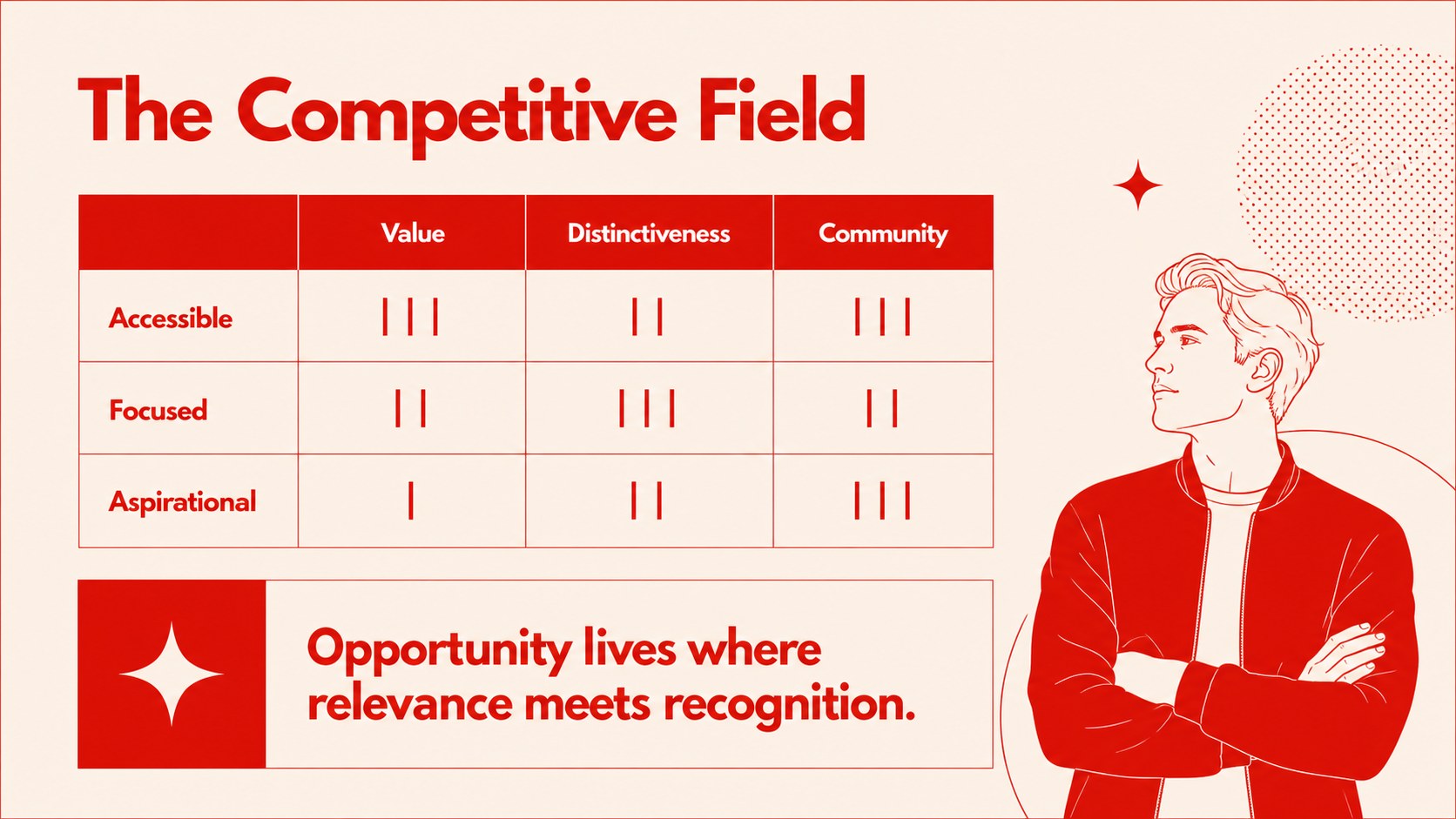
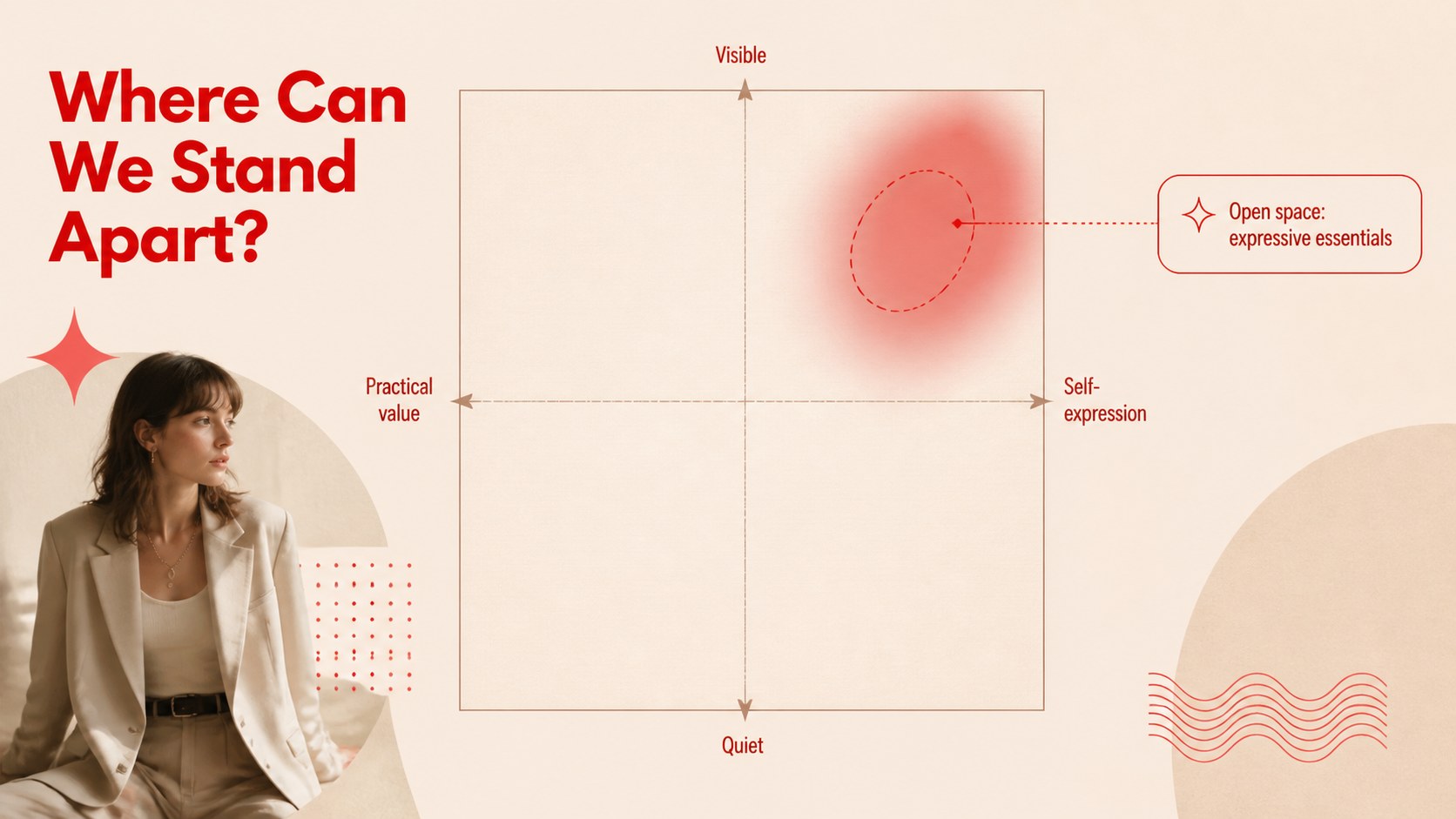
Inside, you will find 15 widescreen slides for an opening statement, research agenda, audience snapshot, demographic overview, lifestyle profile, buying behavior, trend signals, competitor comparison, positioning map, customer journey, opportunity matrix, campaign direction, key recommendations, supporting data, and a closing summary. Charts, image areas, timelines, comparison layouts, and modular content blocks make it simple to replace sample material with your own findings.
The deck suits fashion brands, retail teams, creative agencies, product researchers, consultants, and students preparing a fashion consumer research presentation. Edit the layouts in PowerPoint or Google Slides, update the beige and red palette when needed, and pair the slides with survey results, sales data, interviews, or social research. It is especially useful for seasonal planning, collection reviews, brand positioning workshops, and client presentations where clear insights need an elegant visual framework.
Perfect for: seasonal collection planning; fashion brand positioning workshop; retail customer research report; agency client strategy presentation; student consumer behavior project.
Frequently asked questions
Can I edit this template in PowerPoint? Yes. The widescreen layouts are designed for PowerPoint and can be updated with your own text, charts, images, and research data. You can also adjust fonts and colors while preserving the editorial structure.
Practical details
Yes. The widescreen layouts are designed for PowerPoint and can be updated with your own text, charts, images, and research data. You can also adjust fonts and colors while preserving the editorial structure.
Yes, the presentation can be opened and edited in Google Slides. Replace the sample content with survey findings, interview notes, sales figures, or other customer evidence directly in your browser.
The layouts support demographic profiles, lifestyle segments, purchase behavior, trend observations, competitor reviews, and brand positioning. They work with qualitative insights as well as charts and percentages from quantitative research.
Yes. Change the accent colors, typography, imagery, and chart styling to match a brand identity or project brief. The original palette can also be retained for a quiet editorial presentation style.
Keep exploring
15Build an engaging World UFO Day session with this flying saucer history lesson deck, featuring retro green-and-brown slides for PowerPoint and Google Slides.
 15
15Plan a lively animal-learning journey with this jungle zoo adventure lesson deck, ready to customize in PowerPoint and Google Slides for young learners.
 16
16Turn environmental research into a clear story with a Watercolor Ecology Presentation Theme for PowerPoint and Google Slides in calming green and blue.
 16
16Build focused fashion, literature, and humanities presentations with the Red Triangle Editorial Theme, editable in PowerPoint and Google Slides.
 15
15Turn streaming stats, favorite tracks, and concert highlights into a bold annual listening recap slide deck for PowerPoint and Google Slides.
 15
15Turn highlights, milestones, and favorite moments into a colorful year in review slide deck with bold 3D graphics for PowerPoint and Google Slides.
 3
3Build a credible endorsement with Standout Colleague Recommendation Letter Slides, featuring colorful prompts for skills, achievements, and team impact.
 4
4Build clear beginner sessions with an ice hockey fundamentals training deck for coaches, PE teachers, and clubs, ready for PowerPoint and Google Slides.