
 15
15presentation
Flying Saucer History Lesson Deck
Build an engaging World UFO Day session with this flying saucer history lesson deck, featuring retro green-and-brown slides for PowerPoint and Google Slides.
Google SlidesPowerPoint
presentation · English
Build a seasonal campaign with this farmers market campaign planning deck for vendor meetings, community outreach, and fresh produce promotions.
Design notes
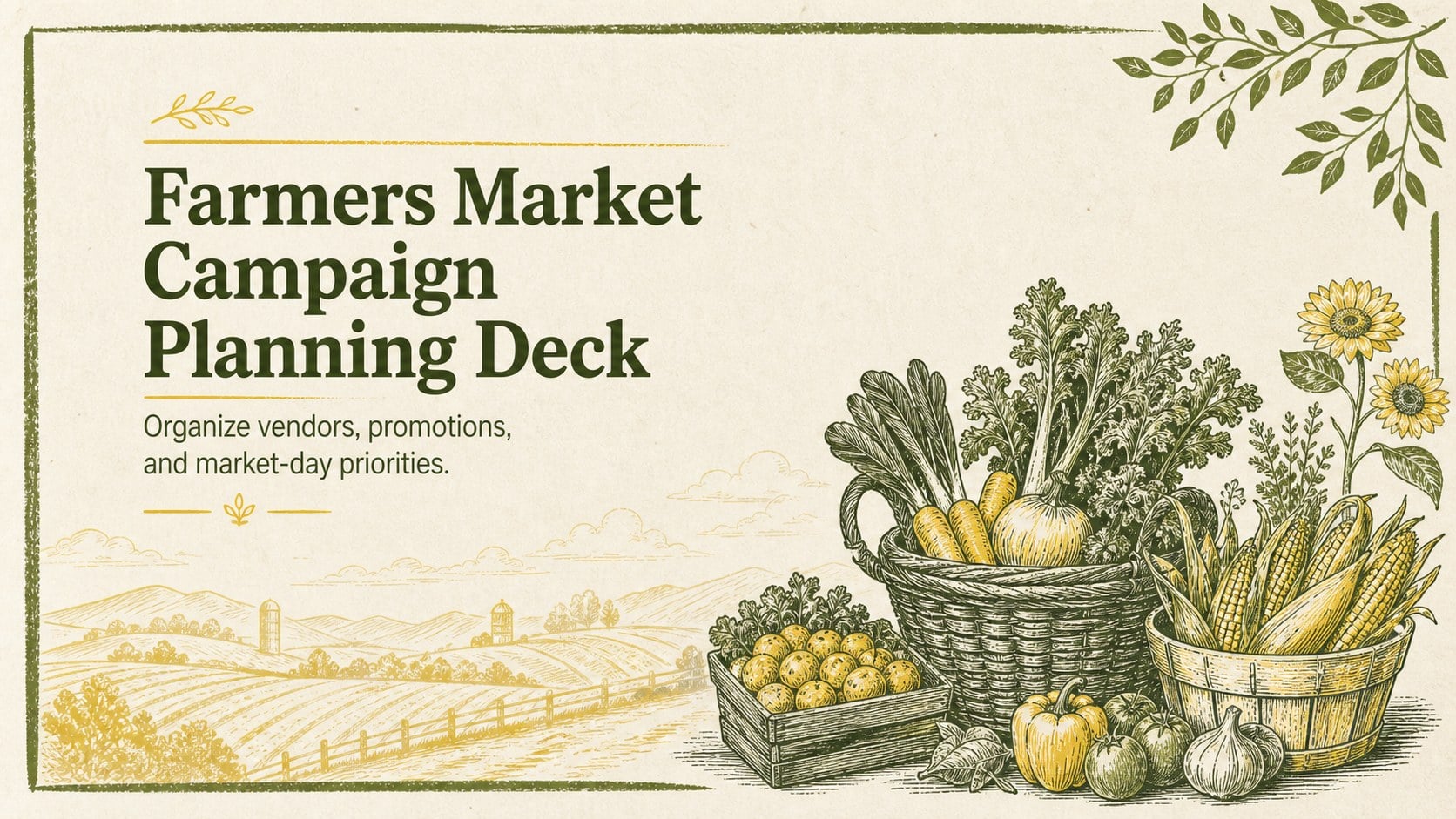
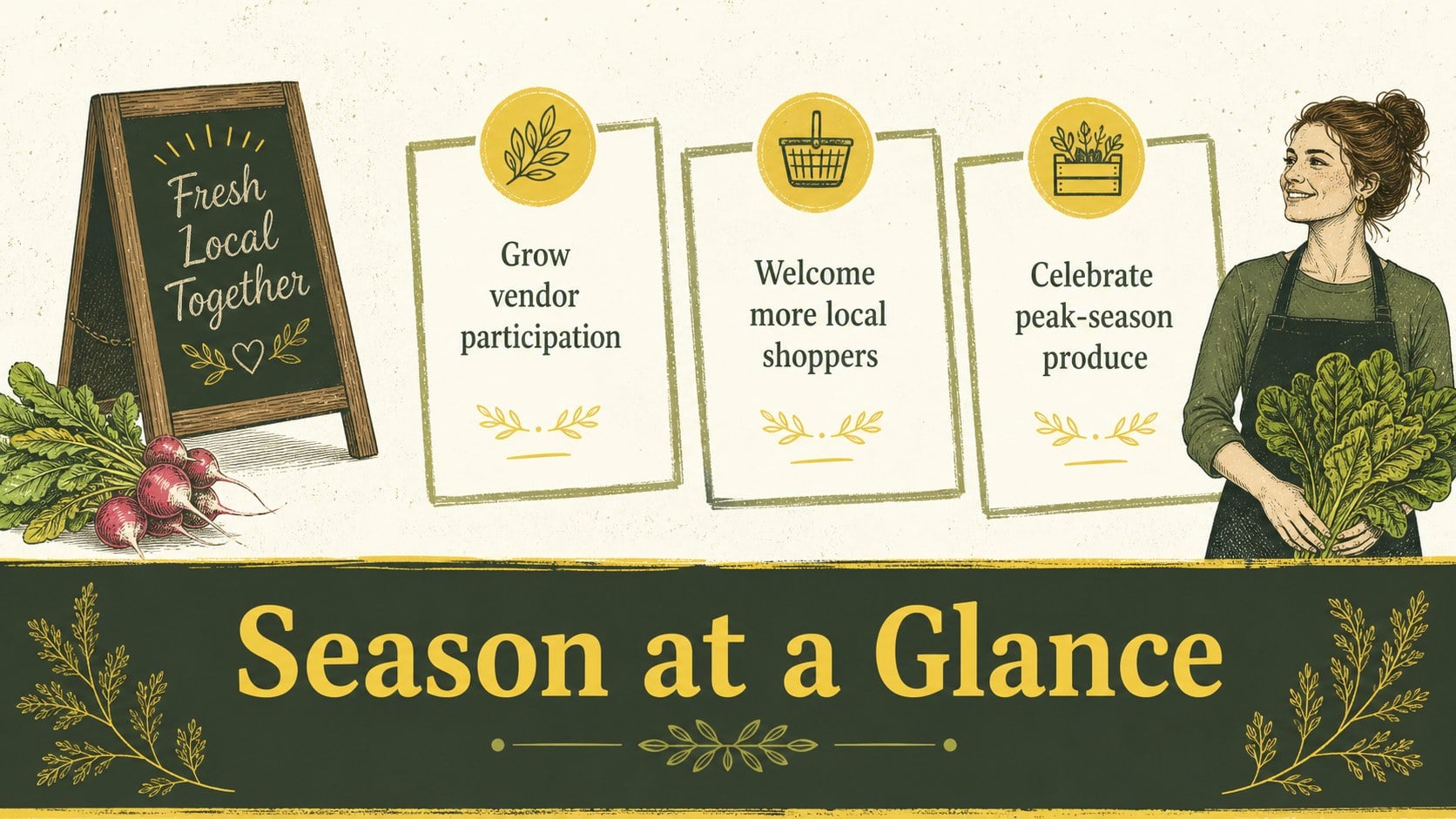
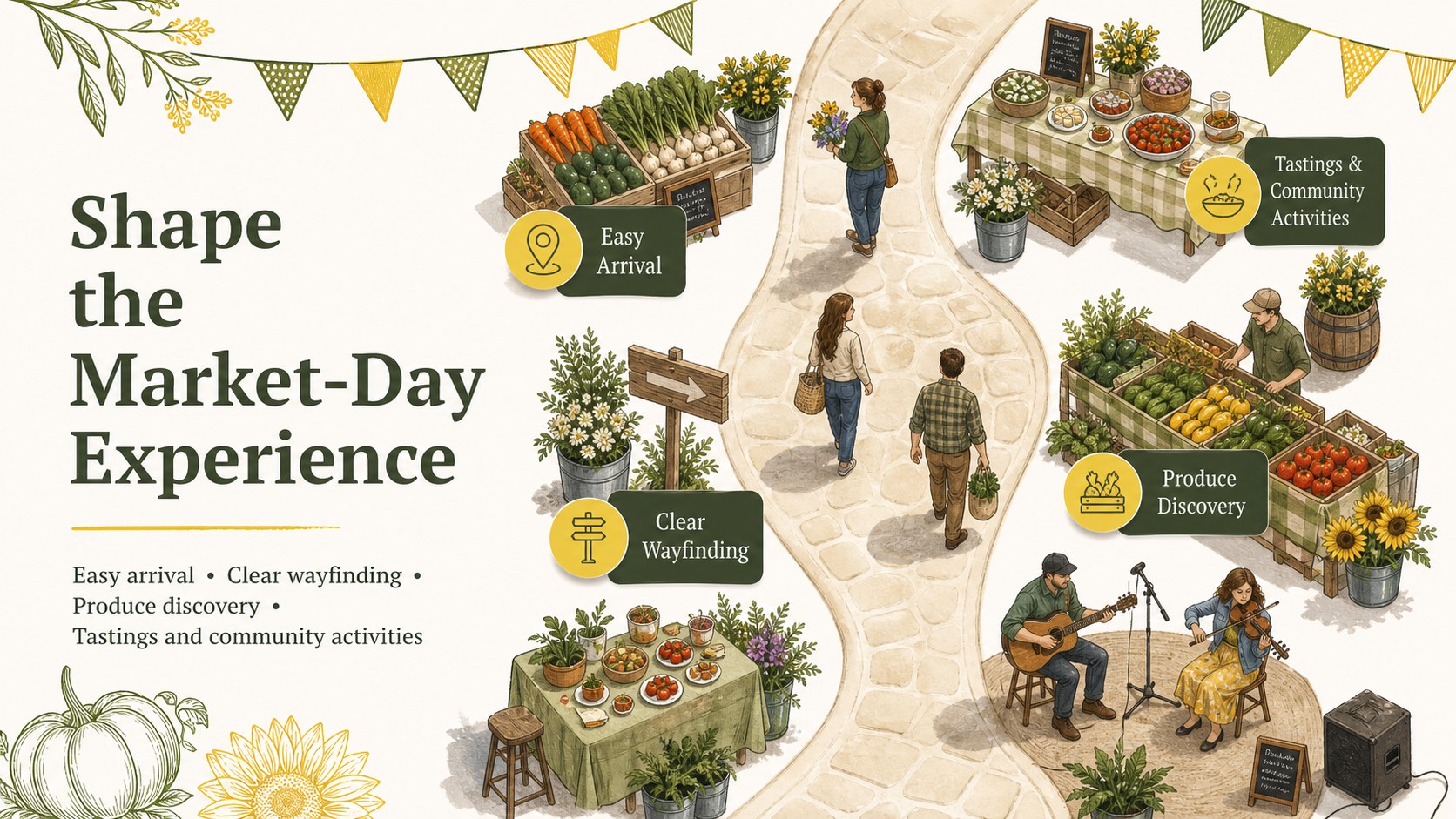
Bring structure to your next market season with the Farmers Market Campaign Planning Deck. Designed in a cheerful yellow and green palette, this presentation combines hand-drawn produce, rustic details, and clean editorial layouts. Use it to shape a seasonal farmers market marketing plan that feels welcoming while keeping goals, responsibilities, and deadlines easy to follow.
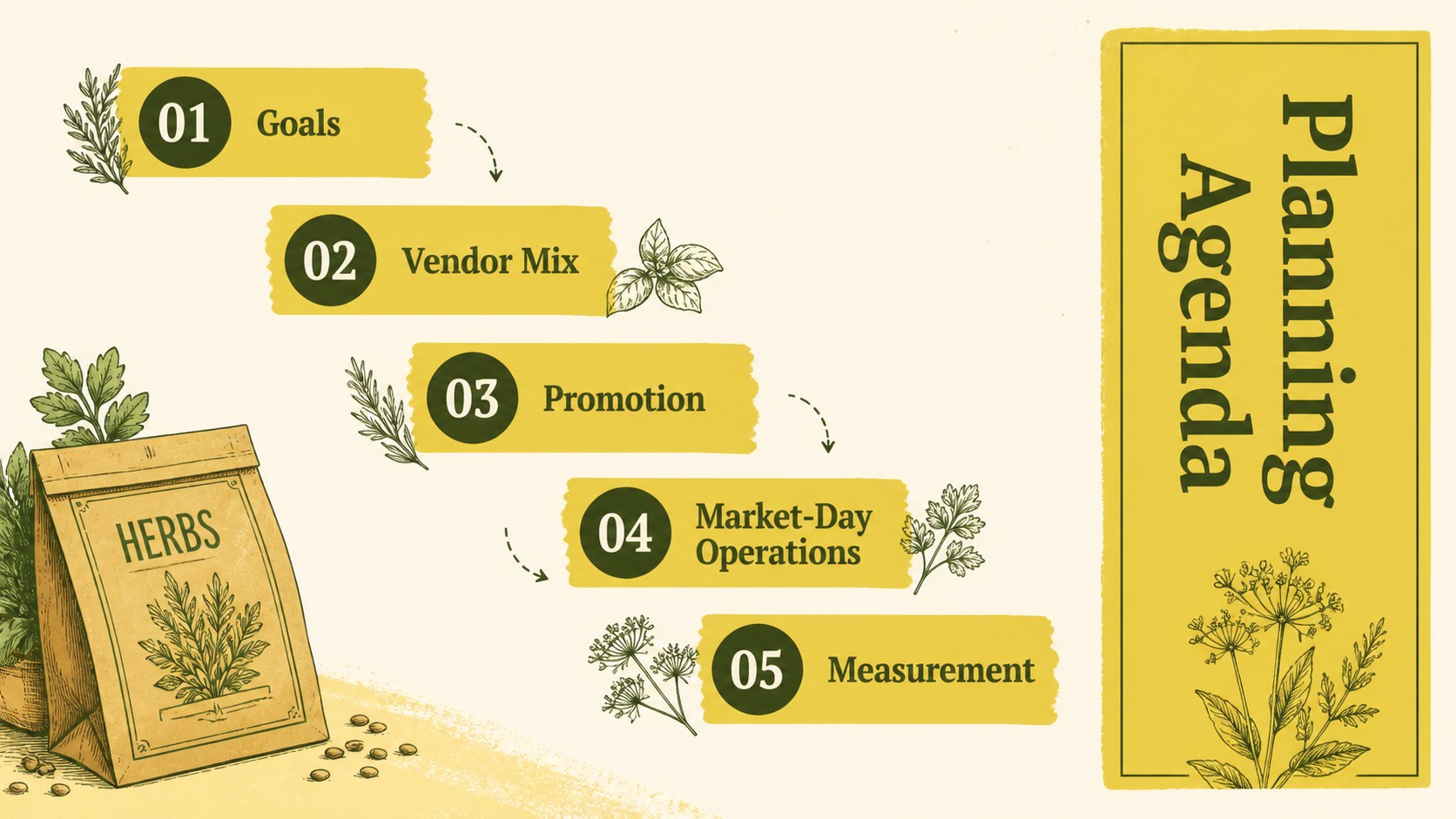
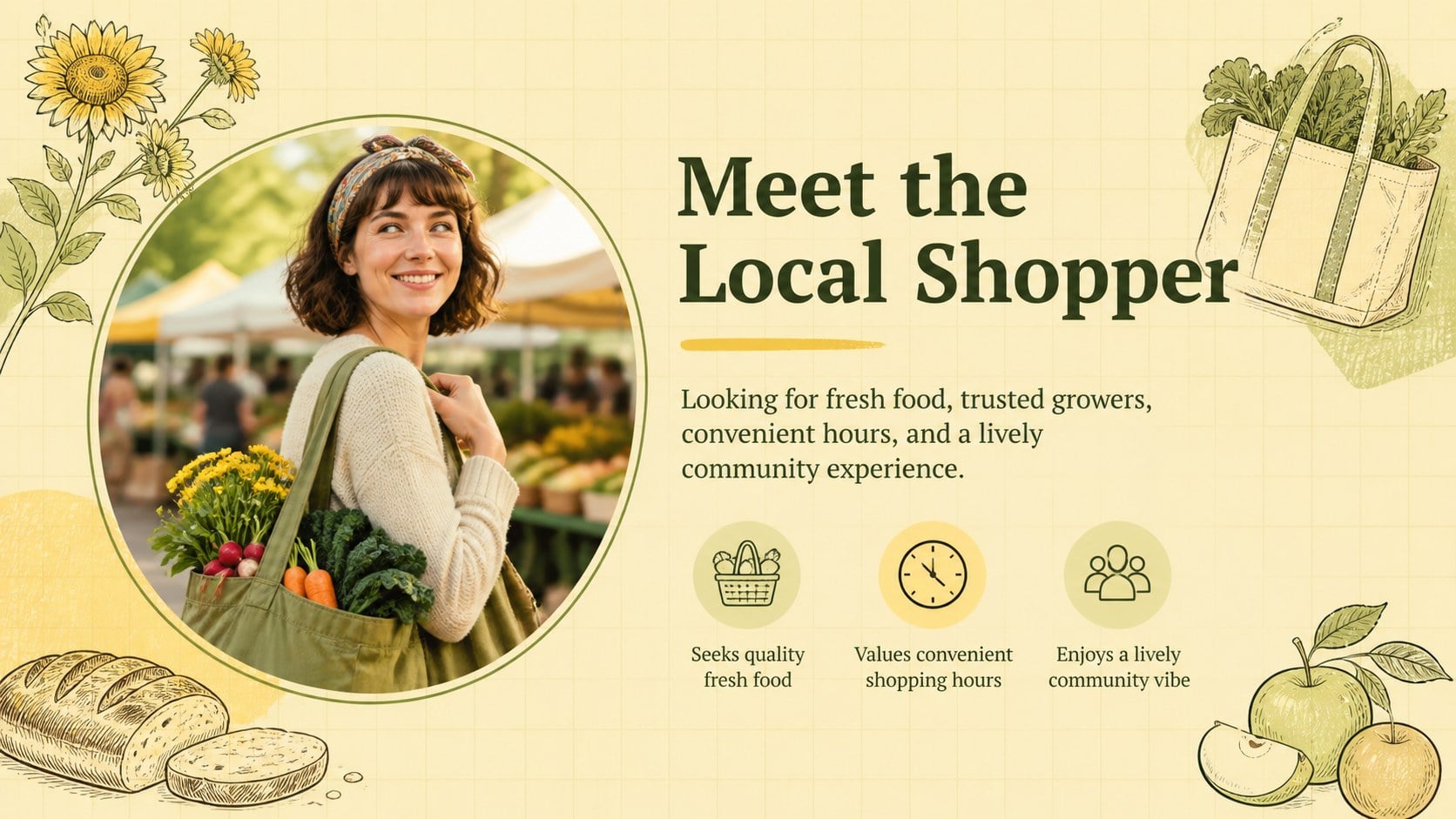
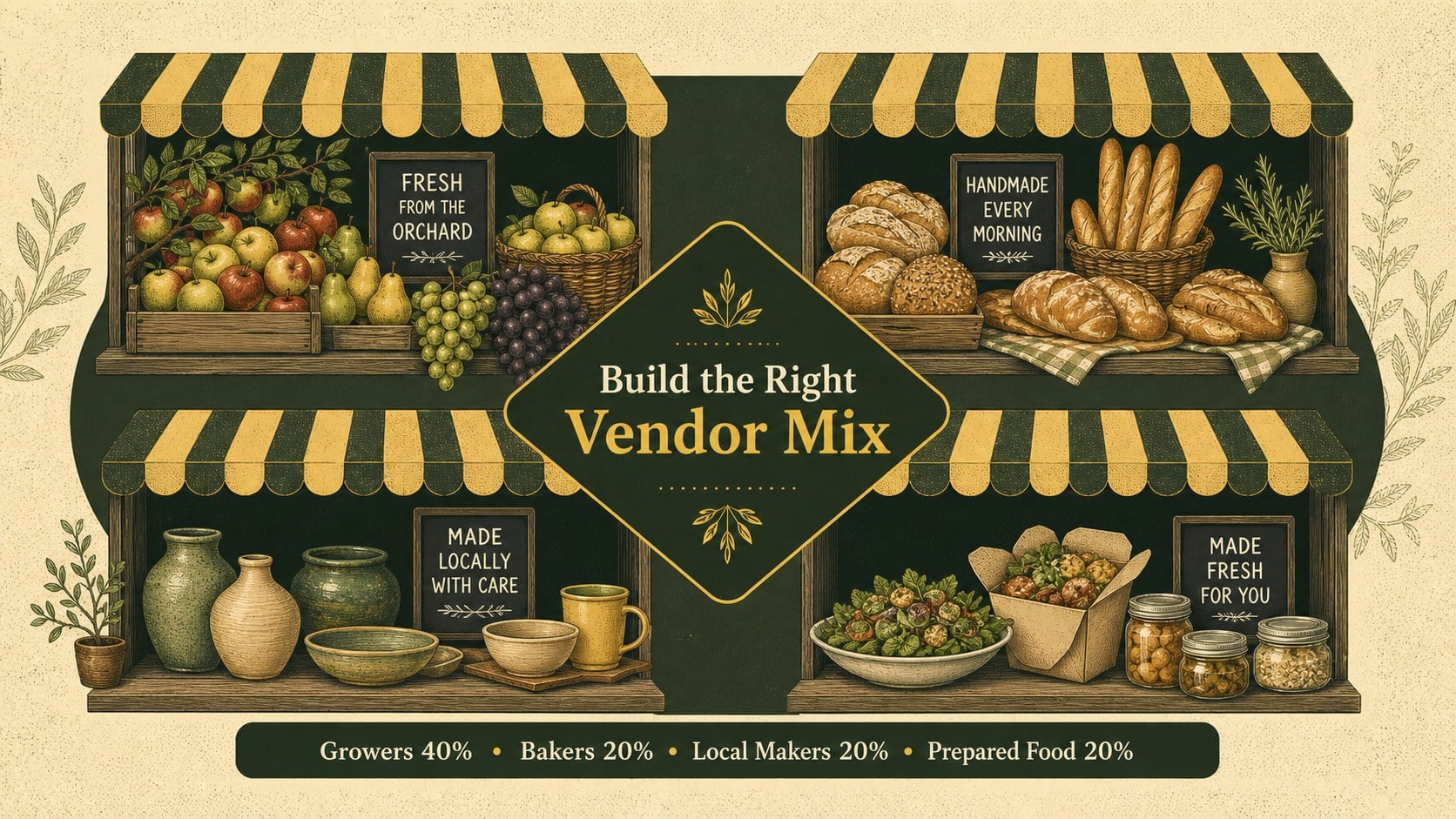
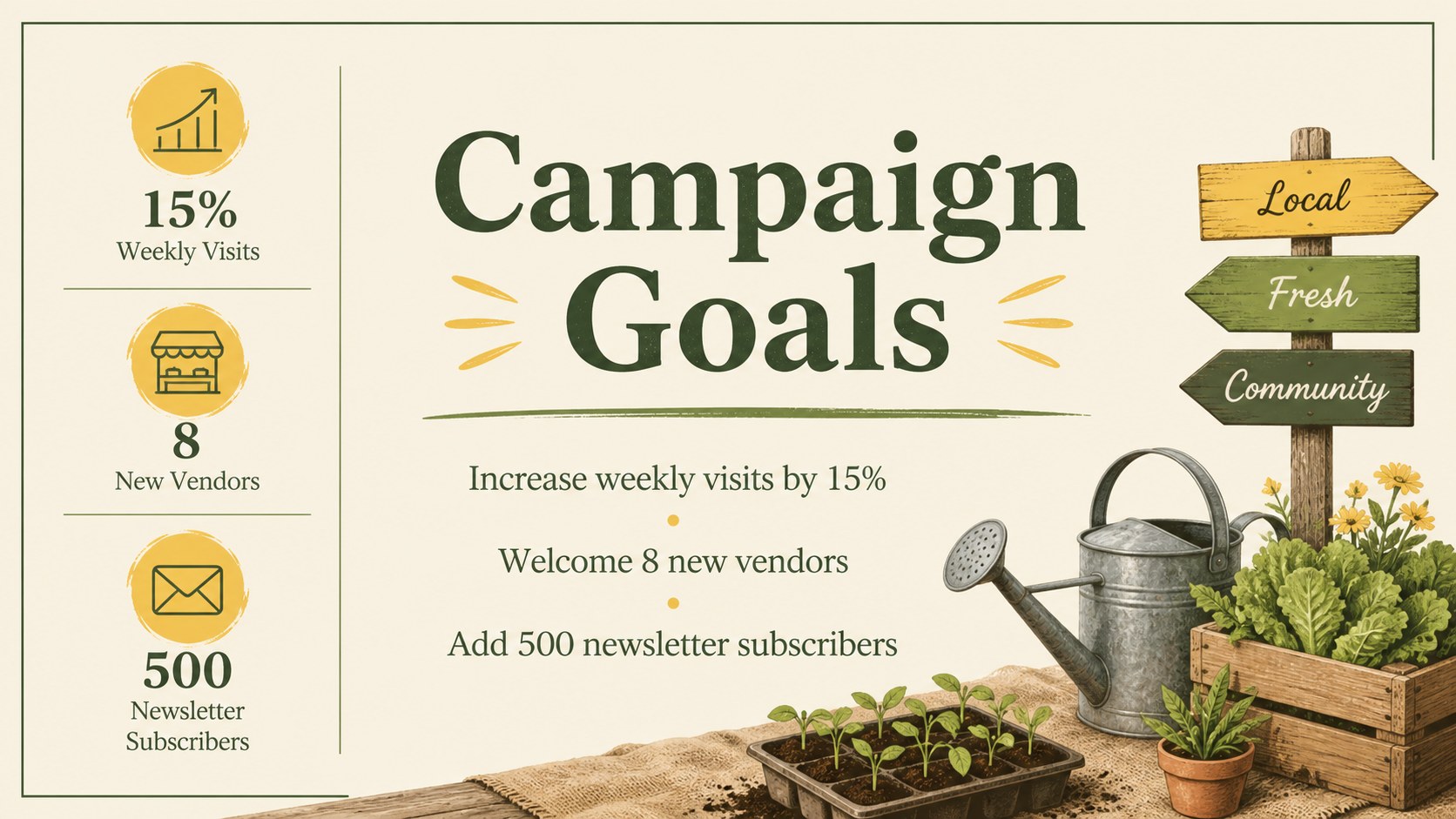
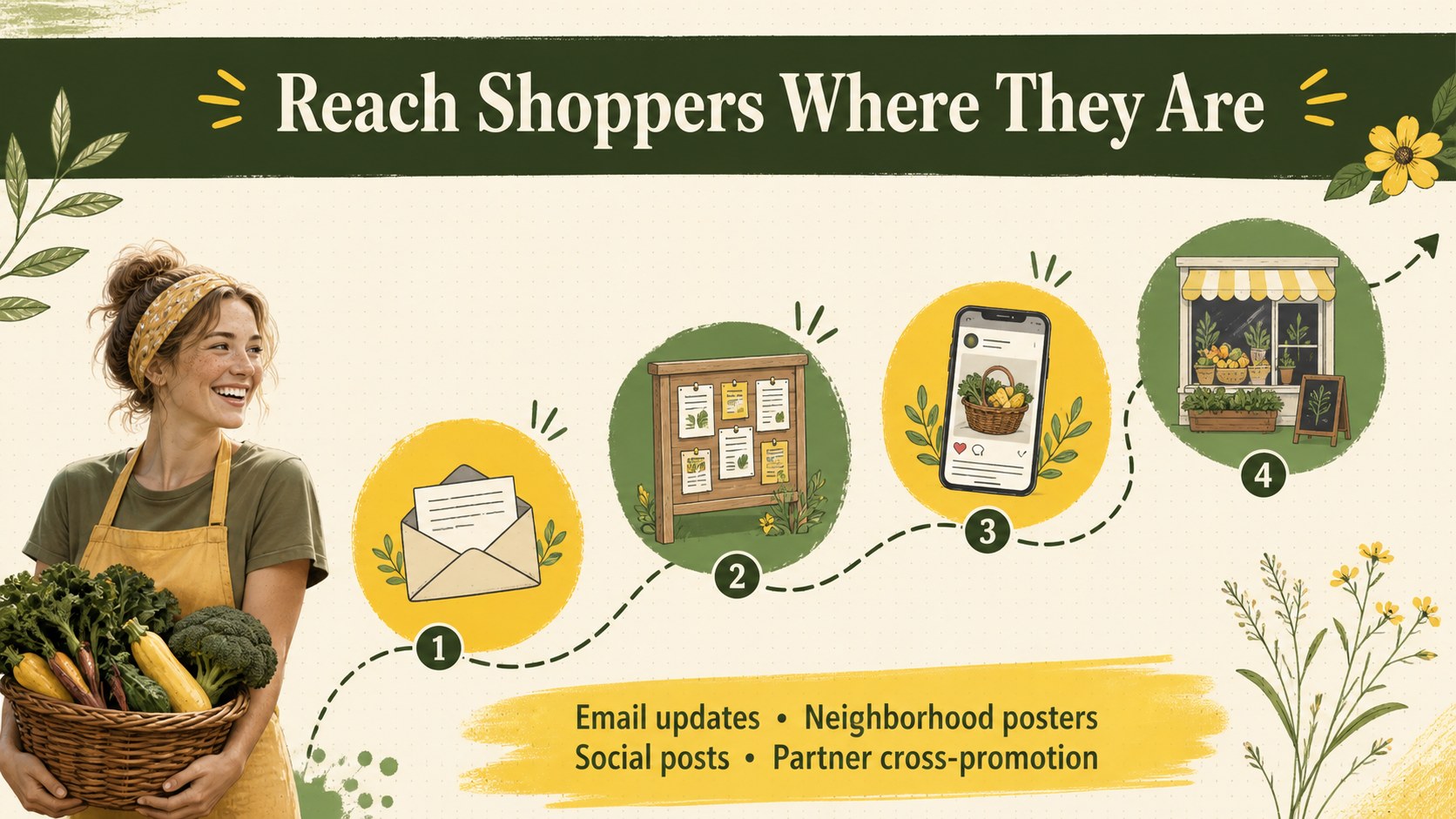
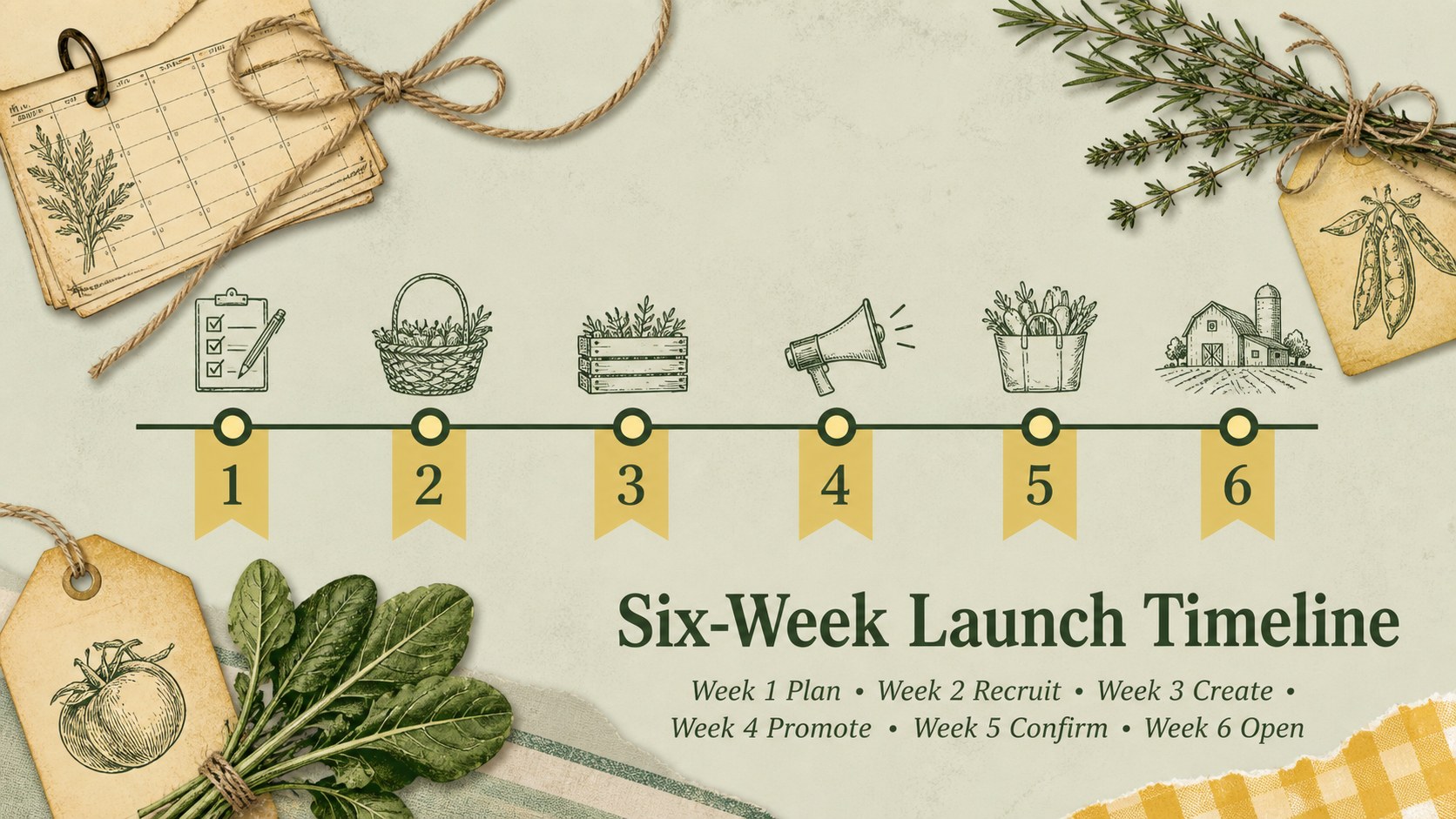
The deck includes layouts for campaign objectives, customer profiles, vendor categories, promotional channels, event schedules, community partnerships, budget allocation, and performance measures. A produce spotlight, weekly timeline, action-owner table, and closing summary help transform broad ideas into an organized local produce promotion presentation. Charts, text areas, image placeholders, and decorative elements can be adapted to match a specific market, farm collective, or neighborhood event.
This template is well suited to market managers, agricultural cooperatives, local food organizations, small-business associations, educators, and community outreach teams. It can support vendor briefings, sponsorship discussions, seasonal launch meetings, or public-facing workshops. The included vendor coordination slides also make it easier to align stallholders, volunteers, and promotional partners before opening day.
Edit the deck in PowerPoint or Google Slides, replace the sample wording, adjust the colors, and add your own photography or illustrations. The flexible 16:9 format works for projected meetings, online presentations, and exported PDF handouts.
Perfect for: seasonal market launch meeting; vendor coordination briefing; local produce promotion plan; community partnership proposal; market performance review.
Frequently asked questions
Practical details
Yes. The presentation is designed for editing in both PowerPoint and Google Slides, including its text, colors, shapes, and image areas. Some fonts or transitions may vary slightly between platforms.
Replace the sample campaign details with your dates, vendor categories, locations, and promotional channels. You can also add market photography, partner logos, and brand colors while retaining the illustrated layout.
Yes. It provides slides for goals, audiences, schedules, budgets, responsibilities, partnerships, and campaign metrics. These layouts can be duplicated or removed to fit the scope of your event.
Yes. Export the finished presentation as a PDF for printing or digital distribution. Review text sizes and speaker notes before export so each page remains clear without a live presenter.
Keep exploring
15Build an engaging World UFO Day session with this flying saucer history lesson deck, featuring retro green-and-brown slides for PowerPoint and Google Slides.
 15
15Plan a lively animal-learning journey with this jungle zoo adventure lesson deck, ready to customize in PowerPoint and Google Slides for young learners.
 16
16Turn environmental research into a clear story with a Watercolor Ecology Presentation Theme for PowerPoint and Google Slides in calming green and blue.
 16
16Build focused fashion, literature, and humanities presentations with the Red Triangle Editorial Theme, editable in PowerPoint and Google Slides.
 15
15Turn streaming stats, favorite tracks, and concert highlights into a bold annual listening recap slide deck for PowerPoint and Google Slides.
 15
15Turn highlights, milestones, and favorite moments into a colorful year in review slide deck with bold 3D graphics for PowerPoint and Google Slides.
 3
3Build a credible endorsement with Standout Colleague Recommendation Letter Slides, featuring colorful prompts for skills, achievements, and team impact.
 4
4Build clear beginner sessions with an ice hockey fundamentals training deck for coaches, PE teachers, and clubs, ready for PowerPoint and Google Slides.