
 15
15presentation
Flying Saucer History Lesson Deck
Build an engaging World UFO Day session with this flying saucer history lesson deck, featuring retro green-and-brown slides for PowerPoint and Google Slides.
Google SlidesPowerPoint
presentation · English
Plan an engaging classroom session with a faith-based Easter customs activity deck in cheerful blue and purple for PowerPoint and Google Slides.
Design notes
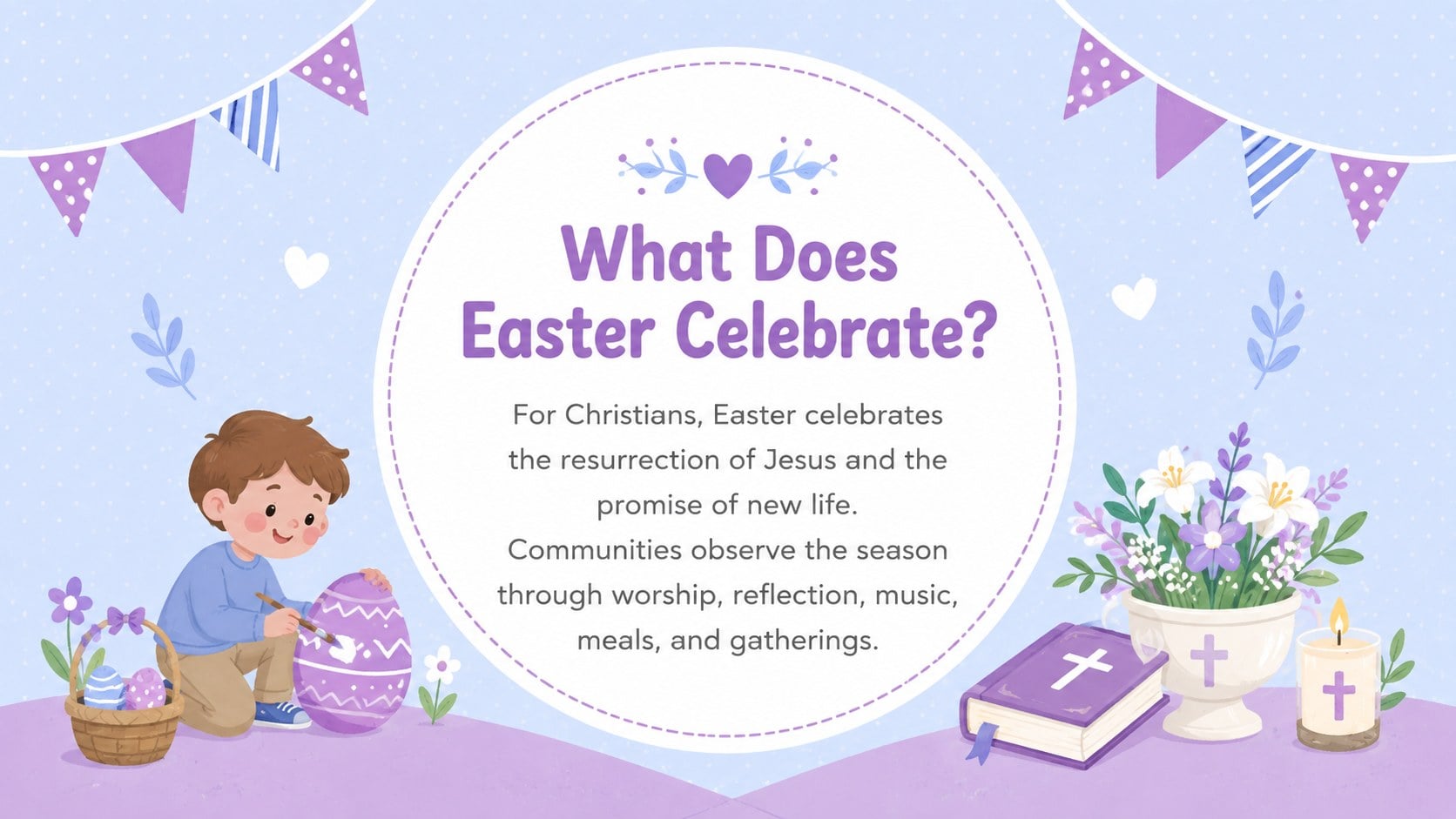
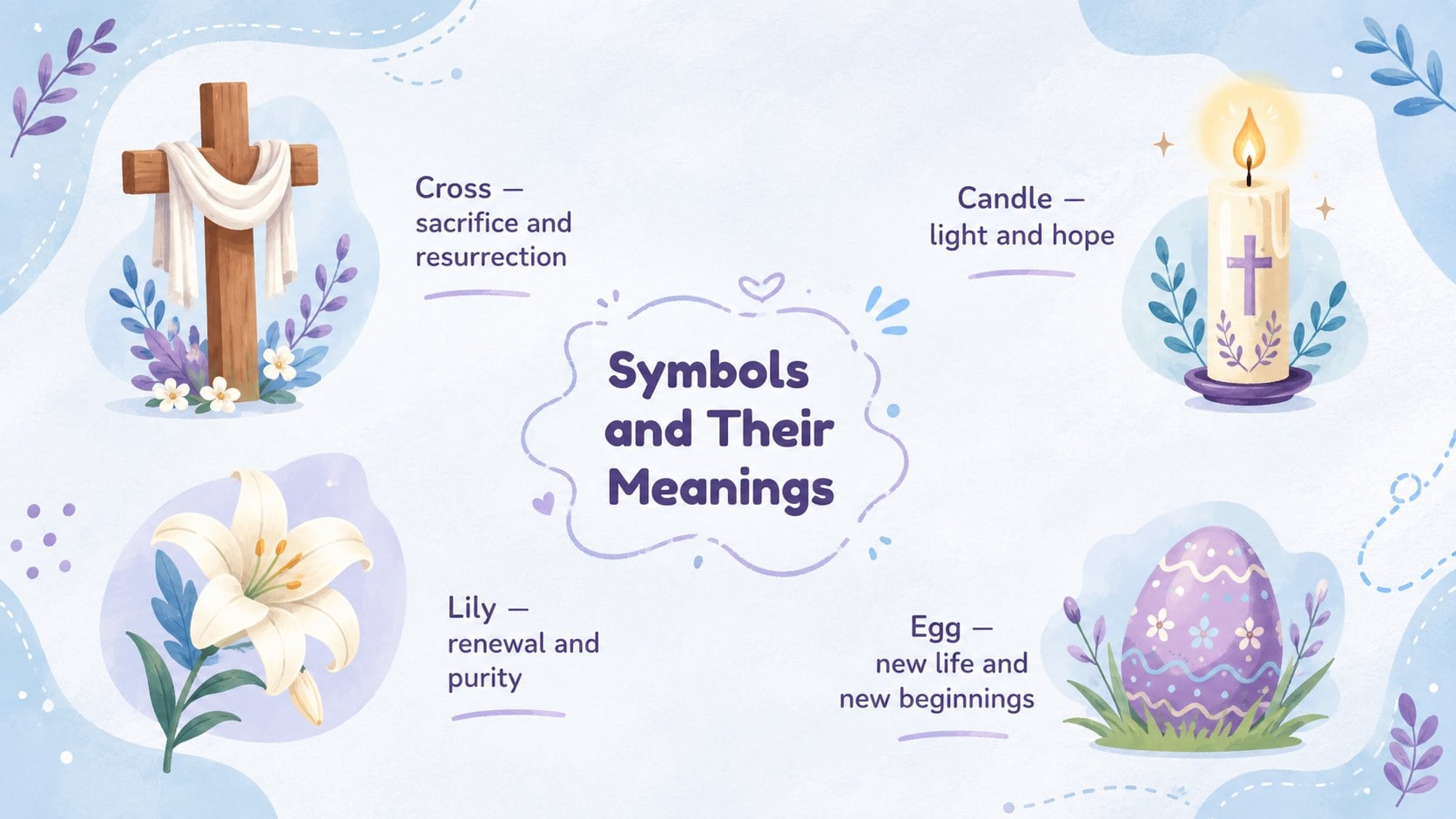
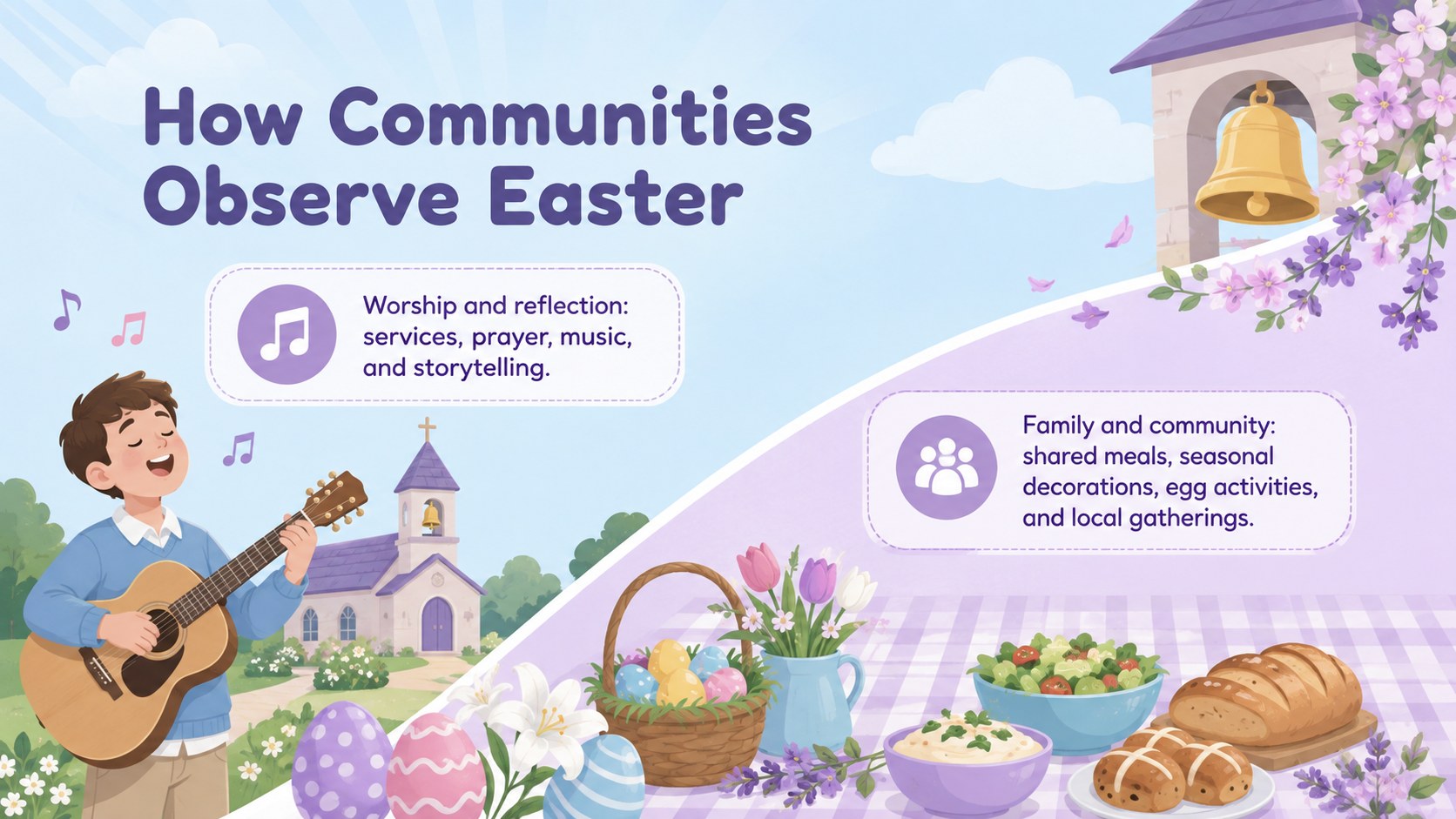
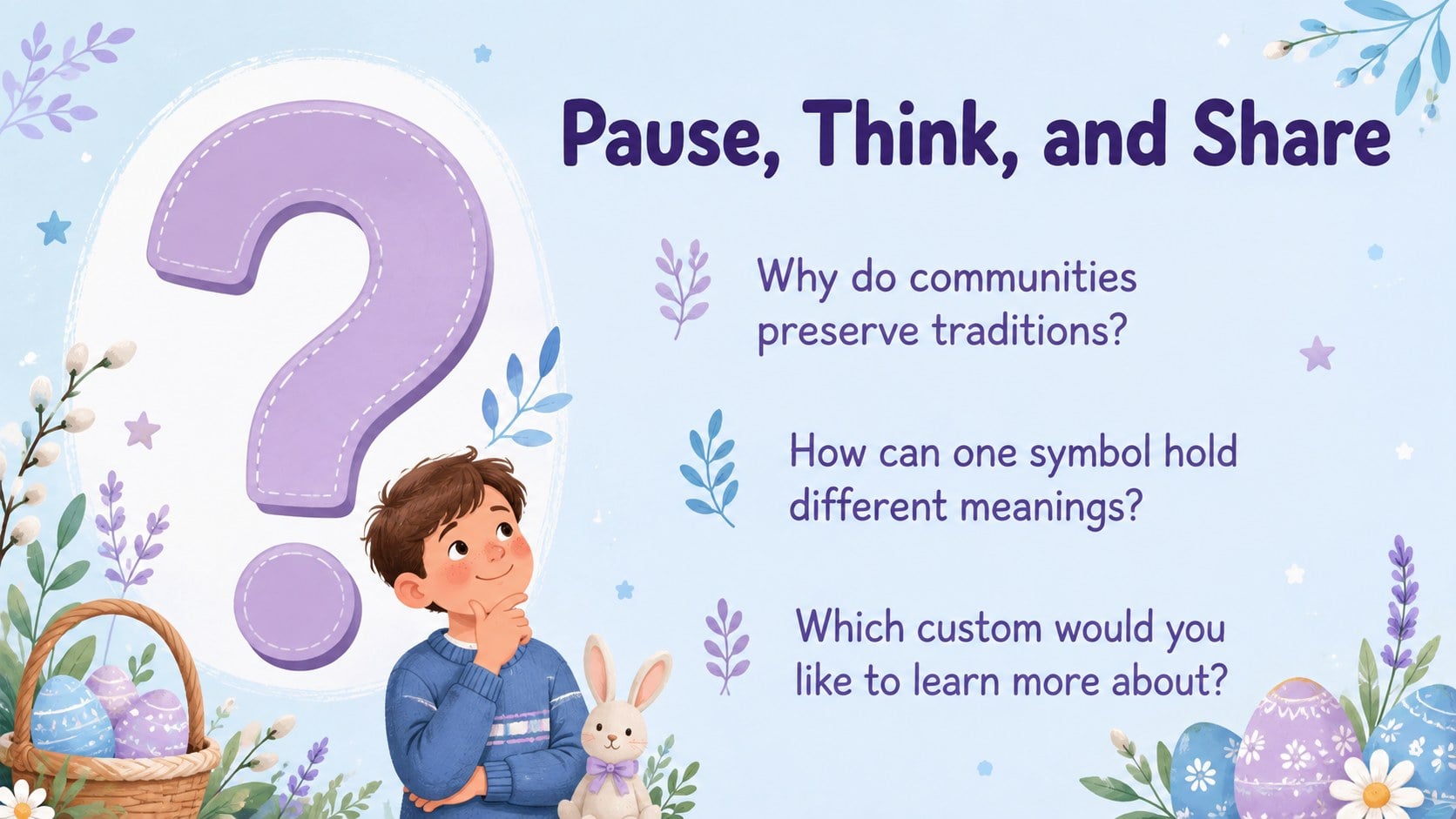
The Faith-Based Easter Customs Activity Deck helps teachers lead an inviting exploration of Christian observances, familiar symbols, and seasonal practices. Its playful illustrated style combines calming blue and purple tones with colorful pastel accents, creating a welcoming setting for thoughtful classroom conversations.
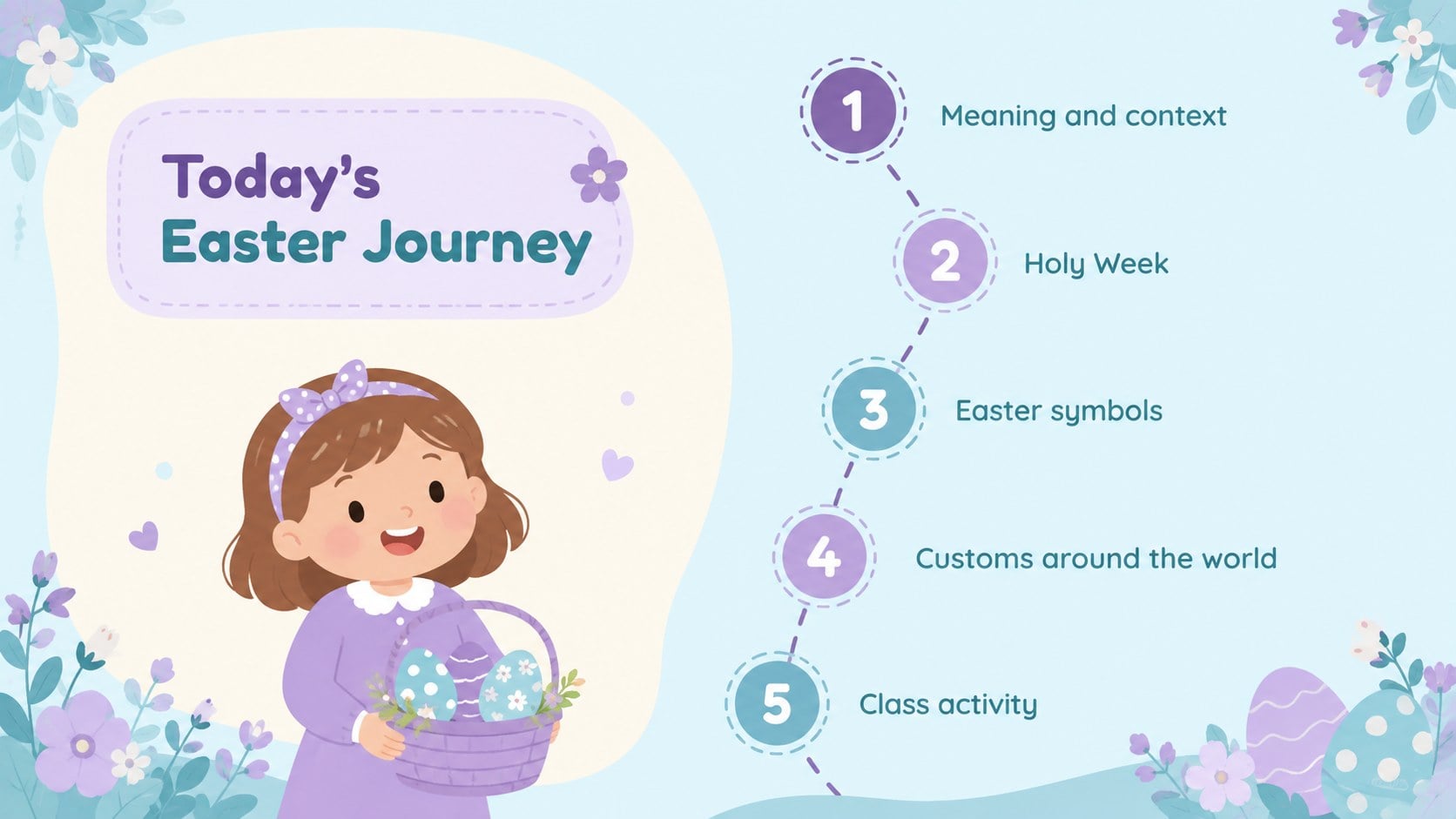
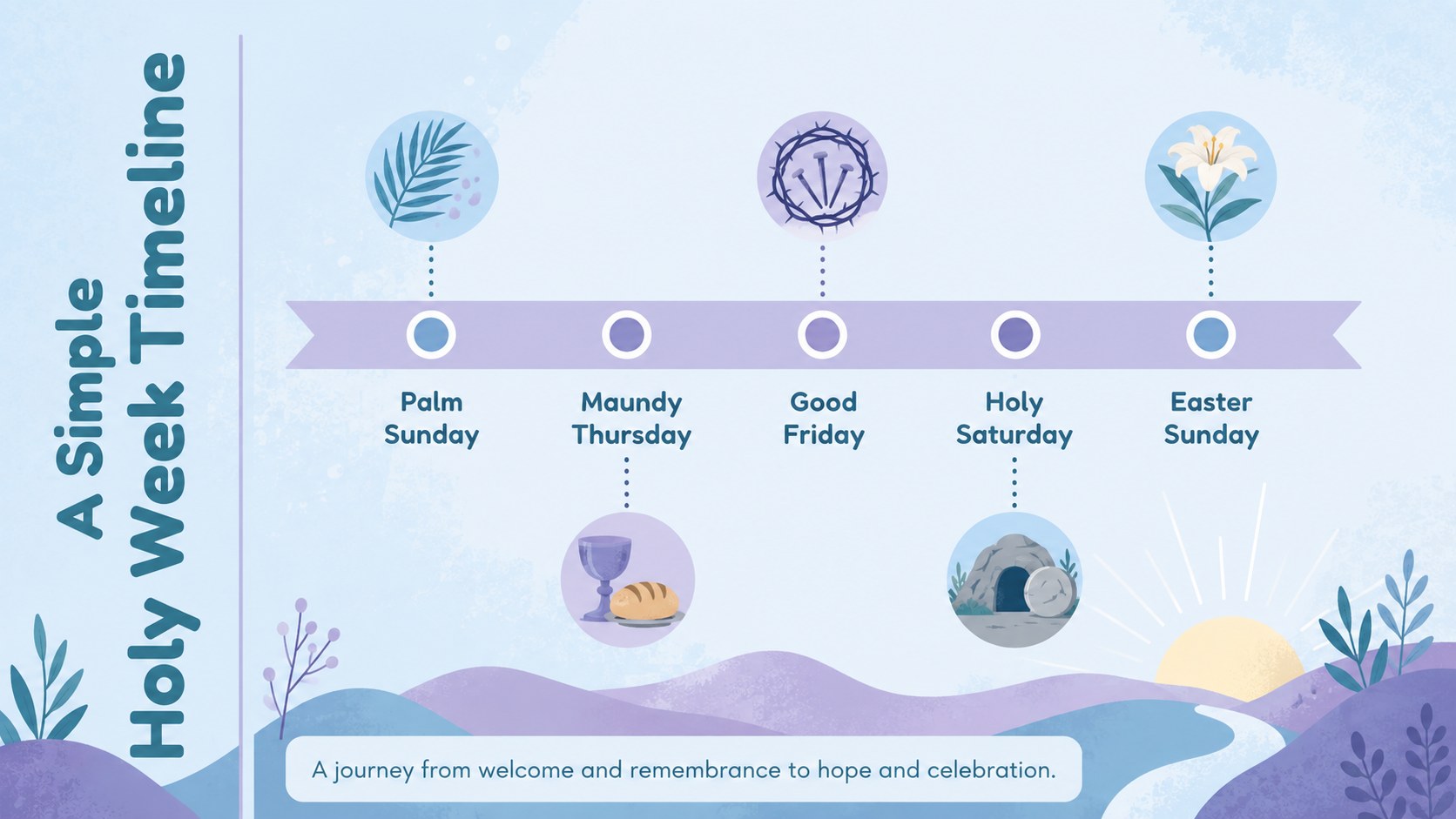
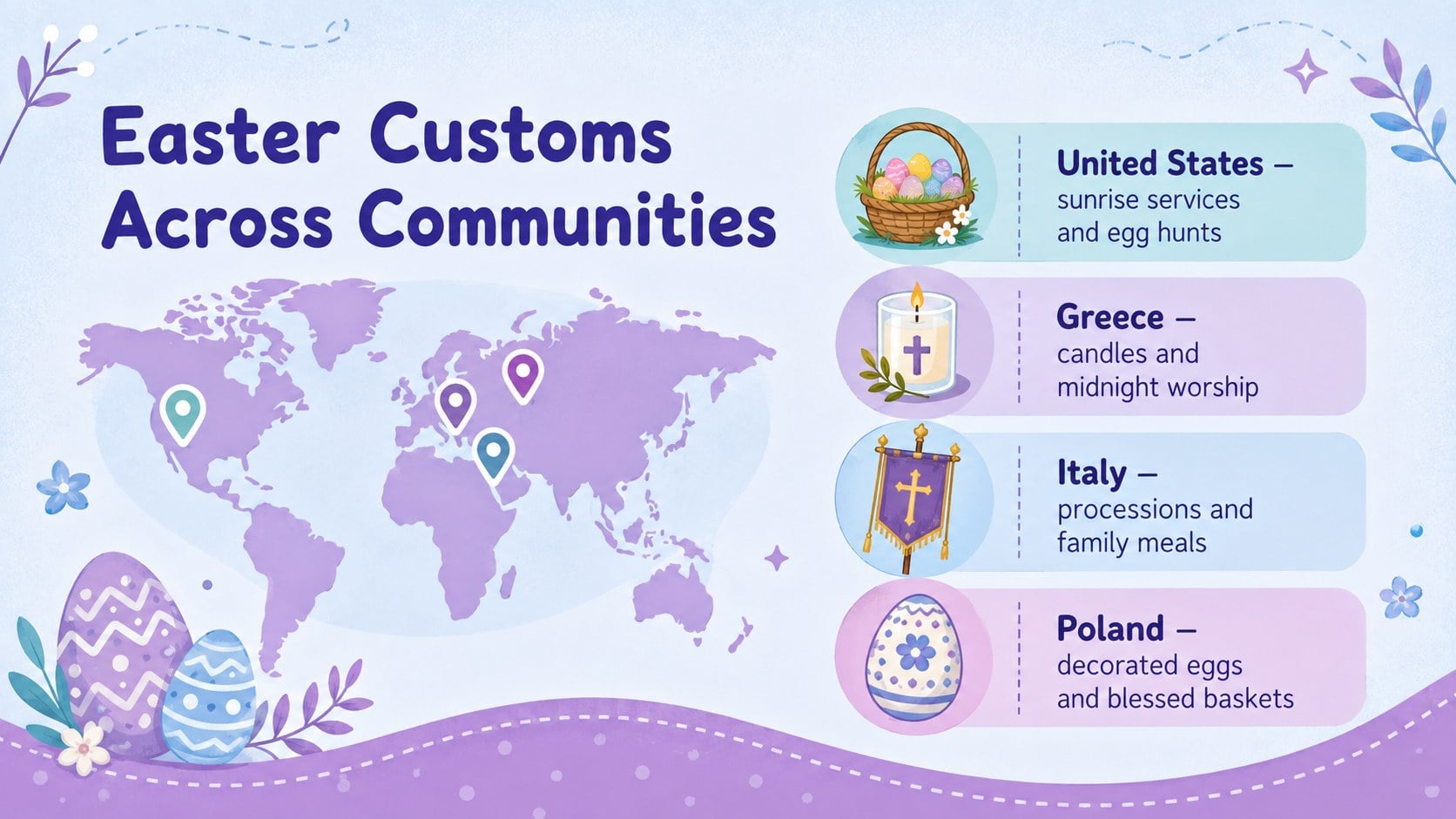
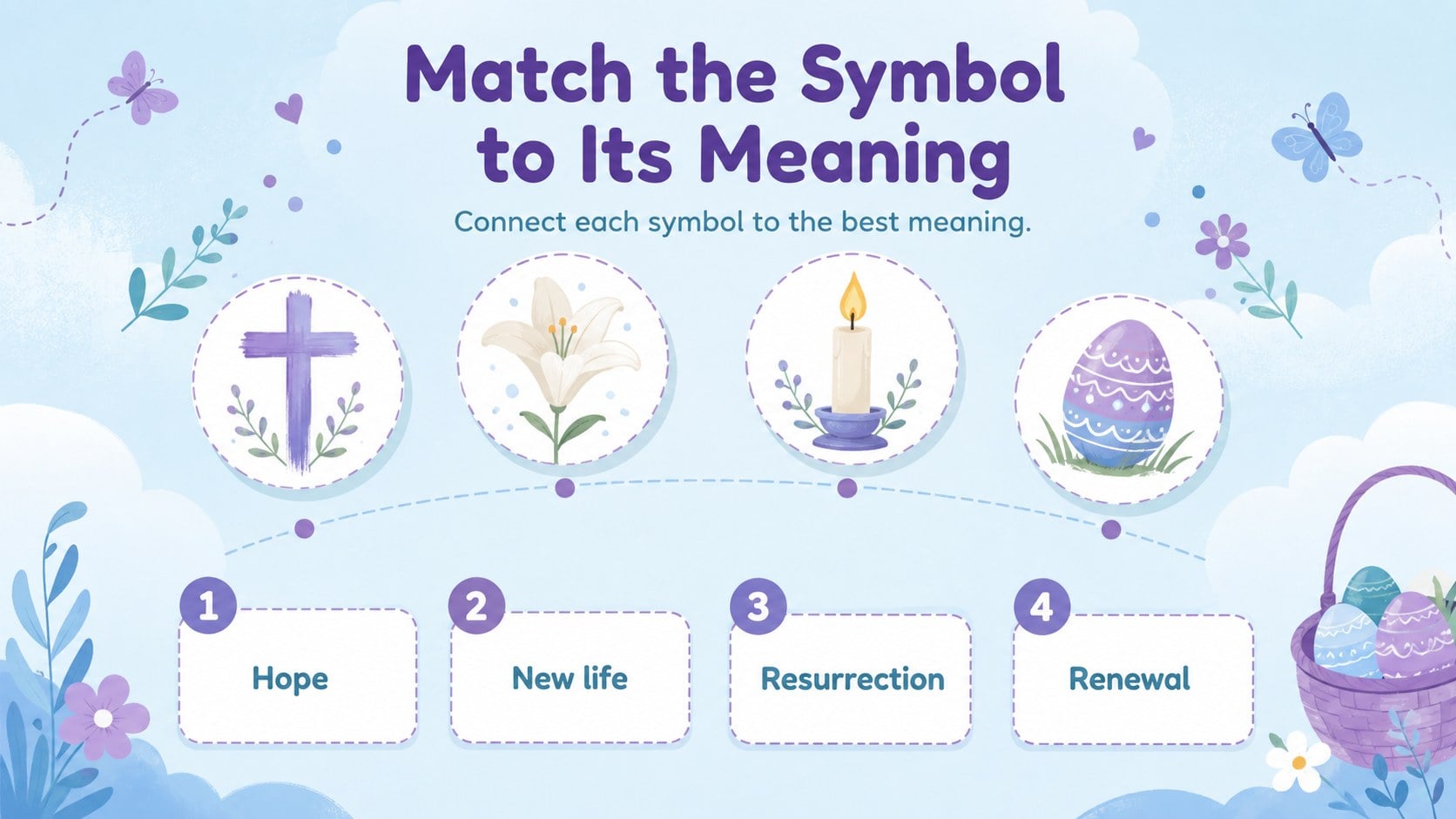
Inside, educators will find layouts for introducing Holy Week, explaining Easter symbols, comparing customs across communities, sharing a simple timeline, and prompting student reflection. Interactive question slides, matching activities, discussion cards, and a creative project brief turn the presentation into an Easter traditions classroom activity rather than a passive lecture. The varied layouts also work well as Christian Easter customs lesson slides for church groups and family learning sessions.
This faith-based Easter customs activity deck is designed for elementary and middle school teachers, Sunday school leaders, children’s ministry teams, and homeschool families. Every 16:9 slide can be edited in PowerPoint or Google Slides, including headings, colors, illustrations, and activity instructions. Use the complete sequence for a faith-based Easter workshop presentation, or select individual slides for social studies, religious education, or seasonal community programs. The friendly design supports age-appropriate learning while leaving educators room to adapt terminology, depth, and activities for their own students.
Perfect for: elementary religious education lesson; Sunday school Easter workshop; homeschool seasonal unit; Holy Week classroom discussion; church children’s ministry activity.
Frequently asked questions
Can I edit the slides in PowerPoint and Google Slides? Yes. The deck is designed for editing in both PowerPoint and Google Slides, including its text, colors, layouts, and activity instructions.
Practical details
Yes. The deck is designed for editing in both PowerPoint and Google Slides, including its text, colors, layouts, and activity instructions.
Yes. Shorten the explanations for younger learners or add historical context and discussion prompts for older students. The activity formats can also be simplified or extended.
Yes. Replace the theme colors with your school, church, or seasonal palette while keeping text contrast easy to read. Illustrations and decorative accents can also be recolored.
Yes. The slide plan includes reflection prompts, matching exercises, group discussion, custom comparisons, and a creative project. Teachers can use them individually or as one workshop sequence.
Keep exploring
15Build an engaging World UFO Day session with this flying saucer history lesson deck, featuring retro green-and-brown slides for PowerPoint and Google Slides.
 15
15Plan a lively animal-learning journey with this jungle zoo adventure lesson deck, ready to customize in PowerPoint and Google Slides for young learners.
 16
16Turn environmental research into a clear story with a Watercolor Ecology Presentation Theme for PowerPoint and Google Slides in calming green and blue.
 16
16Build focused fashion, literature, and humanities presentations with the Red Triangle Editorial Theme, editable in PowerPoint and Google Slides.
 15
15Turn streaming stats, favorite tracks, and concert highlights into a bold annual listening recap slide deck for PowerPoint and Google Slides.
 15
15Turn highlights, milestones, and favorite moments into a colorful year in review slide deck with bold 3D graphics for PowerPoint and Google Slides.
 3
3Build a credible endorsement with Standout Colleague Recommendation Letter Slides, featuring colorful prompts for skills, achievements, and team impact.
 4
4Build clear beginner sessions with an ice hockey fundamentals training deck for coaches, PE teachers, and clubs, ready for PowerPoint and Google Slides.