
 15
15presentation
Flying Saucer History Lesson Deck
Build an engaging World UFO Day session with this flying saucer history lesson deck, featuring retro green-and-brown slides for PowerPoint and Google Slides.
Google SlidesPowerPoint
presentation · English
Build a clear factory age presentation with red and beige visuals for history lessons, engineering briefings, and industrial change discussions in PowerPoint.
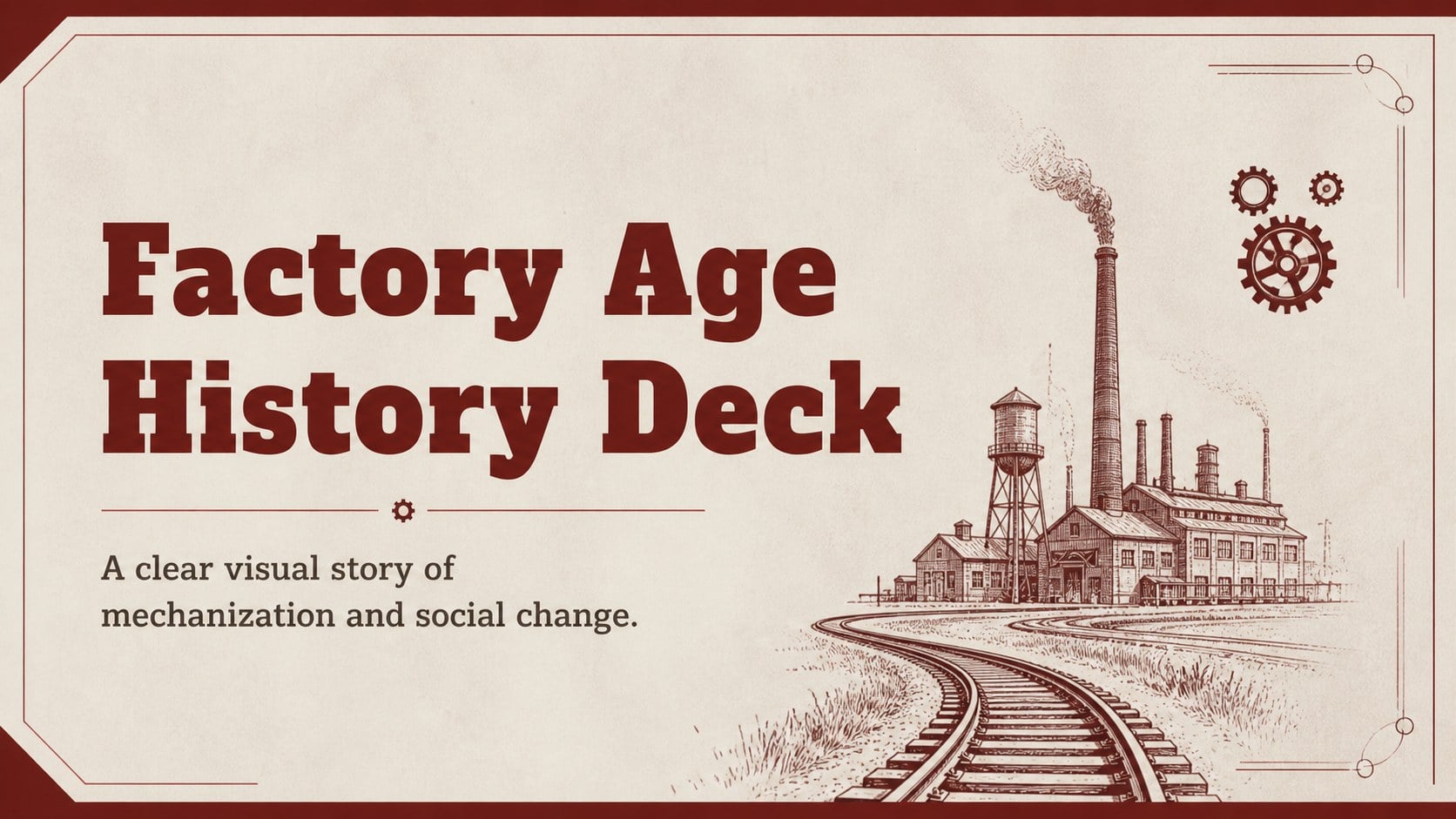
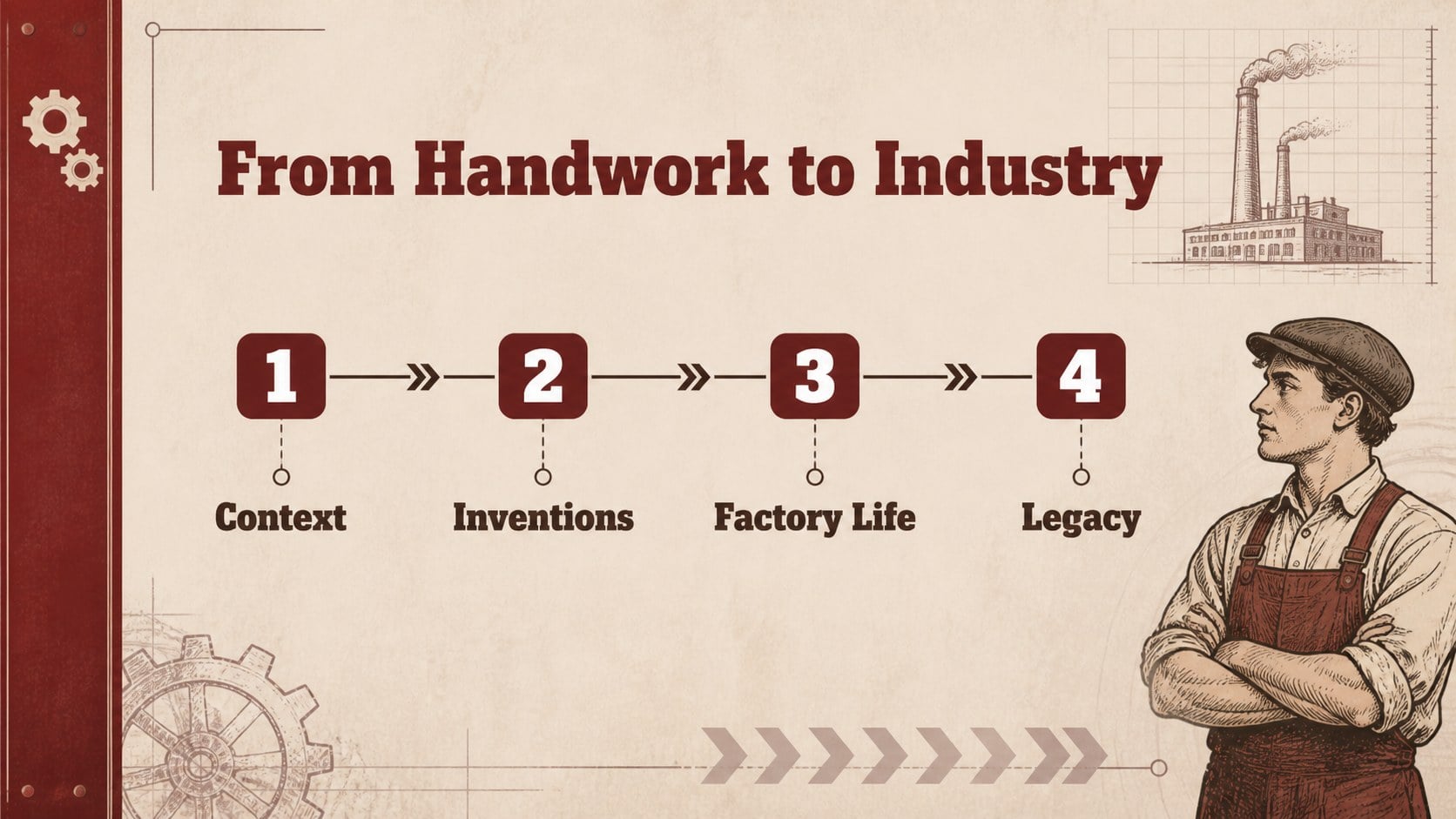
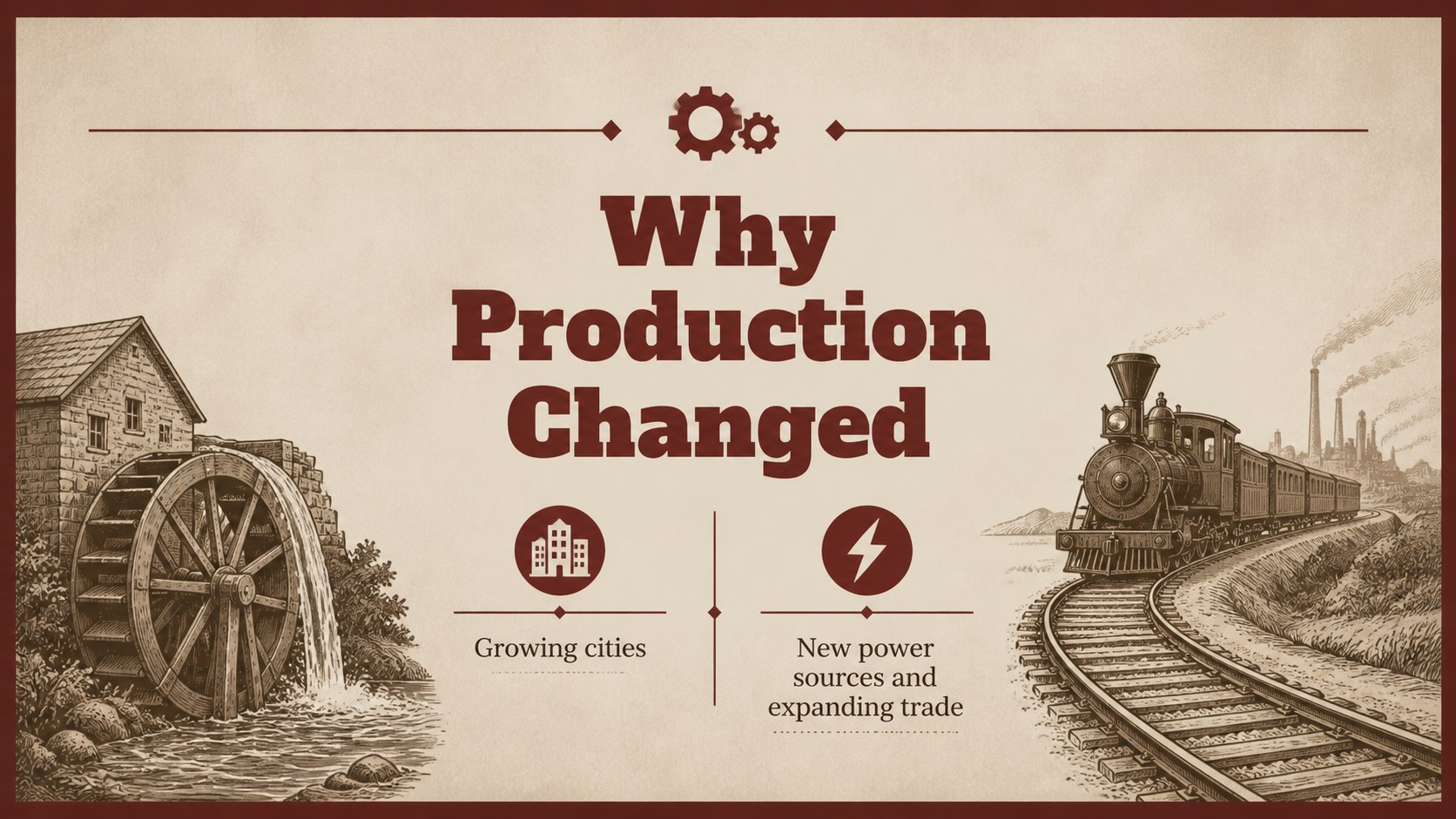
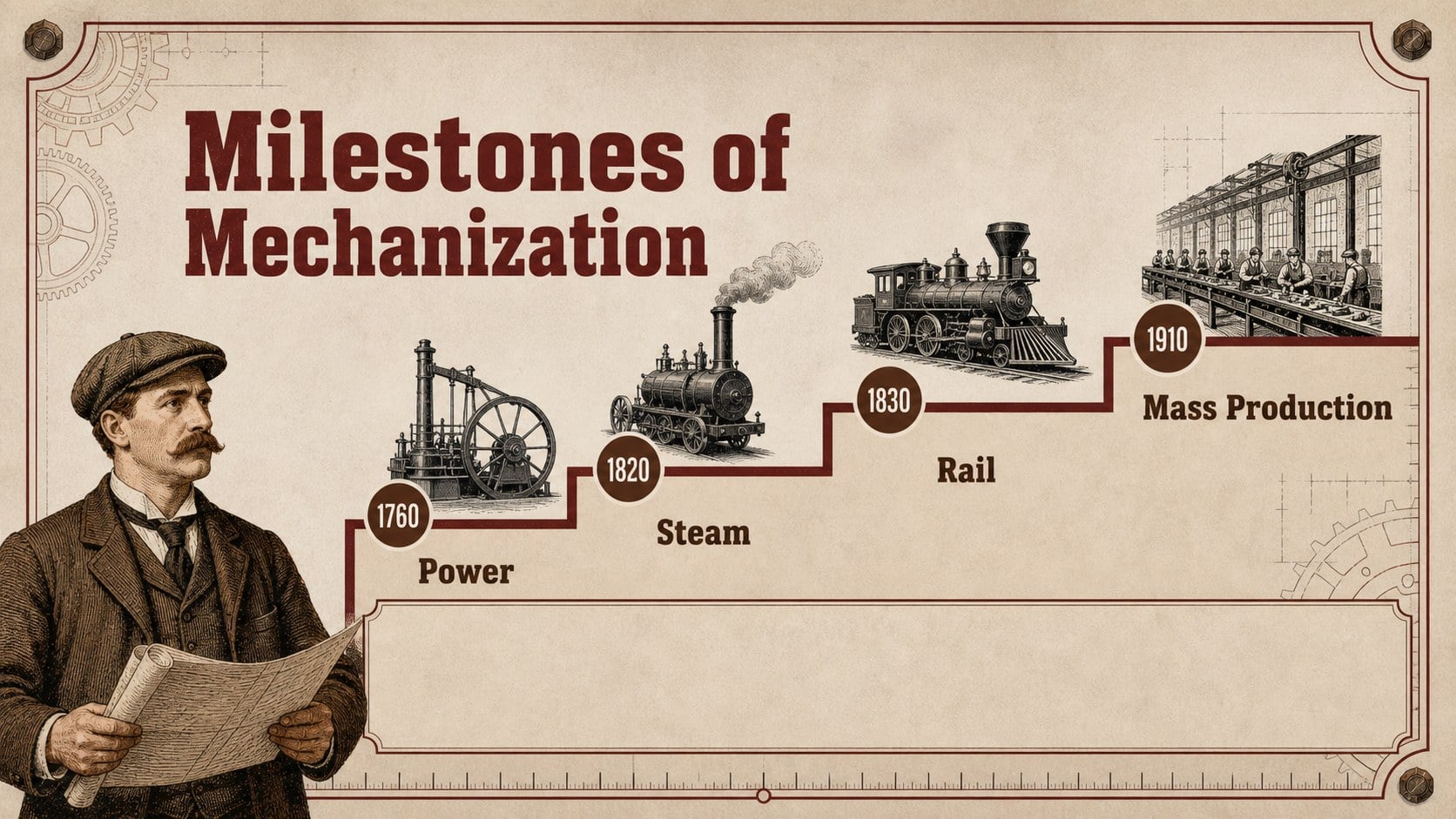
Design notes
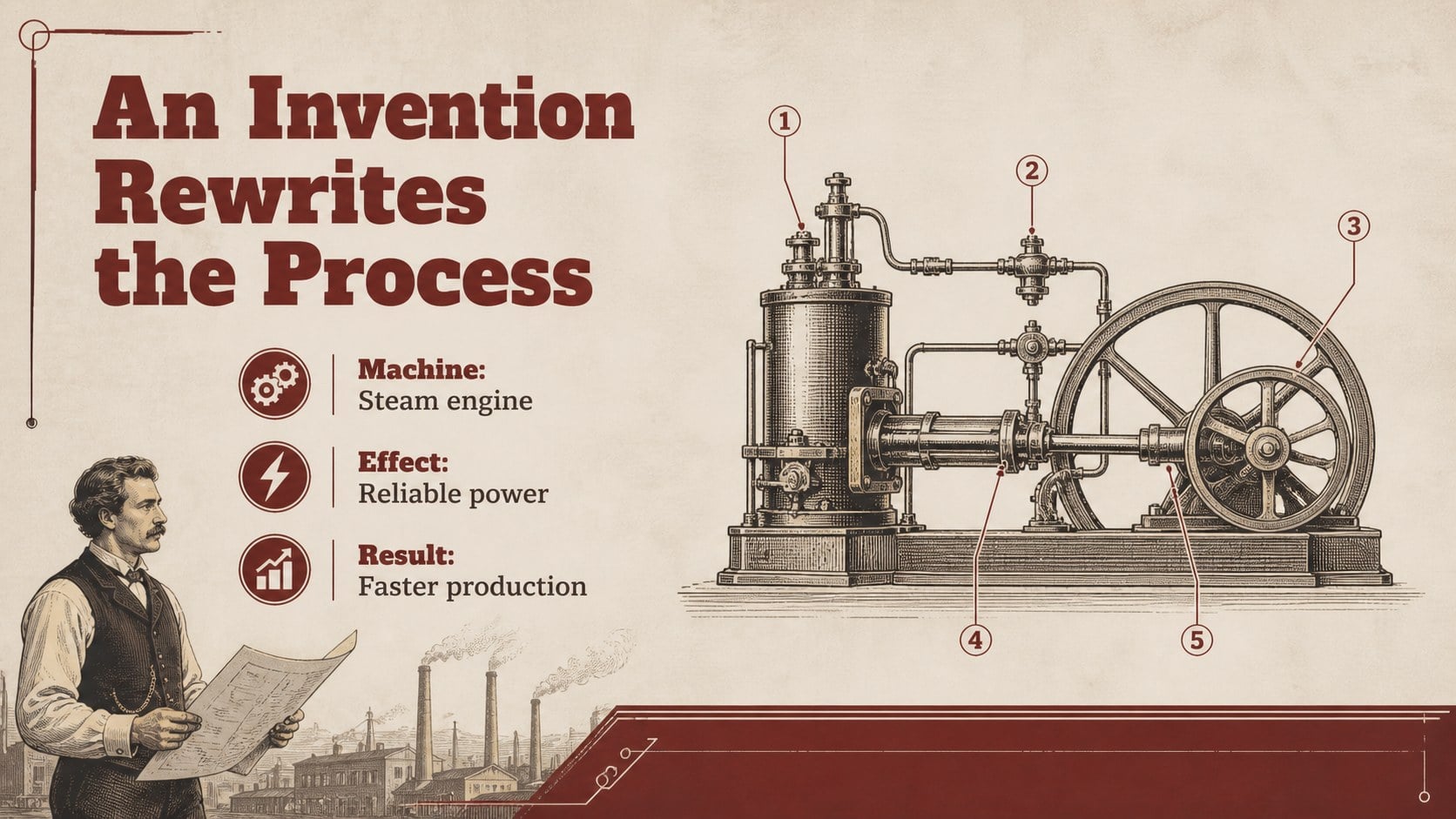
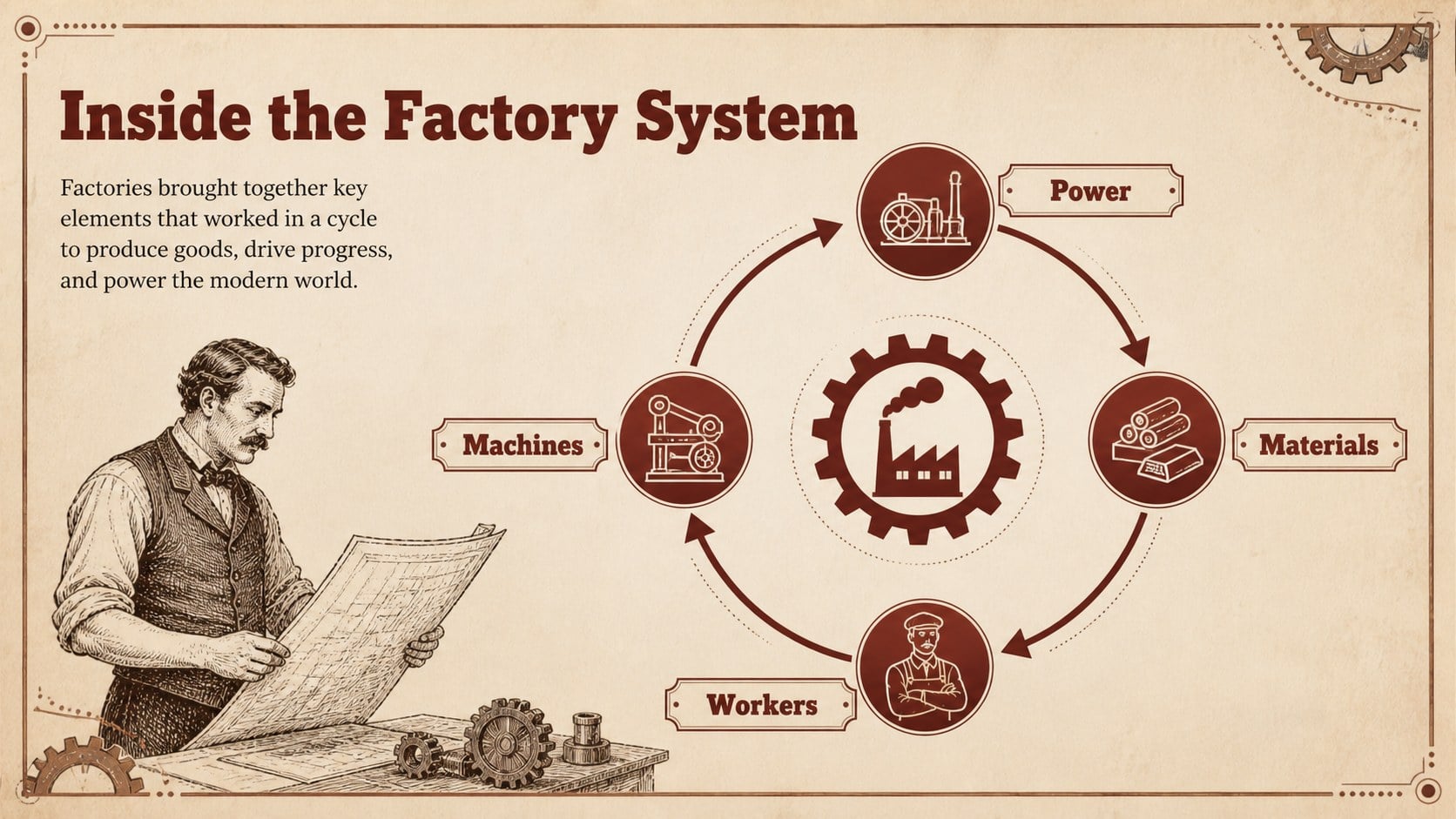
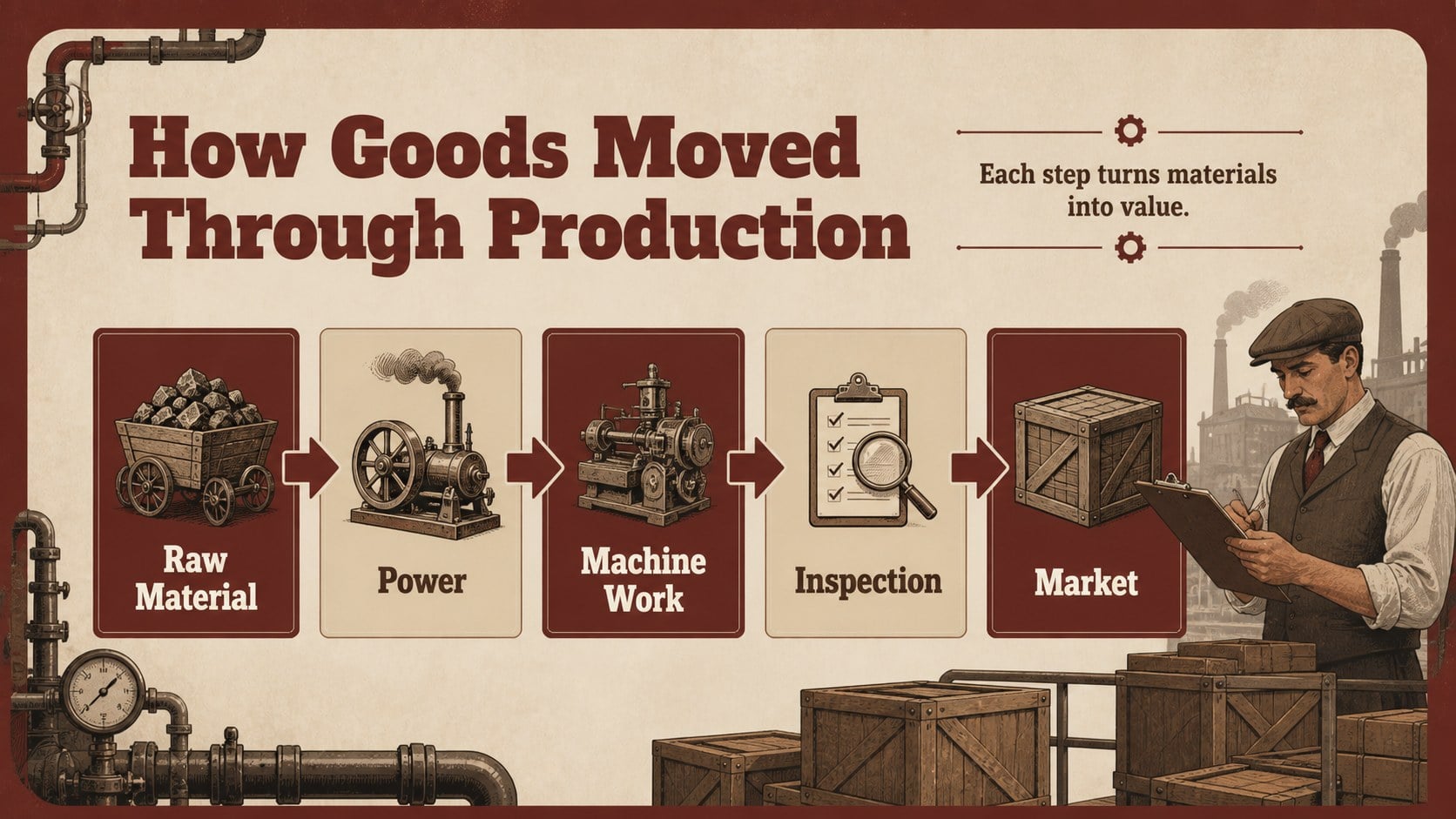
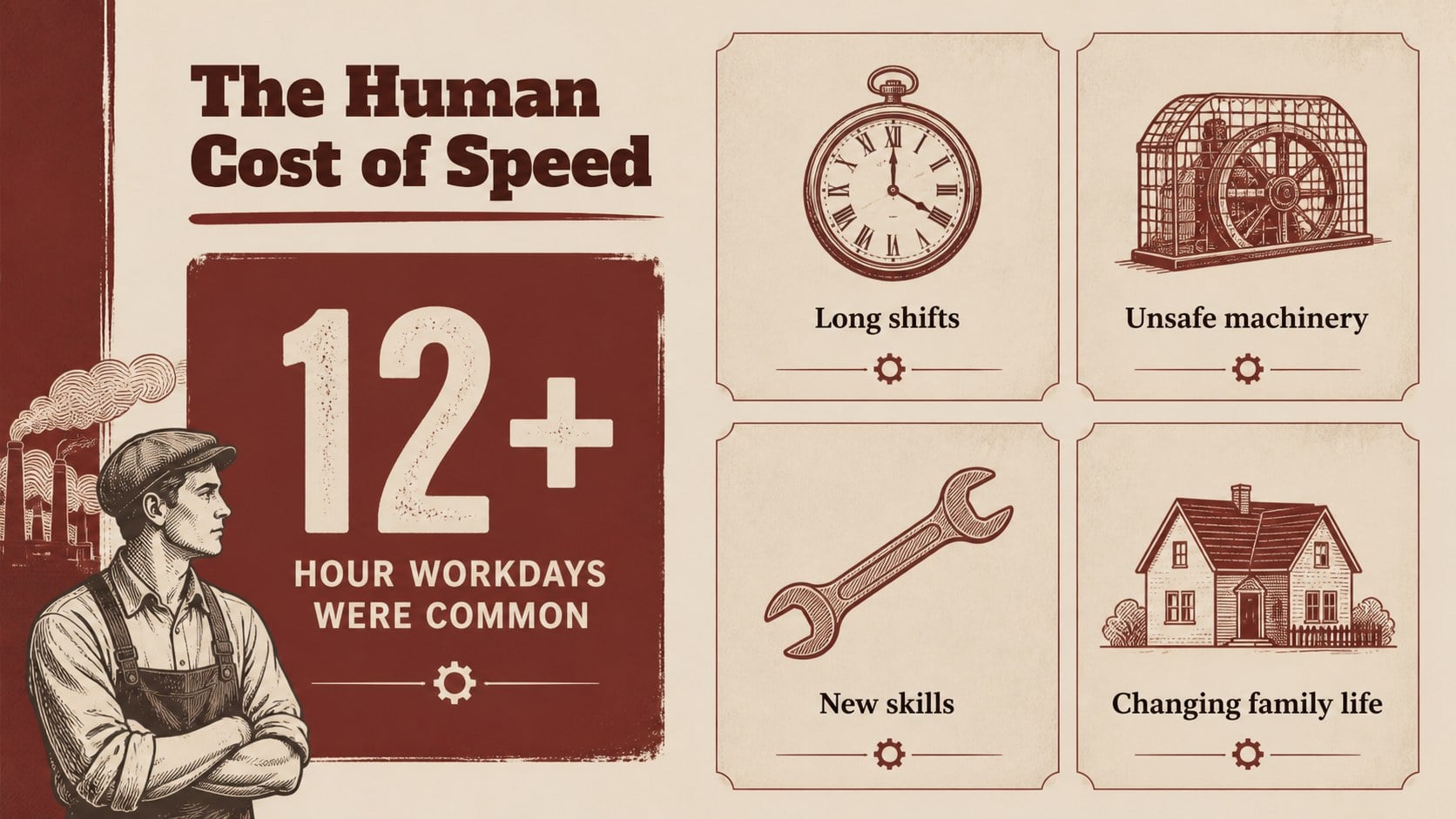
Turn complex stories of mechanization, labor, and social change into a clear factory age presentation. This red-and-beige deck combines vintage paper textures, strong linework, and structured layouts to help audiences follow how inventions transformed production and everyday life. It is suitable for history classrooms, engineering briefings, museum talks, and workplace discussions about industrial development.
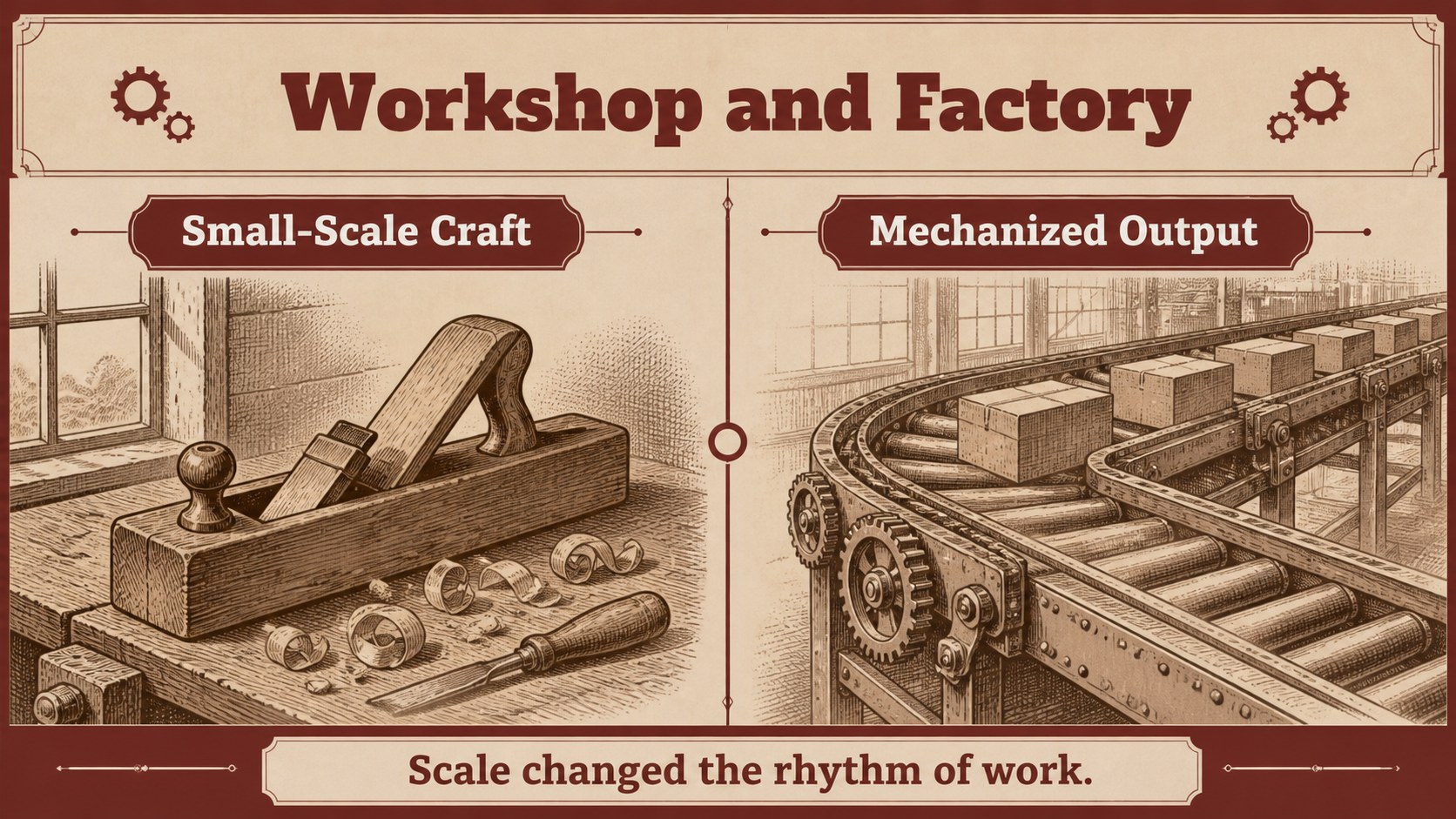
Inside, you will find editable 16:9 slides for an opening thesis, historical context, invention profiles, factory-system diagrams, before-and-after comparisons, timeline milestones, working-life analysis, data visualizations, and a closing summary. The layouts support an industrial revolution timeline presentation, a lesson on manufacturing history, or a concise overview of mechanization without overwhelming the audience. Charts, shapes, frames, and text blocks can be rearranged to match your research and teaching goals.
The template works in PowerPoint and Google Slides, with editable typography, colors, diagrams, and transitions. Its warm beige backgrounds, dark brown text, muted red accents, Alfa Slab One headings, and Lora body copy create a scholarly yet approachable tone. Use it for student reports, professional training, historical exhibits, or an industrialization case study deck.
Perfect for: secondary school history lesson; engineering history briefing; museum exhibition talk; manufacturing case study; student research presentation.
Frequently asked questions
Can I edit the deck in PowerPoint? Yes. The presentation is designed for PowerPoint with editable text, shapes, diagrams, colors, and charts. You can also adjust transitions and replace the sample content with your own research.
Practical details
Yes. The presentation is designed for PowerPoint with editable text, shapes, diagrams, colors, and charts. You can also adjust transitions and replace the sample content with your own research.
Yes, the deck can be opened and customized in Google Slides. Check the Alfa Slab One and Lora fonts before presenting so the typography remains consistent.
Yes. The layouts include space for milestones, invention profiles, comparisons, and explanatory notes. Reorder the timeline and adapt the labels to fit your lesson period or regional focus.
Yes. Replace the muted red accents, brown typography, and beige backgrounds with your preferred colors while preserving the line-based visual system. The editable shapes also make it easy to simplify or expand diagrams.
Keep exploring
15Build an engaging World UFO Day session with this flying saucer history lesson deck, featuring retro green-and-brown slides for PowerPoint and Google Slides.
 15
15Plan a lively animal-learning journey with this jungle zoo adventure lesson deck, ready to customize in PowerPoint and Google Slides for young learners.
 16
16Turn environmental research into a clear story with a Watercolor Ecology Presentation Theme for PowerPoint and Google Slides in calming green and blue.
 16
16Build focused fashion, literature, and humanities presentations with the Red Triangle Editorial Theme, editable in PowerPoint and Google Slides.
 15
15Turn streaming stats, favorite tracks, and concert highlights into a bold annual listening recap slide deck for PowerPoint and Google Slides.
 15
15Turn highlights, milestones, and favorite moments into a colorful year in review slide deck with bold 3D graphics for PowerPoint and Google Slides.
 3
3Build a credible endorsement with Standout Colleague Recommendation Letter Slides, featuring colorful prompts for skills, achievements, and team impact.
 4
4Build clear beginner sessions with an ice hockey fundamentals training deck for coaches, PE teachers, and clubs, ready for PowerPoint and Google Slides.