
 4
4document
Clinical Wound Evaluation Slides for Nurses
Document wound findings, treatment decisions, and healing progress with clinical wound evaluation slides for nurses in PowerPoint and Google Slides.
Google Docs
document · English
Make spending easier to review with Expense Tracking Report Slides for clear category totals, budget comparisons, and updates in PowerPoint or Google Slides.

Design notes
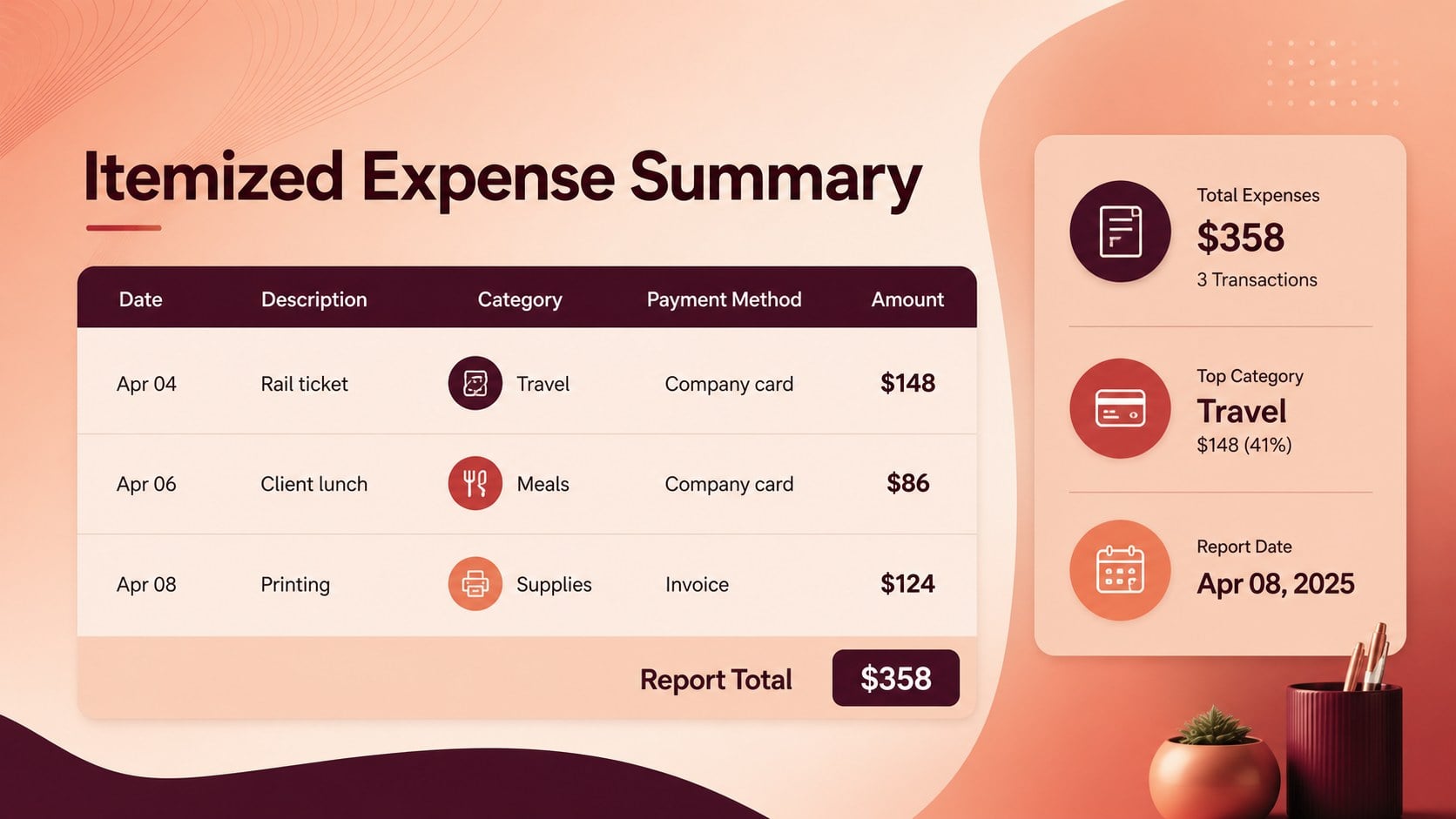
Expense tracking report slides turn routine spending records into a financial overview that is easy to review and share. Built for freelancers, small business owners, project managers, and individuals, this template helps organize purchases, reimbursements, recurring costs, and budget differences without overwhelming the audience. A vivid red and orange gradient gives the report an energetic, professional look while keeping key figures prominent.
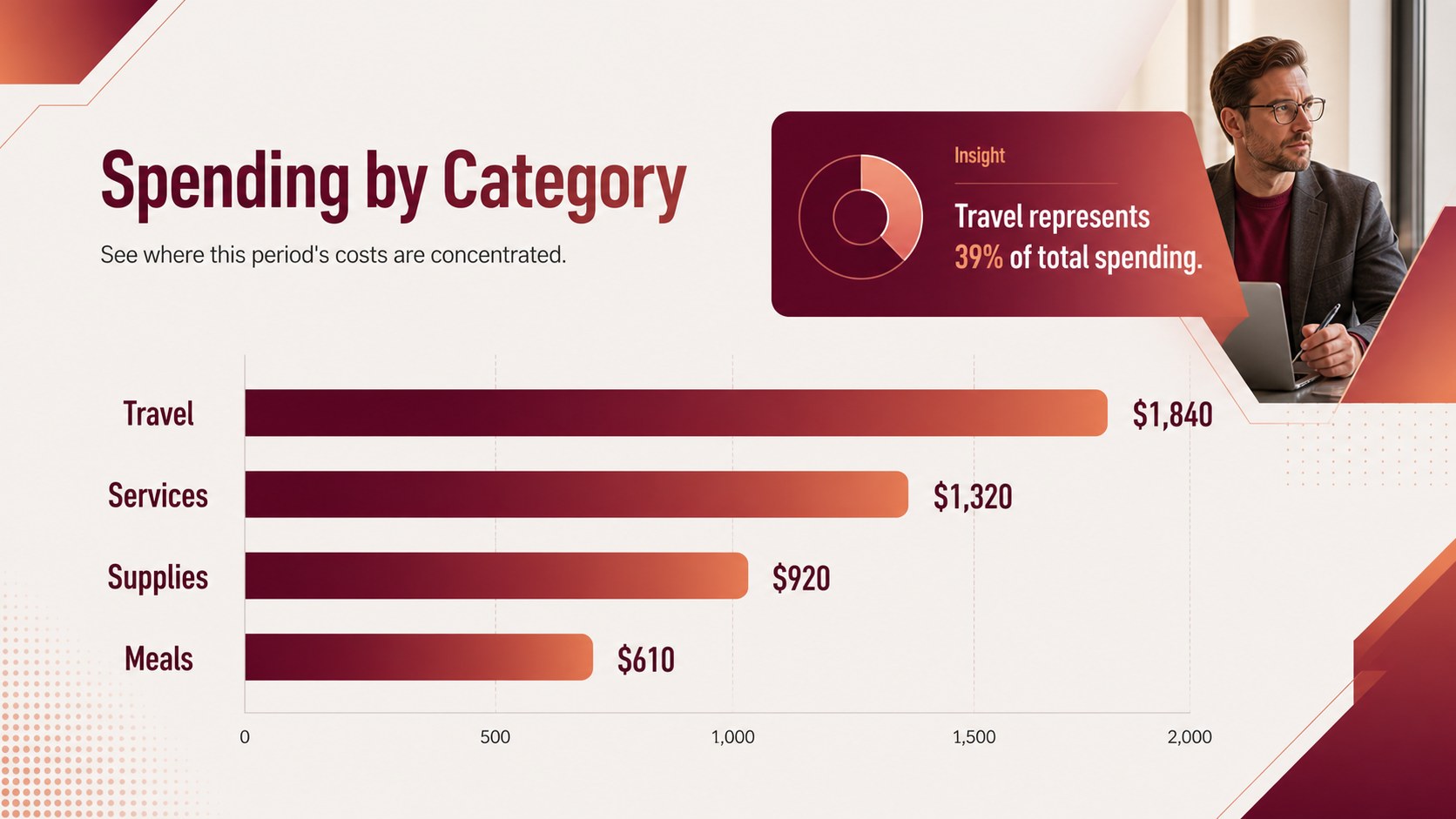
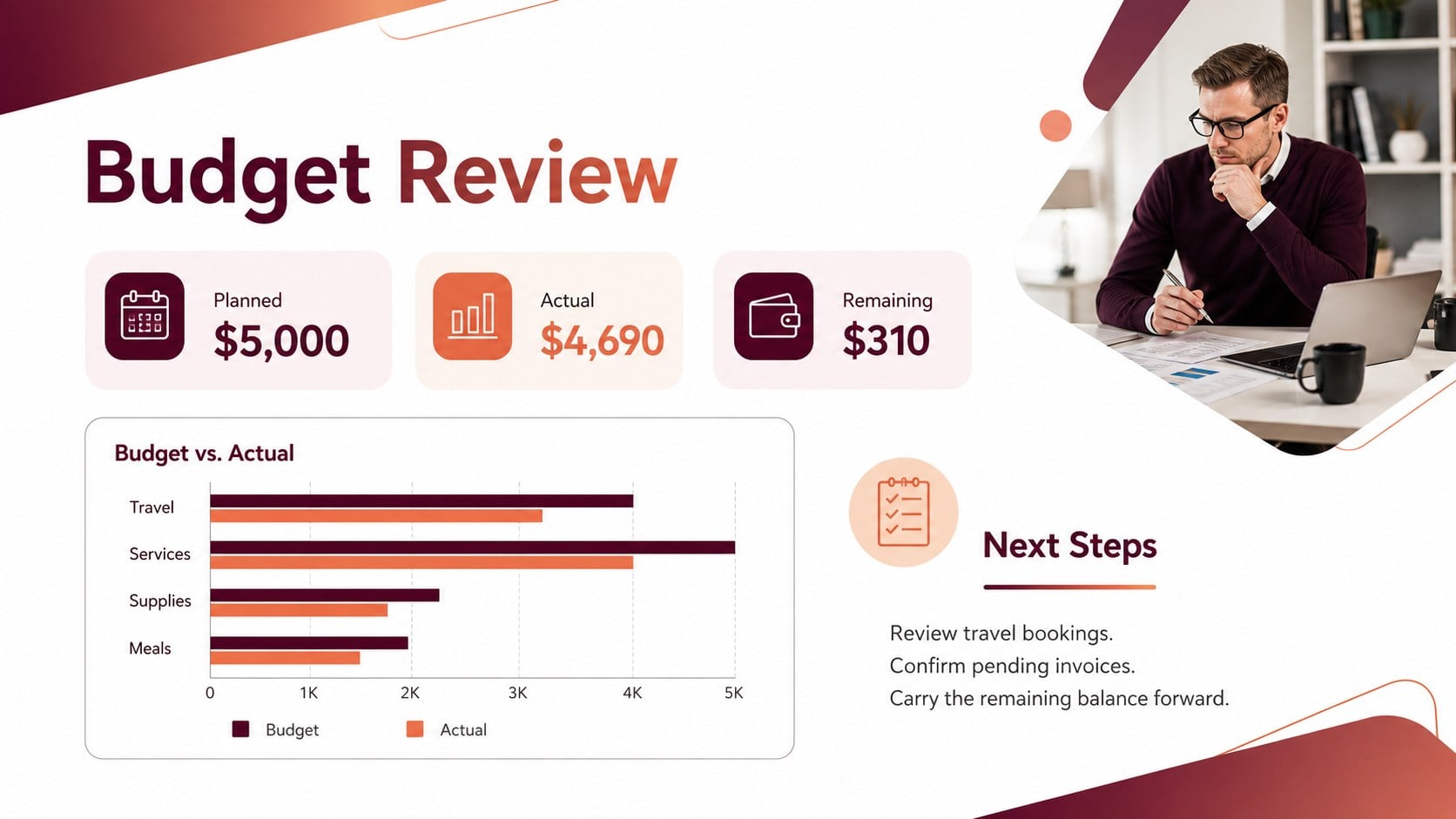
The deck includes a concise cover, an itemized expense summary, a category comparison, and a budget review dashboard. Use the editable expense summary presentation to document dates, descriptions, payment methods, planned amounts, and actual costs. Charts and total blocks make it simple to identify where spending is concentrated or where a budget may need adjustment.
Every element can be customized in PowerPoint or Google Slides. Update the labels, replace sample values, adjust the category structure, and add your own charts or notes. The layouts also work as a small business spending report for monthly reviews, client projects, travel claims, department updates, or household budgeting.
This red orange finance presentation balances practical reporting with a confident visual style. It gives decision-makers a quick view of totals and trends while preserving enough detail for follow-up. Present the complete deck during a review meeting, or export selected pages when a compact expense record is needed.
Perfect for: monthly business expense review; freelancer project cost summary; employee reimbursement report; household budget check-in; department spending update; travel expense presentation.
Frequently asked questions
Practical details
Yes. All category names, amounts, dates, notes, and totals can be replaced with your own information. You can also duplicate or remove rows to match the level of detail in your report.
The slides are designed for PowerPoint and Google Slides. Text, shapes, tables, and chart elements remain editable in both platforms, although minor font substitutions may occur.
Yes. Replace the theme colors to match a company identity, project code, or personal preference. For consistent results, update the gradient, chart accents, and total blocks together.
The presentation is intended for displaying and explaining expense data rather than performing spreadsheet calculations. Calculate or verify totals first, then enter the finalized figures into the editable layouts.
Keep exploring
4Document wound findings, treatment decisions, and healing progress with clinical wound evaluation slides for nurses in PowerPoint and Google Slides.
 4
4Turn recurring updates into clear decisions with a weekly operations status briefing for PowerPoint and Google Slides, covering progress, risks, and priorities.
 4
4Turn recurring check-ins into focused decisions with a weekly leadership update deck for KPIs, priorities, blockers, owners, and next actions.
 4
4Use veterinary surgery consent form slides to explain procedures, anesthesia, risks, costs, and emergency decisions clearly before client approval.
 4
4Organize objectives, activities, and daily notes with this weekly classroom planner for teachers, editable in PowerPoint and Google Slides for easy prep.
 4
4Create colorful vocabulary assessment slides for lively word checks, review games, and classroom practice in PowerPoint or Google Slides. Easy to personalize.
 4
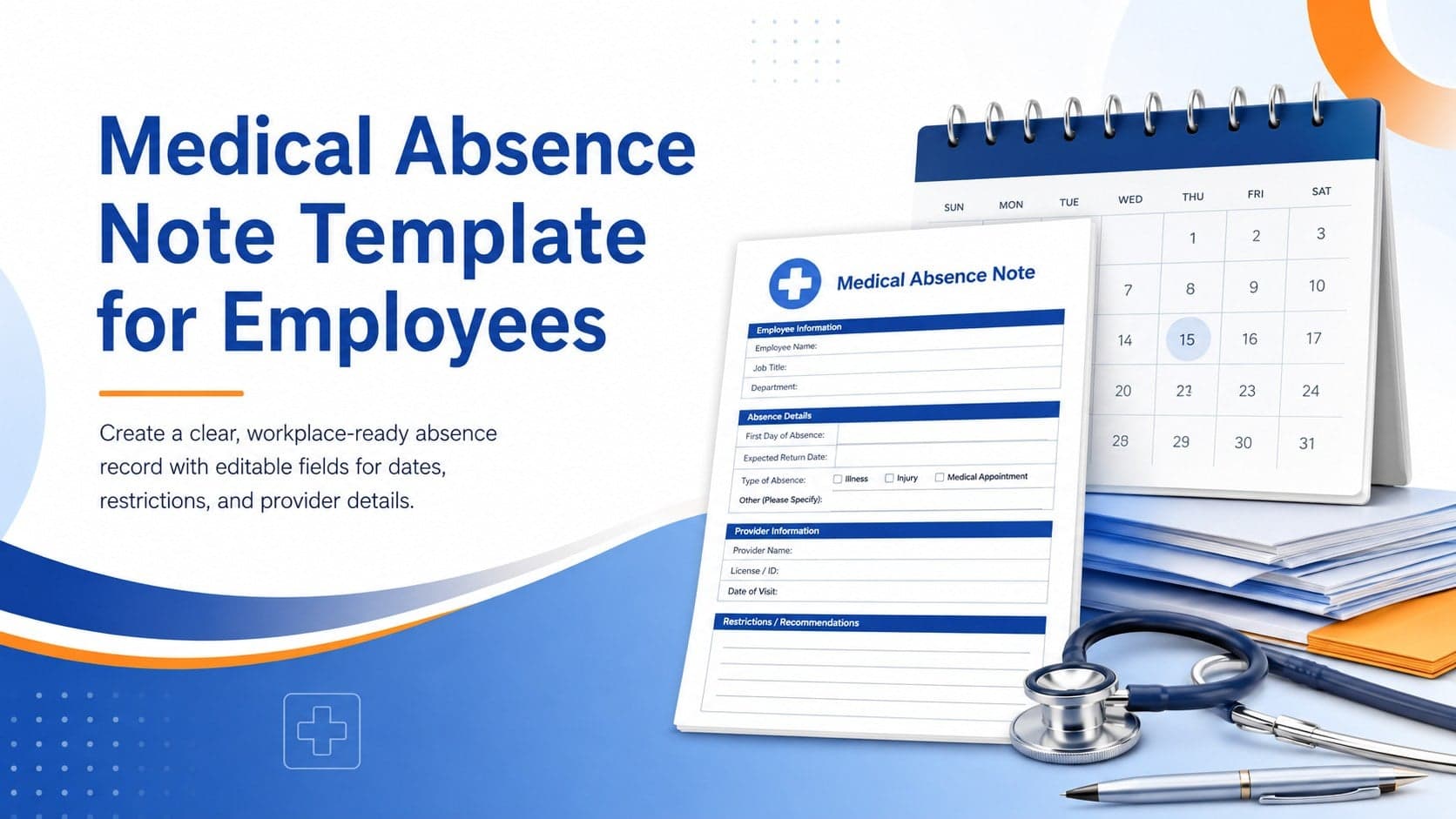
4Prepare a clear medical absence note template for employee records, with editable fields and polished blue-orange slides for PowerPoint and Google Slides.
 4
4Prepare pet owners for treatment with a veterinary procedure authorization form covering risks, medication, contacts, and approval details.