
 15
15presentation
Flying Saucer History Lesson Deck
Build an engaging World UFO Day session with this flying saucer history lesson deck, featuring retro green-and-brown slides for PowerPoint and Google Slides.
Google SlidesPowerPoint
presentation · English
Run a focused executive jet pilot training deck with bold retro visuals for cockpit systems, flight procedures, safety briefings, and crew discussion.


Design notes
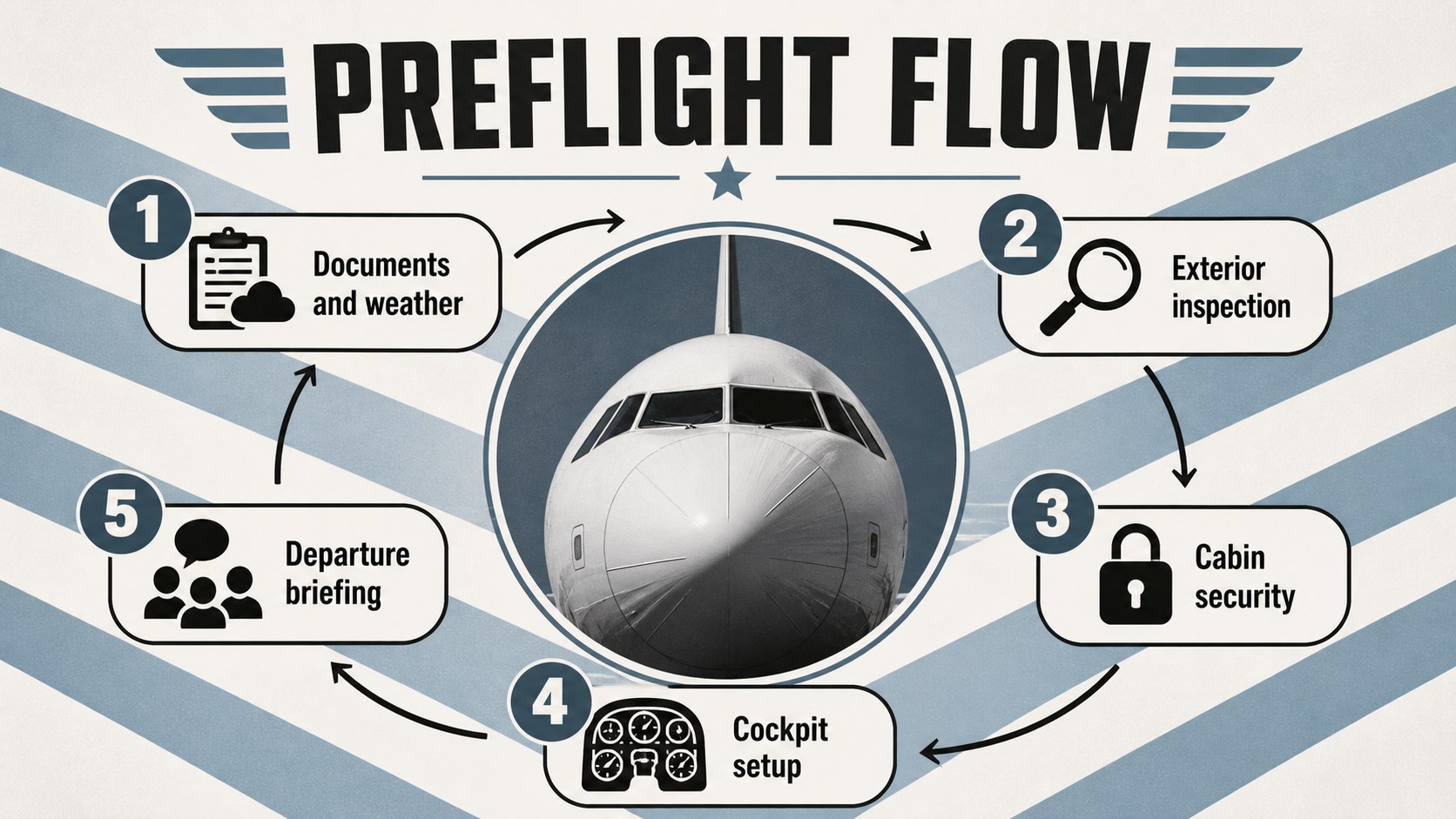
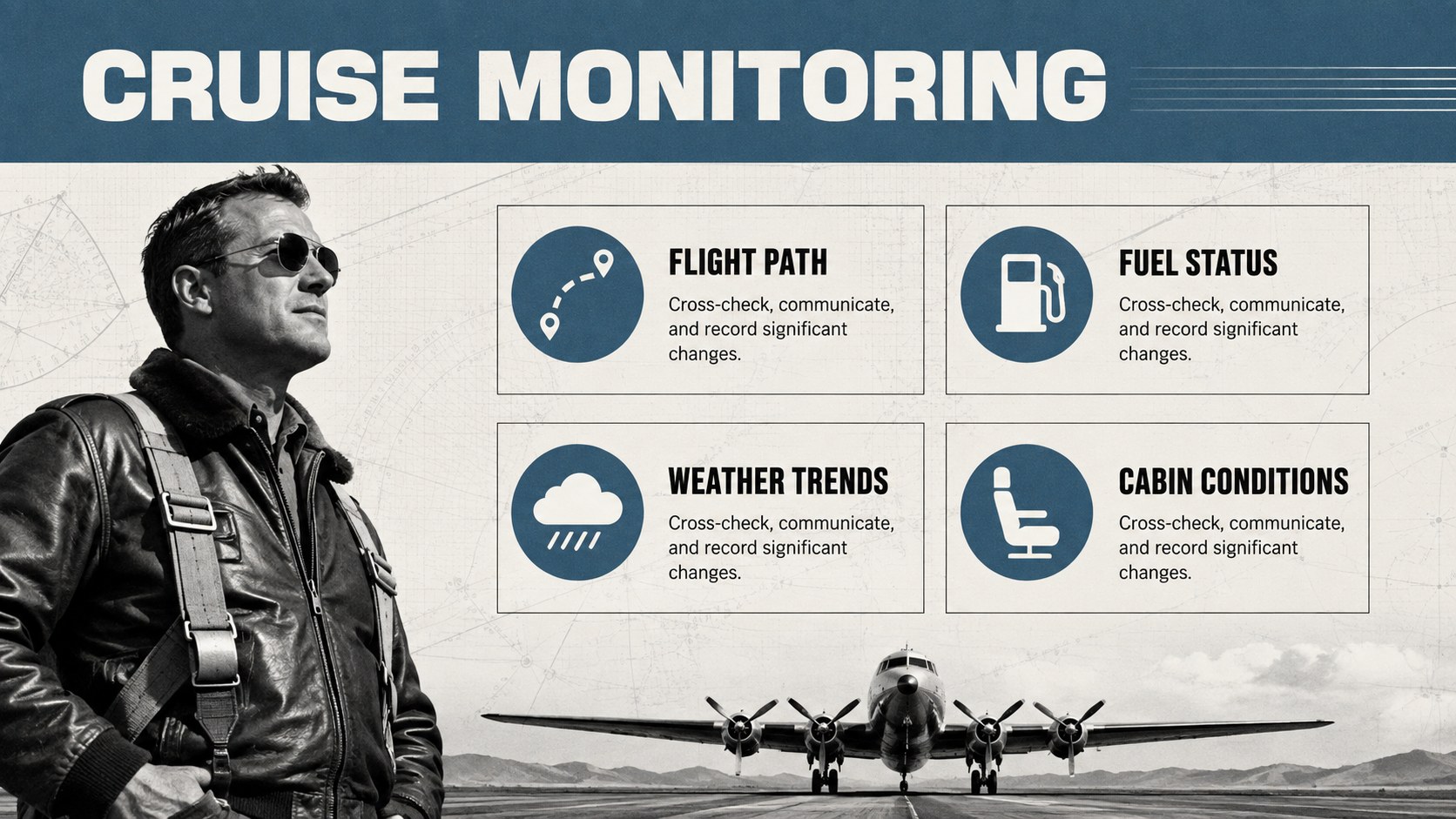
Turn technical instruction into a structured learning experience with this executive jet pilot training deck. Its bold retro direction combines crisp white space, deep black panels, aviation blue accents, and controlled grey details to keep complex material readable. The visual system feels authoritative without becoming sterile, helping instructors maintain attention from preflight planning through post-flight review.
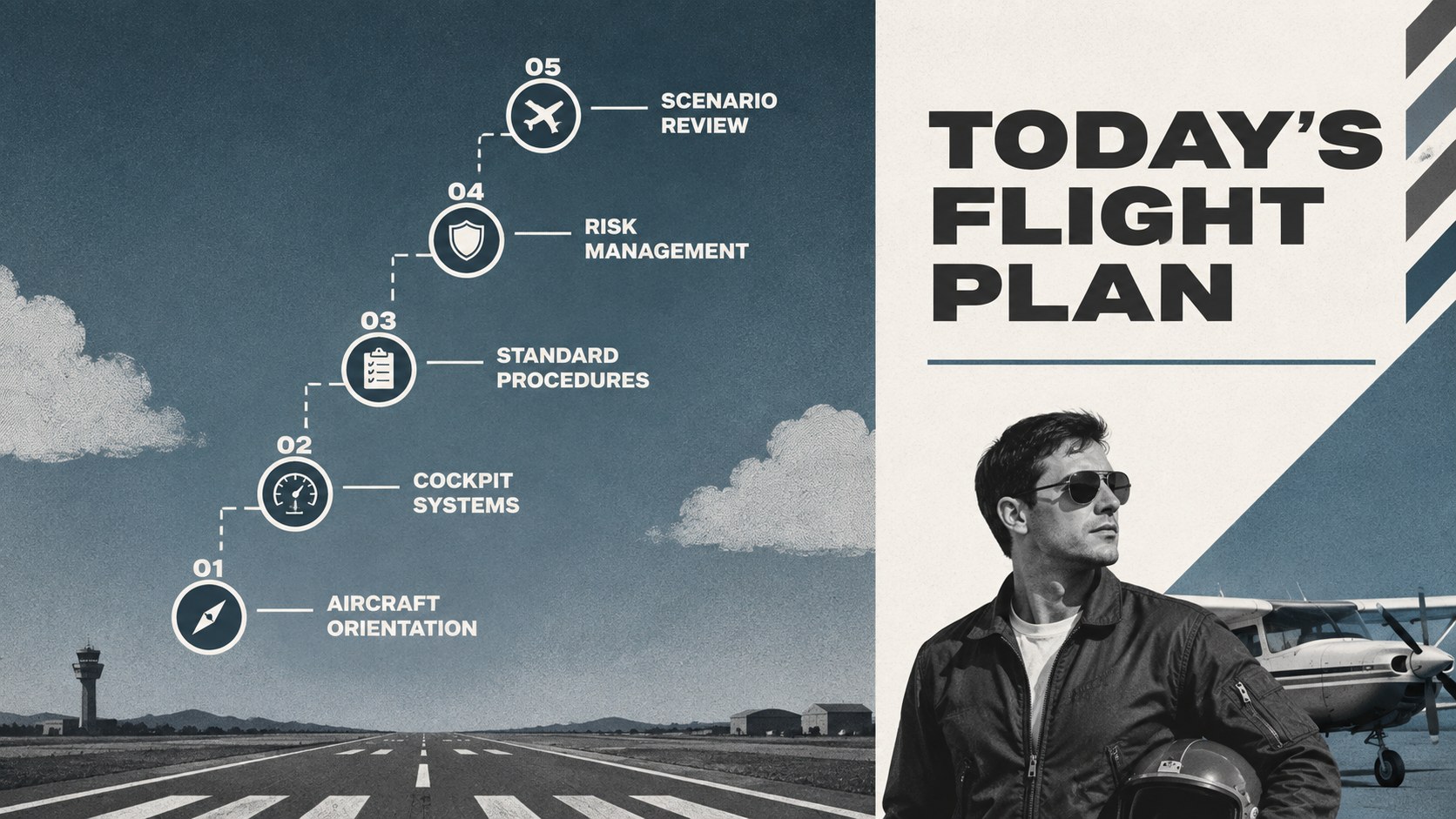
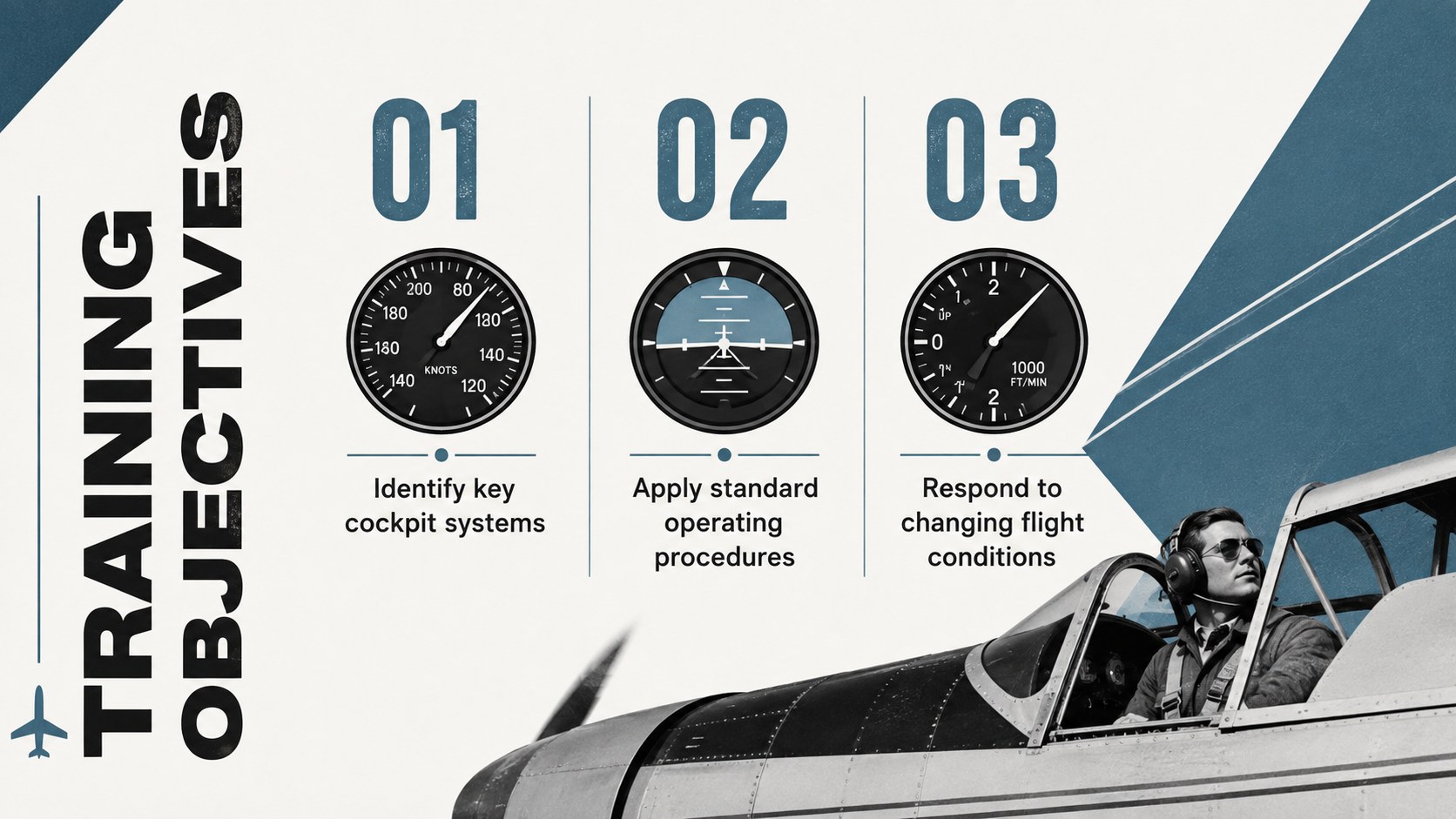
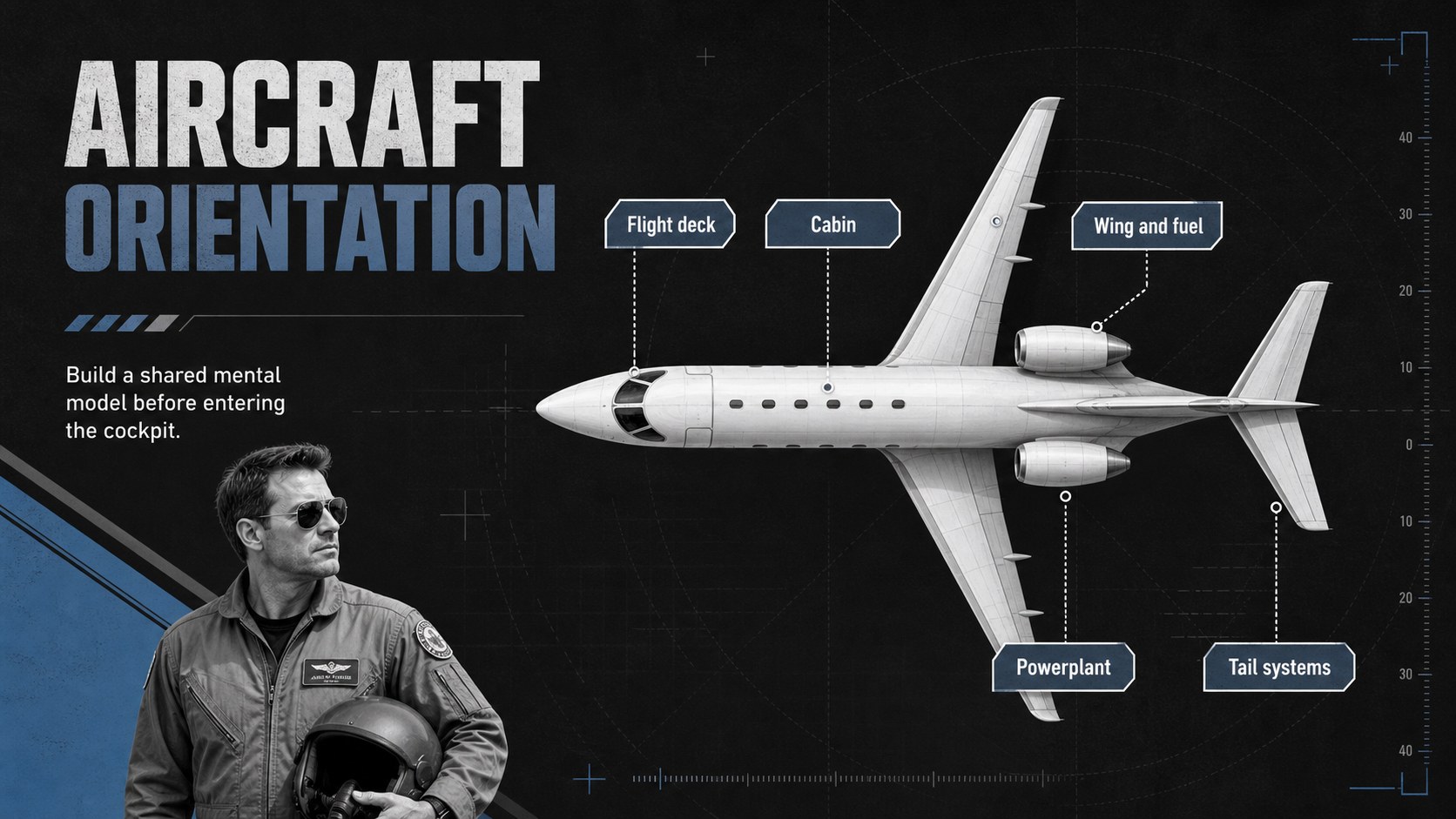
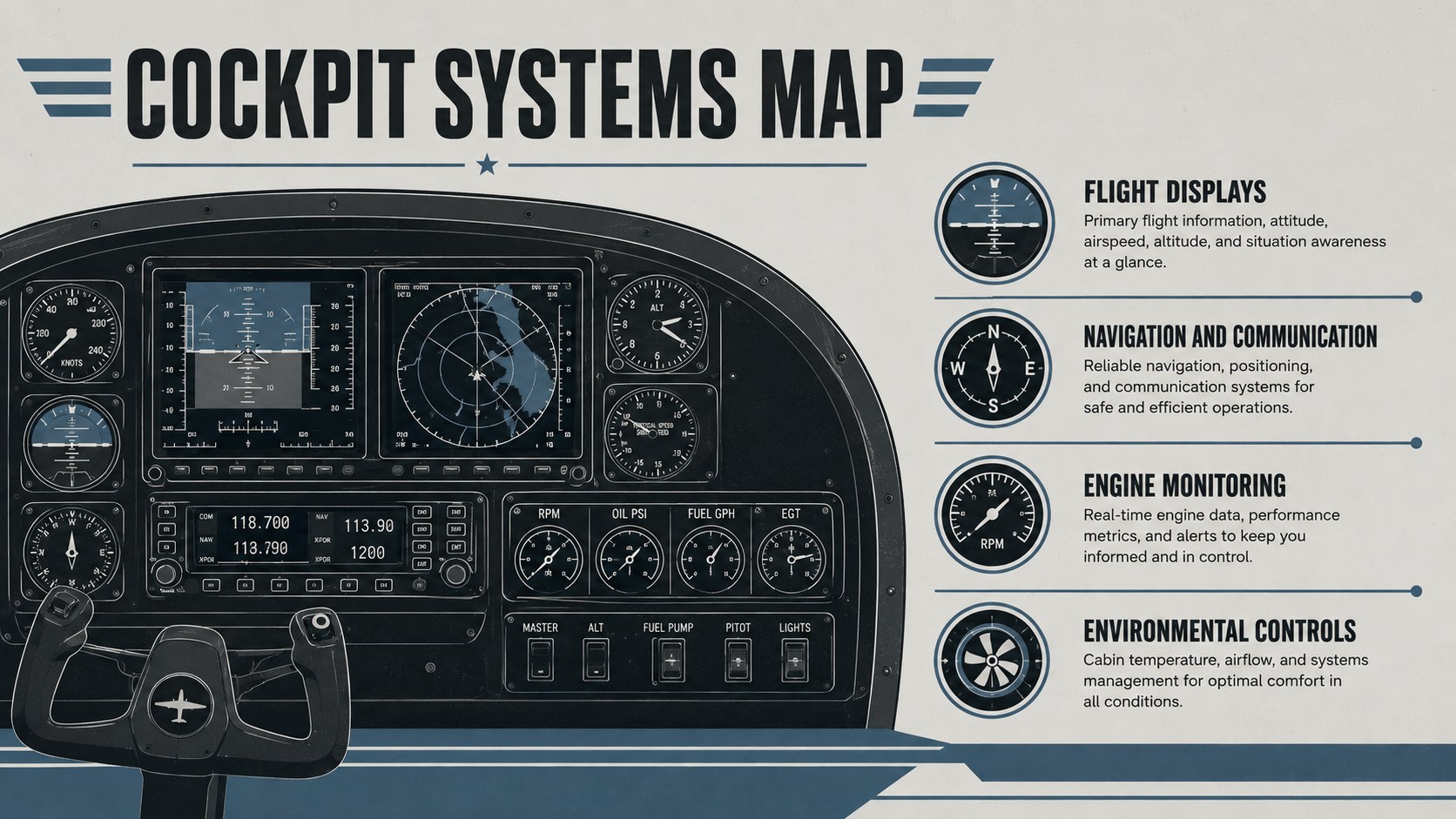
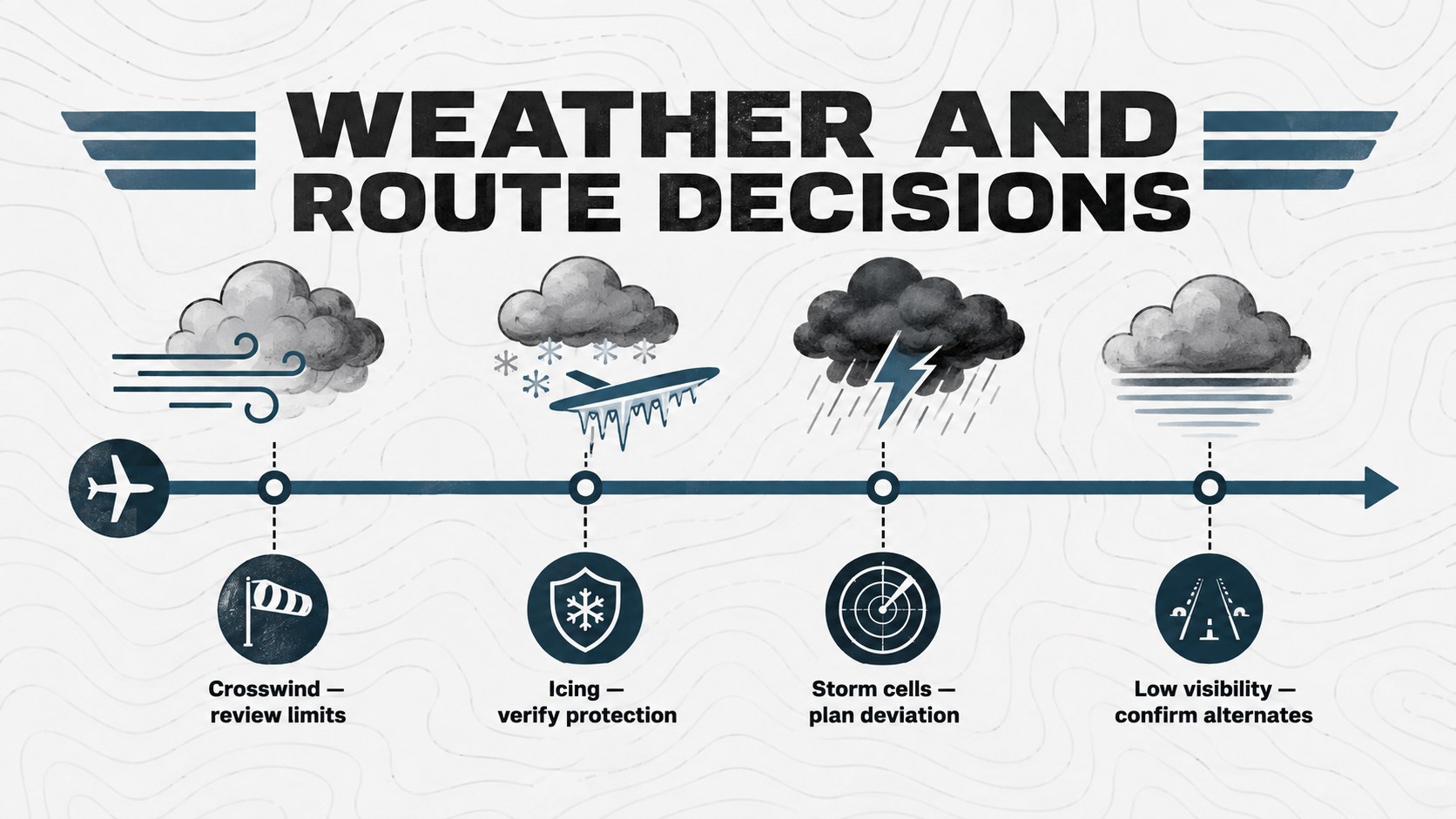
Inside are layouts for learning objectives, aircraft orientation, cockpit systems, standard operating procedures, weather and route planning, communication, risk checks, emergency response, scenario practice, and knowledge review. A dedicated jet flight safety briefing template supports concise hazard discussions, while timeline, comparison, process, and checklist pages make the deck adaptable to different curricula. Use the business aviation pilot course slides as a complete lesson sequence or select individual pages for recurrent modules.
Designed for flight instructors, training managers, corporate aviation teams, and advanced pilot learners, the presentation works in PowerPoint and Google Slides. Edit headings, diagrams, charts, and image placeholders to match your aircraft, operating manual, and training standards. It is especially useful as a private aircraft cockpit training presentation for classroom workshops, crew briefings, simulator preparation, and internal qualification programs.
Perfect for: executive jet ground school; pilot recurrent training; cockpit systems briefing; simulator preparation session; flight crew safety workshop; corporate aviation onboarding.
Frequently asked questions
Can I edit this deck in PowerPoint and Google Slides? Yes. The presentation is designed for editing in both PowerPoint and Google Slides, including its text, colors, diagrams, and image placeholders.
Practical details
Yes. The presentation is designed for editing in both PowerPoint and Google Slides, including its text, colors, diagrams, and image placeholders.
Yes. Replace the sample aircraft details, cockpit labels, procedures, and performance data with information from the relevant operating manuals and approved training materials.
Yes. The modular layouts work well for recurrent instruction covering systems, standard procedures, risk management, emergency response, and scenario reviews.
Yes. Theme colors can be adjusted to match an operator, training department, or aviation school while preserving the bold retro visual hierarchy.
Keep exploring
15Build an engaging World UFO Day session with this flying saucer history lesson deck, featuring retro green-and-brown slides for PowerPoint and Google Slides.
 15
15Plan a lively animal-learning journey with this jungle zoo adventure lesson deck, ready to customize in PowerPoint and Google Slides for young learners.
 16
16Turn environmental research into a clear story with a Watercolor Ecology Presentation Theme for PowerPoint and Google Slides in calming green and blue.
 16
16Build focused fashion, literature, and humanities presentations with the Red Triangle Editorial Theme, editable in PowerPoint and Google Slides.
 15
15Turn streaming stats, favorite tracks, and concert highlights into a bold annual listening recap slide deck for PowerPoint and Google Slides.
 15
15Turn highlights, milestones, and favorite moments into a colorful year in review slide deck with bold 3D graphics for PowerPoint and Google Slides.
 3
3Build a credible endorsement with Standout Colleague Recommendation Letter Slides, featuring colorful prompts for skills, achievements, and team impact.
 4
4Build clear beginner sessions with an ice hockey fundamentals training deck for coaches, PE teachers, and clubs, ready for PowerPoint and Google Slides.