
 15
15presentation
Flying Saucer History Lesson Deck
Build an engaging World UFO Day session with this flying saucer history lesson deck, featuring retro green-and-brown slides for PowerPoint and Google Slides.
Google SlidesPowerPoint
presentation · English
Turn everyday dilemmas into lively class discussion with an everyday choices ethics classroom deck in cheerful white, yellow, and green illustrations.
Design notes
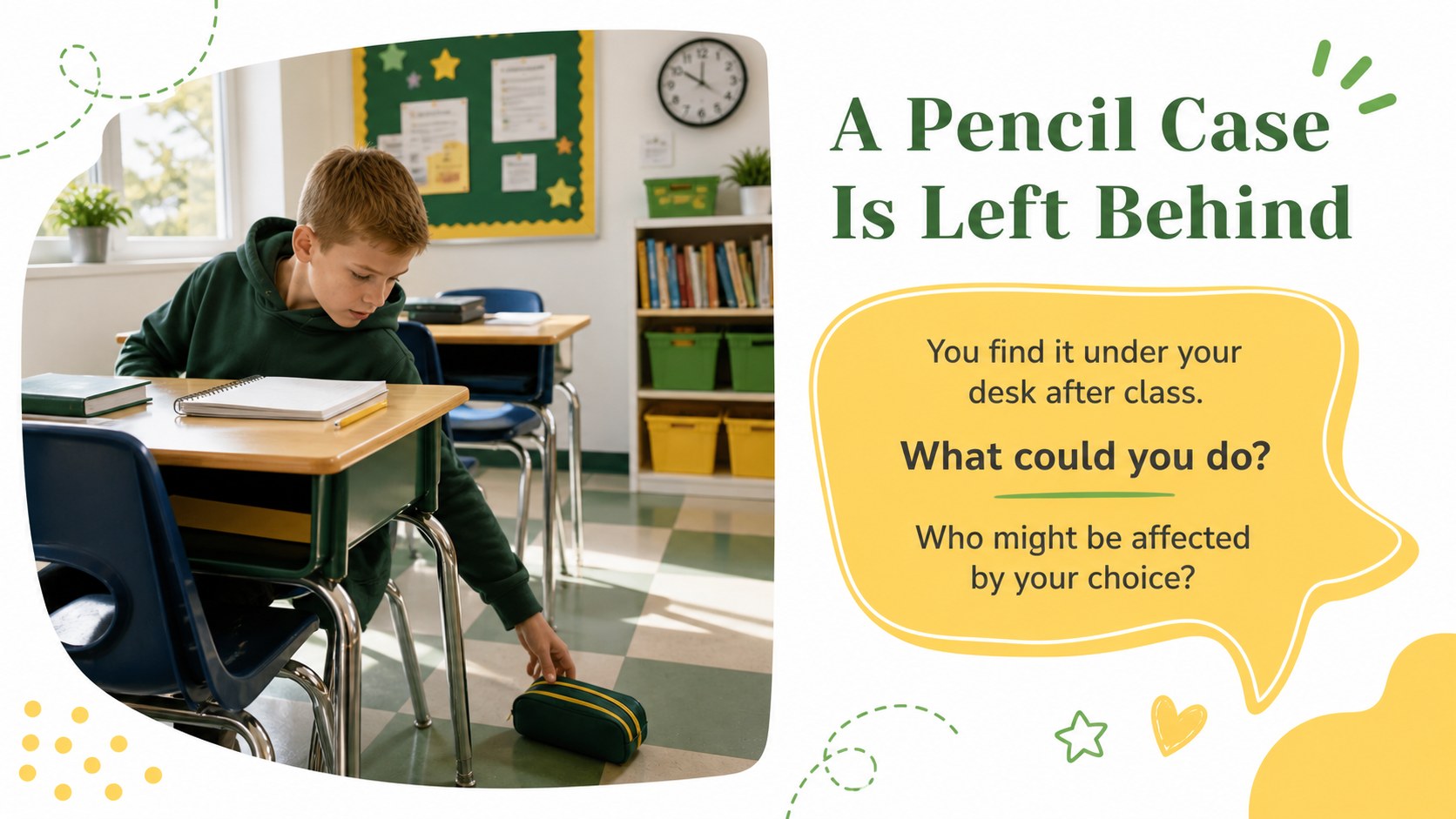
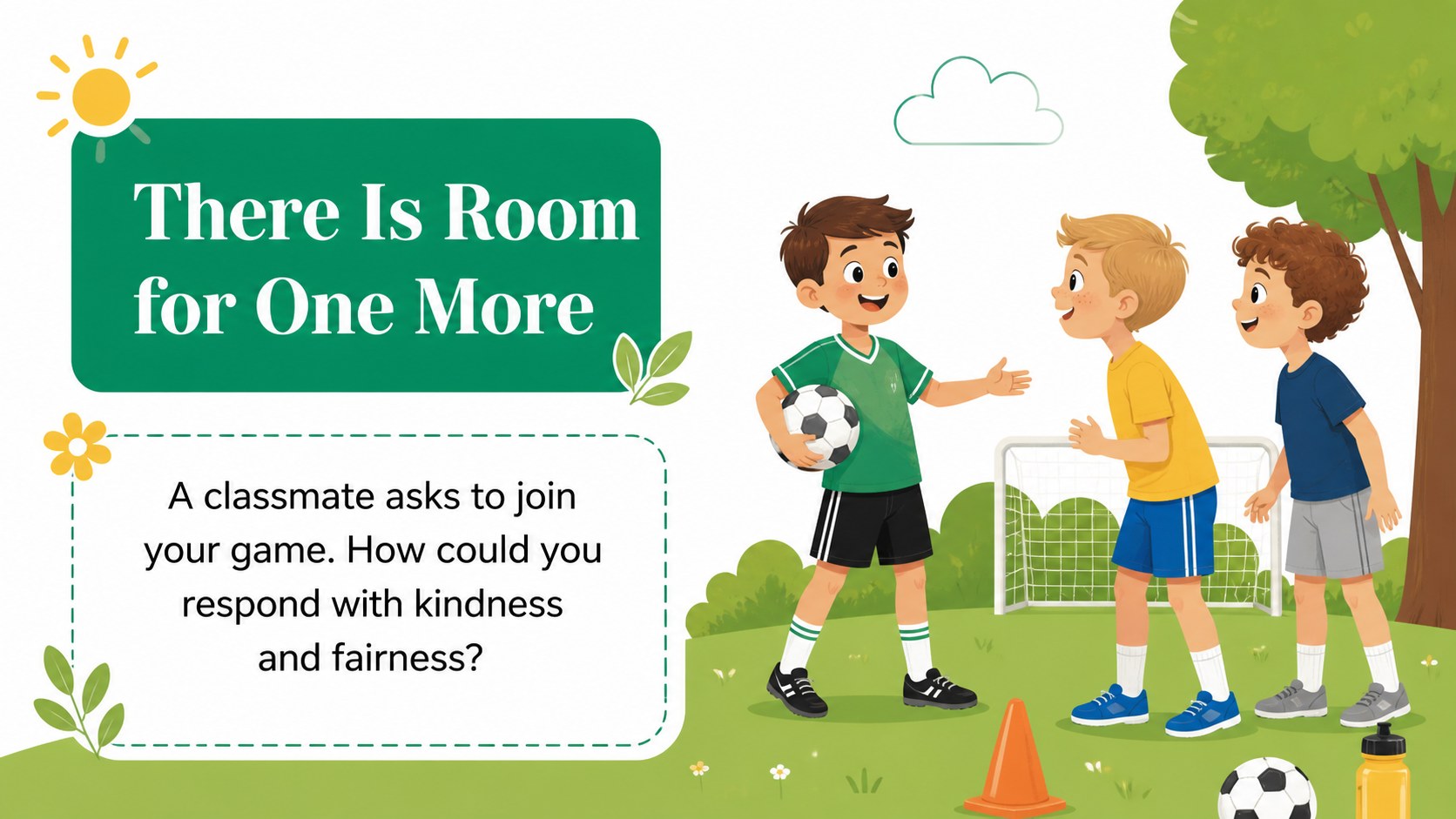
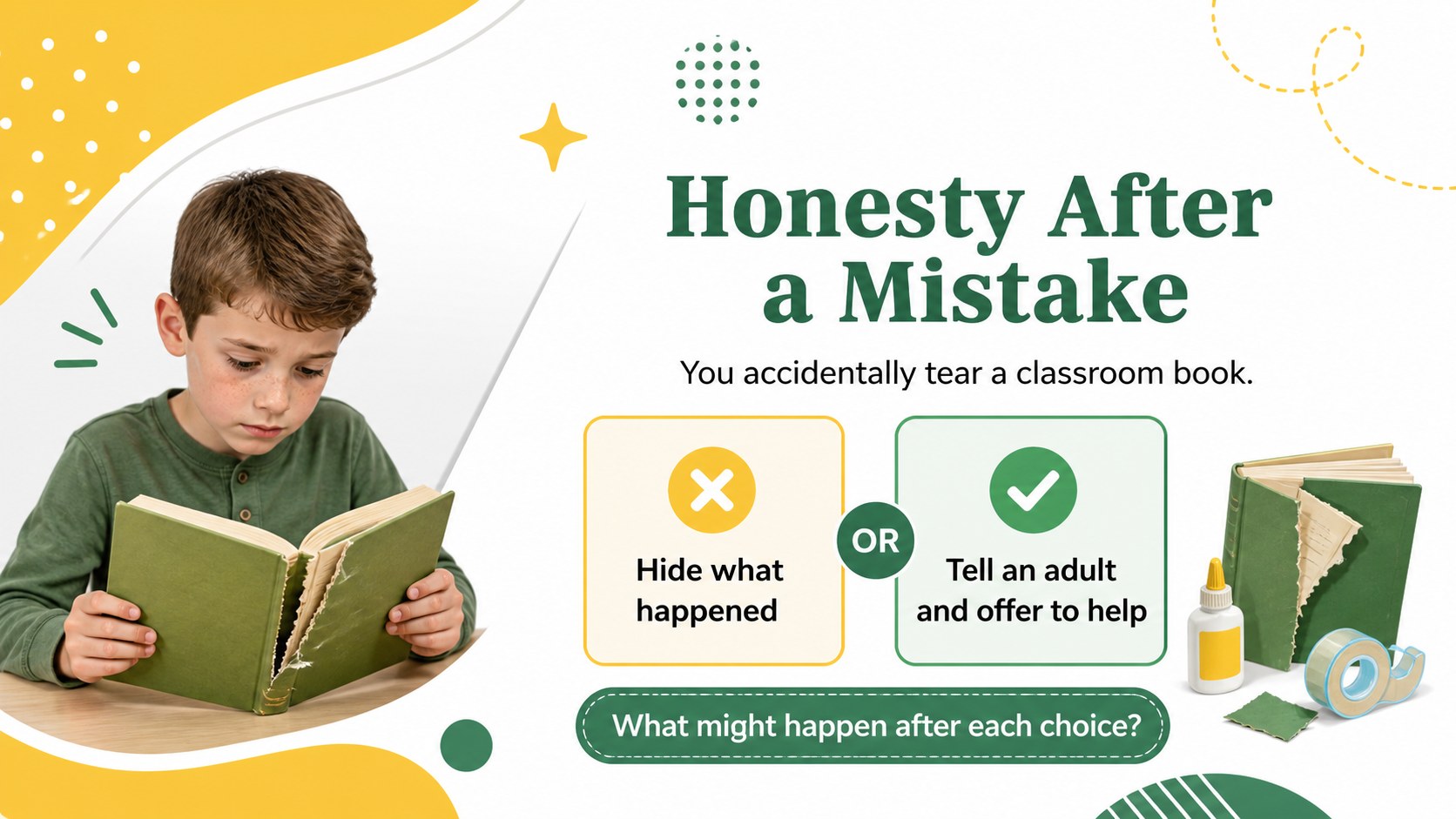
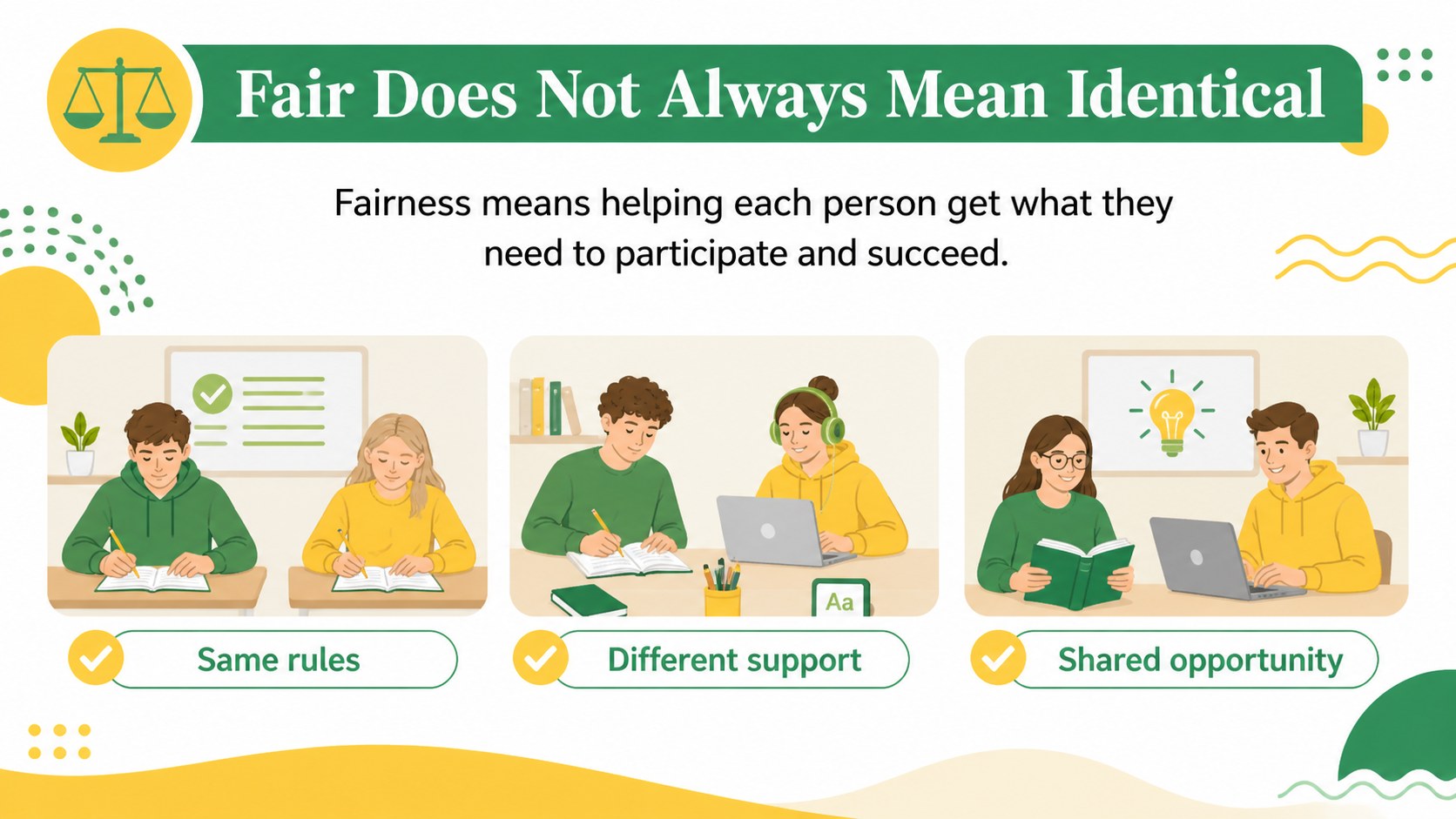
The Everyday Choices Ethics Classroom Deck helps elementary teachers turn abstract values into situations children can recognize and discuss. Its cheerful white, yellow, and green design uses playful illustrations and friendly layouts to keep young learners focused without making serious topics feel intimidating. Use it as a complete elementary ethics discussion slides resource or select individual pages for a morning meeting.
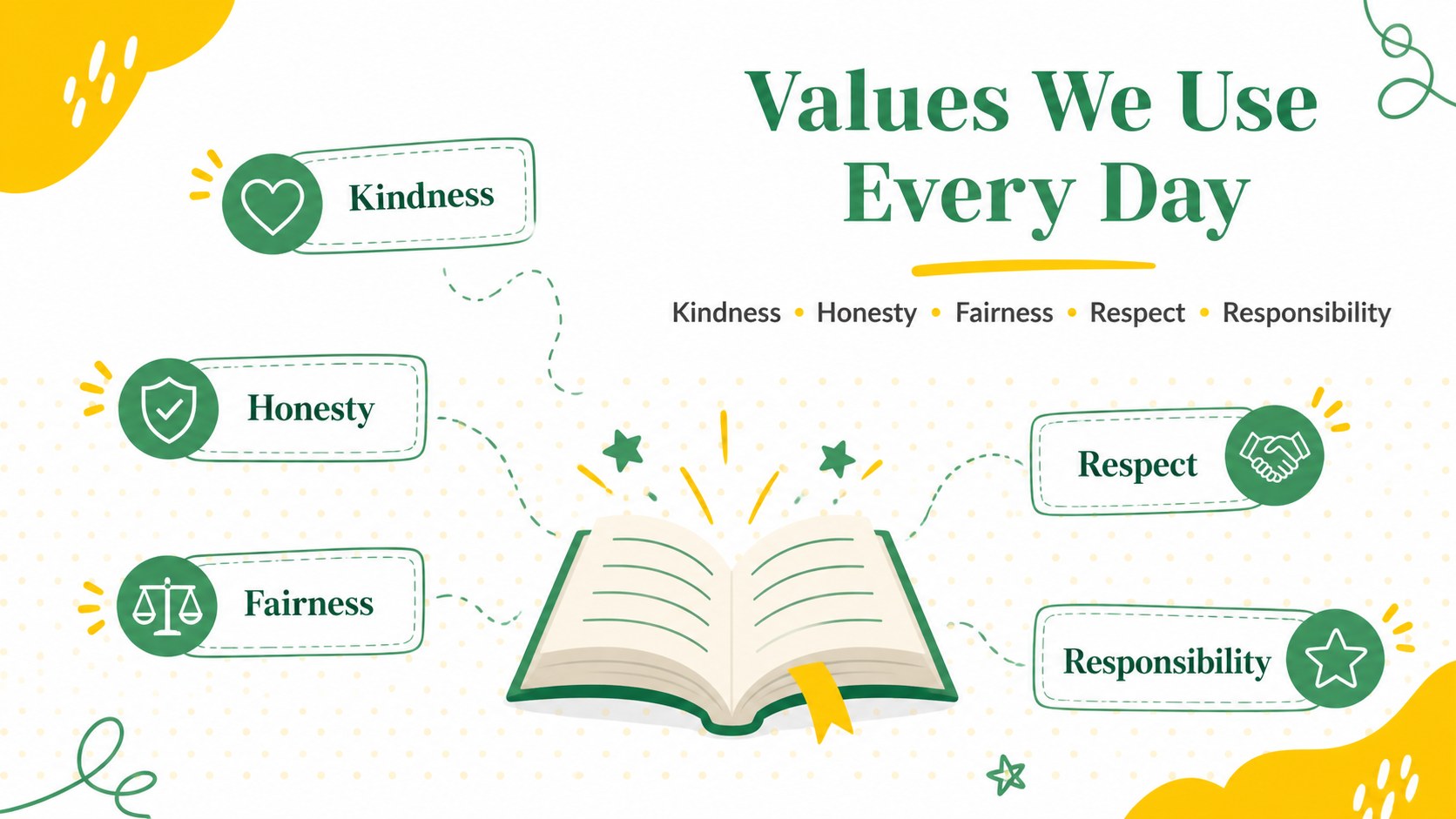
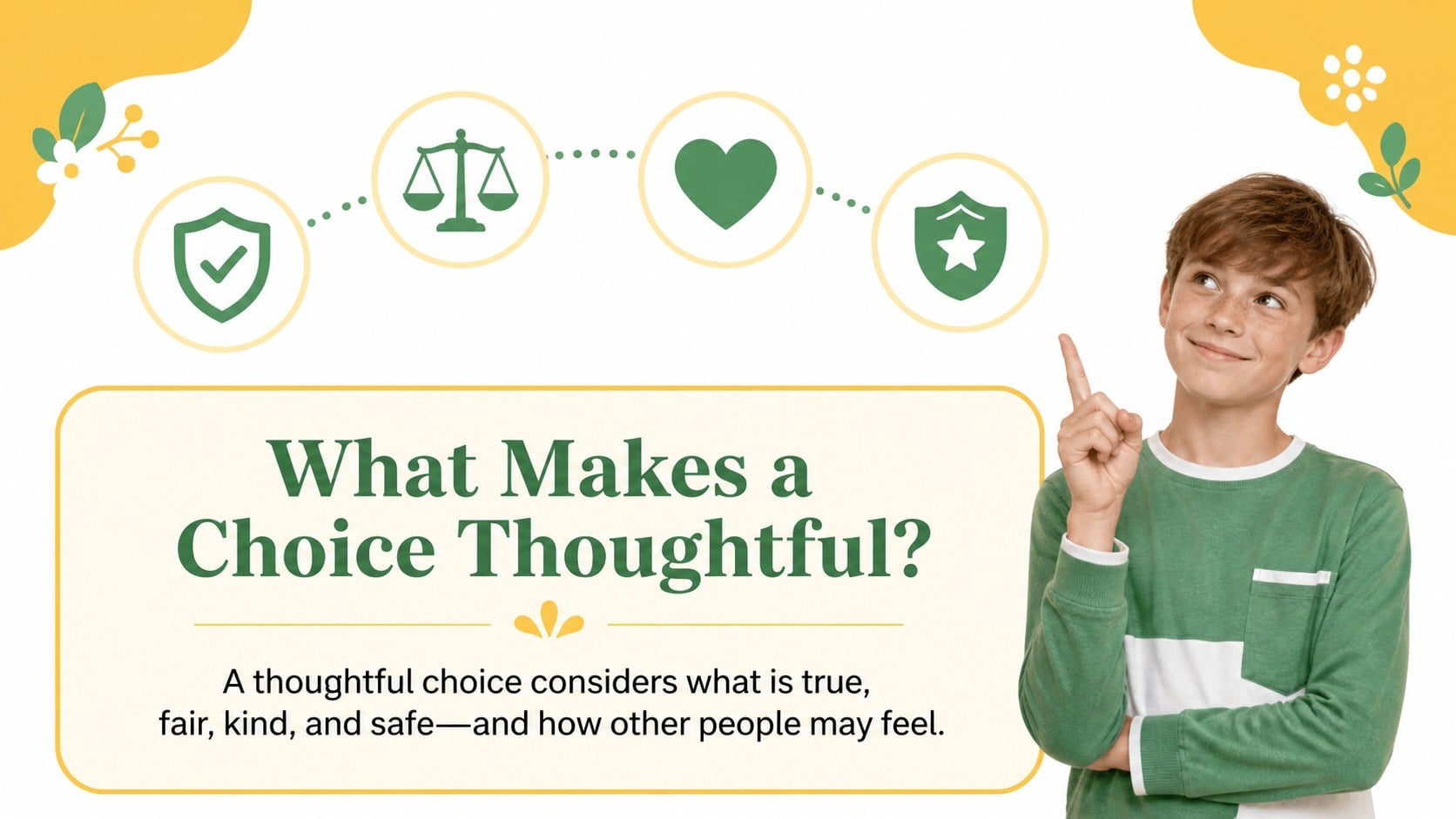
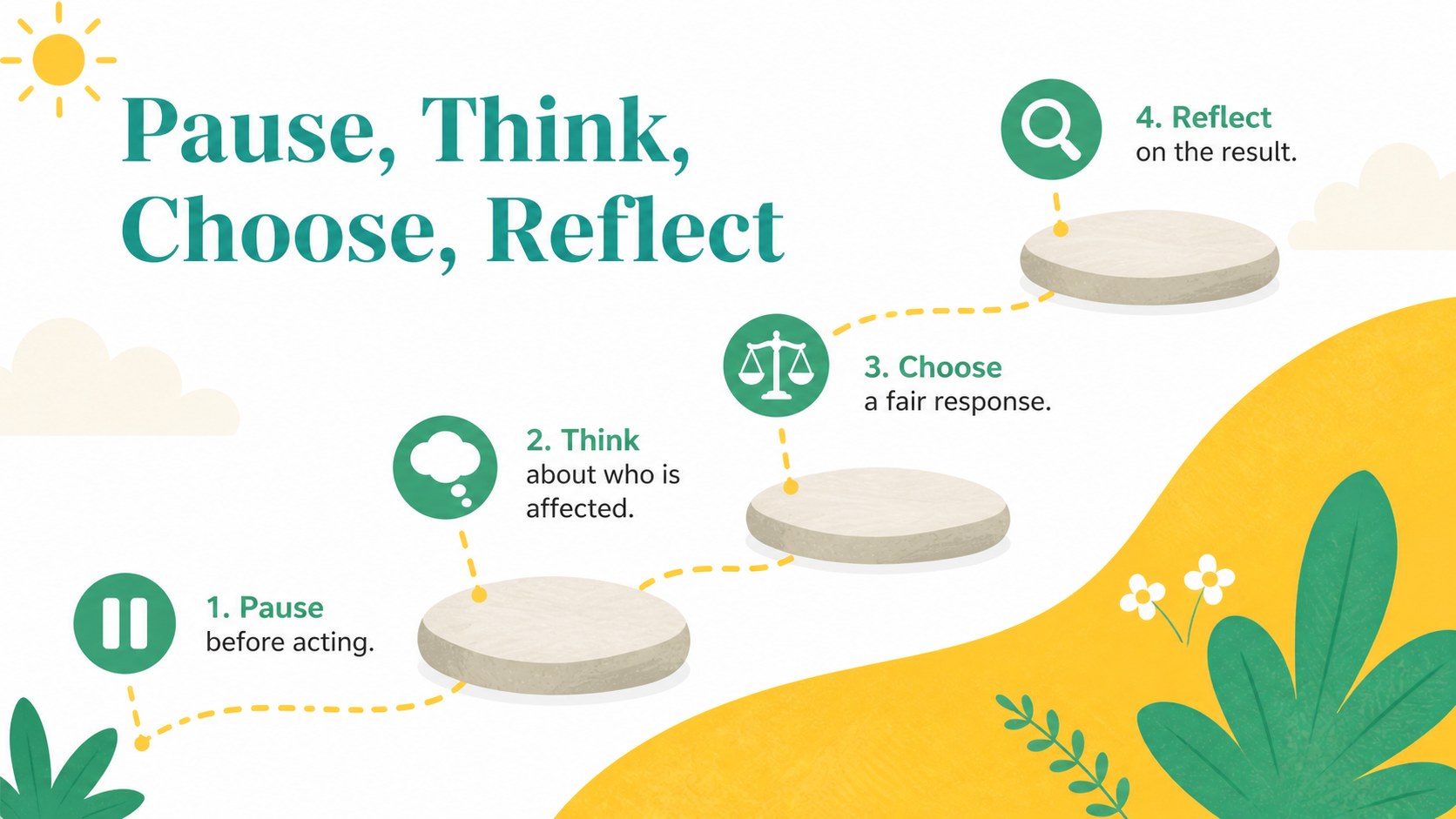
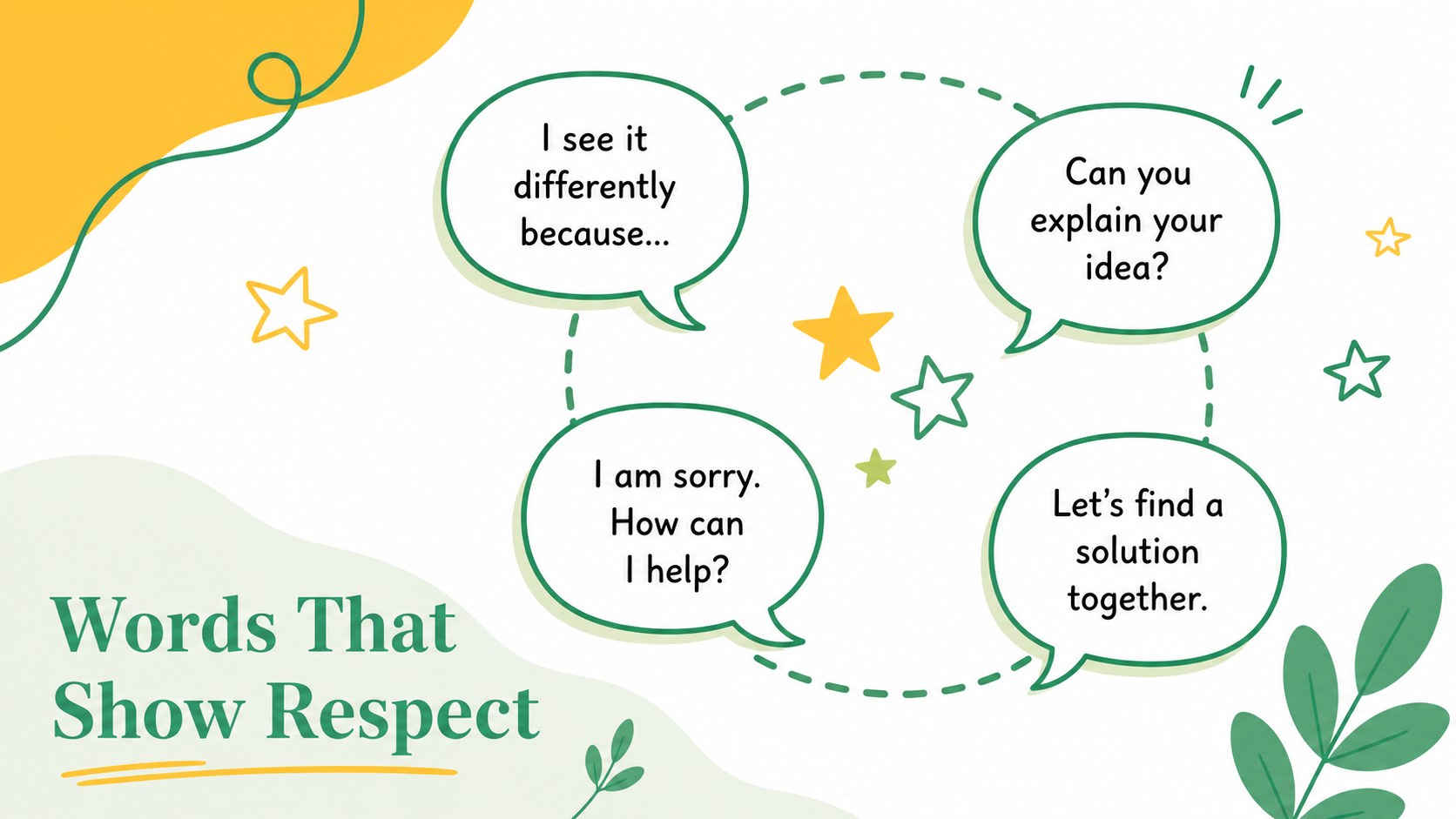
Inside, you will find prompts about honesty, fairness, kindness, responsibility, respect, and helping others. Relatable school and home scenarios encourage students to compare options, explain possible consequences, and identify thoughtful responses. The deck also includes a values overview, classroom behavior scenario presentation pages, reflection questions, a decision pathway, role-play activities, and a closing commitment prompt. Every slide can be adapted with your own examples, class expectations, or vocabulary.
This good choices bad choices lesson is designed for elementary classroom teachers, school counselors, character education leaders, and families supporting social-emotional learning. Present it in PowerPoint or Google Slides during ethics lessons, advisory periods, community circles, behavior workshops, or small-group discussions. The 16:9 format works well on classroom displays, while editable text and graphics make it easy to match different age groups and learning needs.
Perfect for: elementary ethics lesson; morning meeting discussion; school counseling session; character education workshop; classroom behavior reflection.
Frequently asked questions
Can I edit the classroom scenarios? Yes. Replace the sample names, choices, questions, and outcomes with situations that match your students and classroom expectations. You can also duplicate scenario slides to expand the activity.
Practical details
Yes. Replace the sample names, choices, questions, and outcomes with situations that match your students and classroom expectations. You can also duplicate scenario slides to expand the activity.
The deck is designed for PowerPoint and Google Slides. Text, colors, illustrations, and layout elements can be adjusted in either platform.
Yes. Simplify the wording and use oral responses with younger students, or add more nuanced dilemmas and written reflection for older elementary classes. The editable structure supports both whole-class and small-group instruction.
Change the fonts, accent colors, decorative shapes, and illustrations while keeping the existing 16:9 layout. You can also add a school logo or class-specific imagery after downloading the template.
Keep exploring
15Build an engaging World UFO Day session with this flying saucer history lesson deck, featuring retro green-and-brown slides for PowerPoint and Google Slides.
 15
15Plan a lively animal-learning journey with this jungle zoo adventure lesson deck, ready to customize in PowerPoint and Google Slides for young learners.
 16
16Turn environmental research into a clear story with a Watercolor Ecology Presentation Theme for PowerPoint and Google Slides in calming green and blue.
 16
16Build focused fashion, literature, and humanities presentations with the Red Triangle Editorial Theme, editable in PowerPoint and Google Slides.
 15
15Turn streaming stats, favorite tracks, and concert highlights into a bold annual listening recap slide deck for PowerPoint and Google Slides.
 15
15Turn highlights, milestones, and favorite moments into a colorful year in review slide deck with bold 3D graphics for PowerPoint and Google Slides.
 3
3Build a credible endorsement with Standout Colleague Recommendation Letter Slides, featuring colorful prompts for skills, achievements, and team impact.
 4
4Build clear beginner sessions with an ice hockey fundamentals training deck for coaches, PE teachers, and clubs, ready for PowerPoint and Google Slides.