
 15
15presentation
Flying Saucer History Lesson Deck
Build an engaging World UFO Day session with this flying saucer history lesson deck, featuring retro green-and-brown slides for PowerPoint and Google Slides.
Google SlidesPowerPoint
presentation · English
Turn complex plans into clear visual stories with an engineering blueprint presentation theme for system designs, project reviews, and technical proposals.
Design notes
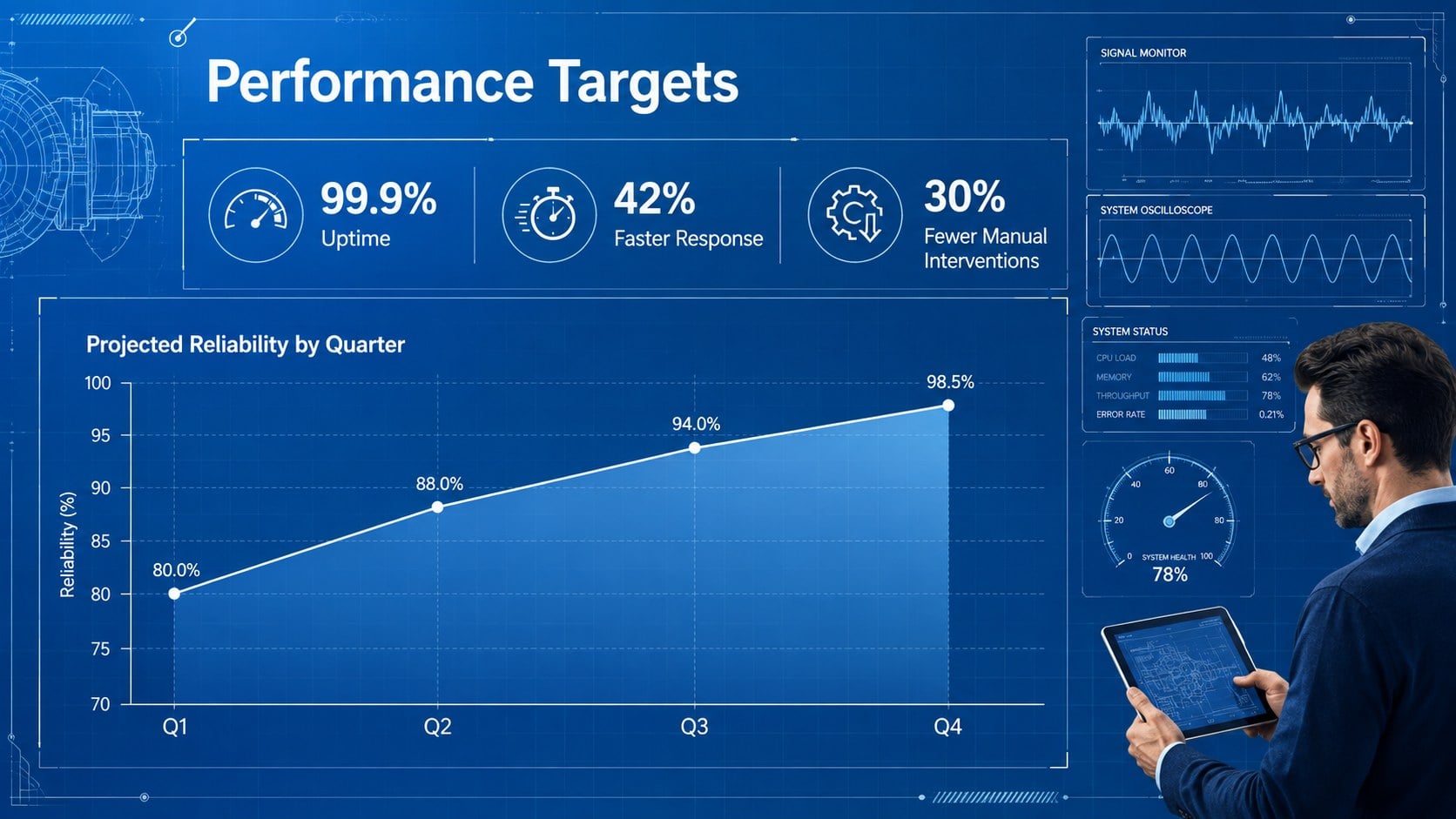
The Engineering Blueprint Presentation Theme gives technical ideas a structured visual language without making the content feel cold or difficult to navigate. Its deep blue canvas, crisp white linework, measured grids, and drafting-inspired details suit engineering, software, construction, manufacturing, and product development presentations.
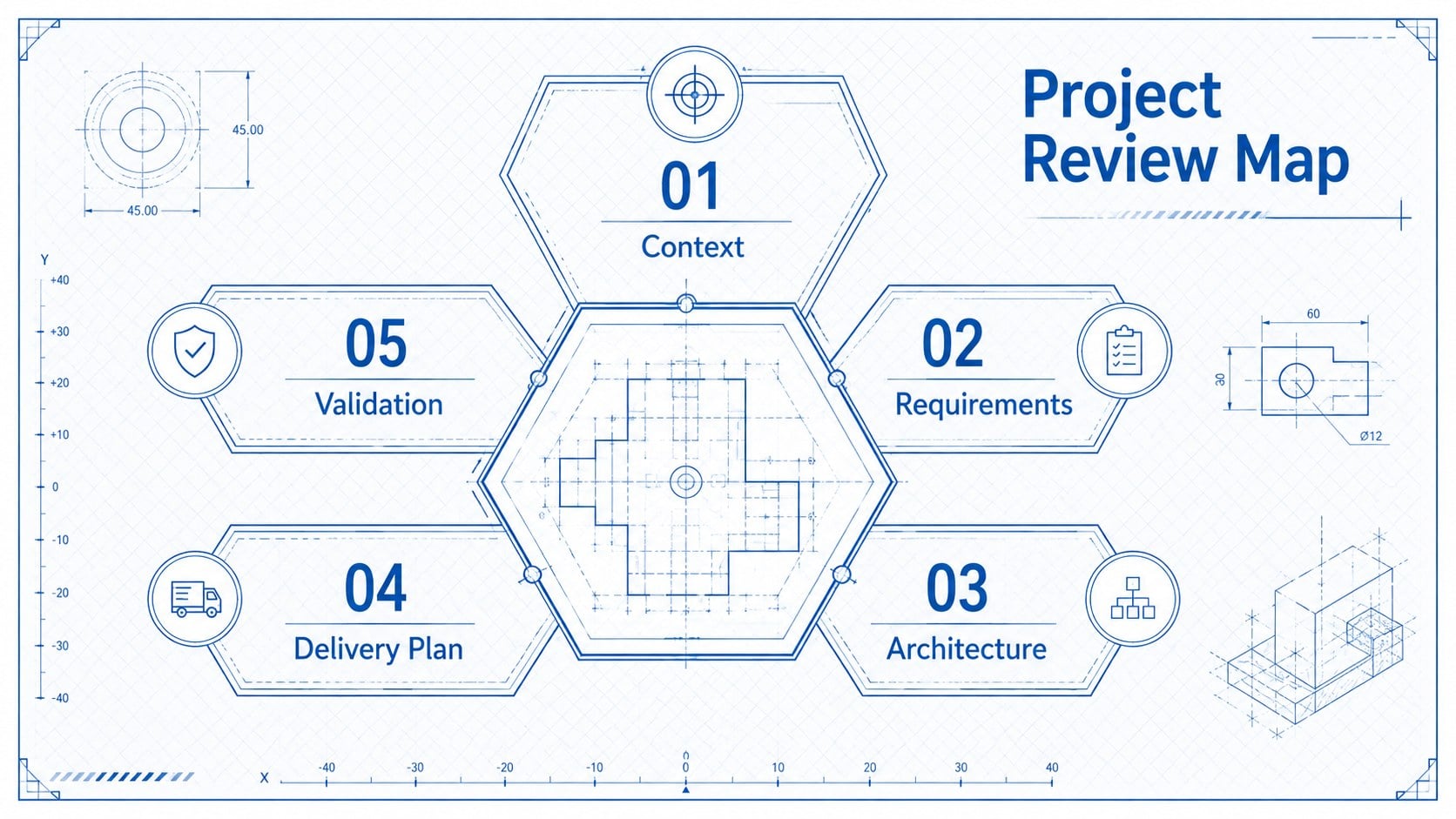
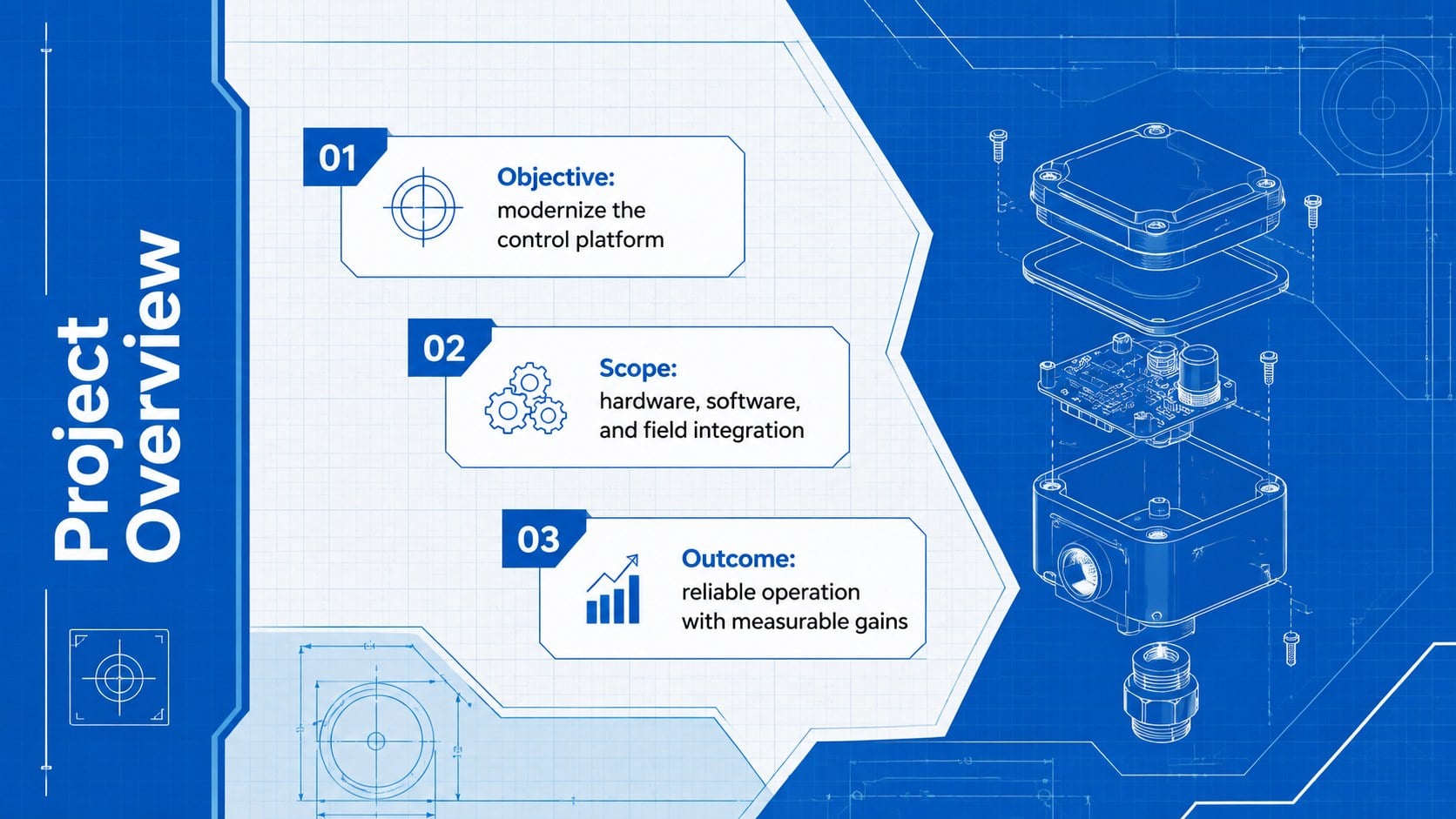
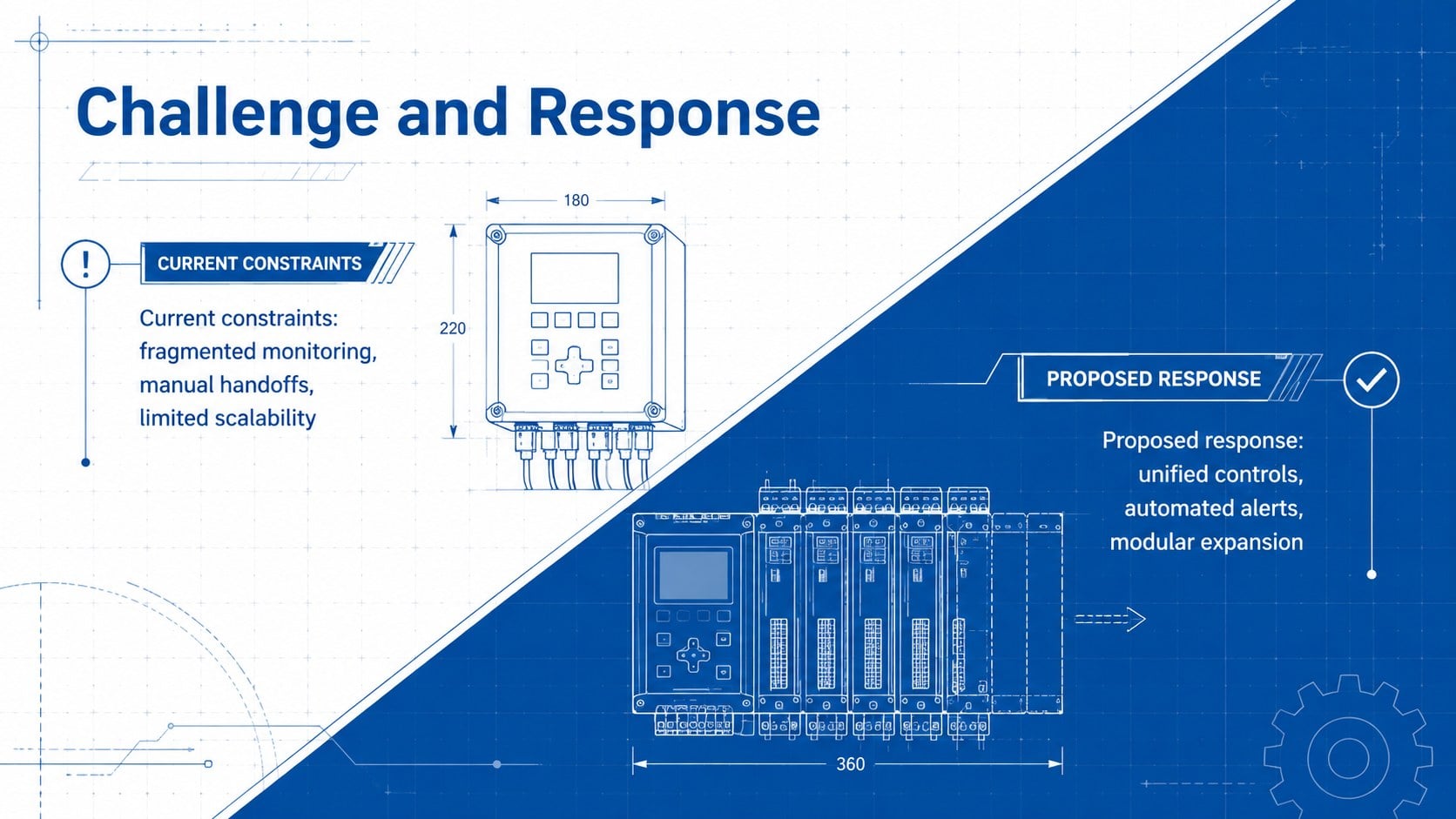
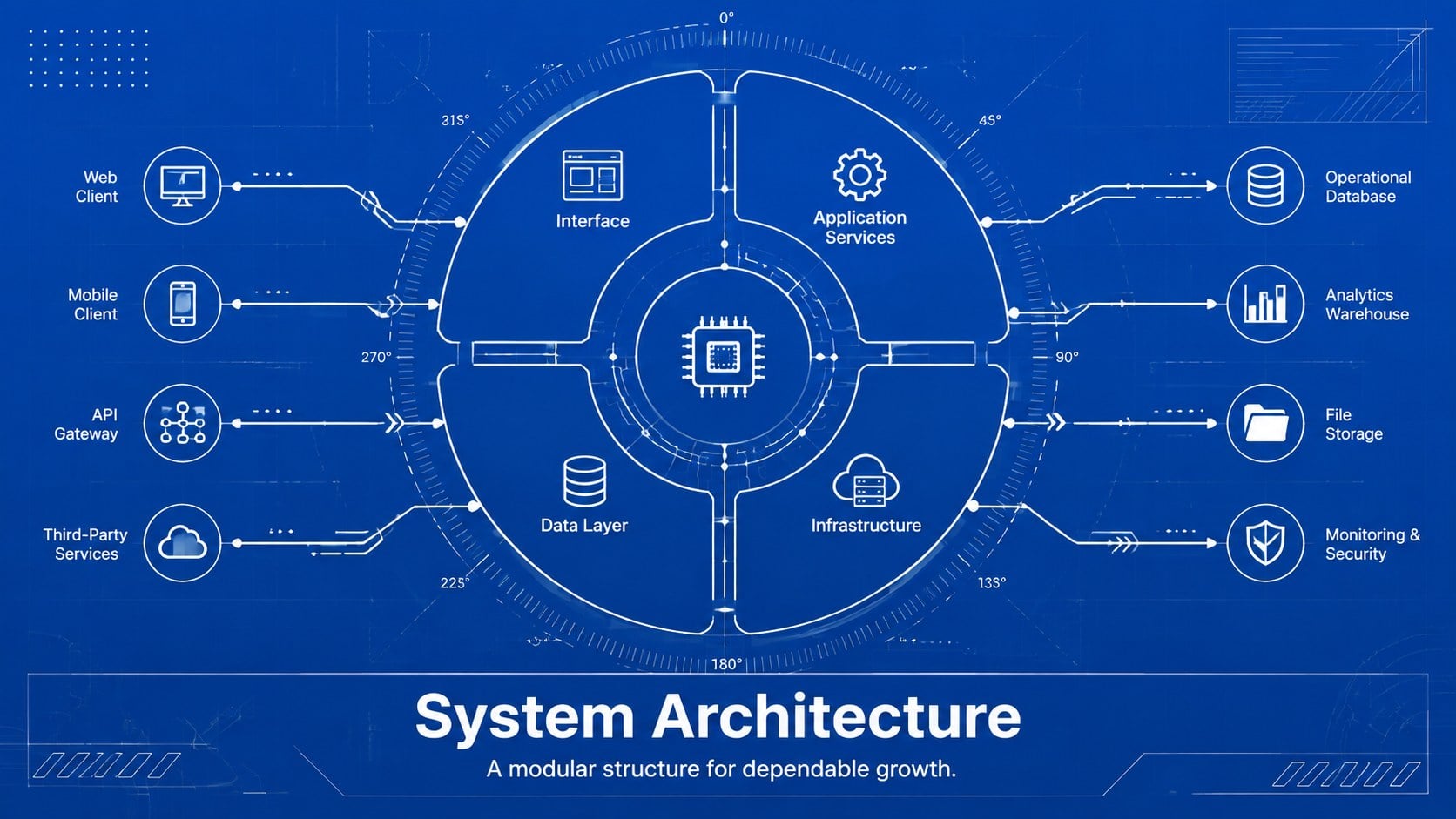
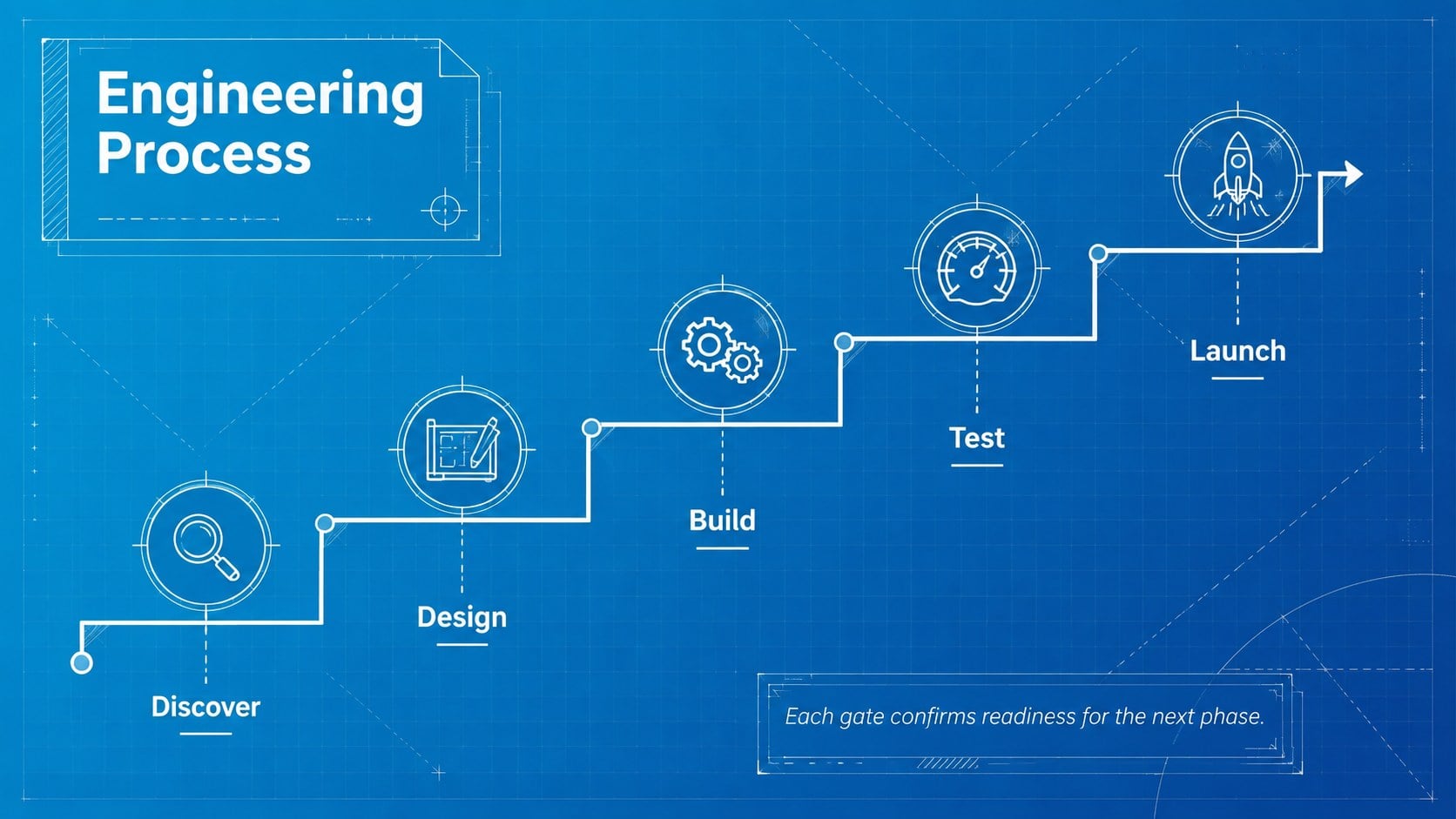
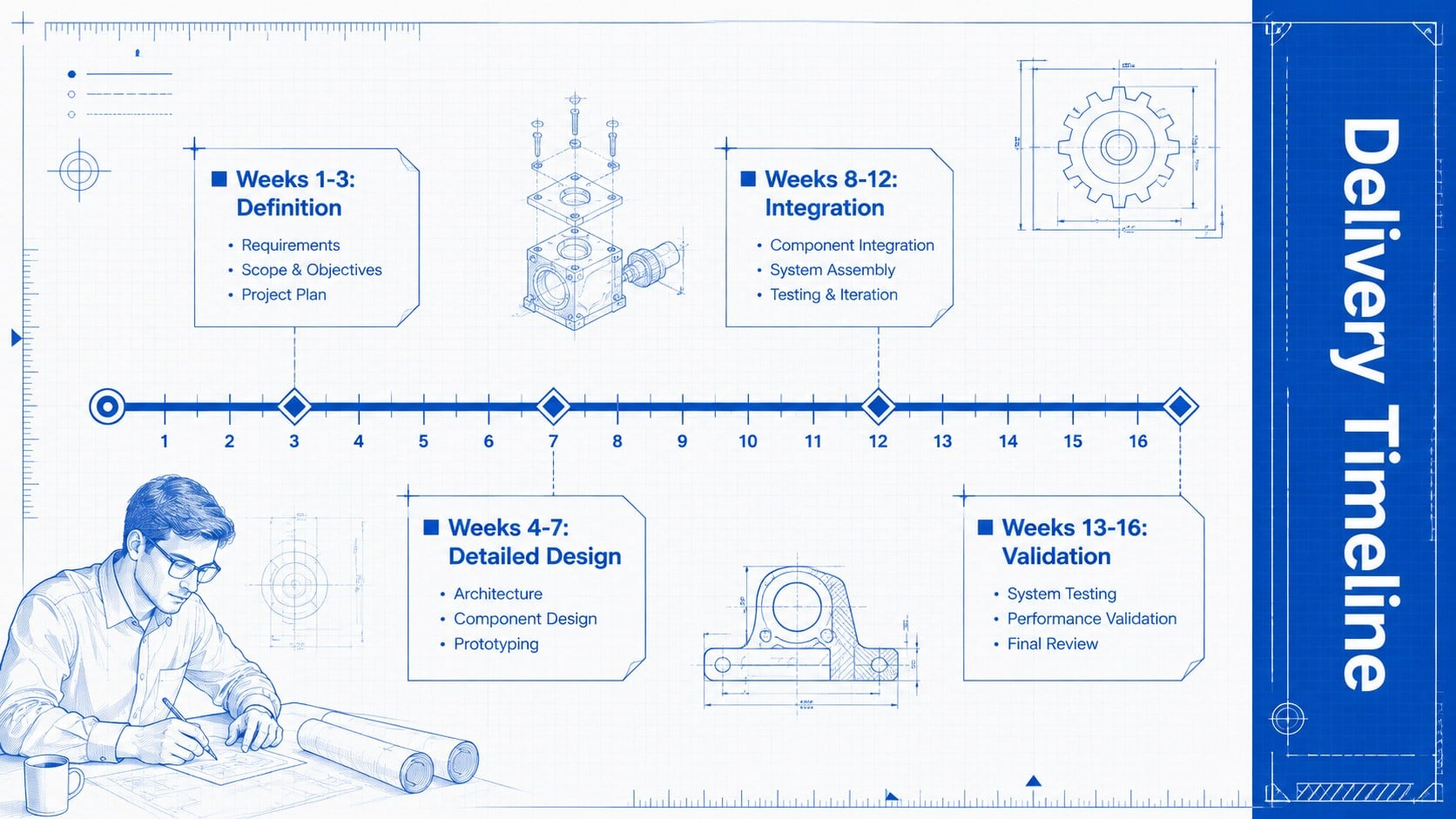
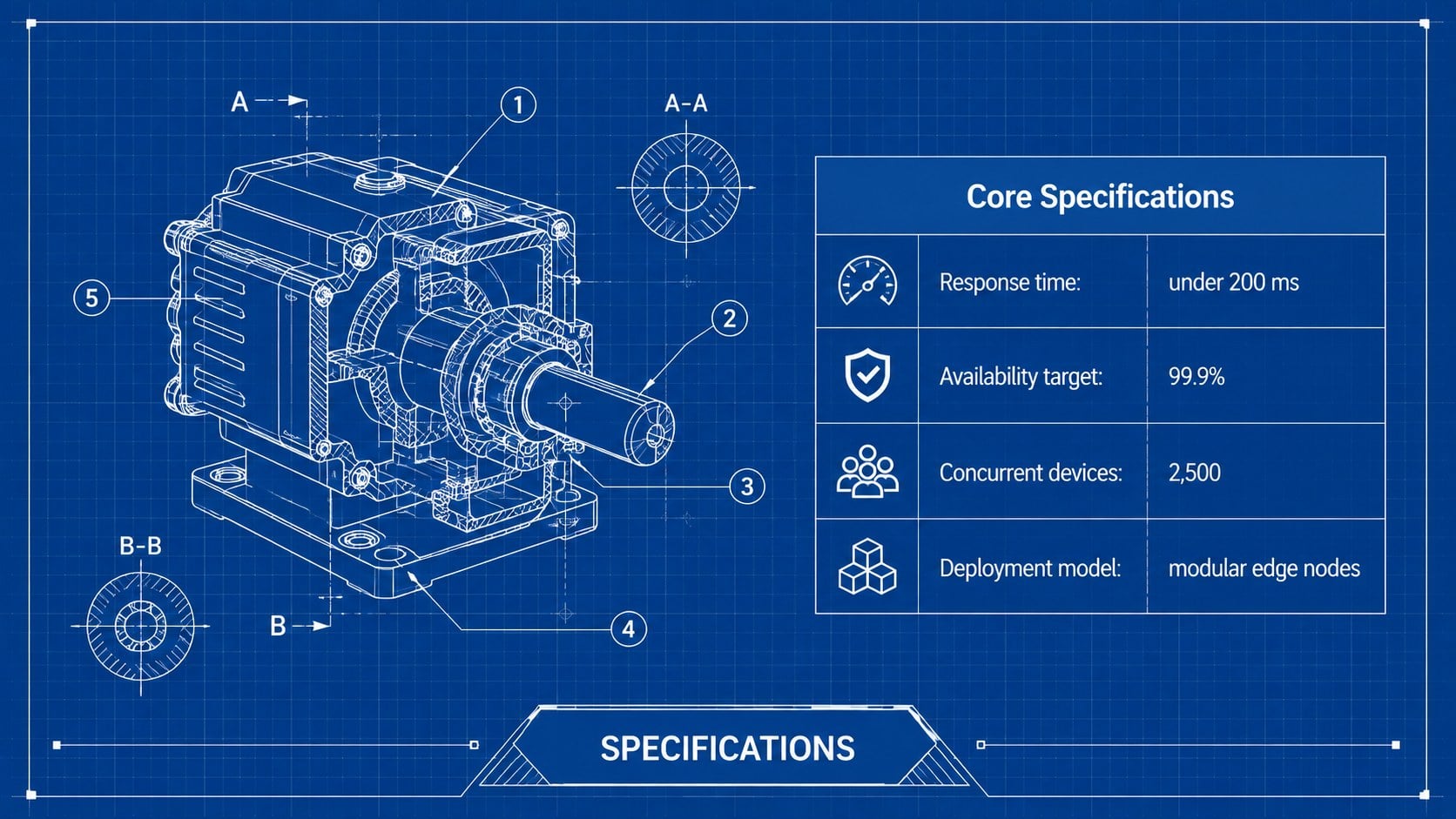
The deck includes 16:9 layouts for objectives, system architecture, process stages, project timelines, technical specifications, performance charts, risk reviews, team roles, and closing summaries. Use the system architecture slide template to explain connected components, or adapt the engineering process diagram slides for workflows and implementation phases. Charts, tables, icons, photos, and text areas are fully editable, allowing each layout to support either concise executive summaries or detailed technical documentation.
This engineering blueprint presentation theme is designed for project managers, engineers, developers, architects, educators, consultants, and technical sales teams. It works especially well as a technical project review presentation for design approvals, stakeholder updates, feasibility studies, and solution proposals. Change the blue background, adjust line colors, replace diagrams, and reorder slides to match your organization or project. The template can be edited in PowerPoint and Google Slides, with layouts optimized for widescreen presentations.
Perfect for: engineering design review; software architecture briefing; construction project proposal; manufacturing process overview; technical feasibility report; product development update.
Frequently asked questions
Can I edit the diagrams and technical labels? Yes. The text, line diagrams, icons, charts, and layout elements are editable, so you can replace the sample content with your own specifications and project data.
Practical details
Yes. The text, line diagrams, icons, charts, and layout elements are editable, so you can replace the sample content with your own specifications and project data.
The template is designed for PowerPoint and Google Slides. Both platforms support editing the layouts, colors, typography, images, tables, and diagrams.
Yes. You can replace the deep blue background and adjust the white or accent line colors to match a company, department, or project identity while preserving the drafting aesthetic.
Yes. Its layouts support system architecture, development workflows, implementation roadmaps, technical metrics, construction plans, and manufacturing specifications.
Keep exploring
15Build an engaging World UFO Day session with this flying saucer history lesson deck, featuring retro green-and-brown slides for PowerPoint and Google Slides.
 15
15Plan a lively animal-learning journey with this jungle zoo adventure lesson deck, ready to customize in PowerPoint and Google Slides for young learners.
 16
16Turn environmental research into a clear story with a Watercolor Ecology Presentation Theme for PowerPoint and Google Slides in calming green and blue.
 16
16Build focused fashion, literature, and humanities presentations with the Red Triangle Editorial Theme, editable in PowerPoint and Google Slides.
 15
15Turn streaming stats, favorite tracks, and concert highlights into a bold annual listening recap slide deck for PowerPoint and Google Slides.
 15
15Turn highlights, milestones, and favorite moments into a colorful year in review slide deck with bold 3D graphics for PowerPoint and Google Slides.
 3
3Build a credible endorsement with Standout Colleague Recommendation Letter Slides, featuring colorful prompts for skills, achievements, and team impact.
 4
4Build clear beginner sessions with an ice hockey fundamentals training deck for coaches, PE teachers, and clubs, ready for PowerPoint and Google Slides.