
 15
15presentation
Flying Saucer History Lesson Deck
Build an engaging World UFO Day session with this flying saucer history lesson deck, featuring retro green-and-brown slides for PowerPoint and Google Slides.
Google SlidesPowerPoint
presentation · English
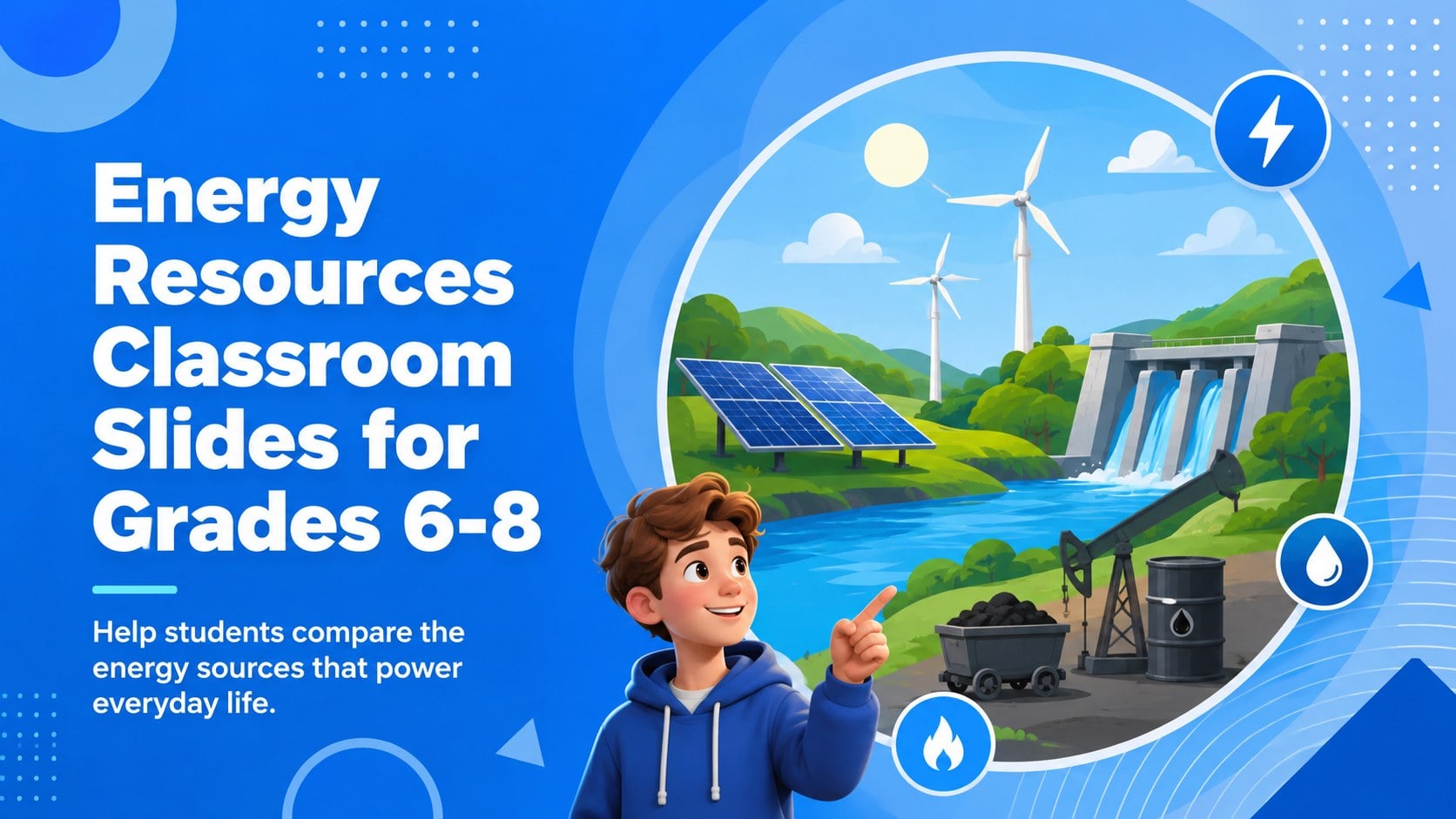
Energy resources classroom slides help grades 6-8 compare renewable and nonrenewable sources through clear visuals, discussion prompts, and editable…
Design notes
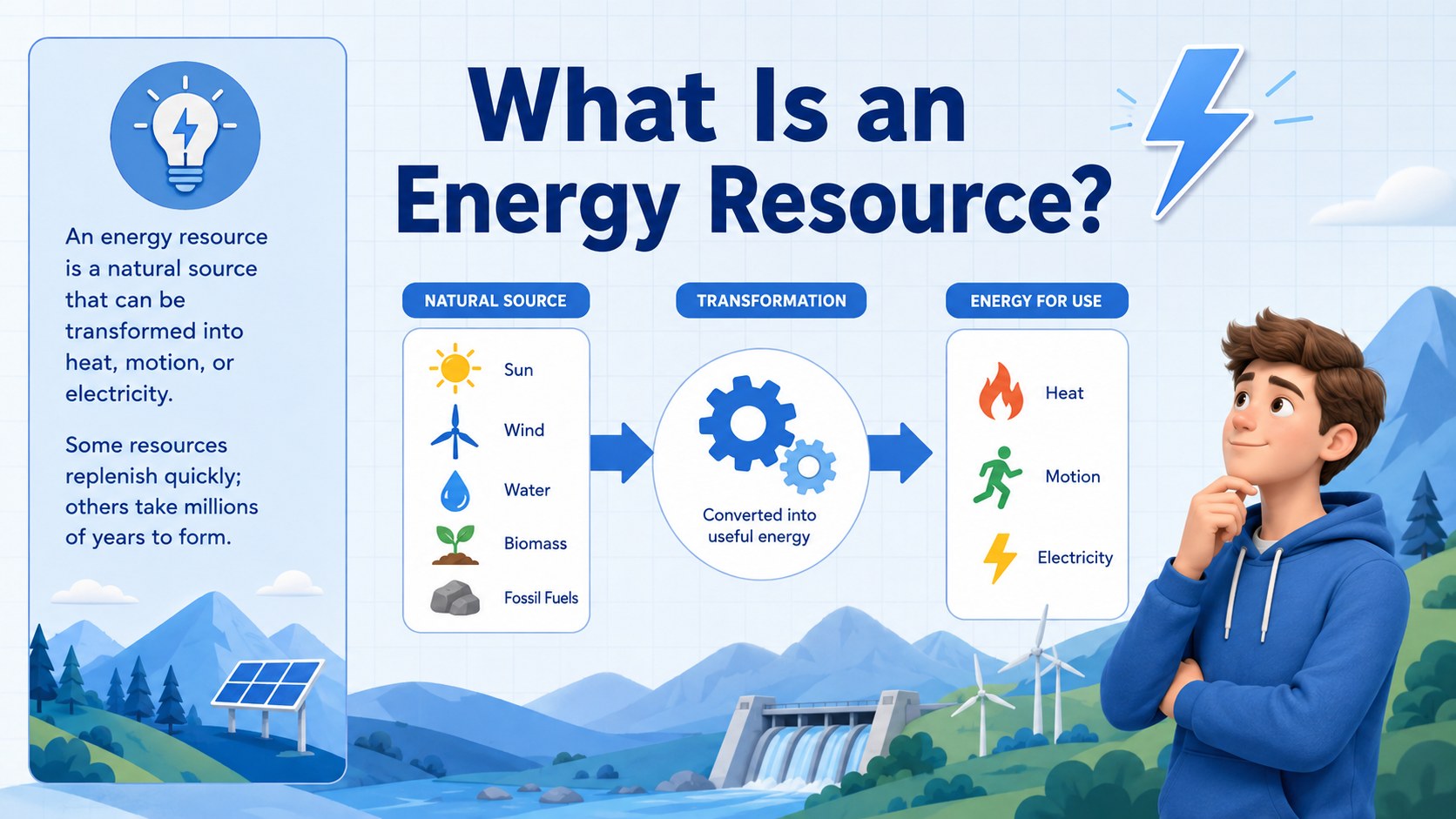
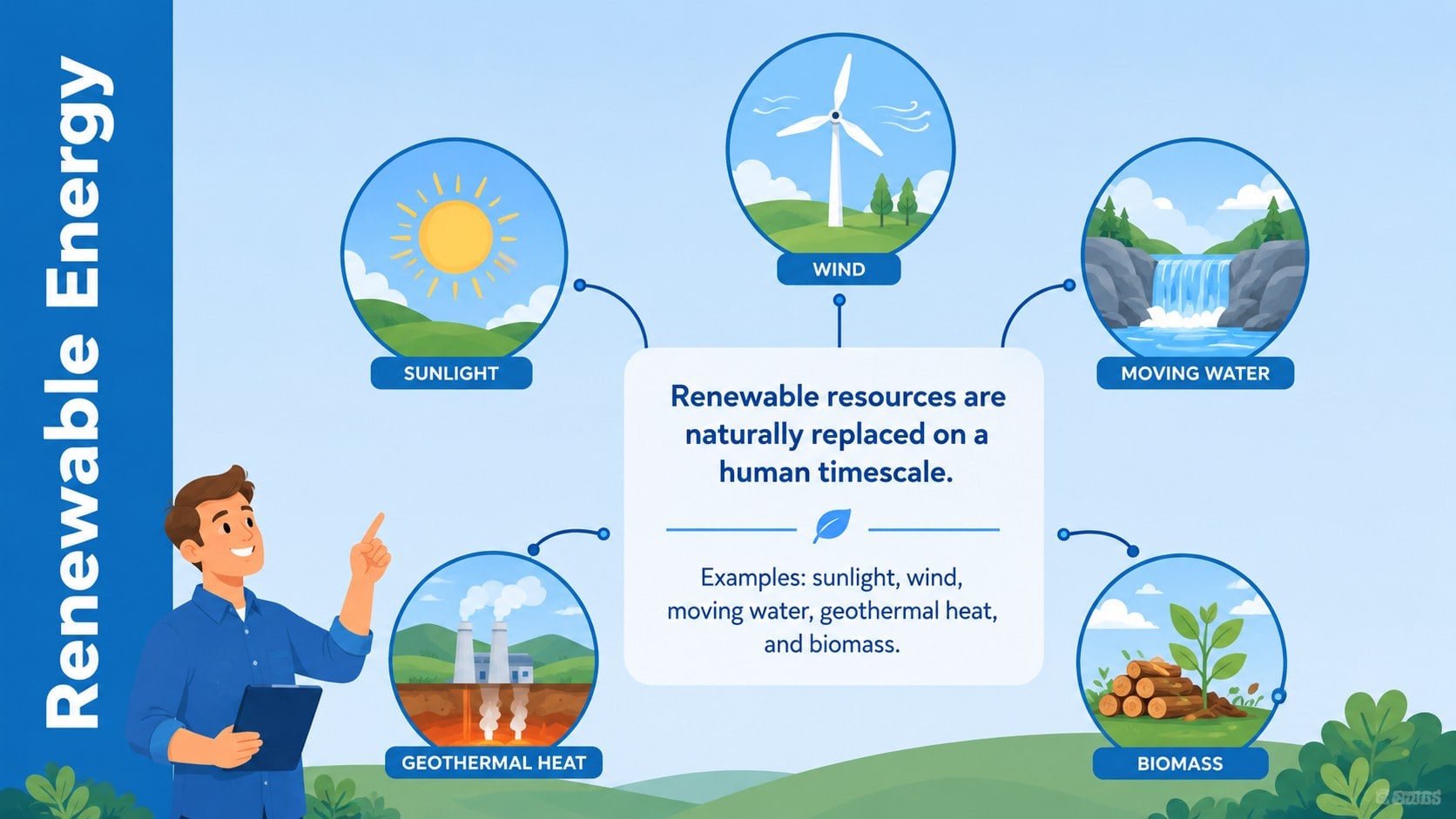
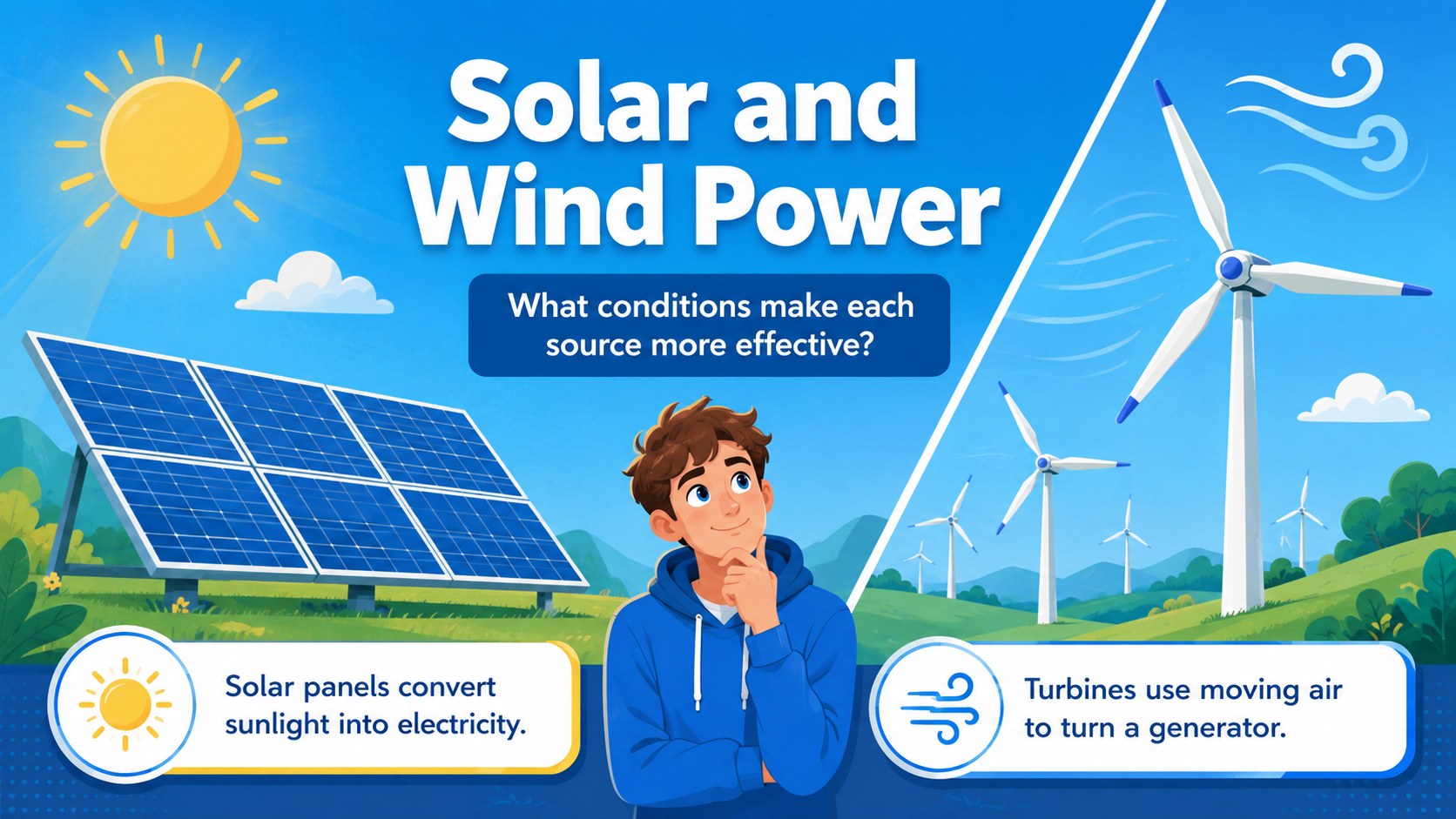
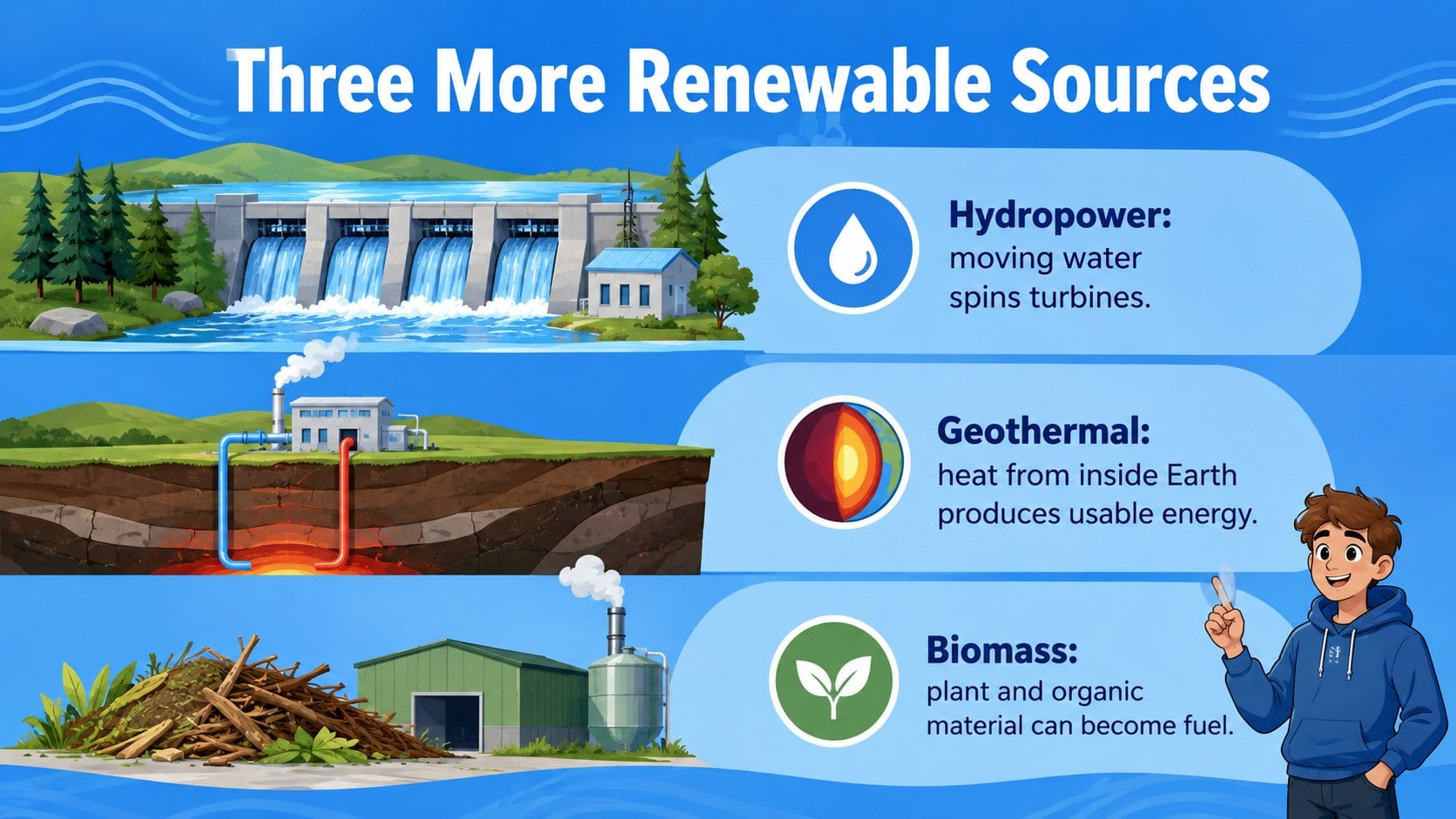
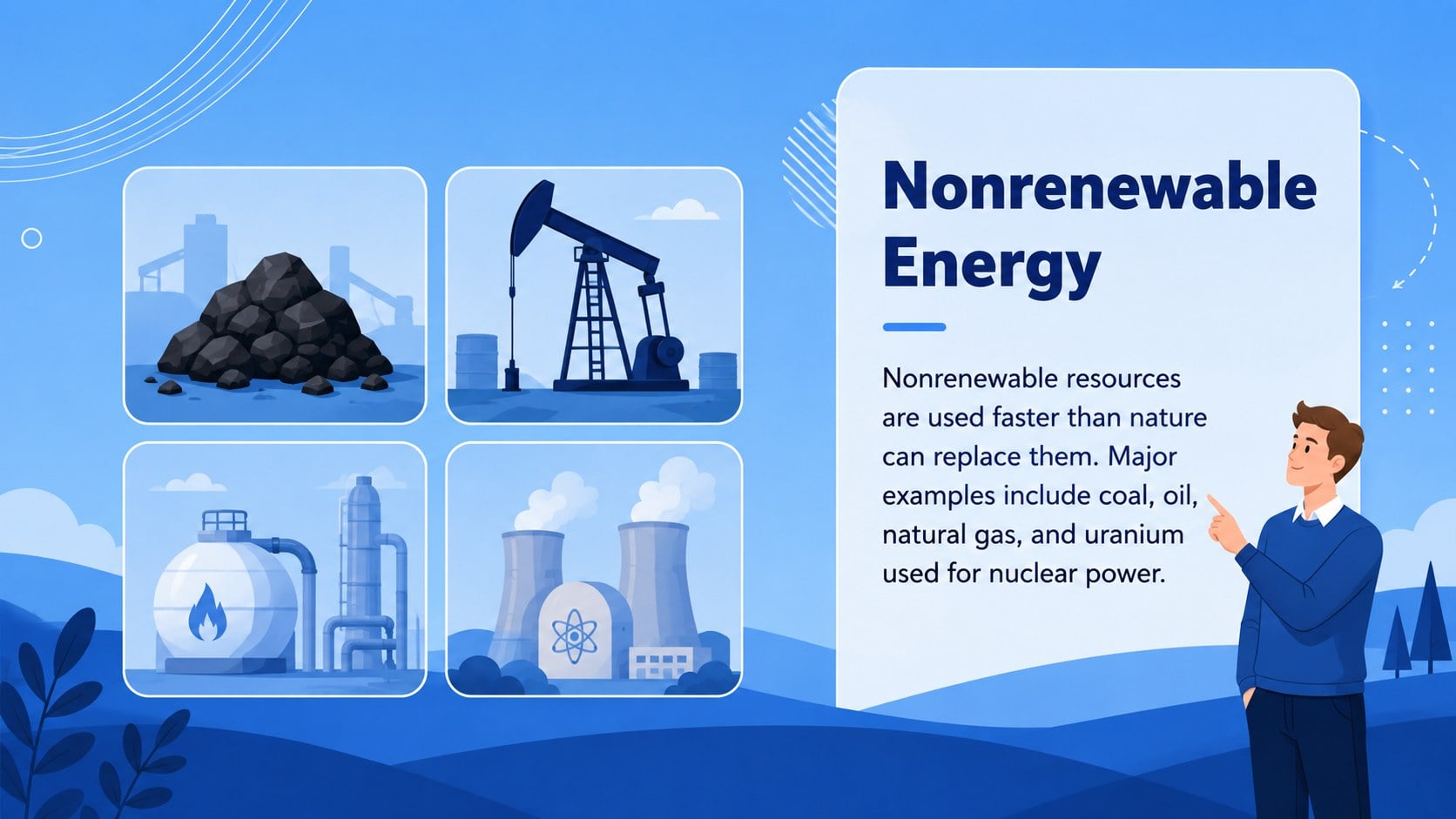
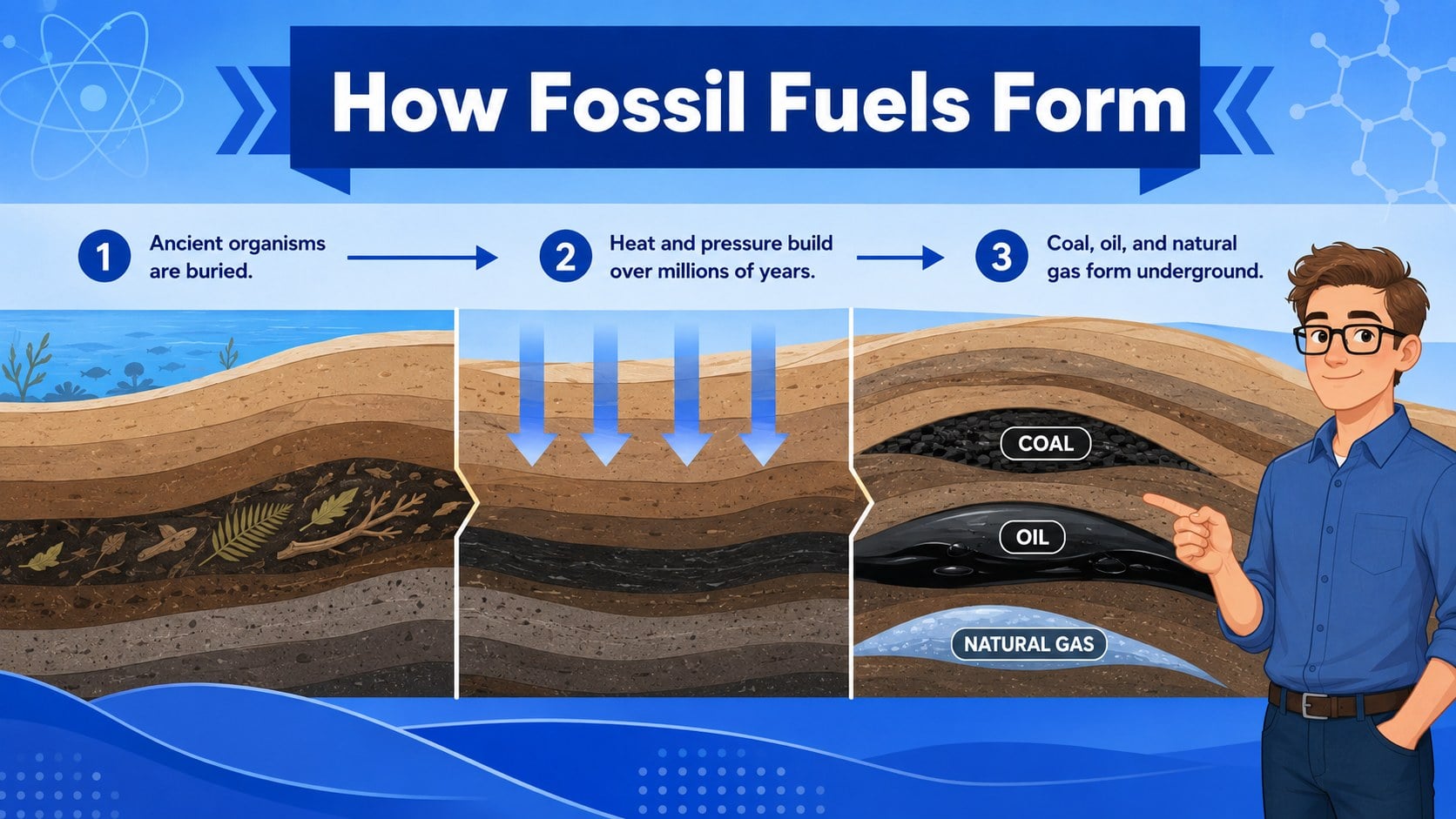
Make energy choices easier to understand with Energy Resources Classroom Slides designed for grades 6-8. This blue illustrated deck introduces renewable and nonrenewable sources through concise explanations, approachable diagrams, and practical examples connected to electricity, transportation, and daily life. It gives educators a structured renewable vs nonrenewable energy lesson without limiting how the material can be adapted.
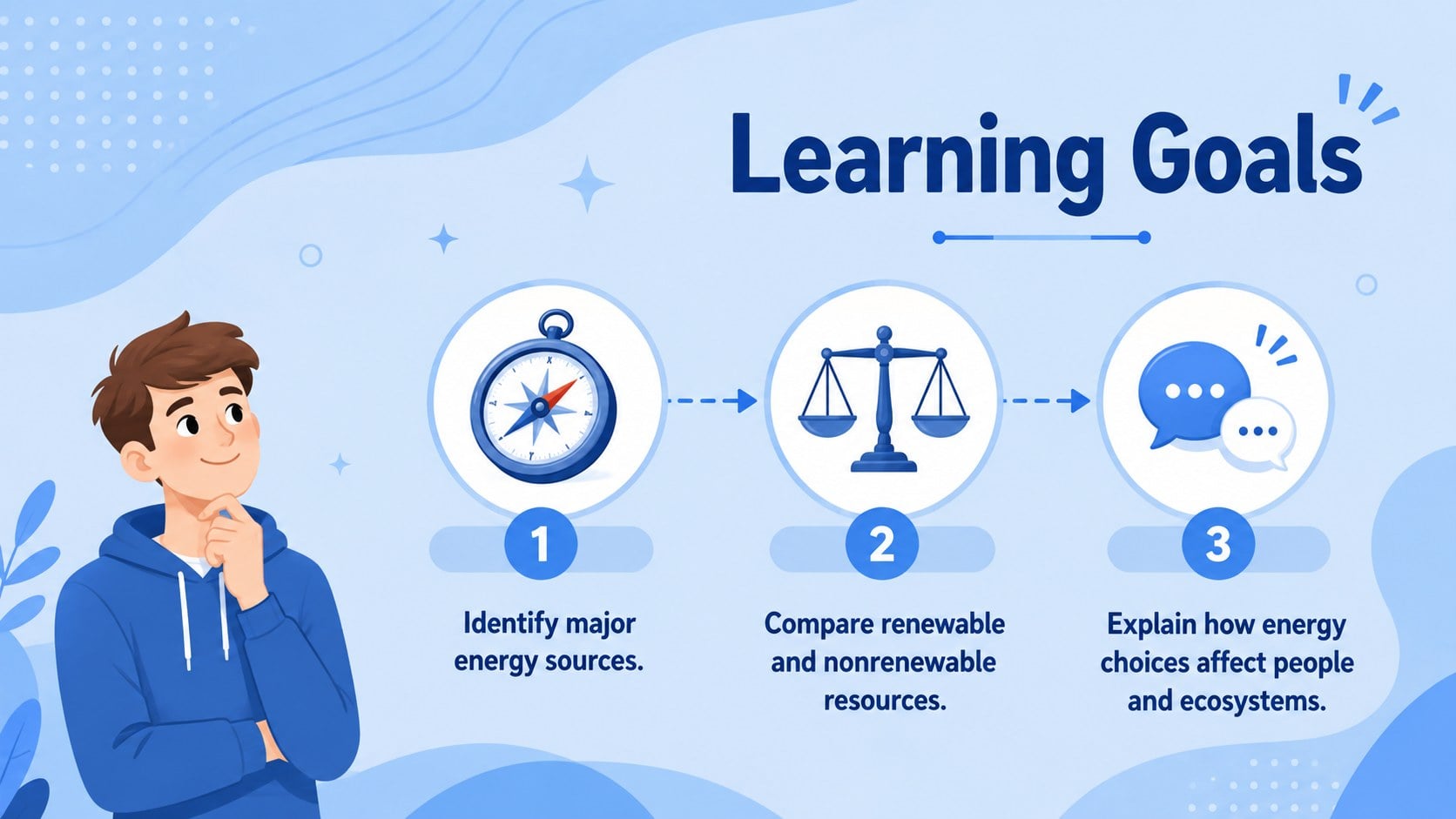
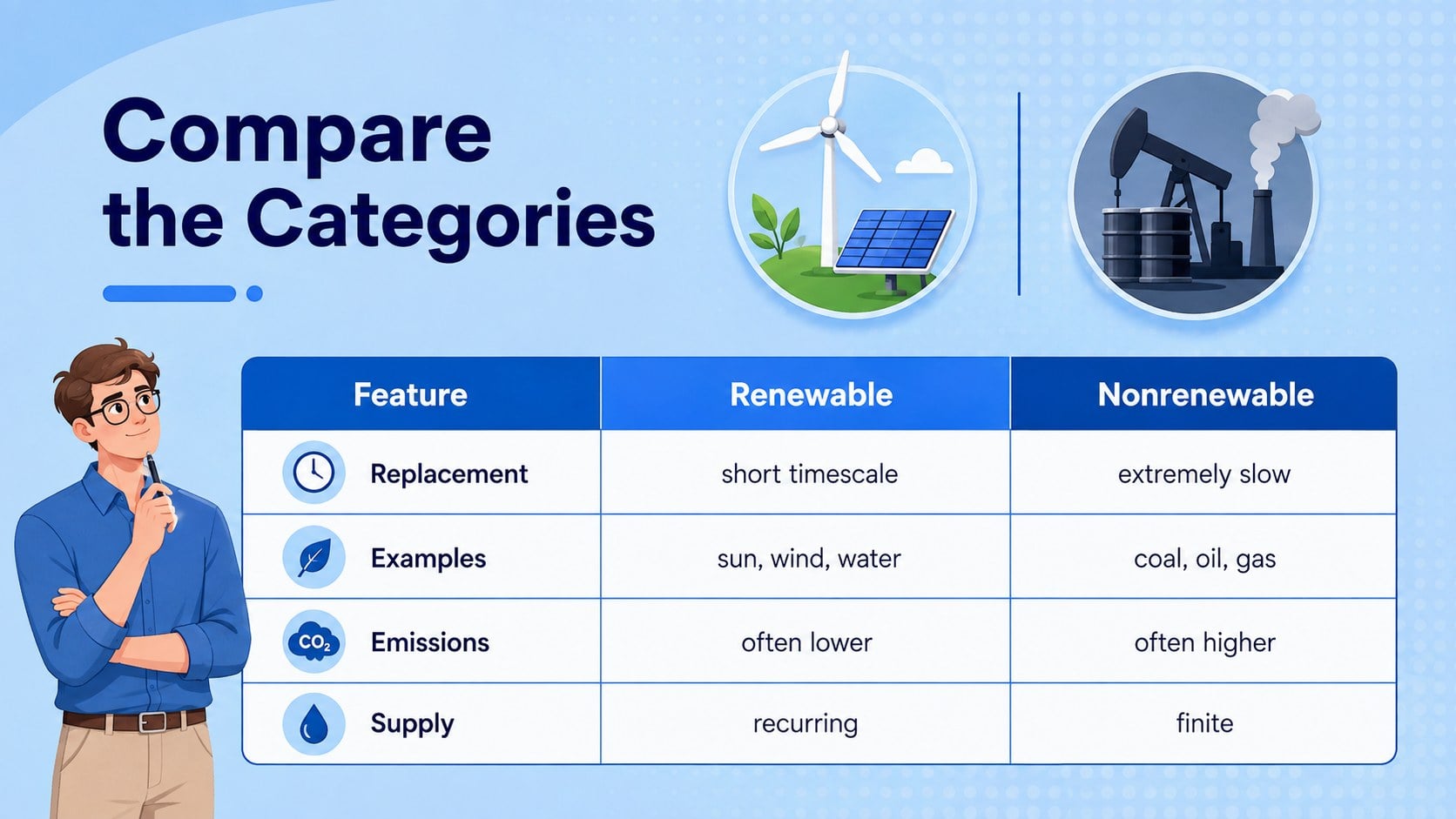
Inside, students examine solar, wind, hydropower, geothermal energy, biomass, coal, oil, and natural gas. Comparison layouts highlight availability, renewability, environmental effects, reliability, and common uses. The middle school energy sources presentation also includes learning goals, discussion questions, a local energy mix activity, an impact comparison, and an exit ticket for checking understanding. Teachers can add regional data, revise terminology, or simplify individual sections to match their curriculum.
Use the fossil fuels and clean energy slides for a full classroom lesson, a sustainability unit, science review, group research, or guided debate. The 16:9 layouts are editable in PowerPoint and Google Slides, making it straightforward to update text, replace examples, adjust colors, and add school-specific instructions. The friendly visual style supports younger learners while keeping the scientific content organized and suitable for classroom projection, independent study, or online instruction.
Perfect for: middle school energy lesson; environmental science unit; renewable energy group research; classroom sustainability debate; energy sources review; science exit ticket.
Frequently asked questions
Can I edit the lesson content? Yes. All slide text, diagrams, colors, and activity instructions can be customized to match your curriculum, local examples, and student reading level.
Practical details
Yes. All slide text, diagrams, colors, and activity instructions can be customized to match your curriculum, local examples, and student reading level.
The deck is designed for PowerPoint and Google Slides. Layouts use a standard 16:9 format for classroom displays, projectors, and online lessons.
Yes. Replace the sample figures and labels with regional electricity data, nearby facilities, or community energy examples. You can also duplicate comparison layouts for student research.
The content and visual style are intended for students in grades 6-8. Teachers can shorten the text for younger learners or add technical detail for introductory high school science.
Keep exploring
15Build an engaging World UFO Day session with this flying saucer history lesson deck, featuring retro green-and-brown slides for PowerPoint and Google Slides.
 15
15Plan a lively animal-learning journey with this jungle zoo adventure lesson deck, ready to customize in PowerPoint and Google Slides for young learners.
 16
16Turn environmental research into a clear story with a Watercolor Ecology Presentation Theme for PowerPoint and Google Slides in calming green and blue.
 16
16Build focused fashion, literature, and humanities presentations with the Red Triangle Editorial Theme, editable in PowerPoint and Google Slides.
 15
15Turn streaming stats, favorite tracks, and concert highlights into a bold annual listening recap slide deck for PowerPoint and Google Slides.
 15
15Turn highlights, milestones, and favorite moments into a colorful year in review slide deck with bold 3D graphics for PowerPoint and Google Slides.
 3
3Build a credible endorsement with Standout Colleague Recommendation Letter Slides, featuring colorful prompts for skills, achievements, and team impact.
 4
4Build clear beginner sessions with an ice hockey fundamentals training deck for coaches, PE teachers, and clubs, ready for PowerPoint and Google Slides.